ToolMage
Sign in

Best 2 Visual Effects AI tools for Creative Tools

Popular Visual Effects AI tools in Creative Tools include Laike and Lucy Edit AI, helping you work more efficiently.

Laike
Freemium

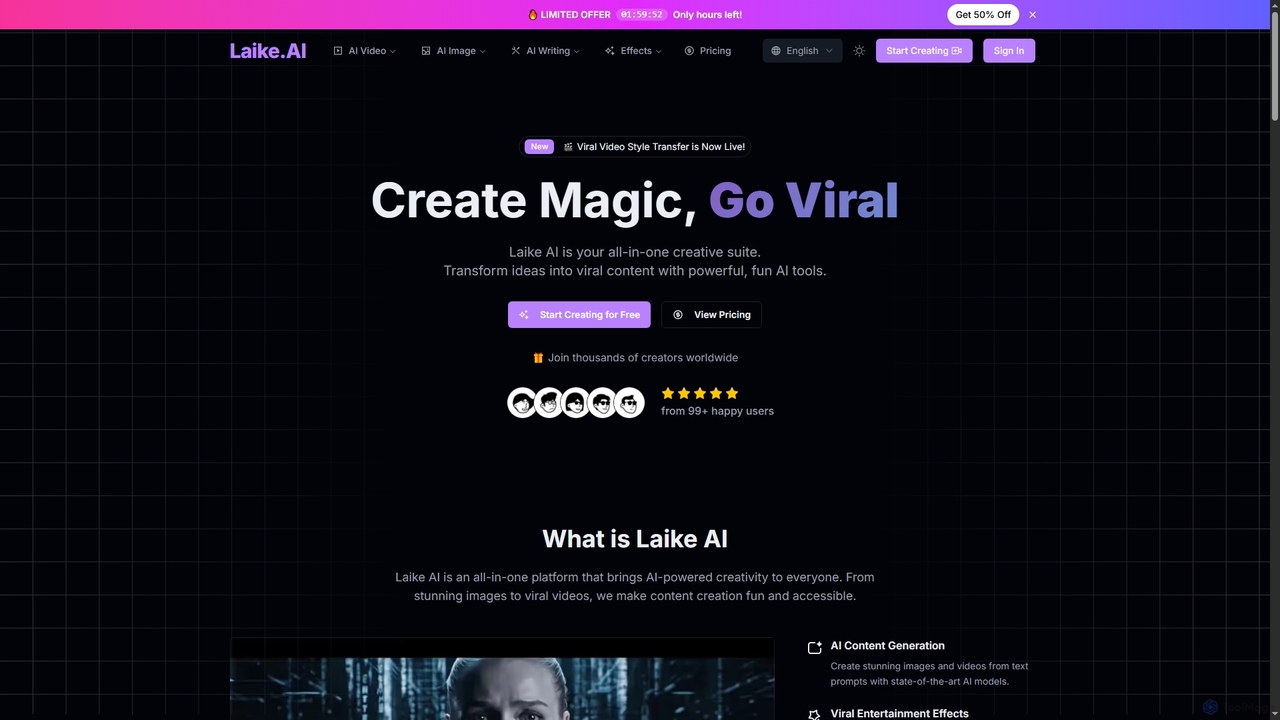
Laike

Laike is an all-in-one AI-powered creative suite designed to transform ideas into viral content. It offers powerful tools for generating stunning images and videos, applying trending entertainment effects, and sharing creations effortlessly across social platforms.

Image Generation
Visits 13.1KFavorites 163Likes 176
Lucy Edit AI
Freemium

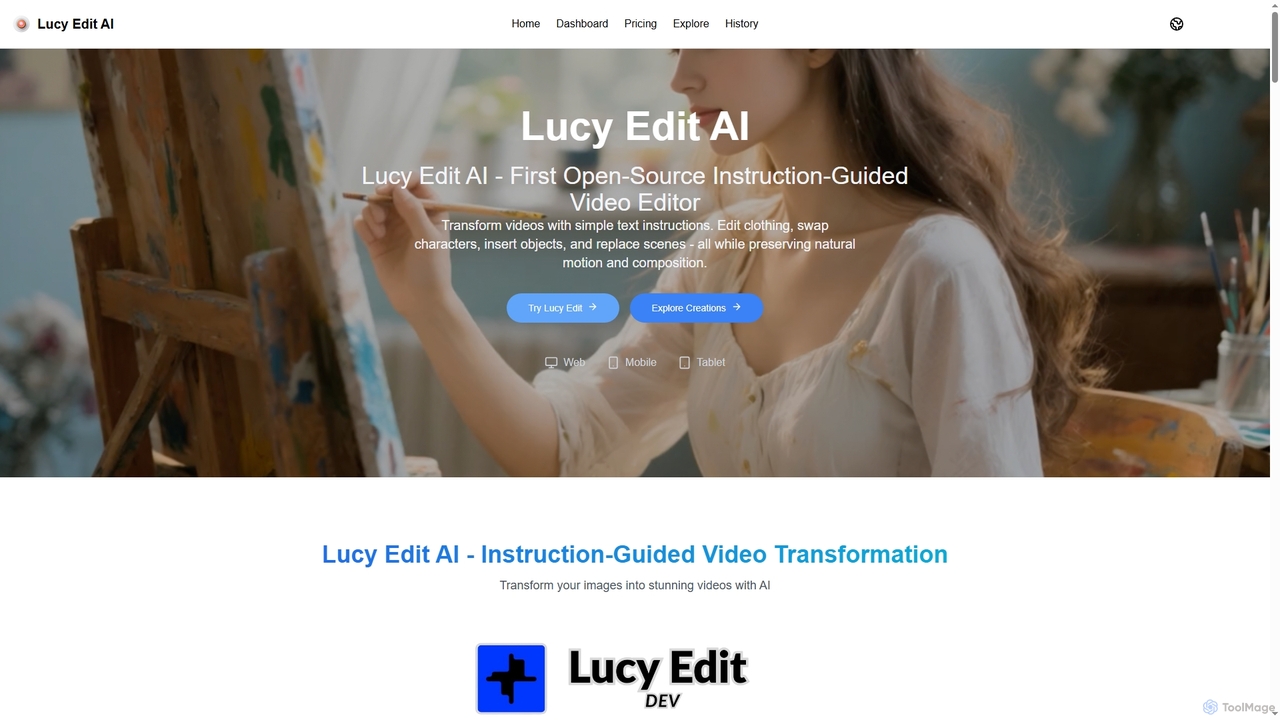
Lucy Edit AI

Lucy Edit AI is the first open-source, instruction-guided video editing model that empowers creators to transform videos using simple text commands. It allows for complex edits like changing clothing, swapping characters, inserting objects, and replacing scenes, all while meticulously preserving natural motion and composition. This innovative tool eliminates the need for masks or fine-tuning, making advanced video manipulation accessible to a wide range of users.

3D
Visits 9.2KFavorites 114Likes 120

About Visual Effects

AI Visual Effects (VFX) tools are a class of software that uses artificial intelligence to generate, manipulate, and enhance digital imagery for video, film, and interactive media. These tools leverage deep learning models, such as generative adversarial networks (GANs) and neural radiance fields (NeRFs), to automate complex and time-consuming tasks. They empower creators to produce high-quality cinematic effects, remove unwanted objects, or transform video styles with significantly reduced manual effort. This technology makes professional-grade visual effects more accessible to individual artists and smaller studios.

Core Features

  • AI Rotoscoping: Automatically isolates subjects from their backgrounds frame-by-frame, drastically cutting down on manual masking time.
  • Object Removal & Clean Plate Generation: Intelligently removes unwanted objects, wires, or rigs from footage and reconstructs the background seamlessly.
  • Style Transfer: Applies the artistic style of one image or video to another, enabling unique visual transformations.
  • AI-Powered Simulation: Generates realistic particle effects like smoke, fire, or water with physics-informed AI models.
  • Motion Tracking & Stabilization: Uses AI to accurately track object movement for seamless element integration or to stabilize shaky footage.

Use Cases

AI VFX tools are widely used in the film and television industry for post-production, by video game developers for creating in-game assets and environments, and by advertising agencies for producing compelling commercials. Social media creators also use them to add engaging effects to short-form videos, elevating their content's production value.

How to Choose

When selecting an AI VFX tool, consider its integration with your existing workflow (e.g., plugins for Adobe After Effects, Blender, or Nuke). Evaluate the level of control and realism the tool offers for specific tasks. Also, assess the processing speed, hardware requirements, and whether the pricing model (subscription vs. perpetual license) aligns with your budget and project frequency.

Visual Effects use cases

1

Automating Post-Production Rotoscoping

A VFX artist working on a feature film needs to isolate a fast-moving character from a complex, dynamic background for color grading and compositing. Traditionally, this requires manually tracing the character's outline frame by frame, a process that can take days. Using an AI rotoscoping tool, the artist can upload the footage, and the AI model automatically generates a precise matte. The artist then only needs to perform minor clean-up on a few keyframes, reducing the total work time by up to 90% and freeing them to focus on more creative aspects of the shot.

2

Creating Dynamic Effects for Indie Games

An independent game developer with a limited budget wants to add realistic magical effects, like fireballs and energy shields, to their game. Instead of building complex particle systems from scratch, they use an AI-powered simulation tool. By providing simple text prompts or reference images, the tool generates a variety of unique, high-fidelity visual effects. This allows the developer to quickly prototype and implement dozens of effects that look professional without needing a dedicated VFX specialist, accelerating the development cycle.

3

Enhancing Social Media Video Content

A content creator for a fashion brand aims to produce eye-catching short-form videos for platforms like TikTok and Instagram. They use an AI VFX tool to apply cinematic style transfers, add dynamic motion graphics that track their movements, and seamlessly remove distracting background elements from their shots. This enables them to create videos with high production value directly from their desktop or mobile device, increasing audience engagement and brand perception without the cost of a professional video crew.

4

Removing Unwanted Objects in Commercials

A video editor for an advertising agency is working on a car commercial and needs to remove reflections of the camera crew from the car's glossy surface. Using an AI object removal tool, they can simply paint over the unwanted reflections in the footage. The AI analyzes surrounding frames and textures to intelligently fill in the selected area, creating a flawless, clean shot. This process avoids expensive reshoots and complex manual cloning work, ensuring a polished final product is delivered on time.

5

Generating Backgrounds for Virtual Production

A virtual production studio is creating a scene set in a fantasy world. Instead of building a physical set, they use an AI tool based on Neural Radiance Fields (NeRFs). The tool generates a complete 3D environment from a series of 2D images or a text description. This allows the director to place actors in a green screen studio and see the final composite in real-time on an LED wall, enabling them to make immediate creative decisions and significantly streamlining the production pipeline.

6

Stabilizing Handheld Action Footage

A documentary filmmaker has captured crucial, but shaky, handheld footage during an action sequence. The footage is unusable in its raw state. They process the clips through an AI-powered video stabilization tool. The software analyzes the motion vectors within the footage, intelligently distinguishing between intentional camera movement and unwanted jitter. It then stabilizes the video while minimizing warping artifacts and cropping, salvaging the critical shot and maintaining a professional, cinematic quality.

Visual Effects FAQ

What are AI Visual Effects (VFX) tools?

AI Visual Effects (VFX) tools are software applications that use artificial intelligence to automate or enhance the creation of digital effects. Unlike traditional tools that rely entirely on manual input, AI VFX tools leverage machine learning to perform complex tasks like object removal, rotoscoping, and motion tracking with minimal user intervention. They are designed to accelerate post-production workflows and make high-quality visual effects more accessible to a wider range of creators.

How do I choose the right AI VFX tool?

To choose the right AI VFX tool, consider these four factors:

  • Functionality: Does the tool specialize in the specific task you need, such as rotoscoping, object removal, or style transfer?
  • Integration: Does it work as a standalone application or as a plugin for your primary software (e.g., After Effects, Premiere Pro, Blender)?
  • Performance: Check its processing speed and whether it requires specific hardware (like a powerful GPU) to run effectively.
  • Ease of Use: Evaluate the user interface and learning curve. Some tools are designed for beginners, while others offer deep control for professionals.

What's the difference between AI VFX tools and traditional VFX software?

The primary difference lies in the workflow and level of automation. Traditional VFX software like Adobe After Effects or Foundry Nuke provides a comprehensive toolset that requires artists to manually perform most tasks, offering maximum control but demanding significant time and skill. AI VFX tools, on the other hand, automate specific, often repetitive, tasks. For example, instead of manually drawing masks for rotoscoping, an AI tool does it automatically. AI tools are often used to augment traditional workflows, not completely replace them.

What are the key features of modern AI VFX tools?

Modern AI VFX tools typically include several key features. AI-powered rotoscoping for automatic subject isolation is very common. Object removal and "inpainting" to create clean plates are also staple features. Many tools offer neural style transfer to apply artistic looks to footage. Other important features include AI-based video stabilization, intelligent motion tracking for compositing, and generative capabilities for creating effects like smoke or fire from simple inputs.

Who are AI Visual Effects tools best suited for?

AI VFX tools are suited for a broad range of users. Professional VFX artists and studios use them to accelerate tedious tasks and reduce production costs. Independent filmmakers and small production houses leverage them to achieve high-quality effects without large teams or budgets. Social media content creators and marketers use them to quickly elevate the visual appeal of their videos. Even beginners with little to no VFX experience can use these tools to add professional polish to their projects due to their often intuitive, automated nature.