ToolMage
Sign in

Best 1 Storyboarding AI tools for Creative

Popular Storyboarding AI tools in Creative include VeeSpark, helping you work more efficiently.

VeeSpark
Freemium

VeeSpark

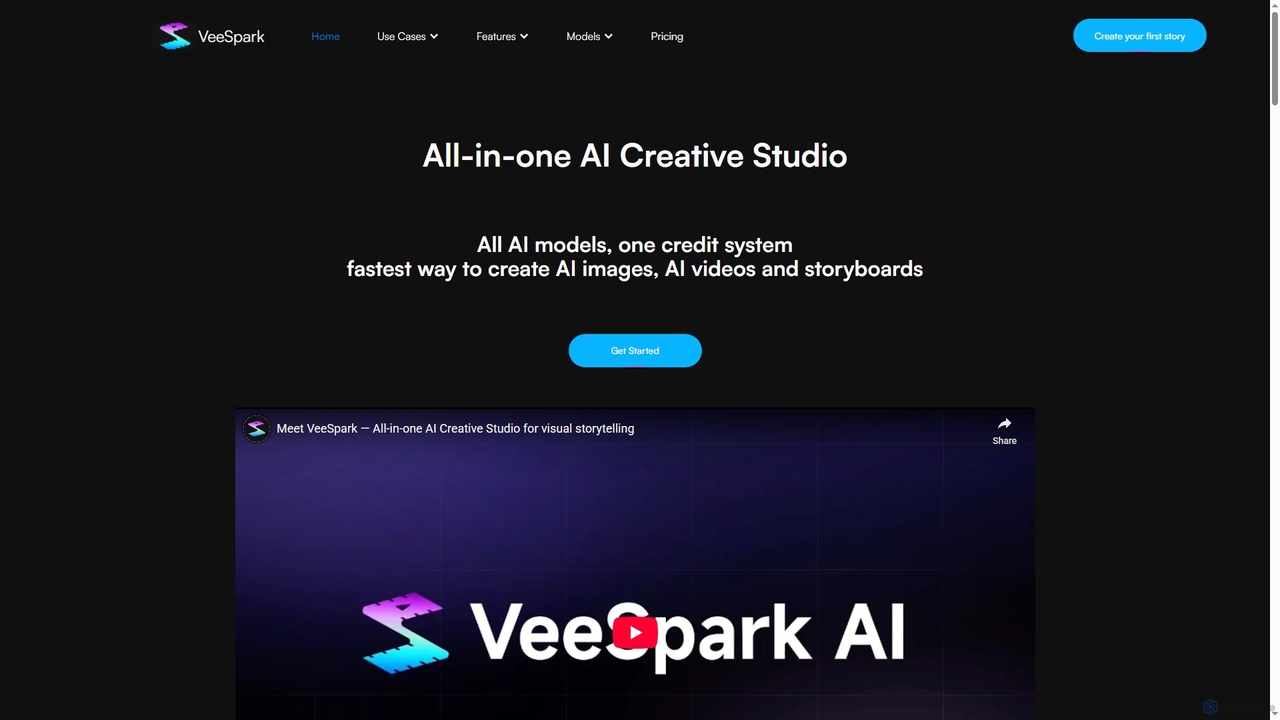
VeeSpark is an all-in-one AI creative studio designed for visual storytelling, enabling users to transform ideas and scripts into dynamic storyboards, high-quality images, and consistent videos. It integrates multiple advanced AI models like Sora 2, Google Veo 3, and Nano Banana, offering a streamlined workflow for filmmakers, marketers, and content creators to produce compelling visual narratives efficiently.

Storyboarding
Visits 7.9KFavorites 125Likes 111

About Storyboarding

AI Storyboarding tools are a specialized class of creative software that uses generative AI to automatically create visual sequences from text descriptions, scripts, or simple sketches. These tools leverage advanced text-to-image models to translate narrative concepts into a series of coherent panels, often maintaining character and style consistency. They are designed to dramatically accelerate the pre-production and conceptualization phases for visual storytelling projects. This allows creators to rapidly iterate on ideas, visualize camera angles, and establish a narrative flow without requiring manual drawing skills.

Core Features

  • Text-to-Scene Generation: Instantly create detailed storyboard panels by describing the scene, characters, and actions in plain text.
  • Character Consistency: Maintain the appearance and key features of a character across multiple different scenes and poses.
  • Camera Shot & Angle Control: Specify cinematic shots like 'close-up', 'wide shot', or 'dutch angle' to control the visual narrative.
  • Style Customization: Apply a consistent artistic style (e.g., anime, cinematic, sketch, watercolor) across all panels for a unified look.
  • Panel Management: Easily add, delete, reorder, and edit individual panels within a sequence to refine the story's pacing.

Use Cases

These tools are primarily used in industries that rely on visual pre-production. This includes filmmakers and animators for planning scenes, game developers for designing cutscenes and narrative sequences, and advertising agencies for pitching commercial concepts to clients. They are also valuable for content creators and comic artists who need to quickly prototype visual ideas.

How to Choose

When selecting an AI Storyboarding tool, evaluate its ability to maintain character consistency, as this is a critical feature. Also, consider the range of available artistic styles, the level of control over camera shots and composition, and the available export options (e.g., PDF, image sequence). Finally, assess the pricing model—whether it's based on subscriptions or per-generation credits—to find one that fits your project's budget and scale.

Storyboarding use cases

1

Accelerating Film Pre-visualization

A film director needs to visualize a complex chase sequence for an upcoming movie. Instead of waiting weeks for a storyboard artist, they use an AI Storyboarding tool. By inputting key actions from the script like 'a character jumps from a rooftop to another, wide shot' and 'close-up on the character's determined face', the tool generates dozens of stylized panels in minutes. This allows the director and cinematographer to experiment with different camera angles and shot compositions, finalizing the visual language of the scene efficiently before any filming begins.

2

Planning Animated Shorts with Character Consistency

An independent animator is developing a short animated film. Maintaining character consistency across hundreds of frames is a major challenge. They use an AI Storyboarding tool with strong character lock features. After defining their main character, 'a small robot with a red antenna', they can generate entire scenes by describing actions. The AI ensures the robot looks identical in every panel, whether it's 'running through a forest' or 'looking at the stars'. This creates a professional, coherent storyboard that serves as a reliable blueprint for the animation process.

3

Designing Video Game Cutscenes

A narrative designer for a video game is tasked with creating the storyboard for a key emotional cutscene. Using an AI tool, they can quickly generate different versions of the scene to test pacing and emotional impact. They input prompts like 'medium shot of two characters arguing in the rain' and 'extreme close-up on a single tear'. The tool's ability to control camera angles and character expressions allows the designer to craft a powerful visual sequence that effectively communicates the story's tone to the art and animation teams, streamlining the production pipeline.

4

Rapid Prototyping for Ad Campaigns

An advertising agency is pitching a new TV commercial concept to a major client. To make the pitch more compelling, the creative team uses an AI storyboarding tool to bring their script to life. They generate a 12-panel storyboard in a cinematic style, showing key moments of the ad. This visual aid helps the client immediately grasp the concept, tone, and visual flow, leading to quicker approvals and feedback. The process is significantly faster and more cost-effective than hiring an artist or producing a full animatic for an initial pitch.

5

Planning Video Content for Social Media

A content creator who runs a popular YouTube channel needs to plan their weekly videos more efficiently. They use an AI storyboarding tool to quickly outline the visual flow of each video. For a tutorial video, they generate panels for 'opening shot with logo', 'close-up on the product', and 'split-screen showing before and after'. This visual plan helps them stay organized during filming and editing, ensuring all necessary shots are captured. It also allows them to experiment with different visual gags or transitions before committing to them in production.

6

Prototyping Comic Book Layouts

A comic book artist is starting a new chapter and wants to experiment with different panel layouts and compositions. Instead of spending hours sketching rough drafts, they use an AI storyboarding tool. They input descriptions for each panel, such as 'a hero stands on a cliff overlooking the city, establishing shot' and 'two characters in a tense dialogue, over-the-shoulder shot'. The AI generates visual representations quickly, allowing the artist to assess the narrative flow and visual impact of different layouts before committing to the detailed drawing process, saving significant time in the conceptual phase.

Storyboarding FAQ

What are AI Storyboarding tools?

AI Storyboarding tools are applications that use generative artificial intelligence to automatically create a sequence of images, or panels, based on text prompts. Unlike general AI image generators, they are specifically designed for narrative visualization. Key features often include maintaining character consistency across panels, controlling camera angles, and applying a uniform artistic style. They are used to quickly translate scripts and ideas into visual stories, significantly speeding up the pre-production process for films, animations, and games.

How to choose the right AI Storyboarding tool?

When selecting an AI Storyboarding tool, consider these factors:

  • Character Consistency: This is crucial. Check how well the tool can maintain a character's appearance across different scenes and poses.
  • Control and Customization: Look for tools that offer precise control over camera shots (e.g., close-up, wide shot), angles, and character expressions. The ability to choose or define specific art styles is also important.
  • Ease of Use: The interface should be intuitive, allowing you to easily generate, edit, and reorder panels to build your narrative.
  • Export Options: Ensure the tool can export your storyboard in useful formats, such as individual images, a PDF sequence, or even video files for animatics.
  • Pricing Model: Compare subscription plans versus credit-based systems to see which best fits your project frequency and budget.
What's the difference between AI Storyboarding tools and general AI Image Generators?

The primary difference lies in their purpose and features. General AI Image Generators are designed to create single, high-quality, standalone images from a prompt. AI Storyboarding tools, on the other hand, are built for sequential art. Their key differentiator is the focus on consistency and narrative flow. They often include features like character-locking to maintain a character's appearance across multiple panels and specific controls for cinematic language (like camera shots), which are typically absent in general image generators. In short, one creates individual artworks, while the other builds a visual story.

Who can benefit from using AI Storyboarding tools?

A wide range of creative professionals can benefit from these tools. This includes:

  • Filmmakers and Directors: For quickly visualizing scenes, testing camera angles, and communicating their vision to the crew.
  • Animators: To create detailed animatics and plan sequences before starting the labor-intensive animation process.
  • Game Developers: For designing cutscenes, in-game narrative events, and character interactions.
  • Advertising Agencies: To create compelling visual pitches for clients without the high cost of traditional storyboarding.
  • Content Creators & YouTubers: To plan video structure, shots, and visual flow efficiently.
  • Writers and Novelists: To visualize key scenes from their stories, even without drawing skills.
Do I need artistic skills to use AI Storyboarding tools?

No, one of the primary advantages of AI Storyboarding tools is that they do not require traditional drawing or artistic skills. They are designed to translate written language into visual images. This democratizes the storyboarding process, allowing writers, directors, and producers who may not be able to draw to create detailed visual plans for their projects. However, having a good understanding of visual storytelling, composition, and cinematic language can help you write more effective prompts to achieve better and more specific results.