

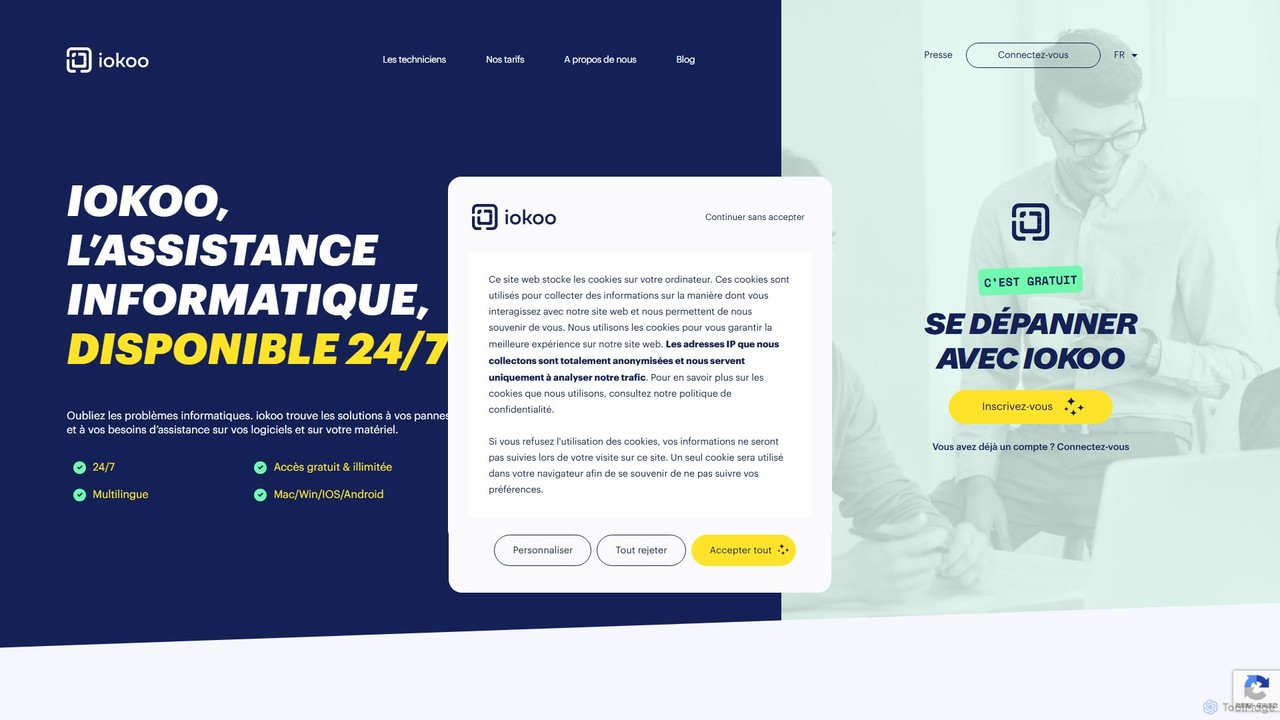
iokoo Overview
iokoo is a revolutionary AI-driven IT support platform designed to provide immediate, 24/7 assistance for a vast range of computer problems. It functions as your personal, on-demand IT expert, available to help with software configurations, hardware troubleshooting, and general IT queries. Forget long wait times and frustrating searches; iokoo delivers clear, pedagogical solutions directly through a user-friendly chat interface. The platform is built on a powerful generative AI that understands user problems and guides them to a resolution, making IT support accessible to everyone, regardless of their technical expertise.
The service is designed for a global audience, with support for over 26 languages, ensuring that non-native speakers and international teams receive the same high-quality assistance. Whether you're a freelancer facing a sudden software glitch, a remote employee needing to configure a device, or a company looking to provide efficient IT support to your staff, iokoo offers a scalable and cost-effective solution.
How to use iokoo
Getting started with iokoo is designed to be simple and fast. Follow these steps to resolve your IT issues:
- Sign Up for Free: Visit the iokoo website and create a free account. The registration process is quick and gives you immediate access to the AI assistant.
- Describe Your Problem: Once logged in, you'll find a chat interface. Simply type your question or describe your IT problem in natural language. For example, you could ask, "How do I add colors to a dropdown menu in Excel?" or "My printer is not connecting to my computer."
- Receive Instant AI Guidance: The AI assistant will immediately analyze your request and provide a step-by-step solution. It breaks down complex procedures into simple, manageable actions. For the Excel question, it would guide you through using 'Data Validation' and then 'Conditional Formatting', providing specific formulas if needed.
- Follow the Steps: Follow the clear instructions provided by the AI. The conversational format allows you to ask for clarification or alternative methods at any point.
- Escalate to a Human Technician (Optional): If the AI is unable to resolve your issue or if you prefer human assistance, you can seamlessly request to connect with a professional IT technician directly from the chat. This is a paid service, ensuring that expert help is always available for the most challenging problems.
Core Features of iokoo
- 24/7 AI-Powered Assistance: Get instant IT support anytime, day or night, weekends and holidays included.
- Generative AI Chatbot: Utilizes advanced generative AI to understand user queries and provide tailored, step-by-step solutions.
- Multi-Platform Support: Offers assistance for a wide range of operating systems, including Windows, macOS, iOS, and Android.
- Broad Knowledge Base: Capable of resolving both software issues (e.g., Microsoft Office, connectivity tools) and hardware problems (e.g., printers, peripherals).
- Multilingual Capabilities: Breaks down language barriers with support for 26 languages, including English and French.
- Human Technician Escalation: Provides a seamless pathway to connect with professional human technicians for complex issues, ensuring complete resolution.
- User-Friendly Interface: A simple and intuitive chat-based platform that is easy for anyone to use.
Use Cases for iokoo
iokoo is a versatile tool suitable for various users and scenarios:
- Individual Users & Freelancers: Quickly fix common computer problems like software errors, slow performance, or peripheral connectivity issues without needing to hire an expensive IT consultant.
- Remote Workers: An essential tool for telecommuters who lack immediate on-site IT support. iokoo ensures productivity is not hampered by technical difficulties, providing a reliable first line of defense.
- Small and Medium-sized Businesses (SMBs): A cost-effective alternative or supplement to an in-house IT department. It can handle a high volume of common queries, freeing up IT staff to focus on more critical infrastructure tasks.
- Educational Support: Helps users learn how to use software more effectively by providing real-time, practical guidance on specific features, as demonstrated by the Excel use case.
Advantages of iokoo
iokoo offers significant advantages over traditional IT support methods:
- Immediacy: Eliminates waiting times. Solutions are provided instantly, allowing users to get back to work quickly.
- Cost-Effectiveness: The core AI assistance is free, drastically reducing IT support costs. Paid human support is available on a flexible, as-needed basis.
- Accessibility: Available on any device with a web browser, making it accessible from anywhere, at any time.
- Empowerment: Teaches users how to solve their own IT problems, building their technical confidence and self-sufficiency.
- Scalability: Easily scales from a single user to an entire organization, providing consistent support for all employees.
- Satisfaction Guarantee: For paid interventions, iokoo offers a refund if the technician is unable to resolve the incident, providing peace of mind.
Pricing and Plans
iokoo operates on a flexible **freemium** model:
- Free Plan: Signing up and using the AI-powered assistant for unlimited IT questions is completely free. This is perfect for resolving common issues and getting instant guidance.
- Paid Technician Support: For problems that require hands-on, expert intervention, users can pay to connect with a human technician. The platform offers subscription solutions for businesses that require regular access to technician support, with detailed pricing available upon consultation. This hybrid model ensures that users only pay for the level of support they truly need.
Traffic
Latest traffic
Status
Monthly traffic trend
- 2025-9: 1.2K
- 2026-1: 718
- 2026-2: 2.9K
- 2026-3: 6.4K
- 2026-4: 2.2K
- 2026-5: 20
Geography
Top 5 countries / regions
- 🇩🇪Germany100.0%
Top keywords
| Keyword | Cost per click |
|---|---|
| comment resoudre problème licencse ms office authentique | $0.00 |
| microsoft license not working | $0.00 |
iokoo Alternatives
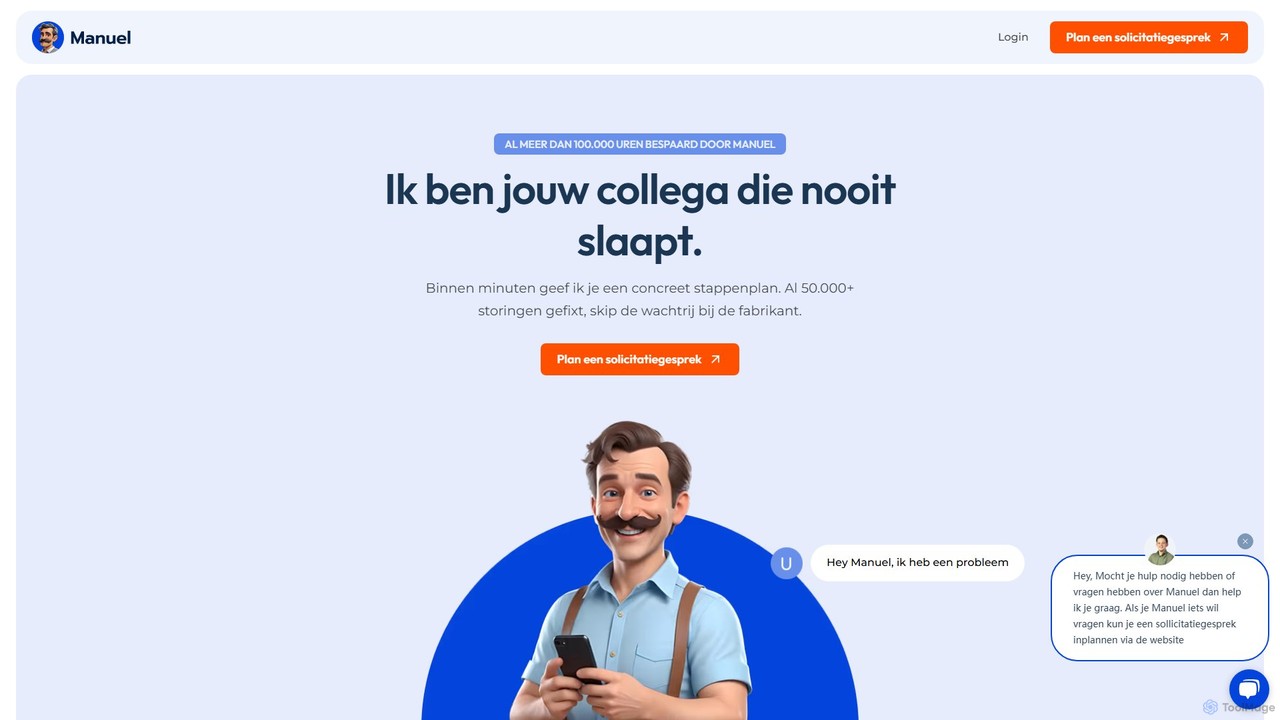
Manuel
Manuel is an AI-powered assistant for field service technicians, acting as a 24/7 senior colleague. It provides instant, step-by-step troubleshooting solutions by analyzing over 10,000 technical manuals and a company's internal knowledge base. It helps increase first-time-fix rates, preserves expert knowledge, and streamlines operations.
Operations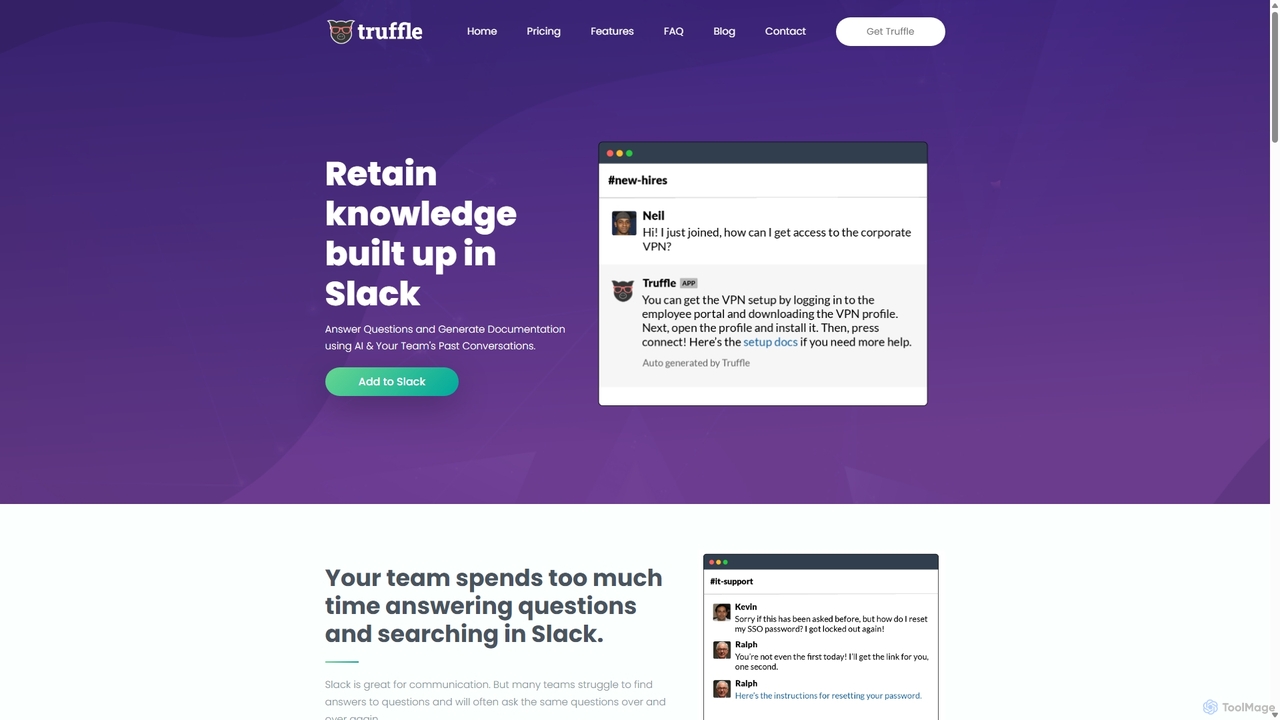
Truffle
Truffle is an AI-powered Slack bot that automatically builds a knowledge base from your team's past conversations. It instantly answers repetitive questions, saving time for HR, IT, and product teams, and making information accessible to everyone.
Team Collaboration
Evidah
Evidah provides a team of specialized AI Employees to automate customer support and business operations 24/7. It integrates a knowledge base, help desk, live chat, and training insights into a single platform, allowing businesses to hire AI agents for specific tasks or bundle them for a complete solution.
Help Desk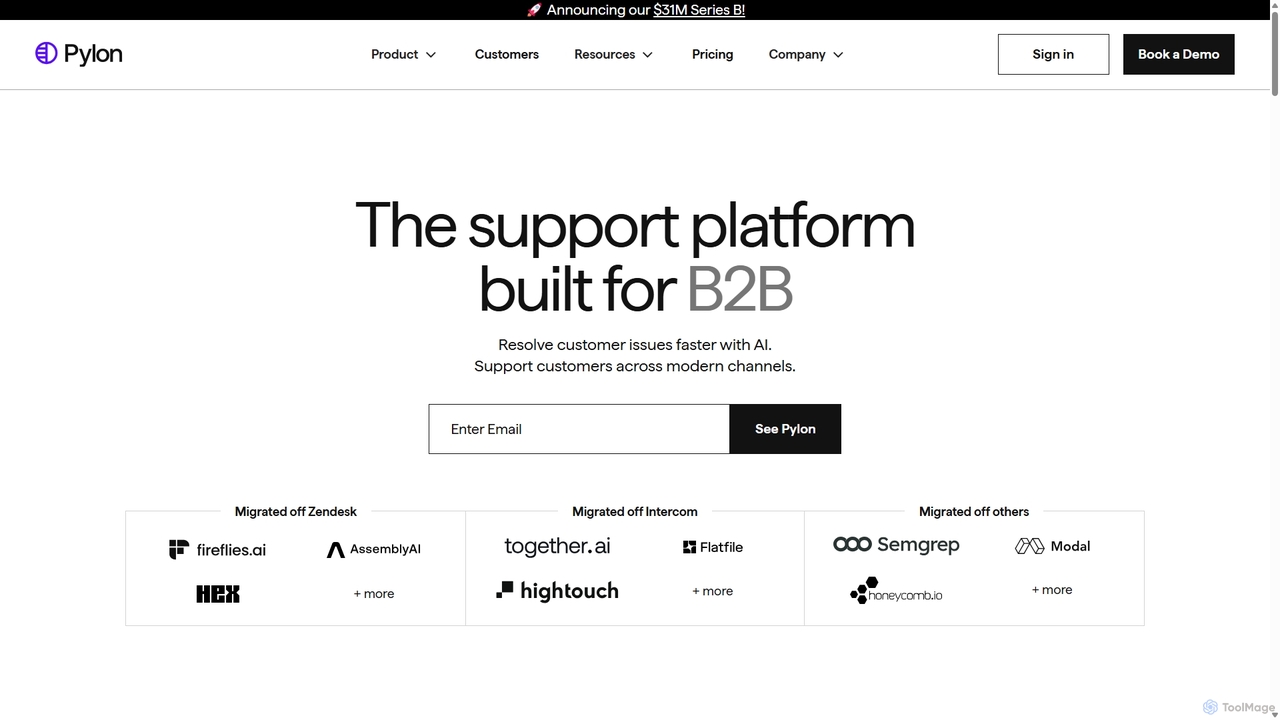
Pylon
Pylon is an AI-powered customer support platform built specifically for B2B companies. It unifies conversations from all channels like Slack, Teams, email, and chat into a single view. Pylon uses AI agents and assistants to automate ticket routing, draft replies, manage knowledge bases, and provide deep account intelligence, helping teams resolve issues faster and manage customer relationships proactively.
Customer Relationship Management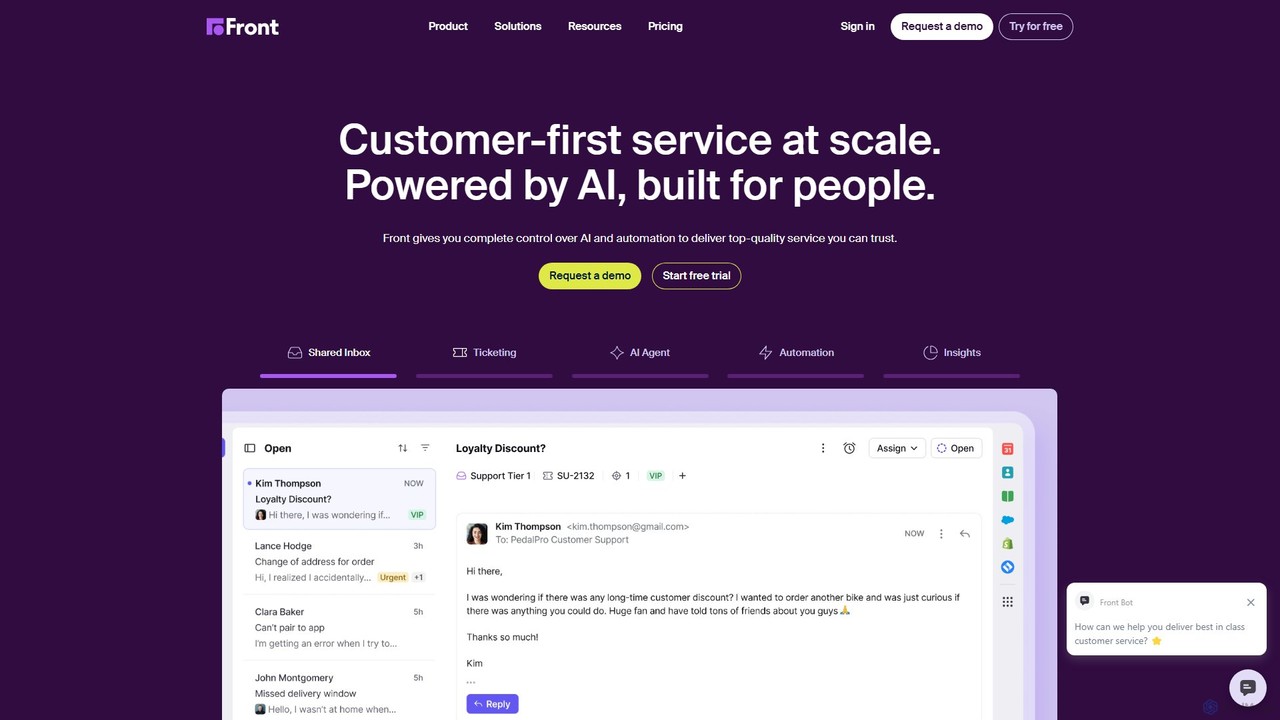
Front
Front is an AI-powered customer service platform that unifies all communication channels like email, SMS, and chat into a single collaborative workspace. It enables teams to deliver exceptional, scalable customer service by combining a human touch with powerful AI automation, shared inboxes, and robust ticketing.
Unified Inboxiokoo Categories
iokoo Embed Widget
Copy this embed code to place the badge on your blog, article, or product site and send readers directly to this ToolMage detail page.

Related AI tools
CyberIQ
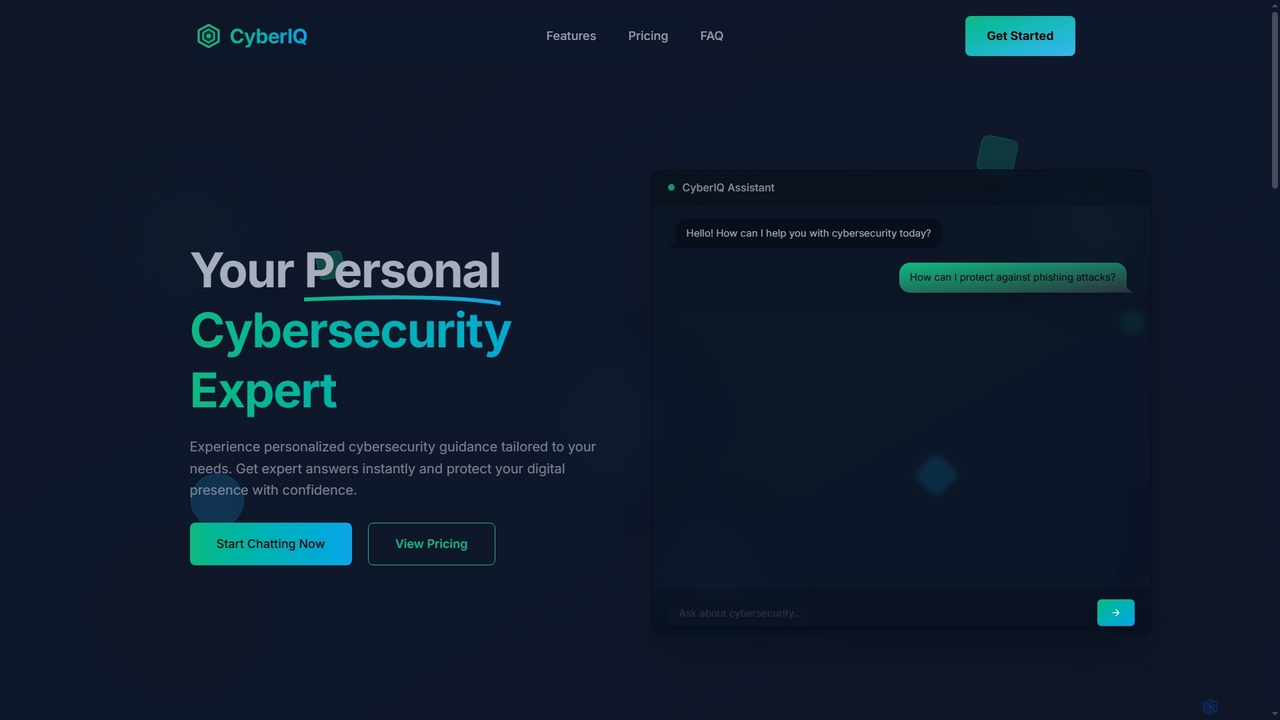
CyberIQ is your personal AI-powered cybersecurity assistant, offering tailored guidance and instant expert answers to protect your digital presence. It covers everything from personal security and home network protection to enterprise solutions and security learning.
Enterprise SecurityManuel
Manuel is an AI-powered assistant for field service technicians, acting as a 24/7 senior colleague. It provides instant, step-by-step troubleshooting solutions by analyzing over 10,000 technical manuals and a company's internal knowledge base. It helps increase first-time-fix rates, preserves expert knowledge, and streamlines operations.
OperationsTruffle
Truffle is an AI-powered Slack bot that automatically builds a knowledge base from your team's past conversations. It instantly answers repetitive questions, saving time for HR, IT, and product teams, and making information accessible to everyone.
Team CollaborationEvidah
Evidah provides a team of specialized AI Employees to automate customer support and business operations 24/7. It integrates a knowledge base, help desk, live chat, and training insights into a single platform, allowing businesses to hire AI agents for specific tasks or bundle them for a complete solution.
Help Desk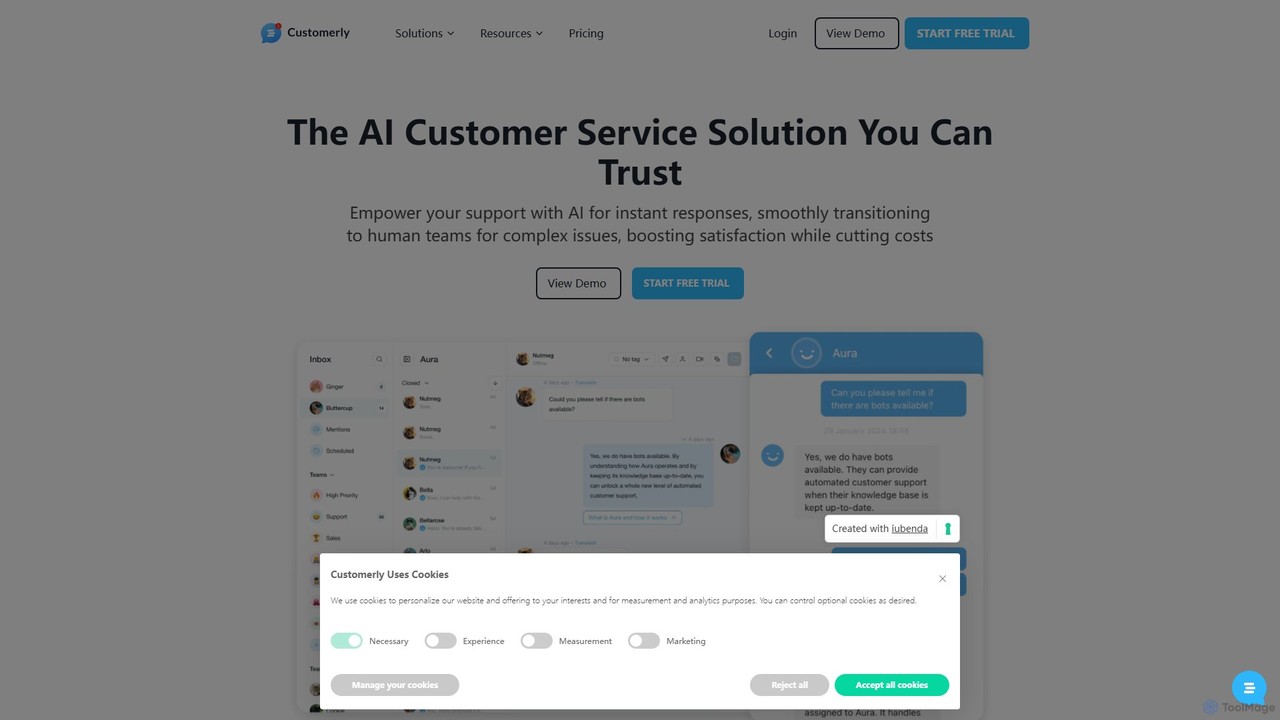
Customerly
Customerly is an all-in-one AI customer service and marketing automation platform. It combines live chat, a help desk, CRM, and feedback tools (NPS, surveys) into a single solution. Featuring the AI assistant 'Aura', it automates over 50% of support inquiries, provides instant multilingual support, and seamlessly escalates complex issues to human agents, helping businesses enhance satisfaction and reduce costs.
Live Chat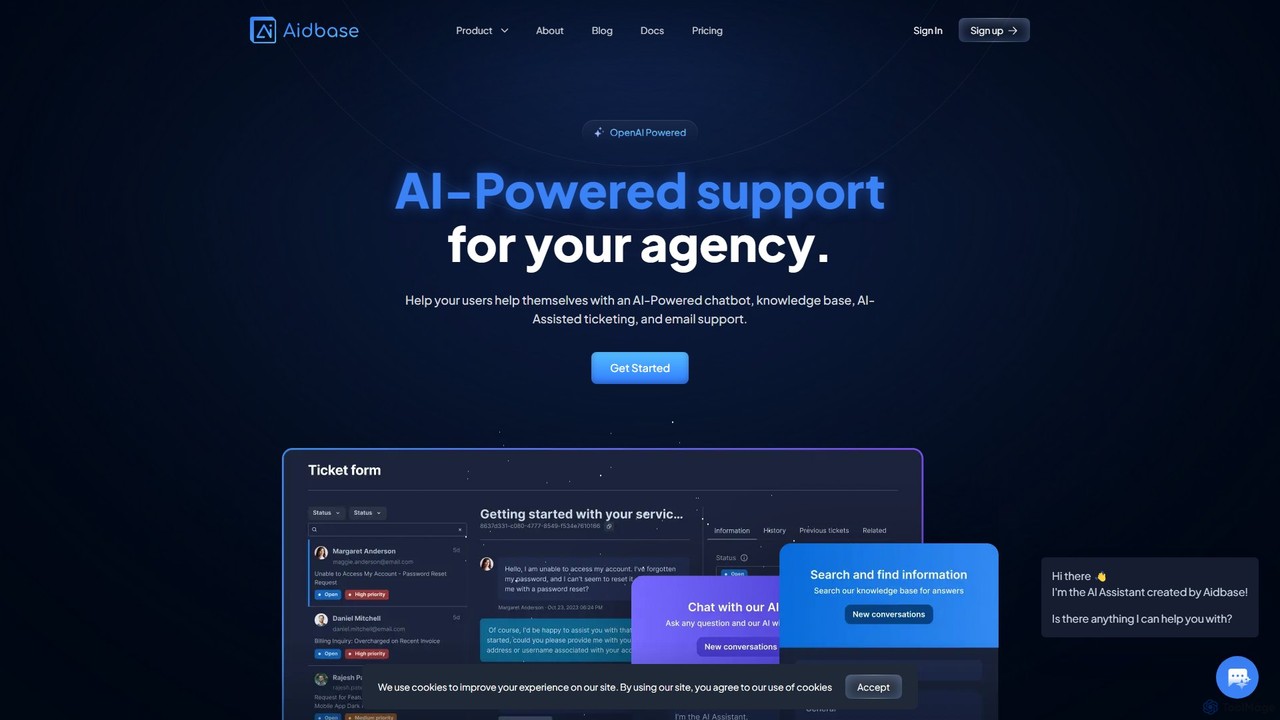
Aidbase
Aidbase is an all-in-one AI-powered support ecosystem for SaaS and eCommerce businesses. It provides an AI chatbot, knowledge base, AI-assisted ticketing, and a unified email inbox to automate customer service, reduce response times, and help users self-serve around the clock.
Chatbot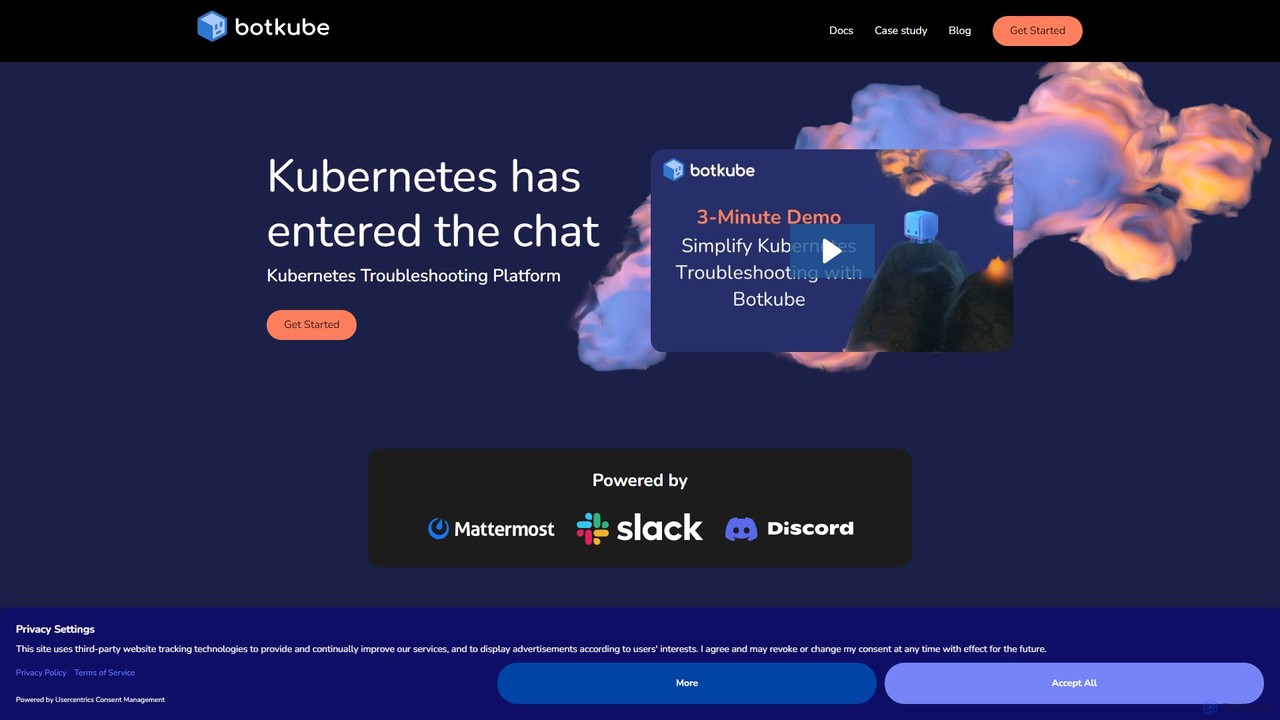
Botkube
Botkube is an open-source, collaborative AI assistant for Kubernetes. It integrates directly into your chat platforms like Slack and Microsoft Teams, centralizing real-time monitoring, alerting, and troubleshooting. It empowers developers to manage their applications independently and streamlines DevOps workflows by bringing K8s management into your daily communication tools.
Devops
Aiden
Aiden Solutions provides a powerful platform for creating custom AI-powered chatbots trained on your unique business data. Designed for B2B, B2C, and internal support, Aiden enhances customer service, streamlines operations, and improves communication. Key features include seamless multi-platform integration, advanced analytics, bulk document uploads, and full brand customization to boost efficiency and user satisfaction.
Internal Communication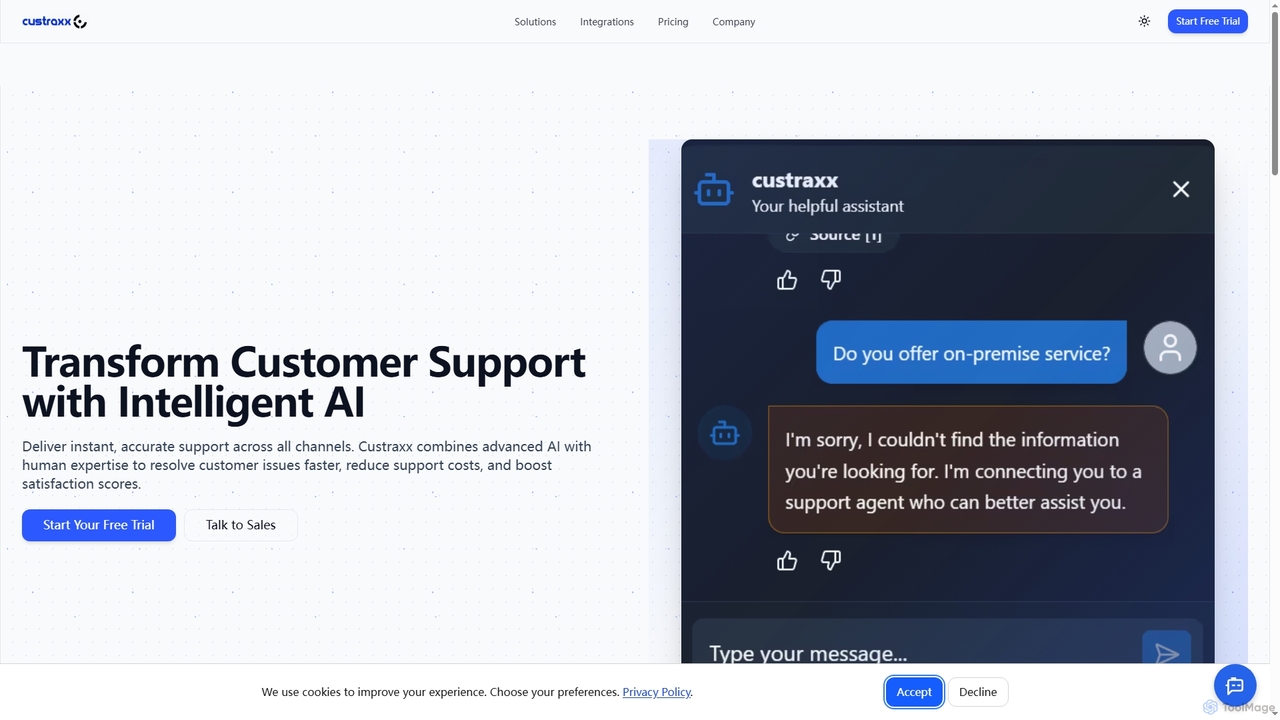
Custraxx
Custraxx is an AI-powered customer support platform designed to transform customer experience by delivering instant, accurate support across all channels. It combines advanced AI with human expertise to resolve issues faster, reduce support costs, and significantly boost customer satisfaction.
Multichannel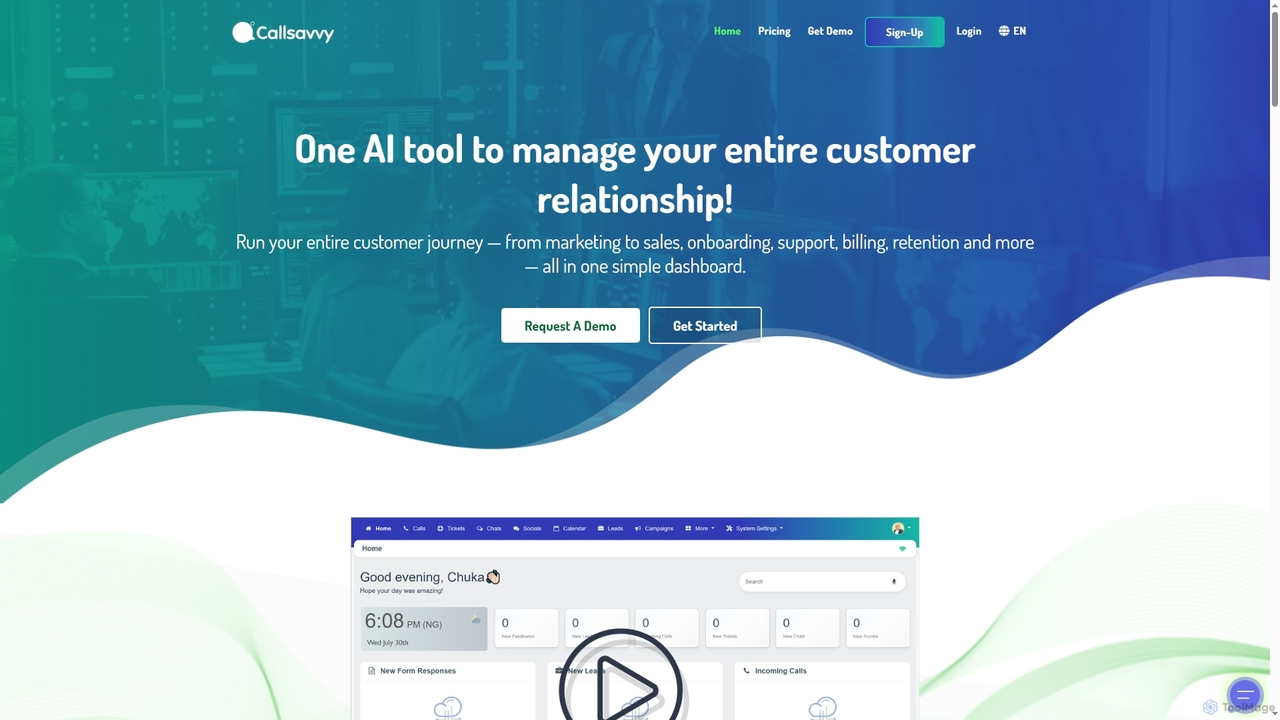
Callsavvy
Callsavvy is an AI-powered omnichannel customer engagement platform that unifies CRM, communication, automation, and analytics into a single workspace. It streamlines customer interactions across various channels, automates tasks with intelligent AI, and provides real-time insights to enhance customer experience, boost team productivity, and significantly reduce operational costs.
Sales Automation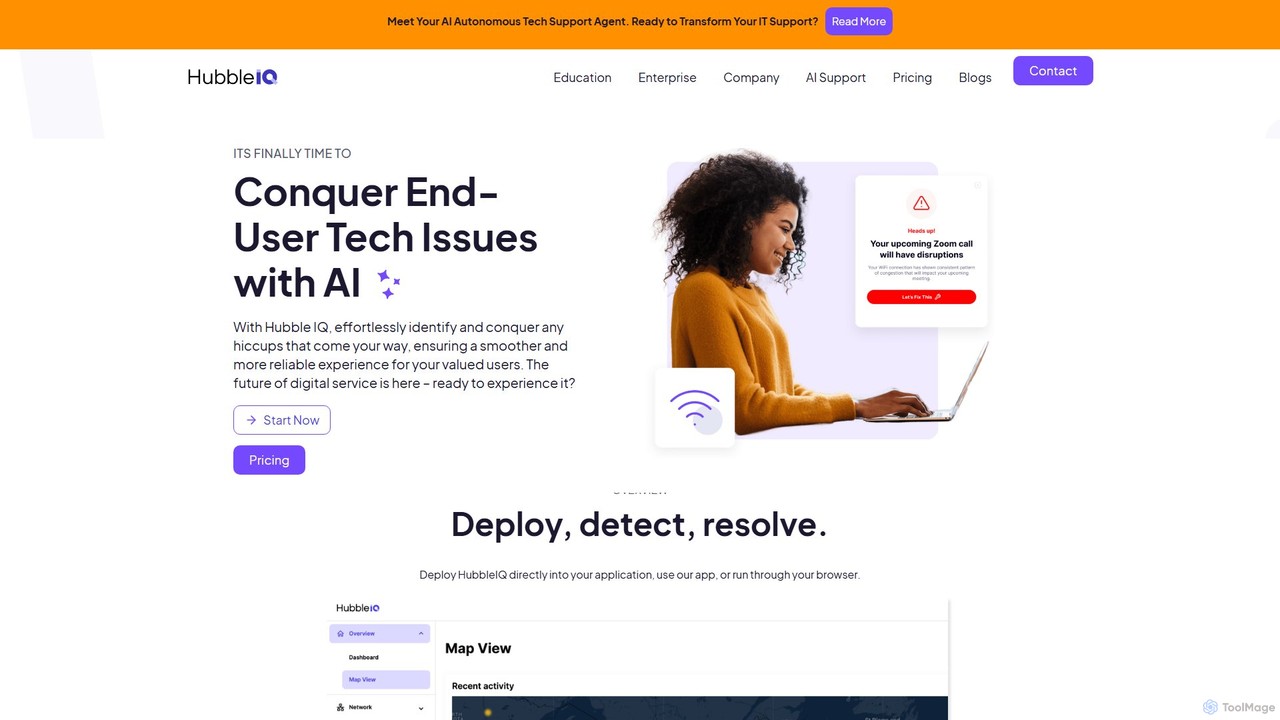
hubbleiq
HubbleIQ is an AI-powered IT support platform that proactively detects, diagnoses, and resolves technology issues for end-users. It automates troubleshooting for networks, devices, and applications, significantly reducing helpdesk tickets and resolution times for businesses, educational institutions, and telehealth providers.
Analytics
techxperts.tech
An AI-powered co-pilot for developers and IT professionals, designed to accelerate technical problem-solving. It provides instant diagnostics, intelligent solution generation, and code analysis to resolve complex technical issues efficiently.
DebuggingPylon
Pylon is an AI-powered customer support platform built specifically for B2B companies. It unifies conversations from all channels like Slack, Teams, email, and chat into a single view. Pylon uses AI agents and assistants to automate ticket routing, draft replies, manage knowledge bases, and provide deep account intelligence, helping teams resolve issues faster and manage customer relationships proactively.
Customer Relationship ManagementFront
Front is an AI-powered customer service platform that unifies all communication channels like email, SMS, and chat into a single collaborative workspace. It enables teams to deliver exceptional, scalable customer service by combining a human touch with powerful AI automation, shared inboxes, and robust ticketing.
Unified Inbox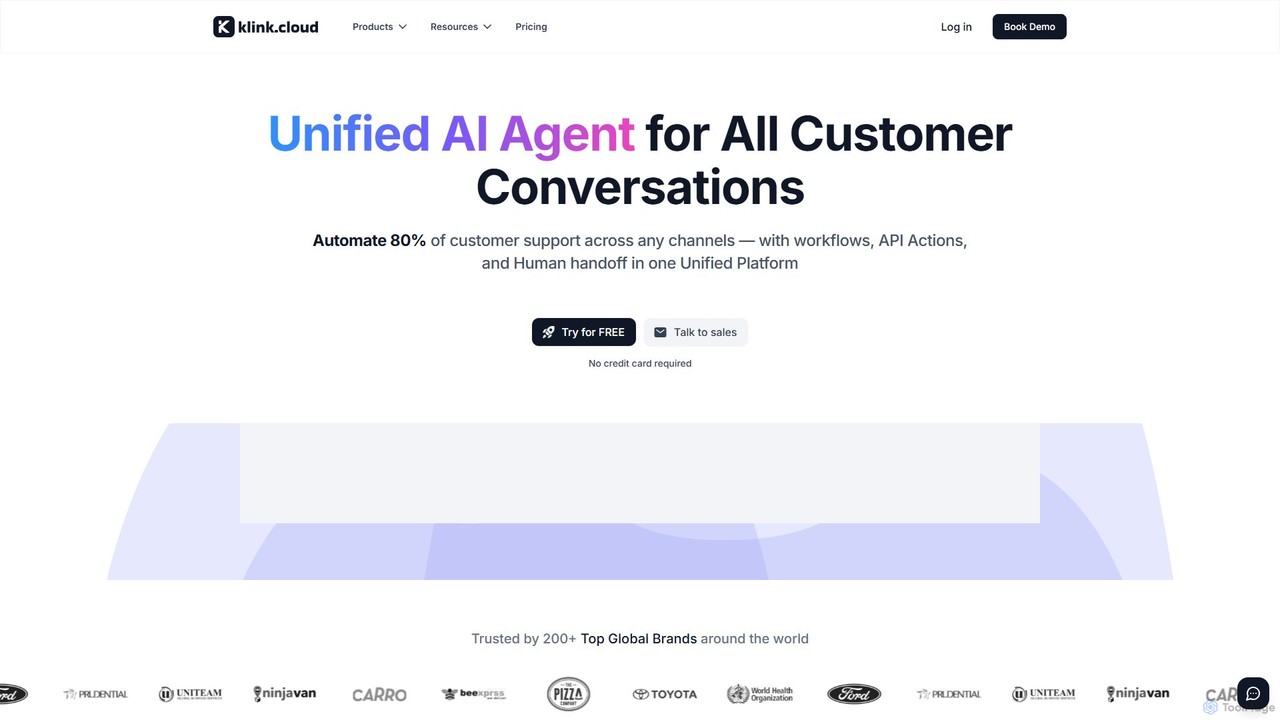
klink.cloud
klink.cloud is an AI-powered unified customer experience (CX) platform that centralizes all customer conversations from channels like voice, chat, email, and social media into a single inbox. It uses smart automation and AI agents to streamline workflows, automatically route inquiries, and enhance team efficiency. Designed for modern sales and support teams, it helps businesses increase productivity and customer satisfaction by providing a cohesive, integrated communication solution.
Unified Communications
iokoo Comments (0)
Sign in to comment.
Sign inNo comments yet.