iokoo
iokoo is an AI-powered IT support assistant providing instant, 24/7 remote assistance for software and hardware issues. It …
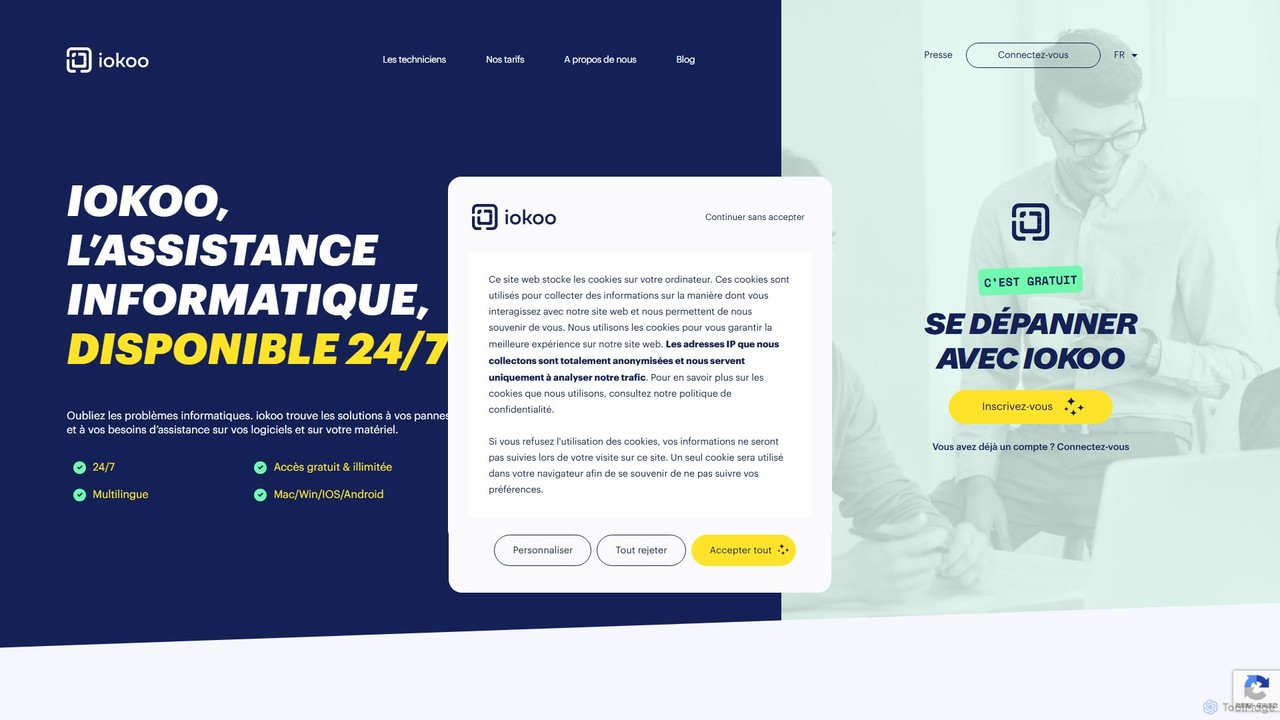
iokoo is an AI-powered IT support assistant providing instant, 24/7 remote assistance for software and hardware issues. It offers free, step-by-step troubleshooting via an AI chat and provides an option to connect with professional human technicians for more complex problems. It supports multiple platforms and over 26 languages, making it ideal for individuals, remote workers, and businesses.
About It Support
AI IT Support tools are a specialized category of software designed to automate and augment technical support operations using artificial intelligence. These platforms leverage technologies like natural language processing (NLP) and machine learning to understand user issues, diagnose problems, and provide instant resolutions or intelligent routing. They are primarily used to streamline helpdesk workflows, reduce manual effort for support teams, and offer scalable, 24/7 assistance. By automating repetitive tasks, these tools enable human agents to focus on more complex and strategic IT challenges.
Core Features
- Automated Ticket Triaging: Intelligently analyzes and categorizes incoming support requests to route them to the appropriate team or agent.
- AI-Powered Chatbots: Provide instant, first-level support for common issues like password resets, software access, and basic troubleshooting.
- Predictive Analytics: Monitors system health to identify potential issues and alert administrators before they cause widespread disruption.
- Intelligent Knowledge Base: Allows users and agents to find relevant solutions using natural language queries, going beyond simple keyword matching.
- Root Cause Analysis Automation: Sifts through logs and incident data to help identify the fundamental cause of recurring technical problems.
Use Cases
These tools are widely adopted by corporate IT departments to support employees, Managed Service Providers (MSPs) to manage client infrastructure, and software companies to provide technical customer support. They excel in environments with high ticket volumes and a need for rapid, consistent responses.
How to Choose
When selecting an AI IT Support tool, consider its integration capabilities with your existing systems (like Jira, Slack, or Microsoft Teams), the depth of its automation features, its ability to be customized for your specific workflows, and its security and data privacy compliance.

It SupportUse Cases
Automating New Employee IT Onboarding
IT departments use AI support tools to create automated onboarding workflows. A new employee interacts with a chatbot that guides them through setting up accounts, requesting necessary software licenses, and configuring their devices. The AI handles access permissions based on the employee's role, automatically creates tickets for hardware provisioning, and answers common setup questions, reducing the manual workload on IT staff by over 70% during peak hiring periods.
Providing 24/7 Self-Service Password Resets
For organizations with a global workforce, providing round-the-clock support is critical. An AI IT support tool can be integrated into platforms like Slack or Microsoft Teams. When an employee is locked out of their account outside of business hours, they can interact with the AI bot, verify their identity through multi-factor authentication, and have their password reset automatically within minutes, eliminating downtime and frustration.
Proactive Issue Detection in IT Infrastructure
Managed Service Providers (MSPs) deploy AI tools to monitor their clients' networks and servers. The AI analyzes performance metrics, log files, and system behavior to predict potential failures, such as a server running out of disk space or unusual network traffic indicating a security threat. It then automatically generates a preventative maintenance ticket for an engineer to investigate, preventing service outages before they impact the client's business.
Streamlining Technical Support for SaaS Products
A software-as-a-service (SaaS) company embeds an AI support chatbot within its application. When a user encounters an error, they can describe the problem to the bot in natural language. The AI searches the knowledge base for a solution, provides step-by-step troubleshooting guides, and if the issue persists, it collects diagnostic information (like browser version and user actions) to create a detailed, pre-filled ticket for the human support team, accelerating resolution time.
Intelligent Routing of Complex Support Tickets
In a large enterprise, an employee might submit a vague support request like "my computer is slow." An AI IT support tool uses NLP to analyze the ticket's content, cross-reference it with the user's device information and recent system alerts, and determines the likely cause. It then routes the ticket directly to the specialized team (e.g., network team, hardware support, or application support) instead of a general queue, bypassing the first level of manual triage.
Building a Self-Updating Internal Knowledge Base
An IT helpdesk team uses an AI tool that analyzes resolved support tickets and chat conversations. The AI identifies common problems and their successful solutions that are not yet documented. It then prompts support agents to approve or edit auto-generated drafts for new knowledge base articles. This process ensures the support documentation is constantly updated with the most relevant and effective solutions, improving both agent efficiency and user self-service success rates.