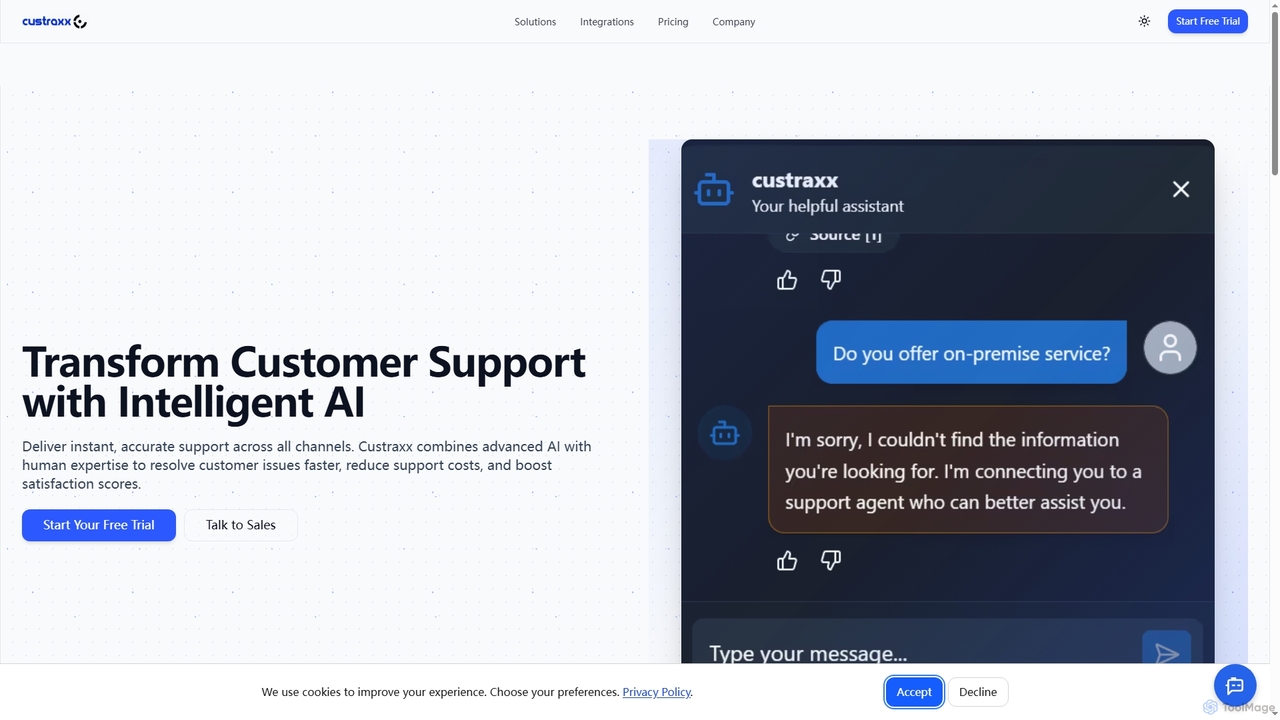
Multichannel tools are AI-powered platforms designed to centralize and manage customer interactions from various communication channels in a single interface. These tools utilize a unified inbox and AI-driven automation to process messages from email, social media, live chat, SMS, and more. This consolidation provides a comprehensive view of the customer journey, enabling businesses to deliver consistent and context-aware support and engagement. The primary value lies in improving agent efficiency and ensuring a seamless customer experience across all touchpoints.
Core Features
- Unified Inbox: Consolidates messages from all connected channels (email, social media, chat, etc.) into a single, manageable queue.
- AI-Powered Routing: Automatically assigns incoming conversations to the most appropriate agent or department based on keywords, channel, or customer history.
- Cross-Channel Analytics: Provides integrated reports on team performance, customer satisfaction, and conversation volume across all channels.
- Automated Responses & Chatbots: Deploys AI to handle common queries, gather initial information, or provide 24/7 support on select channels.
- Customer Context Tracking: Maintains a unified profile and conversation history for each customer, regardless of the channel they use.
Use Cases
Multichannel tools are essential for businesses focused on customer experience. E-commerce companies use them to manage support requests from their website chat, Facebook page, and order confirmation emails. B2B sales teams leverage them to track prospect interactions across LinkedIn, email, and web forms. Marketing and PR teams also use these platforms to monitor brand mentions and engage with their audience across various social networks from one dashboard.
How to Choose
When selecting a Multichannel tool, first evaluate the channels it supports and ensure they align with your customer communication strategy. Assess its integration capabilities with your existing CRM, helpdesk, or e-commerce platforms. Consider the sophistication of its automation and AI features, such as rule-based routing and chatbot intelligence. Finally, examine the pricing model, scalability, and the quality of its cross-channel analytics to ensure it meets both your current needs and future growth.