

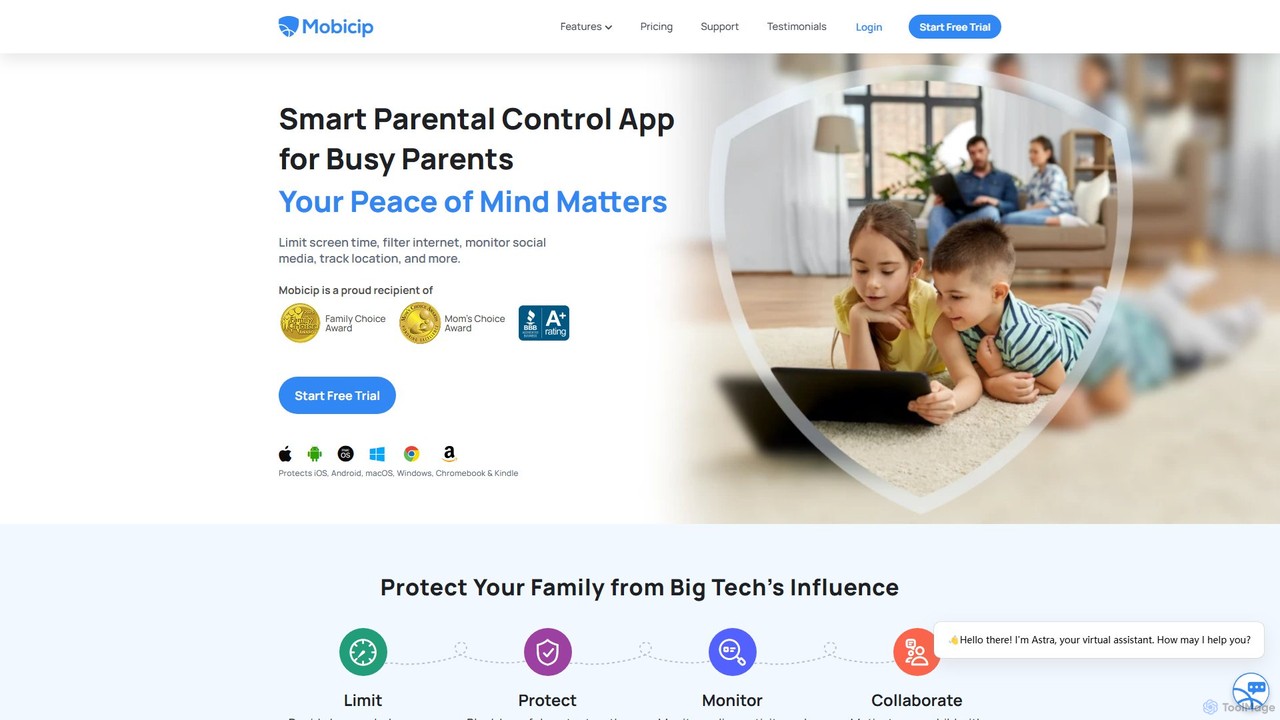
Mobicip Overview
Mobicip is an award-winning, all-in-one parental control application designed for busy parents in the digital age. It provides a robust suite of tools to ensure children's online safety and promote healthy digital habits. Leveraging AI technology, Mobicip offers a proactive approach to digital parenting, allowing parents to protect their family from online risks across a wide range of devices, including iOS, Android, macOS, Windows, Chromebook, and Kindle. The platform is trusted by over 2 million parents and has received accolades like the Mom's Choice Award and Family Choice Award for its effectiveness and user-friendly design.
The core mission of Mobicip is to create a safe and enriching online environment for children. It goes beyond simple blocking and filtering by offering features that foster collaboration and self-regulation. Parents can monitor their child's online activities, set reasonable limits, and receive alerts for potentially harmful content, all from a single, intuitive dashboard. This comprehensive approach helps parents protect their children from issues like screen addiction, exposure to inappropriate content, and cyberbullying.
How to use Mobicip
Getting started with Mobicip is a straightforward process designed to be quick and easy for parents:
- Sign Up: First, choose a subscription plan that fits your family's needs on the Mobicip website. All plans come with a 7-day free trial of premium features.
- Install the App: Download and install the Mobicip app on your own device (the parent device) and on all of your children's devices that you wish to manage.
- Set Up Profiles: Create a profile for each child. Mobicip will guide you through the setup process, allowing you to link each child's devices to their profile.
- Customize Rules: From the parent dashboard, you can customize the rules for each child. This includes setting daily screen time limits, creating schedules for school or bedtime, blocking specific apps or categories (like social media and games), and configuring the web filter.
- Monitor and Collaborate: Use the dashboard to view activity reports, track your child's location, and monitor their social media usage. You can also invite another parent or guardian to share responsibilities and use the Child Dashboard to help your child learn self-regulation.
Core Features of Mobicip
- Screen Time Management: Set daily screen time allowances and create custom schedules for different activities like homework, free time, and bedtime to prevent screen addiction.
- AI-Powered Internet Filter: A powerful web filter that automatically blocks adult, harmful, and inappropriate websites across all browsers. Parents can also block specific URLs and categories.
- App Blocker & Limiter: Block or set time limits on specific apps, including social media, games, and videos. You can even block apps before they are installed and receive alerts for new app installations.
- Social Media Monitor: Proactively monitors conversations on popular social media platforms like Facebook and Instagram for risky content related to cyberbullying, self-harm, and violence, sending alerts to parents.
- Family Locator & Geofencing: Track your child's live location on a map. Create geofences around key places like home and school to receive alerts when your child enters or leaves these zones.
- Activity Reports: Receive detailed summaries of your child's online activity, including apps used, websites visited, and time spent online.
- Collaborative Parenting: Share parenting responsibilities with a spouse or another trusted adult. The Child Dashboard allows kids to monitor their own screen time usage, fostering responsibility.
Use Cases for Mobicip
Mobicip is ideal for parents who want to actively manage their children's digital lives. Common use cases include:
- Preventing Screen Addiction: Parents of young children and teens can use screen time limits and schedules to ensure a healthy balance between online and offline activities.
- Protecting from Harmful Content: The web filter and app blocker are essential for shielding children from exposure to pornography, violence, and other inappropriate material.
- Combating Cyberbullying: Social media monitoring provides an early warning system for parents, allowing them to intervene if their child is involved in or a victim of cyberbullying.
- Ensuring Physical Safety: The Family Locator gives parents peace of mind by allowing them to know their child's whereabouts and ensuring they arrive safely at their destinations.
- Promoting Digital Literacy: By involving children in the process through the Child Dashboard, parents can teach them about self-regulation and responsible technology use.
Advantages of Mobicip
Mobicip stands out from other parental control solutions due to several key advantages:
- True Cross-Platform Support: Unlike platform-native tools like Google Family Link or Apple Screen Time, Mobicip provides consistent rules and monitoring across all major operating systems from a single account.
- Comprehensive Feature Set: It combines screen time, filtering, app blocking, location tracking, and social media monitoring into one seamless application.
- AI-Driven Proactive Monitoring: The use of AI for web filtering and social media scanning allows for more effective and proactive protection.
- User-Friendly Interface: The dashboard is designed to be intuitive and easy for non-technical parents to set up and manage.
- Focus on Collaboration: Features like the Child Dashboard and Guardian access encourage a cooperative approach to digital parenting rather than a purely restrictive one.
Pricing and Plans
Mobicip offers a freemium model with a 7-day free trial for its premium features. It has three main subscription tiers, all billed annually:
- Lite: $2.99/month. Manage up to 5 devices.
- Standard: $4.99/month. Manage up to 10 devices.
- Premium: $7.99/month (Best Value). Manage up to 20 devices.
All paid plans include the full suite of features, such as the App Blocker, Website Blocker, Screen Time Limits, Family Locator, and Social Media Monitor. The primary difference between the plans is the number of devices you can protect. Mobicip also offers a 30-day money-back guarantee.
Traffic
Latest traffic
Status
Monthly traffic trend
- 2025-9: 172.0K
- 2026-1: 173.9K
- 2026-2: 140.2K
- 2026-3: 176.1K
- 2026-4: 129.7K
- 2026-5: 87.9K
Geography
Top 5 countries / regions
- 🇺🇸United States61.5%
- 🇬🇧United Kingdom10.2%
- 🇨🇦Canada9.8%
- 🇻🇳Vietnam9.4%
- 🇮🇳India9.0%
Traffic sources
| Source type | Percentage |
|---|---|
Direct | 77.9% |
Referral | 17.8% |
Email | 4.4% |
Top keywords
| Keyword | Cost per click |
|---|---|
| how can i disable youtube shorts? | $0.00 |
| how to block youtube | $1.33 |
| mobicip | $0.77 |
| safari wasn't connecting | $0.00 |
| раскраска для детей | $0.12 |
Mobicip Alternatives
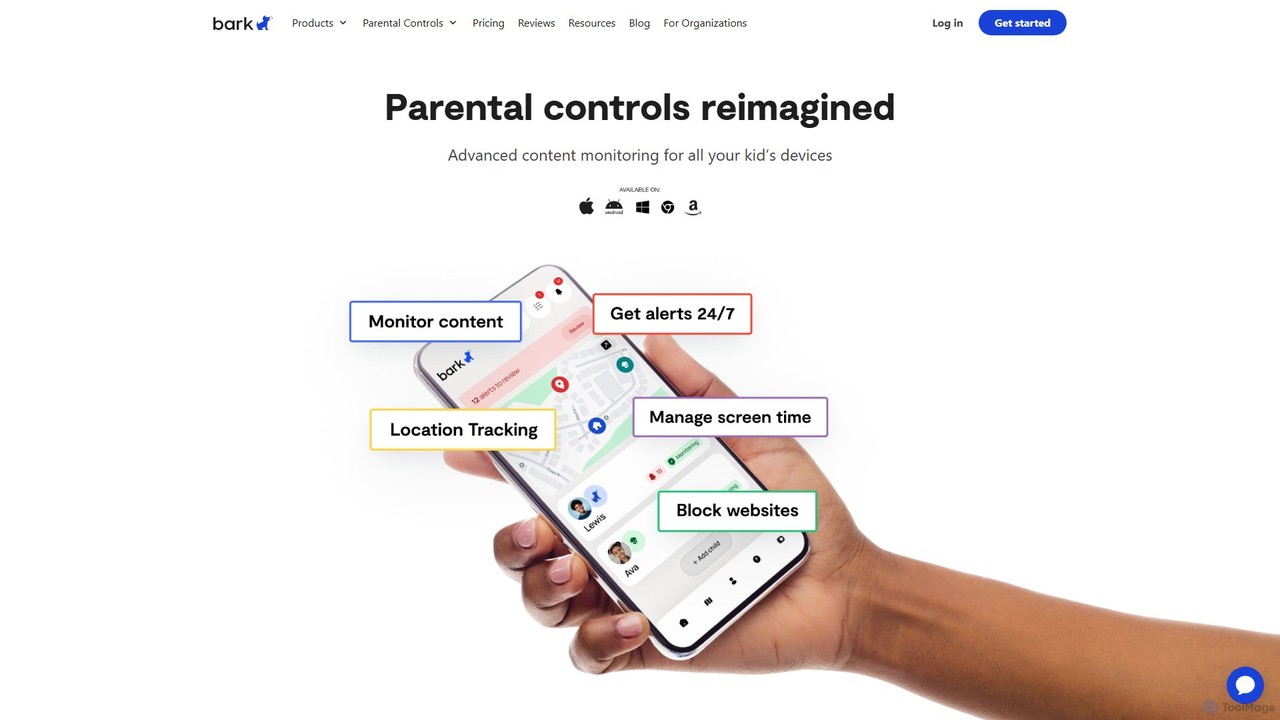
Bark
Bark is an AI-powered parental control service that helps families protect their children online. It monitors texts, social media, and emails for potential dangers like cyberbullying and self-harm, while also providing screen time management, web filtering, and location tracking to ensure comprehensive digital safety.
Family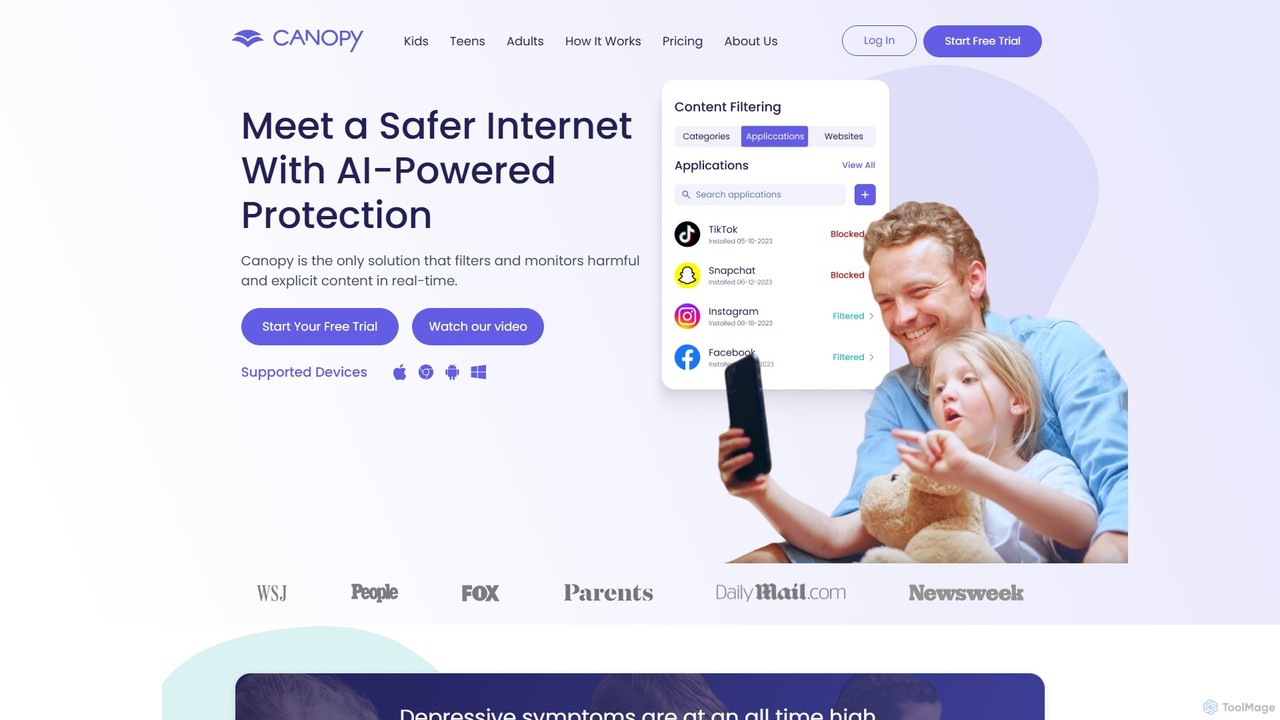
Canopy
Canopy is an AI-powered digital parenting app designed to protect children online. It uses real-time AI technology to filter harmful and explicit content, including images and videos, within websites and social media apps. Key features include sexting prevention, screen time management, app blocking, and location alerts, providing a comprehensive solution for families to ensure a safer digital environment for their children across all devices.
Family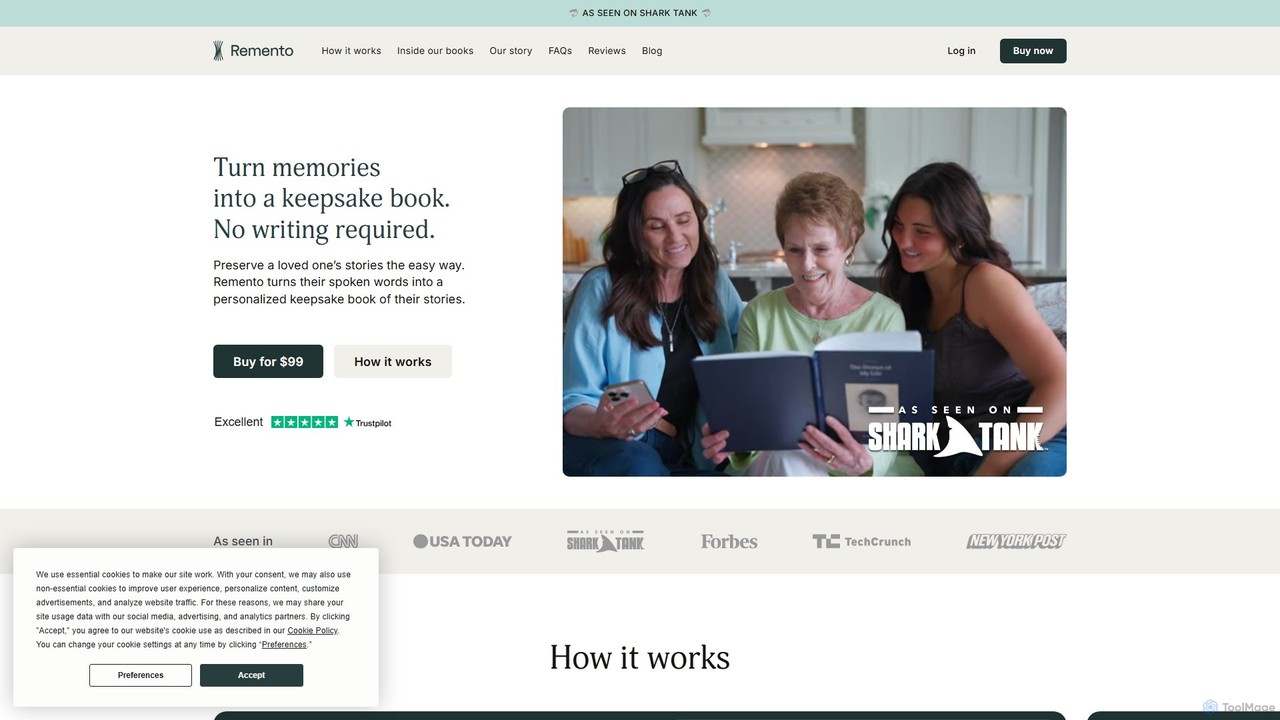
Remento
Remento is an AI-powered service, famously featured on Shark Tank, that transforms a loved one's spoken stories into a beautiful, personalized hardcover book. Without any writing required, it captures memories through simple voice recordings and uses AI to craft them into written narratives. Each book includes QR codes, allowing you to listen to the original voice recordings, preserving not just the stories but the person's unique voice and personality for generations to come.
Personalized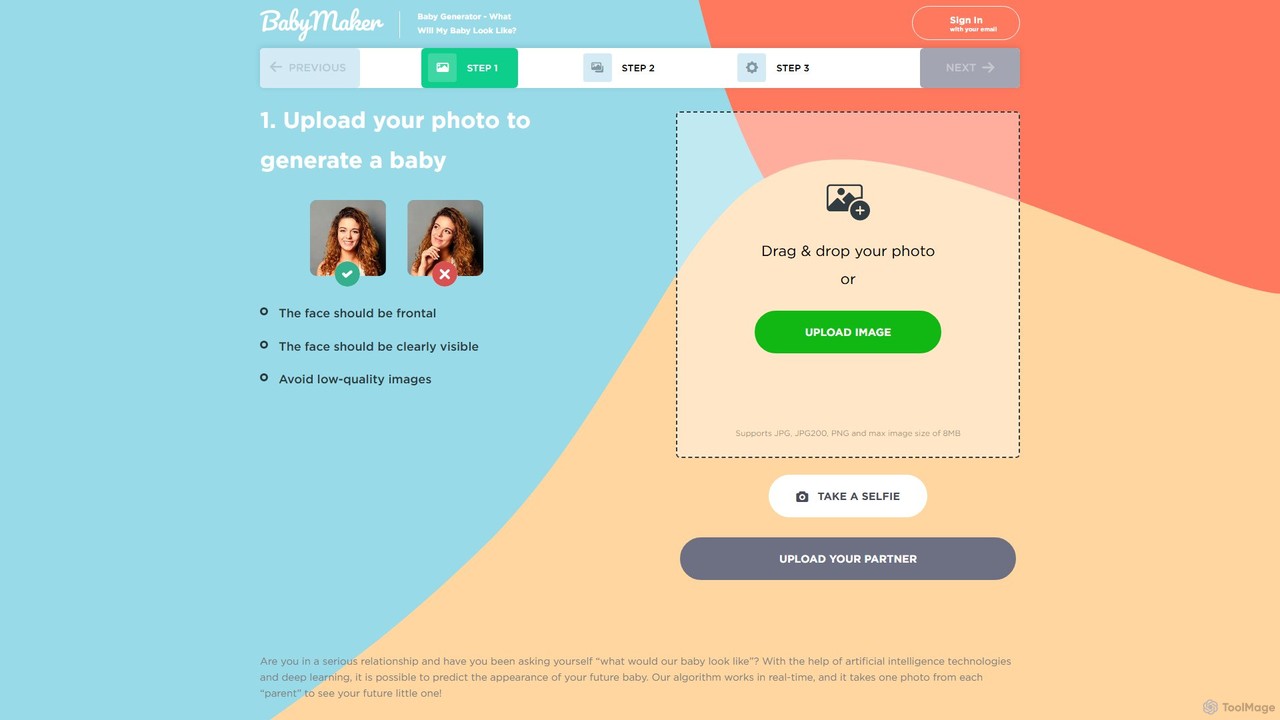
babyfacegenerator
An AI-powered tool that predicts what your future baby might look like. By uploading photos of two parents, babyfacegenerator uses advanced facial recognition and deep learning technology to generate a realistic image of your potential child, offering a fun and exciting glimpse into the future.
Entertainment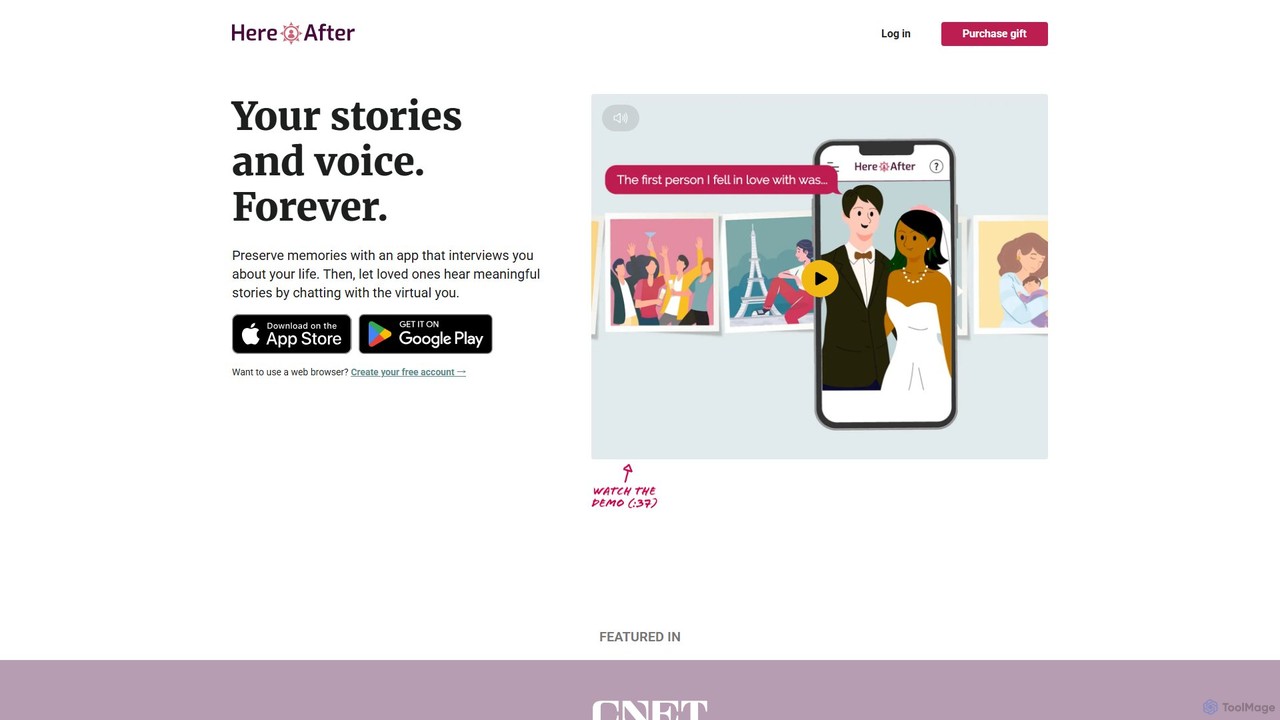
HereAfter AI
HereAfter AI is an interactive memory app that lets you preserve your life stories and personality through voice. It creates a conversational AI avatar that your family and friends can talk to, allowing them to hear your memories in your own voice, creating a living digital legacy.
Voice CloningMobicip Categories
Mobicip Embed Widget
Copy this embed code to place the badge on your blog, article, or product site and send readers directly to this ToolMage detail page.

Related AI tools
Bark
Bark is an AI-powered parental control service that helps families protect their children online. It monitors texts, social media, and emails for potential dangers like cyberbullying and self-harm, while also providing screen time management, web filtering, and location tracking to ensure comprehensive digital safety.
FamilyCanopy
Canopy is an AI-powered digital parenting app designed to protect children online. It uses real-time AI technology to filter harmful and explicit content, including images and videos, within websites and social media apps. Key features include sexting prevention, screen time management, app blocking, and location alerts, providing a comprehensive solution for families to ensure a safer digital environment for their children across all devices.
Family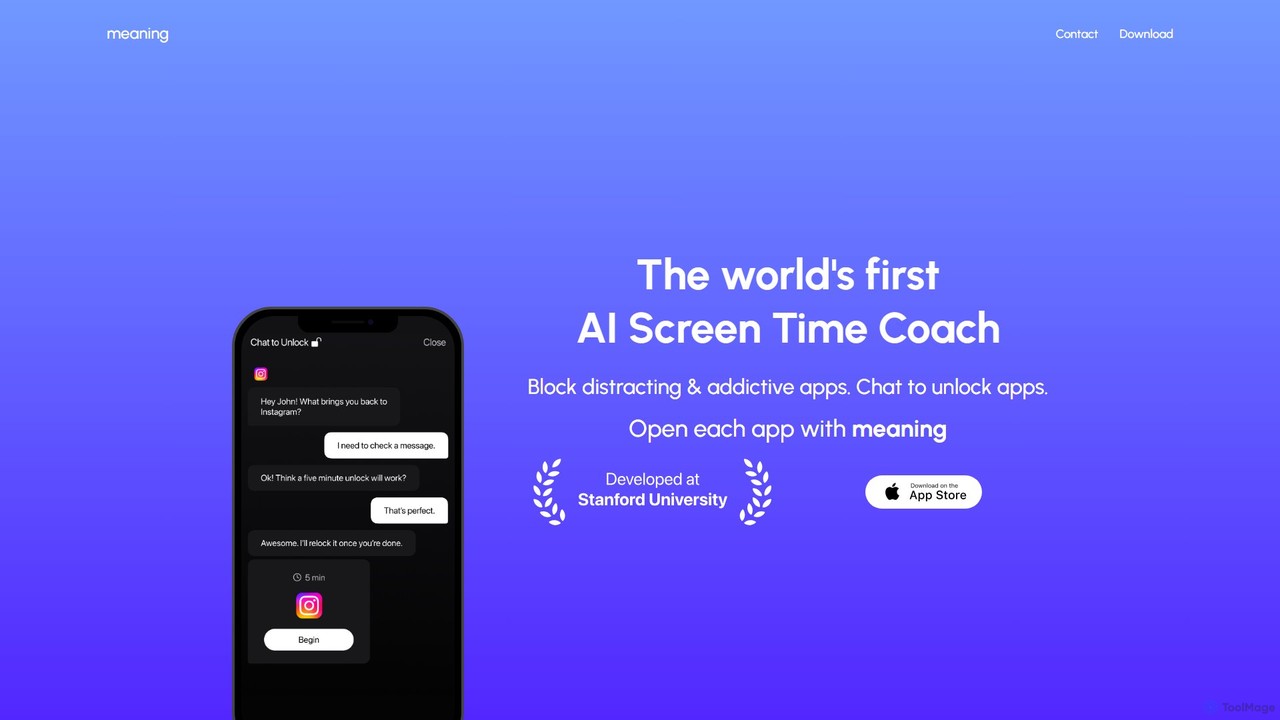
Meaning
Meaning is the world's first AI Screen Time Coach for iOS. It helps you reclaim your time by blocking distracting apps and requiring you to chat with an AI to justify your use. This unique approach fosters mindful phone usage, reduces mindless scrolling, and boosts productivity.
Digital Wellbeing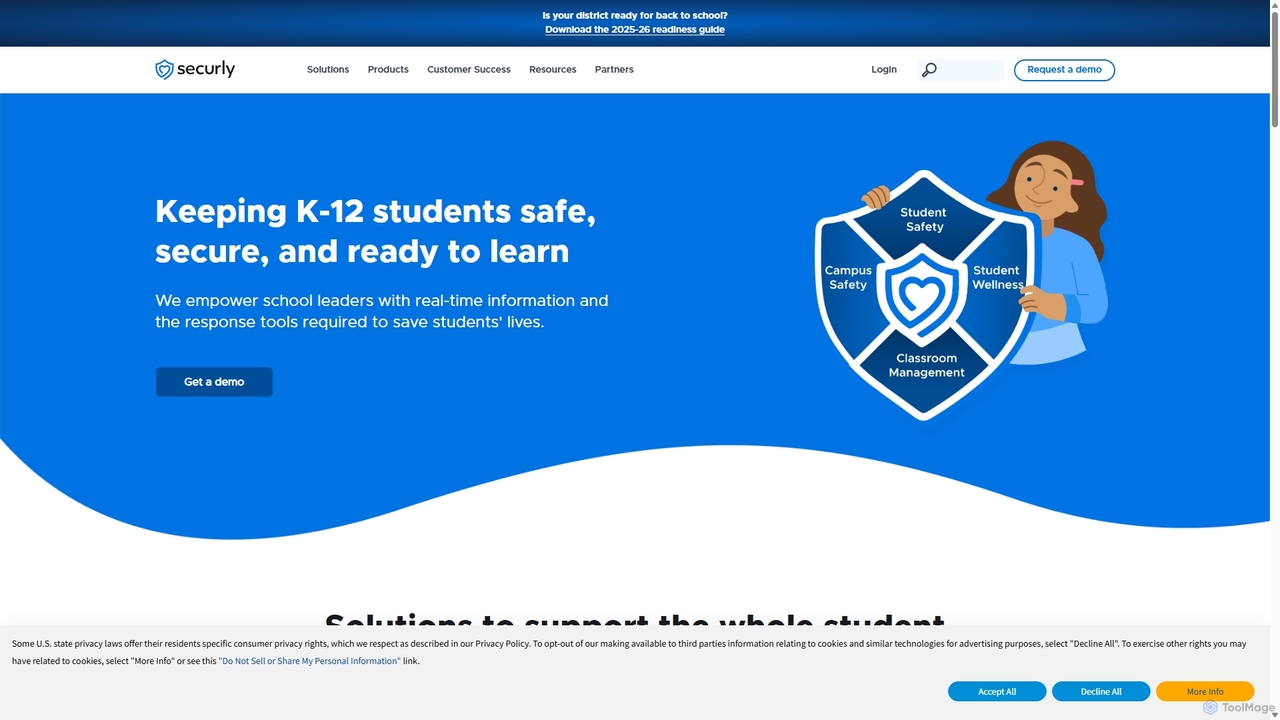
Securly
Securly is a comprehensive AI-powered student safety and wellness platform for K-12 schools. It provides web filtering, wellness monitoring, classroom management, and campus safety solutions to create a secure learning environment. Securly helps educators identify at-risk students, prevent bullying and self-harm, and engage parents through dedicated tools, ensuring students are safe, secure, and ready to learn.
Student Safety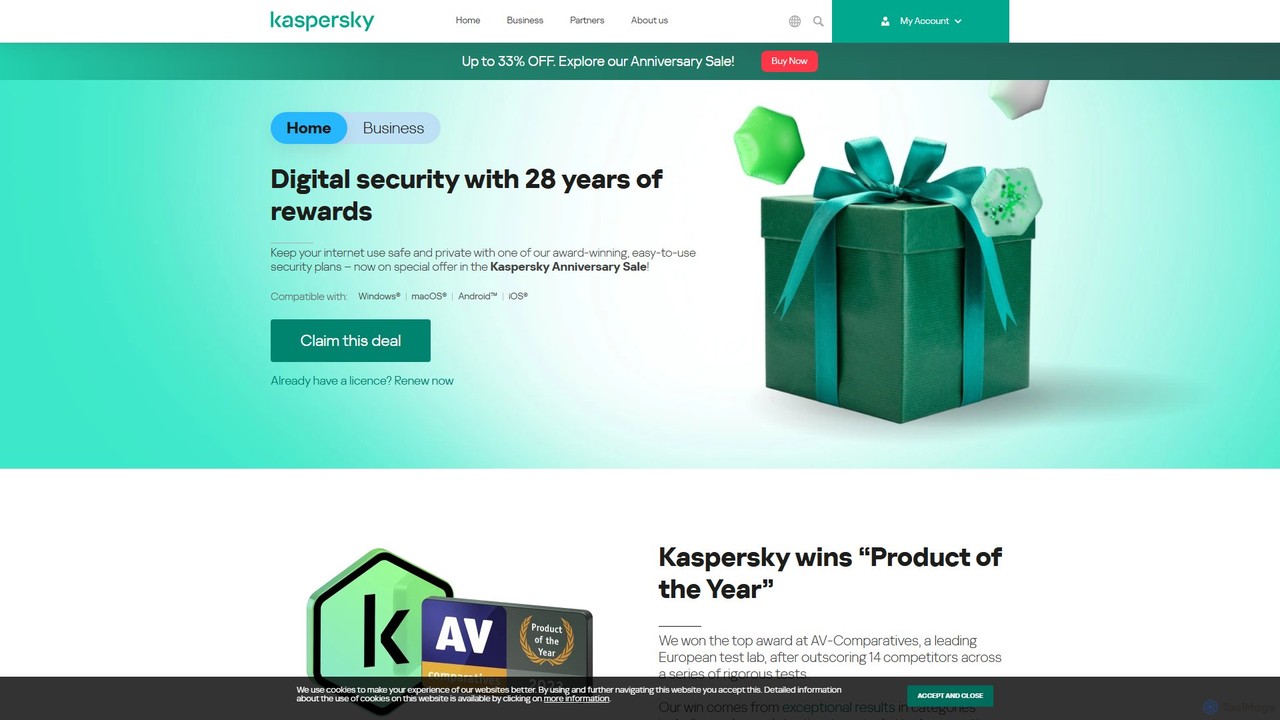
Kaspersky
Kaspersky offers comprehensive, AI-powered cybersecurity solutions for individuals and businesses. It provides multi-layered protection against viruses, malware, ransomware, and phishing attacks. Key features include real-time antivirus, a secure VPN, payment protection, performance optimization, and identity theft prevention. Compatible with Windows, macOS, Android, and iOS, Kaspersky ensures a safe, private, and fast digital experience across all your devices, backed by over 25 years of award-winning expertise in threat intelligence and cybersecurity.
System Utilities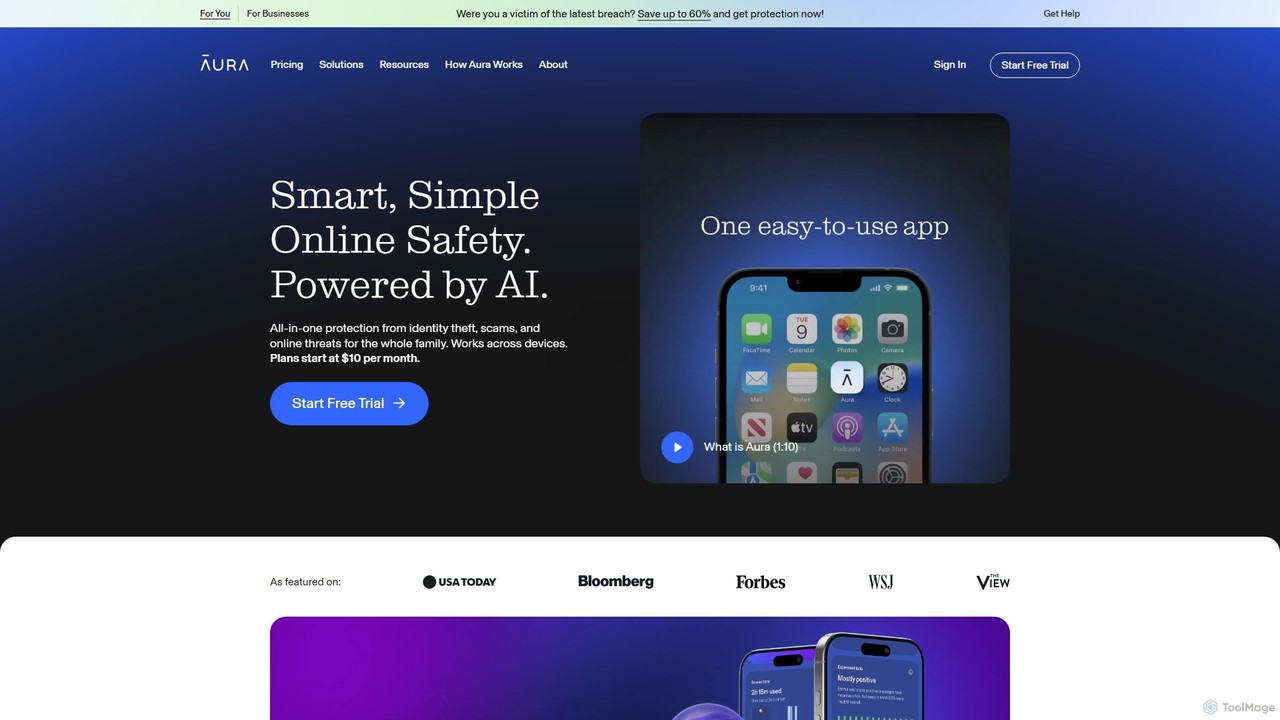
Aura
Aura is an AI-powered, all-in-one digital safety platform for individuals and families. It provides proactive protection against identity theft, financial fraud, and online threats by combining credit monitoring, a VPN, antivirus, a password manager, and advanced parental controls into a single, easy-to-use service.
Password Manager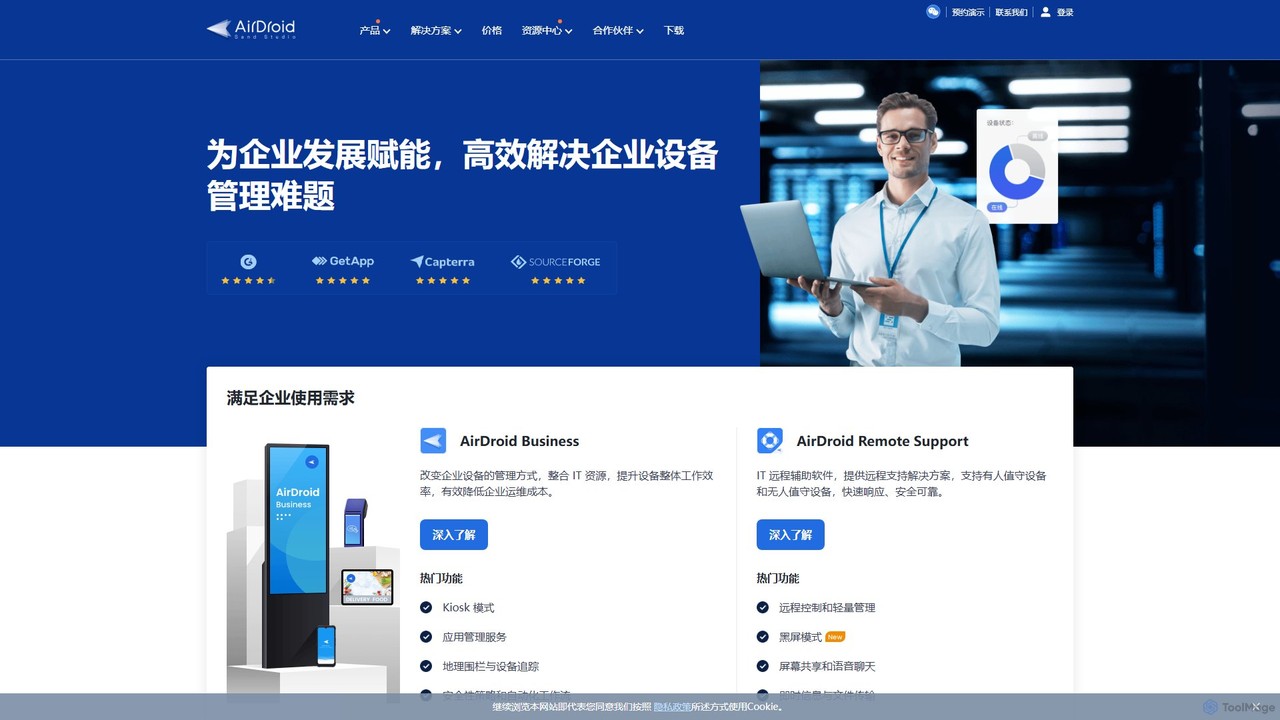
AirDroid
AirDroid is a comprehensive suite of tools for remote control, mobile device management (MDM), and remote support. It caters to both personal and enterprise users, enabling seamless file transfer, screen mirroring, notification management, and robust control over fleets of Android devices.
Device Management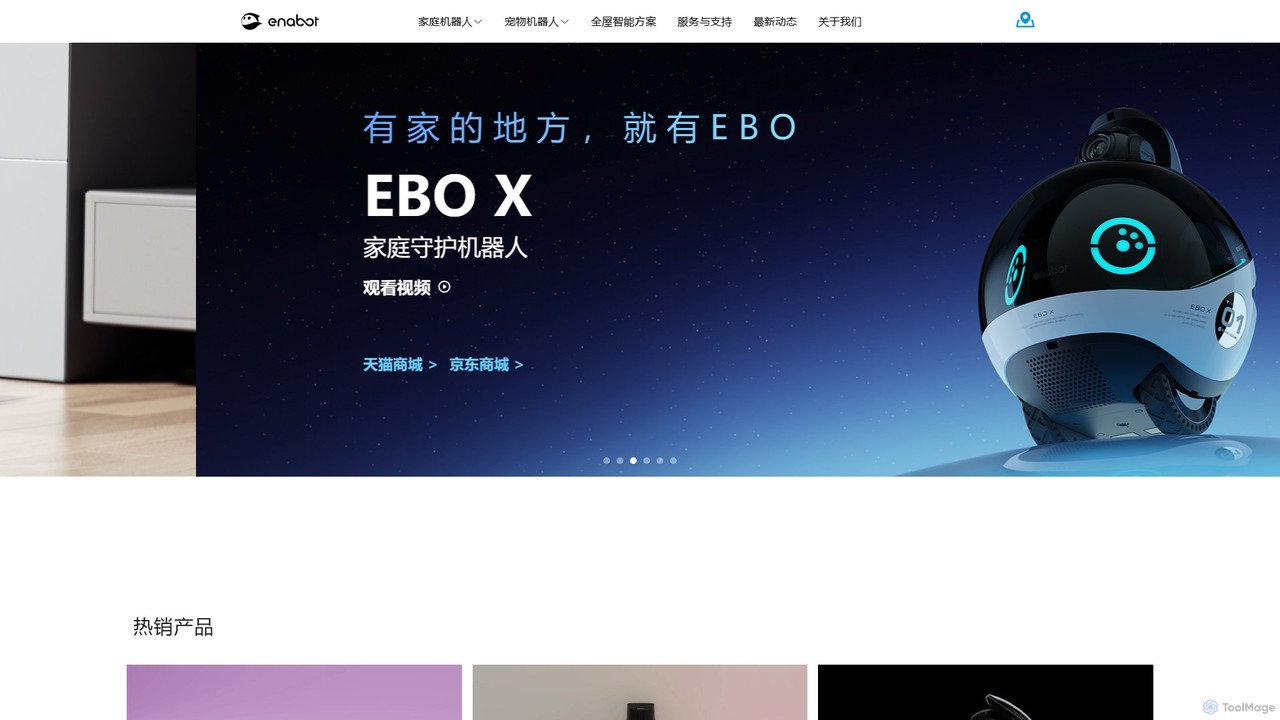
Enabot
Enabot develops AI-powered companion robots for family and pets. Products like the EBO and ROLA series offer mobile home monitoring, remote interaction, AI-driven pet entertainment, and advanced security features. Enabot aims to bridge distances and enhance family well-being through innovative, interactive robotic technology, ensuring you're 'Always Together' with your loved ones.
Pet Care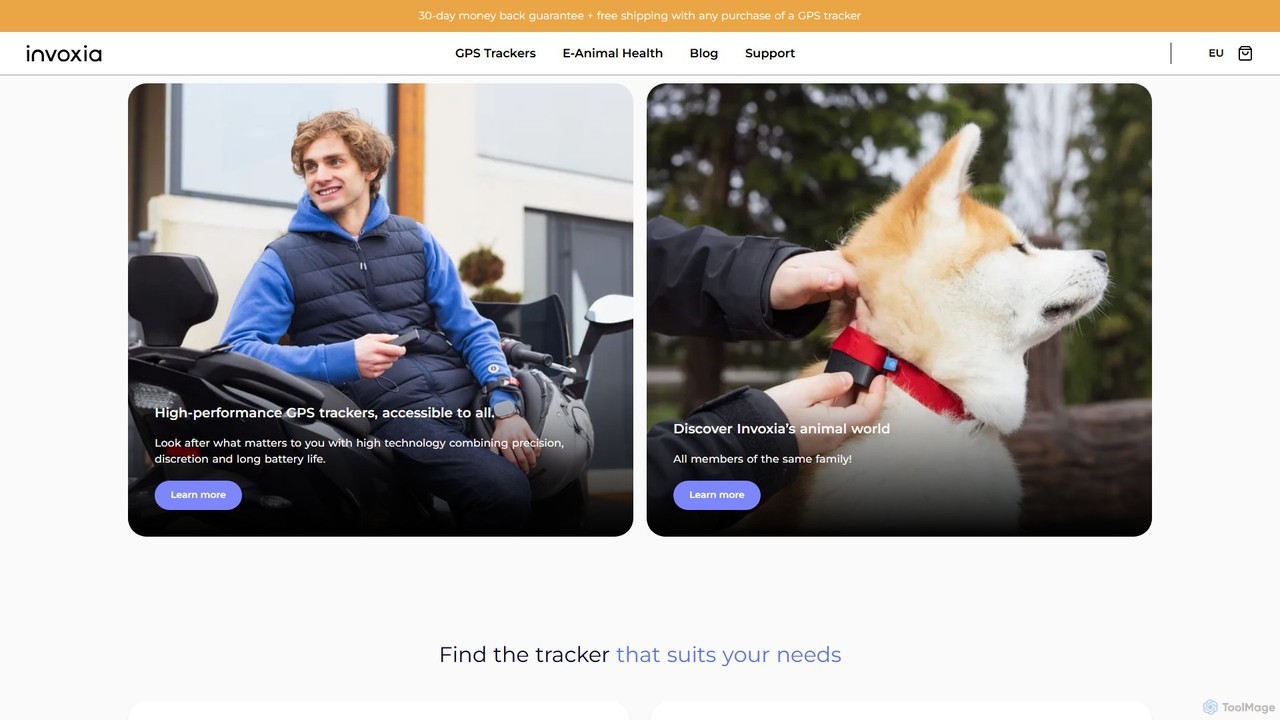
Invoxia
Invoxia offers a range of AI-powered GPS trackers for vehicles, valuables, pets, and people. These discreet devices provide real-time location tracking, intelligent anti-theft alerts, geofencing, and exceptional battery life, all managed through a user-friendly mobile app for ultimate peace of mind.
Travel
monitup
monitup is an AI-powered employee time tracking and productivity software designed for modern teams. It provides managers with real-time insights into team activity, application usage, and overall efficiency. By offering automated time tracking, optional screenshots, and AI-driven productivity tips, monitup helps organizations boost performance, support remote work, and foster a transparent, data-driven work environment. It also includes features for parental control.
Employee Monitoring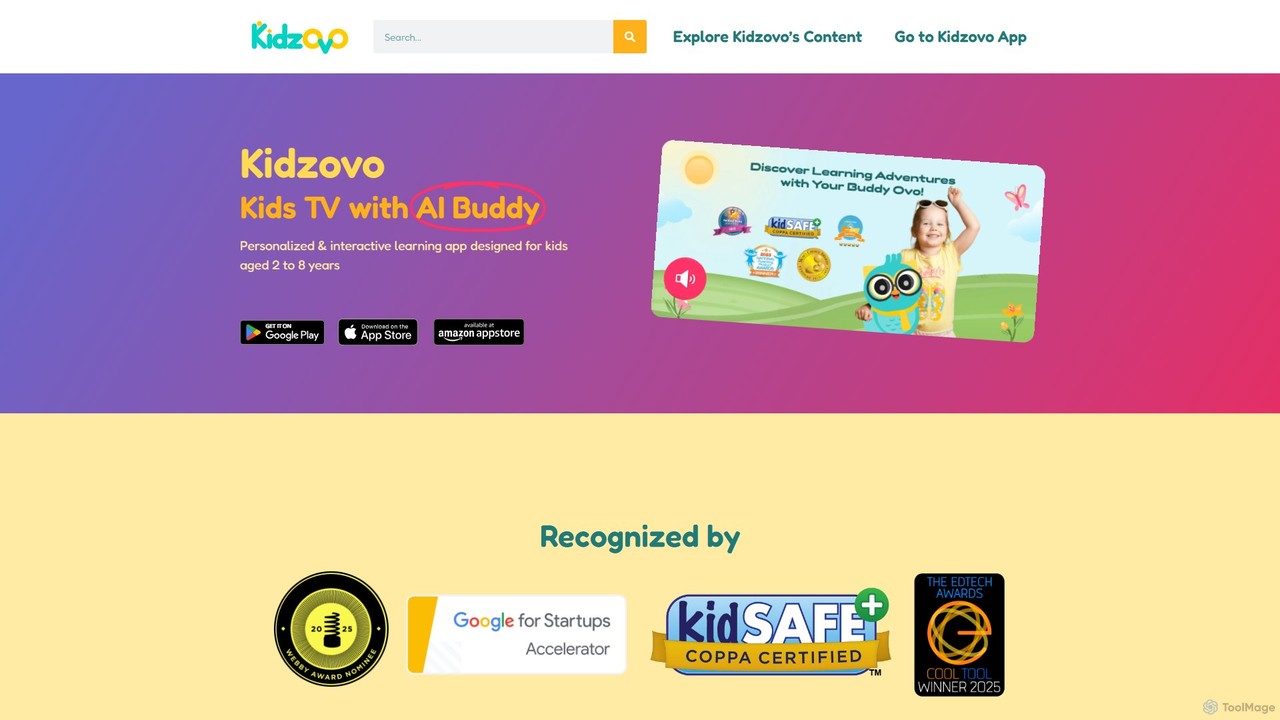
Kidzovo
Kidzovo is an AI-powered interactive learning app for children aged 2-8. It transforms passive screen time into an engaging educational experience with an AI Buddy, interactive games, and activities. Featuring content from renowned creators, it covers a wide range of subjects, ensuring a safe, personalized, and fun learning journey for kids.
Early Learning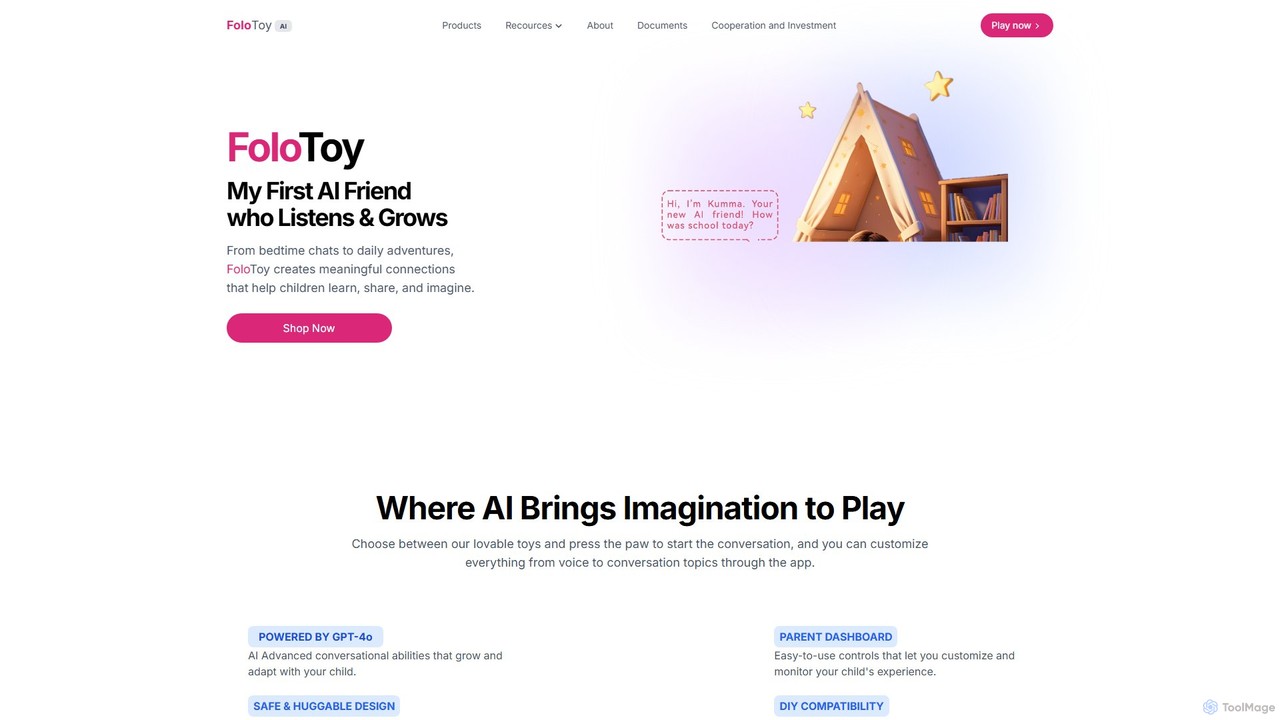
FoloToy
FoloToy is an innovative AI-powered plush toy for children, powered by GPT-4o. It serves as an interactive learning companion, offering personalized conversations, storytelling, and educational activities. With a parent dashboard for safety and a unique DIY kit to transform any toy into an AI friend, FoloToy blends imaginative play with advanced technology.
Early Learning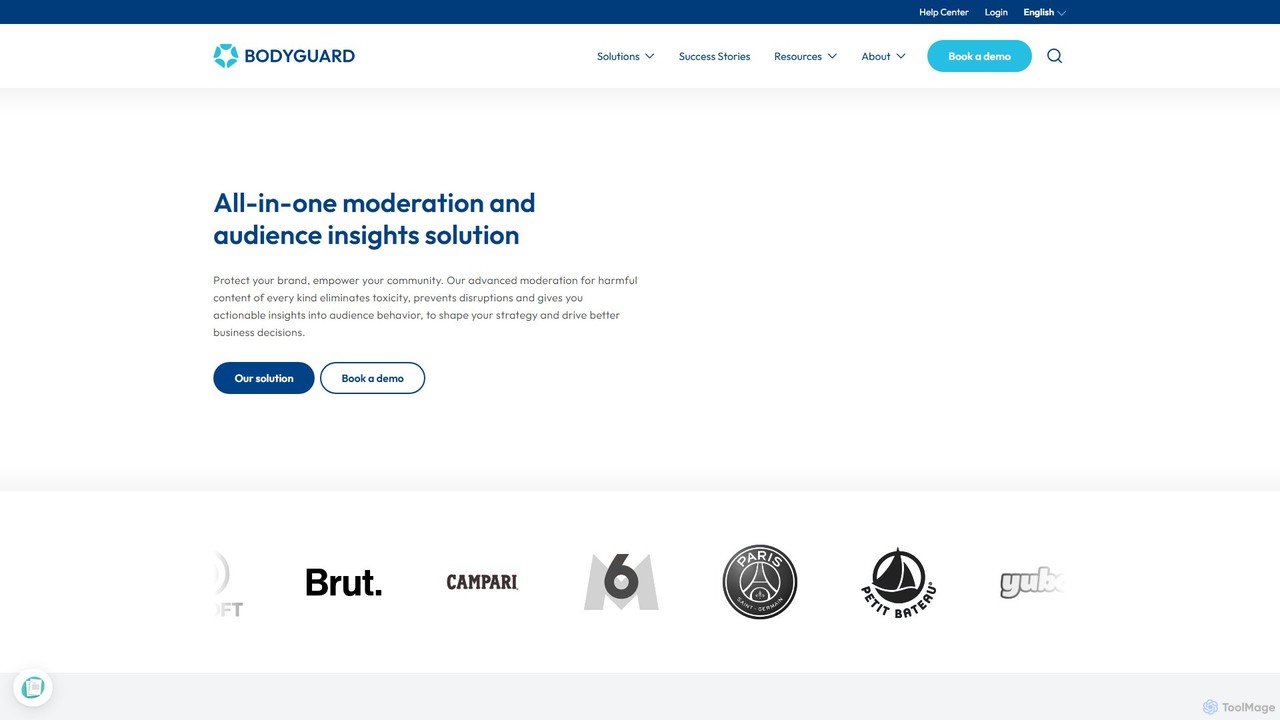
Bodyguard
Bodyguard is an advanced AI-powered moderation solution designed to protect online communities and brand reputations. It offers real-time, multimodal moderation for text, images, and videos, automatically detecting and eliminating toxic content like hate speech, spam, and cyberbullying. Beyond protection, Bodyguard provides valuable audience insights to help businesses understand community behavior, shape strategy, and foster safe, engaging online environments. It's a comprehensive tool for platforms, brands, and online games seeking to scale safely and build trust with their users.
Audience Insights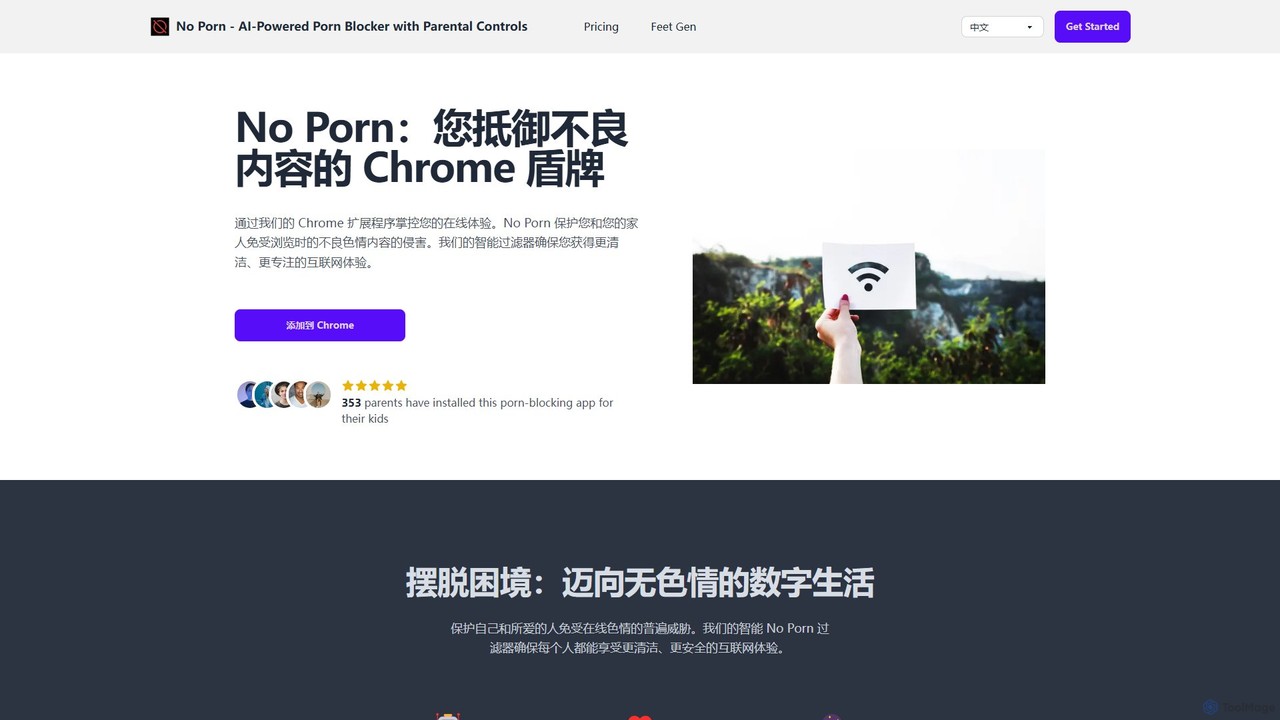
noporn
noporn is an AI-powered content blocker designed to protect users and families from explicit pornographic content online. Functioning as a Chrome extension, it uses advanced AI to detect and block inappropriate material in real-time. It offers customizable filtering, parental controls with activity reports, and a privacy-first approach, ensuring a cleaner, safer, and more focused browsing experience for all ages.
Digital Wellbeing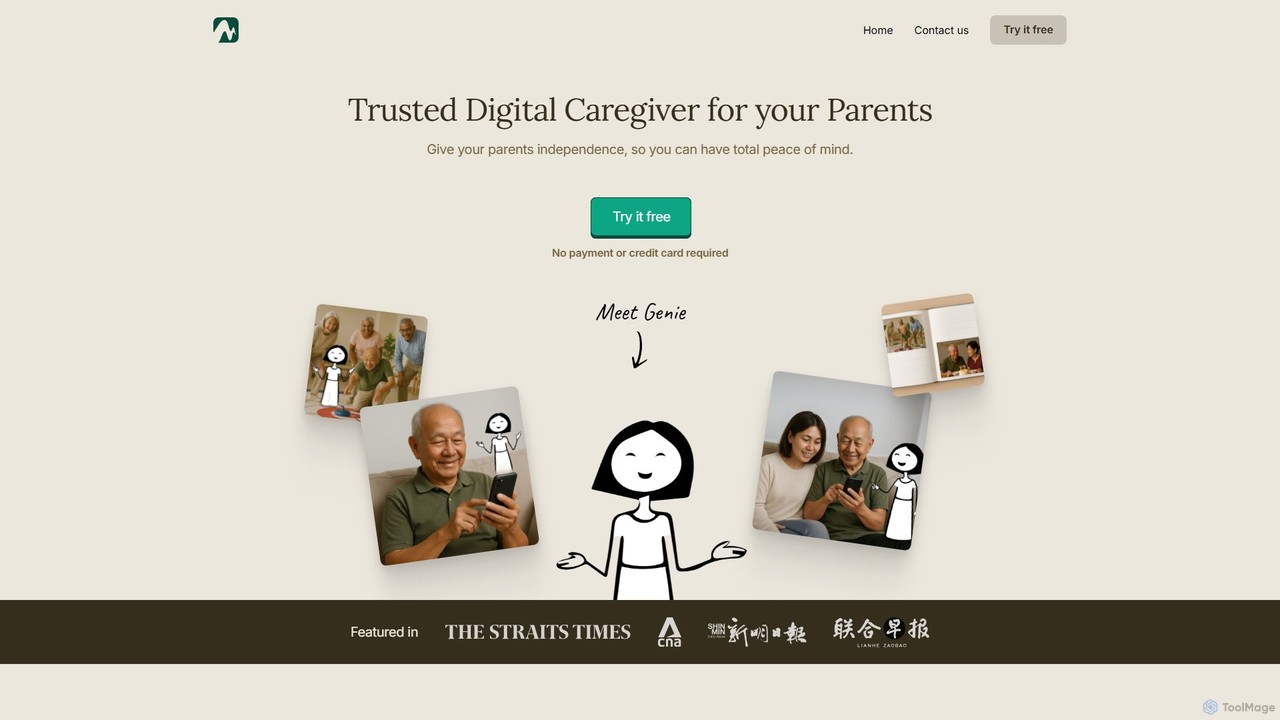
MemoryLane
MemoryLane is an AI-powered digital caregiver designed for seniors. It provides on-screen tech support, scam protection, health monitoring, and companionship through an AI assistant named Genie. It empowers seniors to use technology independently while giving their families peace of mind through regular updates.
Elderly Care
Mobicip Comments (0)
Sign in to comment.
Sign inNo comments yet.