Productivity Best in category 1 results Password Manager AI Tool

Popular AI tools in the Password Manager field of Productivity include Aura, etc., helping you quickly improve efficiency.

Aura

Aura

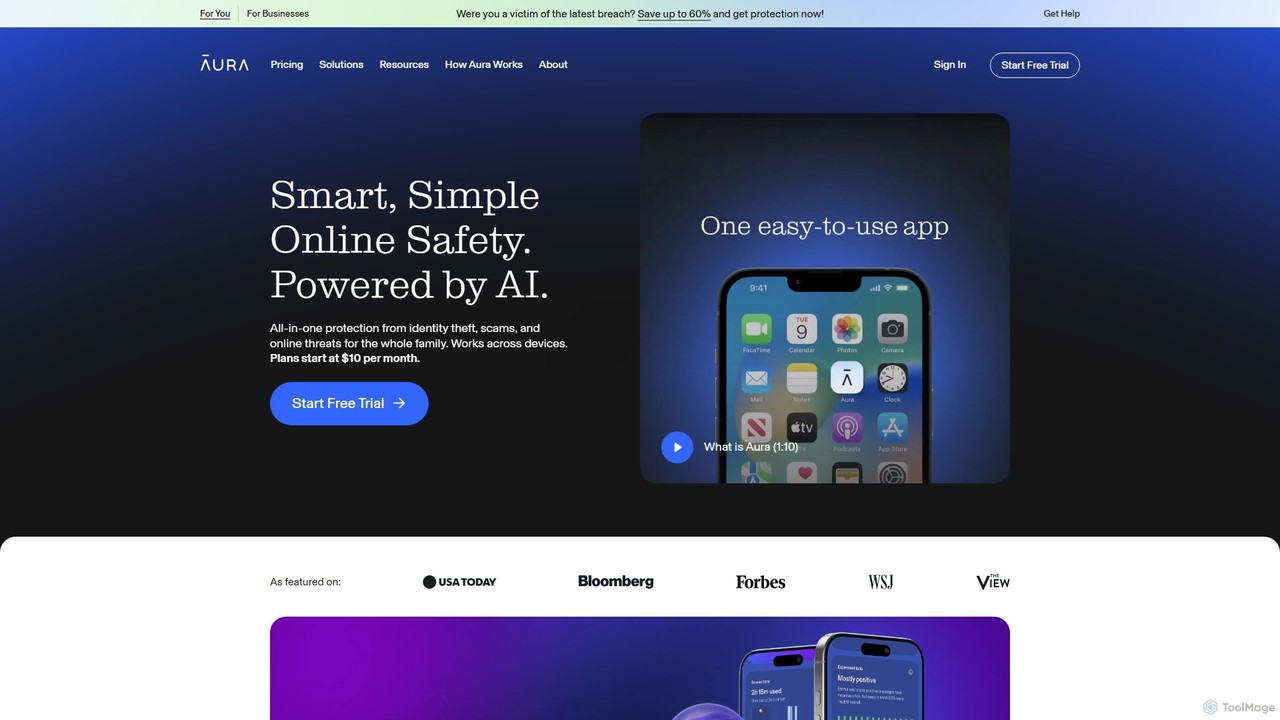
Aura is an AI-powered, all-in-one digital safety platform for individuals and families. It provides proactive protection against identity …

2.0M

About Password Manager

A Password Manager is a software tool designed to securely store and manage login credentials in an encrypted digital vault. It operates on the principle of a single, strong master password that unlocks access to all other saved passwords. These tools enhance online security by generating complex, unique passwords for every service and automatically filling them in during login, significantly reducing the risk of data breaches from weak or reused credentials. This streamlines access across multiple devices and platforms, boosting productivity by eliminating time spent on password resets.

Core Features

  • Encrypted Vault: Secures all stored data, including passwords and notes, using strong encryption standards like AES-256.
  • Password Generator: Creates strong, random, and unique passwords based on customizable criteria (length, characters).
  • Auto-fill & Auto-login: Automatically populates login fields on websites and applications for seamless access.
  • Cross-Platform Synchronization: Keeps the password vault updated and accessible across all your devices, such as desktops, laptops, and smartphones.
  • Security Auditing: Analyzes your vault for weak, reused, or potentially compromised passwords and alerts you to update them.

Use Cases

Password Managers are essential for individuals managing numerous personal online accounts, from banking to social media. In a business context, they are critical for teams that need to share access to corporate accounts, software subscriptions, and cloud services securely. IT departments and developers also rely on them to manage sensitive credentials like server logins, API keys, and database passwords, ensuring compliance and preventing unauthorized access.

How to Choose

When selecting a Password Manager, prioritize its security model; a zero-knowledge architecture ensures that only you can access your data. Evaluate its cross-platform compatibility to ensure it works on all your devices. Consider the user interface for ease of use and additional features like two-factor authentication (2FA) support, secure sharing options, and breach monitoring. Finally, compare pricing models, including free tiers and family or business plans, to find the best fit for your needs.

Password ManagerUse Cases

1

Centralized Personal Digital Security

For individuals juggling dozens of online accounts, from banking and email to social media and shopping sites, a password manager acts as a central command center for digital identity. Instead of remembering countless complex passwords or resorting to insecure practices like reusing them, a user only needs to remember one master password. The tool then generates strong, unique passwords for every new site and automatically fills them in. This not only secures their digital life against common hacking attempts but also saves significant time and mental effort daily.

2

Secure Credential Sharing for Business Teams

A marketing team needs shared access to social media platforms, analytics tools, and ad accounts. Instead of sharing passwords via insecure channels like chat or spreadsheets, a team administrator uses a password manager to create a shared vault. They can grant or revoke access to specific credentials for team members without ever revealing the actual passwords. This method provides a clear audit trail of who accessed what and when, enhancing security and simplifying onboarding and offboarding processes for employees.

3

Managing Secrets for Developers and IT

Developers and IT professionals handle highly sensitive information like API keys, database credentials, SSH keys, and server logins. Storing these 'secrets' in code, configuration files, or plain text documents is a major security risk. A password manager provides a secure, centralized location to store and manage these secrets. With features like command-line interfaces (CLIs) and API access, these tools can integrate directly into development workflows, allowing for secure and automated retrieval of credentials when needed, thus preventing accidental exposure in code repositories.

4

Facilitating Secure Remote Work Access

In a remote or hybrid work environment, an IT administrator needs to provide employees with secure access to company resources like VPNs, cloud applications, and internal systems. By deploying a business-tier password manager, the administrator can securely provision and manage access for the entire workforce. Employees receive a single, secure vault for all their work-related credentials, accessible from any location or device. This centralizes access control, simplifies password policy enforcement, and reduces the burden on IT support for password-related issues.

5

Managing Family Digital Life and Legacy

A family can use a password manager with a family plan to securely share credentials for shared services like streaming subscriptions, online shopping accounts, and household utilities. It also serves as a secure repository for important information, such as Wi-Fi passwords, insurance policy numbers, and digital copies of important documents. Furthermore, it can be used to set up emergency access, allowing a trusted family member to access the vault in case of an emergency, ensuring continuity and management of the family's digital assets.

6

Organizing Client Credentials for Freelancers

A freelance web developer or social media manager works with multiple clients, each having their own set of credentials for websites, hosting services, and marketing tools. A password manager allows the freelancer to create separate folders or vaults for each client, keeping all related credentials organized and isolated. This prevents confusion and accidental use of wrong credentials. Secure sharing features also allow them to safely hand over final credentials to the client upon project completion, maintaining professionalism and security throughout the engagement.

Password ManagerFrequently Asked Questions