

monitup Overview
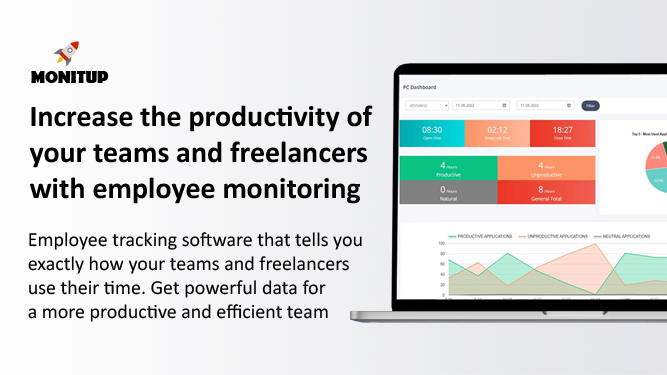
monitup is a comprehensive, AI-powered employee time tracking and monitoring software designed to enhance team productivity and foster a transparent work environment. It provides a detailed view of how time is spent, enabling both managers and employees to identify areas of excellence and opportunities for improvement. By automating the tracking process, monitup helps organizations optimize workflows, manage remote teams effectively, and make data-driven decisions to drive success. The platform is built with a focus on both performance and privacy, offering customizable features to suit the needs of various businesses, freelancers, and even parents.
How to use monitup
Getting started with monitup is a straightforward process designed for quick implementation:
- Sign Up for a Free Trial: Begin by signing up for a 7-day free trial on the monitup website. No credit card is required to start.
- Install the Software: Download and install the monitup desktop application on the Windows computers you wish to monitor. The installation is simple and can be deployed across your team.
- Configure Settings: As an administrator, you can customize tracking settings from the web dashboard. Define company working hours (e.g., 8:30 AM to 6:30 PM), and monitup will only be active during these times. You can also set up notifications for specific application usage or keywords.
- Monitor and Analyze: Once set up, monitup begins tracking automatically. Managers can log into the user-friendly dashboard to view real-time data, including employee activity, application usage, attendance, and productivity reports.
- Leverage AI Insights: The system analyzes work habits and provides AI-driven tips to help employees improve their efficiency and workflow.
Core Features of monitup
- Automated Time Tracking: Automatically records computer start and end times, active hours, and away time, providing a complete picture of the workday without manual input.
- Website & Application Monitoring: Tracks the websites visited and applications used by employees, categorizing them as productive, unproductive, or neutral to evaluate focus and efficiency.
- Productivity Reports: Generates detailed reports that show productive, unproductive, and total working hours for any specified date range, helping managers assess team and individual performance.
- Optional Screenshots: Captures low-resolution screenshots at 5-minute intervals to provide visual context of work being done. This feature is designed to be non-intrusive and respects privacy.
- AI Productivity Tips: The platform's AI analyzes user activity and offers personalized suggestions to help employees optimize their work habits and enhance productivity.
- Attendance Tracking: A simplified dashboard shows when each employee started and finished their workday, making it easy to track attendance and identify discrepancies in work hours.
- Computer Performance Monitoring: Remotely monitor CPU, RAM, and disk usage of employee computers to ensure they are running smoothly and to preemptively address potential technical issues.
- Real-time Notifications: Set up custom alerts to be notified when specific applications are used or when certain keywords appear in application titles, keeping you informed of critical activities.
- Parental Control: The software can also be used by parents to monitor their children's computer usage, ensuring a safe and balanced online experience.
Use Cases for monitup
monitup is versatile and can be used by various users:
- Team Managers: To track project progress, understand team workload, recognize top performers, and provide targeted support to team members.
- Remote & Hybrid Teams: To maintain productivity and accountability across a distributed workforce, ensuring everyone stays focused and engaged regardless of location.
- Business Owners: To gain a high-level overview of organizational productivity, optimize resource allocation, and ensure compliance with company policies.
- Freelancers: The Freelancer plan offers manual time tracking and a job assignment interface, making it ideal for accurately tracking billable hours across multiple projects and clients.
- Parents: To monitor their children's screen time, visited websites, and application usage, promoting digital well-being.
Advantages of monitup
monitup offers several key advantages:
- Enhanced Productivity: By revealing how time is spent, it empowers teams to minimize distractions and focus on high-value tasks.
- Data-Driven Management: Provides managers with objective data to make informed decisions about workload distribution, performance reviews, and process improvements.
- Increased Transparency: Gives employees access to their own data, fostering a culture of trust and self-improvement.
- Privacy-Conscious Monitoring: Features like low-resolution screenshots and defined tracking hours ensure monitoring is conducted ethically and without being overly intrusive.
- Flexibility and Customization: Allows companies to define their own working hours and productivity rules, adapting the tool to their specific needs.
- Security and Compliance: All data is securely stored on GDPR/KVKK-compliant AWS servers in the EU and US with enterprise-grade encryption.
Pricing and Plans
monitup offers a 7-day free trial and three main pricing plans, with a 20% discount for annual billing:
- SCREEN TIME: $6 per user/month. Includes app & website tracking, AI-based productivity tips, productivity reports, and invisible tracking.
- PREMIUM: $9 per user/month. Includes all features from Screen Time, plus real-time session tracking, screenshots, advanced notifications, task manager tracking, and PC performance monitoring.
- FREELANCER: $11 per user/month. Optimized for contractors, it includes all Premium features plus manual tracking start/stop and a job assignment interface.
Traffic
Latest traffic
Status
Monthly traffic trend
- 2025-9: 43.3K
- 2026-1: 66.9K
- 2026-2: 35.9K
- 2026-3: 22.7K
- 2026-4: 21.8K
- 2026-5: 30.3K
Geography
Top 5 countries / regions
- 🇮🇳India28.7%
- 🇺🇸United States26.8%
- 🇷🇺Russia18.4%
- 🇫🇷France16.7%
- 🇬🇧United Kingdom9.4%
Top keywords
| Keyword | Cost per click |
|---|---|
| best microsoft pc time trackers | $0.00 |
| screentime laptop | $0.00 |
| screentime track your screen usage download | $0.00 |
| windows 10 アプリ 使用時間 調べる | $0.00 |
| スクリーンタイムを設定する pc | $0.00 |
monitup Alternatives
MonitUp Time Tracking
MonitUp is an AI-powered time tracking software designed to boost productivity for individuals and teams. It monitors computer activity, analyzes work habits, and provides intelligent suggestions to enhance focus and efficiency. Ideal for freelancers and remote employee management, it offers features like screenshot monitoring, application categorization, and detailed performance reports.
Employee Monitoring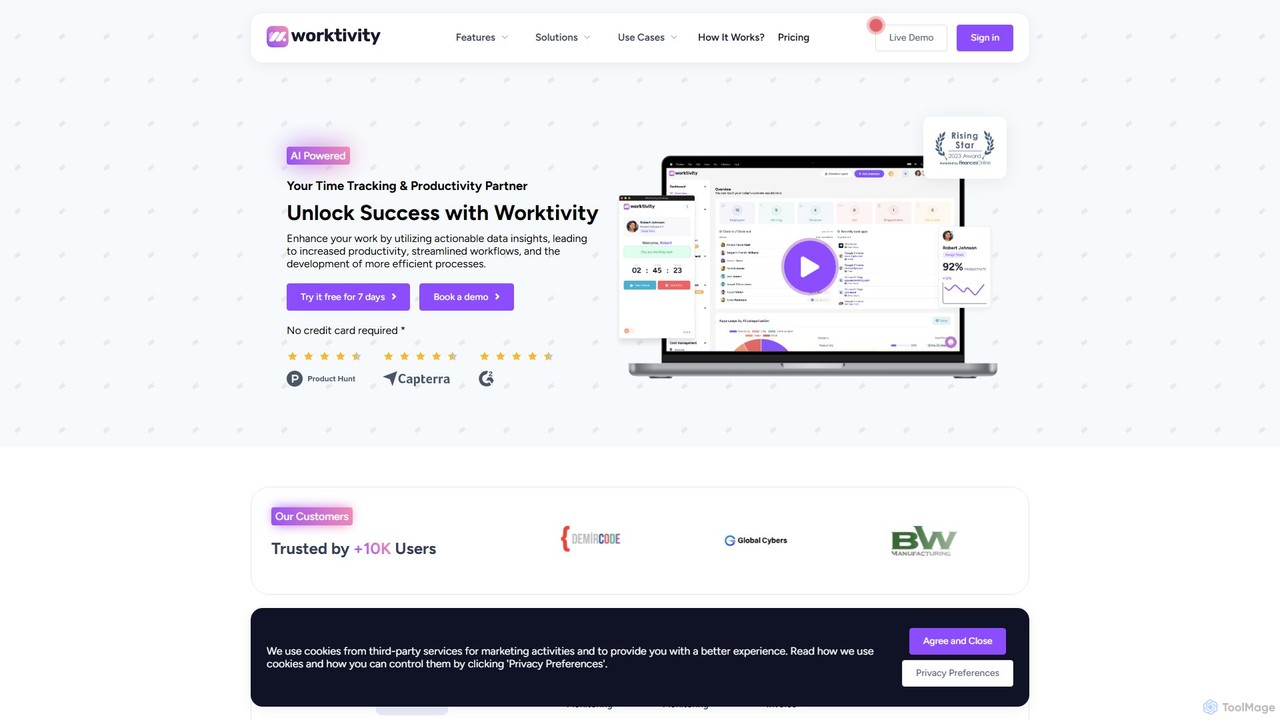
Worktivity
Worktivity is an AI-powered employee monitoring and productivity software designed to enhance team efficiency. It offers comprehensive features like time tracking, task management, screen monitoring with screenshots, and payroll integration. By providing actionable data insights, Worktivity helps businesses streamline workflows, improve accountability, and boost overall performance for remote, hybrid, and in-office teams.
Human Resources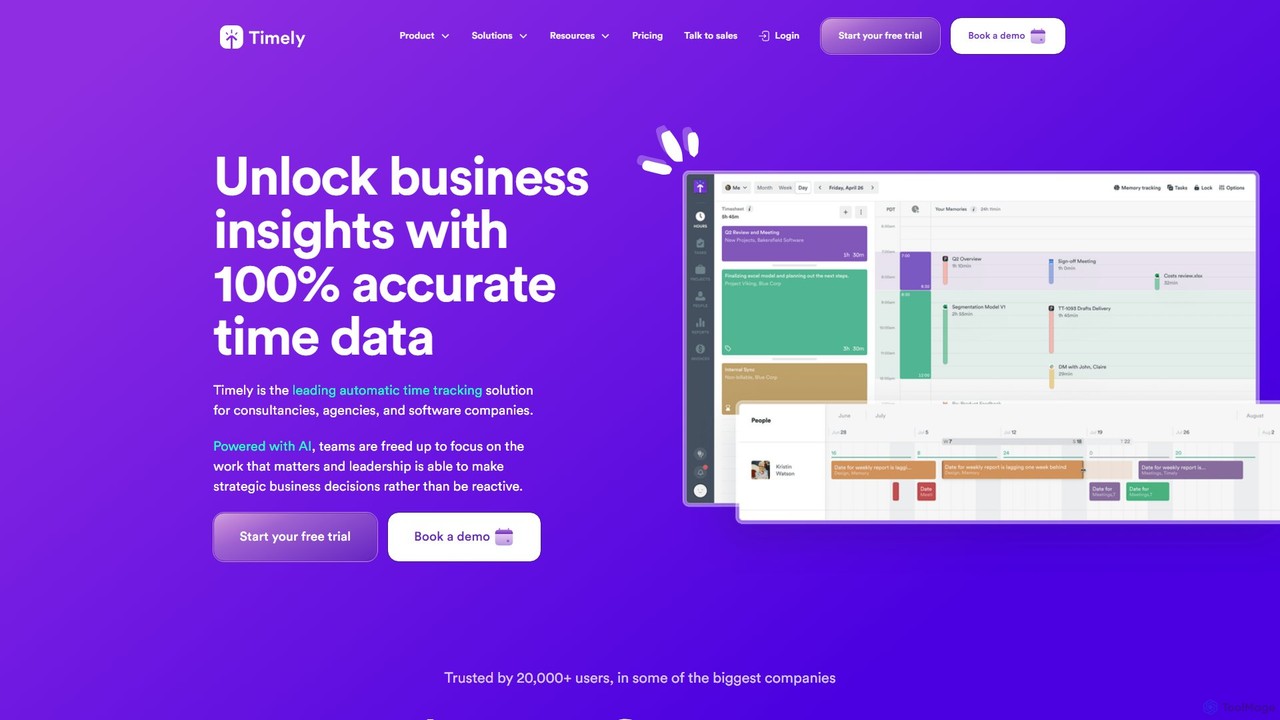
Timely
Timely is an AI-powered automatic time tracking tool that captures all your work activity in the background. It eliminates manual timers and guesswork, generating accurate timesheets with a single click. Designed for agencies, consultancies, and remote teams, it helps improve profitability, project management, and team efficiency while respecting user privacy.
Project Management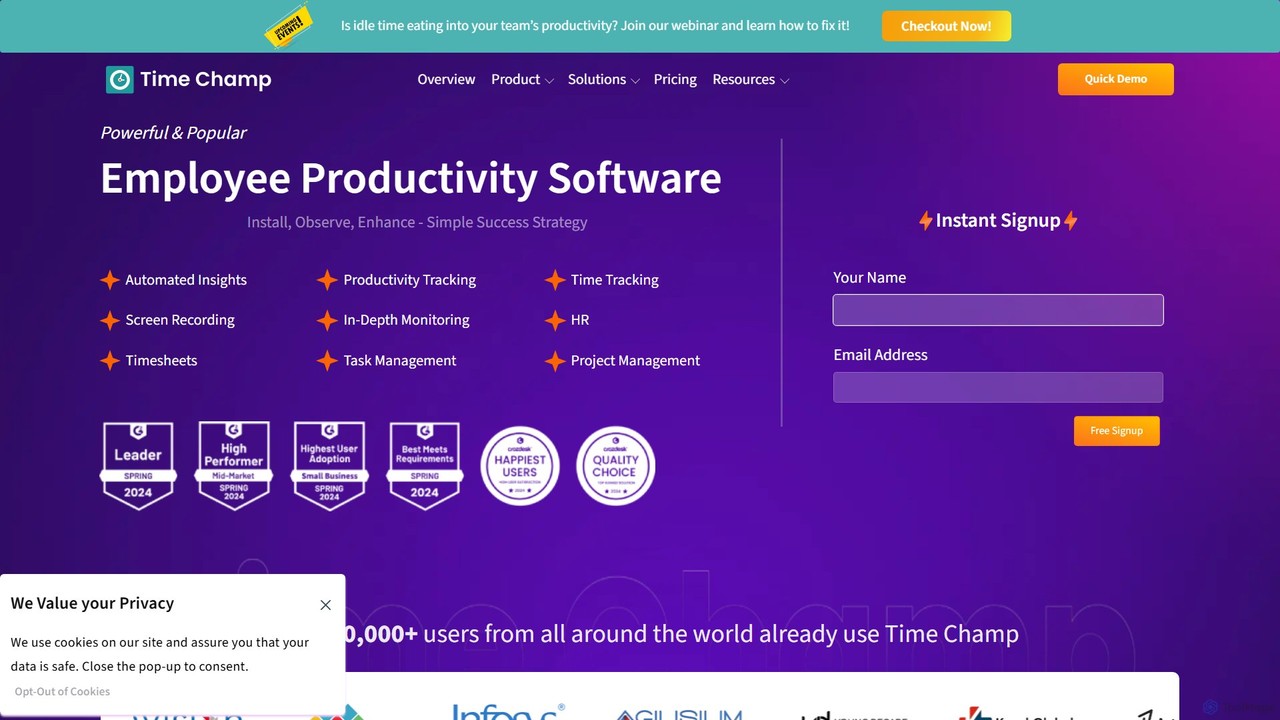
TimeChamp
TimeChamp is an AI-powered employee productivity tracking and workforce analytics platform. It helps businesses monitor computer activities, track time, manage tasks, and gain data-driven insights to enhance team performance, efficiency, and accountability for in-office, remote, and hybrid work models.
Human Resources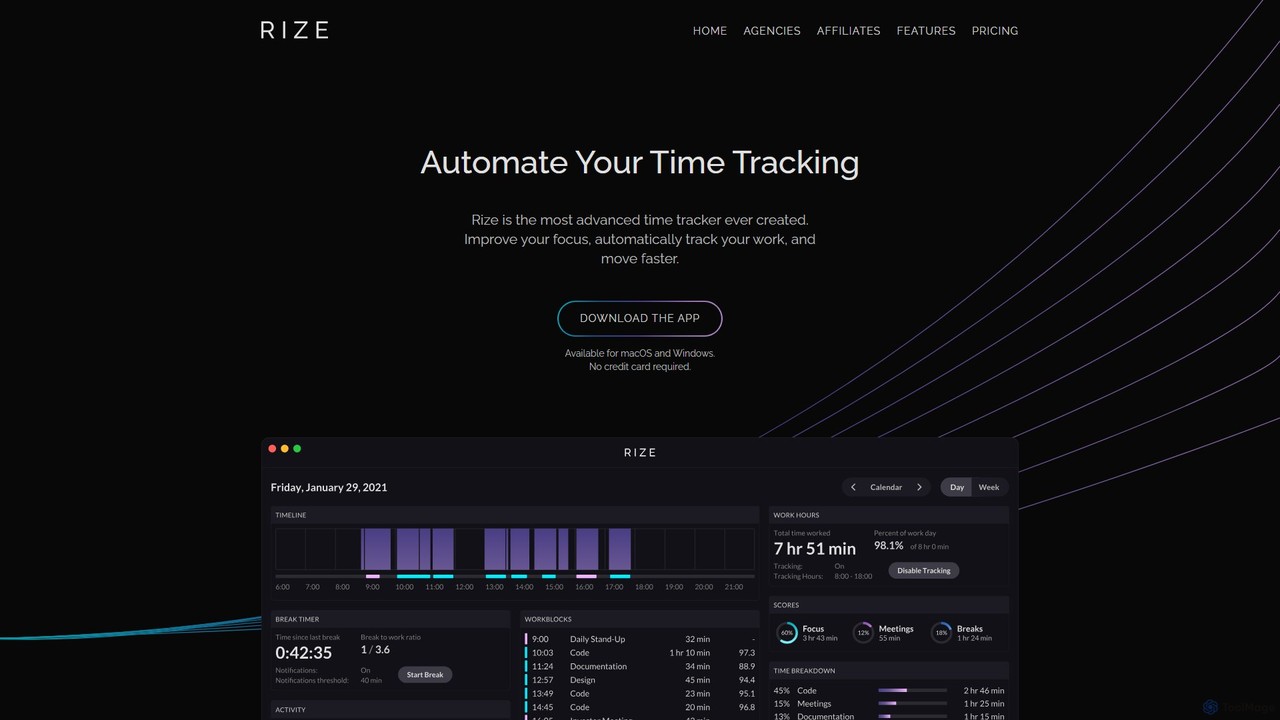
Rize
Rize is an intelligent, AI-powered time tracking application designed to boost your productivity and focus. It automatically monitors your computer activity without manual timers, providing deep insights into how you spend your time. Rize helps you build better work habits, prevent burnout with smart notifications, and achieve a healthier work-life balance. It's the ultimate fitness app for your productivity, tailored for founders, freelancers, managers, and anyone looking to optimize their workflow.
Personal Analyticsmonitup Categories
monitup Embed Widget
Copy this embed code to place the badge on your blog, article, or product site and send readers directly to this ToolMage detail page.

Related AI tools
Worktivity
Worktivity is an AI-powered employee monitoring and productivity software designed to enhance team efficiency. It offers comprehensive features like time tracking, task management, screen monitoring with screenshots, and payroll integration. By providing actionable data insights, Worktivity helps businesses streamline workflows, improve accountability, and boost overall performance for remote, hybrid, and in-office teams.
Human ResourcesTimeChamp
TimeChamp is an AI-powered employee productivity tracking and workforce analytics platform. It helps businesses monitor computer activities, track time, manage tasks, and gain data-driven insights to enhance team performance, efficiency, and accountability for in-office, remote, and hybrid work models.
Human Resources
meramonitor
meramonitor is an AI-powered workforce analytics and employee monitoring platform designed to enhance productivity for remote, hybrid, and in-office teams. It provides comprehensive tools for time tracking, activity monitoring, and performance analysis, empowering managers with real-time, data-driven insights to optimize team efficiency and streamline HR processes without micromanagement.
Human Resources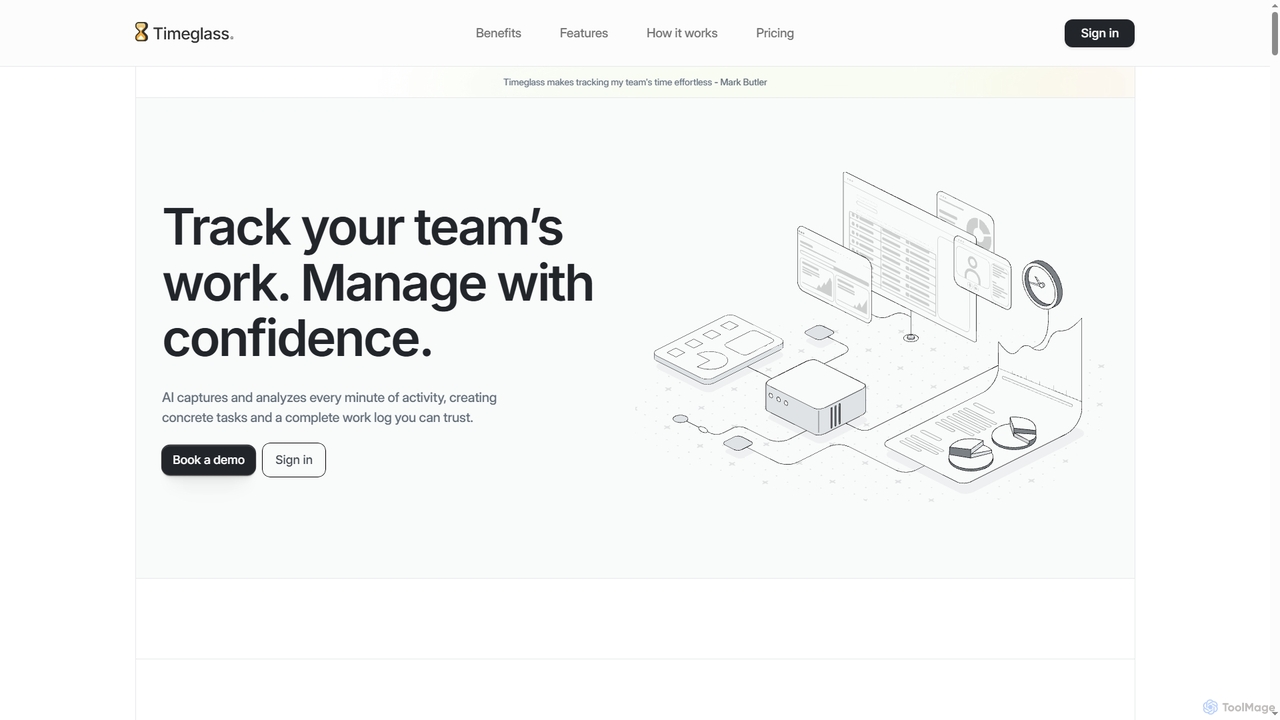
Timeglass
Timeglass is an AI-powered time tracking tool that automatically captures team activity through screenshots and app usage. It uses AI to generate detailed work logs, task lists, and real-time analytics, providing managers with clear visibility to improve productivity and build trust within remote and hybrid teams.
AnalyticsMonitUp Time Tracking
MonitUp is an AI-powered time tracking software designed to boost productivity for individuals and teams. It monitors computer activity, analyzes work habits, and provides intelligent suggestions to enhance focus and efficiency. Ideal for freelancers and remote employee management, it offers features like screenshot monitoring, application categorization, and detailed performance reports.
Employee Monitoring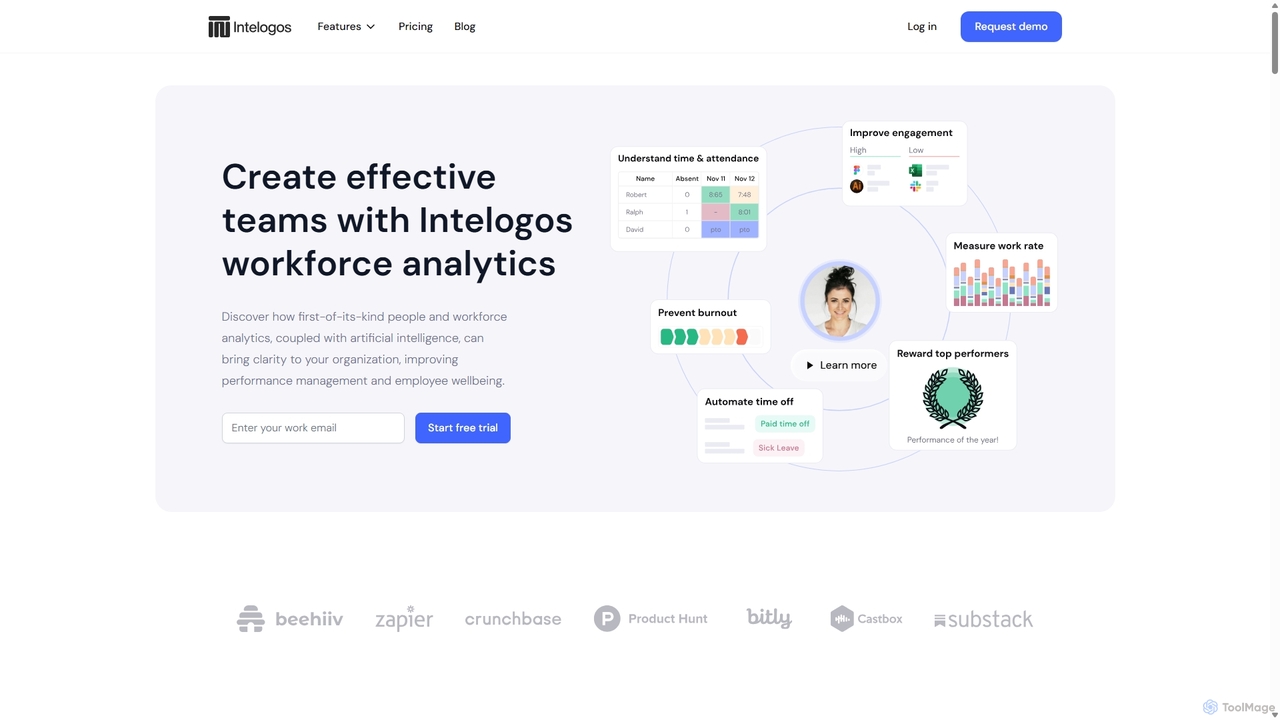
Intelogos
Intelogos is an AI-powered workforce analytics and performance management platform designed to enhance team effectiveness and business profitability. It provides deep insights into employee performance, workload, and wellbeing through privacy-conscious data collection. The platform offers actionable, AI-driven recommendations for CEOs, HR managers, team leads, and employees to foster a culture of continuous improvement, prevent burnout, and streamline operations.
AnalyticsTimely
Timely is an AI-powered automatic time tracking tool that captures all your work activity in the background. It eliminates manual timers and guesswork, generating accurate timesheets with a single click. Designed for agencies, consultancies, and remote teams, it helps improve profitability, project management, and team efficiency while respecting user privacy.
Project Management
Asa.Team
Asa.Team is an all-in-one AI workplace assistant designed to streamline team management for remote, hybrid, and on-site teams. It simplifies time tracking, monitors employee well-being to prevent burnout, and integrates seamlessly with Microsoft Teams and Telegram to boost productivity and foster a positive work environment.
Employee Engagement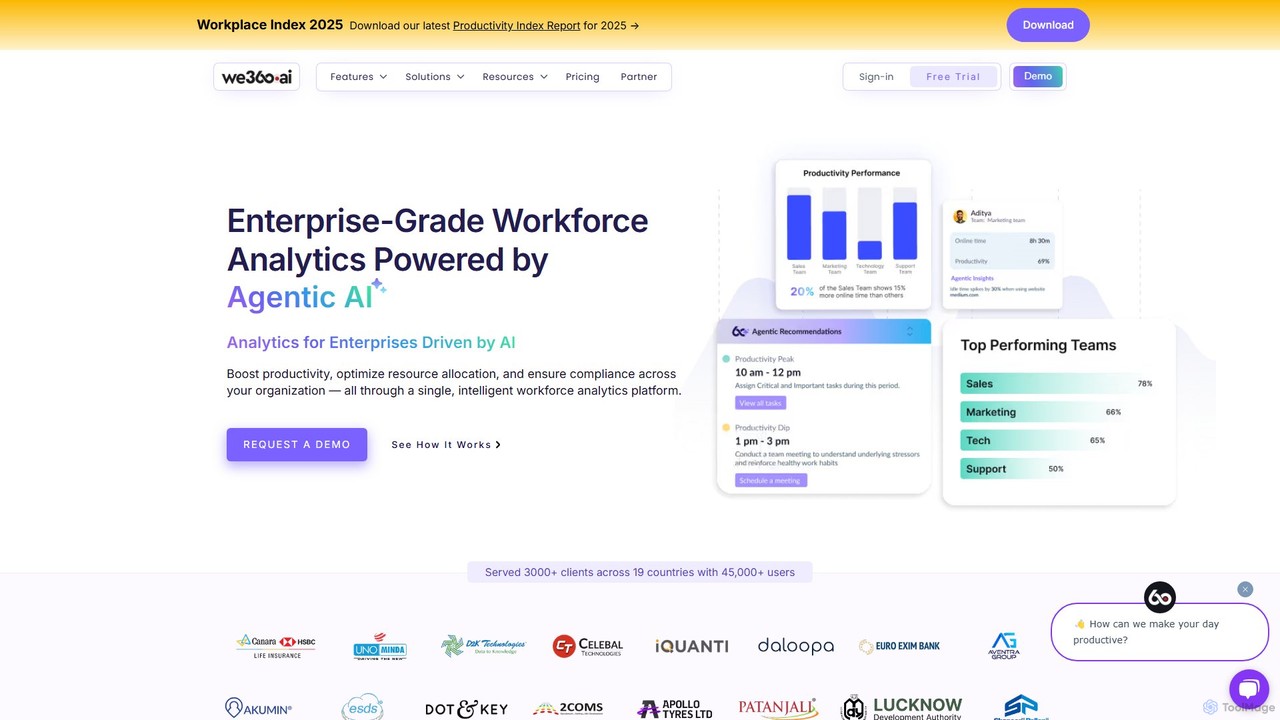
we360.ai
we360.ai is an enterprise-grade workforce analytics platform powered by Agentic AI. It provides deep insights into team productivity, application usage, and workflow patterns to help businesses optimize resource allocation, enhance performance, and ensure compliance. Ideal for remote, hybrid, and in-office teams, it transforms raw data into actionable decisions for measurable efficiency gains.
Analytics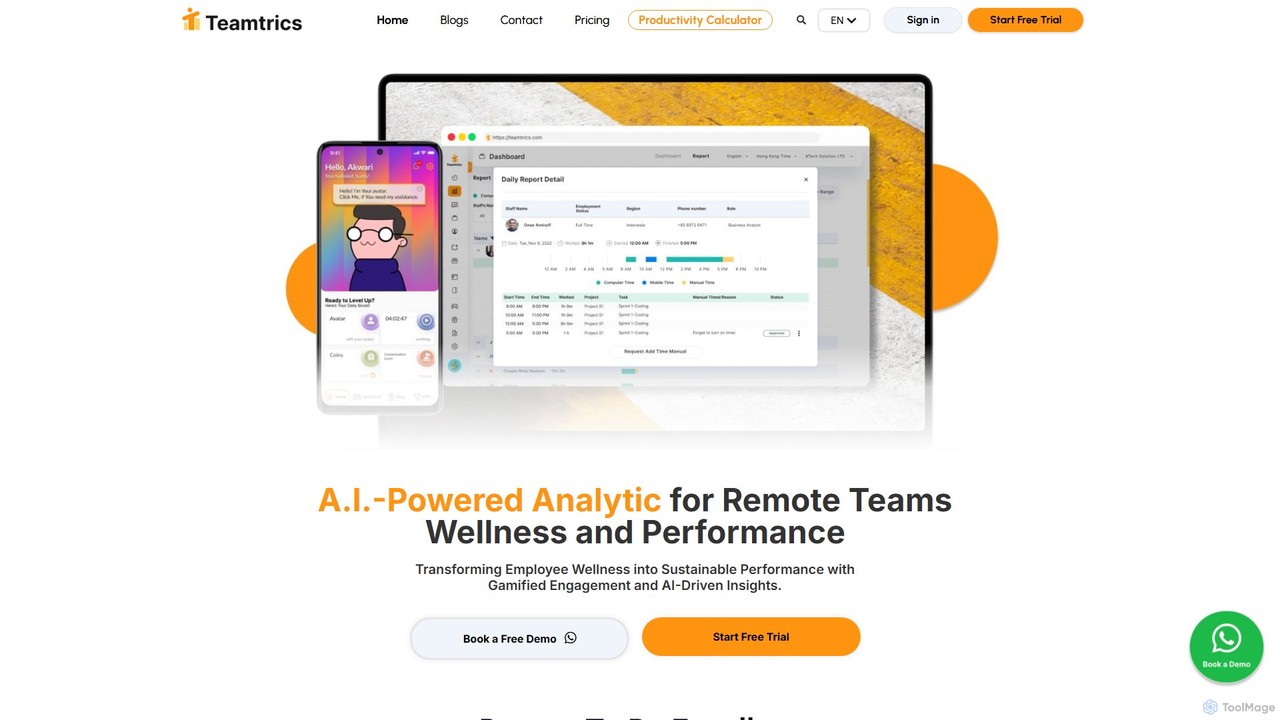
Teamtrics
Teamtrics is an AI-powered platform designed for remote and hybrid teams, combining productivity management with employee wellness. It offers tools for time tracking, task management, HR processes, and provides AI-driven insights to optimize performance, prevent burnout, and foster a positive work culture through gamification.
Employee MonitoringRize
Rize is an intelligent, AI-powered time tracking application designed to boost your productivity and focus. It automatically monitors your computer activity without manual timers, providing deep insights into how you spend your time. Rize helps you build better work habits, prevent burnout with smart notifications, and achieve a healthier work-life balance. It's the ultimate fitness app for your productivity, tailored for founders, freelancers, managers, and anyone looking to optimize their workflow.
Personal Analytics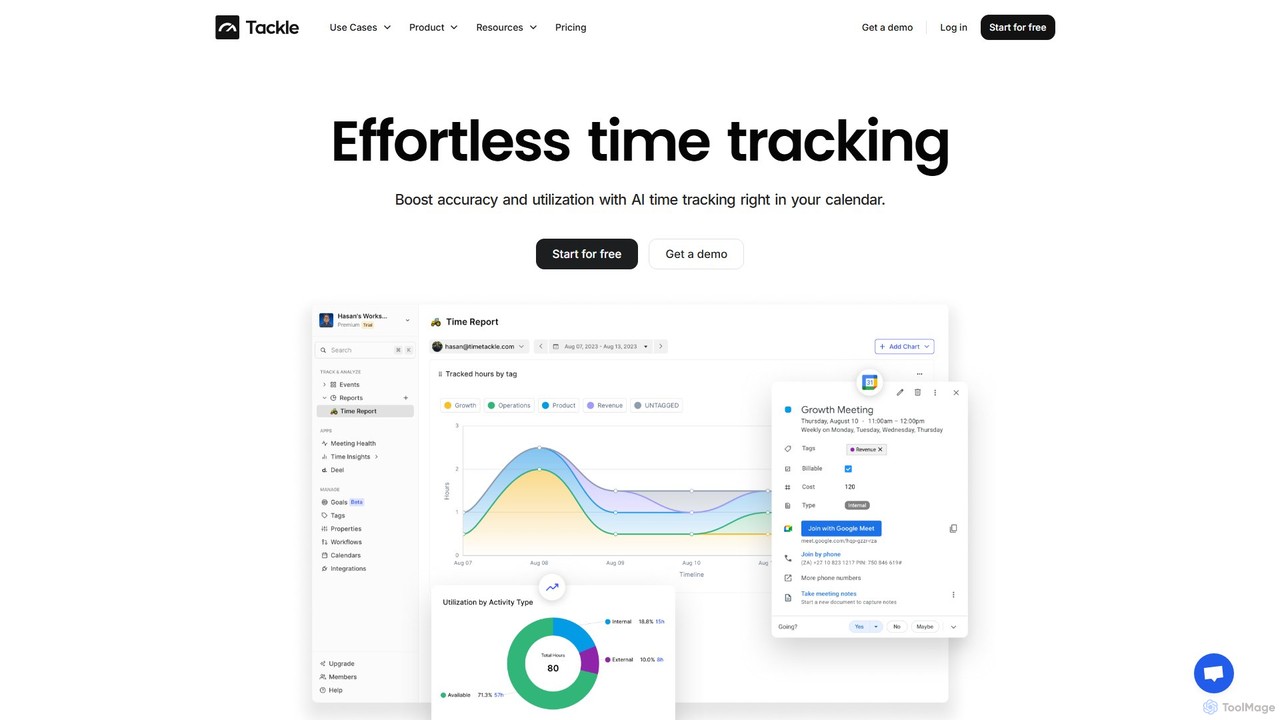
timetackle
timetackle is an AI-powered time tracking software that integrates seamlessly with Google and Outlook calendars. It automates activity logging, provides intelligent insights, and offers customizable reporting to help teams and individuals optimize productivity, improve resource allocation, and align daily tasks with strategic goals. Effortlessly track time and gain actionable data without leaving your calendar.
Analytics
Jyek
Jyek is an AI agent platform that understands objectives, creates execution plans, uses tools, and delivers verifiable results for complex, multi-step tasks.
Automation
Timemaster
Timemaster is an intelligent, privacy-first time tracking and analytics tool. It uses AI to provide insightful analytics, helping freelancers, teams, and individuals manage their time more effectively, boost productivity, and achieve their goals without compromising data privacy.
Analytics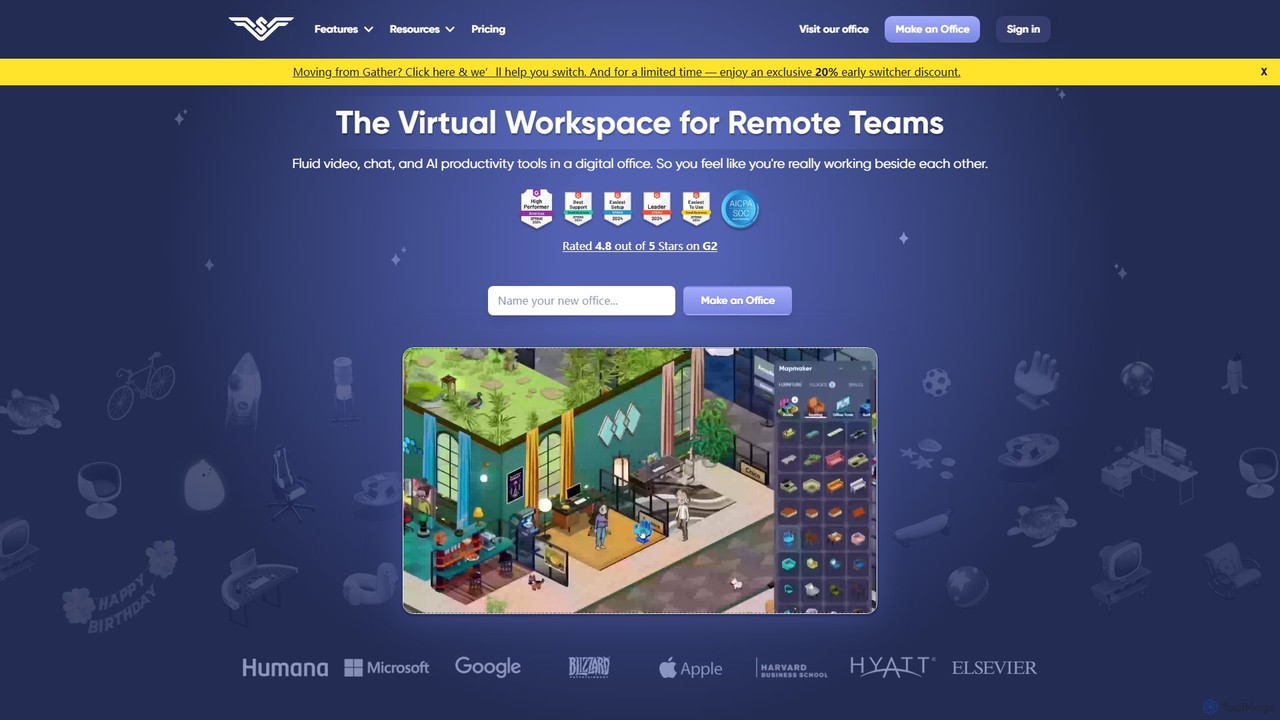
SoWork
SoWork is an AI-powered virtual workspace for remote teams, combining fluid video, chat, and productivity tools in a customizable digital office. It aims to foster a sense of presence and seamless collaboration, making remote teams feel like they're working side-by-side.
Video Conferencing
monitup Comments (0)
Sign in to comment.
Sign inNo comments yet.