
Worktivity Overview
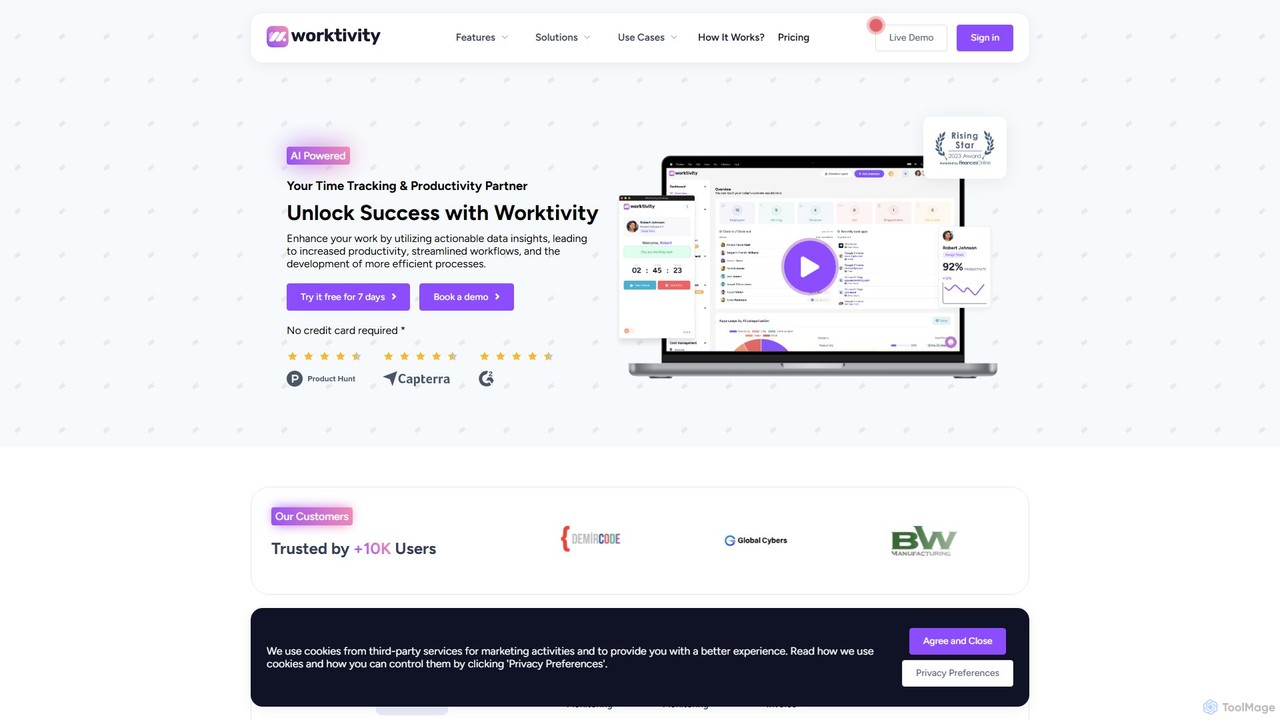
Worktivity is a comprehensive, AI-powered employee monitoring and productivity platform designed to revolutionize how teams work. It provides businesses with the tools needed to track time, manage tasks, and gain deep insights into workforce performance. By leveraging actionable data, Worktivity empowers organizations to optimize processes, enhance accountability, and foster a culture of high efficiency. The platform is built for modern work environments, catering to in-office, remote, and hybrid teams of all sizes, from startups to large enterprises.
How to use Worktivity
Getting started with Worktivity is a straightforward process designed for quick adoption:
- Sign Up: Create an account on the Worktivity website and start with a 7-day free trial to explore all features.
- Download the Agent: Download and install the lightweight Worktivity desktop agent on employee computers. It runs discreetly in the background.
- Invite Your Team: Add your employees to the Worktivity dashboard and assign them to specific projects or teams.
- Assign Tasks: Use the task tracking feature to create and assign tasks, set deadlines, and define project scopes.
- Automated Tracking: As employees work, the agent automatically tracks their time, application usage, and website visits. The Auto Clock-In feature can automatically start the timer when the computer is turned on.
- Monitor and Analyze: Managers can log in to the web dashboard to view real-time data, including productivity reports, detailed timesheets, and visual progress through screenshots and timelapse videos.
- Optimize and Manage: Use the collected data to streamline payroll and invoicing, identify productivity bottlenecks, and make informed decisions to improve team performance and project outcomes.
Core Features of Worktivity
- AI-Powered Time Tracking: Automatically records work hours with precision. It supports manual time entries for offline work and generates detailed timesheets for clear records of regular hours, breaks, and overtime.
- Task Tracking: A seamless workflow management system that allows managers to assign tasks, monitor progress in real-time, and visualize project timelines to ensure deadlines are met.
- Employee Monitoring: Provides insights into how time is spent by tracking application and website usage. It helps in identifying unproductive habits and optimizing digital workflows.
- Screen Monitoring: Captures screenshots at regular intervals and creates timelapse videos of work activity. This feature enhances transparency, provides proof of work, and is valuable for training and performance analysis.
- Payroll & Invoice Management: Simplifies financial operations by using accurately tracked hours to calculate payroll and generate invoices for clients, ensuring efficiency and accuracy.
- Productivity Analytics & Reporting: Delivers comprehensive reports and actionable insights on individual and team productivity, helping management to identify trends and make data-driven decisions.
Use Cases for Worktivity
Worktivity is a versatile tool suitable for a wide range of industries and team structures:
- Remote & Hybrid Teams: Ensures productivity and maintains connection for distributed workforces, providing managers with visibility into remote work activities.
- Agencies (Marketing, Design, etc.): Accurately tracks billable hours for multiple clients, provides transparent progress reports, and improves project profitability.
- SMEs & Startups: Offers a cost-effective solution to optimize resource allocation, streamline operations, and build a high-performance culture from the ground up.
- IT & Software Development: Helps document development progress, track time on specific features or bugs, and facilitates more effective project management and code reviews.
- Customer Support & Contact Centers: Monitors agent activity, ensures service quality, and uses screen captures for training, quality assurance, and dispute resolution.
Advantages of Worktivity
Worktivity offers a significant competitive edge through its robust feature set:
- Data-Driven Decision Making: Leverages AI to turn raw data into actionable insights, helping to identify inefficiencies and opportunities for improvement.
- Enhanced Transparency and Accountability: With screen monitoring and detailed activity logs, it fosters a culture of trust and responsibility.
- All-in-One Solution: Combines time tracking, task management, employee monitoring, and payroll into a single, unified platform, reducing the need for multiple tools.
- User-Friendly and Intuitive: Designed with a clean interface that is easy for both employees and managers to navigate, ensuring smooth implementation and adoption.
- Scalable and Flexible: Suitable for teams of any size, from individual freelancers to large enterprises, with adaptable features for various workflows.
Pricing and Plans
Worktivity operates on a freemium model. It offers a comprehensive 7-day free trial that provides full access to all its features without requiring a credit card. Following the trial period, businesses can choose from several paid subscription plans. The pricing is structured on a per-user, per-month basis, making it a scalable and affordable solution for growing teams. For the most up-to-date and detailed information on pricing tiers, it is recommended to visit the official Worktivity website.
Traffic
Latest traffic
Status
Monthly traffic trend
- 2025-9: 8.6K
- 2026-1: 8.7K
- 2026-2: 9.1K
- 2026-3: 3.1K
- 2026-4: 18.2K
- 2026-5: 30.2K
Geography
Top 5 countries / regions
- 🇵🇰Pakistan93.1%
- 🇮🇳India2.0%
- 🇺🇸United States1.9%
- 🇮🇩Indonesia1.7%
- 🇧🇪Belgium1.1%
Traffic sources
| Source type | Percentage |
|---|---|
Direct | 89.4% |
Email | 10.6% |
Top keywords
| Keyword | Cost per click |
|---|---|
| app workitivity | $0.00 |
| workivity | $0.00 |
| worktivity | $0.00 |
| worktivity download | $0.00 |
| workvity | $0.00 |
Worktivity Alternatives
TimeChamp
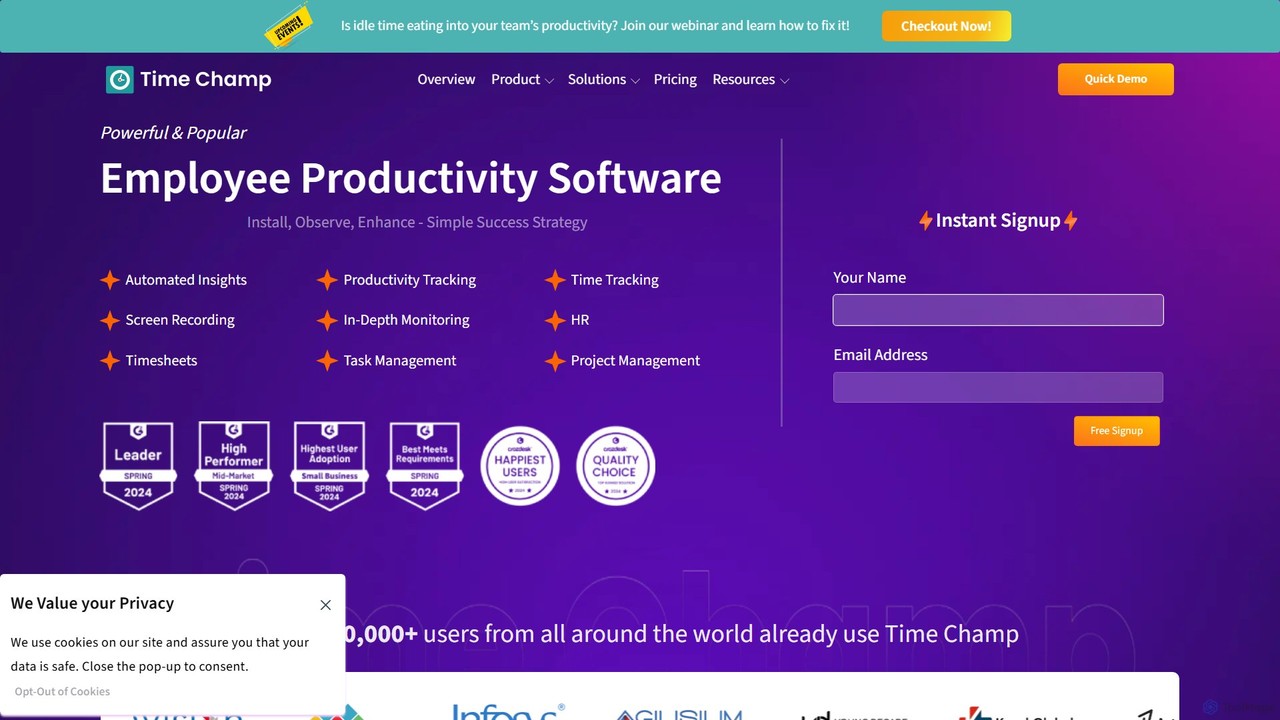
TimeChamp is an AI-powered employee productivity tracking and workforce analytics platform. It helps businesses monitor computer activities, track time, manage tasks, and gain data-driven insights to enhance team performance, efficiency, and accountability for in-office, remote, and hybrid work models.
Human Resources
meramonitor
meramonitor is an AI-powered workforce analytics and employee monitoring platform designed to enhance productivity for remote, hybrid, and in-office teams. It provides comprehensive tools for time tracking, activity monitoring, and performance analysis, empowering managers with real-time, data-driven insights to optimize team efficiency and streamline HR processes without micromanagement.
Human Resources
monitup
monitup is an AI-powered employee time tracking and productivity software designed for modern teams. It provides managers with real-time insights into team activity, application usage, and overall efficiency. By offering automated time tracking, optional screenshots, and AI-driven productivity tips, monitup helps organizations boost performance, support remote work, and foster a transparent, data-driven work environment. It also includes features for parental control.
Employee Monitoring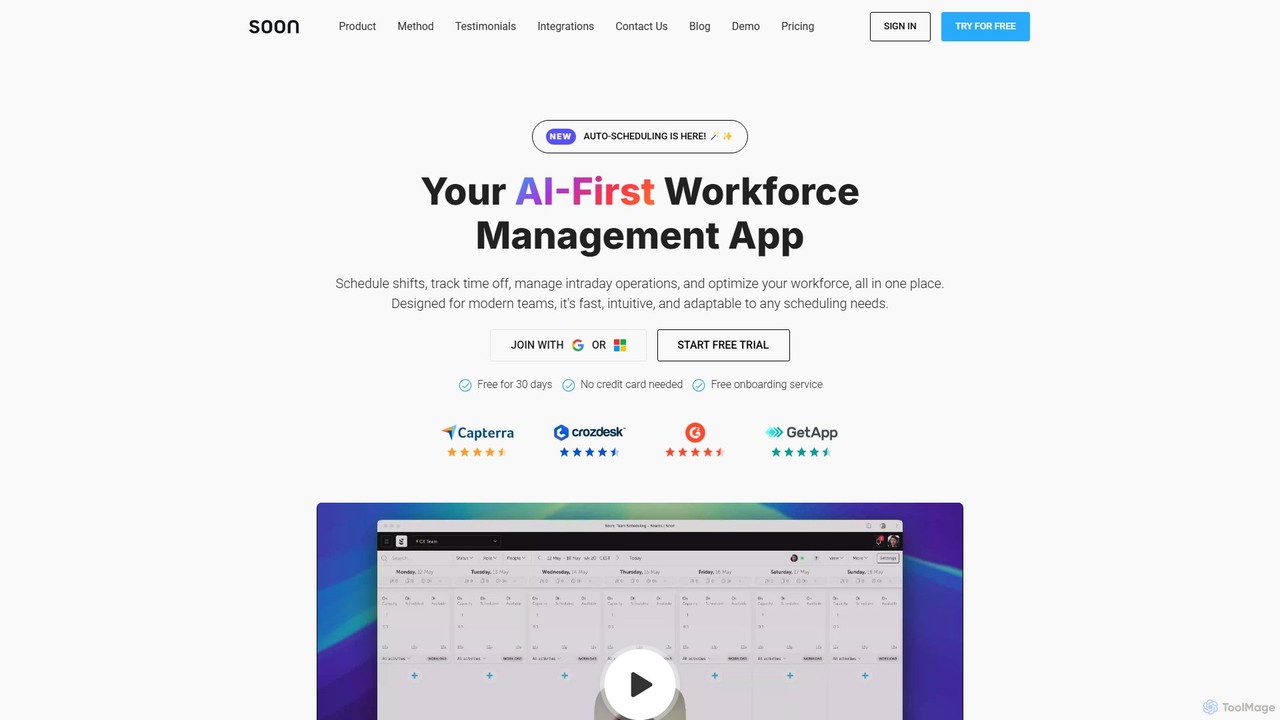
Soon
Soon is an AI-first workforce management platform designed to automate and optimize team operations. It simplifies shift scheduling, time-off tracking, and intraday task management through intelligent automation. Built for modern teams, Soon uses AI to generate optimal schedules from simple text prompts, forecast staffing needs, and provide actionable insights, all within an intuitive, user-friendly interface.
Human Resources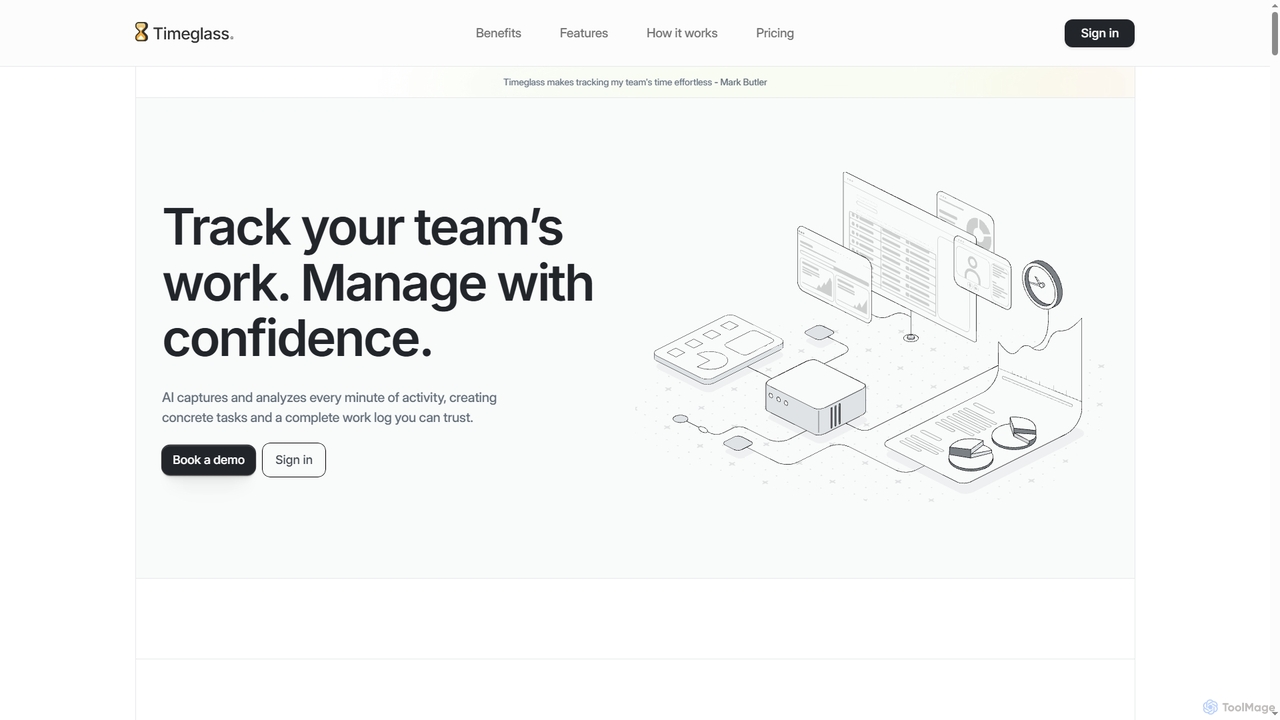
Timeglass
Timeglass is an AI-powered time tracking tool that automatically captures team activity through screenshots and app usage. It uses AI to generate detailed work logs, task lists, and real-time analytics, providing managers with clear visibility to improve productivity and build trust within remote and hybrid teams.
AnalyticsWorktivity Categories
Worktivity Embed Widget
Copy this embed code to place the badge on your blog, article, or product site and send readers directly to this ToolMage detail page.

Related AI tools
monitup
monitup is an AI-powered employee time tracking and productivity software designed for modern teams. It provides managers with real-time insights into team activity, application usage, and overall efficiency. By offering automated time tracking, optional screenshots, and AI-driven productivity tips, monitup helps organizations boost performance, support remote work, and foster a transparent, data-driven work environment. It also includes features for parental control.
Employee MonitoringTimeChamp
TimeChamp is an AI-powered employee productivity tracking and workforce analytics platform. It helps businesses monitor computer activities, track time, manage tasks, and gain data-driven insights to enhance team performance, efficiency, and accountability for in-office, remote, and hybrid work models.
Human Resourcesmeramonitor
meramonitor is an AI-powered workforce analytics and employee monitoring platform designed to enhance productivity for remote, hybrid, and in-office teams. It provides comprehensive tools for time tracking, activity monitoring, and performance analysis, empowering managers with real-time, data-driven insights to optimize team efficiency and streamline HR processes without micromanagement.
Human ResourcesTimeglass
Timeglass is an AI-powered time tracking tool that automatically captures team activity through screenshots and app usage. It uses AI to generate detailed work logs, task lists, and real-time analytics, providing managers with clear visibility to improve productivity and build trust within remote and hybrid teams.
Analytics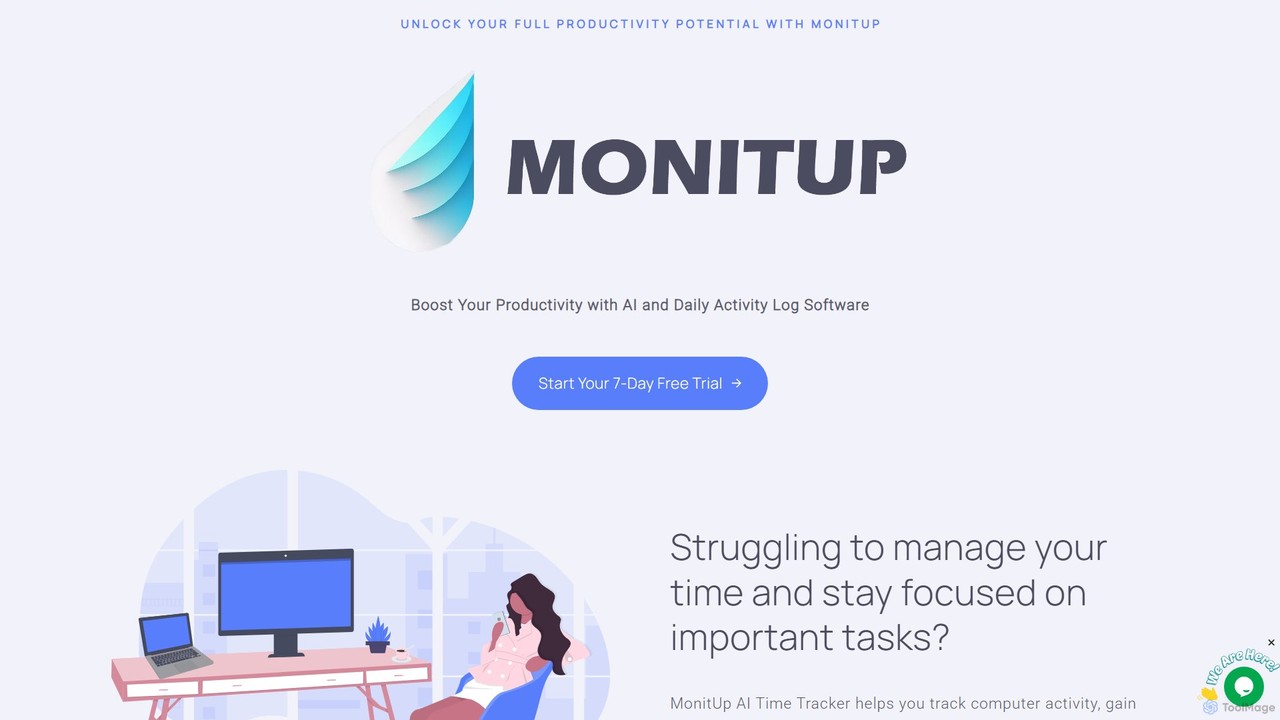
MonitUp Time Tracking
MonitUp is an AI-powered time tracking software designed to boost productivity for individuals and teams. It monitors computer activity, analyzes work habits, and provides intelligent suggestions to enhance focus and efficiency. Ideal for freelancers and remote employee management, it offers features like screenshot monitoring, application categorization, and detailed performance reports.
Employee Monitoring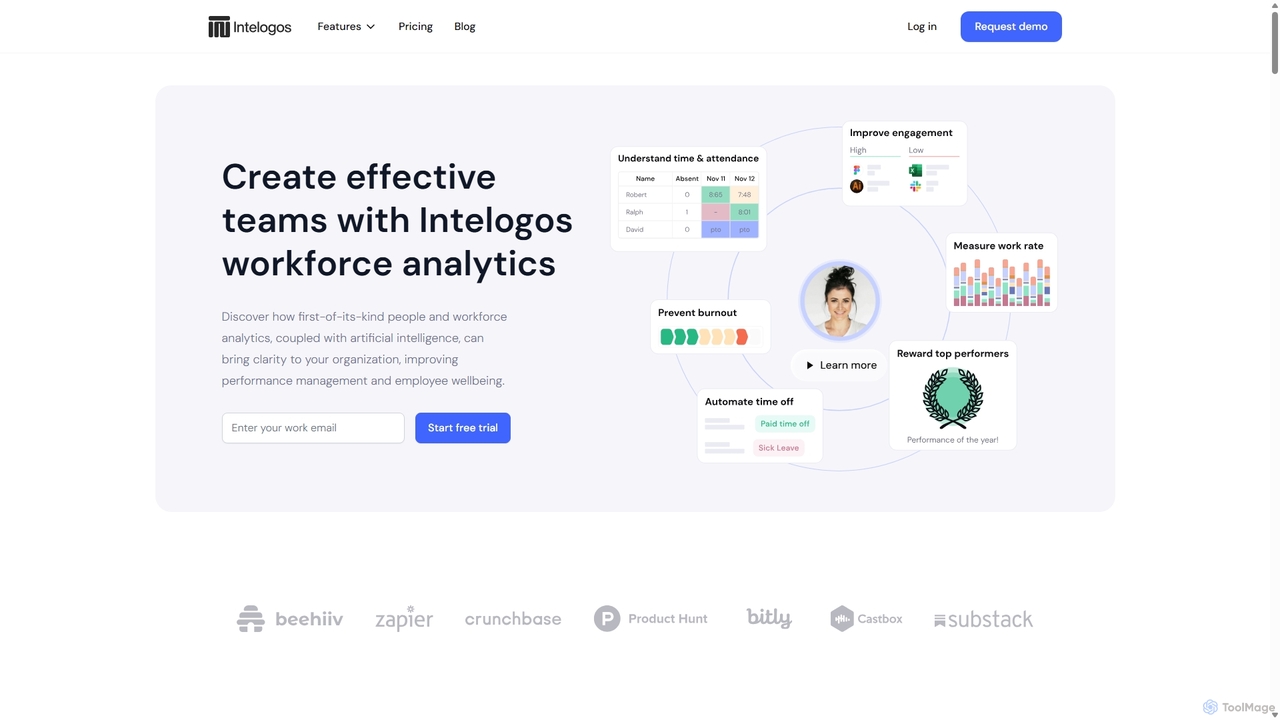
Intelogos
Intelogos is an AI-powered workforce analytics and performance management platform designed to enhance team effectiveness and business profitability. It provides deep insights into employee performance, workload, and wellbeing through privacy-conscious data collection. The platform offers actionable, AI-driven recommendations for CEOs, HR managers, team leads, and employees to foster a culture of continuous improvement, prevent burnout, and streamline operations.
Analytics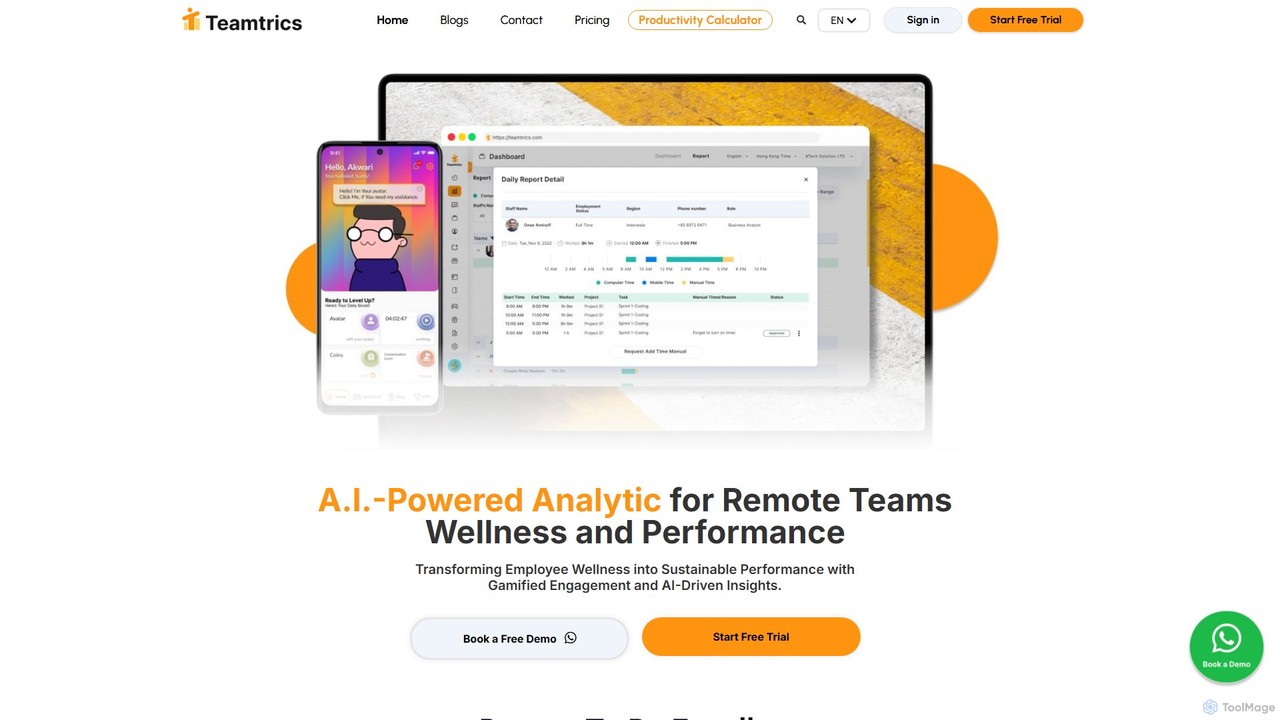
Teamtrics
Teamtrics is an AI-powered platform designed for remote and hybrid teams, combining productivity management with employee wellness. It offers tools for time tracking, task management, HR processes, and provides AI-driven insights to optimize performance, prevent burnout, and foster a positive work culture through gamification.
Employee Monitoring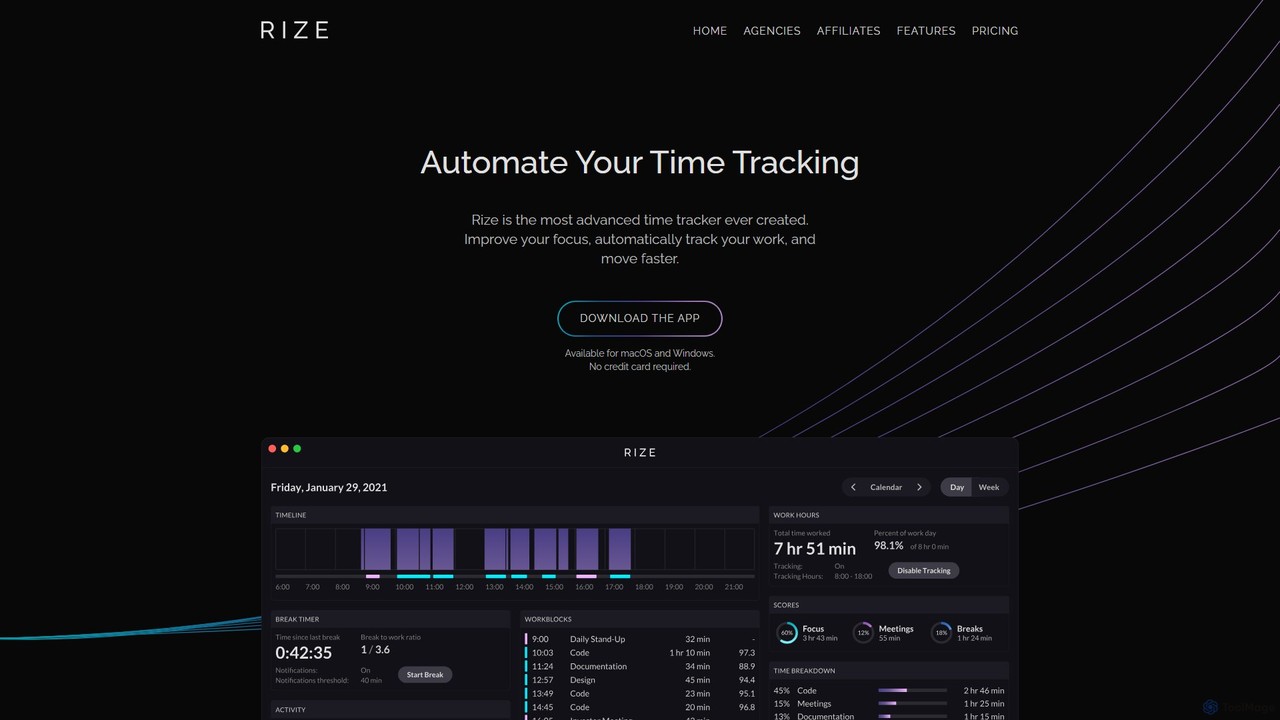
Rize
Rize is an intelligent, AI-powered time tracking application designed to boost your productivity and focus. It automatically monitors your computer activity without manual timers, providing deep insights into how you spend your time. Rize helps you build better work habits, prevent burnout with smart notifications, and achieve a healthier work-life balance. It's the ultimate fitness app for your productivity, tailored for founders, freelancers, managers, and anyone looking to optimize their workflow.
Personal Analytics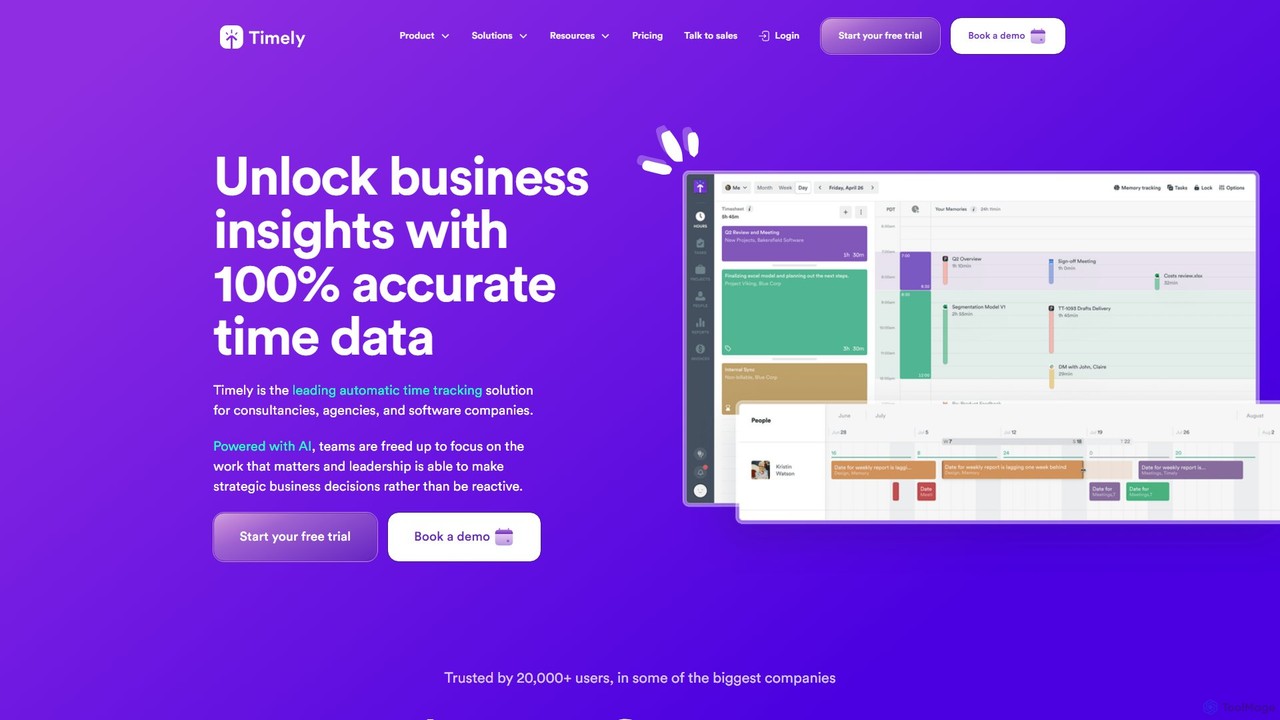
Timely
Timely is an AI-powered automatic time tracking tool that captures all your work activity in the background. It eliminates manual timers and guesswork, generating accurate timesheets with a single click. Designed for agencies, consultancies, and remote teams, it helps improve profitability, project management, and team efficiency while respecting user privacy.
Project Management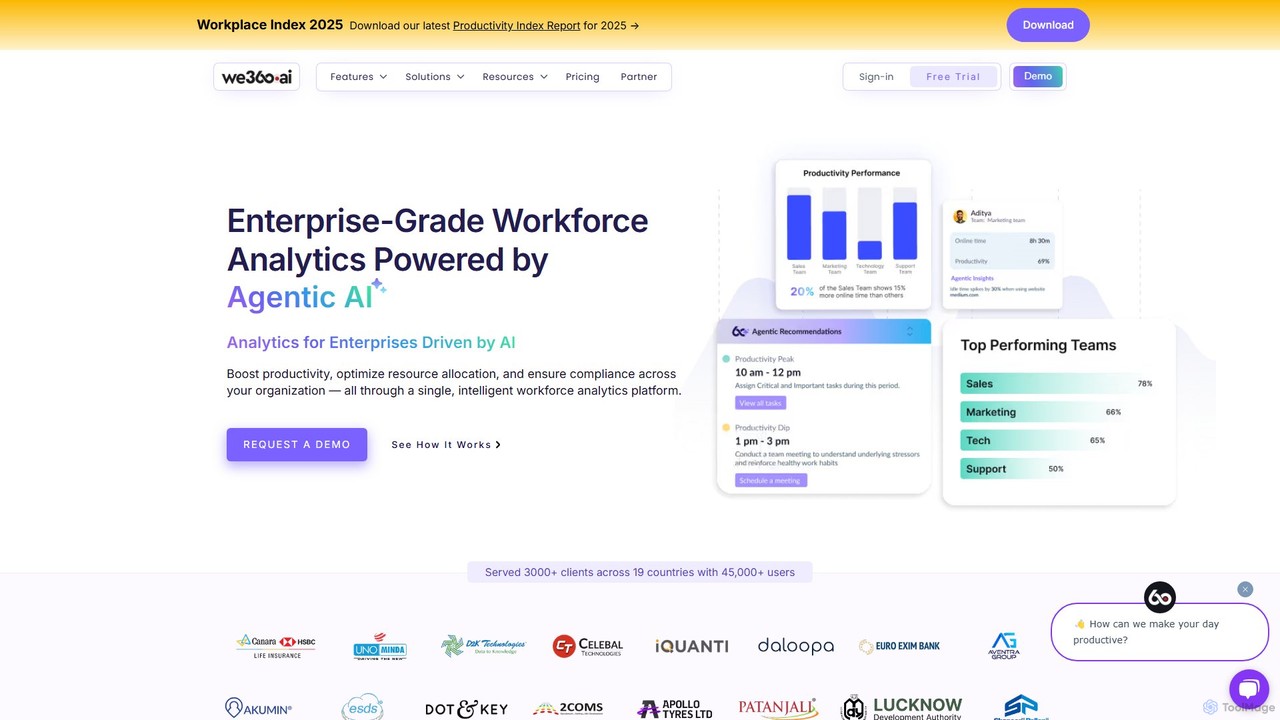
we360.ai
we360.ai is an enterprise-grade workforce analytics platform powered by Agentic AI. It provides deep insights into team productivity, application usage, and workflow patterns to help businesses optimize resource allocation, enhance performance, and ensure compliance. Ideal for remote, hybrid, and in-office teams, it transforms raw data into actionable decisions for measurable efficiency gains.
Analytics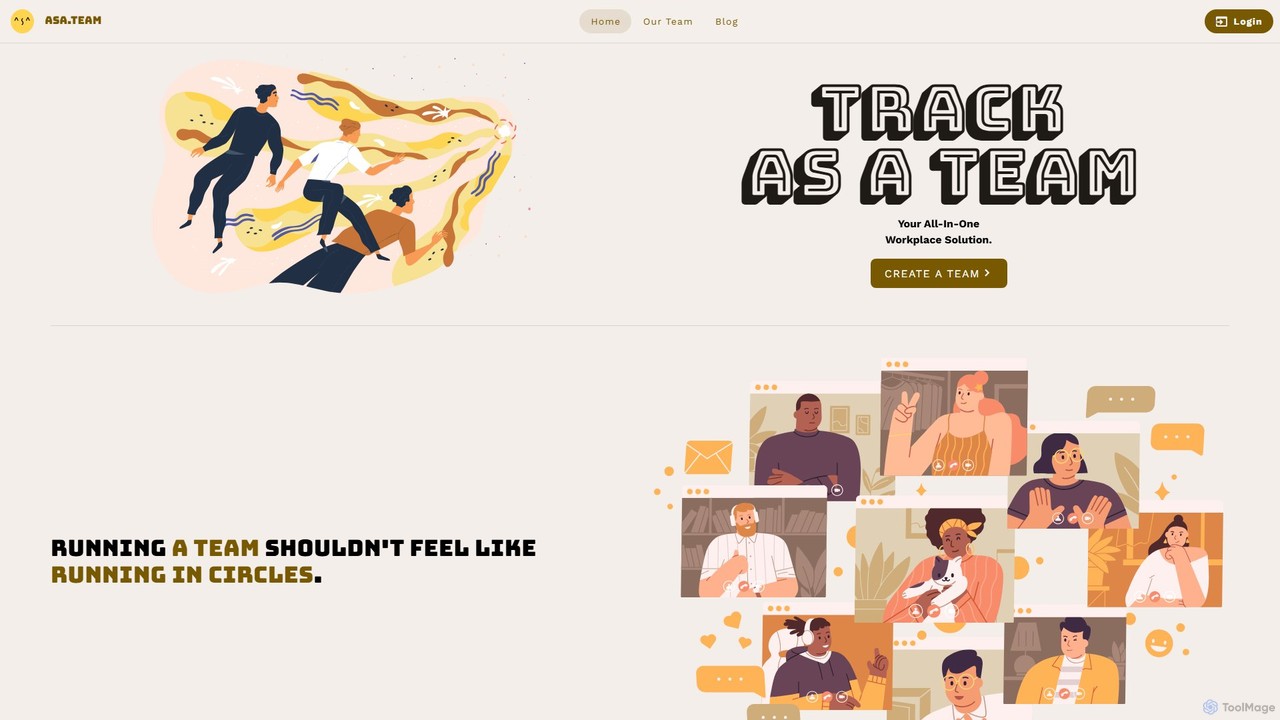
Asa.Team
Asa.Team is an all-in-one AI workplace assistant designed to streamline team management for remote, hybrid, and on-site teams. It simplifies time tracking, monitors employee well-being to prevent burnout, and integrates seamlessly with Microsoft Teams and Telegram to boost productivity and foster a positive work environment.
Employee EngagementSoon
Soon is an AI-first workforce management platform designed to automate and optimize team operations. It simplifies shift scheduling, time-off tracking, and intraday task management through intelligent automation. Built for modern teams, Soon uses AI to generate optimal schedules from simple text prompts, forecast staffing needs, and provide actionable insights, all within an intuitive, user-friendly interface.
Human Resources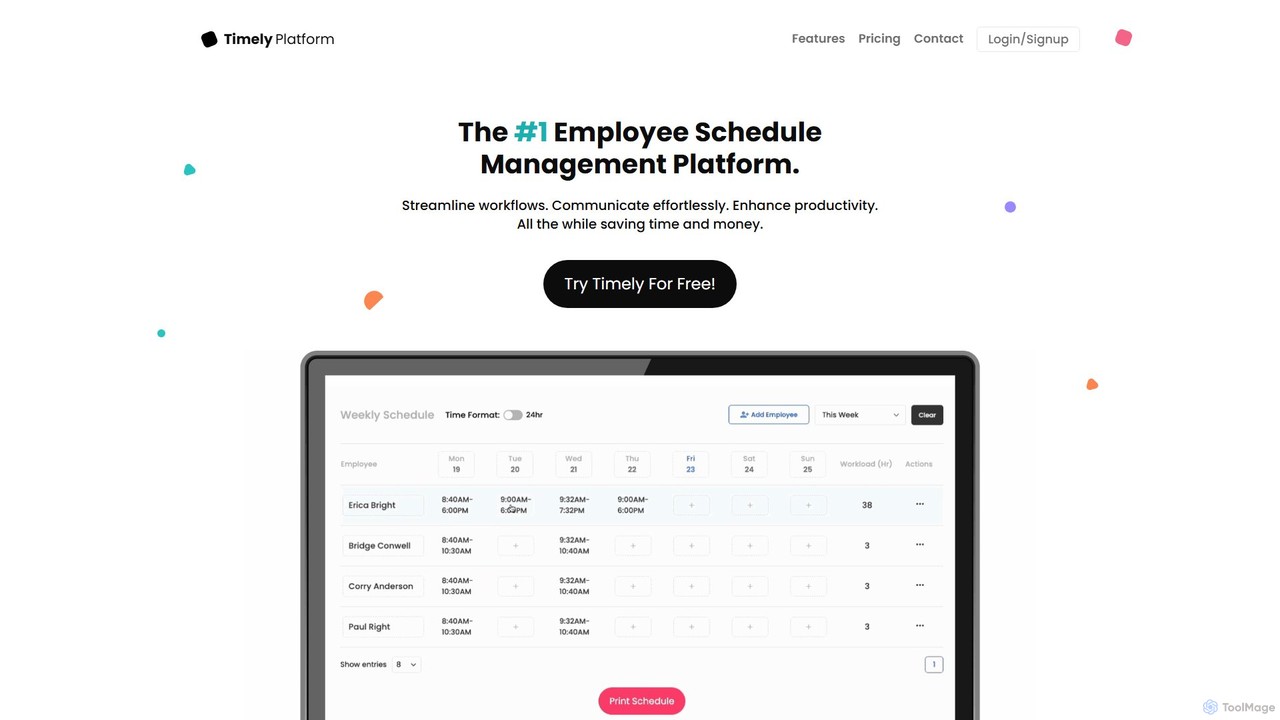
Timely
Timely is an AI-powered employee scheduling and workforce management platform designed to streamline operations for businesses of all sizes. It automates schedule creation, facilitates seamless communication, and enhances overall productivity. With features like SMS alerts, real-time reporting, and cross-device accessibility, Timely helps managers save time and reduce costs associated with manual scheduling.
Human Resources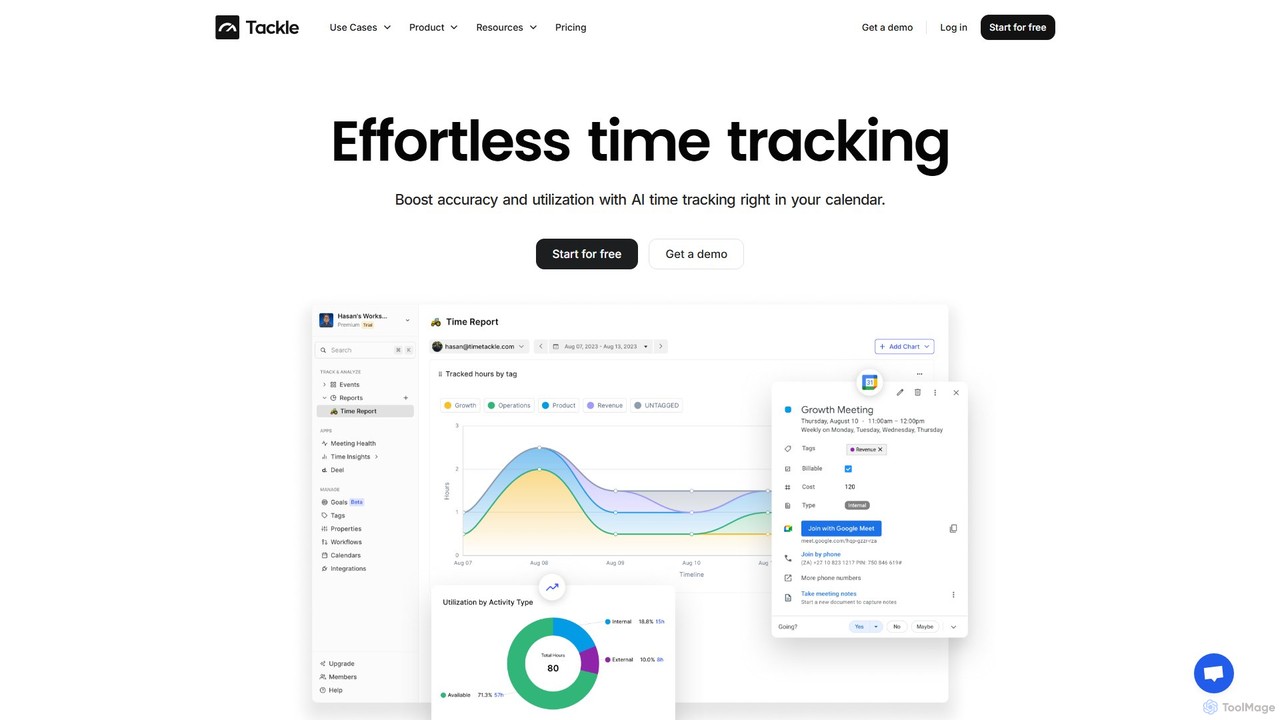
timetackle
timetackle is an AI-powered time tracking software that integrates seamlessly with Google and Outlook calendars. It automates activity logging, provides intelligent insights, and offers customizable reporting to help teams and individuals optimize productivity, improve resource allocation, and align daily tasks with strategic goals. Effortlessly track time and gain actionable data without leaving your calendar.
Analytics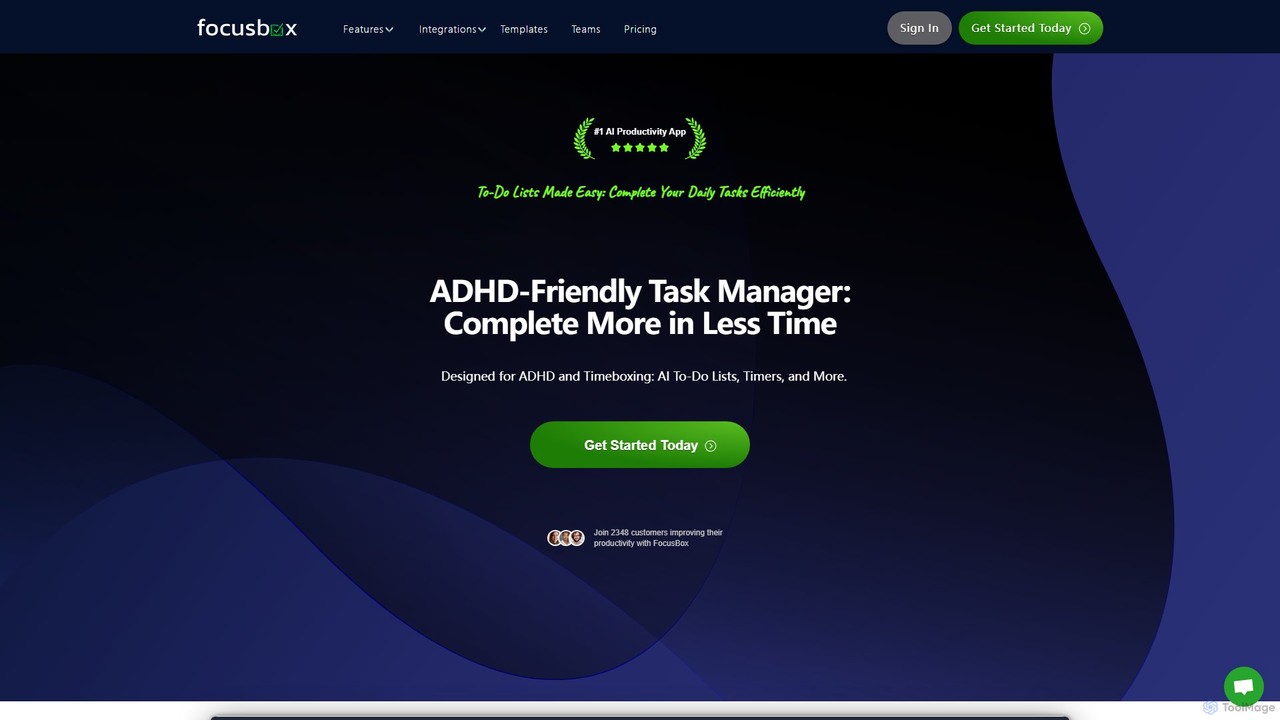
FocusBox
FocusBox is an AI-powered productivity app designed for ADHD and timeboxing. It creates smart to-do lists, uses timers to enhance focus, and offers features like ambient sounds and celebration modes to boost motivation. Ideal for individuals and teams looking to minimize distractions and complete tasks efficiently.
Mental Health
Worktivity Comments (0)
Sign in to comment.
Sign inNo comments yet.