
MonitUp Time Tracking Overview
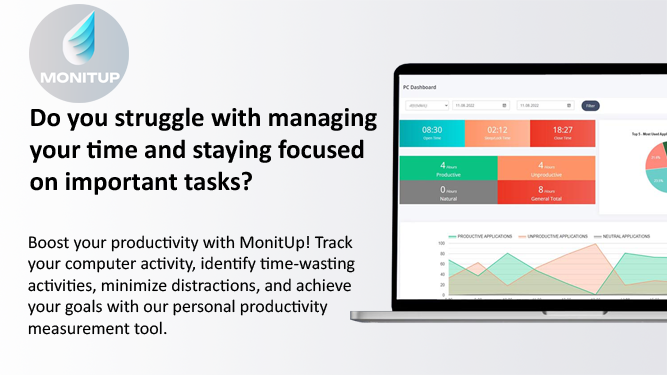
MonitUp Time Tracking is a sophisticated software solution engineered to unlock your full productivity potential. By leveraging artificial intelligence, it provides deep insights into your daily work habits, helping you identify and eliminate time-wasting activities. The tool diligently tracks the applications you use and the websites you visit, logging the duration of each activity. This data is then compiled into comprehensive reports, giving you a clear, visual overview of your productivity through intuitive graphs and dashboards. MonitUp is particularly effective for managing remote teams, offering objective data for performance appraisals and ensuring accountability.
The core of MonitUp's intelligence lies in its AI-powered suggestion engine. After processing your activity data, the AI generates personalized recommendations to help you work more efficiently and minimize distractions. This proactive approach empowers users to continuously refine their workflow and achieve their professional goals with greater ease.
How to use MonitUp Time Tracking
Getting started with MonitUp is a straightforward process designed for quick implementation:
- Sign Up and Install: Create an account on the MonitUp website and download the desktop application, which is currently available for Windows OS.
- Choose Your Plan: Select the plan that best fits your needs. The 'Freelancer' plan requires manual start/stop for task-based tracking, while the 'Premium' plan automates tracking during your specified work hours.
- Configure Settings: Customize the application to suit your workflow. Categorize the applications and websites you use as 'efficient', 'inefficient', or 'neutral'. This ensures that productivity reports accurately reflect your work style.
- Enable Features: Decide whether to activate the optional screenshot feature. You can set the frequency and quality of captures to get a visual log of your activity.
- Track and Analyze: Let MonitUp run in the background. It consumes minimal system resources. Access the User Dashboard to view detailed reports, track time against tasks, and analyze your productivity patterns.
- Implement AI Suggestions: Regularly review the AI-generated suggestions to discover opportunities for improving your focus and efficiency.
Core Features of MonitUp Time Tracking
- AI-Powered Suggestions: Receives personalized recommendations based on your work habits to improve productivity.
- Automatic Time Tracking: Automatically logs time spent on applications and websites, providing a detailed daily activity log.
- Screenshot Monitoring: Optional feature to visually capture screen activity at set intervals, offering an extra layer of insight.
- Application & Website Categorization: Users can classify apps and sites as productive, unproductive, or neutral for accurate reporting.
- Comprehensive User Dashboard: Visualizes data with detailed graphs and reports on computer usage, productivity trends, and task duration.
- Task-Based Tracking: A dedicated mode for freelancers to manually track time for specific projects and tasks.
- Remote Performance Appraisal: Provides objective, data-driven insights for evaluating and improving the performance of remote employees.
- Low Resource Consumption: Runs silently in the background without impacting computer performance.
Use Cases for MonitUp Time Tracking
MonitUp is versatile and beneficial for various users:
- Freelancers: Accurately track billable hours for different clients and projects, ensuring fair and transparent invoicing.
- Remote Teams and Managers: Monitor team productivity, ensure tasks are on track, and use objective data for performance reviews and feedback.
- Students and Academics: Improve focus during study sessions by identifying and minimizing digital distractions.
- Professionals and Entrepreneurs: Gain self-awareness about work habits, optimize daily routines, and maximize efficiency to achieve business goals.
Advantages of MonitUp Time Tracking
MonitUp offers several key advantages:
- Data-Driven Productivity: Replaces guesswork with concrete data, allowing for targeted improvements.
- Enhanced Focus: By highlighting distractions, it helps users stay focused on high-priority tasks.
- Personalized Improvement: AI suggestions are tailored to individual work patterns, not generic advice.
- Transparency for Remote Work: Builds trust and accountability within remote teams through clear, objective metrics.
- User-Controlled Privacy: Features like optional screenshots and application categorization give users control over their data.
Pricing and Plans
MonitUp offers a 7-day free trial and two primary pricing plans:
- FREELANCER: $6 per user/month. This plan is ideal for project-based work and includes manual start/stop tracking, AI suggestions, app and URL tracking, productive app identification, and screenshots.
- PREMIUM: $9 per user/month. This plan includes all features of the Freelancer plan but adds automatic activation during work hours, notifications, and PC performance tracking for a more comprehensive, automated experience.
MonitUp Time Tracking Categories
MonitUp Time Tracking AI Tool Comparisons
MonitUp Time Tracking Embed Widget
Copy this embed code to place the badge on your blog, article, or product site and send readers directly to this ToolMage detail page.

Related AI tools
Worktivity
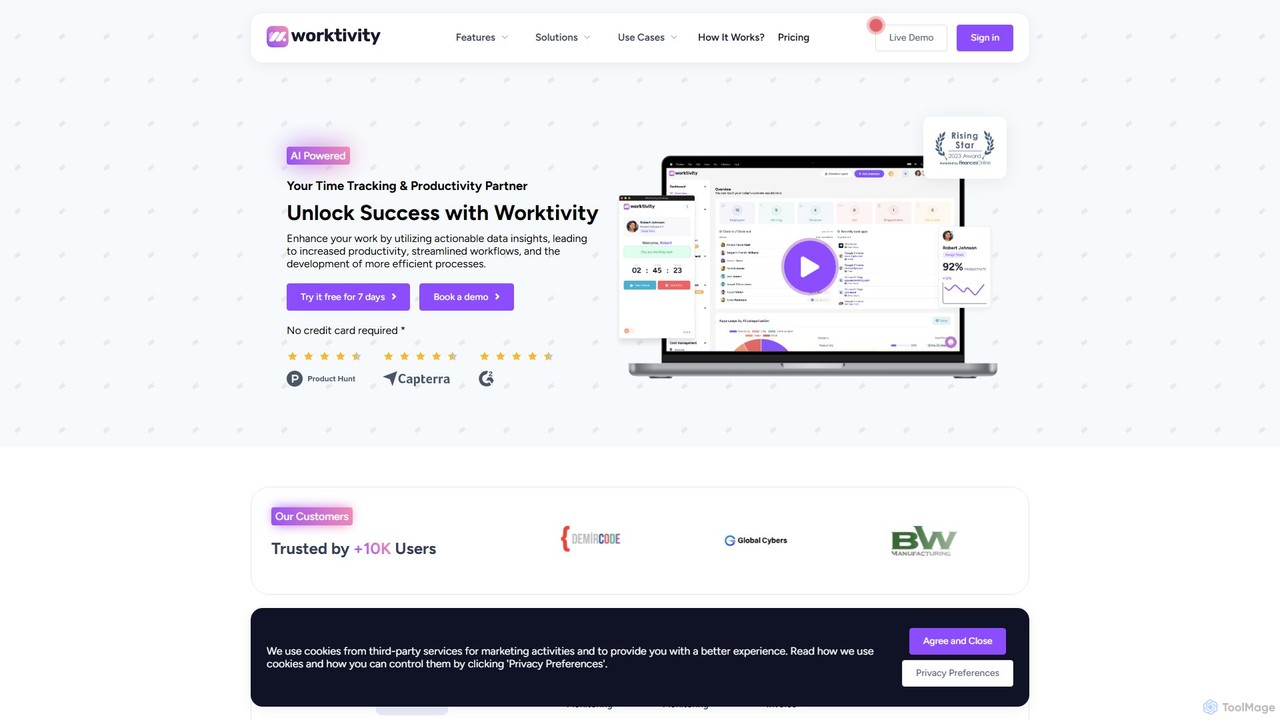
Worktivity is an AI-powered employee monitoring and productivity software designed to enhance team efficiency. It offers comprehensive features like time tracking, task management, screen monitoring with screenshots, and payroll integration. By providing actionable data insights, Worktivity helps businesses streamline workflows, improve accountability, and boost overall performance for remote, hybrid, and in-office teams.
Human Resources
monitup
monitup is an AI-powered employee time tracking and productivity software designed for modern teams. It provides managers with real-time insights into team activity, application usage, and overall efficiency. By offering automated time tracking, optional screenshots, and AI-driven productivity tips, monitup helps organizations boost performance, support remote work, and foster a transparent, data-driven work environment. It also includes features for parental control.
Employee Monitoring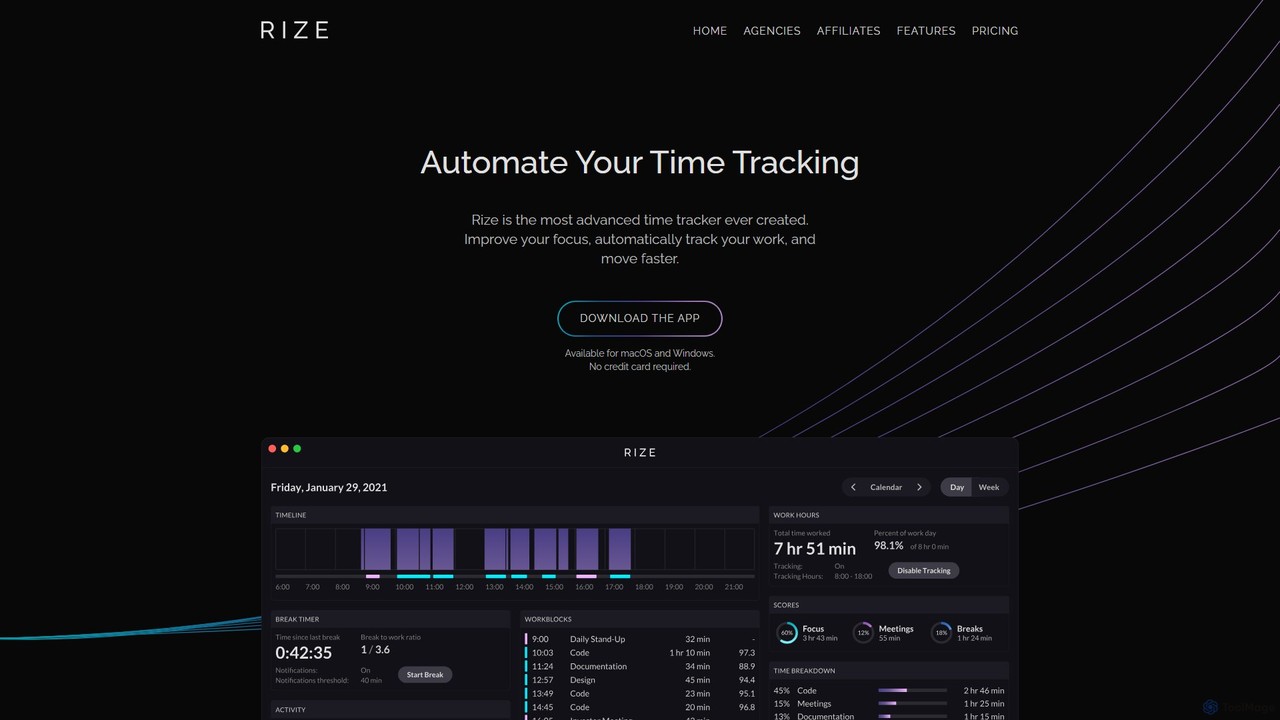
Rize
Rize is an intelligent, AI-powered time tracking application designed to boost your productivity and focus. It automatically monitors your computer activity without manual timers, providing deep insights into how you spend your time. Rize helps you build better work habits, prevent burnout with smart notifications, and achieve a healthier work-life balance. It's the ultimate fitness app for your productivity, tailored for founders, freelancers, managers, and anyone looking to optimize their workflow.
Personal Analytics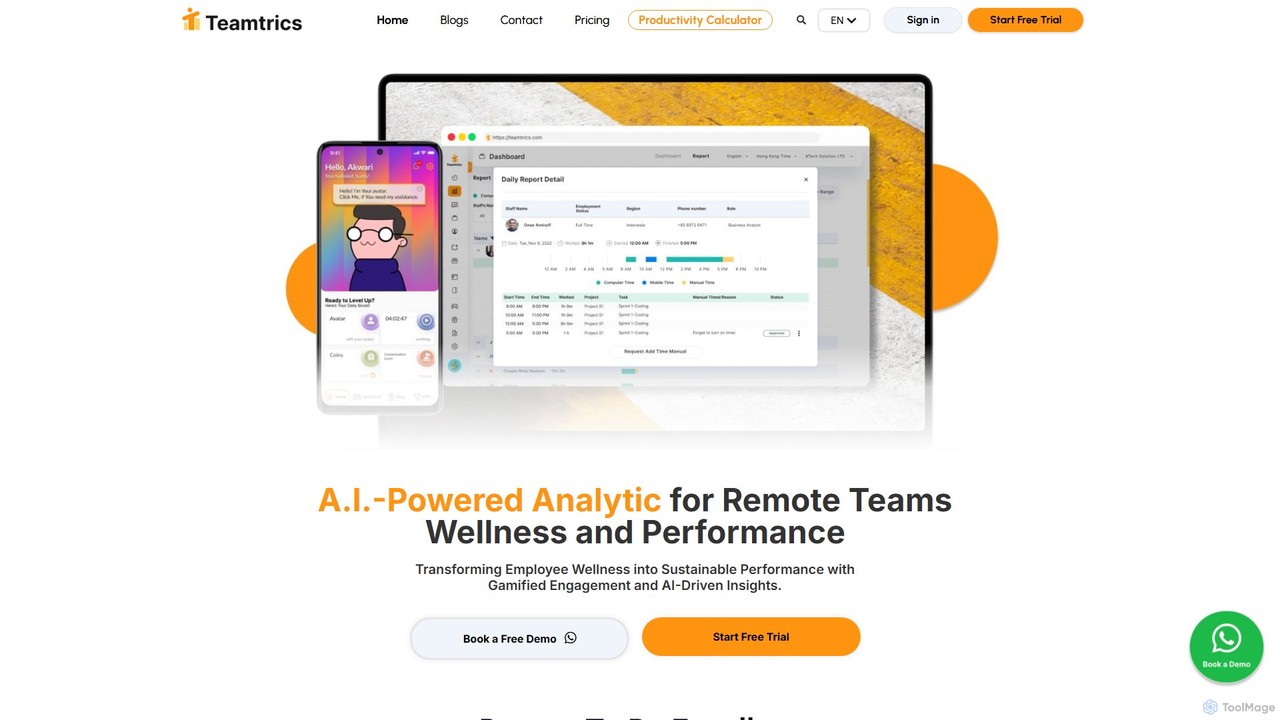
Teamtrics
Teamtrics is an AI-powered platform designed for remote and hybrid teams, combining productivity management with employee wellness. It offers tools for time tracking, task management, HR processes, and provides AI-driven insights to optimize performance, prevent burnout, and foster a positive work culture through gamification.
Employee Monitoring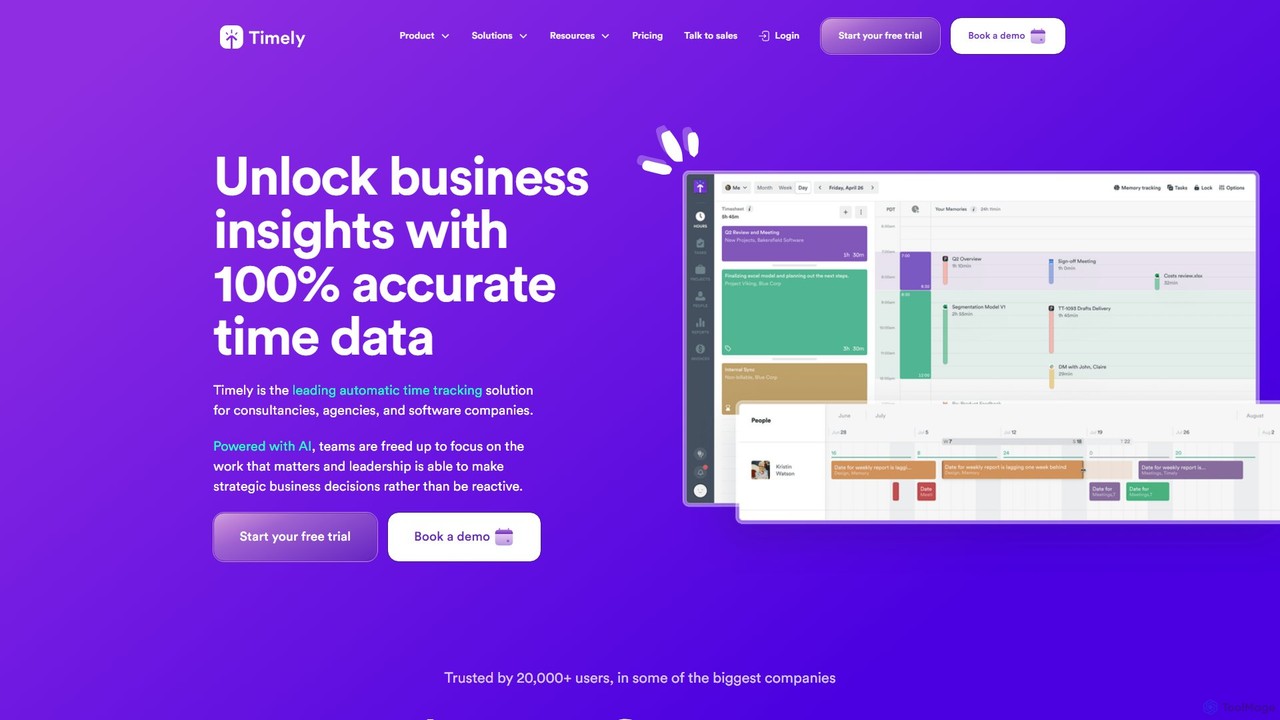
Timely
Timely is an AI-powered automatic time tracking tool that captures all your work activity in the background. It eliminates manual timers and guesswork, generating accurate timesheets with a single click. Designed for agencies, consultancies, and remote teams, it helps improve profitability, project management, and team efficiency while respecting user privacy.
Project Management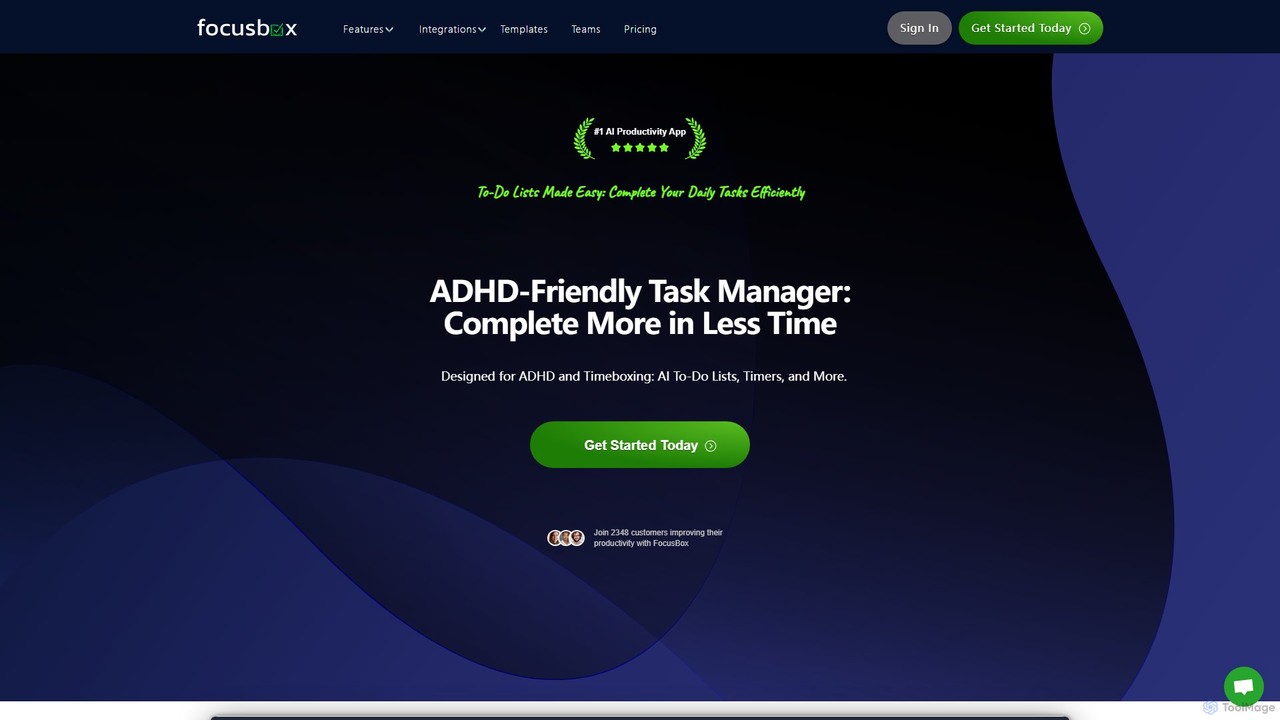
FocusBox
FocusBox is an AI-powered productivity app designed for ADHD and timeboxing. It creates smart to-do lists, uses timers to enhance focus, and offers features like ambient sounds and celebration modes to boost motivation. Ideal for individuals and teams looking to minimize distractions and complete tasks efficiently.
Mental Health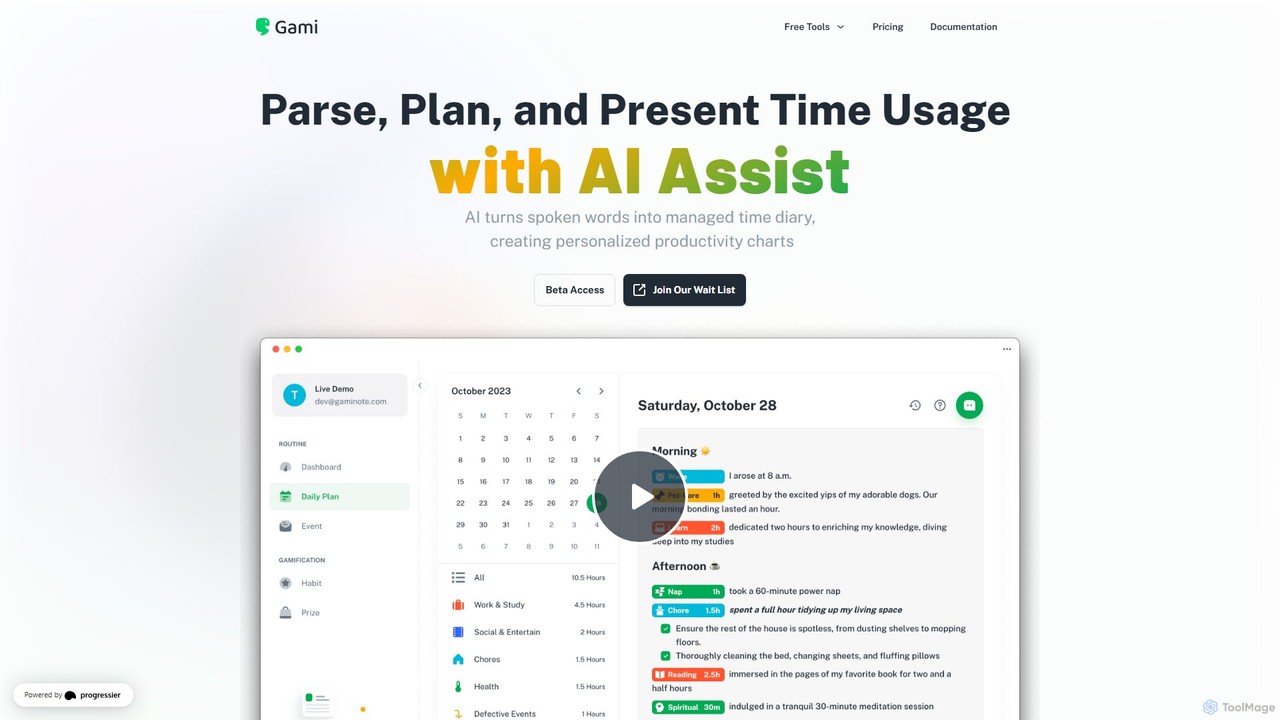
Gaminote
Gaminote is a diary-driven AI time management tool that transforms your spoken or written narratives into structured time logs and visual productivity charts. Simply describe your day, and its AI automatically parses activities, tracks durations, and generates insightful dashboards for effortless time analysis across all your devices.
Note Taking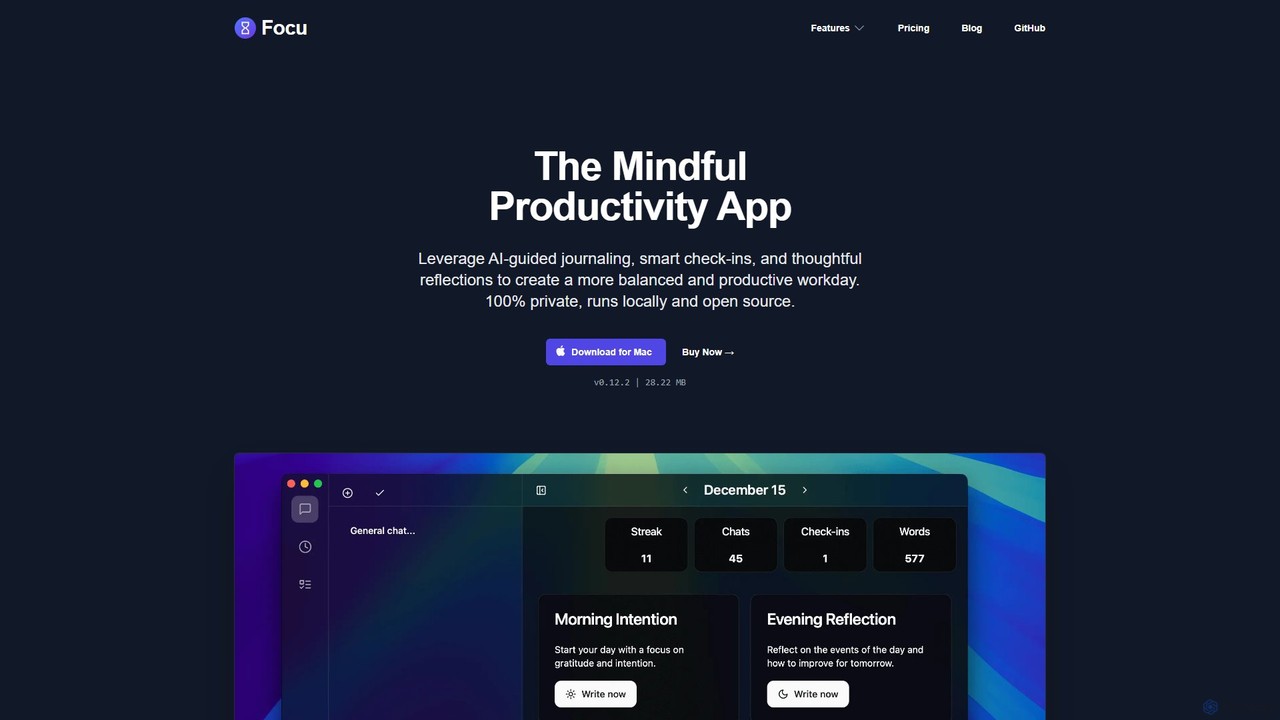
Focu
Focu is a mindful productivity app for Mac that enhances your workday with AI-guided journaling, smart check-ins, and thoughtful reflections. It features a Pomodoro timer, AI task extraction, and operates 100% locally to ensure complete privacy. As an open-source tool with a one-time purchase model, Focu offers a balanced, focused, and secure approach to task management and personal well-being.
Task Management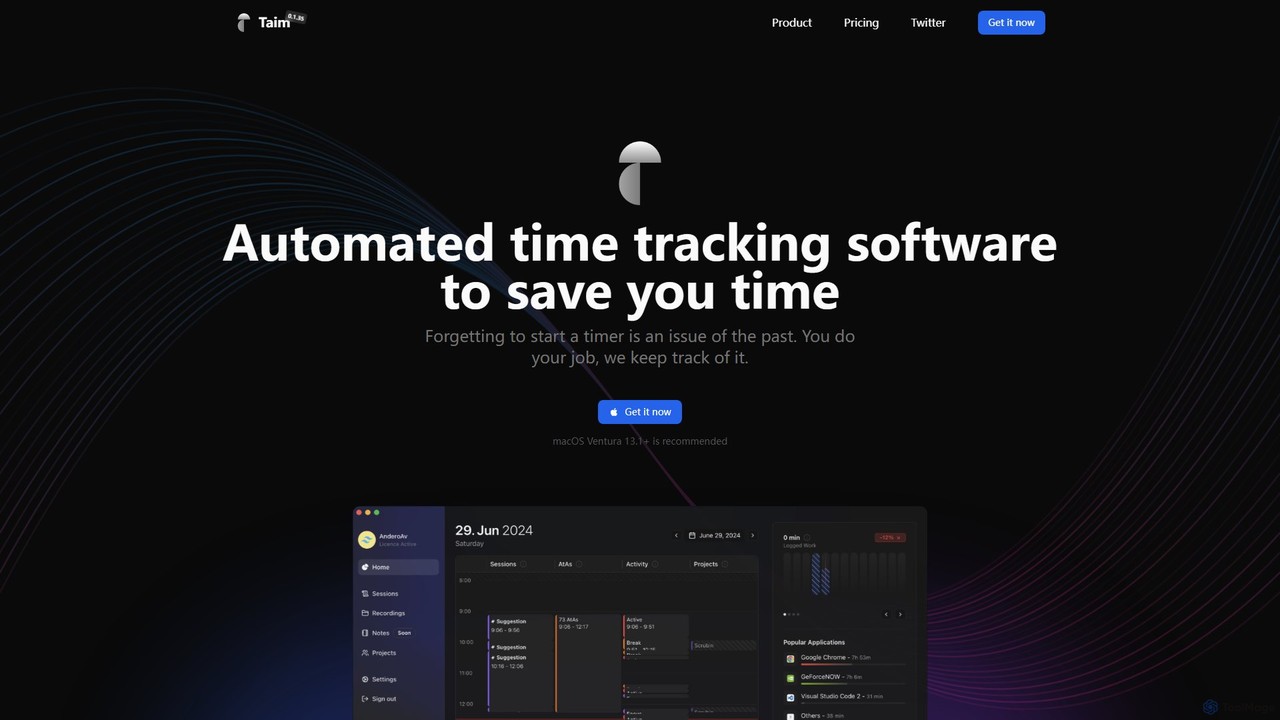
Taim
Taim is an intelligent, automated time tracking software for macOS and Windows designed for freelancers, consultants, and teams. It automatically records your activity across apps and windows, providing accurate data for billing and productivity analysis. With both manual and automatic modes, Pomodoro timer, and detailed analytics, Taim helps you work smarter, not harder, while ensuring your data remains private and on your device.
Freelancer Tools
Heydai
Heydai is an AI-powered daily planner and time tracker designed to help you understand where your time goes. It provides a visual timeline, in-depth analytics, and intelligent recommendations to align your daily activities with your long-term goals, boosting productivity and ensuring your time matches your priorities.
Analytics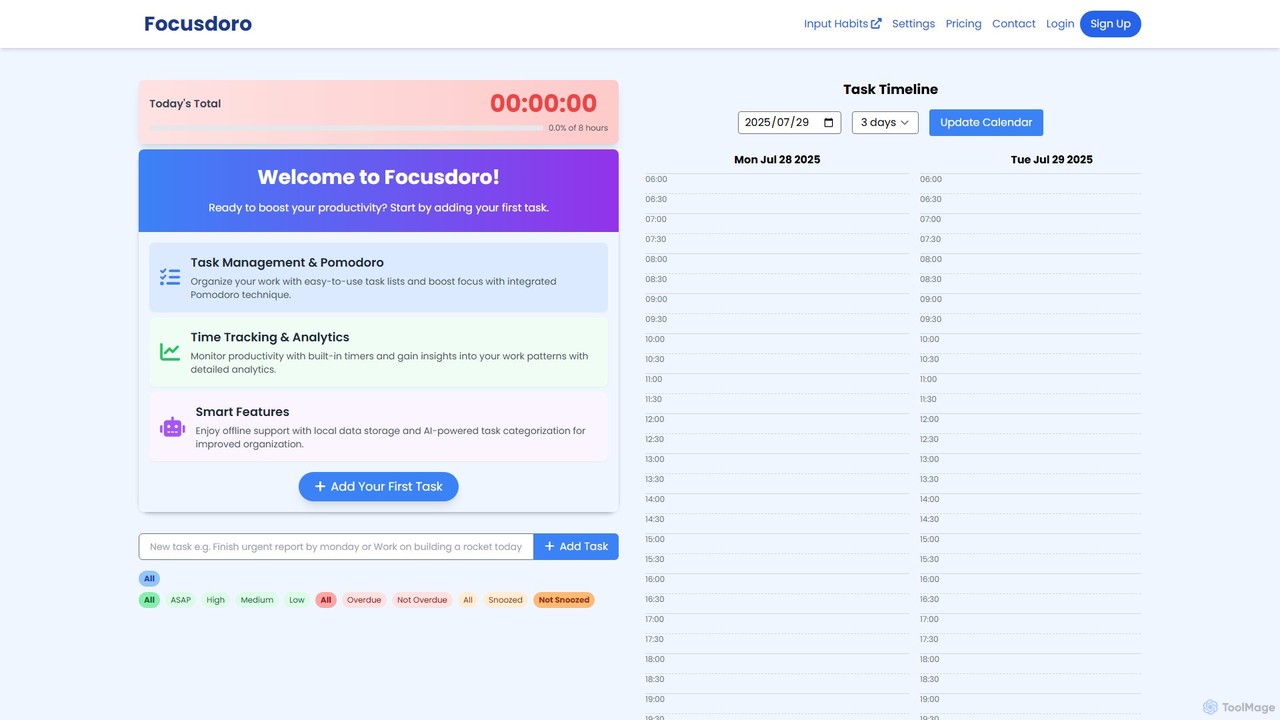
Focusdoro
Focusdoro is an AI-powered productivity app that integrates the Pomodoro Technique with advanced task management and a unique input-based habit tracker. It helps users enhance focus, organize tasks efficiently, and achieve long-term goals by tracking controllable, process-oriented actions rather than just outcomes. With features like AI task categorization and detailed analytics, Focusdoro provides a comprehensive solution for boosting personal and professional productivity.
Goal Setting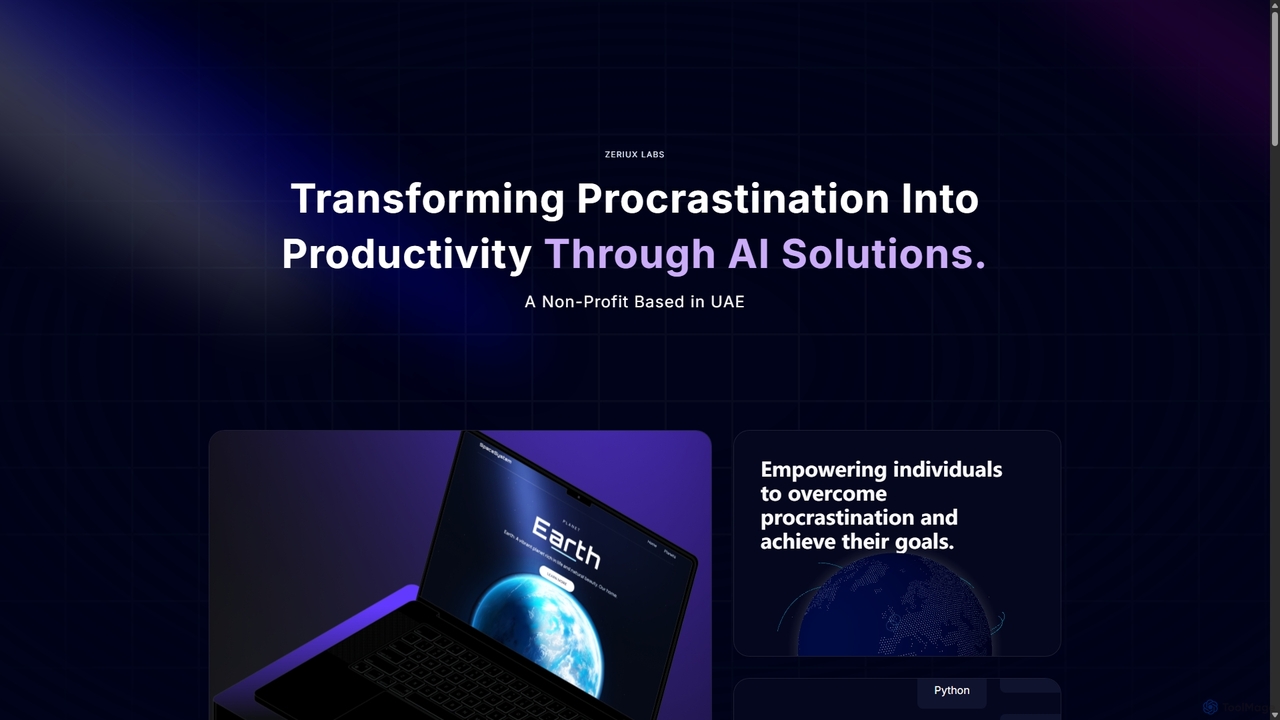
Zeriux Labs
Zeriux Labs is a non-profit organization developing a suite of AI-powered productivity tools designed to combat procrastination. Their solutions, including ProAct+, ProSync+, and Focus Forge, help users manage tasks, optimize schedules, and maintain focus. By leveraging AI, Zeriux Labs aims to make productivity accessible to everyone, transforming daunting goals into achievable daily actions.
Habit Formation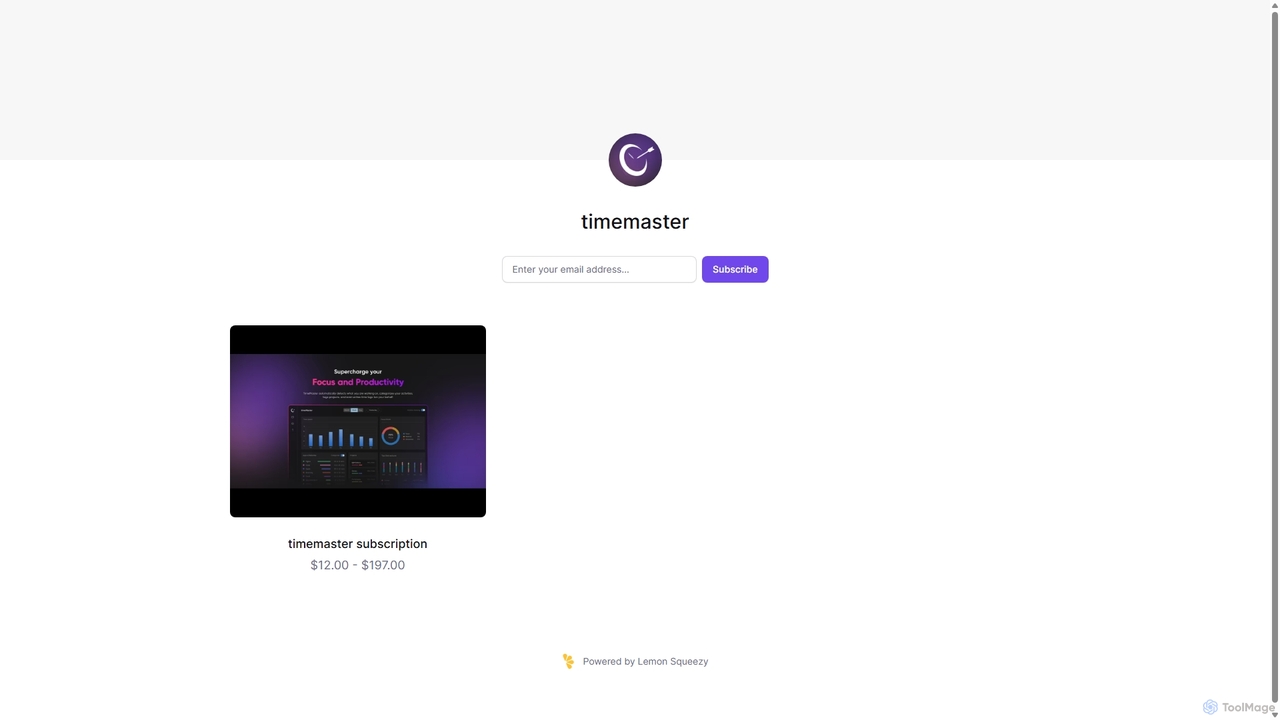
Timemaster
Timemaster is an intelligent, privacy-first time tracking and analytics tool. It uses AI to provide insightful analytics, helping freelancers, teams, and individuals manage their time more effectively, boost productivity, and achieve their goals without compromising data privacy.
Analytics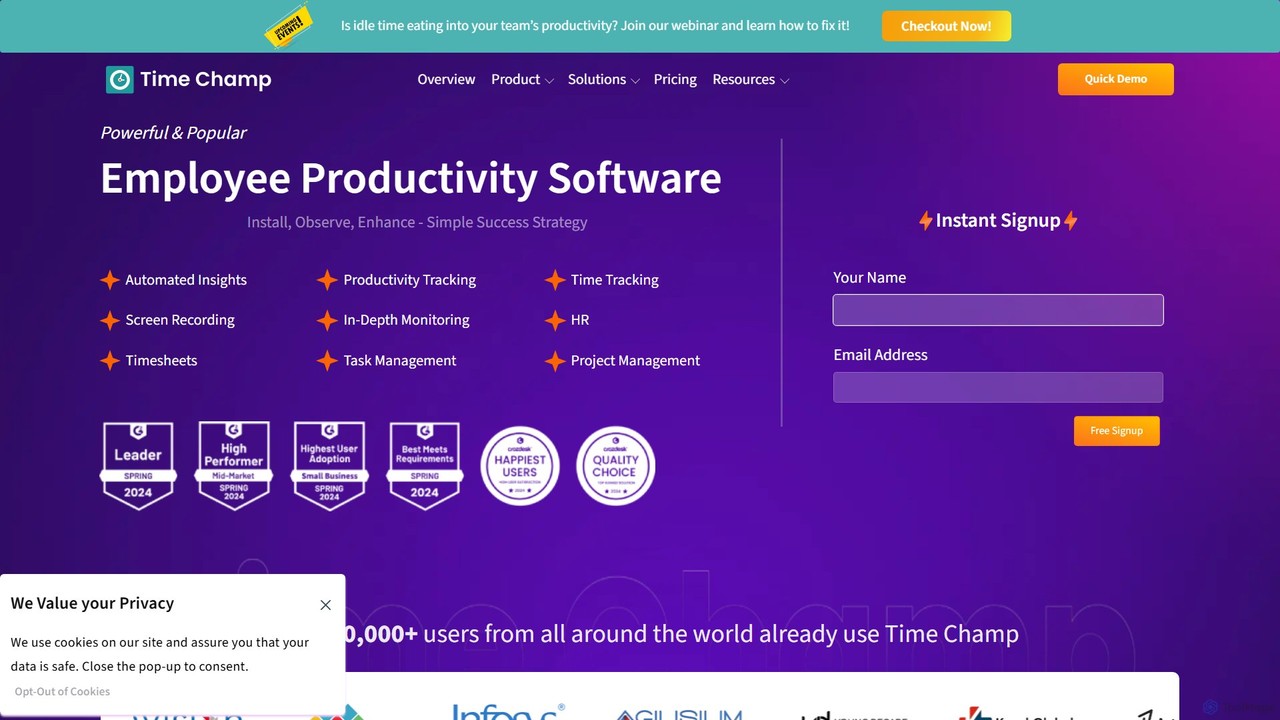
TimeChamp
TimeChamp is an AI-powered employee productivity tracking and workforce analytics platform. It helps businesses monitor computer activities, track time, manage tasks, and gain data-driven insights to enhance team performance, efficiency, and accountability for in-office, remote, and hybrid work models.
Human Resources
meramonitor
meramonitor is an AI-powered workforce analytics and employee monitoring platform designed to enhance productivity for remote, hybrid, and in-office teams. It provides comprehensive tools for time tracking, activity monitoring, and performance analysis, empowering managers with real-time, data-driven insights to optimize team efficiency and streamline HR processes without micromanagement.
Human Resources
MonitUp Time Tracking Comments (0)
Sign in to comment.
Sign inNo comments yet.