ToolMage
Sign in

Best 1 Student Safety AI tools for Education

Popular Student Safety AI tools in Education include Securly, helping you work more efficiently.

Securly
Paid

Securly

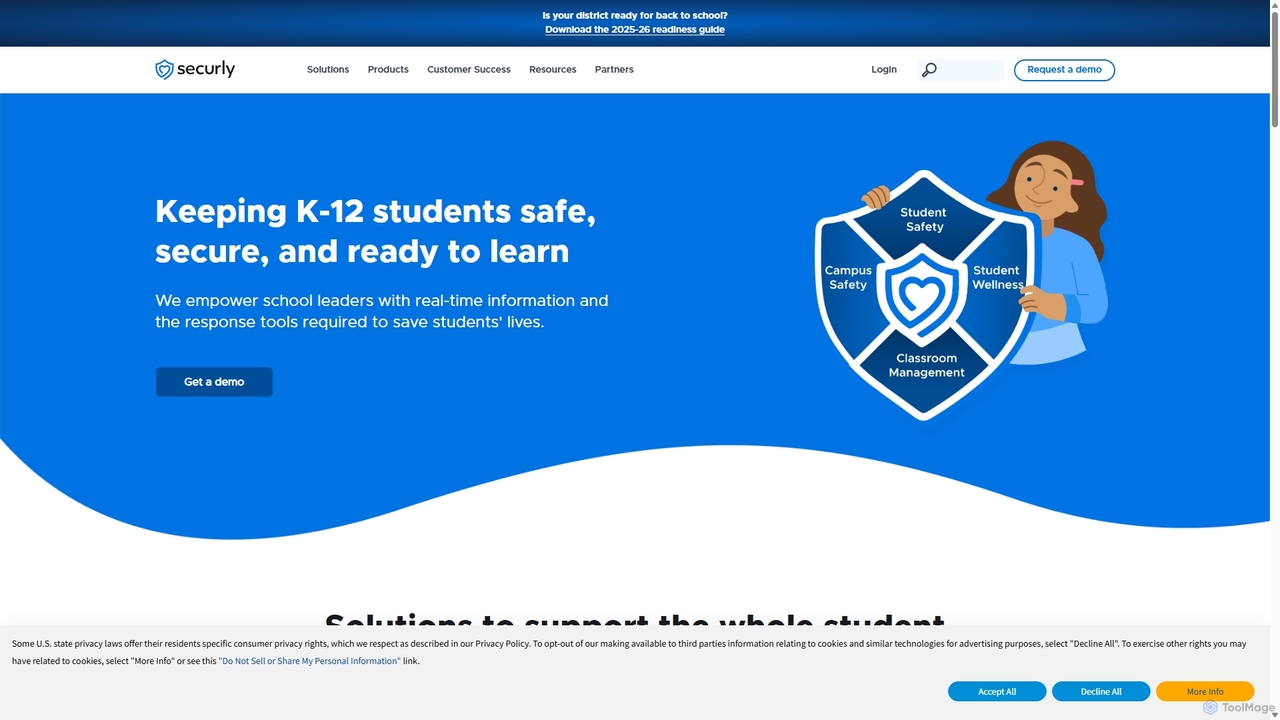
Securly is a comprehensive AI-powered student safety and wellness platform for K-12 schools. It provides web filtering, wellness monitoring, classroom management, and campus safety solutions to create a secure learning environment. Securly helps educators identify at-risk students, prevent bullying and self-harm, and engage parents through dedicated tools, ensuring students are safe, secure, and ready to learn.

Student Safety
Visits 22.6MFavorites 144Likes 127

About Student Safety

AI Student Safety tools are a specialized category of software designed to proactively identify and prevent threats to students in digital and physical environments. These tools leverage machine learning and natural language processing to analyze text, images, and behavioral patterns for signs of cyberbullying, self-harm, violence, and other risks. They provide real-time alerts to school staff, enabling timely intervention and fostering a safer learning environment. Unlike traditional filters, these AI systems can understand context and nuance, reducing false positives and identifying subtle threats.

Core Features

  • Threat Detection: Analyzes communications on school-issued devices for keywords and sentiment related to self-harm, violence, and bullying.
  • Content Filtering: Intelligently blocks access to inappropriate websites, images, and content in real-time.
  • Behavioral Analytics: Identifies unusual patterns in student online activity that may indicate distress or risk.
  • Real-time Alerts: Automatically notifies designated staff (counselors, administrators) when a potential threat is detected.
  • Reporting Dashboards: Provides comprehensive reports on safety trends, incident types, and intervention effectiveness.

Use Cases

These tools are primarily used by K-12 schools, school districts, and higher education institutions. School administrators, IT departments, and student wellness teams utilize them to monitor digital communications on school networks and devices. They are crucial for maintaining compliance with student protection regulations and for creating a proactive safety culture rather than a reactive one.

How to Choose

When selecting an AI Student Safety tool, consider its detection accuracy and the range of threats it covers. Evaluate its integration capabilities with your existing school management systems and devices (e.g., Chromebooks, iPads). Assess the alert system's customizability and the quality of the reporting dashboard. Finally, thoroughly review the vendor's data privacy and security policies to ensure compliance with student data protection laws like FERPA and GDPR.

Student Safety use cases

1

Monitoring School-Issued Devices for Cyberbullying

A middle school administration team implements an AI Student Safety tool across all school-issued Chromebooks. The system actively monitors student communications in school email, shared documents, and chat applications. When the AI detects language patterns indicative of sustained harassment or bullying directed at a specific student, it automatically flags the conversation and sends a confidential alert to the school counselor and principal. This allows for intervention before the situation escalates, providing support to the victim and addressing the behavior of the aggressor, creating a safer digital learning space.

2

Identifying Students at Risk of Self-Harm

A high school's student wellness team uses an AI safety platform to identify students who may be in crisis. The AI analyzes anonymized search queries, journal entries in school platforms, and other text for indicators of depression, suicidal ideation, or severe anxiety. If the system's algorithm detects a high-risk combination of keywords and sentiment, it triggers an urgent alert to a designated crisis response team. This proactive system helps the school identify struggling students who might not otherwise seek help, enabling counselors to provide immediate and potentially life-saving support.

3

Preventing Access to Inappropriate Online Content

A school district's IT department deploys an AI-powered content filter across its entire network. Unlike traditional filters that rely on simple keyword blocking, this system uses computer vision to analyze images and videos in real-time, and NLP to understand the context of web pages. It effectively blocks content related to pornography, violence, and extremism, even on new or previously uncategorized websites. This ensures a safe browsing environment for all students on the school network, significantly reduces their exposure to harmful material, and helps the district maintain CIPA compliance.

4

Detecting Potential Threats of Violence

An AI monitoring tool is used by a university's security department to scan public social media posts and online forums associated with the university for threats. The system is trained to recognize language that indicates a potential for violence, such as specific threats against the school or individuals, or glorification of past violent events. When the AI flags a post as a credible threat, it alerts the security team, providing them with the post's content and context. This early warning system allows security personnel to investigate potential dangers and take preventative measures to ensure campus safety.

5

Analyzing Safety Trends for Policy Making

A large school district's administration uses the analytics dashboard of their AI safety tool to identify macro trends. By analyzing aggregated, anonymized data over a semester, they notice a significant increase in cyberbullying incidents in their middle schools. The data points to specific platforms and times of day when incidents are most common. Armed with this information, the district develops a targeted digital citizenship curriculum for middle schoolers and adjusts monitoring protocols. This data-driven approach allows them to create more effective safety policies and allocate resources where they are most needed.

6

Ensuring Safe Online Research for Students

A school librarian uses an AI safety tool to create customized web filtering policies for different grade levels. For younger elementary students, the policy is highly restrictive, allowing access only to a pre-approved list of educational websites. For high school students working on research projects, the librarian can create a less restrictive policy but one that still uses AI to block sites with explicit content, malware, or phishing schemes in real-time. This dynamic approach ensures that students can access the vast resources of the internet for learning while being protected from its dangers, adapting the level of safety to their age and educational needs.

Student Safety FAQ

What are AI Student Safety tools?

AI Student Safety tools are advanced software solutions that use artificial intelligence to monitor digital environments and identify potential risks to students. Unlike simple keyword filters, they use machine learning and natural language processing to understand context, sentiment, and nuance in communications. Their primary goal is to proactively detect threats like cyberbullying, self-harm ideation, and violence, and alert school officials for timely intervention.

How do AI Student Safety tools differ from traditional web filters?

Traditional web filters primarily block or allow access to websites based on a predefined list or simple keyword matching. AI Student Safety tools are far more advanced. They can:

  • Analyze Context: Understand the difference between a student researching the novel 'To Kill a Mockingbird' versus using a racial slur.
  • Detect Nuance: Identify sarcasm, code words, and evolving slang related to harmful behaviors.
  • Monitor Multiple Platforms: Go beyond websites to analyze school email, chat, and shared documents.
  • Identify Behavioral Changes: Flag sudden shifts in a student's online behavior that might indicate distress.
In essence, AI tools move from simple blocking to intelligent threat identification.

How do these tools handle student privacy?

Student privacy is a critical consideration for these tools. Reputable providers design their systems with privacy at the forefront. Key measures include:

  • Data Anonymization: Aggregating data for trend analysis without revealing individual identities.
  • Role-Based Access: Ensuring only authorized personnel (like a designated counselor) can view detailed alerts.
  • Compliance with Regulations: Adhering to strict data protection laws such as FERPA in the US and GDPR in Europe.
  • Secure Data Handling: Employing strong encryption for data both in transit and at rest.
Schools should always conduct a thorough privacy impact assessment before implementing any student safety tool.

Who typically uses AI Student Safety tools in a school?

The use of these tools typically involves a multi-disciplinary team within a school or district. Key users include:

  • School Administrators (Principals, Deans): For overseeing school-wide safety and responding to serious incidents.
  • IT Departments: For technical implementation, management, and ensuring the tool works with existing infrastructure.
  • Counselors and Wellness Teams: As the primary responders to alerts concerning student mental health and well-being.
  • District-Level Safety Officers: For analyzing trends across multiple schools and shaping district-wide policy.
Direct access to sensitive alert data is usually restricted to a small, designated team to protect student privacy.

How do you choose the right AI Student Safety tool?

Choosing the right tool requires careful consideration of several factors. First, evaluate the tool's detection accuracy and the breadth of threats it covers (e.g., bullying, self-harm, violence). Second, assess its compatibility with your school's existing technology, including devices (Chromebooks, iPads) and software (Google Workspace, Microsoft 365). Third, examine the alerting and reporting features—are alerts customizable and are reports insightful? Finally, and most importantly, conduct a rigorous review of the vendor's privacy policy and security practices to ensure they meet legal and ethical standards.