Productivity Best in category 2 results Parental Control AI Tool

Popular AI tools in the Parental Control field of Productivity include Bark、Mobicip, etc., helping you quickly improve efficiency.

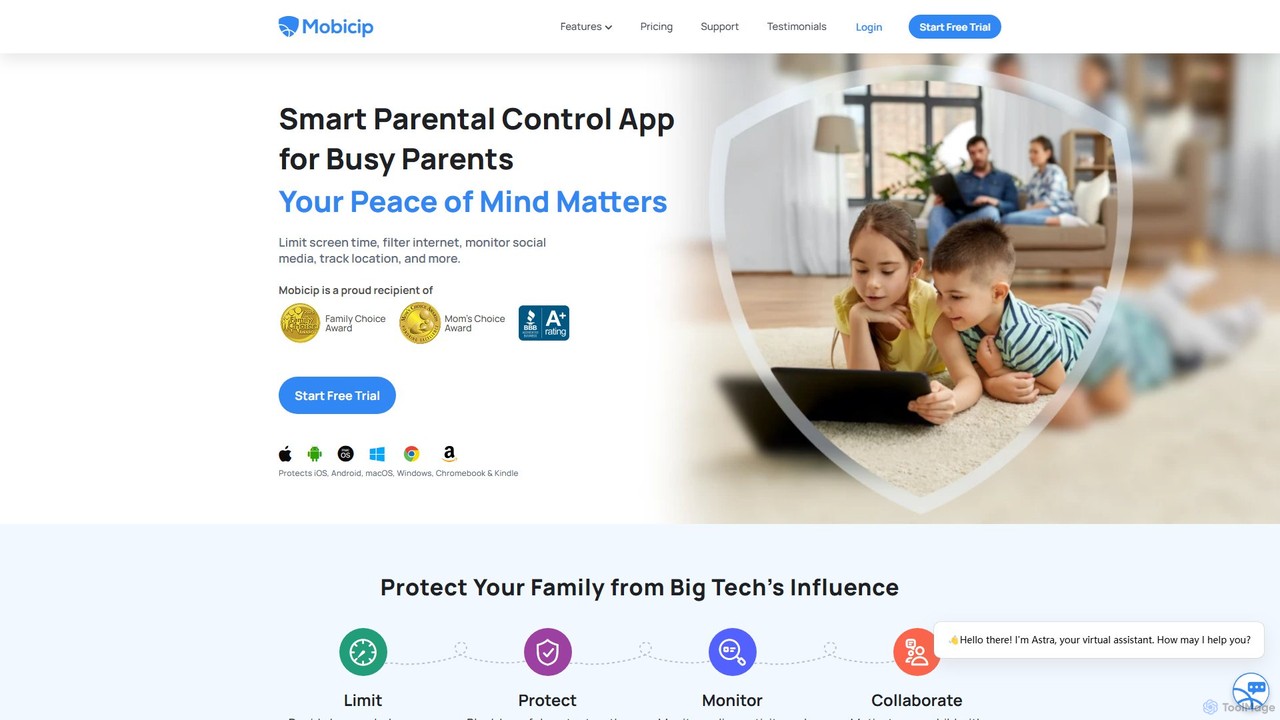
Mobicip

Mobicip

Mobicip is a comprehensive parental control app that uses AI to help parents manage screen time, filter web …

132.4K
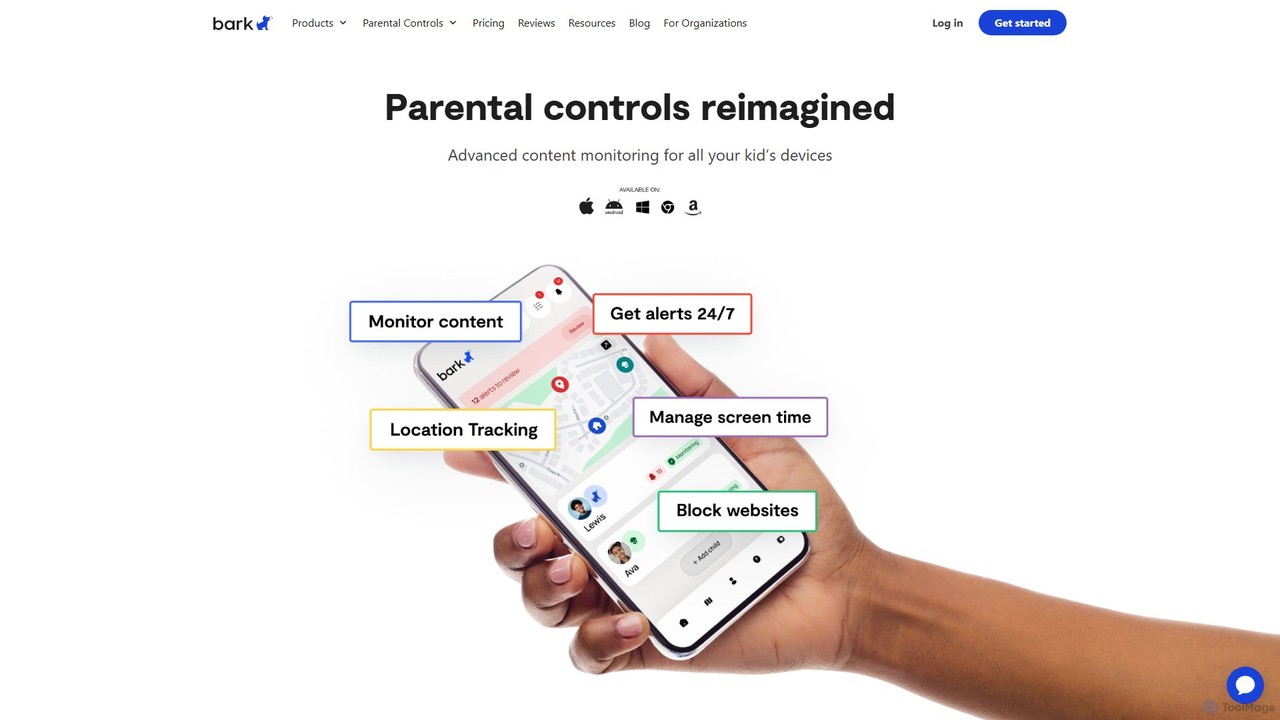
Bark

Bark

Bark is an AI-powered parental control service that helps families protect their children online. It monitors texts, social …

1.5M

About Parental Control

AI Parental Control tools are intelligent applications designed to help parents monitor and manage their children's online activities. They leverage artificial intelligence, such as natural language processing and machine learning, to analyze content in real-time, detecting potential risks like cyberbullying or inappropriate material. This provides a more dynamic and nuanced approach to digital safety than traditional filters, helping parents protect their children in a complex online world. By automating monitoring and providing insightful alerts, these tools help parents manage their children's digital well-being efficiently, reducing worry and improving their own productivity.

Core Features

  • Real-time Content Analysis: Uses AI to scan text, images, and videos for inappropriate content, signs of bullying, or distress.
  • Suspicious Activity Alerts: Automatically notifies parents of unusual behavior, such as late-night activity or communication with unknown contacts.
  • Adaptive Web Filtering: Employs machine learning to dynamically categorize new websites and content beyond simple blocklists.
  • Sentiment Analysis: Analyzes the emotional tone of conversations in messages and social media to detect potential mental health issues.

Use Cases

These tools are essential for parents of children and teenagers active on social media and messaging apps. They are also used by families aiming to establish healthy screen time habits and by educational institutions to ensure safe device usage. Common scenarios include preventing exposure to adult content for young children and monitoring for signs of online predation.

How to Choose

When selecting an AI Parental Control tool, consider the scope of monitoring (which apps and platforms are covered) and the depth of its AI features (e.g., sentiment analysis vs. basic keyword flagging). Evaluate the tool's approach to privacy, ensuring it offers transparent reporting. Finally, assess the user-friendliness of the parent dashboard and the alert system for ease of management.

Parental ControlUse Cases

1

Monitoring Social Media for Cyberbullying

A parent of a teenager is concerned about their child's interactions on social media platforms. Using an AI Parental Control tool, they can monitor for signs of cyberbullying without intrusively reading every message. The tool's AI uses natural language processing (NLP) to scan direct messages and comments for harmful language, threats, or insults. If the system detects a conversation pattern indicative of bullying, it sends a discreet alert to the parent with relevant context. This allows the parent to intervene early and provide support, fostering a safer online environment while respecting the teen's privacy.

2

Preventing Exposure to Inappropriate Content

For parents of younger children, the primary goal is to create a safe browsing environment. An AI-powered filter tool goes beyond traditional URL blocklists. It analyzes web pages, images, and even video content in real-time. For example, when a child searches for a term on YouTube, the AI assesses the thumbnails, titles, and comments of the results to block videos that may seem child-friendly but contain inappropriate themes. This dynamic filtering adapts to new content instantly, providing a more robust shield against harmful material than static lists, ensuring the child's digital explorations remain age-appropriate.

3

Establishing Healthy Screen Time Habits

A family struggles with enforcing consistent screen time rules. An AI Parental Control app helps automate this process. Parents can set daily time limits for specific app categories, like 'Games' or 'Social Media'. The AI can provide insights by analyzing usage patterns and suggesting a balanced schedule, for example, recommending less entertainment time on school nights. The tool can also enforce a 'bedtime' mode that blocks all non-essential apps after a certain hour. This removes the need for constant negotiation and helps children develop a healthier, more structured relationship with their devices.

4

Detecting Signs of Online Predation

A guardian's primary concern is protecting their pre-teen from online predators. An advanced AI tool monitors conversations not just for keywords, but for patterns associated with grooming. This includes detecting when a new contact asks for personal information (like school or address), pressures the child to keep secrets, or attempts to move the conversation to a less-monitored platform. The AI flags these behavioral red flags and sends an urgent alert to the guardian. This proactive detection provides a critical layer of security that simple keyword filters would miss, enabling timely intervention in potentially dangerous situations.

5

Identifying Early Signs of Mental Distress

A parent is worried about their child's mental well-being after noticing behavioral changes. An AI Parental Control tool with sentiment analysis can offer insights. The AI scans the child's public posts and messages for shifts in language, identifying patterns that may indicate depression, anxiety, or self-harm ideation. For instance, it might flag an increase in negative language or social isolation expressed online. The system then alerts the parent to these concerning trends, not by sharing specific messages, but by highlighting the pattern. This provides an opportunity for the parent to start a supportive, real-life conversation.

6

Managing App Usage and In-App Purchases

A parent gives their child their first smartphone and wants to prevent excessive spending and app addiction. They use a parental control tool to manage the device's app ecosystem. They can block specific apps or set time limits on categories like gaming. The AI component helps by identifying newly installed apps that are age-inappropriate or known for aggressive in-app purchase models. The parent receives a notification to review and approve new apps, maintaining control over the digital environment and preventing surprise bills or exposure to unsuitable content, teaching responsible app usage from the start.

Parental ControlFrequently Asked Questions