Mobicip
Mobicip is a comprehensive parental control app that uses AI to help parents manage screen time, filter web …
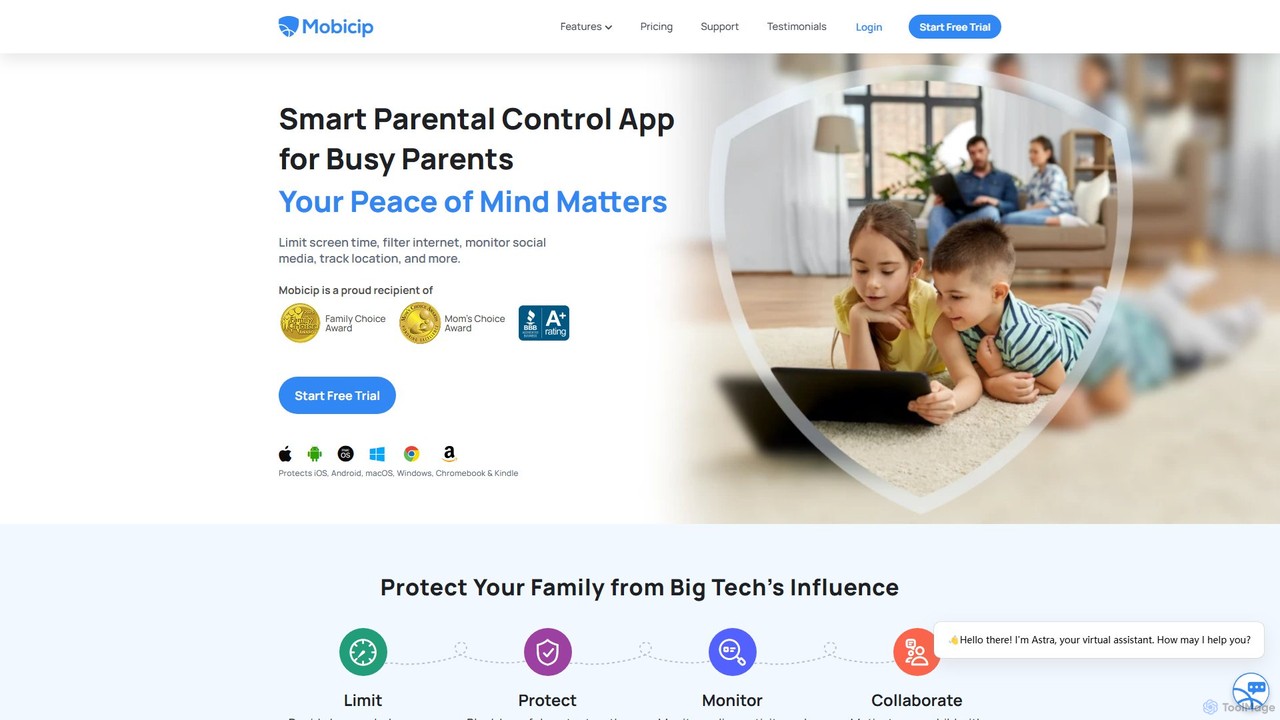
Mobicip is a comprehensive parental control app that uses AI to help parents manage screen time, filter web content, monitor social media, and track their children's location. It offers cross-platform support for iOS, Android, Windows, macOS, Chromebook, and Kindle, providing a unified solution for family digital safety.
About Digital Wellbeing
Digital Wellbeing tools are a class of AI-powered applications designed to help you cultivate a healthier and more intentional relationship with technology. These tools utilize machine learning to analyze your digital habits, identify patterns of distraction, and provide personalized insights to improve focus and reduce screen time. Their primary value lies in empowering users to regain control over their attention, mitigate digital burnout, and enhance overall mental wellness. As a specialized area within Security, they focus on protecting your cognitive resources from the overwhelming nature of the digital world.
Core Features
- Intelligent Usage Analysis: Provides AI-driven reports on app usage, screen time, and pickup frequency to reveal digital habits.
- Context-Aware Distraction Blocking: Automatically blocks distracting apps and websites based on your schedule, location, or current task.
- Smart Notification Management: Filters and bundles non-urgent notifications to minimize interruptions during focus periods.
- AI-Powered Content Filtering: Identifies and hides negative, toxic, or anxiety-inducing content on social media and news feeds.
- Personalized Break Reminders: Uses activity patterns to suggest timely breaks, preventing digital fatigue and eye strain.
Use Cases
These tools are ideal for professionals seeking deep work, students needing to concentrate on studies, and parents aiming to establish healthy tech boundaries for their children. Teams and organizations also use them to promote a culture of focused work and prevent employee burnout in remote or hybrid environments.
How to Choose
When selecting a Digital Wellbeing tool, consider its primary function (e.g., focus enhancement vs. content filtering), platform compatibility (desktop, mobile), and privacy policy, especially how your usage data is handled. Also, evaluate the level of automation and customization to ensure it aligns with your personal goals for digital health.

Digital WellbeingUse Cases
Enhancing Deep Work for Professionals
A software developer needs several hours of uninterrupted focus to write complex code. They use a Digital Wellbeing tool that integrates with their calendar. The tool automatically activates a 'deep work' mode during scheduled coding blocks, silencing all non-essential notifications from email and chat apps, and blocking access to social media and news websites. This AI-driven, context-aware blocking helps the developer maintain flow state, reduce context switching, and significantly improve code quality and productivity without needing to manually manage distractions.
Managing Children's Online Safety and Screen Time
A parent is concerned about their child's screen time and exposure to inappropriate content. They install a Digital Wellbeing app on their child's tablet. The AI analyzes the child's app usage and recommends healthy time limits for games and videos, while allowing unlimited time for educational apps. It also features an AI-powered content filter that blocks harmful websites and flags concerning search queries in real-time. This provides the parent with peace of mind and helps the child develop a balanced and safe relationship with technology from an early age.
Reducing Social Media Overload and Anxiety
A university student finds their social media feeds overwhelming and a source of anxiety. They use a Digital Wellbeing browser extension that leverages AI to transform their experience. The tool automatically hides engagement metrics like likes and follower counts, summarizes long comment threads, and filters out posts containing keywords they've identified as stressful. It also replaces the infinite scroll with a paginated view and provides a daily 'digest' of important updates from close friends. This helps the student stay connected without the negative mental health impacts of constant, unfiltered information.
Cultivating Mindful Smartphone Usage
An individual wants to reduce their habit of mindless phone scrolling. They use an AI-powered Digital Wellbeing coach on their smartphone. The app learns their usage patterns and, instead of just blocking apps, provides gentle 'nudges'. For example, if they open a social media app for the third time in an hour, it might pop up a message asking 'Is this intentional?' or suggest a 5-minute breathing exercise instead. It also provides weekly insights, like 'You spent 40% less time on distracting apps this week,' to positively reinforce behavior change and promote a more mindful approach to technology.
Improving Study Focus for Students
A high school student preparing for exams struggles with distractions from online games and social media. They use a Digital Wellbeing tool designed for students. The AI helps them create a 'Study Mode' schedule. During these times, the tool blocks access to all entertainment websites and apps but allows access to educational resources like Wikipedia, Google Scholar, and specific research sites. The AI can even distinguish between productive and unproductive use of platforms like YouTube, allowing educational videos while blocking distracting ones. This targeted approach helps the student stay on task and improve their learning outcomes.
Combating Digital Burnout in Remote Teams
A company with a fully remote team notices signs of burnout, such as employees working late and responding to messages at all hours. They implement a team-wide Digital Wellbeing platform. The AI analyzes anonymized work patterns and identifies team-level risks, like excessive after-hours chat activity. It then provides insights to managers and nudges employees to take regular breaks and disconnect after their workday. The platform can also enforce 'quiet hours' by holding non-urgent notifications until the next morning, fostering a healthier work-life balance and improving long-term team productivity and morale.