Security Best in category 4 results Parental Control AI Tool

Popular AI tools in the Parental Control field of Security include Kaspersky、Canopy、noporn、Lion Browser, etc., helping you quickly improve efficiency.

Lion Browser

Lion Browser

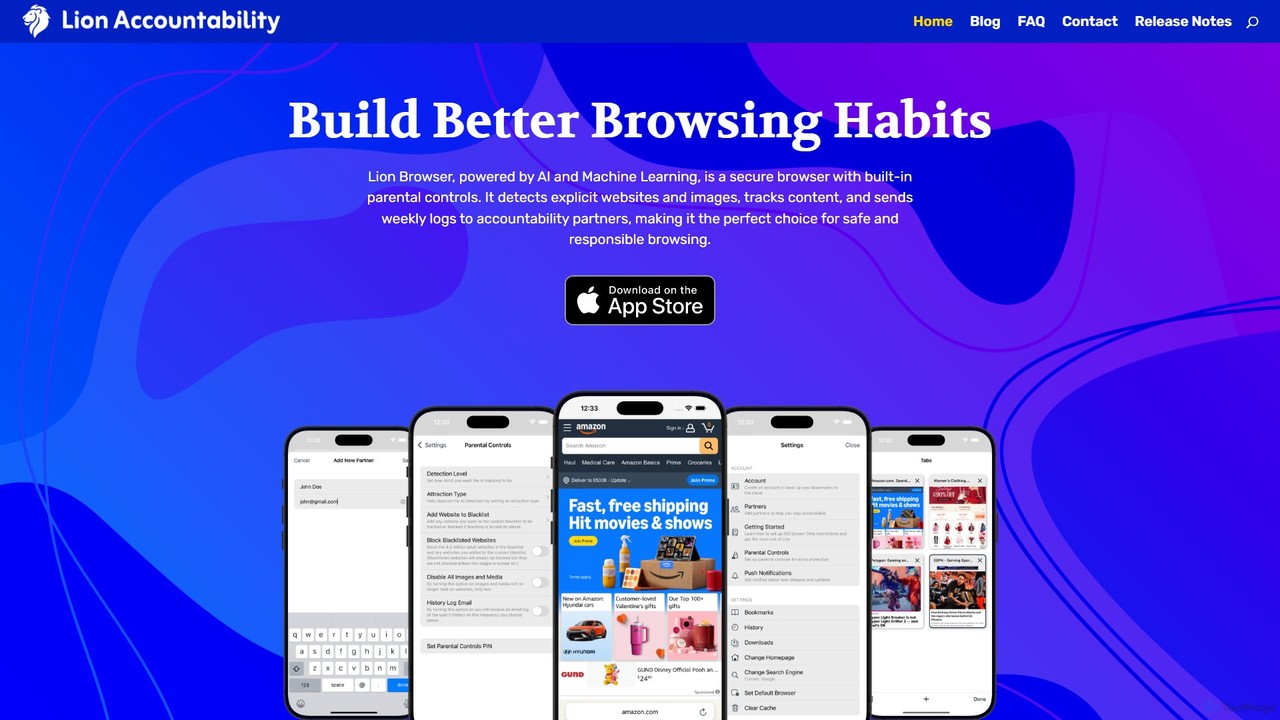
Lion Browser is a secure, AI-powered web browser for iOS designed to build better online habits. It features …

2.2K
Kaspersky

Kaspersky

Kaspersky offers comprehensive, AI-powered cybersecurity solutions for individuals and businesses. It provides multi-layered protection against viruses, malware, ransomware, …

9.3M
Canopy

Canopy

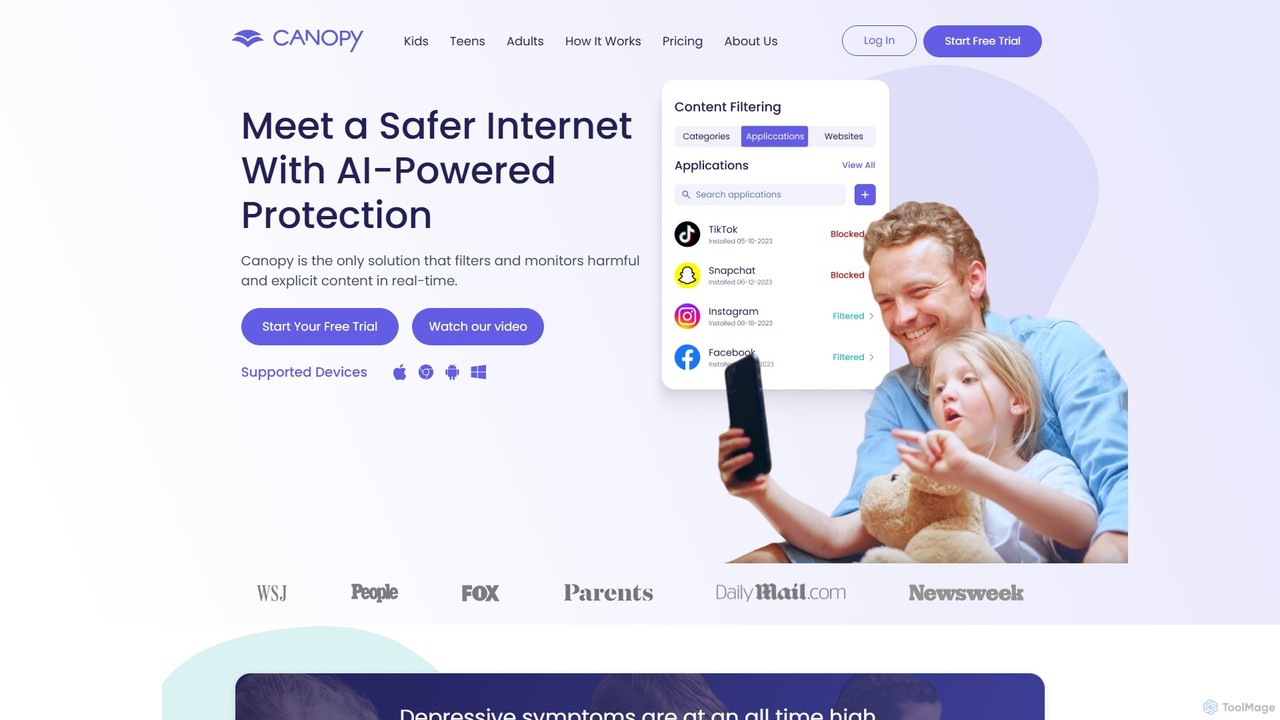
Canopy is an AI-powered digital parenting app designed to protect children online. It uses real-time AI technology to …

1.3M
noporn

noporn

noporn is an AI-powered content blocker designed to protect users and families from explicit pornographic content online. Functioning …

9.4K

About Parental Control

AI Parental Control tools are applications designed to help parents monitor and manage their children's online activities. These tools leverage artificial intelligence to analyze content in real-time, detecting potential risks like cyberbullying, inappropriate material, or signs of distress that simple keyword filters might miss. They provide a dynamic and adaptive layer of security, helping to create a safer digital environment for children. This proactive approach offers parents detailed insights and greater peace of mind without requiring constant manual oversight.

Core Features

  • Real-time Content Analysis: Uses AI to analyze text, images, and videos on websites and social media to block harmful content dynamically.
  • Threat Detection: Proactively identifies patterns related to cyberbullying, online predators, depression, and self-harm in communications.
  • Intelligent Screen Time Management: Sets flexible schedules and limits on app and device usage based on categories like 'education' or 'entertainment'.
  • Location Tracking & Geofencing: Provides real-time location of a child's device and sends alerts when they enter or leave predefined safe zones.
  • Activity Reporting: Generates comprehensive reports on app usage, websites visited, and search history, highlighting potential areas of concern.

Use Cases

These tools are primarily used by parents and guardians of children and teenagers to ensure their safety across various digital platforms, including smartphones, tablets, and computers. They are particularly valuable for monitoring social media interactions, preventing exposure to adult content, and managing screen time to promote healthy digital habits. Schools may also use similar technologies to protect students on campus networks.

How to Choose

When selecting an AI Parental Control tool, consider the age of your child and the specific platforms you need to monitor (iOS, Android, Windows, macOS). Evaluate the depth of features, especially for social media and messaging app monitoring. Prioritize tools with a user-friendly dashboard for parents and a clear, transparent privacy policy that explains how your child's data is handled. Finally, consider the subscription model and whether it fits your family's budget.

Parental ControlUse Cases

1

Preventing Access to Inappropriate Content

Parents of a young child (ages 6-10) are concerned about their child accidentally encountering violent or adult content while browsing the web or watching videos. They use an AI Parental Control tool to set up dynamic content filtering. The AI automatically identifies and blocks websites, images, and video thumbnails related to adult themes, violence, and other unsuitable categories in real-time. This provides a safer browsing experience than static blocklists, as it can adapt to new and uncategorized content, ensuring the child is protected while exploring their interests online.

2

Monitoring Social Media for Cyberbullying

A guardian of a teenager (ages 13-16) wants to ensure their child's safety on social media without intrusively reading all their messages. They activate the AI threat detection feature. The system analyzes conversations on platforms like Instagram and TikTok for patterns of bullying, harassment, or signs of depression. If the AI detects language indicating a threat, such as repeated insults or talk of self-harm, it sends a confidential alert to the parent's device with a snippet of the concerning text. This allows the parent to intervene and have a supportive conversation when it's most needed.

3

Managing Daily Screen Time Intelligently

A family wants to establish healthier digital habits for their children (ages 9 and 12). Instead of a blanket ban, they use an AI Parental Control tool to set smart screen time limits. They allocate a total of 2 hours of 'Fun' time per day, which includes games and social media apps. Educational and communication apps are not counted towards this limit. The tool automatically locks the 'Fun' apps once the time is up, but still allows access to essential tools. On weekends, the limit is automatically extended to 3 hours, providing flexibility without constant manual adjustments.

4

Ensuring Safety with Location Geofencing

Parents of a child who walks to and from school alone want extra peace of mind. They use the geofencing feature in their parental control app. They create two virtual fences: one around their home and another around the school. The app automatically sends a notification to their phones when their child's device enters or leaves these predefined areas. This provides reassurance that their child has arrived safely at school and returned home without needing to constantly text or call, respecting the child's growing independence.

5

Reviewing Search History for Potential Risks

A parent wants to stay informed about their teenager's online interests and concerns without being overly intrusive. They use the activity reporting feature of their parental control tool. Each week, they receive a summarized report of their teen's web search history. The AI flags potentially concerning search terms related to topics like eating disorders, illegal substances, or extreme ideologies. This allows the parent to identify potential issues early and initiate a supportive, non-confrontational conversation, using the information as a starting point to understand what their child is going through.

6

Blocking Specific Apps During Homework Hours

A parent notices their child's grades are slipping due to distractions from gaming and social media apps during study time. Using the parental control tool, they create a 'Homework' schedule from 4 PM to 6 PM on weekdays. During this period, the tool automatically blocks access to specific distracting apps like TikTok, YouTube, and mobile games. However, it still allows access to educational websites, school portals, and communication apps for contacting family. This targeted approach helps the child focus on their studies without feeling completely cut off from their device.

Parental ControlFrequently Asked Questions