
Verificient
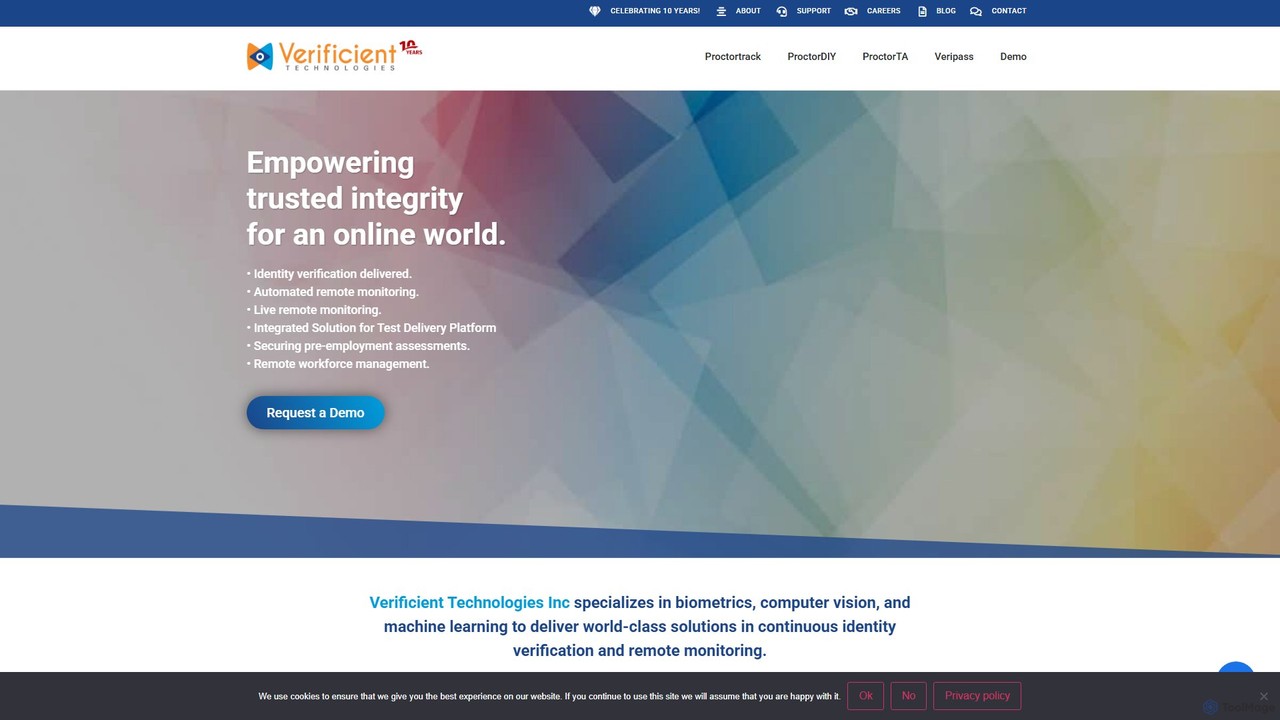
Verificient is an AI-powered identity verification and remote proctoring platform. It leverages biometrics, computer vision, and machine learning …
Verificient is an AI-powered identity verification and remote proctoring platform. It leverages biometrics, computer vision, and machine learning to ensure the integrity of online assessments, pre-employment screening, and remote workforce management. Its suite of tools provides continuous, automated, and live monitoring to create a secure and trusted online environment.
About Online Proctoring
Online Proctoring tools are AI-powered solutions designed to ensure academic integrity during remote examinations. These platforms utilize a user's webcam, microphone, and screen sharing to monitor test-takers in real-time or through recordings, automatically flagging suspicious behavior. They provide educational institutions and certification bodies with a scalable way to prevent cheating and validate the authenticity of online assessments. The core technology often involves facial recognition for identity verification and behavioral analysis algorithms to detect potential academic dishonesty.
Core Features
- Identity Verification: Confirms the test-taker's identity using photo ID scans, facial recognition, or biometric keystroke analysis before the exam begins.
- Browser Lockdown: Restricts access to unauthorized websites, applications, and functions like copy-paste to create a secure testing environment.
- AI-Powered Anomaly Detection: Automatically identifies and flags suspicious activities such as looking away from the screen, unauthorized persons in the room, or use of prohibited devices.
- Live and Recorded Proctoring: Offers options for real-time human monitoring, fully automated AI-driven monitoring, or a hybrid approach where AI flags incidents for human review.
- Session Recording & Reporting: Securely records the entire exam session (video, audio, screen) and generates detailed integrity reports for instructors to review.
Use Cases
Online Proctoring is primarily used by higher education institutions, K-12 schools, professional certification organizations, and corporate training departments. It is essential for administering high-stakes exams, final assessments, entrance tests, and professional certifications remotely. These tools enable organizations to maintain rigorous academic standards while offering the flexibility of online learning and testing.
How to Choose
When selecting an Online Proctoring tool, consider its integration capabilities with your existing Learning Management System (LMS). Evaluate the level of security required, choosing between live, automated, or hybrid proctoring models. Assess the platform's data privacy and compliance with regulations like GDPR and FERPA. Finally, consider the user experience for both students and administrators to ensure a smooth and non-intrusive process.
Online ProctoringUse Cases
Securing University Final Exams
A university administrator for a large online program needs to ensure the academic integrity of final exams for thousands of remote students. Using an online proctoring tool integrated with their Learning Management System (LMS), they can require each student to complete an identity verification check before starting. During the exam, the tool's AI monitors for anomalies like a second person appearing on camera or the student accessing unauthorized websites via browser lockdown. This provides a scalable solution to uphold academic standards without requiring physical testing centers.
Administering Professional Certification Exams
A global organization offering professional IT certifications needs a secure and accessible way for candidates worldwide to take high-stakes exams. An online proctoring platform allows them to schedule and administer exams remotely. The system verifies each candidate's identity with an ID scan and facial comparison. During the test, browser lockdown prevents access to external resources, and AI flags any suspicious behavior for review by a human proctor. This maintains the credibility and value of their certification while expanding access to a global audience.
Verifying Corporate Compliance Training
A compliance officer in a financial firm must ensure that all employees complete and pass a mandatory annual regulatory exam. To create an auditable record and prevent proxy test-taking, the company uses an online proctoring tool. The tool records each employee's session, verifying their identity at the start. Any flagged incidents, such as an employee receiving help, are automatically compiled into a report. This process provides verifiable proof of compliance and ensures that each employee has personally demonstrated their understanding of the material.
Authenticating Applicants for Online Courses
An admissions officer for a competitive online MBA program needs to validate the identity and abilities of applicants during entrance exams. They implement an online proctoring solution that requires applicants to show a government-issued ID to the camera for verification. The platform locks down the testing environment to prevent cheating and records the entire session. This ensures that the person taking the exam is the actual applicant and that their performance is a true reflection of their skills, maintaining the program's high admission standards.
Monitoring K-12 Standardized Testing at Home
A school district needs to administer standardized tests to students who are learning remotely. To ensure a consistent and fair testing environment, they use an automated online proctoring service. The software guides students through setup, locks their browsers, and uses AI to monitor the session. It flags events like loud noises or students leaving their seats, creating a report for teachers to review later. This allows the district to gather reliable assessment data while accommodating remote learners, without requiring teachers to proctor each student live.
Assessing Skills in Coding Bootcamps
An instructor at a coding bootcamp needs to evaluate students' practical coding skills through a final project assessment. To simulate a real-world work environment while preventing plagiarism, they use an online proctoring tool with screen recording and browser lockdown features. The lockdown is configured to allow access only to specific development tools and documentation sites. The full screen recording provides insight into the student's problem-solving process, allowing the instructor to verify that the work is original and assess their coding proficiency accurately.