

AquaSnap Overview
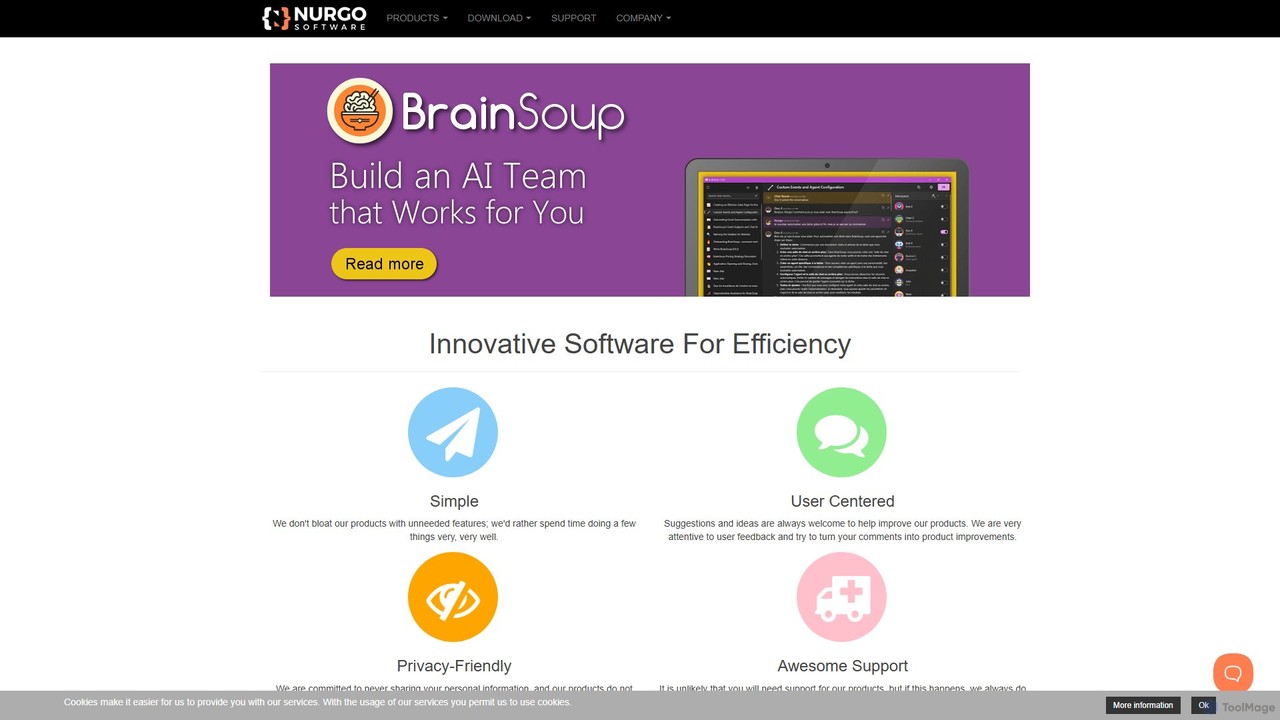
Developed by Nurgo Software, a company dedicated to creating simple, efficient, and user-centric tools, AquaSnap is a premier window management utility for the Windows operating system. It is designed to supercharge your productivity by revolutionizing the way you interact with and organize your desktop windows. Trusted by hundreds of thousands of users in over 190 countries, from software developers to financial analysts, AquaSnap provides the powerful features that Windows lacks by default. The software is lightweight, stable, and built with a strong commitment to user privacy, never collecting or sharing personal data.
How to use AquaSnap
Getting started with AquaSnap is incredibly straightforward. After a quick installation (or by running the portable version from a USB drive), the application integrates seamlessly into your Windows environment. The core functionality is intuitive: simply drag a window to the edge or a corner of your screen, and it will automatically snap and resize to fill that portion of the desktop. You can split your screen into halves, thirds, or quarters with ease. Beyond dragging, you can use powerful mouse shortcuts, such as shaking a window to make it transparent or stay on top. For power users, AquaSnap offers fully customizable keyboard shortcuts to control every aspect of window management without ever taking your hands off the keyboard.
Core Features of AquaSnap
- Window Docking & Snapping (AquaSnap): Drag and drop windows to the sides or corners of the screen to have them snap perfectly into place. Ideal for comparing documents or multitasking.
- Window Tiling (AquaTiling): When you resize one window, adjacent windows are also resized to prevent any overlap and make optimal use of screen real estate.
- Window Stretching: Double-click on a window's edge to stretch it to fill the screen in one dimension (horizontally or vertically).
- Move Windows Together (AquaMagnet): A unique feature that lets you move multiple adjacent windows together as a single group.
- Window Shaking (AquaShake): Shake a window to make it transparent and "see-through" without losing focus.
- Stay on Top & Transparency: Quickly make any window stay on top of all others or adjust its transparency level for easy reference.
- Customizable Shortcuts: Assign keyboard and mouse shortcuts for nearly all functions, tailoring the workflow to your exact needs.
- Multi-Monitor Support: All features work flawlessly across multiple monitors, making it an essential tool for complex workspaces.
- Minimize to Tray: Free up your taskbar by minimizing any application to the system tray.
Use Cases for AquaSnap
Software Developers & IT Professionals: Organize your IDE, terminal, documentation, and debugging tools across multiple screens. Keep an eye on log files by making the terminal window transparent and on top.
Designers & Artists: Arrange your design software, reference images, and asset libraries side-by-side on an ultrawide monitor for an efficient creative workflow.
Writers & Researchers: View a research paper on one half of the screen while writing your draft on the other, without constant resizing and switching.
Financial Analysts & Traders: Monitor multiple stock charts, news feeds, and spreadsheets simultaneously, ensuring no critical information is missed.
Students & Educators: Keep lecture notes visible while working on an assignment or watching an online lecture.
Advantages of AquaSnap
Massive Productivity Increase: Saves countless hours by eliminating the tedious task of manually resizing and arranging windows.
Lightweight & Efficient: Written in highly optimized code, it uses very few system resources and does not slow down your computer.
Highly Customizable: Tailor the behavior, shortcuts, and appearance to fit your personal workflow perfectly.
Privacy-Focused: Adheres to a strict privacy policy, with no user data collection or adware.
Lifetime License: Pay once and receive a lifetime license with all future updates included, offering excellent value.
Excellent Support: Backed by responsive and personal customer support.
Pricing and Plans
AquaSnap offers a flexible pricing structure to suit different needs:
- Personal (Freeware): Completely free for personal, non-commercial use. Includes most core features.
- Professional Standard License: A one-time payment of $29.00 for a lifetime license for one computer. This license is transferable and includes all professional features, such as moving windows together and multi-monitor shortcuts.
- Professional Site License: A one-time payment of $899.00 for a lifetime license covering an unlimited number of computers at a single physical location (e.g., an office). Ideal for businesses.
All paid plans come with a 90-day money-back guarantee. A portable version that requires no installation is also available for download.
Traffic
Latest traffic
Status
Monthly traffic trend
- 2025-9: 20.7K
- 2026-1: 27.7K
- 2026-2: 23.8K
- 2026-3: 24.6K
- 2026-4: 18.4K
- 2026-5: 15.8K
Geography
Top 5 countries / regions
- 🇺🇸United States32.3%
- 🇮🇳India21.7%
- 🇯🇵Japan16.3%
- 🇲🇽Mexico14.9%
- 🇷🇺Russia14.8%
Traffic sources
| Source type | Percentage |
|---|---|
Direct | 53.7% |
Referral | 46.3% |
Top keywords
| Keyword | Cost per click |
|---|---|
| all apps in one tab software | $0.00 |
| aquasnap | $1.04 |
| change context window ollama | $0.00 |
| tidy tabs | $0.00 |
| tidytabs | $0.00 |
AquaSnap Alternatives

inbox_ai
inbox_ai is a powerful voice-driven AI automation tool for macOS. It allows you to create custom voice commands and build intelligent assistants to streamline your workflow. With features like on-screen quick capture, email filtering, and deep integration with native macOS apps and services like Raycast and PopClip, inbox_ai puts advanced AI capabilities at your fingertips. It operates entirely on-device, ensuring your data remains private and secure, with no login required.
Workflow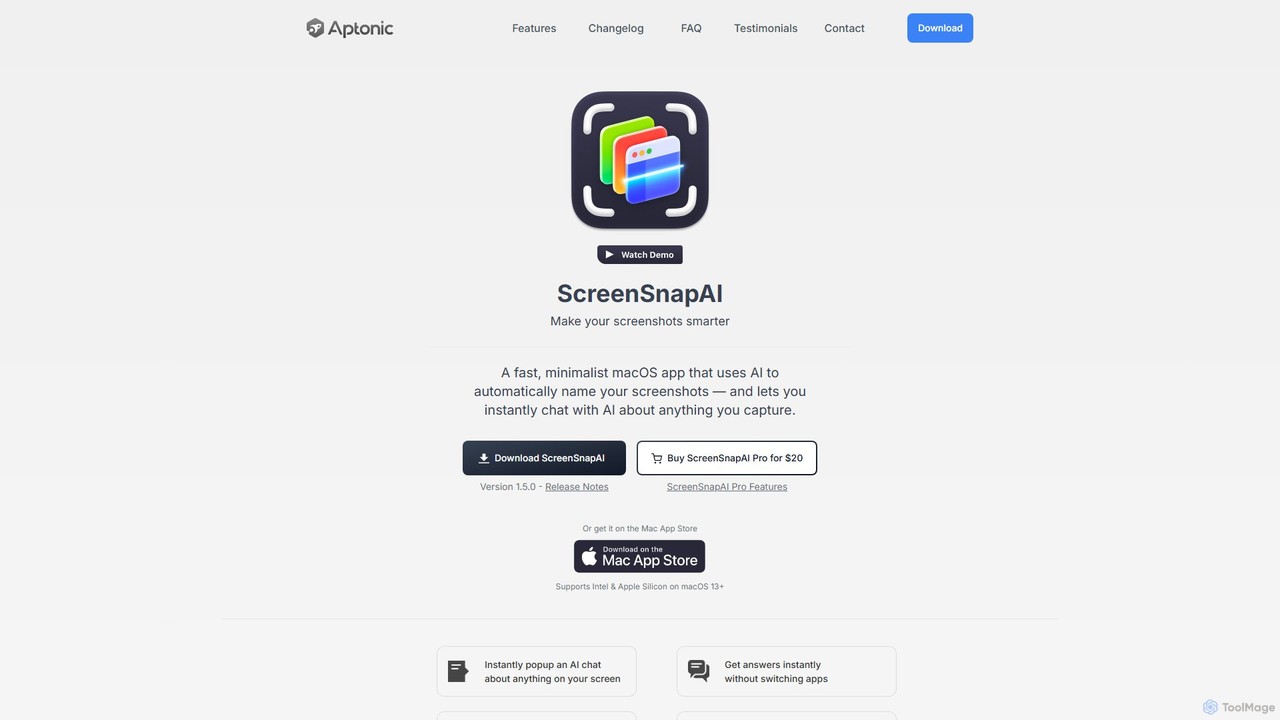
ScreenSnapAI
ScreenSnapAI is a smart macOS application that uses AI to automatically rename, tag, and organize your screenshots. It features an integrated AI assistant that allows you to instantly chat about, translate, or extract text and code from any captured image, dramatically improving productivity and workflow efficiency.
Code Assistant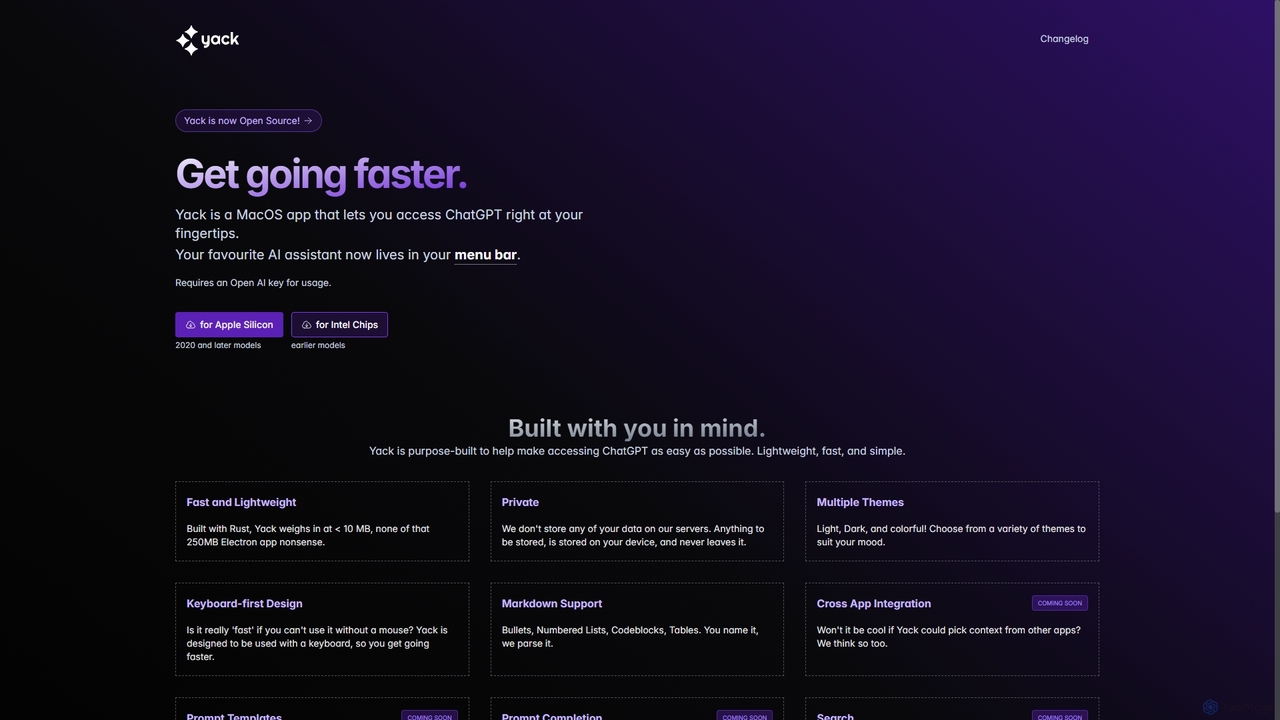
Yack
Yack is a lightweight, fast, and private open-source native macOS application that provides instant access to ChatGPT directly from your menu bar. Built with Rust, it's designed for efficiency with a keyboard-first approach, ensuring you can interact with AI without disrupting your workflow.
Api Client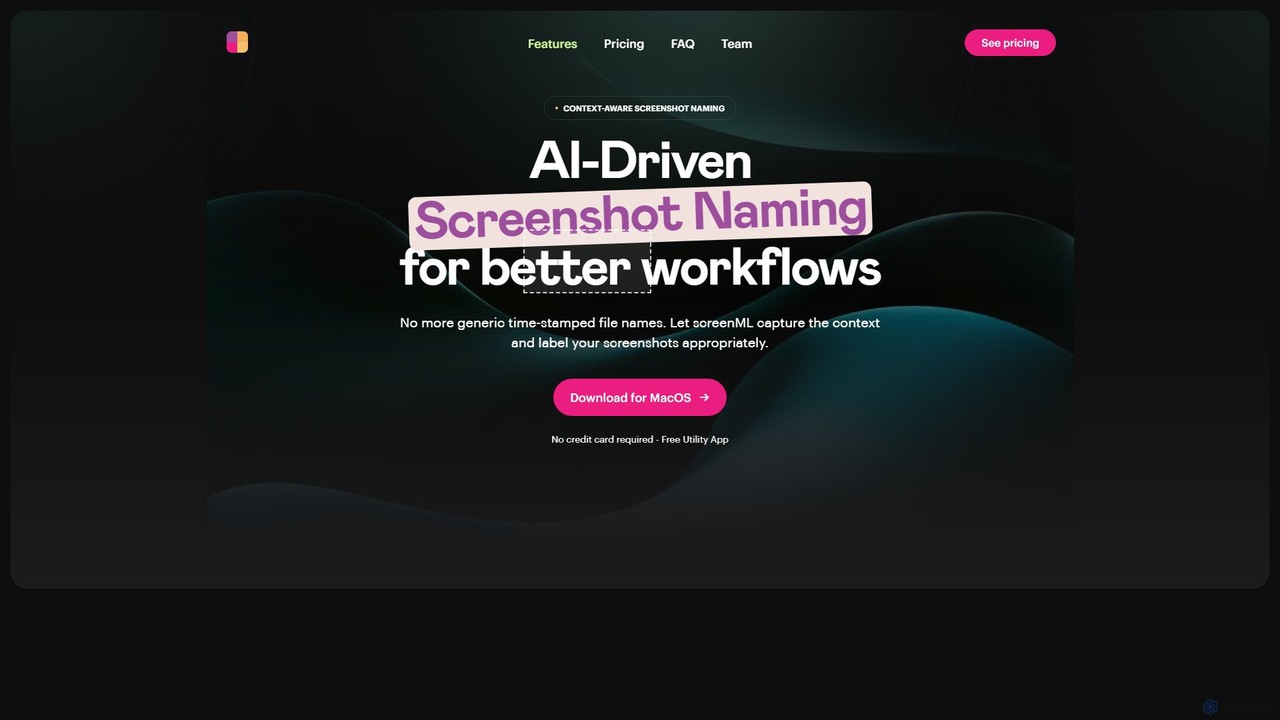
ScreenML
ScreenML is an AI-powered MacOS utility that automatically renames your screenshots with context-aware, descriptive filenames. It eliminates cluttered desktops and timestamped file names, making your screenshots organized, searchable, and easy to manage, streamlining your entire workflow.
Screenshot Tool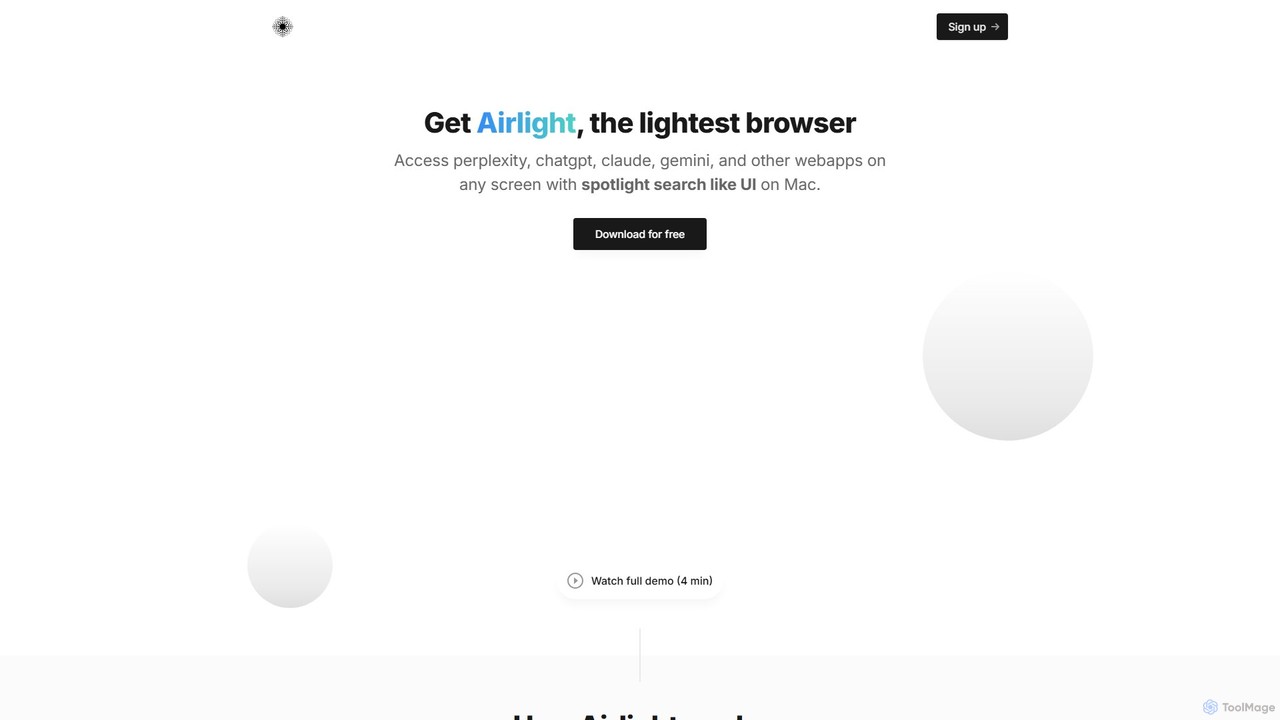
Airlight
Airlight is a lightweight "superbrowser" for macOS that provides instant access to web apps like ChatGPT, Perplexity, and Claude via a Spotlight-like interface. Activated by a simple shortcut (option + space), it overlays on any screen, eliminating the need for constant tab switching and boosting productivity for developers, writers, and researchers.
ChatAquaSnap Categories
AquaSnap Embed Widget
Copy this embed code to place the badge on your blog, article, or product site and send readers directly to this ToolMage detail page.

Related AI tools
ScreenSnapAI
ScreenSnapAI is a smart macOS application that uses AI to automatically rename, tag, and organize your screenshots. It features an integrated AI assistant that allows you to instantly chat about, translate, or extract text and code from any captured image, dramatically improving productivity and workflow efficiency.
Code AssistantYack
Yack is a lightweight, fast, and private open-source native macOS application that provides instant access to ChatGPT directly from your menu bar. Built with Rust, it's designed for efficiency with a keyboard-first approach, ensuring you can interact with AI without disrupting your workflow.
Api ClientScreenML
ScreenML is an AI-powered MacOS utility that automatically renames your screenshots with context-aware, descriptive filenames. It eliminates cluttered desktops and timestamped file names, making your screenshots organized, searchable, and easy to manage, streamlining your entire workflow.
Screenshot ToolAirlight
Airlight is a lightweight "superbrowser" for macOS that provides instant access to web apps like ChatGPT, Perplexity, and Claude via a Spotlight-like interface. Activated by a simple shortcut (option + space), it overlays on any screen, eliminating the need for constant tab switching and boosting productivity for developers, writers, and researchers.
Chat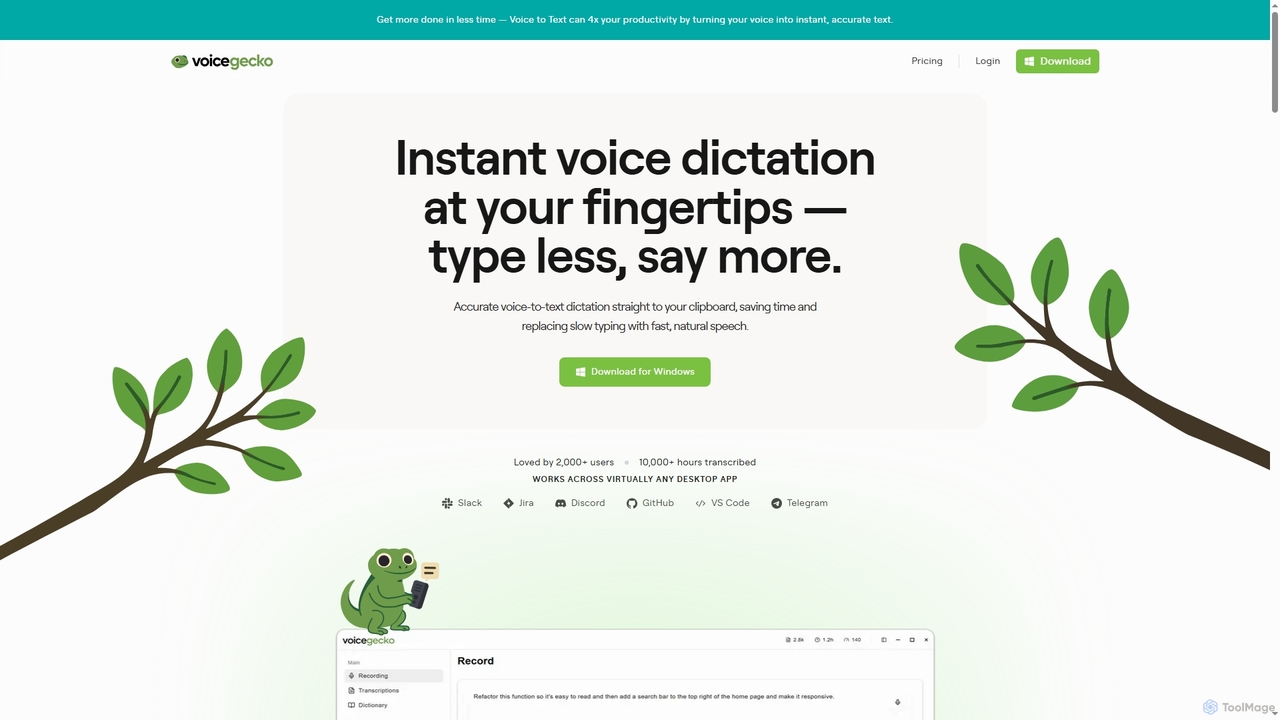
VoiceGecko
VoiceGecko is a desktop application providing instant, high-accuracy voice-to-text dictation. It works across virtually any app, allowing users to type with their voice to save time, reduce typos, and improve workflow, especially for developers and AI users.
Messaging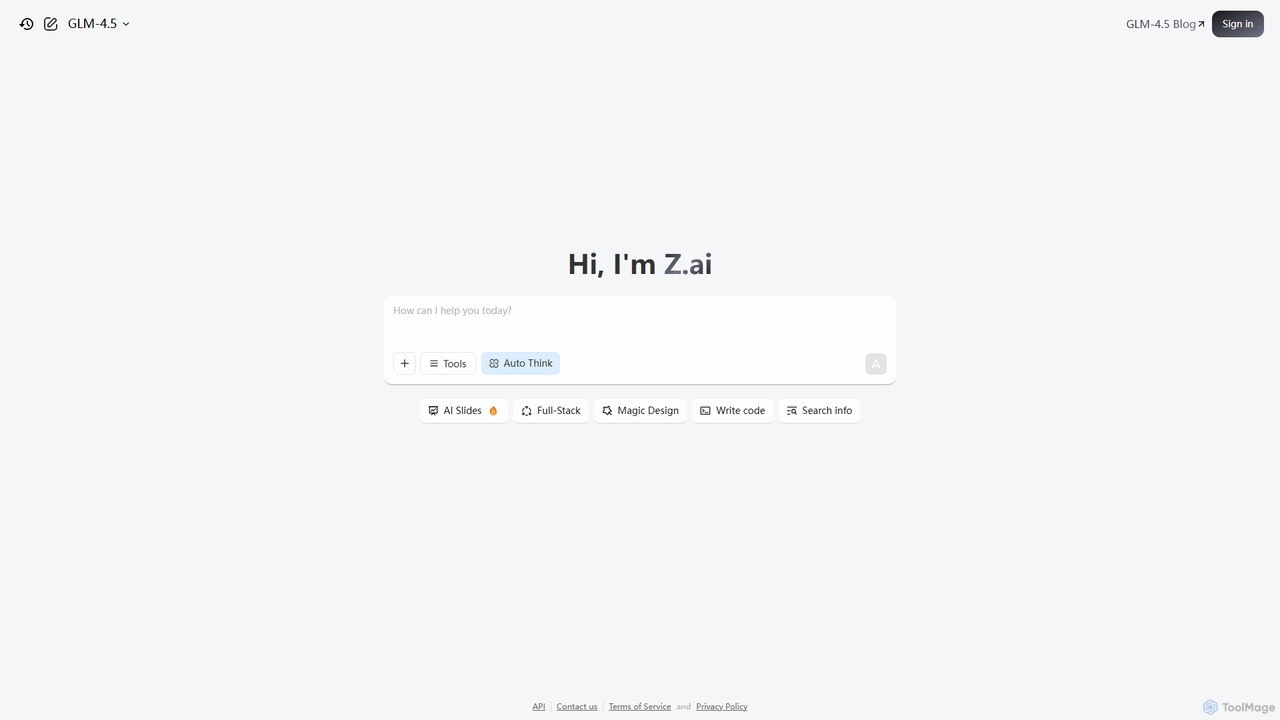
Z.ai
Z.ai is a powerful, free AI assistant powered by the advanced GLM-4.5 model. It's more than just a chatbot, offering a suite of integrated tools for coding, creating presentations, designing, and conducting research. Z.ai aims to be an all-in-one productivity platform, streamlining complex tasks through a simple conversational interface.
Code Assistant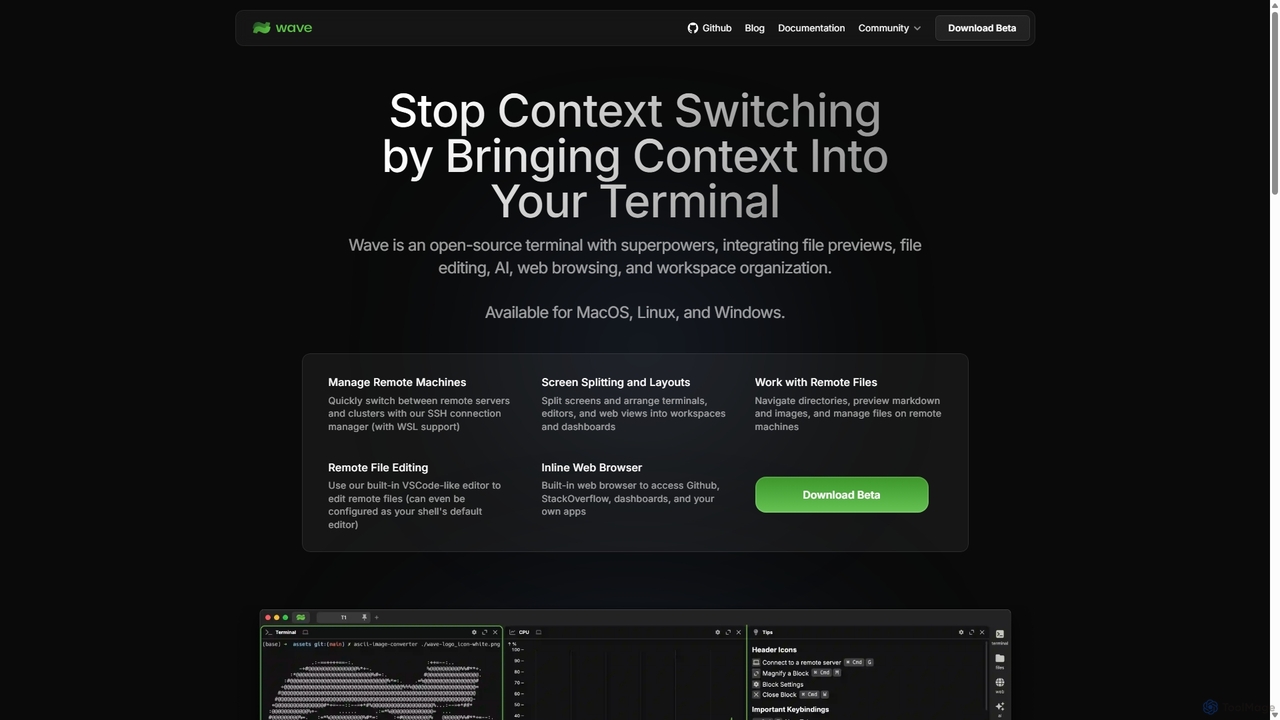
Waveterm
Waveterm is an open-source, modern terminal designed for developers and DevOps engineers. It enhances the command-line experience by integrating AI-powered assistance, a VSCode-like editor, inline file previews, a web browser, and customizable dashboards. This all-in-one workspace reduces context switching and boosts productivity across macOS, Windows, and Linux.
Code Assistant
NopeCHA
NopeCHA is an AI-powered CAPTCHA solver that automates the process of bypassing human verification tests. Available as a browser extension and a developer API, it offers a fast, affordable, and undetectable solution for various CAPTCHA types, including reCAPTCHA, FunCAPTCHA, and Cloudflare Turnstile.
Utilities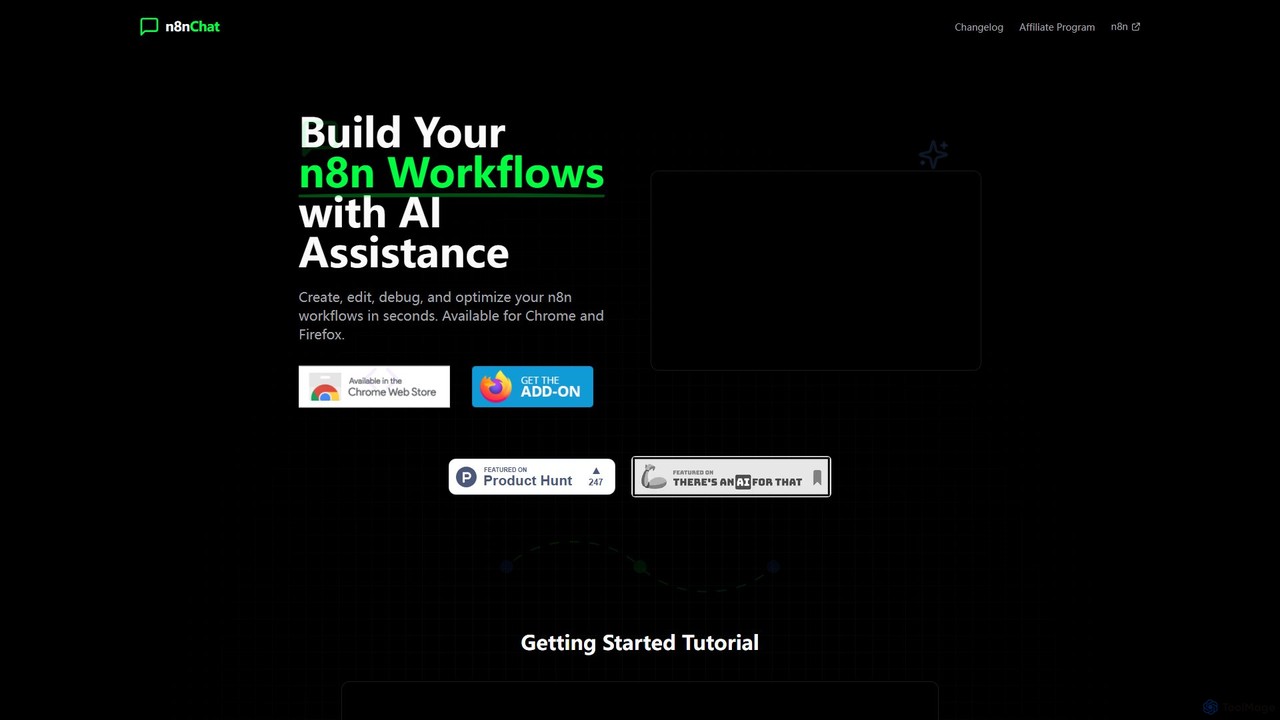
n8nChat
n8nChat is an AI-powered browser extension for Chrome and Firefox that accelerates n8n workflow creation. Describe your desired automation in natural language, and the AI will build, edit, debug, and optimize your workflows. It even generates custom JavaScript for Code nodes, making powerful automation accessible to everyone.
Ai Assistant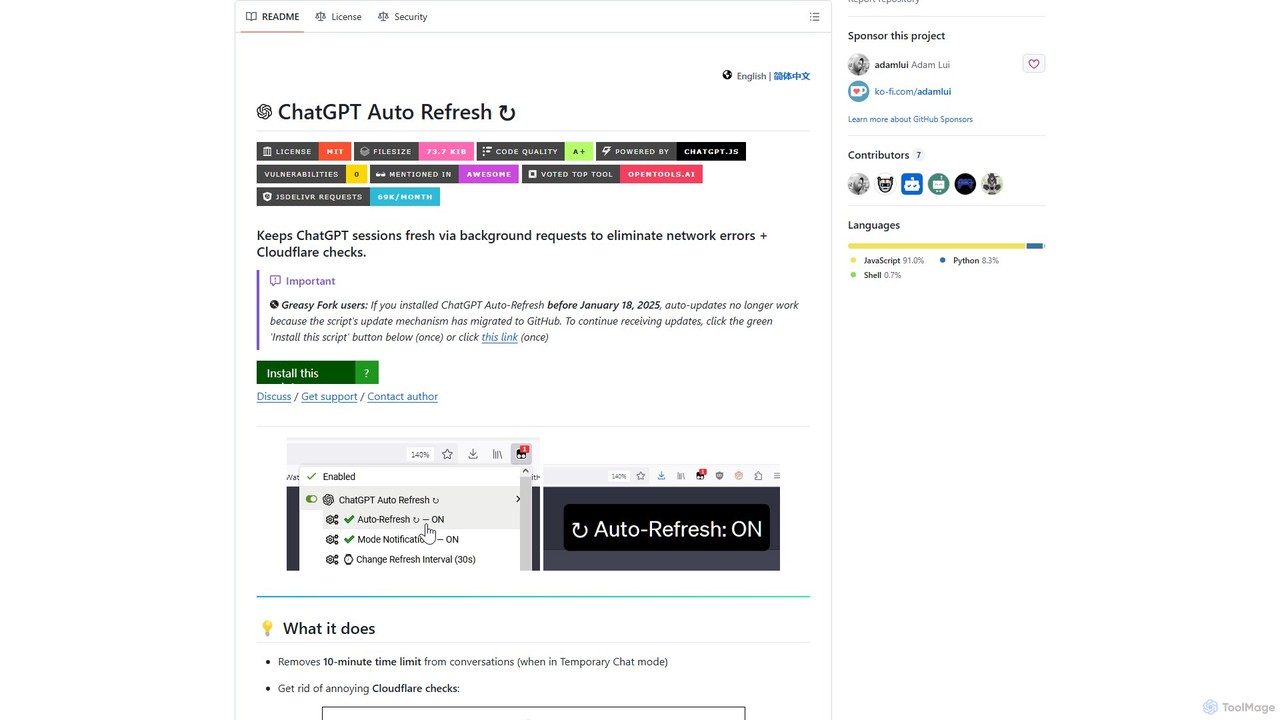
ChatGPT Auto Refresh
ChatGPT Auto Refresh is a free userscript that keeps your ChatGPT sessions active. It prevents timeouts, network errors, and annoying Cloudflare checks by automatically refreshing the session in the background, ensuring a smooth and uninterrupted chat experience.
Chat Assistant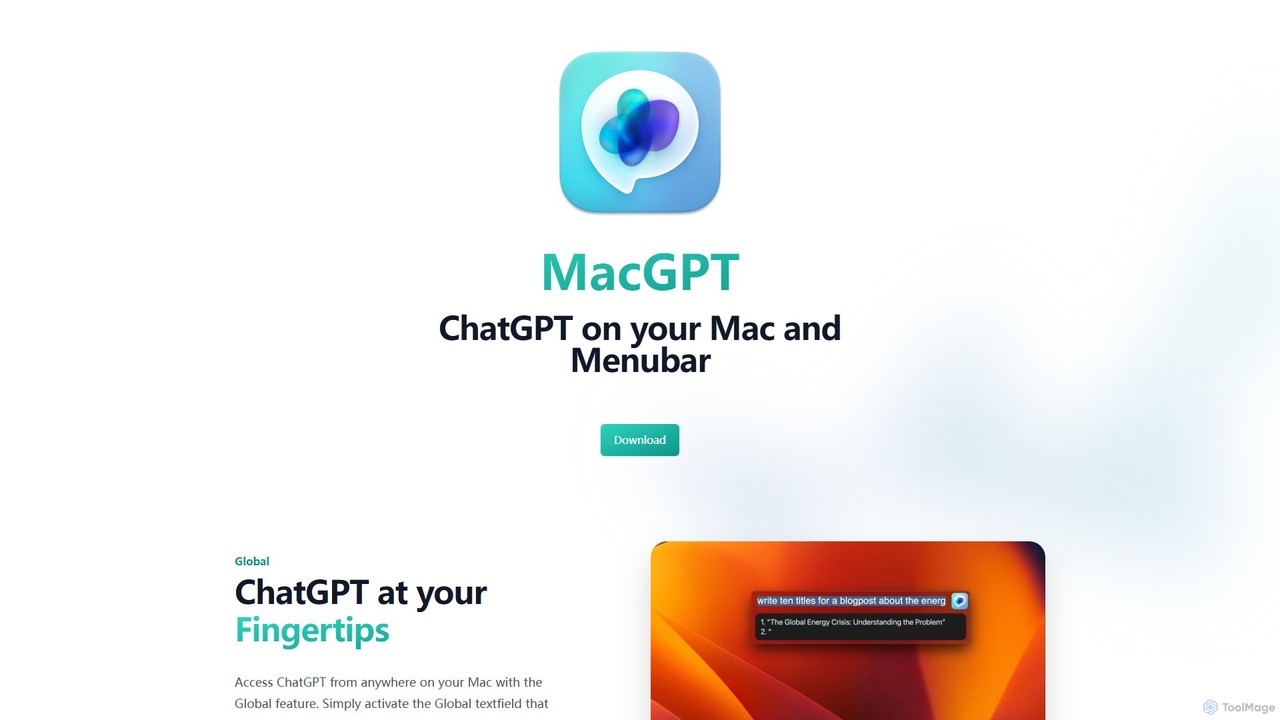
MacGPT
MacGPT brings the power of ChatGPT directly to your macOS desktop. Access OpenAI's models instantly from your menubar, use the Inline feature to write in any application, and switch between a native or web interface for ultimate flexibility and productivity.
Code Assistant
RewriteBar
RewriteBar is a native macOS menu bar app that acts as your personal AI writing assistant. It works seamlessly across all applications, allowing you to instantly correct grammar, change tone, translate text, summarize content, and more with a simple keyboard shortcut. It supports over 12 AI providers, including local models for ultimate privacy, offering a powerful and flexible writing enhancement experience.
Code Assistant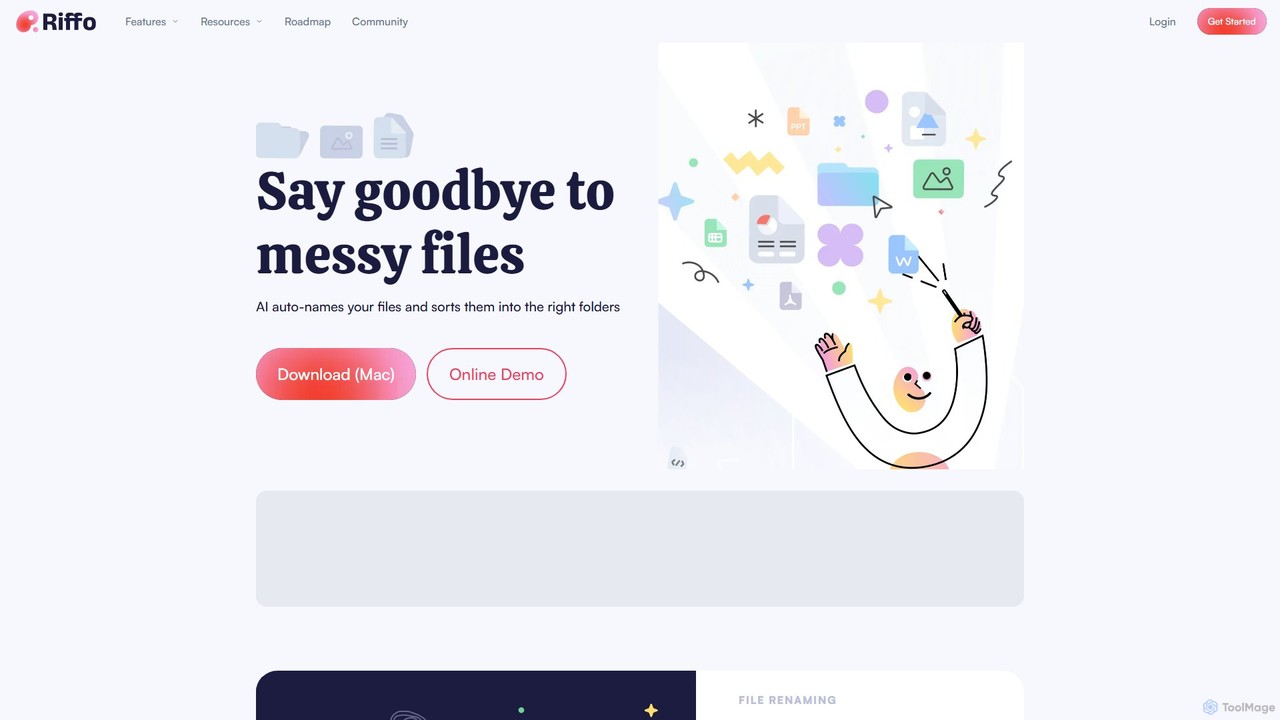
Riffo
Riffo is an AI-powered file management tool for Mac that automatically renames and organizes your files. It intelligently analyzes file content, including text in images and documents, to generate descriptive names and sort them into relevant subfolders, transforming a cluttered desktop into an organized digital workspace.
Workflow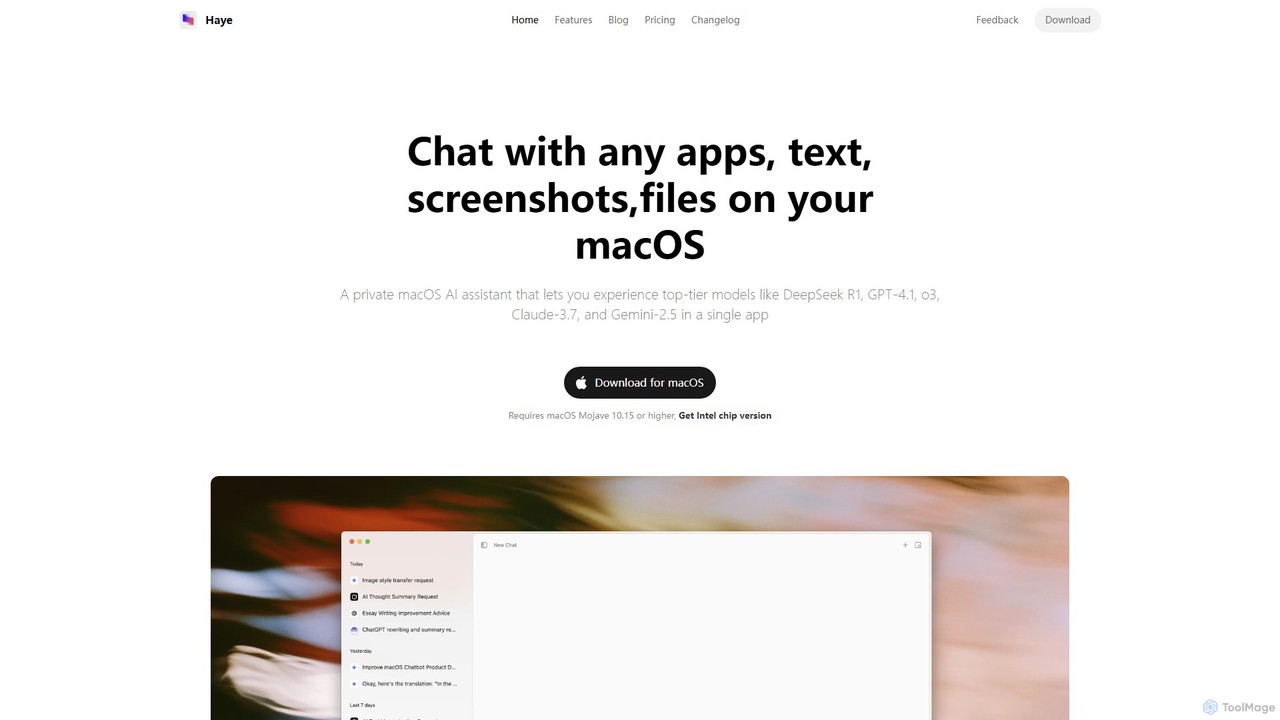
Haye
Haye is a powerful, all-in-one AI chat assistant for macOS, integrating top-tier models like GPT-4.1, Claude-3.7, and Gemini-2.5. It allows users to seamlessly interact with any app, text, screenshot, or file on their desktop, boosting productivity with features like AI search, document chat, and advanced customization.
Code Assistant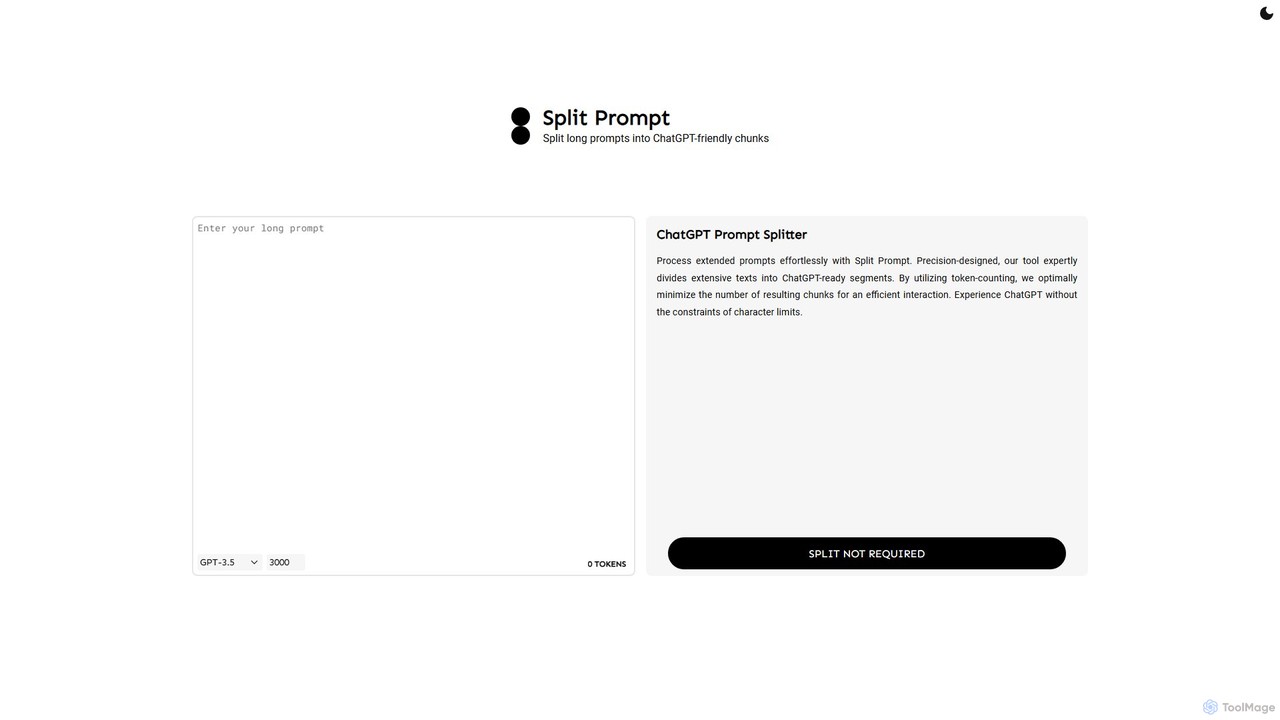
Split Prompt
A free web tool that intelligently splits long text or prompts into smaller, manageable chunks optimized for ChatGPT and other LLMs. It uses token-counting to bypass character limits, ensuring efficient and seamless interaction with AI models.
Utilities
AquaSnap Comments (0)
Sign in to comment.
Sign inNo comments yet.