

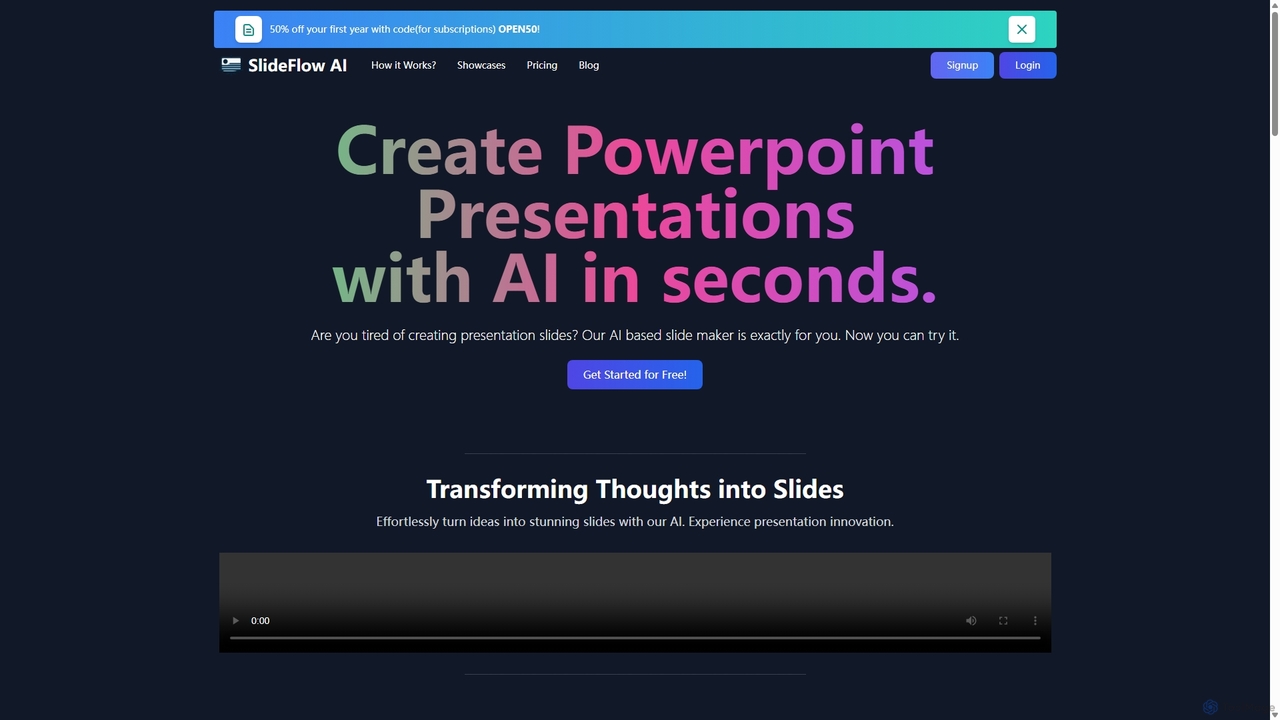
SlideFlow Overview
SlideFlow is an innovative AI-based tool designed to revolutionize the way presentations are created. It addresses the common challenge of spending countless hours on slide design and content structuring by automating the entire process. With SlideFlow, users can effortlessly convert their thoughts, notes, or detailed text into visually compelling and well-organized presentations in a matter of seconds. The platform is built for efficiency, allowing professionals, students, and educators to focus on the core message of their presentation rather than the tedious design work.
The core philosophy of SlideFlow is to act as a creative partner, augmenting human creativity with the power of artificial intelligence. It's not just about creating slides; it's about bringing ideas to life with minimal effort. The platform's intuitive interface ensures a seamless user experience, from initial idea input to the final export of the presentation, making it accessible to users of all skill levels.
How to use SlideFlow
Using SlideFlow is a simple, three-step process designed for maximum efficiency:
- Dashboard - Start Your Creation: Begin by navigating to the user-friendly dashboard. Here, you can type your ideas directly, paste content from an external source, or upload a document. This initial input serves as the foundation for your presentation. The system is designed to understand the structure and key points of your text.
- Magic Editor - Craft and Refine: Once your content is in, the AI gets to work, generating a set of slides. You then enter the 'Magic Editor'. Here, you can use the 'Magic Writer' feature to expand on points, rephrase sentences, or generate new content for your slides. If you're not satisfied with the automatically selected background images, you can browse a vast library to find the perfect backdrop that matches your presentation's tone and message.
- Review and Export - Finalize Your Masterpiece: After refining the content and design, you can preview the entire presentation. This final step allows you to make any last-minute adjustments to ensure everything is perfect. Once you're satisfied, you can export the presentation in a standard format (like .pptx) and are ready to impress your audience, having saved hours of manual work.
Core Features of SlideFlow
- AI-Powered Slide Generation: Automatically creates presentation slides from raw text input, structuring content logically.
- Magic Writer: An AI assistant within the editor to help create, refine, and expand on your presentation's text content.
- Content-Related Background Images: The AI intelligently selects relevant and high-quality background images based on the slide's content to enhance visual appeal.
- Extensive Image Library: Users have the option to manually select from a vast library of backdrops for full creative control.
- Multi-Language Support: The platform supports over 85 languages, making it a versatile tool for global users.
- Flexible Export Options: Easily export your finished presentation to be used with standard presentation software like Microsoft PowerPoint.
- Cloud Storage: Presentations are saved on the platform for a specific duration (depending on the plan), allowing you to access and edit them later.
Use Cases for SlideFlow
SlideFlow is versatile and can be used by a wide range of individuals and professionals:
- Business Professionals: Quickly create pitches, project updates, and business reports without involving a design team. A marketing manager can generate a campaign proposal in minutes, or a sales representative can create a customized client presentation on the fly.
- Students and Educators: Students can efficiently create presentations for class projects and assignments. Educators can prepare engaging lecture materials and course content much faster, freeing up time for teaching.
- Startup Founders: Develop compelling investor pitch decks and company overview presentations quickly, which is crucial in a fast-paced environment.
- Content Creators and Marketers: Generate slides for webinars, online courses, and video content with a consistent and professional look.
Advantages of SlideFlow
The primary advantage of SlideFlow is the massive time savings. It condenses what could be hours of design and formatting work into a few minutes. The AI acts as a co-designer, suggesting layouts and visuals that enhance the message, which helps overcome creative blocks. The platform is highly accessible, with no steep learning curve, and its flexible pricing, including a free tier and pay-as-you-go options, makes it available to everyone, from individuals to large teams.
Pricing and Plans
SlideFlow offers a flexible pricing structure to suit different needs:
- Basic (Free Starter Pack): Perfect for trying out the service. Includes 1 presentation, 40 AI Magic Writer credits, up to 4 slides per presentation, 2000 characters input limit, and 72 hours of storage.
- Pay-As-You-Go Plans (No Subscription):
- 1 Presentation: $1.49. Includes 40 AI Magic Writer credits, up to 9 slides, 5000 characters input, and 7 days storage.
- 3 Presentations: $3.49 ($1.16/presentation). Includes 120 AI Magic Writer credits and the same features as the single presentation plan.
- 5 Presentations: $4.99 ($0.99/presentation). Includes 200 AI Magic Writer credits and the same features.
The platform also offers a 14-day money-back guarantee under specific conditions, ensuring user satisfaction.
Traffic
Latest traffic
Status
Monthly traffic trend
- 2025-8: 0
- 2025-9: 602
- 2026-2: 0
- 2026-3: 0
- 2026-4: 966
- 2026-5: 987
Geography
Top 5 countries / regions
- 🇧🇷Brazil91.9%
- 🇩🇪Germany5.7%
- 🇺🇸United States2.4%
Top keywords
| Keyword | Cost per click |
|---|---|
| sideflow studio | $0.00 |
| slide flow | $0.00 |
| slideflow | $0.00 |
| slideflow labs | $0.00 |
SlideFlow Alternatives
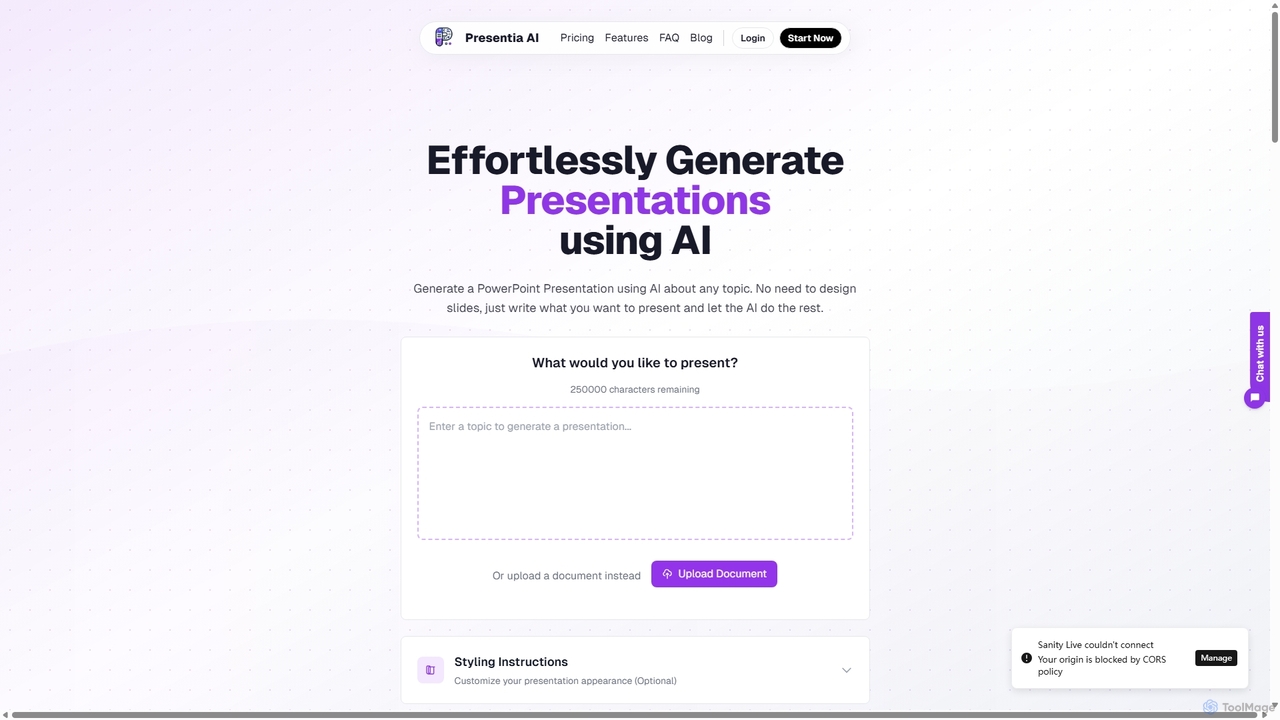
Presentia AI
Presentia AI is an advanced AI presentation maker that automatically generates professional PowerPoint slides from text prompts or documents. Simply input your topic or upload a PDF/Word file, and the AI will create a complete, visually appealing presentation with text and images in seconds, supporting multiple languages and custom styling.
Student Tools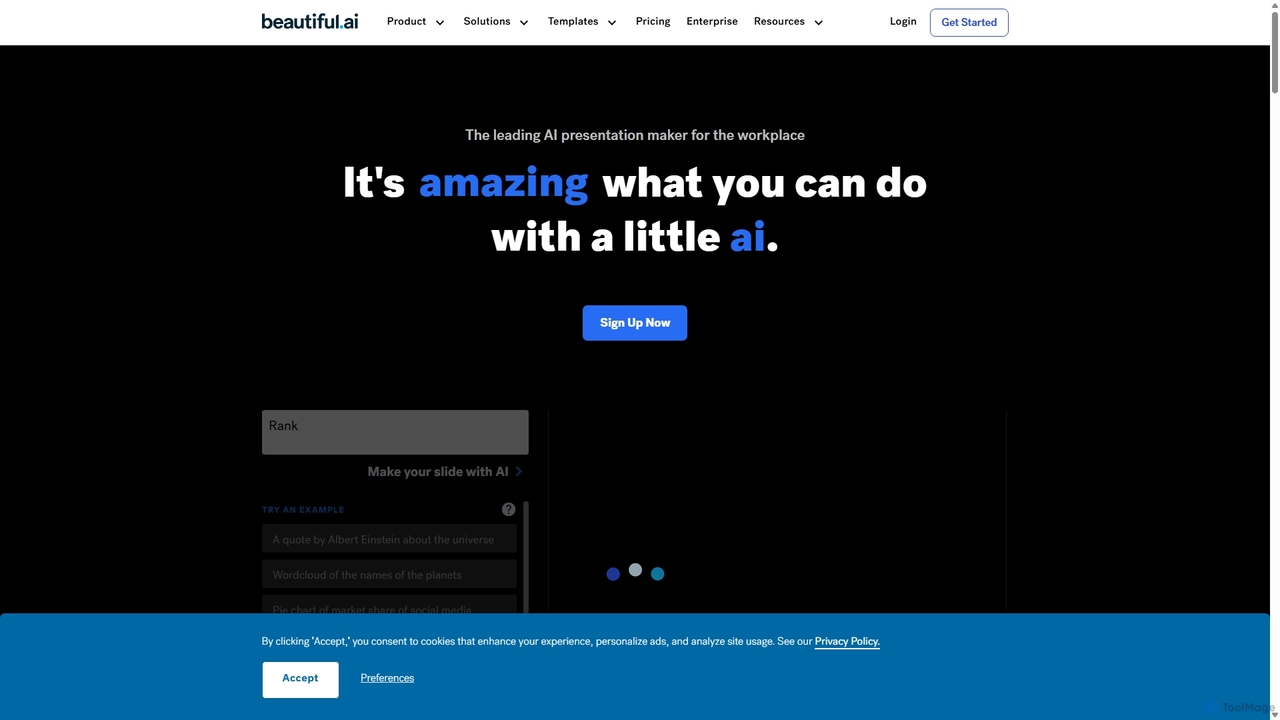
Beautiful.ai
Beautiful.ai is an AI-powered presentation maker that automates design, enabling users to create stunning, professional presentations 10x faster. It offers smart templates, real-time slide adaptation, and robust team collaboration features to ensure brand consistency and boost productivity for businesses and individuals.
Graphics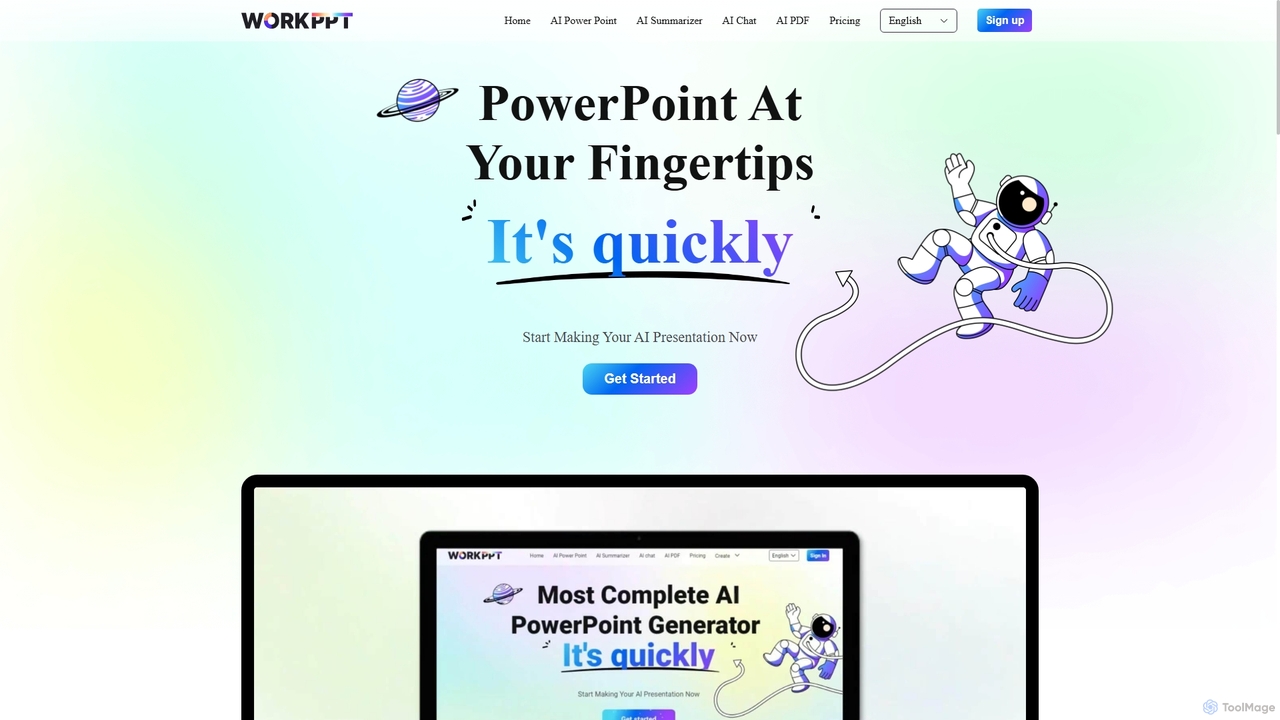
Workppt
Workppt is an AI-powered presentation generator that creates professional PowerPoint slides, websites, and summaries in seconds. Simply provide a title or upload a document, and the AI will generate a complete presentation with relevant content and design, saving you hours of manual work.
Marketing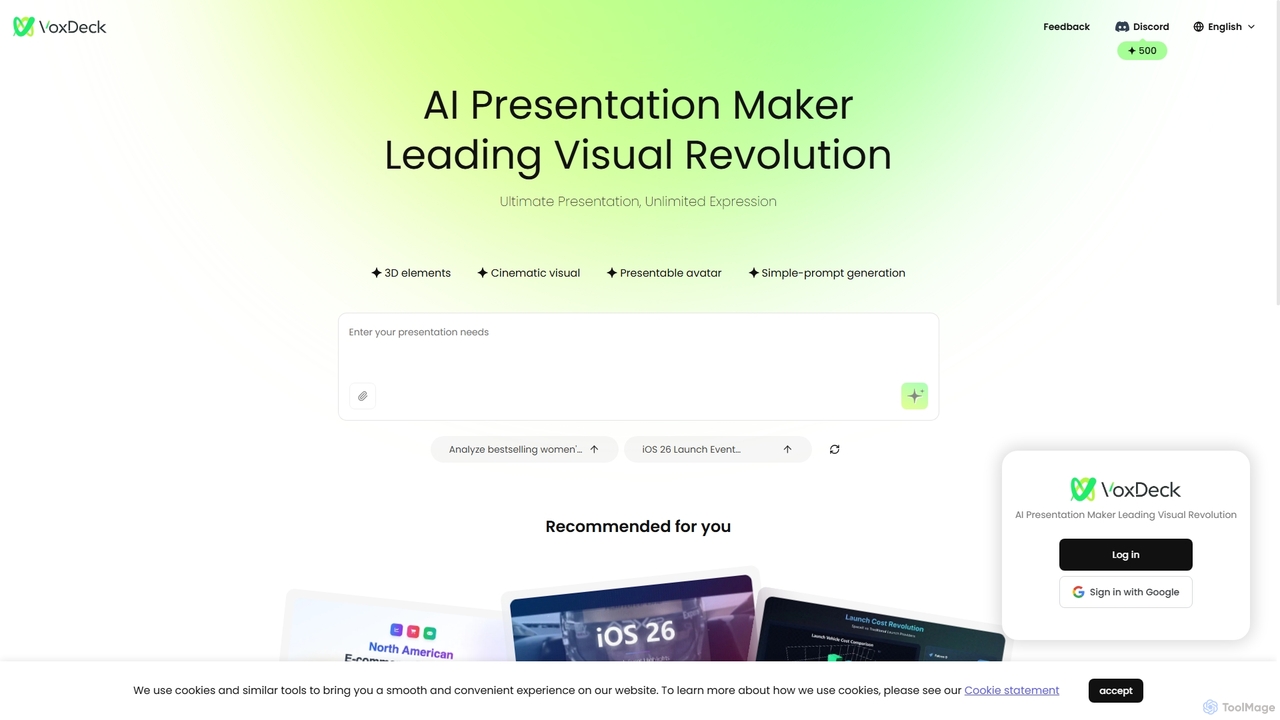
VoxDeck
VoxDeck is an AI-powered presentation maker that transforms simple text prompts into visually stunning, cinematic presentations. It leverages 3D elements, dynamic visuals, and presentable avatars to create engaging and professional slides, leading a new revolution in visual storytelling and communication.
Graphics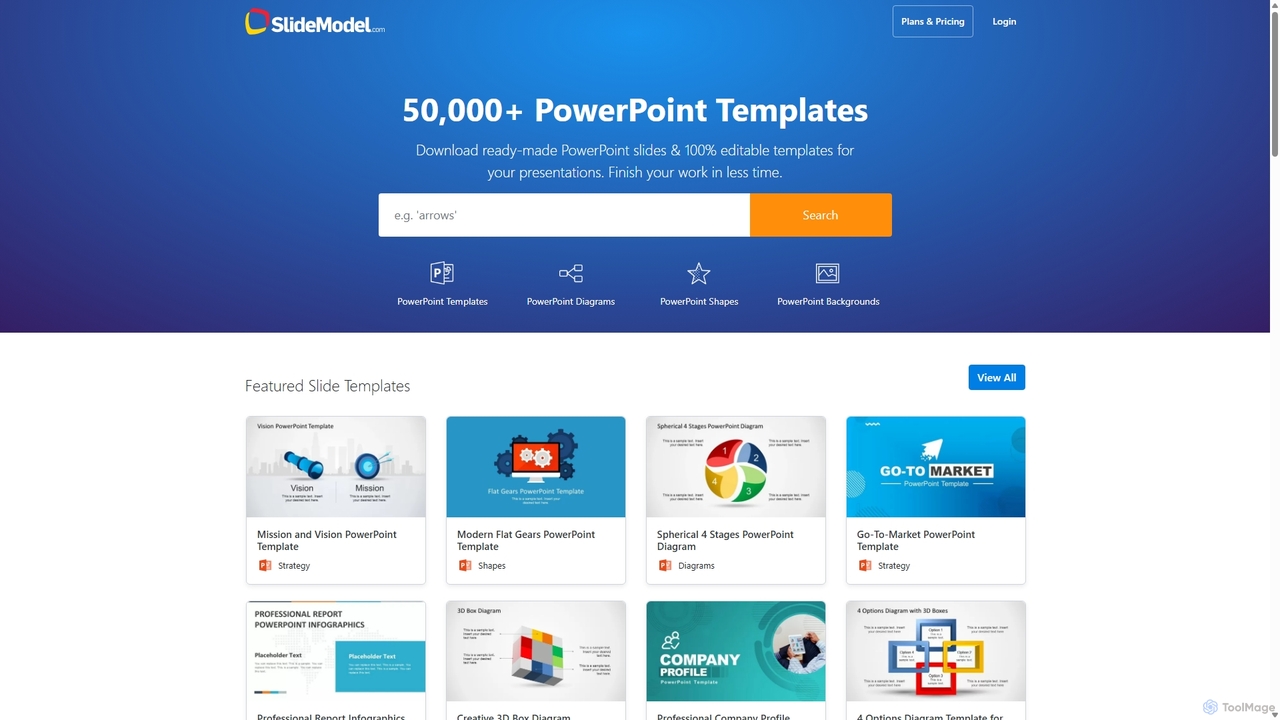
SlideModel
SlideModel is a leading provider of professional presentation templates, offering a massive library of over 50,000+ 100% editable slides. It empowers users to create high-impact presentations for PowerPoint, Google Slides, and Keynote quickly, without needing advanced design skills. The platform is trusted by businesses and professionals worldwide to enhance their communication and save valuable time.
MarketingSlideFlow Categories
SlideFlow Jobs
SlideFlow Embed Widget
Copy this embed code to place the badge on your blog, article, or product site and send readers directly to this ToolMage detail page.

Related AI tools
VoxDeck
VoxDeck is an AI-powered presentation maker that transforms simple text prompts into visually stunning, cinematic presentations. It leverages 3D elements, dynamic visuals, and presentable avatars to create engaging and professional slides, leading a new revolution in visual storytelling and communication.
GraphicsBeautiful.ai
Beautiful.ai is an AI-powered presentation maker that automates design, enabling users to create stunning, professional presentations 10x faster. It offers smart templates, real-time slide adaptation, and robust team collaboration features to ensure brand consistency and boost productivity for businesses and individuals.
Graphics
Jyek
Jyek is an AI agent platform that understands objectives, creates execution plans, uses tools, and delivers verifiable results for complex, multi-step tasks.
Automation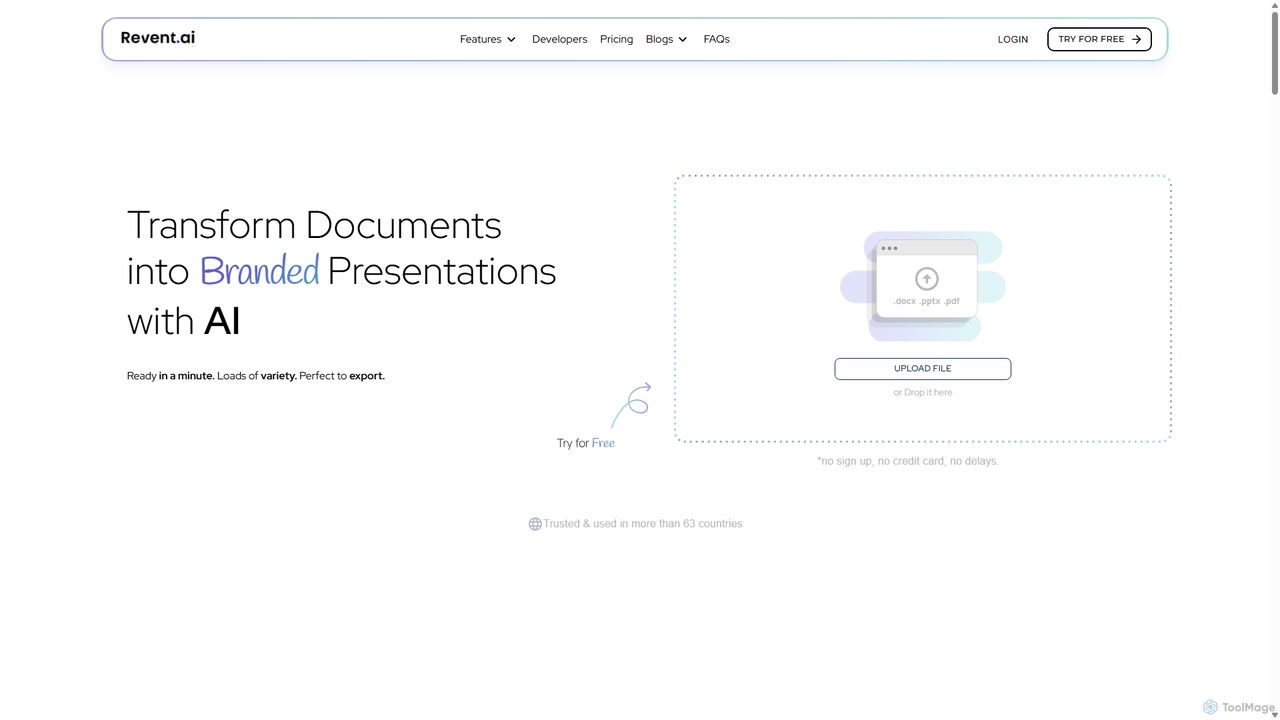
Revent
Revent is an AI-powered presentation design tool that instantly transforms documents like PDFs, Word files, and plain text into professionally designed, branded presentations. It automates slide creation, ensures brand consistency by mirroring your website's design, and offers a vast library of smart templates to streamline your workflow and produce stunning decks in minutes.
Document ManagementPresentia AI
Presentia AI is an advanced AI presentation maker that automatically generates professional PowerPoint slides from text prompts or documents. Simply input your topic or upload a PDF/Word file, and the AI will create a complete, visually appealing presentation with text and images in seconds, supporting multiple languages and custom styling.
Student Tools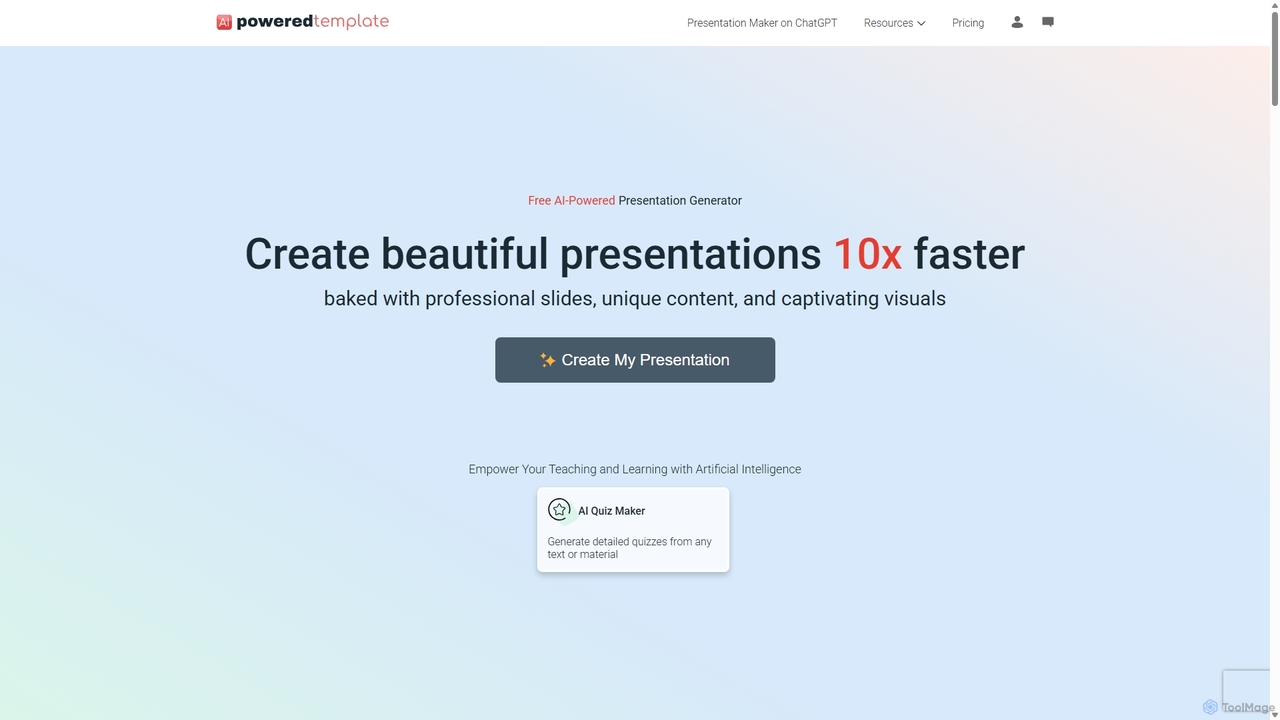
PoweredTemplate AI Presentation Maker
PoweredTemplate AI Presentation Maker is a free, AI-powered tool that transforms your ideas and text into stunning, professional presentations 10x faster. Instantly generate high-quality slides with unique content and captivating visuals for business, education, and marketing. It supports export to PowerPoint, Google Slides, and PDF, offering extensive customization through a vast library of templates and stock media.
Proposals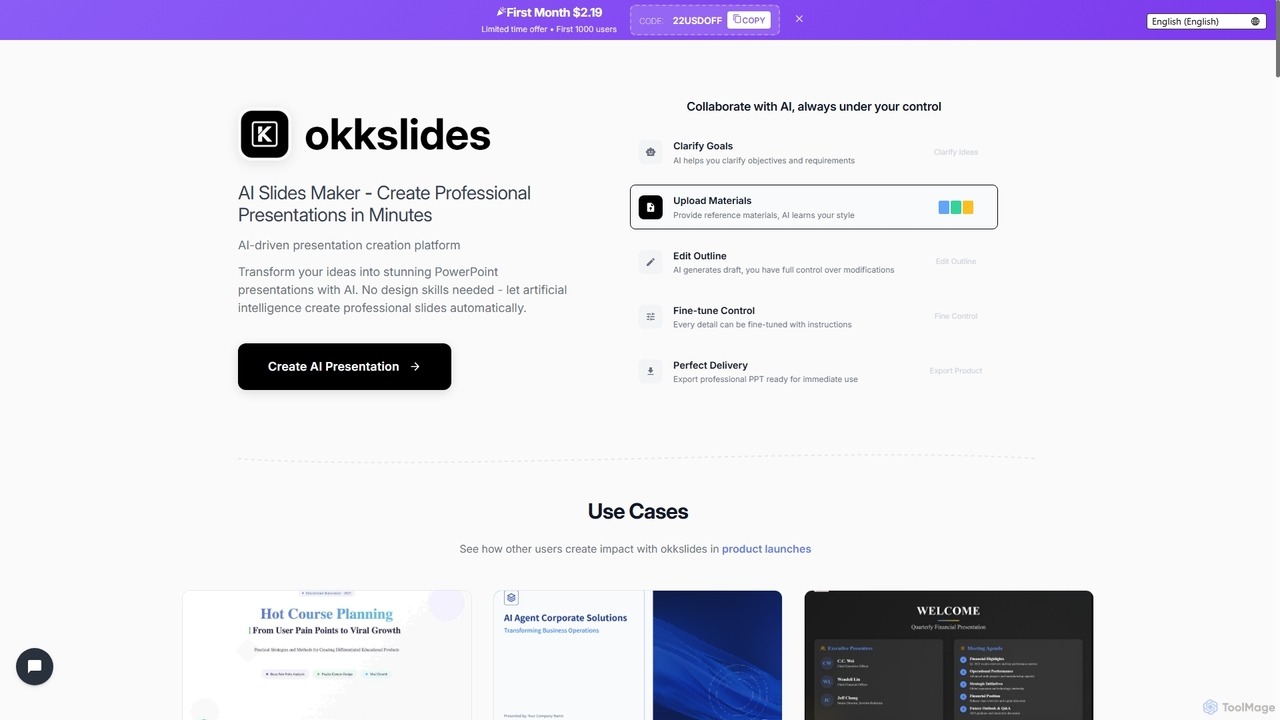
Okkslides
Okkslides is an AI-driven presentation creation platform that transforms your ideas into stunning PowerPoint presentations in minutes. It eliminates the need for design skills, offering intelligent content organization and continuous AI collaboration to produce professional slides for various business and educational needs.
Marketing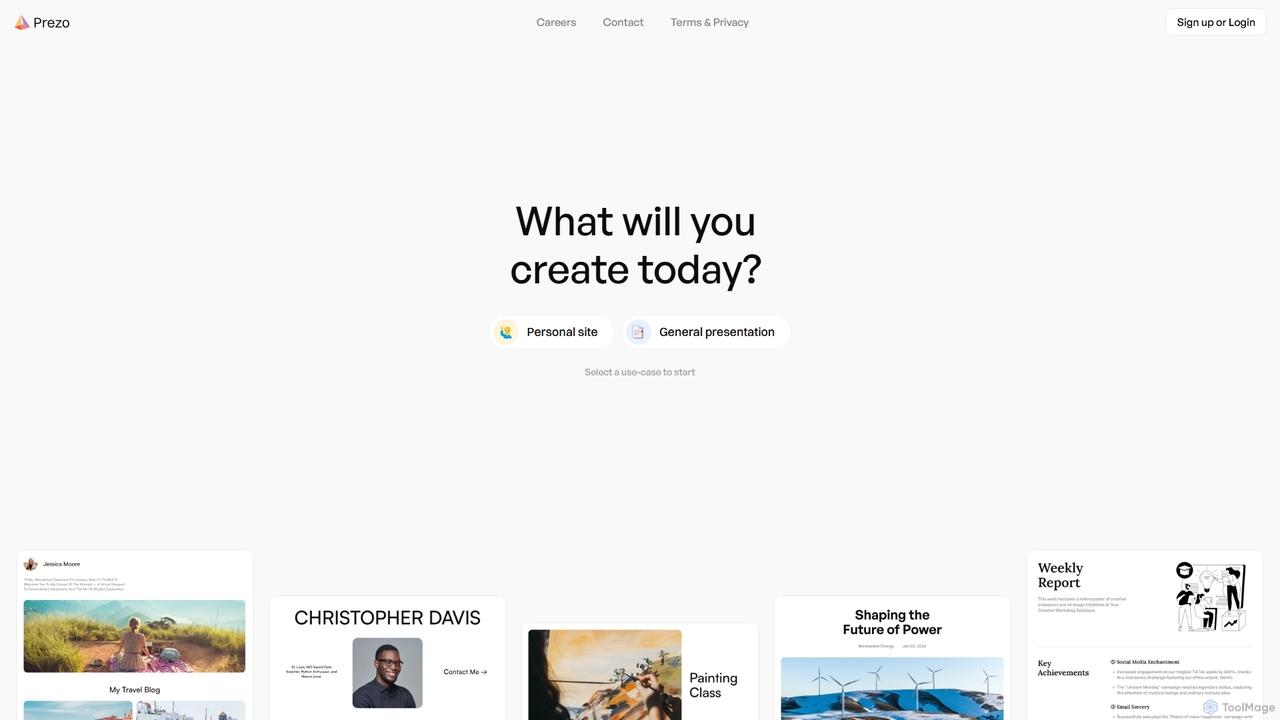
Prezo
Prezo is an AI-powered platform that enables users to effortlessly create professional presentations, documents, and websites. By simply providing a text prompt or an idea, Prezo's AI generates a complete, well-structured, and visually appealing draft in seconds. It's designed to streamline content creation for professionals, educators, and individuals, eliminating the need for design skills and saving valuable time.
Website Builder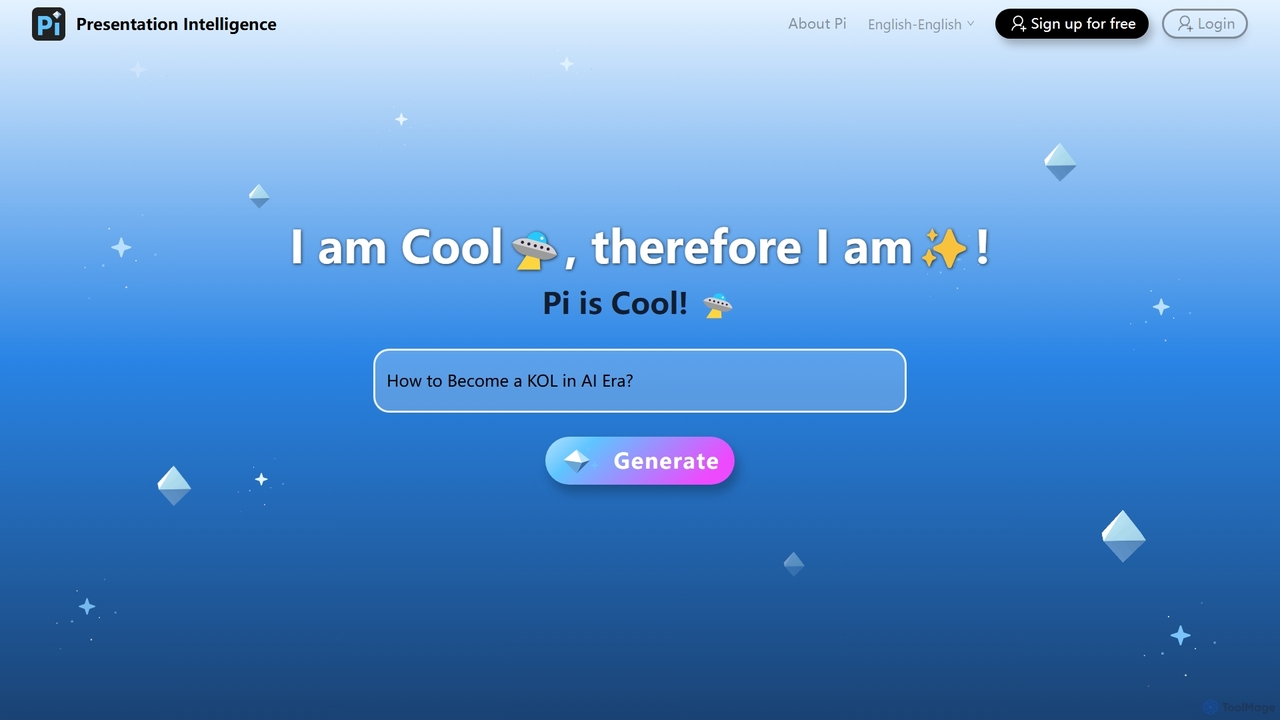
Pi
Pi (Presentation Intelligence) is an AI-native platform that transforms content creation. It uses advanced multi-modal AI and design engineering to automatically generate stunning presentations and documents from simple prompts, PDFs, websites, or data. Pi intelligently structures content, designs layouts, visualizes information, and ensures a seamless, fluid experience on any device, making professional design accessible to everyone.
Generative ArtWorkppt
Workppt is an AI-powered presentation generator that creates professional PowerPoint slides, websites, and summaries in seconds. Simply provide a title or upload a document, and the AI will generate a complete presentation with relevant content and design, saving you hours of manual work.
Marketing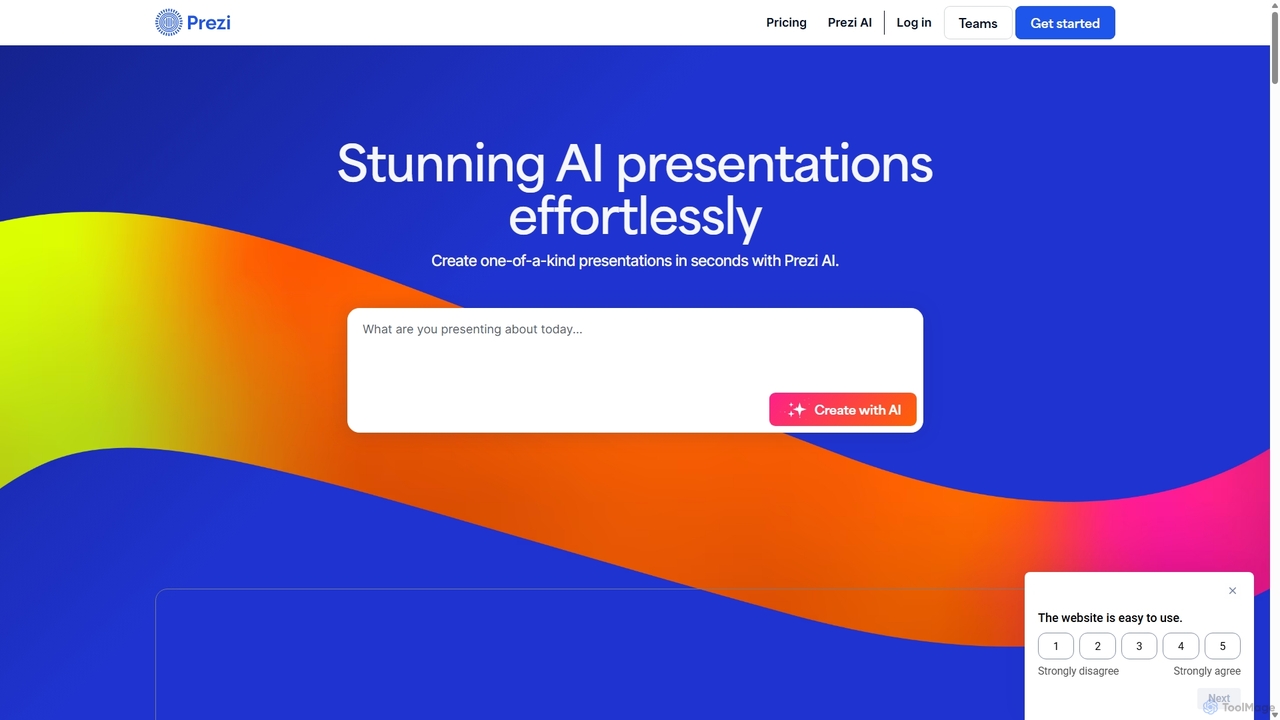
Prezi
Prezi is an AI-powered presentation software that transforms ideas into stunning, dynamic, and non-linear presentations. Go beyond traditional slides with a zooming canvas that captivates audiences. Its AI generator creates unique designs, content, and images in seconds, making it ideal for business, education, and personal storytelling.
Teaching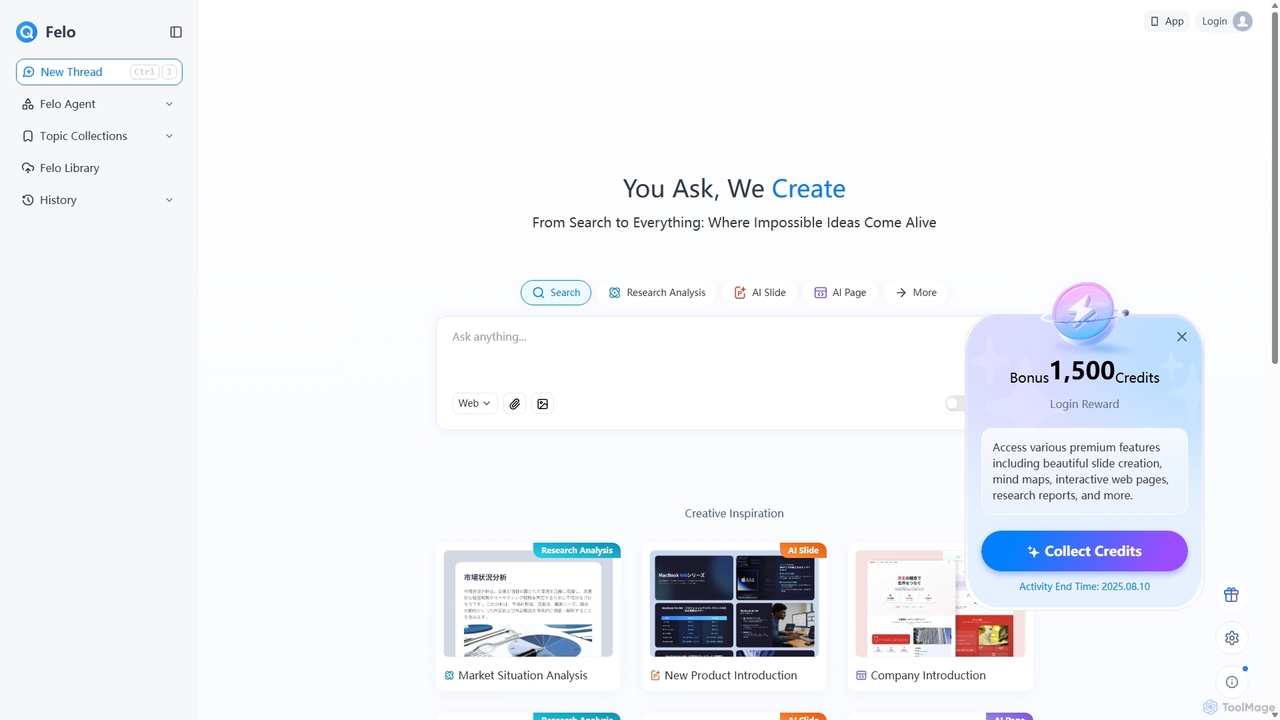
Felo
Felo is an all-in-one AI platform that transforms search into a comprehensive creation and analysis engine. It utilizes intelligent agents to automate research, generate insightful reports, create stunning presentations, and build interactive web pages from a simple query or uploaded files, significantly boosting productivity for professionals.
Presentations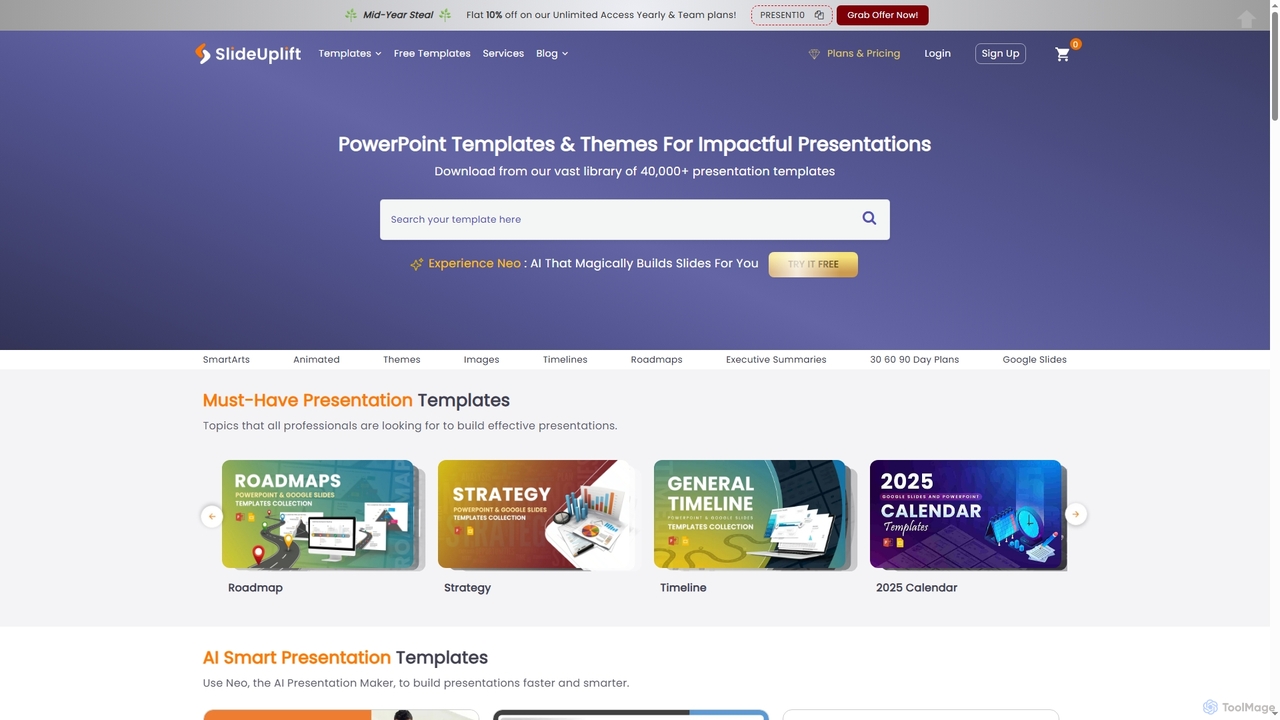
SlideUpLift
SlideUpLift is an AI-powered presentation platform offering over 40,000 professionally designed PowerPoint and Google Slides templates. It features Neo, an agentic AI assistant that helps create, edit, and repurpose presentations faster by mimicking human workflows.
Ai Assistant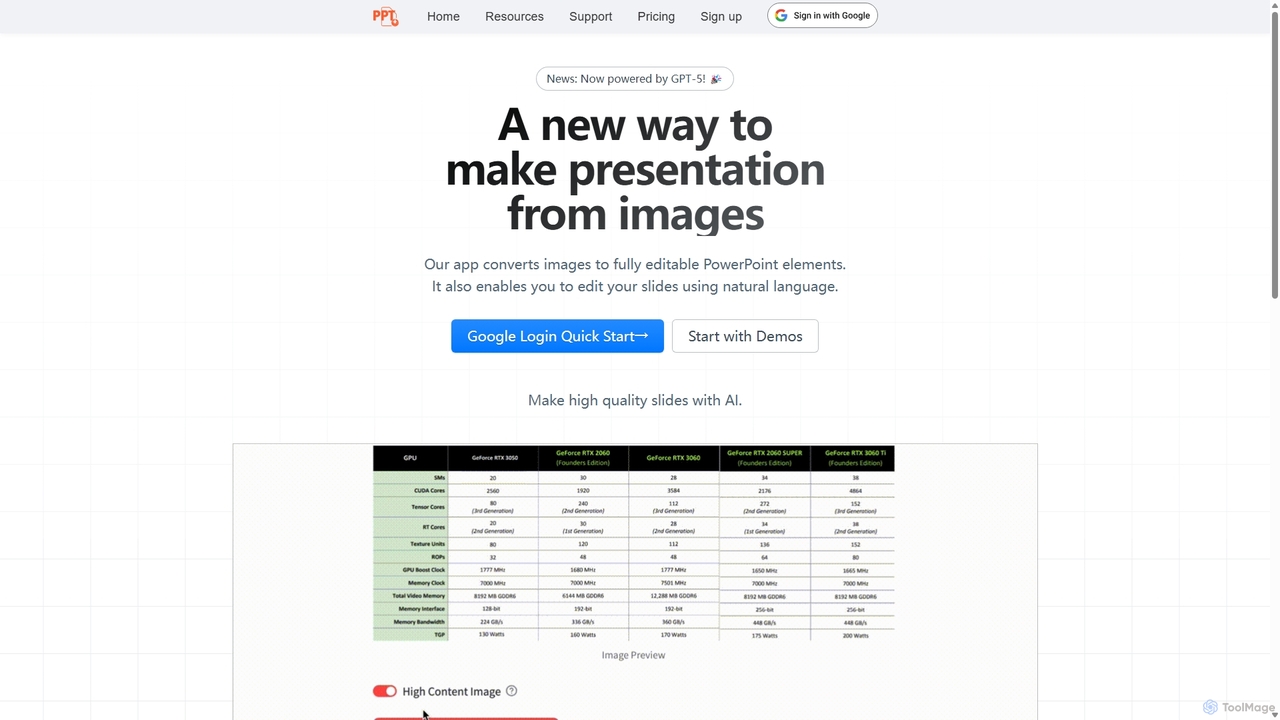
Edit in PPT
Edit in PPT is an AI-powered tool that converts images, screenshots, and static slides into fully editable PowerPoint presentations. It uses advanced vision models to recognize text, charts, and shapes, saving users hours of manual recreation. The tool also features natural language commands for editing slides, streamlining the entire presentation creation process.
Automation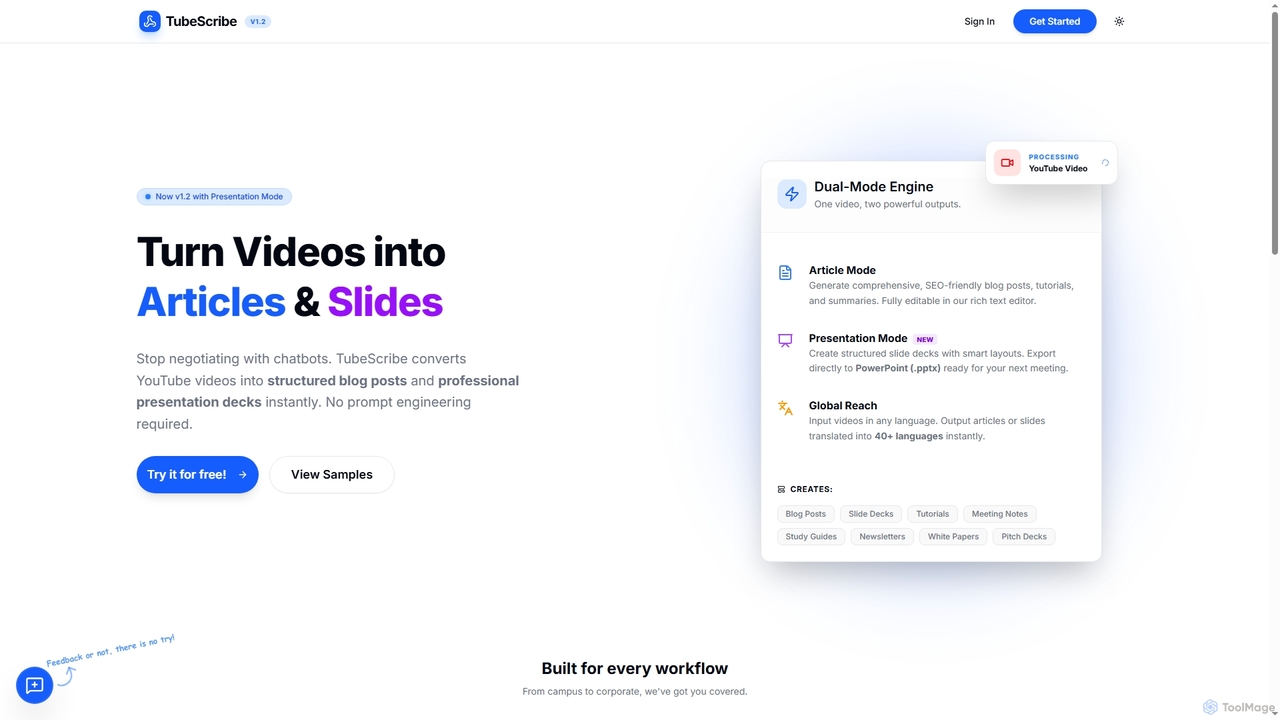
TubeScribe
TubeScribe is an AI-powered tool that transforms YouTube videos into structured, SEO-friendly blog posts and professional presentation slides instantly. It eliminates the need for manual transcription and complex prompt engineering, enabling users to repurpose video content efficiently for various needs, from academic study to corporate presentations and content marketing.
Content Creation
SlideFlow Comments (0)
Sign in to comment.
Sign inNo comments yet.