ToolMage
Sign in

Best 1 Document Creation AI tools for Business

Popular Document Creation AI tools in Business include Slideoo, helping you work more efficiently.

Slideoo
Freemium

Slideoo

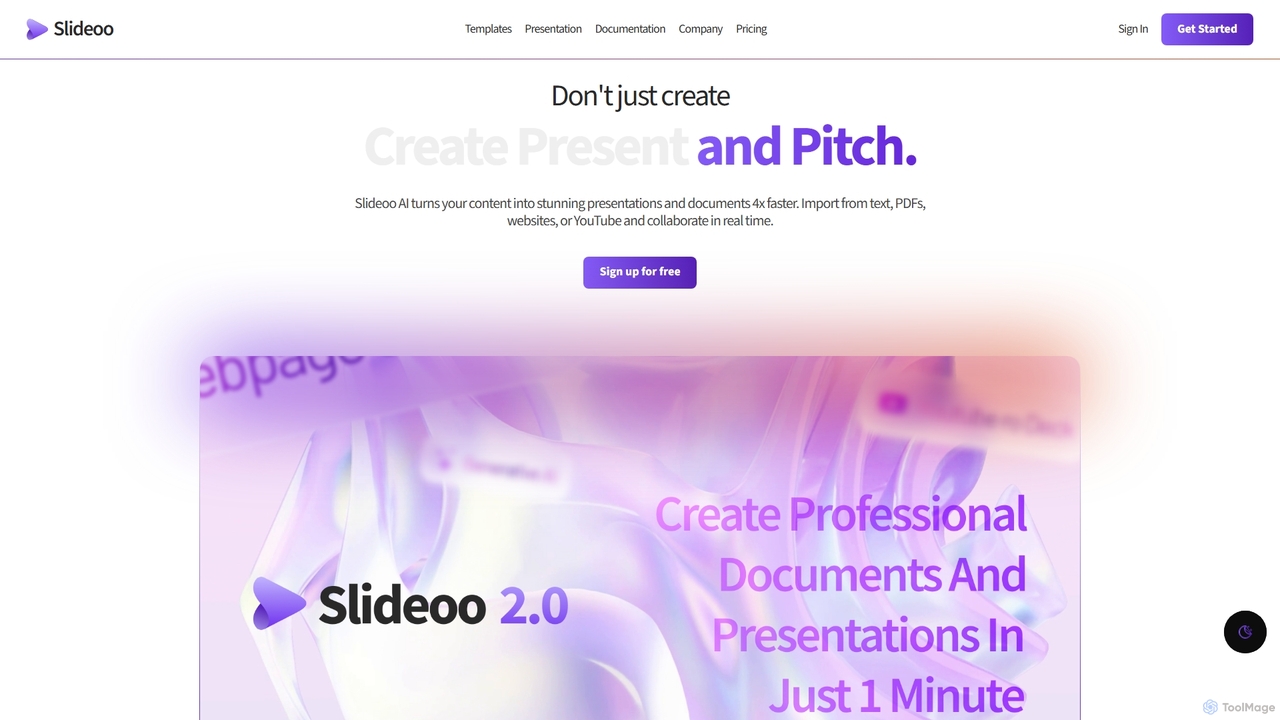
Slideoo is an AI-powered platform that revolutionizes the creation of presentations and documents. It transforms content from text, PDFs, websites, or YouTube into stunning visuals 4x faster. Featuring an AI chatbot, real-time collaboration, and engagement analytics, Slideoo helps professionals, marketers, and students create, present, and pitch with unparalleled speed and quality.

Document Creation
Visits 4.3KFavorites 109Likes 98

About Document Creation

AI Document Creation tools are a specialized category of software that automates the generation of structured documents like reports, proposals, and contracts. These tools utilize Natural Language Generation (NLG) and machine learning models to transform raw data, text prompts, or templates into formatted, coherent, and contextually relevant documents. Their primary value lies in significantly reducing the time and effort required for routine document drafting, ensuring consistency and accuracy across all outputs. This allows professionals to focus on analysis and strategy rather than manual compilation.

Core Features

  • Template-Based Generation: Creates documents from predefined templates, ensuring brand and format consistency.
  • Data Integration: Connects to data sources like databases or spreadsheets to automatically populate documents with real-time information.
  • Content Summarization: Condenses long articles, reports, or transcripts into structured summaries or executive briefs.
  • Style & Tone Customization: Adjusts the writing style, tone, and complexity to match specific audiences, from technical reports to marketing proposals.
  • Multi-Format Export: Generates final documents in various formats such as PDF, DOCX, PPTX, and HTML.

Use Cases

These tools are widely used in business intelligence, sales, legal, and consulting sectors. For example, a business analyst can automate the creation of weekly performance reports by connecting the tool to a sales database. Sales teams can instantly generate personalized proposals for each client, and legal departments can draft standard contracts by inputting key variables, ensuring compliance and reducing errors.

How to Choose

When selecting an AI Document Creation tool, consider the specific document types you need to generate (e.g., reports, slides, legal agreements). Evaluate its integration capabilities with your existing data sources (CRM, ERP, APIs). Assess the level of template customization and control over the output's style and format. Finally, for business use, verify the tool's security protocols and data privacy compliance to protect sensitive information.

Featured tool rankings

Document Creation use cases

1

Automate Weekly Business Performance Reports

A business analyst for a retail company needs to create a weekly performance report summarizing sales data, inventory levels, and marketing campaign results. Instead of manually exporting data from multiple systems and building charts in a spreadsheet, they use an AI Document Creation tool. The tool is connected to the company's CRM and inventory database. Each Monday morning, it automatically pulls the latest data, generates charts and tables based on a predefined template, and writes a narrative summary highlighting key trends and anomalies. The final report is delivered as a PDF to the management team, saving the analyst approximately 4-5 hours of manual work each week.

2

Generate Personalized Sales Proposals Instantly

A sales representative at a B2B software company needs to create customized proposals for potential clients. Each proposal must include client-specific details, relevant case studies, and tailored pricing. Using an AI Document Creation tool integrated with their CRM, the rep can select a client record and a proposal template. The tool automatically pulls the client's name, industry, and pain points from the CRM, selects the most relevant case studies from a content library, and calculates the pricing based on predefined rules. A fully formatted, professional proposal is generated in minutes, allowing the sales rep to respond to leads much faster and maintain a high degree of personalization.

3

Draft Standard Legal and HR Documents

An in-house legal counsel or HR manager frequently needs to draft standard documents like non-disclosure agreements (NDAs), employment contracts, or company policy updates. These documents have a standard structure but require specific details for each case. An AI Document Creation tool can streamline this process. The user inputs key variables (e.g., employee name, effective date, specific clauses to include) into a simple form. The AI then generates a complete, compliant document based on an approved legal template. This reduces the risk of manual errors, ensures consistency with company standards, and frees up legal and HR professionals to focus on more complex, strategic tasks.

4

Create Presentation Slides from a Report

A management consultant has just finished a comprehensive 50-page market analysis report and now needs to create a presentation for the client. Instead of manually copying key findings and creating slides, they upload the report to an AI Document Creation tool. The AI analyzes the document, identifies the main sections, key data points, and conclusions. It then automatically generates a structured slide deck, complete with titles, bullet points, and suggestions for charts. The consultant can then quickly review, edit, and brand the presentation, transforming a task that would take hours into one that takes less than 30 minutes, ensuring the presentation accurately reflects the core message of the detailed report.

5

Standardize Internal Process Documentation (SOPs)

An operations manager needs to create and maintain Standard Operating Procedures (SOPs) for various company processes to ensure consistency and facilitate training. Writing these documents from scratch is time-consuming. By using an AI Document Creation tool, the manager can input a list of process steps, responsible roles, and key policies into a structured template. The AI then formats this information into a professional, easy-to-read SOP document, complete with a table of contents, version control information, and clear step-by-step instructions. This approach ensures all SOPs across the company have a uniform format, making them easier for employees to follow and for management to update.

6

Generate Grant Proposals and Research Papers

A researcher at a university needs to write a grant proposal to secure funding for a new project. The proposal requires a detailed literature review, methodology section, and budget justification. Using an AI Document Creation tool, the researcher can input their preliminary findings, a list of relevant academic papers, and budget data. The AI can help structure the literature review by summarizing key papers, draft the methodology section based on standard research protocols, and format the budget into a clear table. This accelerates the drafting process, allowing the researcher to focus more on the scientific innovation and less on the repetitive formatting and summarization tasks, increasing their chances of securing the grant.

Document Creation FAQ

What are AI Document Creation tools?

AI Document Creation tools are applications that use artificial intelligence, particularly Natural Language Generation (NLG), to automatically generate structured documents. Unlike standard word processors, they can take raw data, outlines, or simple prompts and transform them into complete reports, proposals, summaries, or presentations. Their main purpose is to automate repetitive and time-consuming drafting tasks, ensuring consistency, accuracy, and speed in document production for business, legal, and academic environments.

How do I choose the right AI Document Creation tool?

To choose the right tool, consider these four key factors:

  • Document Types: Ensure the tool specializes in the formats you need, whether they are data-heavy reports, creative proposals, legal contracts, or presentation slides.
  • Data Integration: Check if it can connect seamlessly with your existing data sources (e.g., CRM, databases, spreadsheets, APIs) to automate data input.
  • Customization and Control: Evaluate how much you can customize templates, control the writing style and tone, and edit the final output to meet your specific standards.
  • Security and Compliance: For business use, verify that the tool meets your industry's data security and privacy standards, especially when handling sensitive information.
What's the difference between AI Document Creation and a standard word processor?

The key difference is automation and intelligence. A standard word processor (like Microsoft Word or Google Docs) is a passive tool that requires you to manually type, format, and structure all content. An AI Document Creation tool is an active partner in the process. It can automatically generate content, structure entire documents from templates, pull in data from external sources, and even summarize information. Essentially, a word processor is for writing, while an AI document creator is for generating and assembling complete documents with minimal manual input.

Can these tools connect to my company's data sources?

Many advanced AI Document Creation tools are designed specifically for business use and offer robust integration capabilities. They can often connect to a wide range of data sources, including:

  • CRMs: (e.g., Salesforce, HubSpot) for sales proposals and reports.
  • Databases: (e.g., SQL, PostgreSQL) for generating data-driven analytics reports.
  • Spreadsheets: (e.g., Google Sheets, Microsoft Excel) for financial summaries and project updates.
  • APIs: For connecting to custom internal systems or other third-party applications.

Before choosing a tool, it is crucial to verify its specific integration options to ensure it is compatible with your company's technology stack.

Who benefits most from using AI Document Creation tools?

While many professionals can benefit, these tools are particularly valuable for roles that involve creating a high volume of standardized or data-driven documents. Key beneficiaries include:

  • Sales and Marketing Teams: For quickly generating personalized proposals, marketing reports, and case studies.
  • Business Analysts and Financial Professionals: For automating periodic reports, financial summaries, and data analysis documentation.
  • Legal and HR Departments: For efficiently drafting standard contracts, agreements, and internal policy documents.
  • Consultants and Researchers: For accelerating the creation of client presentations, research papers, and market analysis reports.

Essentially, anyone who spends significant time compiling information into structured documents can see a substantial increase in productivity.