
Steer Overview
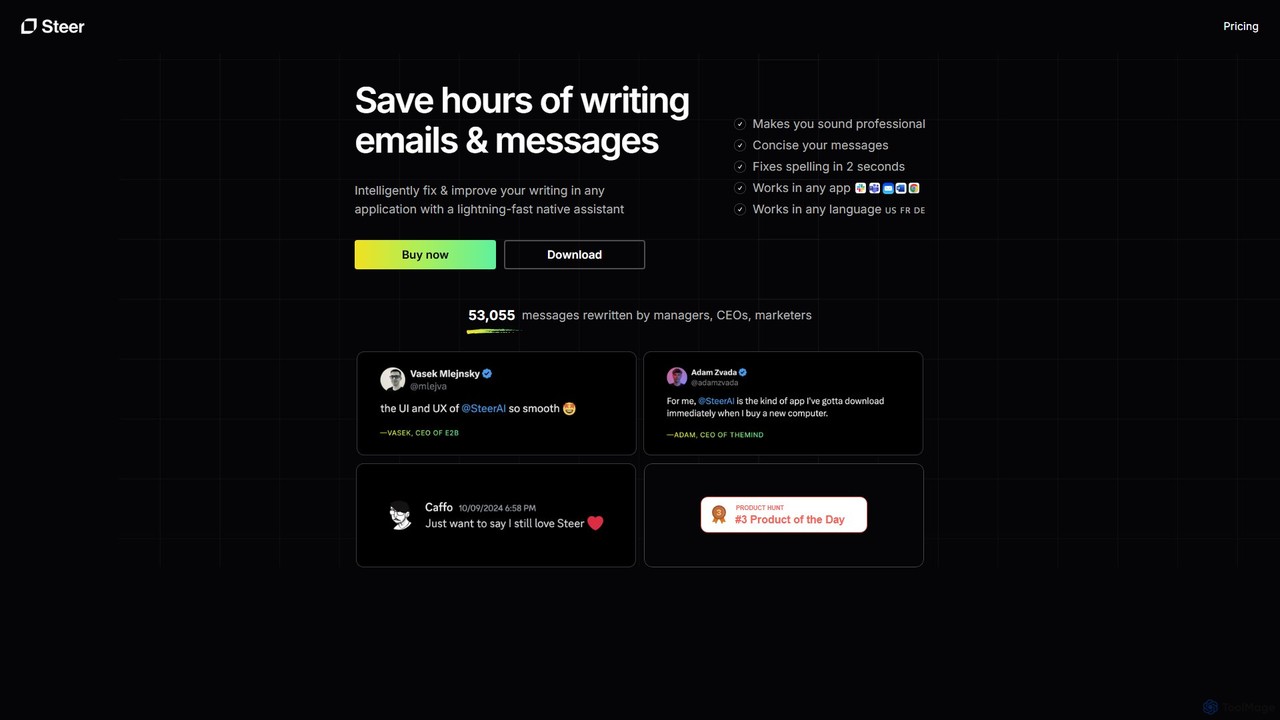
Steer is a powerful and intuitive AI-powered writing assistant designed for professionals, managers, marketers, and anyone who wants to elevate their written communication. It operates as a lightweight, native application on both macOS and Microsoft Windows, seamlessly integrating into your existing workflow. Unlike web-based editors, Steer works directly within any application you're using—be it your email client, a messaging app, a web browser, or a word processor. This eliminates the tedious process of copying and pasting text, allowing for a fluid and uninterrupted writing experience.
The core mission of Steer is to help you communicate with clarity, confidence, and professionalism. It tackles common writing challenges, such as awkward phrasing, grammatical errors, and finding the right business tone. For non-native speakers, it's an invaluable tool for ensuring their writing is natural and error-free. With over 50,000 messages rewritten for professionals, Steer has been optimized for professional communication, helping you save significant time and avoid the frustration of endlessly rewriting important messages.
How to use Steer
Using Steer is designed to be quick and effortless. After installing the native application on your macOS or Windows device, it runs quietly in the background. When you're writing in any application, simply select the text you want to improve. Then, use a simple keyboard shortcut to activate Steer. For instance, on macOS, you can press ⌘⇧F for instant proofreading or ⌘⇧G to intelligently improve the writing. Steer analyzes the text in place, considering its goal and tone, and provides an improved version. Changes are often highlighted in green, making it easy to see the improvements. The entire process takes just a couple of seconds, directly enhancing your text without ever leaving your current window.
Core Features of Steer
- Advanced Writing Improvement: Goes beyond basic grammar checks to analyze the goal and tone of your message, rewriting it to be more coherent, concise, and professional.
- Instant Proofreading: Quickly fixes spelling and grammar mistakes with a simple shortcut, ensuring your writing is always error-free.
- Seamless In-App Integration: Works natively within ANY application on macOS and Windows. No more switching between apps or browser tabs.
- Context-Aware Tone Matching: Automatically tailors its suggestions to match the tone appropriate for the application you're using.
- Multi-Language Support: While optimized for English (including US, UK, and Australian locales), Steer supports improving writing in virtually any language.
- Privacy-Focused: As a native, lightweight application, Steer prioritizes user privacy, ensuring your data is handled securely.
- Efficient Keyboard Shortcuts: Designed for speed, allowing you to invoke proofreading and improvement functions instantly without disrupting your flow.
- Change Highlighting: Visually highlights the corrected or improved parts of your text, so you can easily review the changes.
Use Cases for Steer
Steer is versatile and beneficial for a wide range of users. Managers and CEOs can use it to draft professional emails, company-wide announcements, and reports quickly. Marketers can refine their ad copy, social media posts, and newsletters to be more persuasive. For non-native English speakers, it acts as a personal editor to ensure their professional communication is flawless. Customer support teams can use it to provide clear, concise, and empathetic responses. Essentially, anyone who writes as part of their job can benefit from Steer's ability to save time and enhance quality.
Advantages of Steer
The primary advantage of Steer is its seamless, in-place workflow integration. It saves hours of writing and editing time by bringing the power of an AI assistant directly into your active application. This makes it significantly faster than competitors that require you to use a separate editor. Its focus on professional communication ensures that the suggestions are not just grammatically correct but also contextually appropriate and polished. Furthermore, its lightweight native design ensures high performance and respects user privacy, and the freemium model makes it accessible to everyone.
Pricing and Plans
Steer operates on a freemium model. There is a Free Tier that allows users to make up to 10 fast requests per day, which is perfect for casual users or for trying out the service. For users with more extensive writing needs, such as professionals who write frequently, a paid subscription is available. The paid plan offers unlimited requests and full access to all advanced features. Users can easily track their usage and upgrade to the paid plan directly from the account tab within the application.
Steer Alternatives

KAI
KAI is an AI-powered keyboard for iPhone that integrates ChatGPT-like capabilities directly into any app. It helps you upgrade your writing, brainstorm ideas, translate text, and get instant answers, boosting your productivity and creativity on the go.
Email Assistant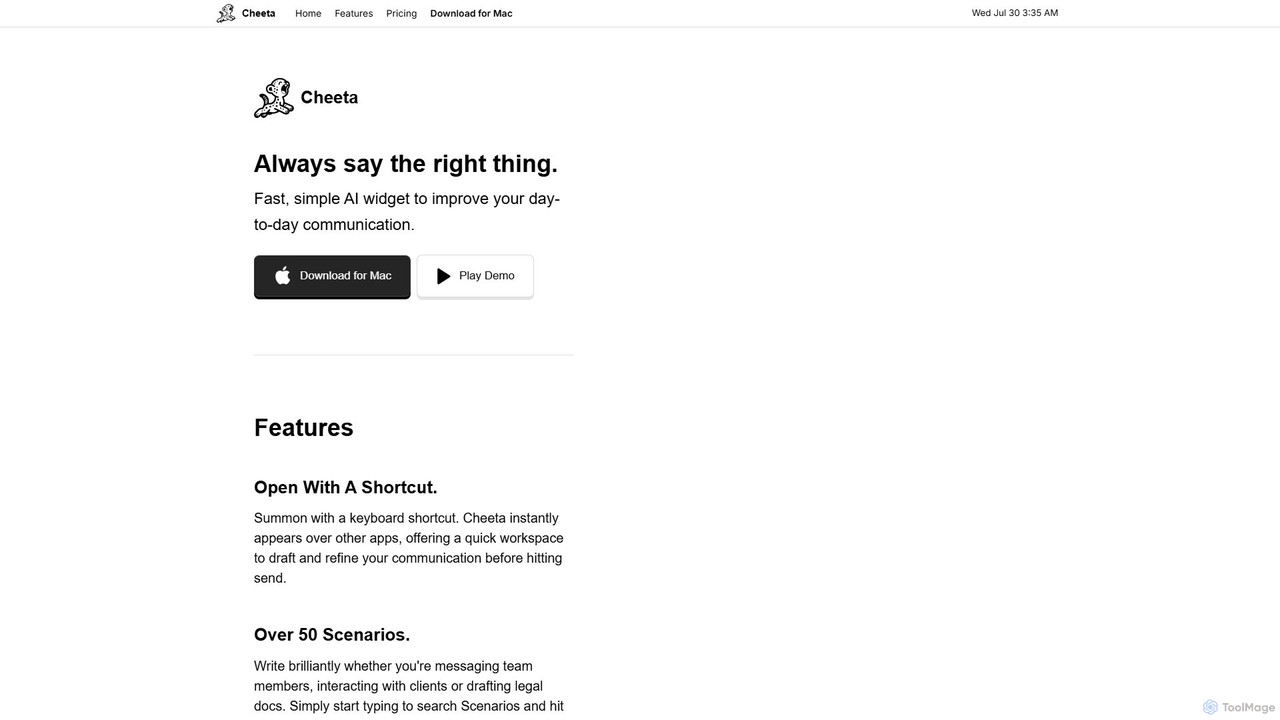
Cheeta
Cheeta is a simple, fast AI writing assistant for Mac. It operates as a keyboard-activated widget, appearing over any application to help you refine your daily communication. With over 50 scenarios and a multi-model AI approach, it ensures you always say the right thing, from team messages to client emails. Its unique pay-per-use model eliminates monthly subscriptions.
Customer Support
Wordtune
Wordtune is an AI-powered writing companion and paraphrasing tool that helps you rewrite, rephrase, and improve your text. It offers features like tone adjustment, text shortening/expansion, summarization, and translation into English, ensuring your writing is clear, compelling, and authentic across various platforms.
Email Assistant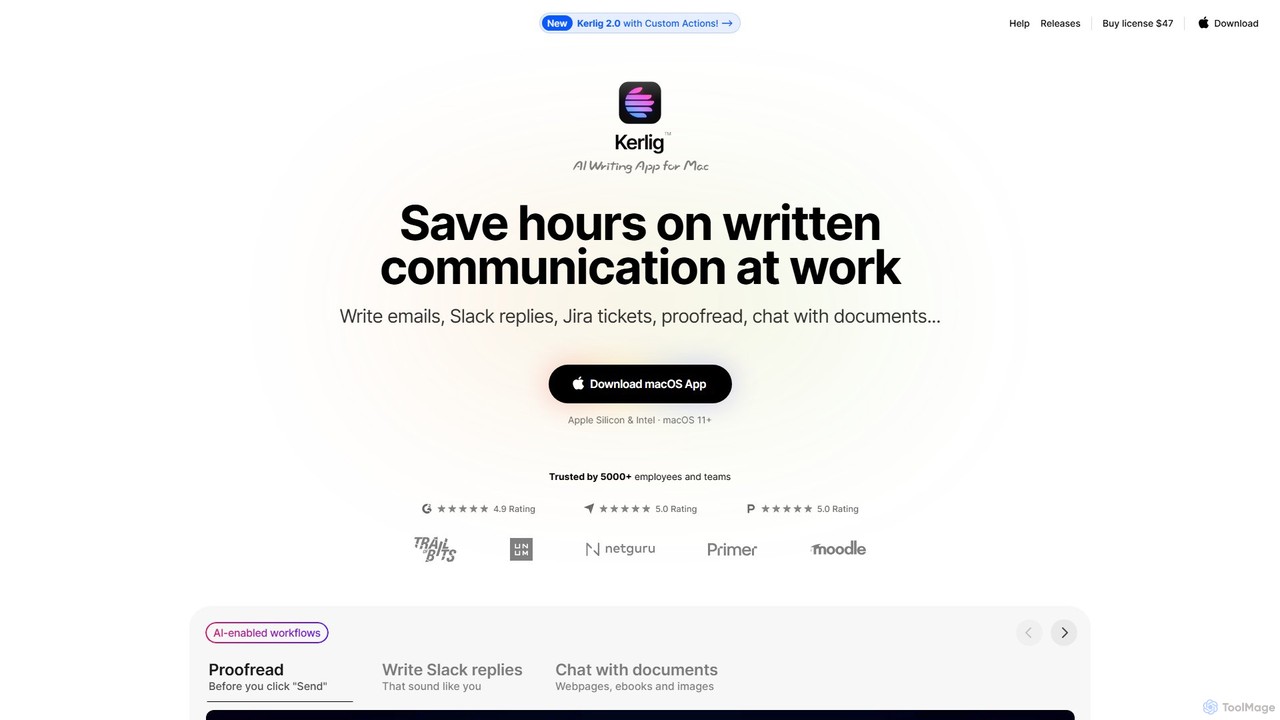
Kerlig
Kerlig is a native AI writing assistant for macOS designed to streamline your communication. It integrates seamlessly into your workflow, allowing you to write emails, proofread text, chat with documents, and generate content using over 350 AI models. With custom actions and a focus on privacy, Kerlig saves you hours by bringing powerful AI to your fingertips, without ever leaving your current application.
Mac Apps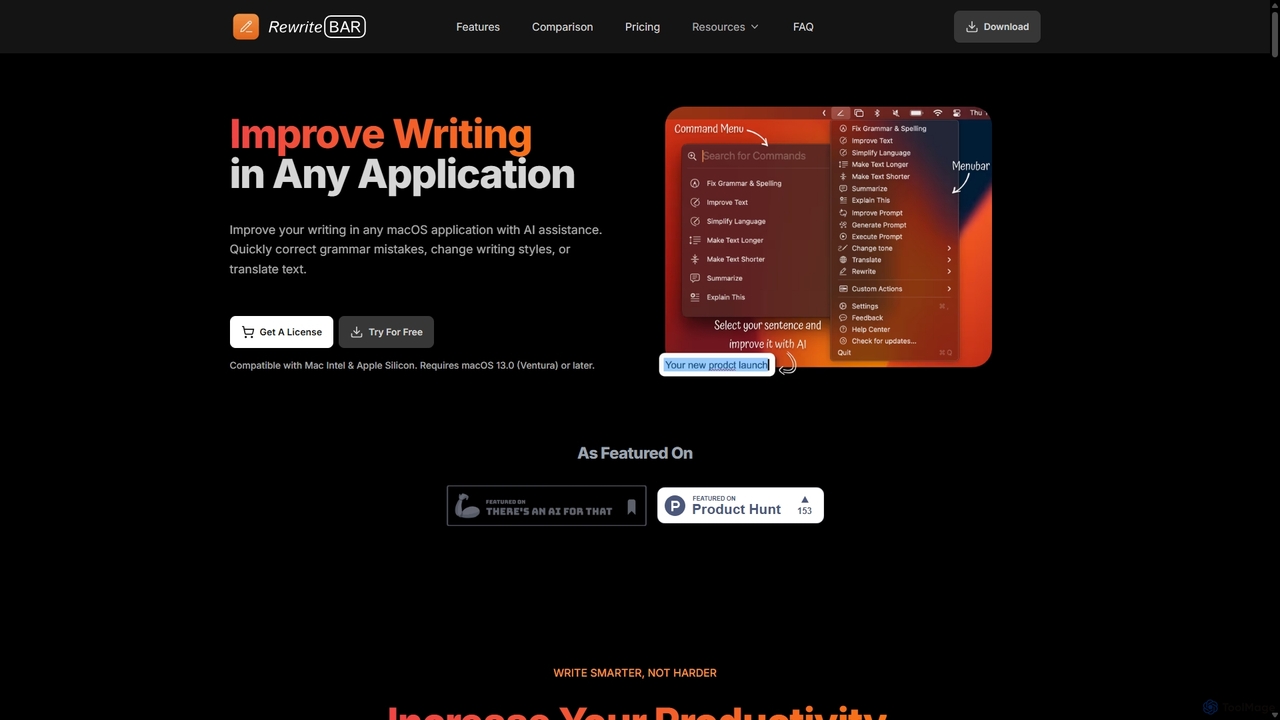
RewriteBar
RewriteBar is a native macOS menu bar app that acts as your personal AI writing assistant. It works seamlessly across all applications, allowing you to instantly correct grammar, change tone, translate text, summarize content, and more with a simple keyboard shortcut. It supports over 12 AI providers, including local models for ultimate privacy, offering a powerful and flexible writing enhancement experience.
Code AssistantSteer Categories
Steer Embed Widget
Copy this embed code to place the badge on your blog, article, or product site and send readers directly to this ToolMage detail page.

Related AI tools
Wordtune
Wordtune is an AI-powered writing companion and paraphrasing tool that helps you rewrite, rephrase, and improve your text. It offers features like tone adjustment, text shortening/expansion, summarization, and translation into English, ensuring your writing is clear, compelling, and authentic across various platforms.
Email AssistantKerlig
Kerlig is a native AI writing assistant for macOS designed to streamline your communication. It integrates seamlessly into your workflow, allowing you to write emails, proofread text, chat with documents, and generate content using over 350 AI models. With custom actions and a focus on privacy, Kerlig saves you hours by bringing powerful AI to your fingertips, without ever leaving your current application.
Mac AppsRewriteBar
RewriteBar is a native macOS menu bar app that acts as your personal AI writing assistant. It works seamlessly across all applications, allowing you to instantly correct grammar, change tone, translate text, summarize content, and more with a simple keyboard shortcut. It supports over 12 AI providers, including local models for ultimate privacy, offering a powerful and flexible writing enhancement experience.
Code Assistant
PolitePost
PolitePost is a free, privacy-focused AI tool that rewrites your emails to be more professional, polite, and effective. Simply input your rough draft, and the AI will polish the tone and clarity, ensuring your message is well-received. No sign-up is required, and the service is supported by user donations.
Email Assistant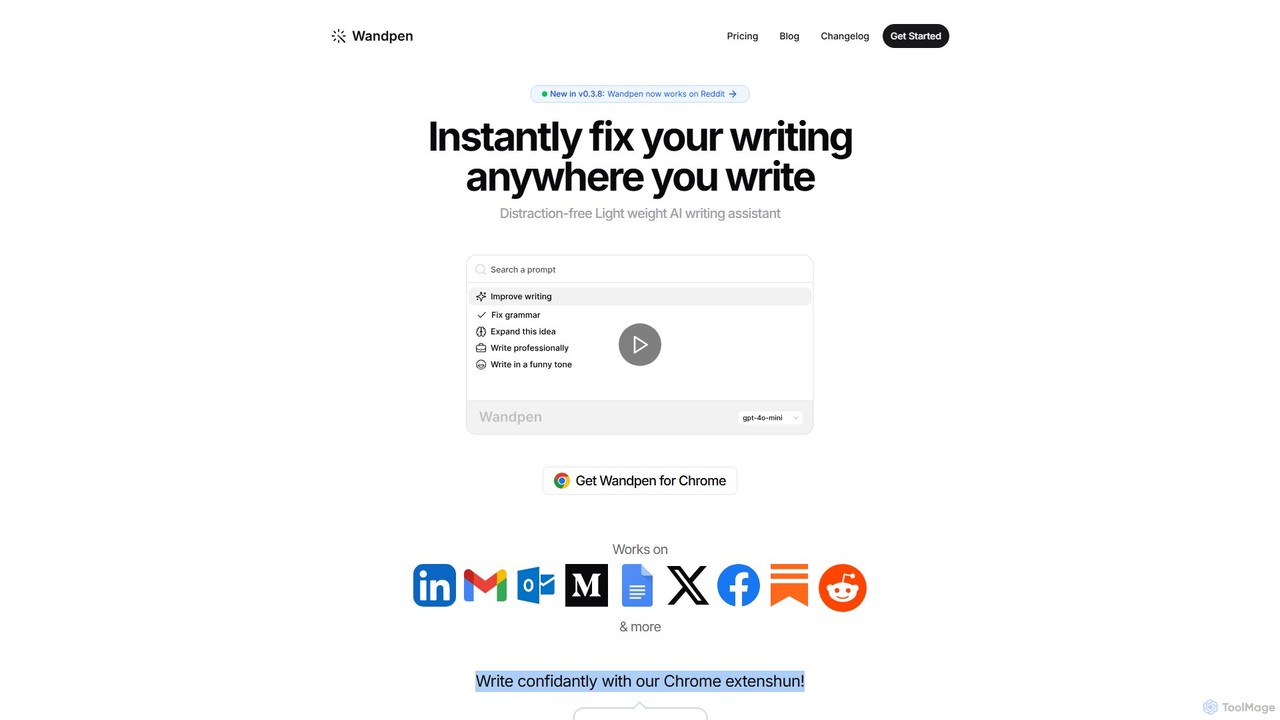
Wandpen
Wandpen is a lightweight AI writing assistant for Chrome that seamlessly integrates into your workflow. It allows you to instantly fix grammar, rewrite text, and brainstorm ideas directly on any website, including Google Docs, Reddit, and LinkedIn. By eliminating the need to switch tabs, Wandpen boosts your productivity and writing confidence using powerful AI models like GPT-4o, Claude 3.5, and Gemini.
Chrome Extensions
Effidit
Effidit is an AI-powered writing assistant from Tencent AI Lab, designed to enhance writing efficiency in both Chinese and English. It offers intelligent proofreading, text completion, rewriting, expansion, and specialized modes for general and academic writing, helping users create high-quality, error-free content.
Text Editor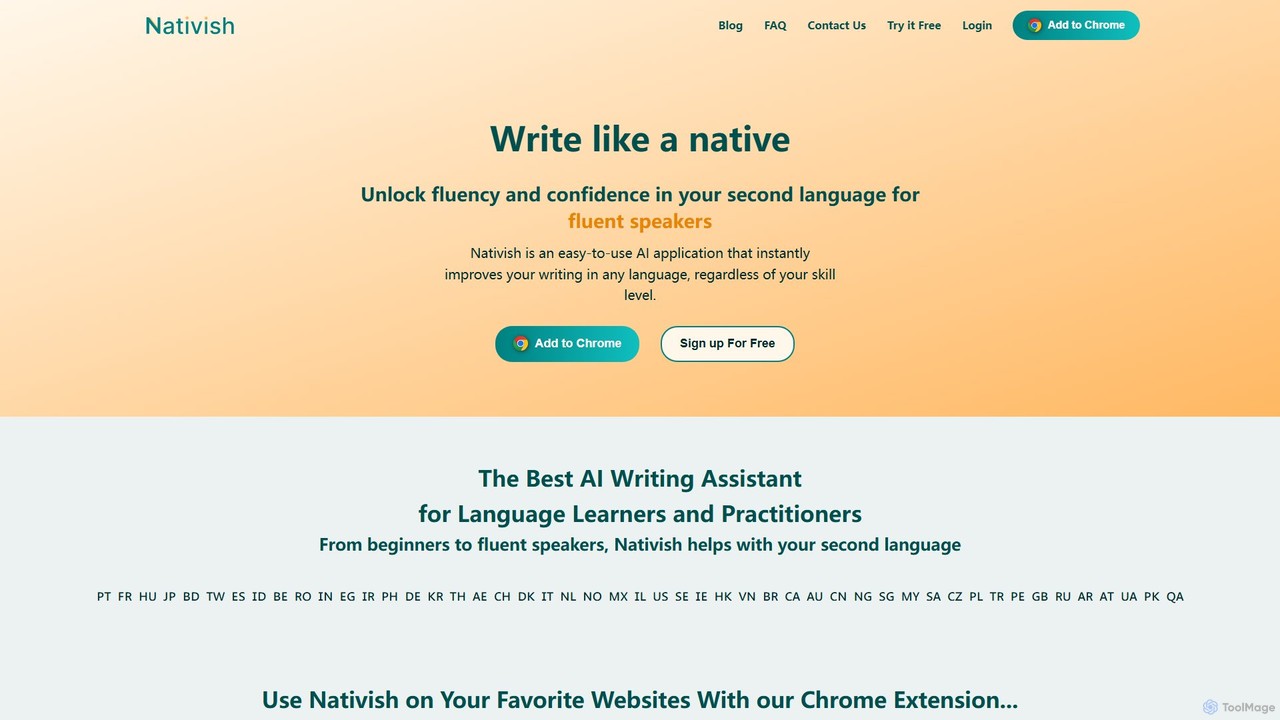
Nativish
Nativish is an AI-powered writing assistant designed to help users write like a native in any language. It's perfect for language learners, expats, and professionals who need to communicate fluently and confidently. Through its Chrome extension and web app, Nativish offers instant, context-aware corrections for grammar, spelling, and word choice, along with clear explanations to help users improve their skills. It adapts to various writing styles, from formal reports to casual social media posts, ensuring your text is always polished, clear, and professional.
Chrome Extensions
Fixkey
Fixkey is a native AI writing assistant for macOS that enhances your productivity. It transforms your voice or text into polished, professional writing instantly, working seamlessly across all Mac applications. Features include real-time speech-to-text, one-click text improvement, translation into over 180 languages, and customizable AI prompts.
Response Management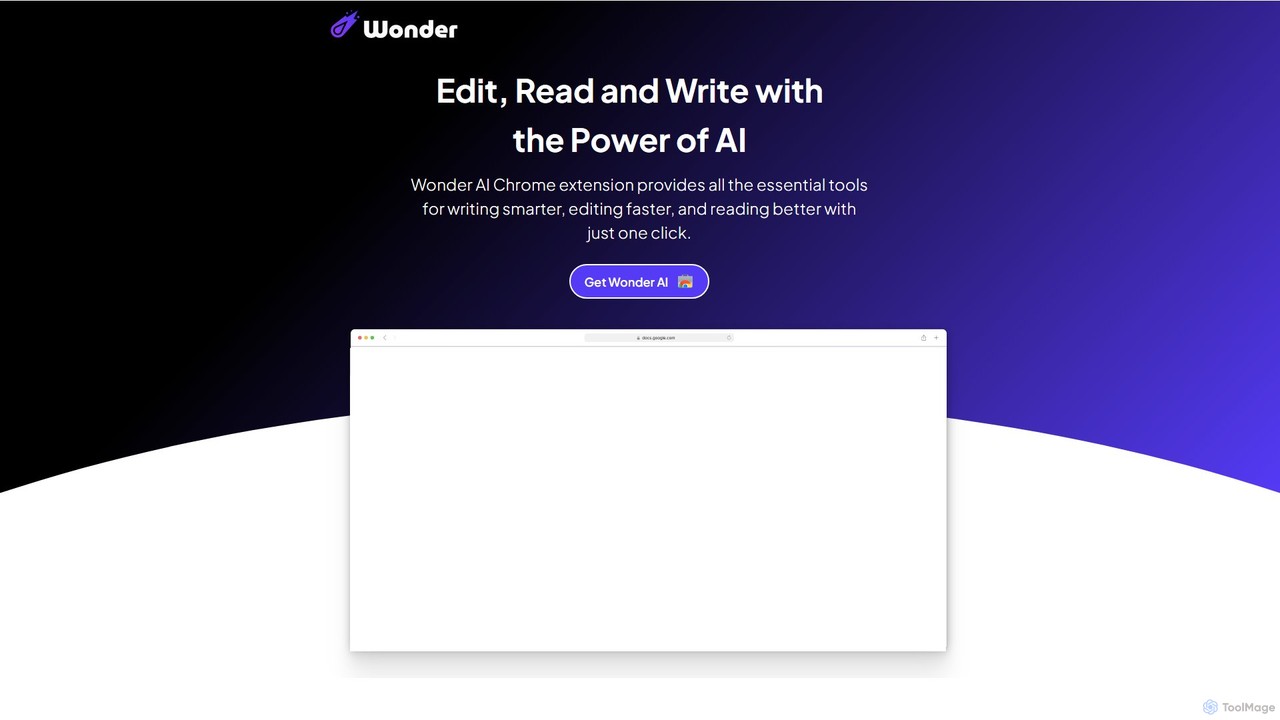
Wonder AI
Wonder AI is a powerful Chrome extension that enhances your writing, editing, and reading. It integrates directly into your browser, offering one-click tools to rewrite text, check grammar, summarize articles, explain complex concepts, and translate content, boosting your daily productivity and communication skills.
Chrome Extensions
SMARTBIRD
SMARTBIRD is an AI-powered Chrome extension designed to accelerate your writing tasks. It acts as a personal assistant, drafting high-quality emails, social media posts, and messages in seconds. By integrating directly with platforms like Gmail, LinkedIn, and WhatsApp, it helps you communicate more effectively and save significant time.
Email Assistant
Check Typo
Check Typo is an AI-powered writing assistant and spell-checker that integrates seamlessly across various platforms. It helps students, professionals, and writers produce clear, professional, and error-free text in emails, social media posts, and professional profiles.
Proofreading
Grammarly
Grammarly is an AI-powered writing assistant that helps you communicate more effectively. It goes beyond basic grammar and spelling checks to offer suggestions on style, tone, and clarity. Trusted by millions, Grammarly integrates seamlessly into your workflow across various platforms, providing real-time feedback to enhance your emails, documents, and social media posts. Its generative AI features can also help you brainstorm, compose, and rewrite text instantly.
Communication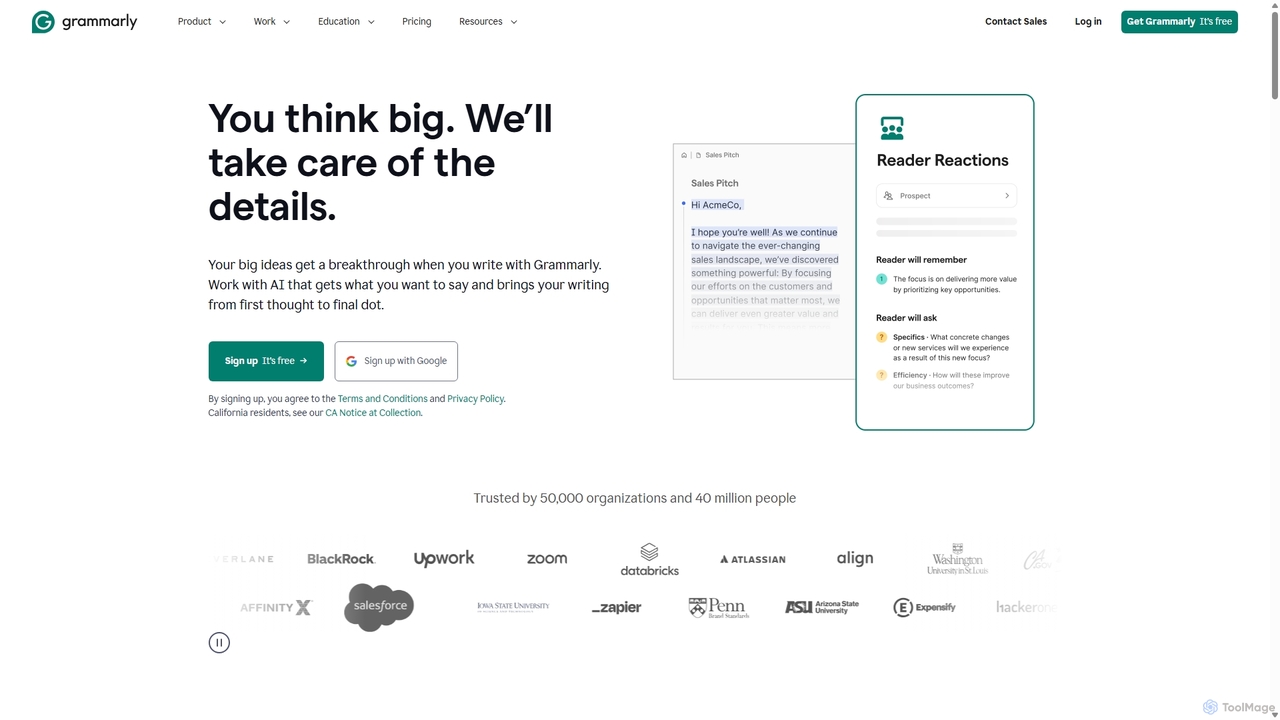
Grammarly
Grammarly is an AI-powered writing assistant that helps you communicate more effectively. It goes beyond basic grammar and spelling checks to offer real-time suggestions on clarity, conciseness, tone, and style. Trusted by millions, Grammarly integrates seamlessly across desktops, web browsers, and mobile devices to ensure your writing is always clear, confident, and mistake-free.
Learning
spelliy
Spelliy is an AI-powered writing assistant designed to elevate your writing. It provides advanced grammar, spelling, and punctuation checks, along with suggestions for improving style, tone, and clarity. Ideal for students, professionals, and writers.
Language Learning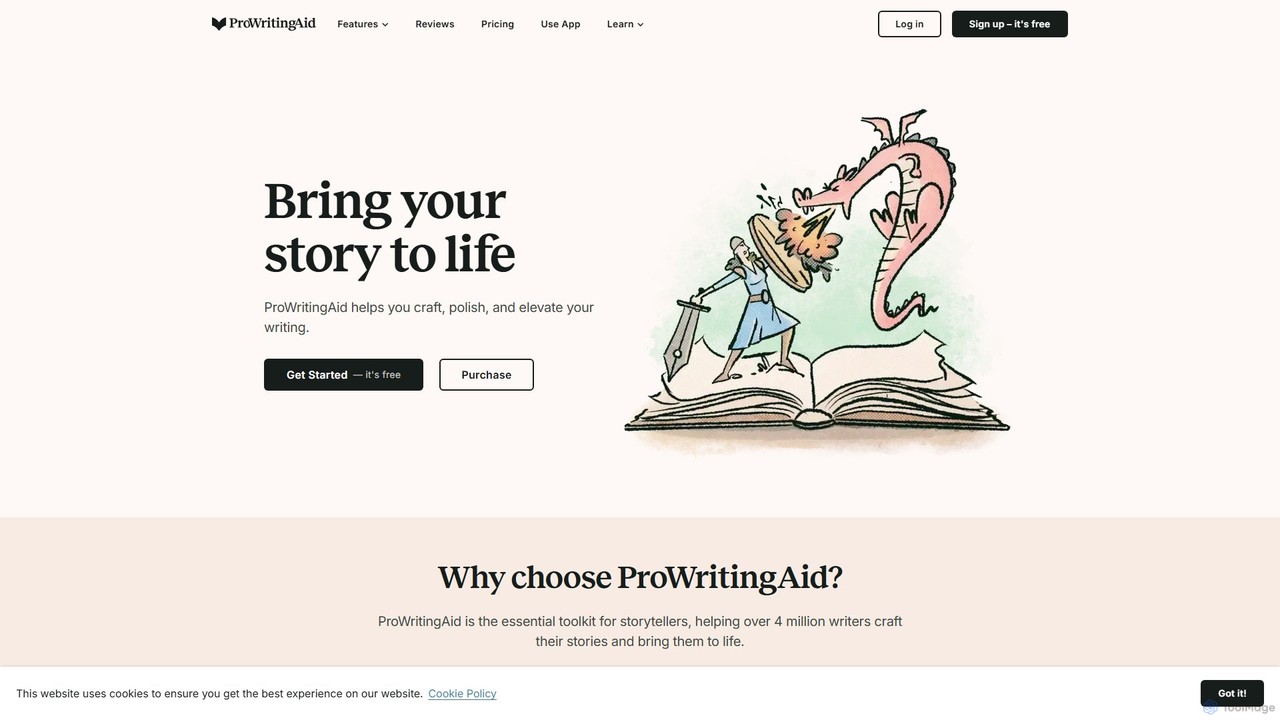
ProWritingAid
ProWritingAid is a comprehensive AI-powered writing assistant, style editor, and grammar checker. It's designed for authors, students, and professionals to improve writing clarity, strength, and style. With over 25 detailed reports, it goes beyond basic corrections, offering in-depth analysis on everything from pacing and dialogue to readability and sentence structure. It integrates seamlessly with popular writing platforms.
Learning
Steer Comments (0)
Sign in to comment.
Sign inNo comments yet.