
Check Typo Overview
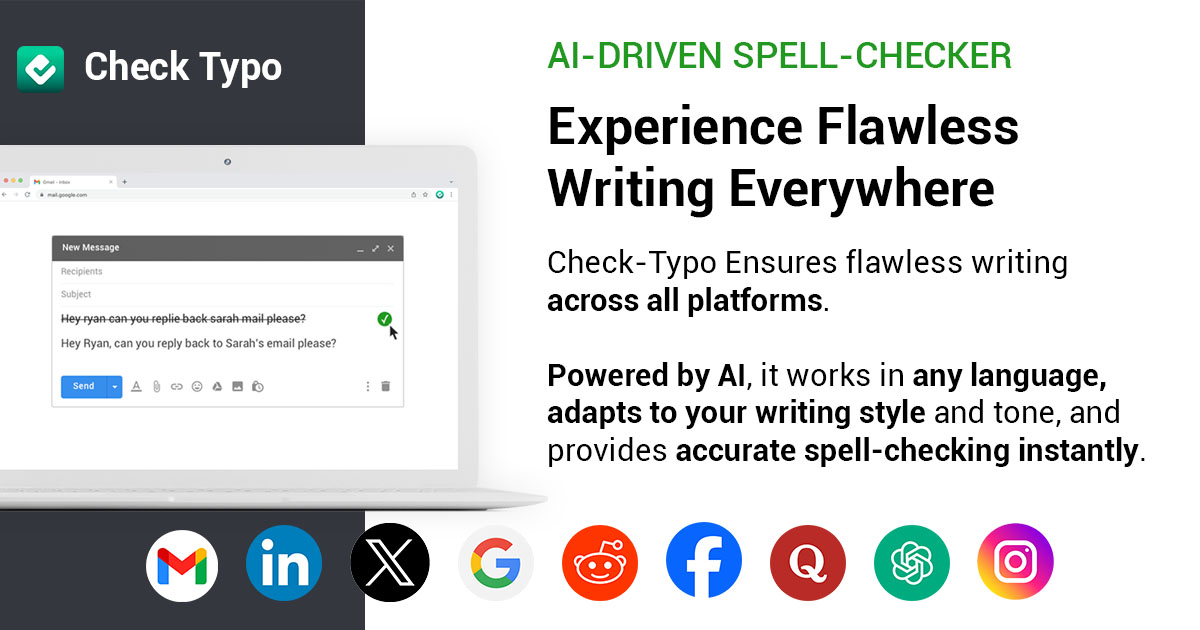
Check Typo is your ultimate AI-powered writing assistant, designed to enhance your writing experience with unparalleled precision and ease. It goes beyond a simple spell-checker, acting as a comprehensive partner that ensures every piece of text you write is clear, professional, and free from errors. Whether you are a student striving for academic excellence, a professional crafting important business communications, or a writer perfecting your next masterpiece, Check Typo provides the support you need, directly within your favorite platforms.
The core mission of Check Typo is to instill confidence in your writing. It operates seamlessly in the background, offering real-time suggestions for spelling, grammar, and punctuation. By leveraging advanced AI algorithms, it understands the context of your sentences, providing corrections that are not just accurate but also stylistically appropriate. This allows you to maintain your unique voice and tone while elevating the overall quality of your communication.
How to use Check Typo
Getting started with Check Typo is a simple and intuitive process, designed to integrate smoothly into your existing workflow:
- Installation: Visit the official Check Typo website and download the browser extension, which is typically available for popular browsers like Google Chrome, Firefox, and Safari.
- Activation: Once installed, the extension will automatically activate on supported websites. You'll see a small Check Typo icon in text fields, indicating that it's active and ready to assist.
- Real-time Correction: As you type in platforms like Gmail, LinkedIn, Facebook, or X (formerly Twitter), Check Typo will instantly analyze your text. Potential errors—spanning spelling, grammar, and punctuation—will be underlined.
- Apply Suggestions: Simply hover over or click on an underlined word or phrase to view a detailed explanation and one-click correction suggestions.
- Customize Settings: You can often customize the extension's settings to suit your preferences, such as disabling it on certain sites or adjusting the types of suggestions you receive.
Core Features of Check Typo
- Advanced Spell & Grammar Check: Utilizes a sophisticated AI engine to detect and correct a wide range of errors, from simple typos to complex grammatical mistakes like subject-verb agreement and incorrect tense usage.
- Punctuation Corrector: Ensures the correct use of commas, periods, semicolons, apostrophes, and other punctuation marks to improve sentence clarity and flow.
- Style and Tone Analysis: Provides suggestions to help you maintain a consistent tone, whether you need to sound professional, formal, casual, or confident. It helps you avoid common pitfalls and refine your expression.
- Seamless Multi-Platform Integration: Works effortlessly across a multitude of web platforms, including email clients like Gmail, professional networks like LinkedIn, and social media sites like Facebook, Instagram, and X.
- Context-Aware Suggestions: Unlike traditional spell-checkers, Check Typo's AI understands the context of your writing, offering more accurate and relevant corrections that make sense.
Use Cases for Check Typo
Check Typo is a versatile tool suitable for a wide array of users and scenarios:
- Professionals: Craft polished, error-free business emails, reports, and presentations. Build a strong professional brand on LinkedIn with impeccable profiles, posts, and messages.
- Students: Improve the quality of essays, research papers, and assignments. Learn to avoid common grammatical errors and enhance academic writing skills.
- Writers and Bloggers: Proofread articles, blog posts, and manuscripts efficiently. Ensure content is polished and ready for publication, maintaining stylistic consistency.
- Social Media Managers: Manage brand accounts with confidence, ensuring all posts are professional and free from embarrassing typos that could harm a brand's reputation.
- Non-Native English Speakers: Gain confidence in their English writing by receiving real-time feedback and corrections, helping them communicate more clearly and naturally.
Advantages of Check Typo
The primary advantage of Check Typo is its ability to provide ubiquitous, intelligent writing support. It enhances professionalism by ensuring all your written communication is polished and impactful. This, in turn, boosts your confidence, allowing you to focus on your message rather than worrying about potential errors. The tool saves significant time in the editing and proofreading process, and its seamless integration means it works without disrupting your natural workflow, making it an indispensable assistant for anyone who writes online.
Pricing and Plans
Check Typo likely operates on a freemium model to cater to a broad user base:
- Free Plan: Ideal for individual users, this plan typically offers core features like essential spelling, grammar, and punctuation checks on most platforms.
- Premium Plan: Aimed at professionals and power users, a premium subscription would unlock advanced features such as style and tone suggestions, fluency checks, advanced grammatical corrections, and potentially a plagiarism checker.
For the most accurate and up-to-date pricing information, please visit the official Check Typo website.
Check Typo Alternatives

SMARTBIRD
SMARTBIRD is an AI-powered Chrome extension designed to accelerate your writing tasks. It acts as a personal assistant, drafting high-quality emails, social media posts, and messages in seconds. By integrating directly with platforms like Gmail, LinkedIn, and WhatsApp, it helps you communicate more effectively and save significant time.
Email Assistant
Copilotly
Copilotly is a personal AI copilot designed to enhance productivity and creativity across your digital workflow. It integrates seamlessly into your browser and favorite websites like Gmail, Twitter, and LinkedIn, providing contextual assistance, content generation, and strategic guidance. From drafting professional emails to brainstorming social media content and accessing expert advice from specialized AI personas like doctors and lawyers, Copilotly acts as your all-in-one digital assistant to help you achieve more, effortlessly.
Search Assistant
heyy.ai
heyy.ai is an AI-powered communication assistant designed to help you craft the perfect message for any situation. From professional emails and networking outreach to social media DMs and dating app icebreakers, heyy.ai analyzes context and tone to generate effective, authentic, and engaging communication, helping you build better relationships and communicate with confidence.
Social Media
Giti
Giti is a multilingual AI chat assistant powered by ChatGPT, supporting over 130 languages. It offers a wide range of tools for content creation, including article writing, social media post generation, text summarization, and SEO optimization. Designed for global users, Giti provides an affordable and accessible way to leverage advanced AI for various writing and data analysis tasks.
Social Media
Shakespeare Toolbar
Shakespeare Toolbar is a ChatGPT-powered Chrome extension that integrates AI writing assistance directly into your browser. Work seamlessly on any website, including Google Docs, to rephrase, summarize, simplify text, and generate content without switching tabs. It's designed for writers, marketers, and professionals to enhance productivity and communication.
Chrome ExtensionsCheck Typo Categories
Check Typo Embed Widget
Copy this embed code to place the badge on your blog, article, or product site and send readers directly to this ToolMage detail page.

Related AI tools
RewriteWithAI
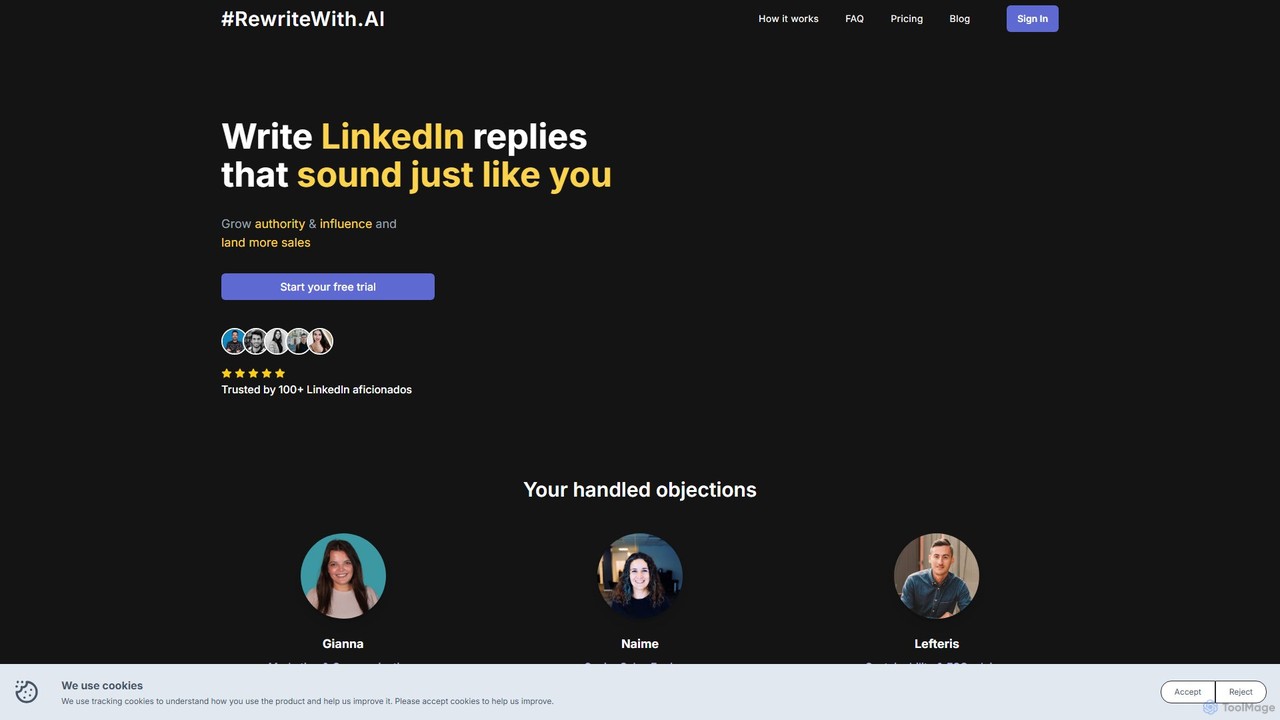
RewriteWithAI is an AI-powered browser extension designed to help you grow your LinkedIn audience effortlessly. It generates authentic, personalized comments that match your unique tone of voice, saving you time and boosting your engagement. By streamlining your daily LinkedIn activity, it helps you build authority, expand your network, and land more sales opportunities.
Content Creation
Grammarly
Grammarly is an AI-powered writing assistant that helps you communicate more effectively. It goes beyond basic grammar and spelling checks to offer suggestions on style, tone, and clarity. Trusted by millions, Grammarly integrates seamlessly into your workflow across various platforms, providing real-time feedback to enhance your emails, documents, and social media posts. Its generative AI features can also help you brainstorm, compose, and rewrite text instantly.
Communication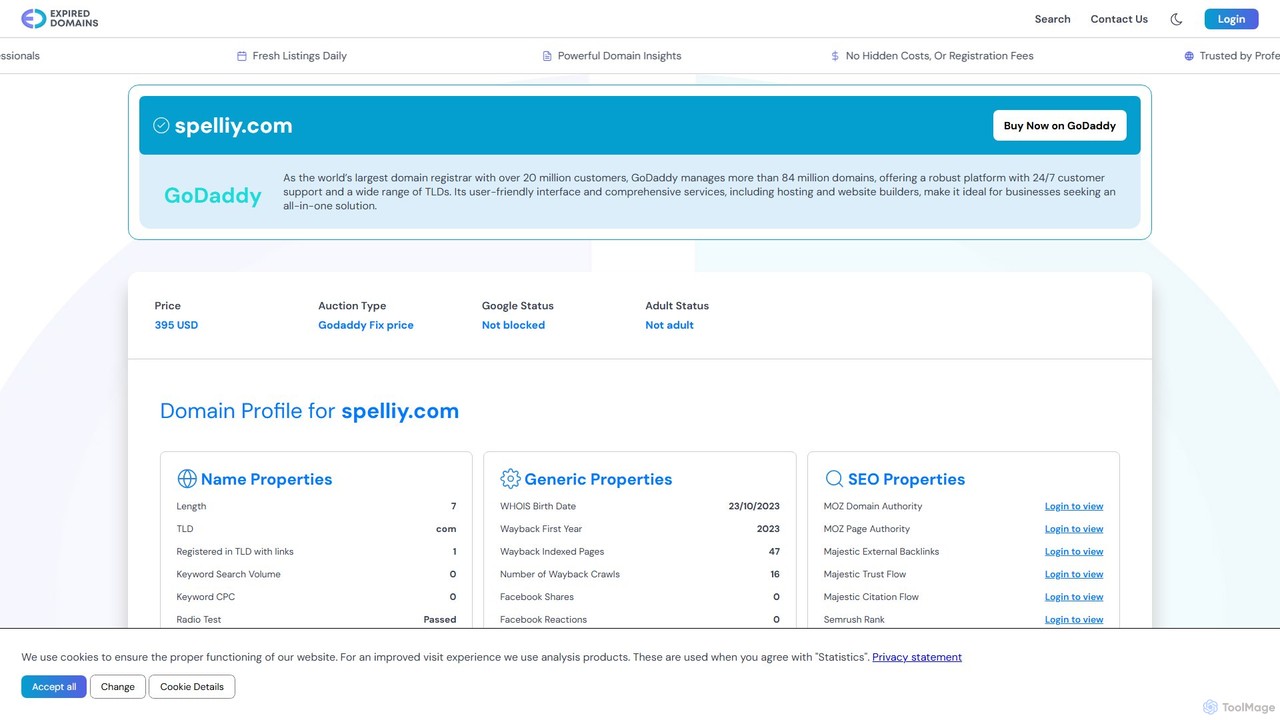
spelliy
Spelliy is an AI-powered writing assistant designed to elevate your writing. It provides advanced grammar, spelling, and punctuation checks, along with suggestions for improving style, tone, and clarity. Ideal for students, professionals, and writers.
Language LearningSMARTBIRD
SMARTBIRD is an AI-powered Chrome extension designed to accelerate your writing tasks. It acts as a personal assistant, drafting high-quality emails, social media posts, and messages in seconds. By integrating directly with platforms like Gmail, LinkedIn, and WhatsApp, it helps you communicate more effectively and save significant time.
Email Assistant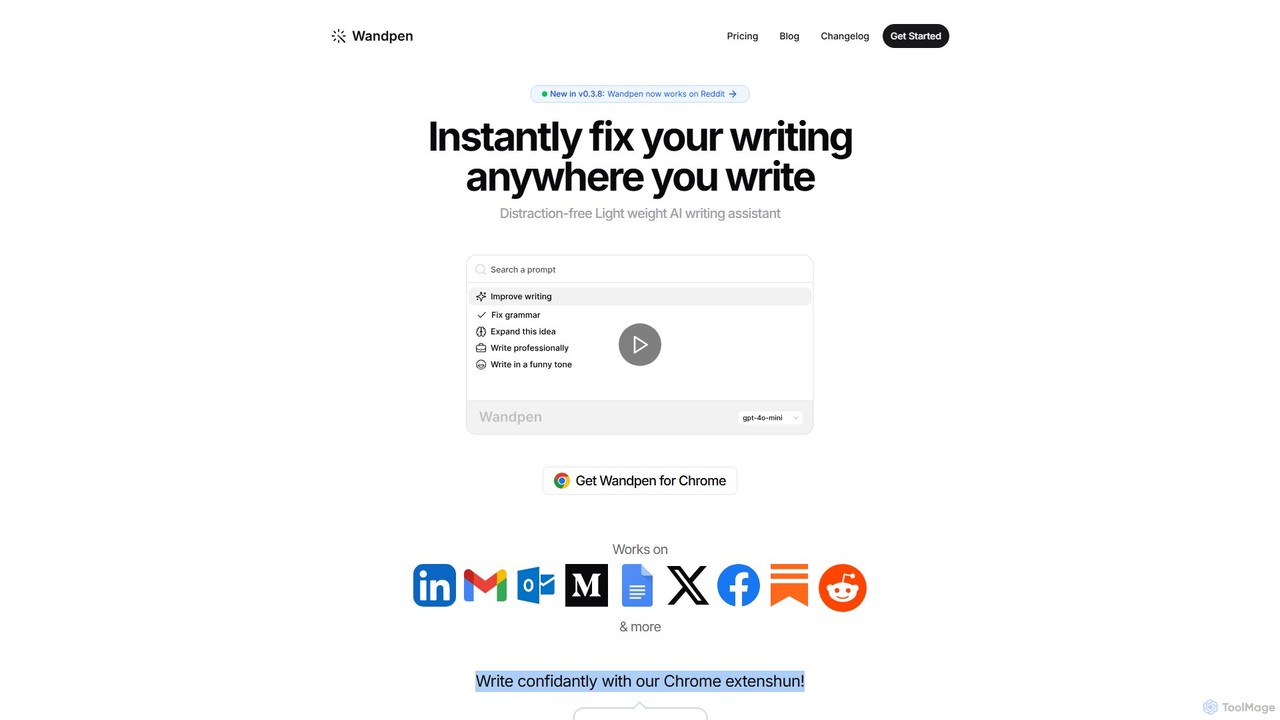
Wandpen
Wandpen is a lightweight AI writing assistant for Chrome that seamlessly integrates into your workflow. It allows you to instantly fix grammar, rewrite text, and brainstorm ideas directly on any website, including Google Docs, Reddit, and LinkedIn. By eliminating the need to switch tabs, Wandpen boosts your productivity and writing confidence using powerful AI models like GPT-4o, Claude 3.5, and Gemini.
Chrome Extensions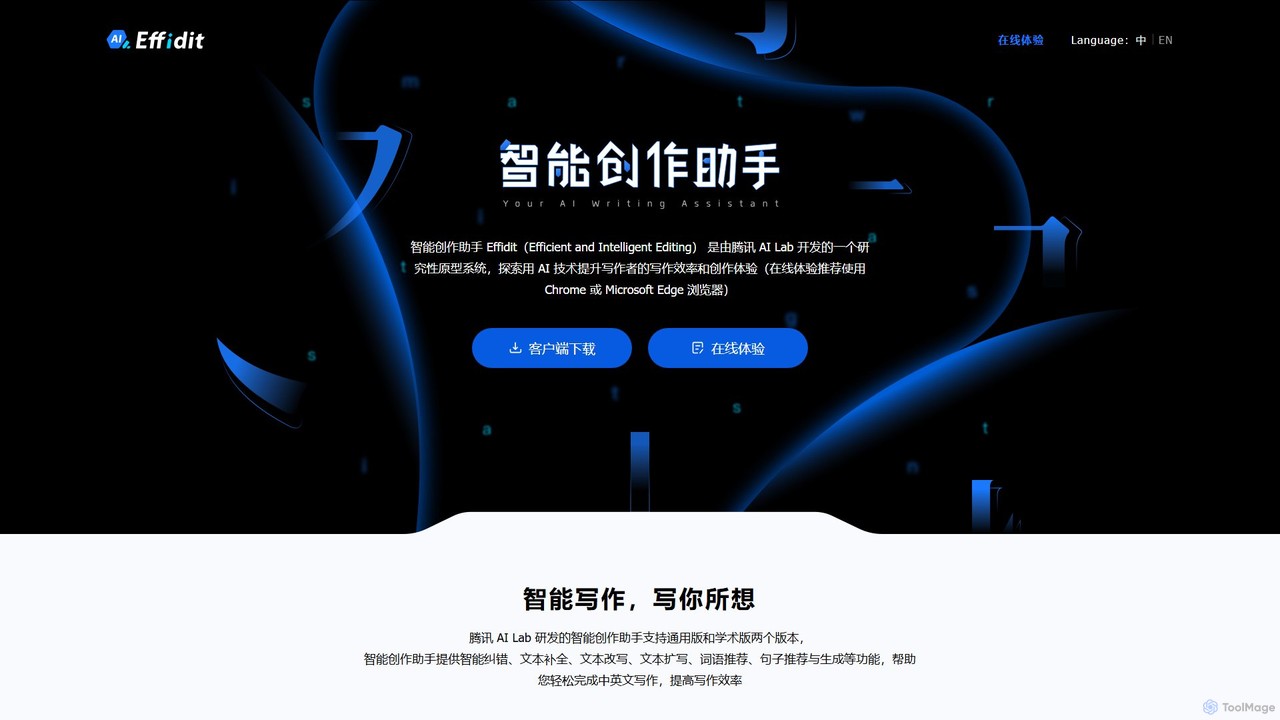
Effidit
Effidit is an AI-powered writing assistant from Tencent AI Lab, designed to enhance writing efficiency in both Chinese and English. It offers intelligent proofreading, text completion, rewriting, expansion, and specialized modes for general and academic writing, helping users create high-quality, error-free content.
Text Editor
Wonder AI
Wonder AI is a powerful Chrome extension that enhances your writing, editing, and reading. It integrates directly into your browser, offering one-click tools to rewrite text, check grammar, summarize articles, explain complex concepts, and translate content, boosting your daily productivity and communication skills.
Chrome Extensions
NovaTexter
NovaTexter is an AI-powered browser extension that integrates ChatGPT models directly into your workflow. It allows you to generate content, ideas, and responses on any website by simply typing commands in a text area. Connect your OpenAI API key for a seamless, productive content creation experience with a single one-time payment.
Chrome Extensions
Twitti
Twitti is a powerful ChatGPT browser extension that integrates AI into any tab. It enhances writing, boosts social media engagement, and increases productivity with 25+ tones, advanced copywriting frameworks, and a one-time purchase model, eliminating recurring subscriptions.
Chrome
Steer
Steer is a native AI writing assistant for macOS and Windows that helps you save hours on writing. It intelligently fixes grammar, improves tone, and enhances your messages to sound professional, all directly within any application without interrupting your workflow.
Email Assistant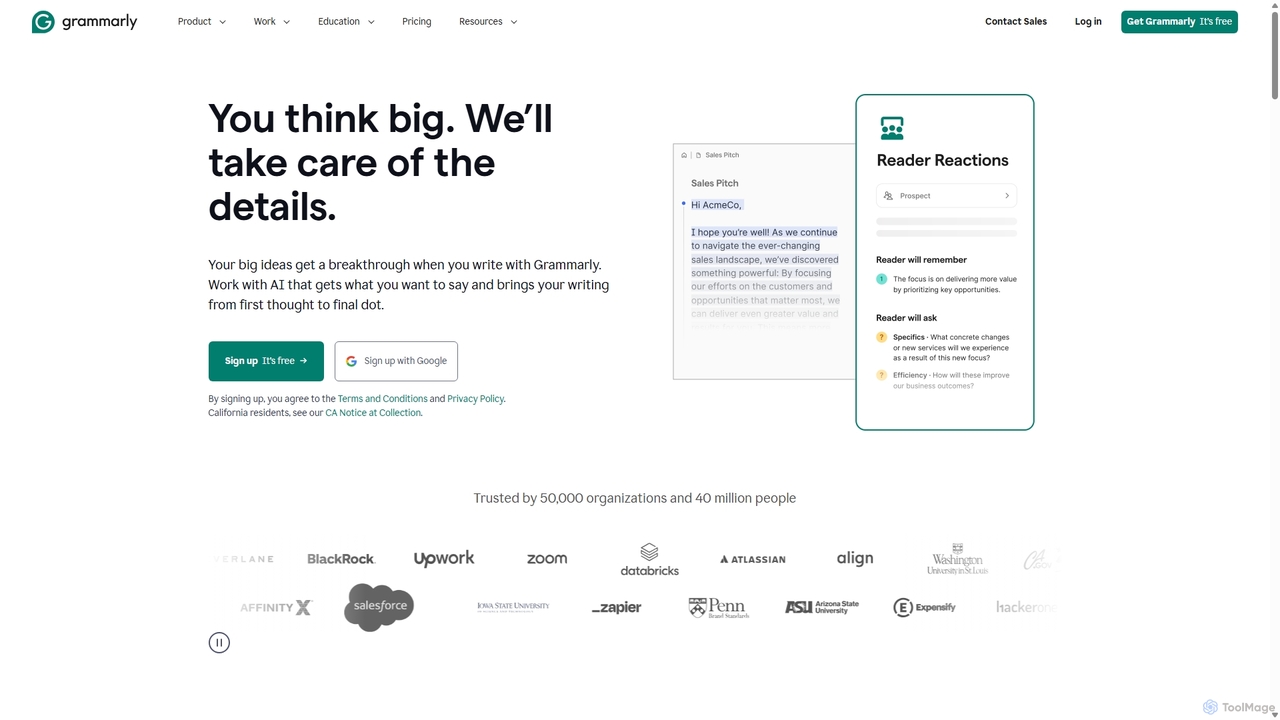
Grammarly
Grammarly is an AI-powered writing assistant that helps you communicate more effectively. It goes beyond basic grammar and spelling checks to offer real-time suggestions on clarity, conciseness, tone, and style. Trusted by millions, Grammarly integrates seamlessly across desktops, web browsers, and mobile devices to ensure your writing is always clear, confident, and mistake-free.
Learning
LanguageTool
LanguageTool is an AI-powered multilingual writing assistant that checks for grammar, spelling, and style errors. It offers advanced suggestions, a paraphrasing tool, and integrates seamlessly with browsers, office suites, and desktop apps to improve your writing everywhere.
Communication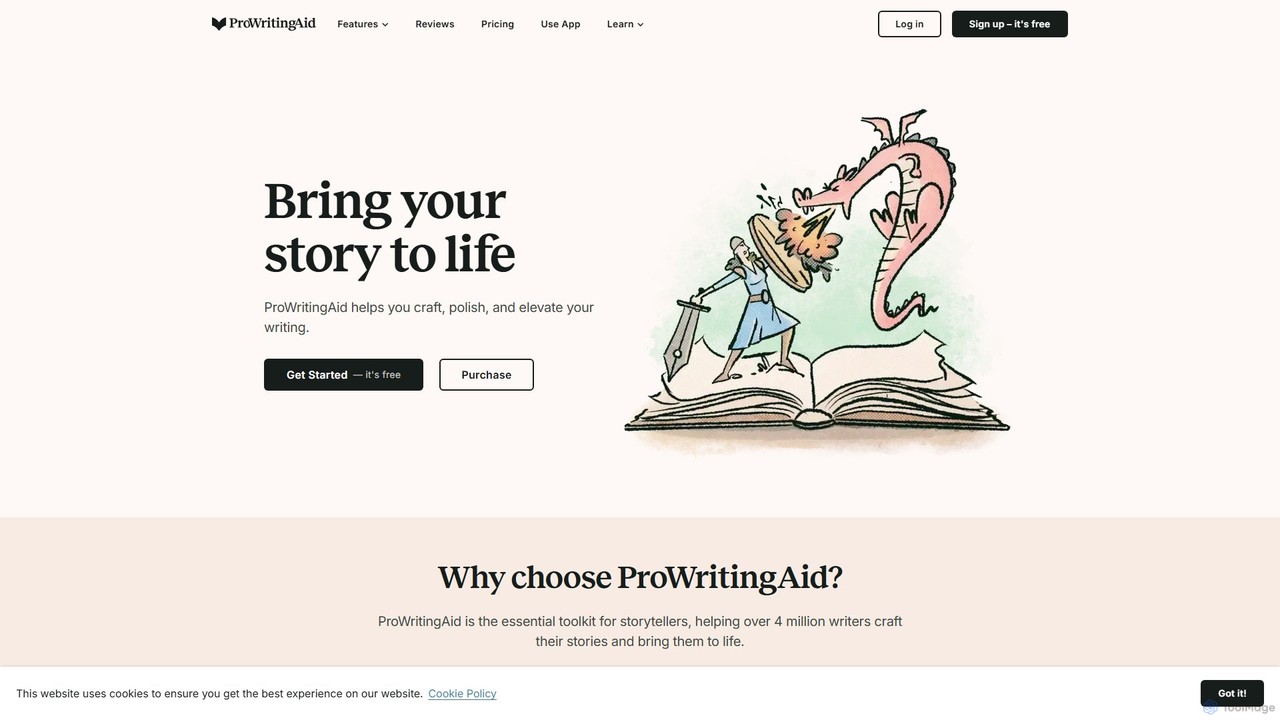
ProWritingAid
ProWritingAid is a comprehensive AI-powered writing assistant, style editor, and grammar checker. It's designed for authors, students, and professionals to improve writing clarity, strength, and style. With over 25 detailed reports, it goes beyond basic corrections, offering in-depth analysis on everything from pacing and dialogue to readability and sentence structure. It integrates seamlessly with popular writing platforms.
Learning
Wordtune
Wordtune is an AI-powered writing companion and paraphrasing tool that helps you rewrite, rephrase, and improve your text. It offers features like tone adjustment, text shortening/expansion, summarization, and translation into English, ensuring your writing is clear, compelling, and authentic across various platforms.
Email Assistant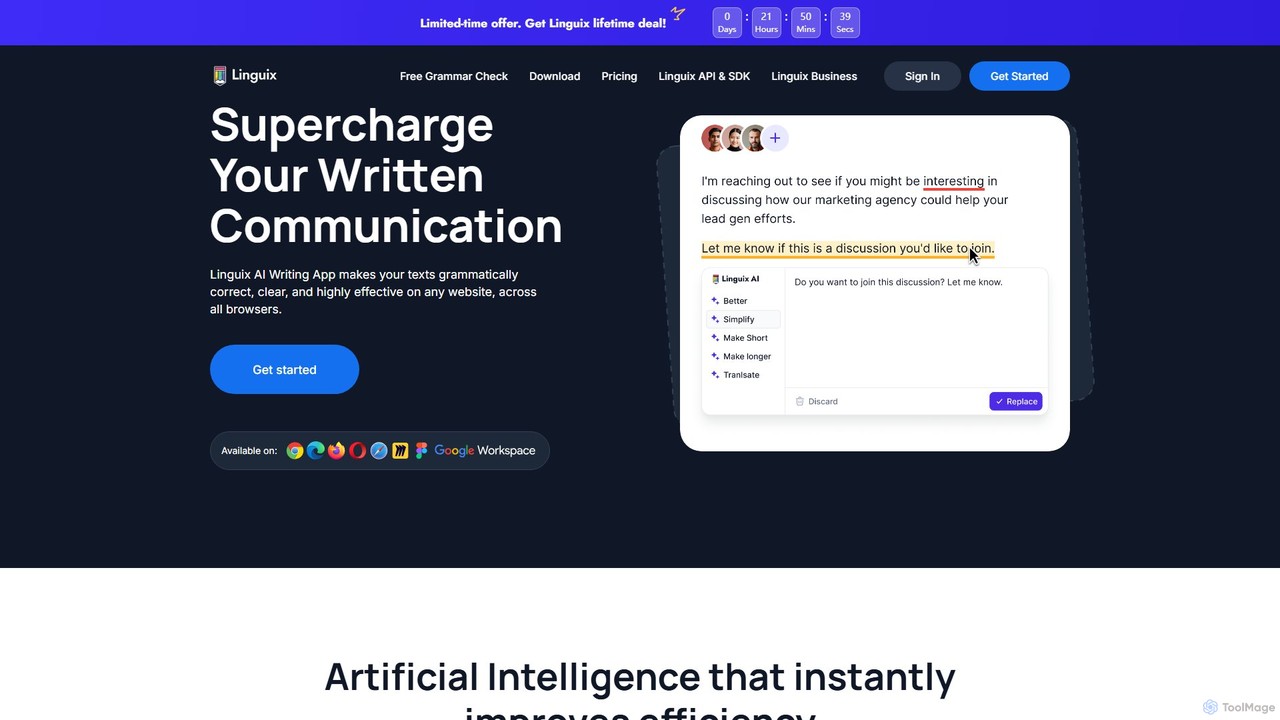
Linguix
Linguix is an AI-powered writing assistant and grammar checker designed to improve your communication. It corrects grammar, spelling, and punctuation errors, offers paraphrasing suggestions to enhance clarity, and provides tools for team collaboration. Available as a browser extension, it works across millions of websites to make your writing clear, effective, and professional in multiple languages.
Communication
Check Typo Comments (0)
Sign in to comment.
Sign inNo comments yet.