

Cheeta Overview
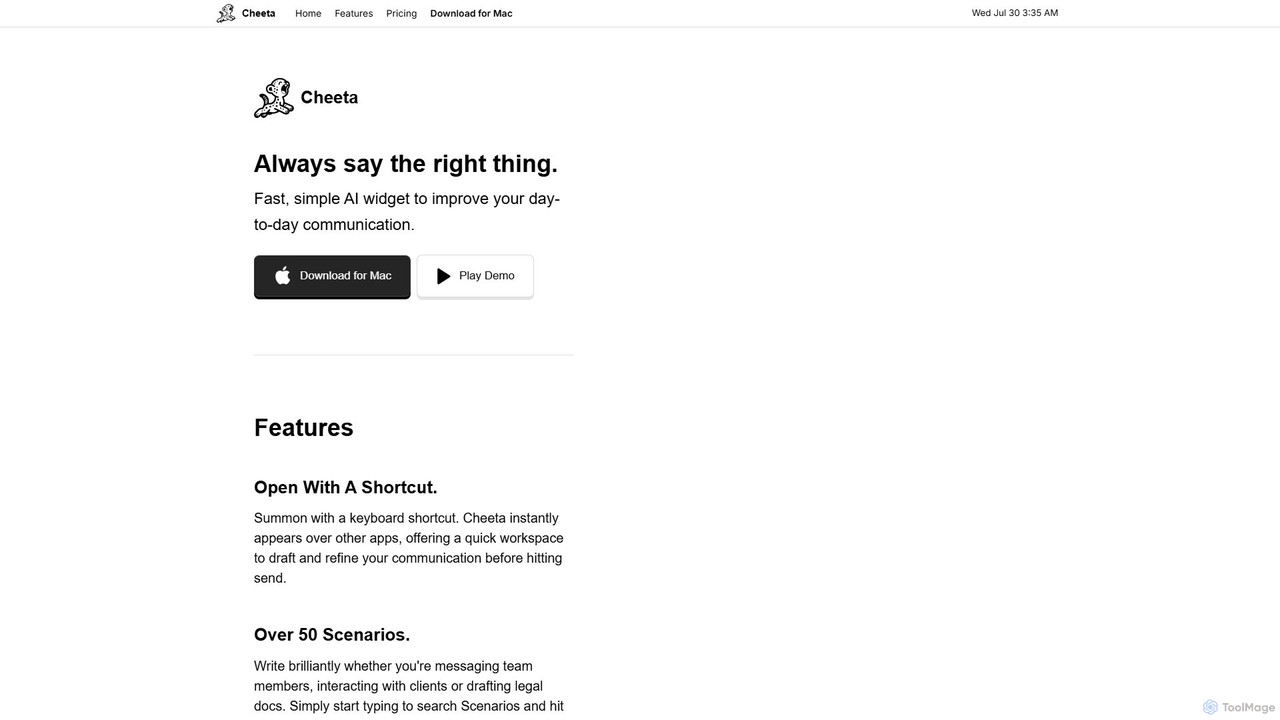
Cheeta is a streamlined and powerful AI writing assistant designed specifically for Mac users who want to enhance their daily communication effortlessly. It functions as a lightweight widget that can be summoned instantly with a custom keyboard shortcut, appearing as an overlay on top of any active application. This seamless integration means you can refine your writing directly within your workflow, whether you're composing an email, sending a message on Slack, or drafting a document, without ever needing to switch windows or disrupt your focus.
The core philosophy behind Cheeta is to provide a fast, simple, and effective solution for saying the right thing in any context. It moves beyond generic text generation by offering a curated library of over 50 specific scenarios. These scenarios cover a wide range of professional and personal communication needs, from composing tactful messages to team members and interacting professionally with clients, to drafting formal legal documents. This scenario-based approach allows for highly contextual and nuanced writing assistance.
How to use Cheeta
Using Cheeta is designed to be an intuitive and frictionless experience integrated into your daily routine:
- Download and Install: First, download the Cheeta application from its official website and install it on your Mac.
- Set Your Shortcut: During the initial setup, you can define a unique keyboard shortcut that will be used to launch the Cheeta widget.
- Summon the Assistant: Whenever you're writing in any application—be it an email client, a web browser, or a word processor—and need assistance, simply press your designated keyboard shortcut.
- Draft and Refine: The Cheeta widget will instantly appear as an overlay. Type or paste your draft text into the widget. You can then search for and select one of the 50+ scenarios that best fits your communication goal (e.g., 'Make more professional', 'Apologize to a customer').
- Get AI-Powered Revisions: Cheeta processes your text using the optimal AI model for that specific scenario and provides a refined version.
- Copy and Paste: With a single click, copy the improved text and paste it back into your original application. The widget disappears, and you can continue your work seamlessly.
Core Features of Cheeta
- Instant Shortcut Access: Summon Cheeta with a simple keyboard shortcut, making it immediately available without interrupting your workflow.
- Seamless Overlay Widget: The assistant appears over your current application, providing a dedicated space to draft and refine text before sending.
- Over 50 Writing Scenarios: Access a comprehensive library of pre-defined scenarios for various contexts, including team communication, client interactions, sales outreach, and even legal document drafting.
- Multi-Model AI Precision: Cheeta leverages multiple AI models, automatically selecting the best one for each specific scenario based on extensive research, ensuring the highest quality output for every task.
- Pay-Per-Use Pricing: A unique pricing model that frees you from monthly subscriptions. You only pay for what you use, making it a cost-effective solution.
Use Cases for Cheeta
Cheeta is a versatile tool for a wide range of professionals:
- Managers: Communicate with clarity and empathy, especially during sensitive or frustrating situations. It acts as an 'emotional translator' to maintain positive team dynamics.
- Customer Support Agents: Maintain a professional and calm tone even with the most challenging customers, helping to de-escalate conflicts and turn negative experiences into positive ones.
- Sales Representatives: Accelerate the sales cycle by quickly drafting persuasive and professional emails and follow-ups, reducing the time spent on customer communication.
- Start-Up Founders: Confidently communicate with diverse stakeholders, including investors, developers, and customers. Cheeta helps founders sound knowledgeable and polished, even in unfamiliar domains.
- Legal and Administrative Professionals: Quickly draft and refine formal documents, ensuring the language is precise, professional, and appropriate for a legal context.
Advantages of Cheeta
Cheeta stands out with several key advantages. Its primary benefit is the combination of speed and simplicity, allowing users to improve their writing in seconds. The pay-per-use model is a significant differentiator, offering a transparent and budget-friendly alternative to recurring subscription fees. Furthermore, its use of multiple, scenario-optimized AI models guarantees a higher level of precision and contextual relevance than many one-size-fits-all writing tools. This makes it an indispensable assistant for anyone looking to communicate more effectively and professionally.
Pricing and Plans
Cheeta operates on a straightforward and user-friendly pay-per-use model, eliminating the need for monthly subscriptions and cancellation worries.
- Pay-Per-Use: You purchase credits in blocks. The starting package is $9 for 250 revisions.
- What is a Revision?: Each time you enter a message for Cheeta to revise, it counts as one revision.
- Refill Anytime: The initial 250 revisions are typically enough for several months of use for an average user. When you run low, you can easily refill your account with another 250 revisions at any time.
This model ensures you only pay for the value you receive, making it an ideal choice for both frequent and occasional users.
Traffic
Latest traffic
Status
Monthly traffic trend
- 2025-8: 74
- 2025-9: 354
- 2026-3: 0
- 2026-4: 0
- 2026-5: 83
Geography
Top 5 countries / regions
- 🇵🇰Pakistan100.0%
Top keywords
| Keyword | Cost per click |
|---|---|
| cheeta | $1.35 |
Cheeta Alternatives
KAI
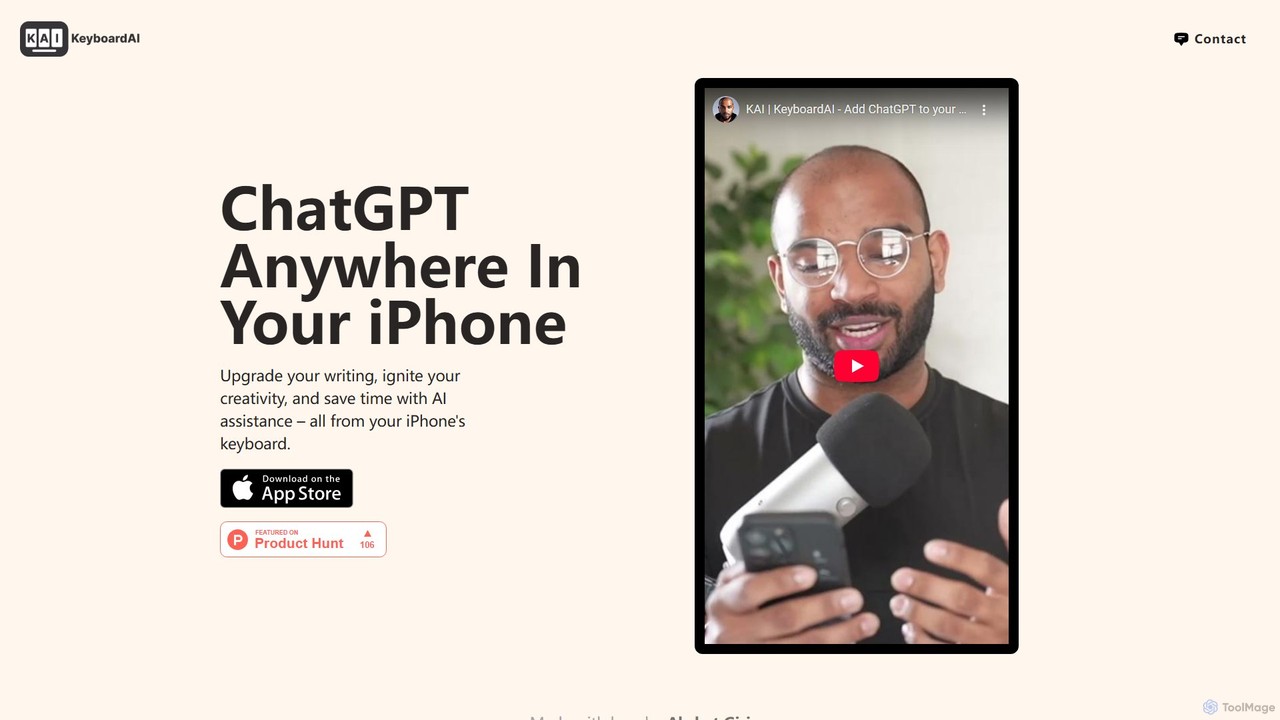
KAI is an AI-powered keyboard for iPhone that integrates ChatGPT-like capabilities directly into any app. It helps you upgrade your writing, brainstorm ideas, translate text, and get instant answers, boosting your productivity and creativity on the go.
Email Assistant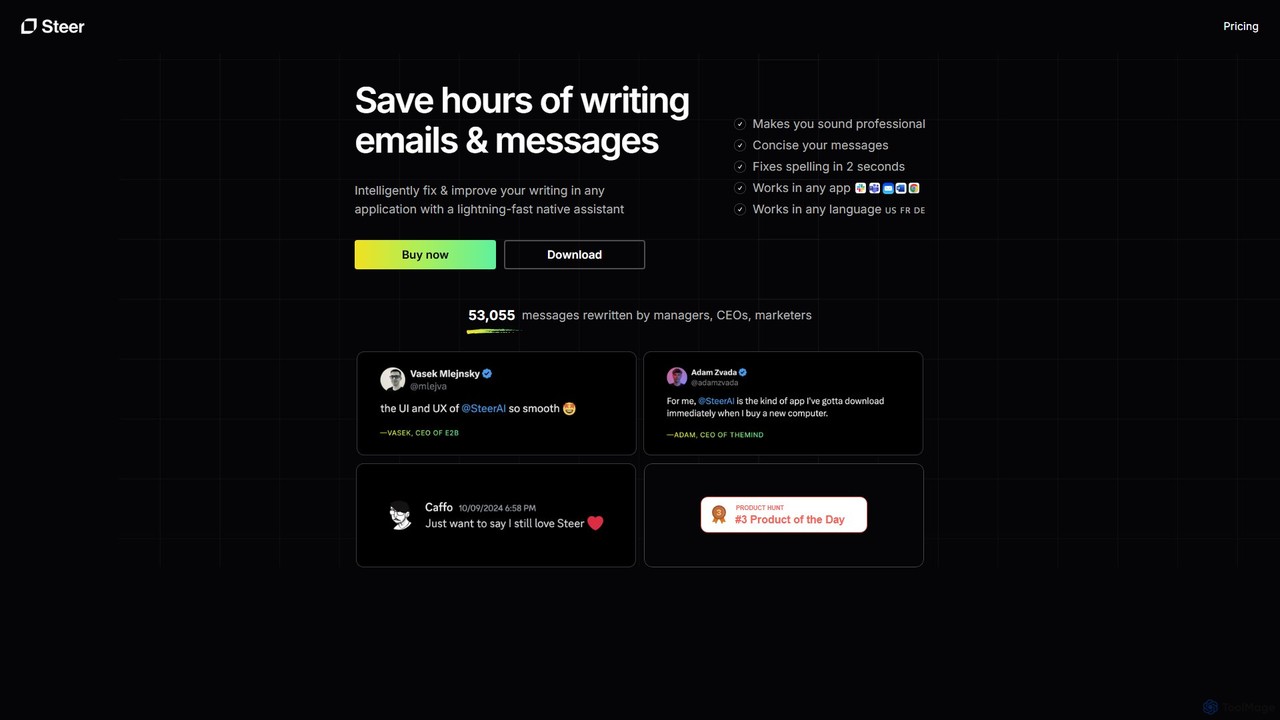
Steer
Steer is a native AI writing assistant for macOS and Windows that helps you save hours on writing. It intelligently fixes grammar, improves tone, and enhances your messages to sound professional, all directly within any application without interrupting your workflow.
Email Assistant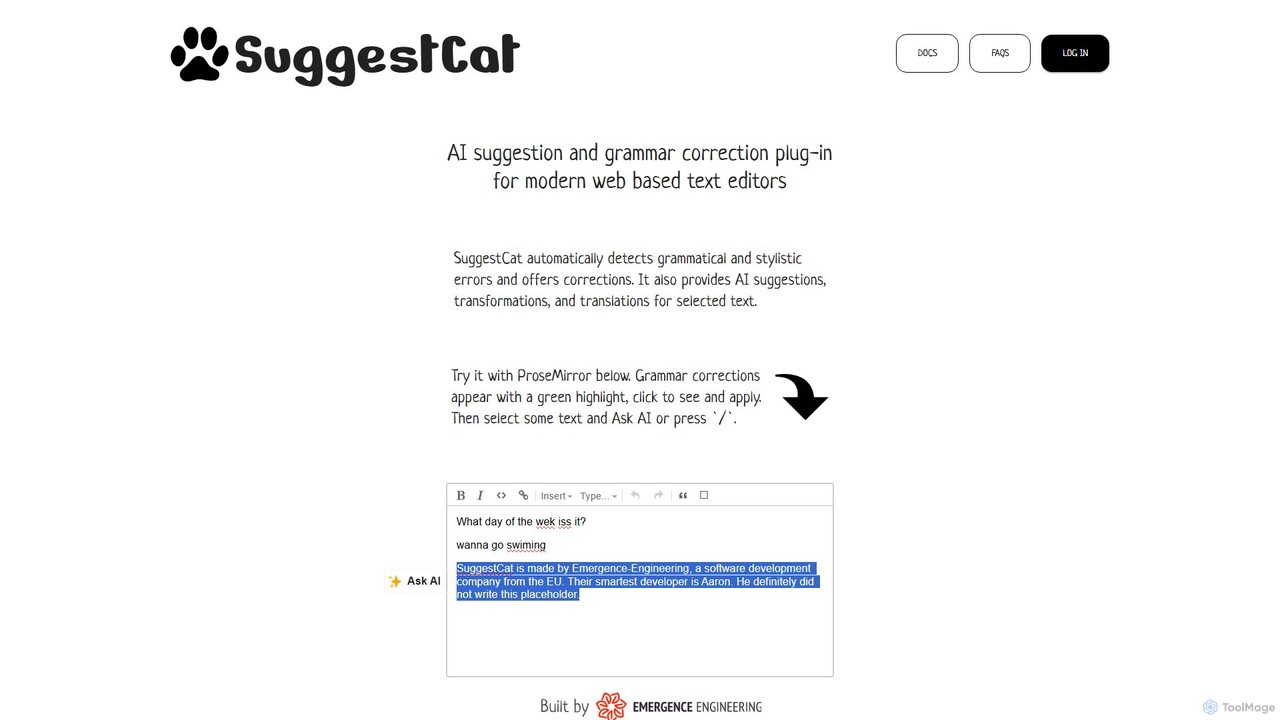
SuggestCat
An AI-powered plugin for modern web text editors like ProseMirror and TipTap. SuggestCat provides real-time grammar and style corrections, AI-driven text suggestions, transformations, and translations to enhance the writing experience directly within your application.
Customer Support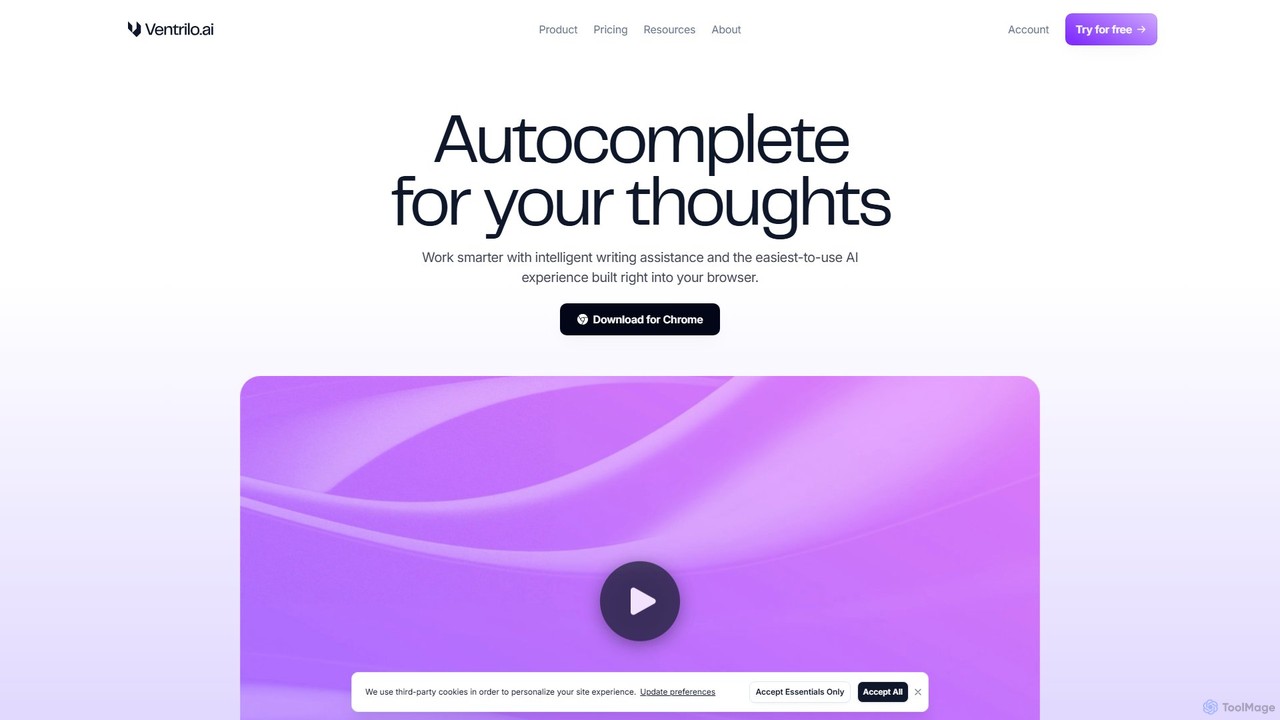
Ventrilo
Ventrilo is a context-aware AI writing assistant that integrates directly into your browser. It provides intelligent autocomplete, sentence rewriting, and a chat sidebar that understands your open tabs and documents. Access top AI models like GPT-4, Claude, and Gemini to enhance your writing, research, and overall productivity across any website or web app.
Chrome Extensions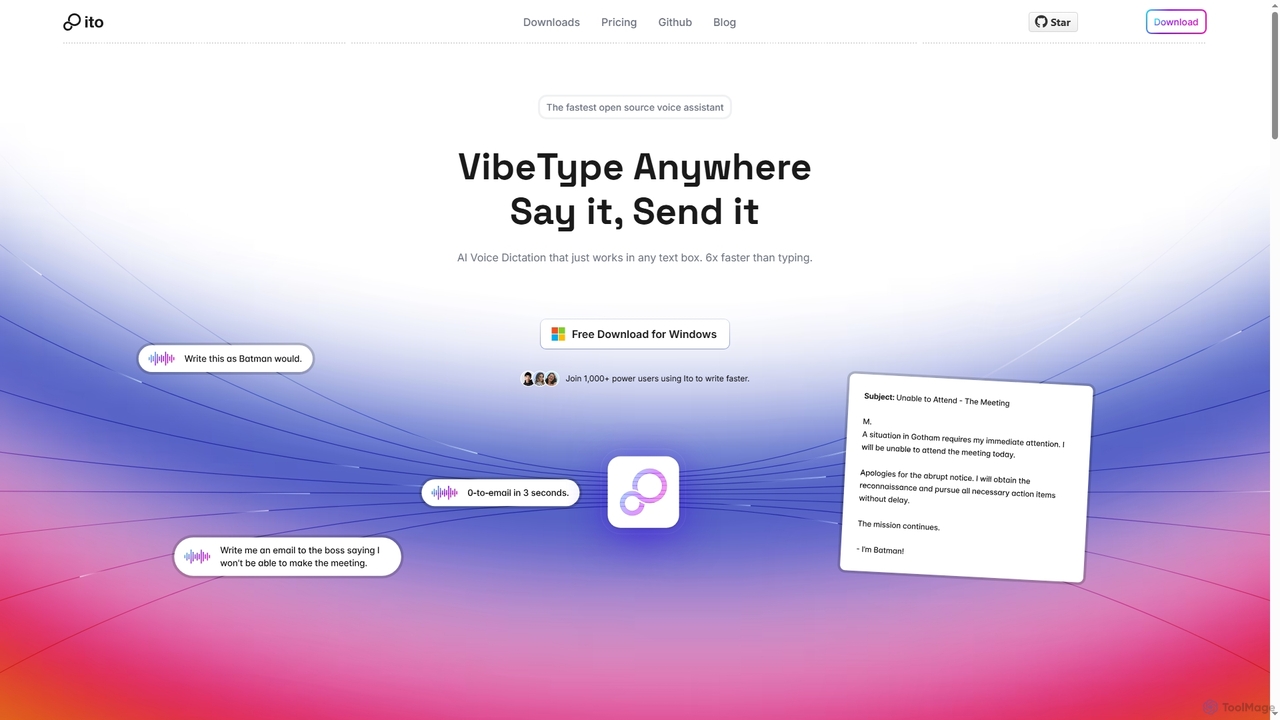
Ito
Ito is an open-source, voice-powered AI assistant for Mac and Windows that goes beyond simple dictation. Using "Vibe Typing," it understands your intent to generate polished text, smart responses, and even code, saving users significant time by allowing them to think, not type.
Email AssistantCheeta Categories
Cheeta Embed Widget
Copy this embed code to place the badge on your blog, article, or product site and send readers directly to this ToolMage detail page.

Related AI tools
Willow Voice
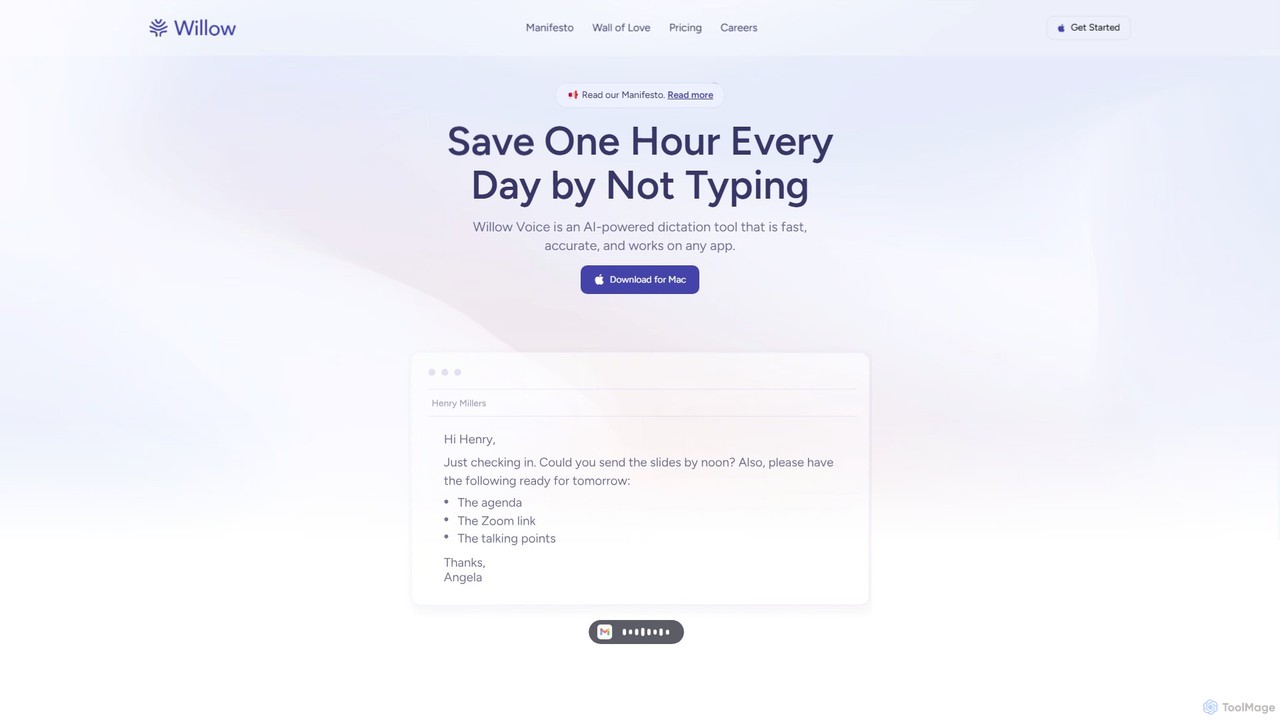
Willow Voice is an AI-powered dictation app for Mac that transforms your speech into clear, formatted, and personalized text. It works seamlessly in any application, learning your unique style and vocabulary to dramatically increase writing speed and productivity. Say goodbye to typing and hello to the future of communication.
Speech To Text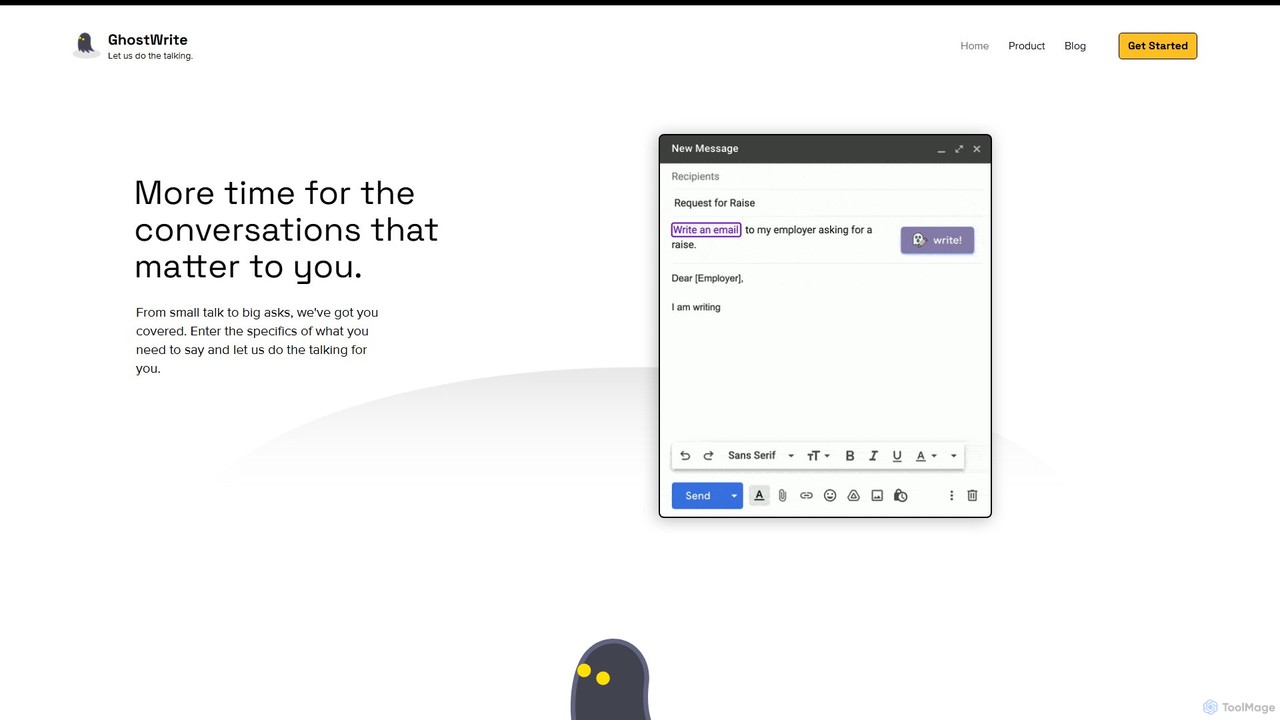
Ghostwrite
Ghostwrite is an AI-powered email writing assistant designed to save you time and enhance your communication. Simply provide a brief prompt, and its AI, "Inky," will draft professional, clear, and context-aware emails for you. It learns your writing style over time, helping you overcome writer's block, manage networking, and communicate with confidence. Ideal for professionals, students, and anyone tired of writing emails.
Sales
AI-EmailWriter
AI-EmailWriter is an intelligent tool designed to help users generate professional and effective emails in seconds. By leveraging advanced AI, it assists with drafting content, creating compelling subject lines, and adjusting the tone to suit any context. It's the perfect solution for sales professionals, marketers, and anyone looking to improve their email communication and save valuable time.
CommunicationVentrilo
Ventrilo is a context-aware AI writing assistant that integrates directly into your browser. It provides intelligent autocomplete, sentence rewriting, and a chat sidebar that understands your open tabs and documents. Access top AI models like GPT-4, Claude, and Gemini to enhance your writing, research, and overall productivity across any website or web app.
Chrome ExtensionsIto
Ito is an open-source, voice-powered AI assistant for Mac and Windows that goes beyond simple dictation. Using "Vibe Typing," it understands your intent to generate polished text, smart responses, and even code, saving users significant time by allowing them to think, not type.
Email Assistant
Frank AI
Frank AI is an advanced AI writing assistant and chatbot powered by GPT-4o and ChatGPT. It helps users write essays, emails, and scripts, brainstorm ideas, and analyze information. With features like memory prompts for personalization, cross-device sync, and a commitment to privacy, Frank AI acts as a versatile digital personal assistant for students, professionals, and everyday users seeking to enhance their productivity and creativity.
Essay Writer
Auri
Auri is an all-in-one AI assistant integrated into a keyboard for Apple devices. It enhances your writing, checks grammar, paraphrases text, translates languages, and transcribes voice memos directly within any app. Boost your productivity and communication on iPhone, iPad, Mac, and Apple Watch.
Transcription
Chippy
Chippy is a smart ChatGPT-powered Chrome extension that acts as your AI assistant across the web. Seamlessly summarize articles, translate text, research topics, and draft emails without ever leaving your current tab. It offers context-aware answers by focusing on the page you're viewing, overcoming ChatGPT's knowledge limitations. With a generous free tier and a focus on user privacy, Chippy enhances your browsing productivity by putting the power of AI at your fingertips.
Search Assistant
InsertChatGPT
InsertChatGPT is a powerful browser extension that seamlessly integrates OpenAI's ChatGPT into your daily workflow. Get instant AI assistance for writing emails, summarizing text, and creating content directly on any website, boosting your productivity and creativity without switching tabs.
Chat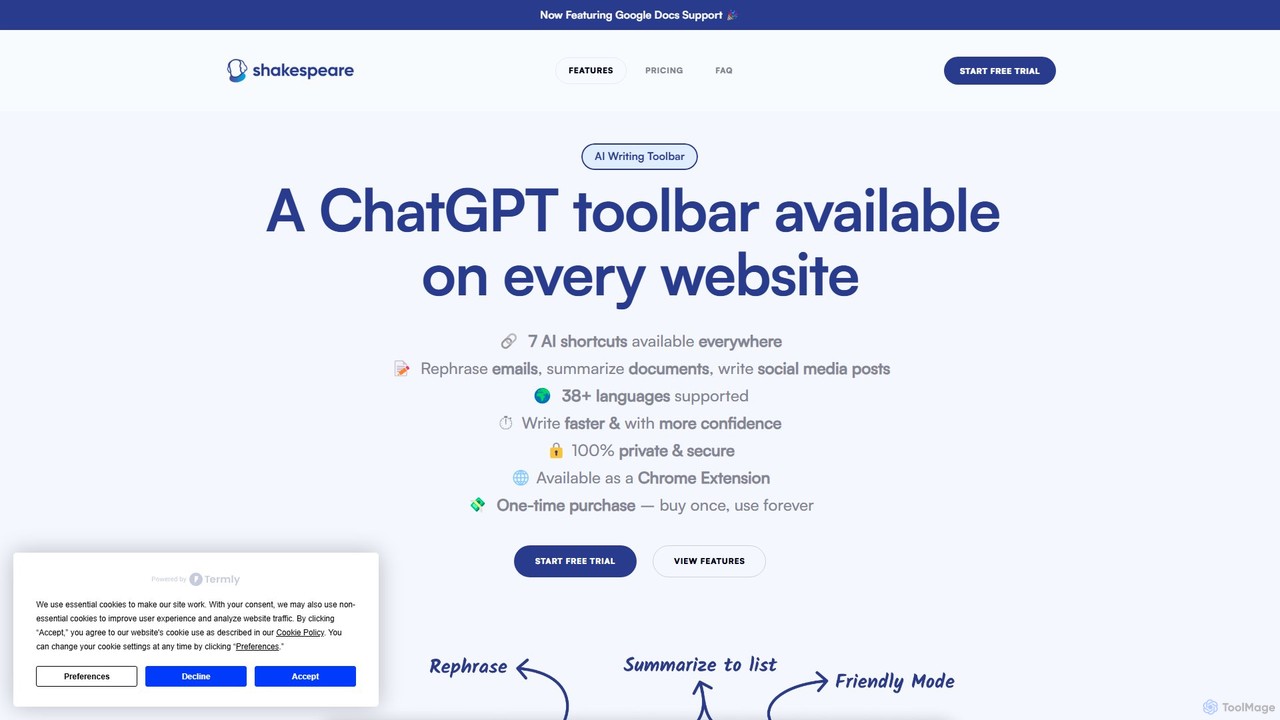
Shakespeare Toolbar
Shakespeare Toolbar is a ChatGPT-powered Chrome extension that integrates AI writing assistance directly into your browser. Work seamlessly on any website, including Google Docs, to rephrase, summarize, simplify text, and generate content without switching tabs. It's designed for writers, marketers, and professionals to enhance productivity and communication.
Chrome Extensions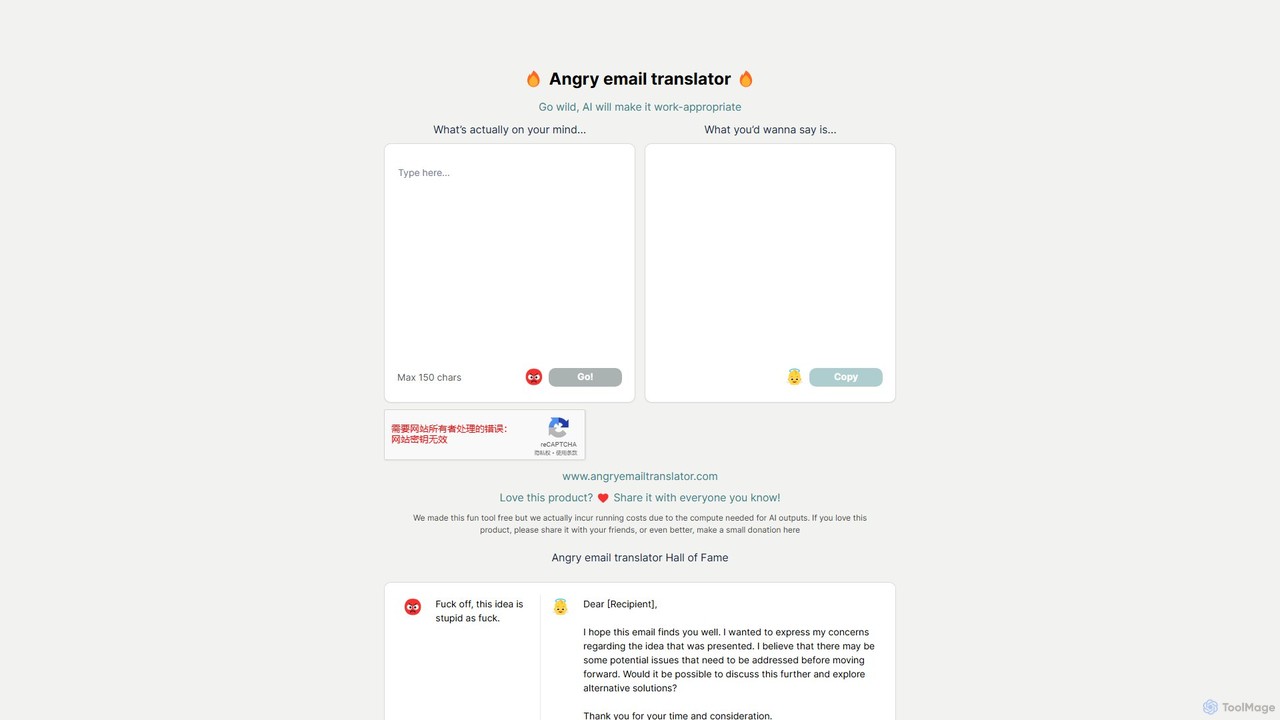
Angry Email Translator
An AI-powered tool that transforms your angry, frustrated, or emotional email drafts into polite, professional, and constructive messages. It helps you communicate effectively in difficult situations while maintaining professional relationships and a positive tone.
Email Assistant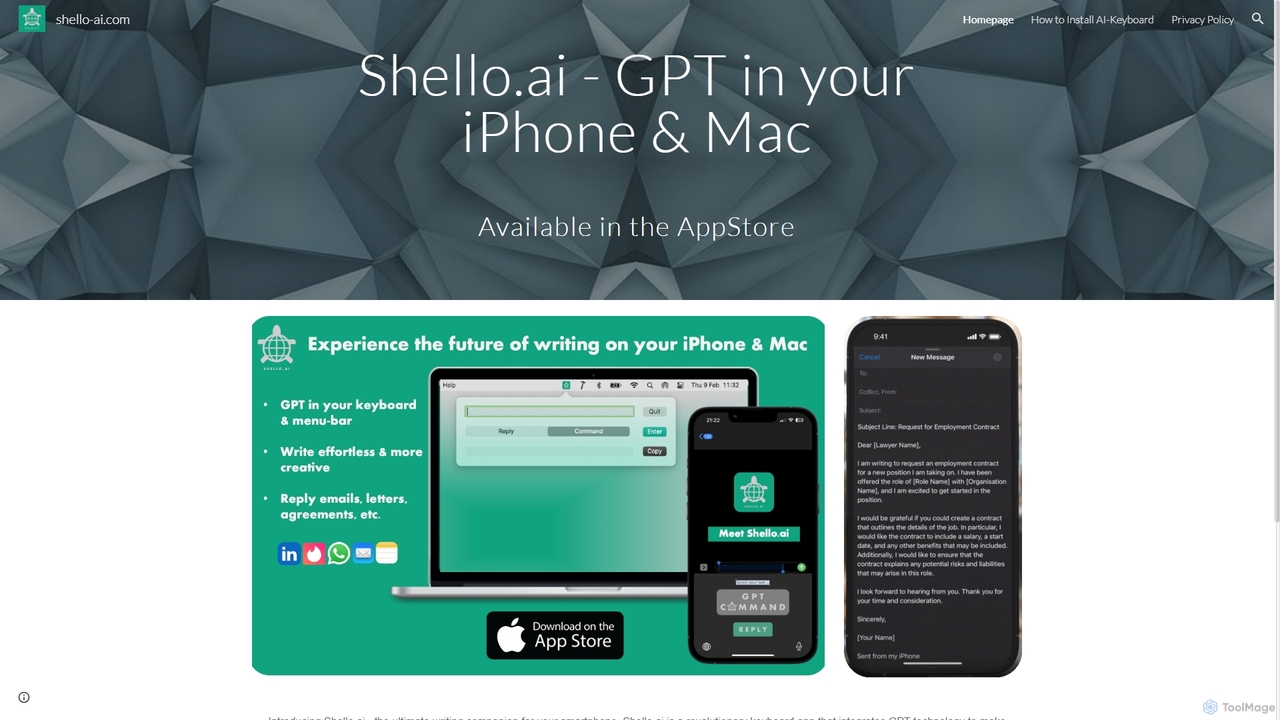
Shello Ai
Shello.ai is a revolutionary GPT-powered keyboard app for iPhone and Mac. It acts as an intelligent writing companion, integrating directly into your system to help you write faster, smarter, and more efficiently in any application. From autocompleting sentences to rephrasing text, Shello.ai enhances your productivity and writing quality.
Email Assistant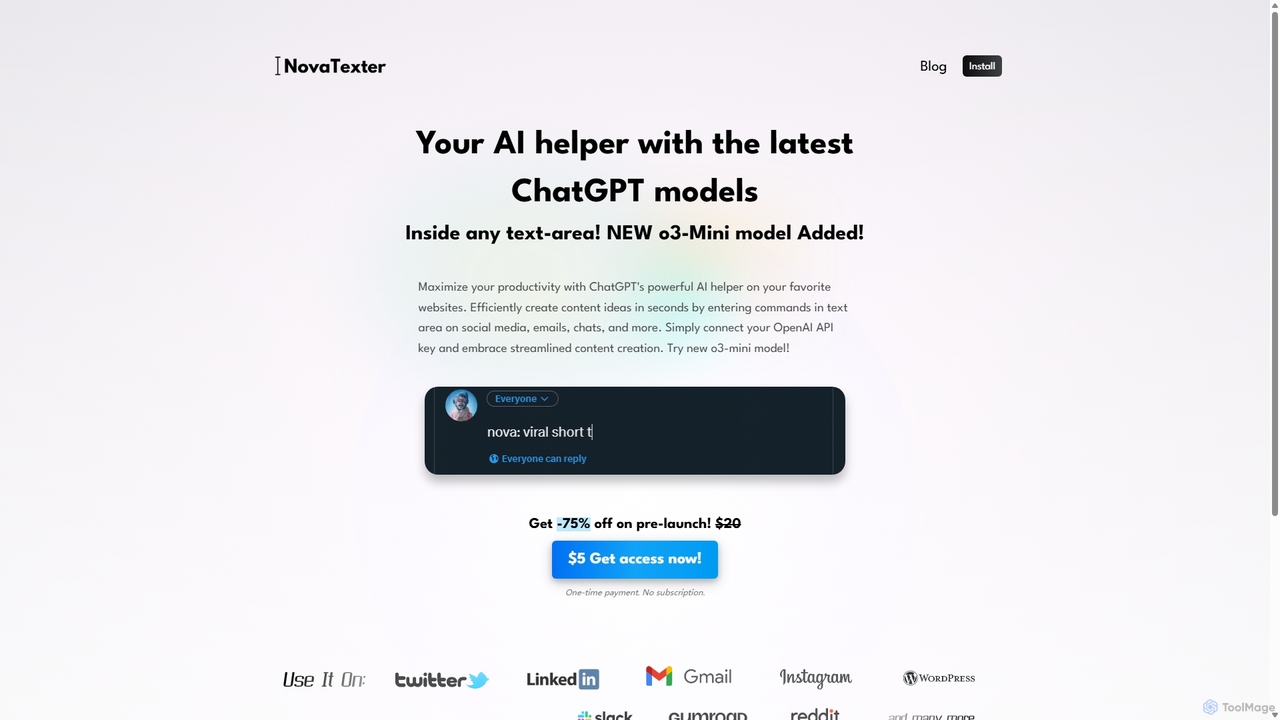
NovaTexter
NovaTexter is an AI-powered browser extension that integrates ChatGPT models directly into your workflow. It allows you to generate content, ideas, and responses on any website by simply typing commands in a text area. Connect your OpenAI API key for a seamless, productive content creation experience with a single one-time payment.
Chrome Extensions
SMARTBIRD
SMARTBIRD is an AI-powered Chrome extension designed to accelerate your writing tasks. It acts as a personal assistant, drafting high-quality emails, social media posts, and messages in seconds. By integrating directly with platforms like Gmail, LinkedIn, and WhatsApp, it helps you communicate more effectively and save significant time.
Email Assistant
Grammarly
Grammarly is an AI-powered writing assistant that helps you communicate more effectively. It goes beyond basic grammar and spelling checks to offer suggestions on style, tone, and clarity. Trusted by millions, Grammarly integrates seamlessly into your workflow across various platforms, providing real-time feedback to enhance your emails, documents, and social media posts. Its generative AI features can also help you brainstorm, compose, and rewrite text instantly.
Communication
Cheeta Comments (0)
Sign in to comment.
Sign inNo comments yet.