
YouTube Transcript Optimizer Overview
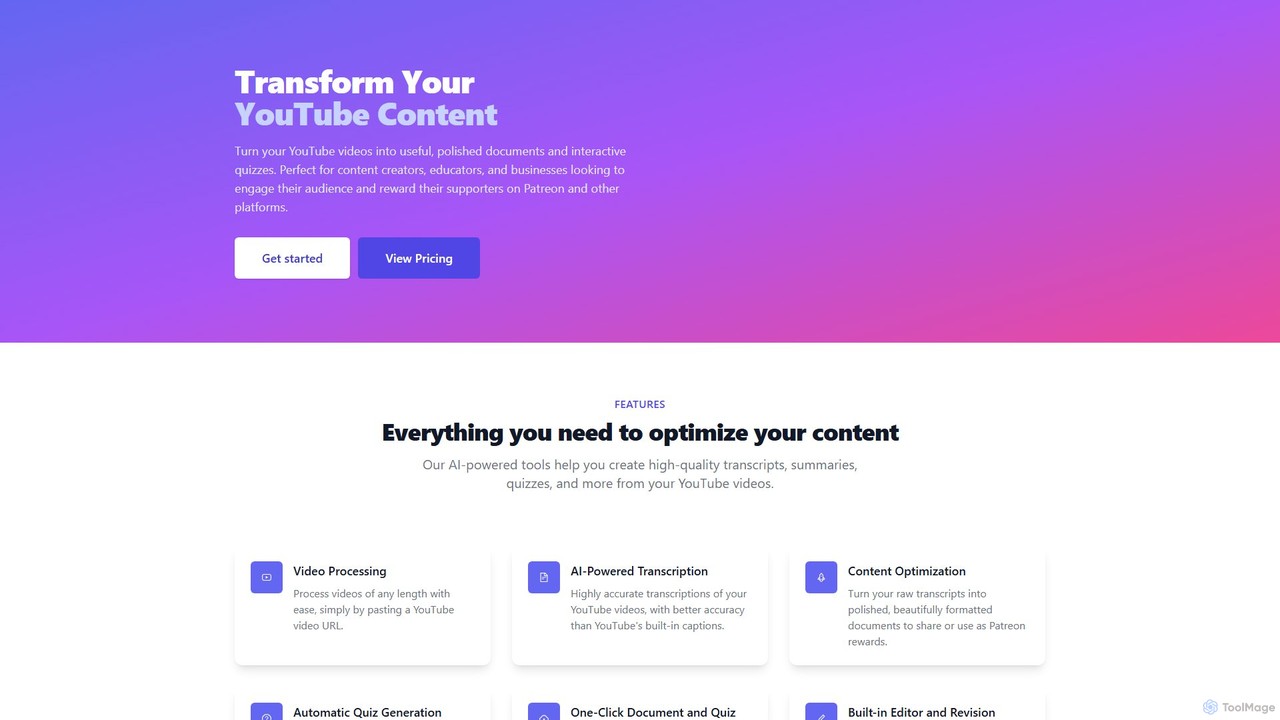
YouTube Transcript Optimizer is a comprehensive AI-driven platform designed to unlock the full potential of your video content. By simply providing a YouTube video URL, the tool automates the process of converting spoken words into highly accurate text. It goes beyond simple transcription by offering a suite of features to refine, repurpose, and enrich your content. Users can transform raw, auto-generated transcripts into beautifully formatted documents, detailed summaries, and even interactive quizzes. This makes it an invaluable asset for content creators looking to provide exclusive rewards for their supporters on Patreon, educators aiming to create engaging learning materials, and businesses seeking to repurpose video content into blog posts, articles, or training documents.
How to use YouTube Transcript Optimizer
Using the tool is a streamlined, user-friendly process designed for maximum efficiency:
- Paste the URL: Begin by copying the URL of the YouTube video you wish to process and pasting it into the designated field on the platform. The tool can handle videos of any length.
- AI-Powered Processing: The AI engine gets to work, automatically transcribing the video's audio with an accuracy rate exceeding 98% for clear audio, which is often superior to YouTube's native captions.
- Edit and Refine: Once the initial transcript is generated, you can use the built-in editor to make any necessary corrections or adjustments. The platform maintains a revision history, allowing you to track changes.
- Optimize and Format: Convert the raw text into a polished document. The tool provides options for formatting, structuring, and summarizing the content to make it more readable and professional.
- Generate Quizzes: With a single click, you can create interactive quizzes based on the video's content. The tool can generate multiple-choice and short-answer questions to test comprehension and boost engagement.
- Export and Share: Download your finalized documents in various formats, including TXT, Markdown, PDF, and HTML. Alternatively, use the one-click hosting feature to generate a shareable link for your documents or interactive quizzes, which automatically update whenever you make edits.
Core Features of YouTube Transcript Optimizer
- AI-Powered Transcription: Delivers highly accurate transcriptions, significantly reducing the time needed for manual correction.
- Content Optimization: Provides tools to format, clean up, and structure raw transcripts into polished, professional documents suitable for sharing or publication.
- Automatic Quiz Generation: Instantly creates engaging multiple-choice and short-answer quizzes from video content, complete with interactive and gradable formats.
- One-Click Hosting: Easily host your generated documents and quizzes on the platform, providing a simple, shareable link for your audience. Any edits made are reflected in real-time.
- Built-in Editor with Revision History: A powerful editor allows for easy modifications to transcripts and documents, with all changes saved and versioned.
- Multi-Format Export: Supports exporting content into various popular formats like PDF, HTML, Markdown, and TXT, offering flexibility for different use cases.
- Handles Any Video Length: The platform is built to process both short clips and long-form videos with equal ease.
Use Cases for YouTube Transcript Optimizer
This tool is versatile and caters to a wide range of users:
- Content Creators: Repurpose video scripts into blog posts, show notes, or articles. Create exclusive, high-value content like detailed guides or e-books for Patreon supporters.
- Educators and Tutors: Convert lectures and educational videos into study notes, handouts, and interactive quizzes to enhance the learning experience and assess student understanding.
- Businesses and Marketers: Transform webinars, product demos, and interviews into written marketing materials, knowledge base articles, or internal training documents, maximizing the ROI of video production.
- Researchers and Students: Quickly transcribe interviews, lectures, and documentaries for analysis, citation, and study purposes, saving hours of manual work.
Advantages of YouTube Transcript Optimizer
The primary advantage is immense time savings. The tool automates tasks that would otherwise take hours of manual work. Furthermore, its high-accuracy transcription ensures a quality starting point. The ability to instantly generate quizzes and host content creates new avenues for audience engagement and monetization. By simplifying content repurposing, it allows users to maximize the value of every video they produce, extending its reach across different platforms and formats.
Pricing and Plans
YouTube Transcript Optimizer operates on a freemium model, offering different tiers to suit various needs. (Note: The following is an illustrative structure based on industry standards.)
- Free Plan: Ideal for casual users, offering a limited number of video processing minutes per month, basic transcription, and standard document export.
- Creator Plan: A monthly subscription designed for regular content creators, providing a higher allowance of video minutes, access to advanced formatting, automatic quiz generation, and one-click hosting.
- Pro/Business Plan: Aimed at power users, agencies, and businesses, this plan typically includes a very high or unlimited number of video minutes, priority support, team collaboration features, and potentially API access for custom integrations.
Traffic
Latest traffic
Status
Monthly traffic trend
- 2025-9: 1.1K
- 2026-1: 6.8K
- 2026-2: 5.3K
- 2026-3: 4.7K
- 2026-4: 1.6K
- 2026-5: 3.7K
Geography
Top 5 countries / regions
- 🇺🇸United States79.1%
- 🇨🇦Canada13.2%
- 🇦🇺Australia6.3%
- 🇮🇳India1.5%
Top keywords
| Keyword | Cost per click |
|---|---|
| durnovo memorandum | $0.00 |
| nvidia background in a short constructed response | $0.00 |
| tubetranscript | $0.00 |
| youtubetranscript | $0.67 |
| youtube transcript optimizer | $0.00 |
YouTube Transcript Optimizer Alternatives
EasyScribe
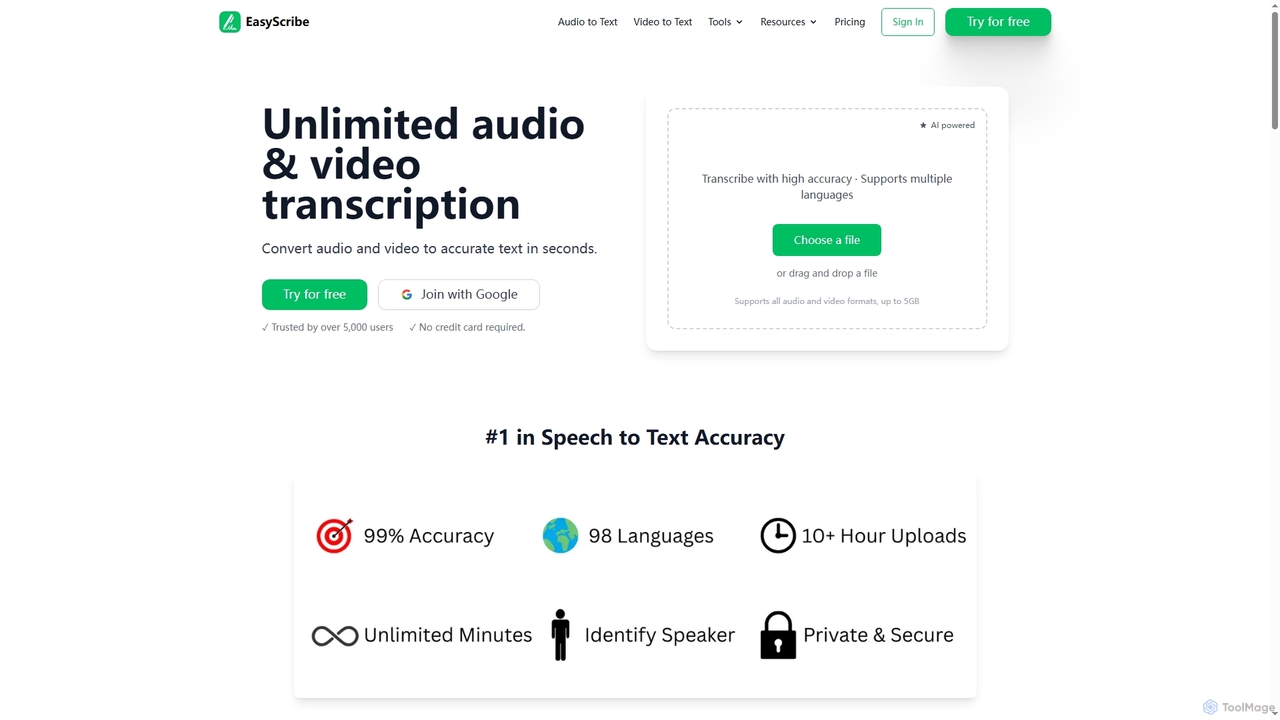
EasyScribe is an AI-powered transcription tool that converts audio and video files into accurate text in seconds. It supports 98+ languages, offers speaker identification, and allows translation to 134+ languages, making it ideal for global communication and content creation.
Meeting Management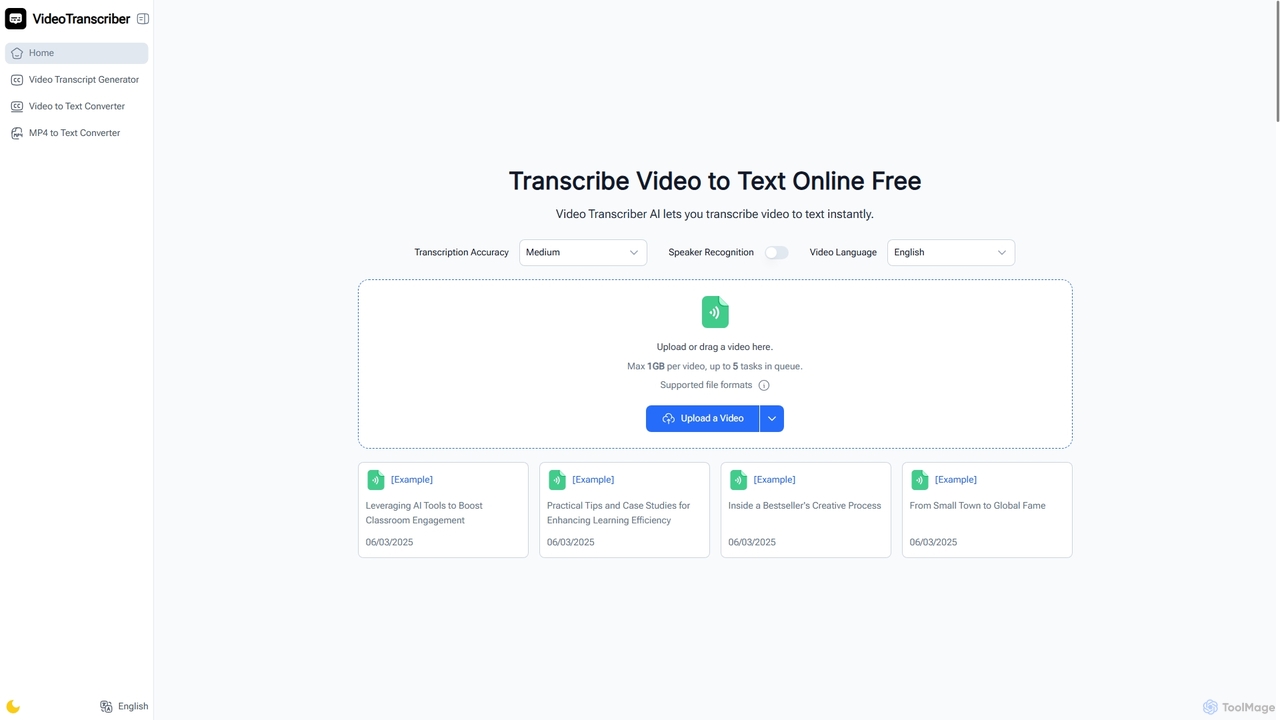
Video Transcriber AI
Video Transcriber AI is a free online tool that instantly converts video content into accurate, readable text. It supports various formats like MP4, YouTube links, and Zoom recordings, making it ideal for students, professionals, and content creators to quickly get transcripts without any sign-up.
Meeting Tools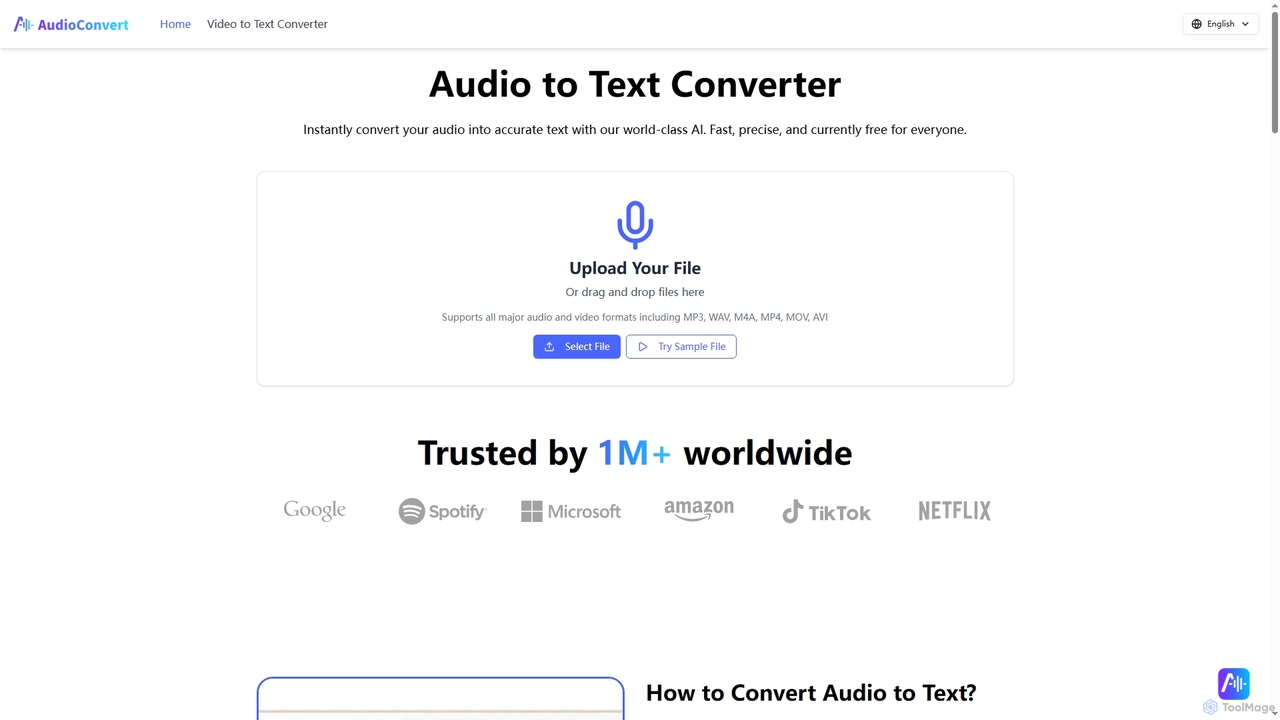
Audioconvert
Audioconvert is an AI-powered tool that swiftly and accurately converts audio and video files into text transcripts. It supports major formats, identifies multiple speakers, provides precise timestamps, and offers various export options like TXT, DOCX, and SRT, all currently available for free.
Meeting Management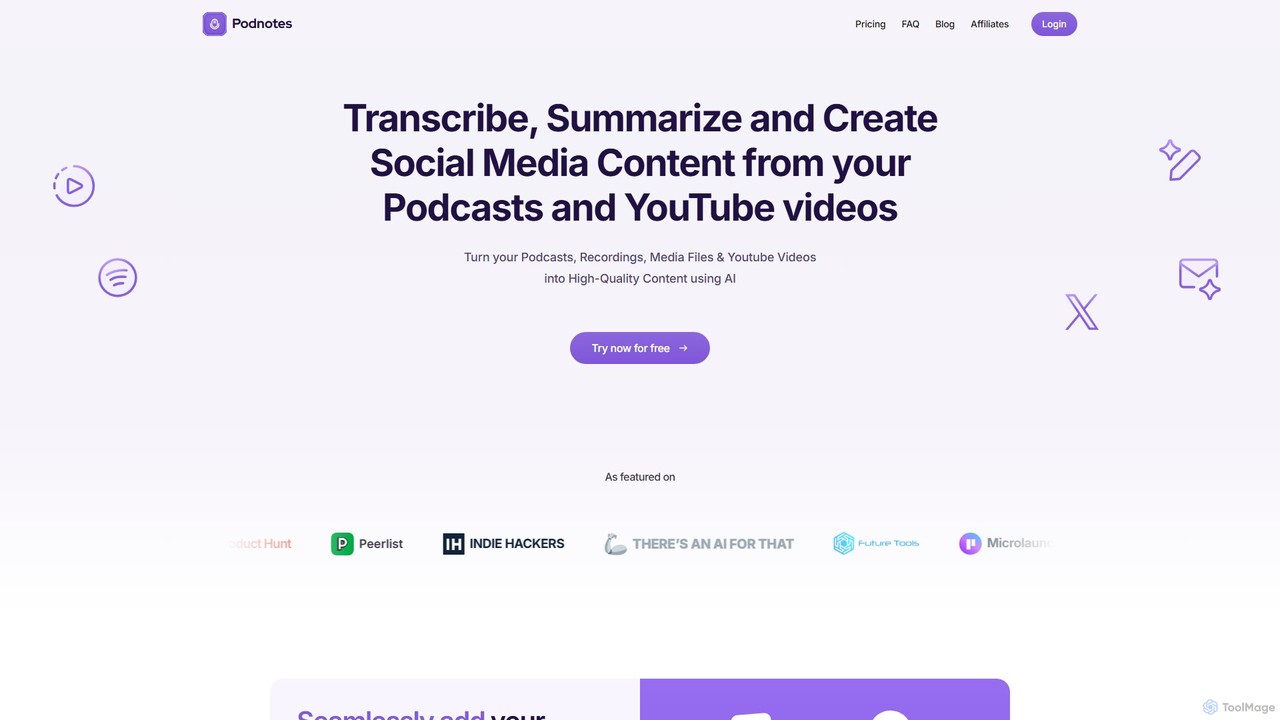
Podnotes
Podnotes is an AI-powered platform that transcribes, summarizes, and repurposes podcasts and YouTube videos into high-quality written content. It helps creators, marketers, and agencies effortlessly generate show notes, blog posts, social media content, and newsletters to expand their audience reach.
Repurposing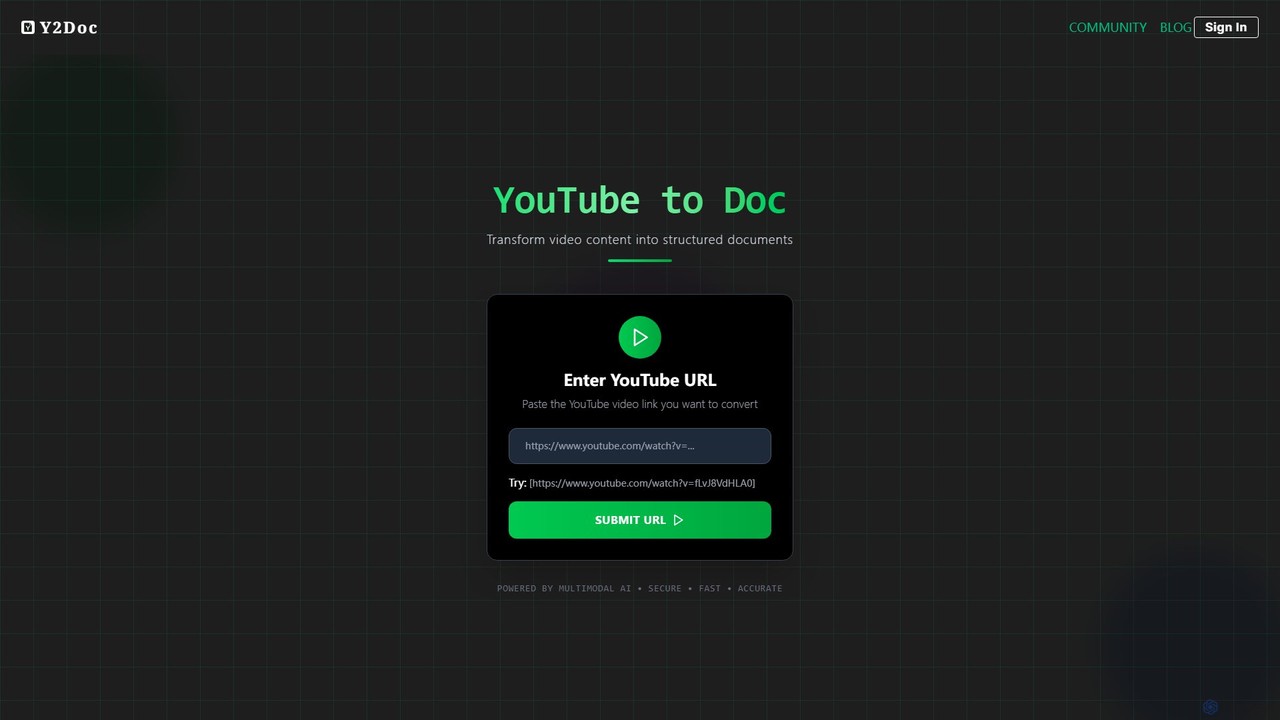
y2doc
y2doc is an AI-powered tool that transforms YouTube videos into structured documents. Simply paste a YouTube URL to get accurate transcriptions, concise summaries, and key takeaways. It also functions as a versatile converter, allowing you to download videos as MP4 or audio as MP3. Ideal for students, content creators, and researchers looking to save time and repurpose video content efficiently.
SummarizerYouTube Transcript Optimizer Categories
YouTube Transcript Optimizer Embed Widget
Copy this embed code to place the badge on your blog, article, or product site and send readers directly to this ToolMage detail page.

Related AI tools
Podnotes
Podnotes is an AI-powered platform that transcribes, summarizes, and repurposes podcasts and YouTube videos into high-quality written content. It helps creators, marketers, and agencies effortlessly generate show notes, blog posts, social media content, and newsletters to expand their audience reach.
Repurposingy2doc
y2doc is an AI-powered tool that transforms YouTube videos into structured documents. Simply paste a YouTube URL to get accurate transcriptions, concise summaries, and key takeaways. It also functions as a versatile converter, allowing you to download videos as MP4 or audio as MP3. Ideal for students, content creators, and researchers looking to save time and repurpose video content efficiently.
SummarizerEasyScribe
EasyScribe is an AI-powered transcription tool that converts audio and video files into accurate text in seconds. It supports 98+ languages, offers speaker identification, and allows translation to 134+ languages, making it ideal for global communication and content creation.
Meeting Management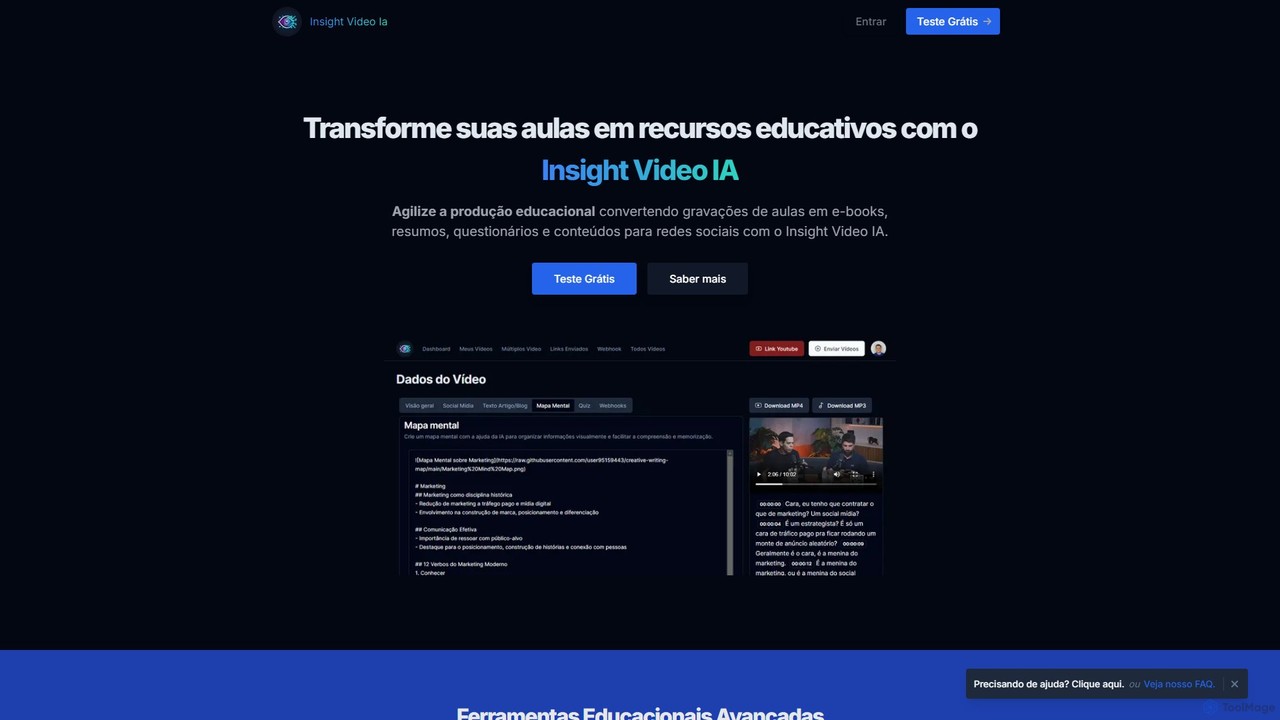
InsightVideoIA
InsightVideoIA is an AI-powered platform designed for educators and content creators to transform video lessons into a variety of educational materials. It automatically converts video content into e-books, summaries, interactive quizzes, mind maps, and social media posts, streamlining the creation of learning resources and enhancing student engagement.
WritingVideo Transcriber AI
Video Transcriber AI is a free online tool that instantly converts video content into accurate, readable text. It supports various formats like MP4, YouTube links, and Zoom recordings, making it ideal for students, professionals, and content creators to quickly get transcripts without any sign-up.
Meeting ToolsAudioconvert
Audioconvert is an AI-powered tool that swiftly and accurately converts audio and video files into text transcripts. It supports major formats, identifies multiple speakers, provides precise timestamps, and offers various export options like TXT, DOCX, and SRT, all currently available for free.
Meeting Management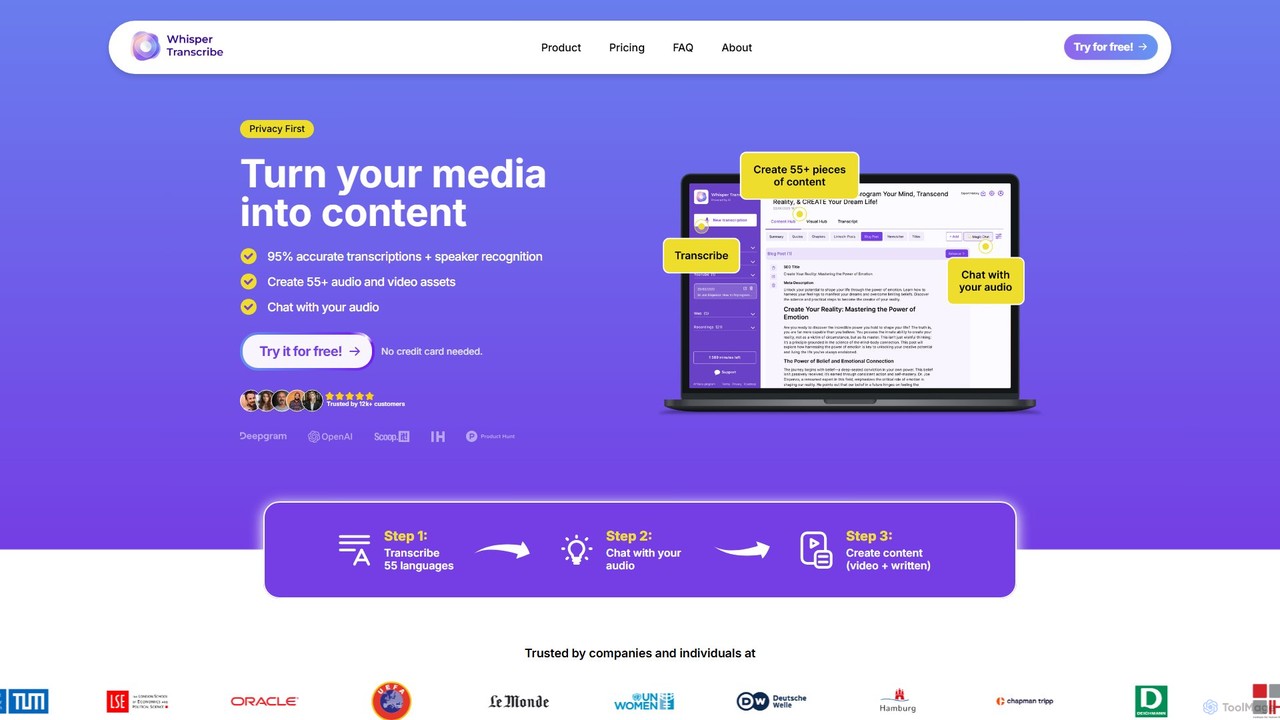
WhisperTranscribe
WhisperTranscribe is an AI-powered platform that transforms audio and video into accurate text transcripts and a wide range of content assets. Leveraging OpenAI's Whisper, it provides 95% accurate transcriptions in 55+ languages, complete with speaker detection. Beyond transcription, it features a 'Magic Chat' to query your audio, and automatically generates over 57 content types, including social media posts, blog articles, summaries, and video clips, all tailored to your unique voice and style. It's an all-in-one solution for content creators, marketers, and researchers.
Content Creation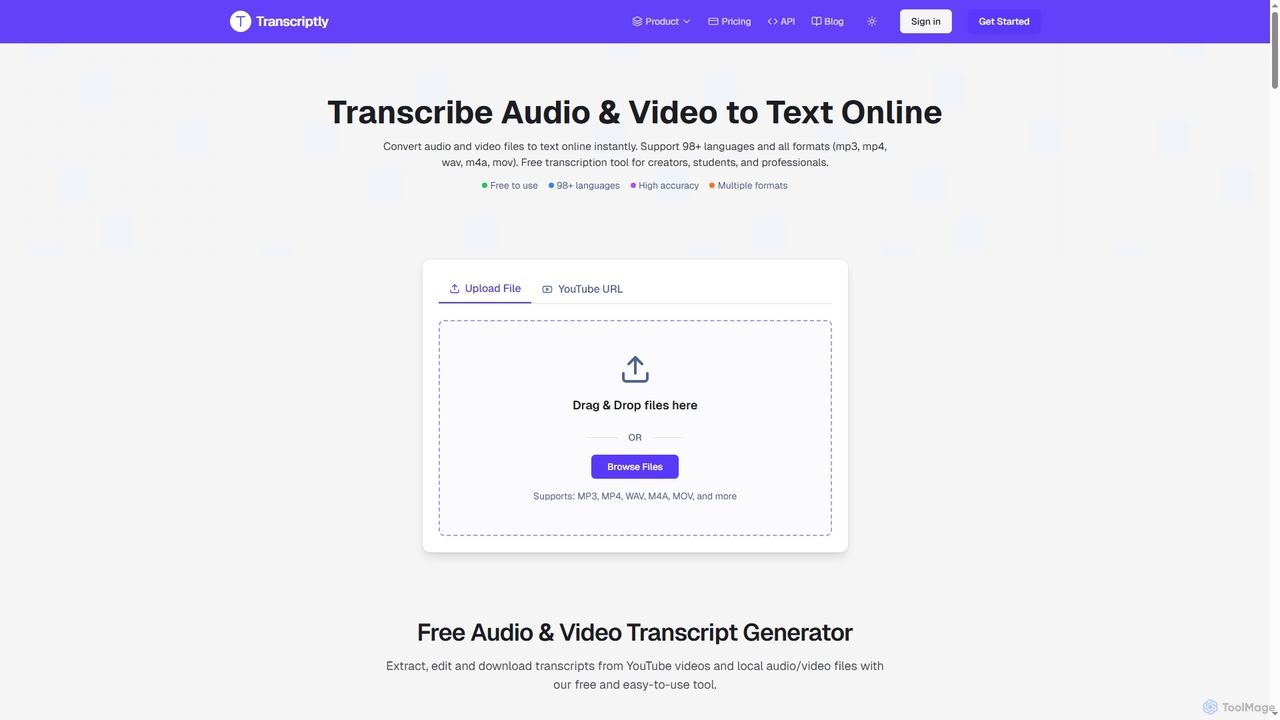
Transcriptly
Transcriptly is an AI-powered online platform that converts audio and video files into accurate text transcripts. Supporting over 98 languages and various formats, it offers fast processing, AI insights, and multiple export options for students, creators, professionals, and businesses.
Market Research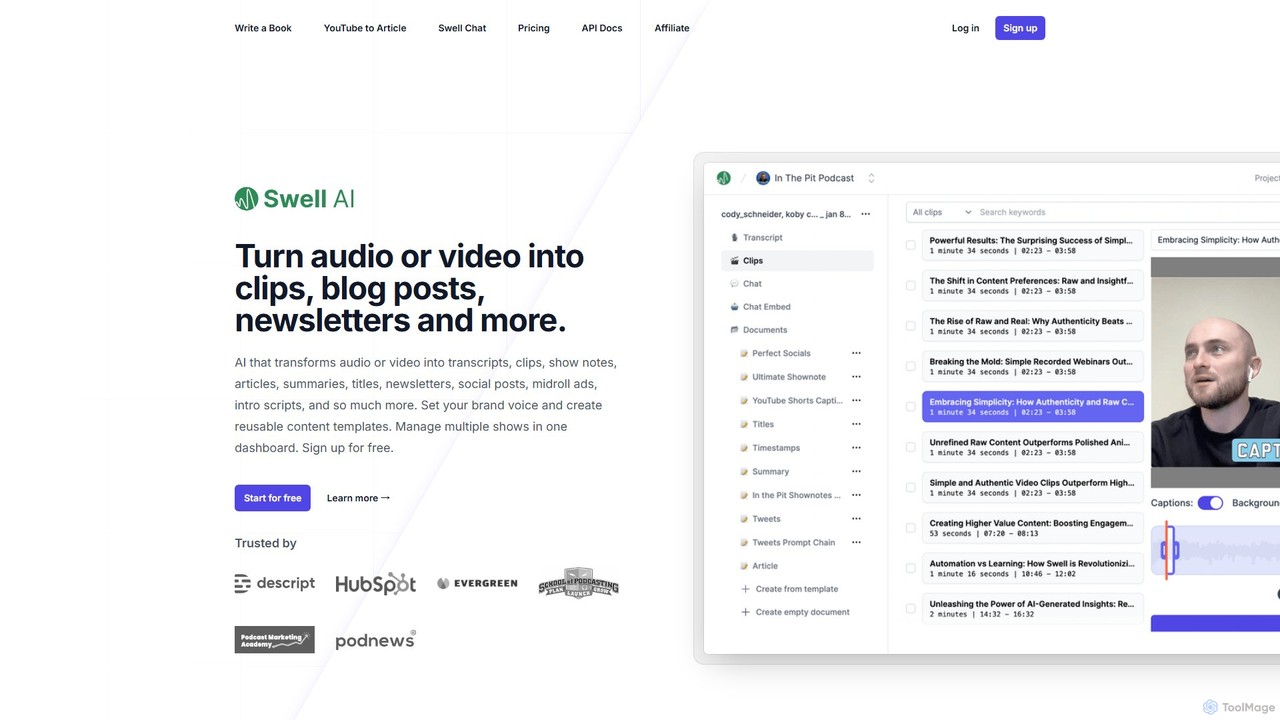
Swell AI
Swell AI is an AI-powered platform that transforms audio and video content into a wide range of written assets. It automatically generates transcripts, show notes, articles, summaries, and social media posts, helping podcasters and content creators repurpose their content efficiently for every marketing channel. Features include a transcript editor, AI-suggested clips, customizable brand voice, and chatbot creation.
Video To Text
itingnao
itingnao is an AI-powered assistant that transcribes audio and video into text. It offers real-time transcription, file uploads, and video link parsing. Key features include automatic summarization, key point extraction, and AI-driven Q&A on your content. Designed for students, professionals, and content creators, it streamlines note-taking, meeting minutes generation, and subtitle creation across web, iOS, and Android platforms.
Speech To Text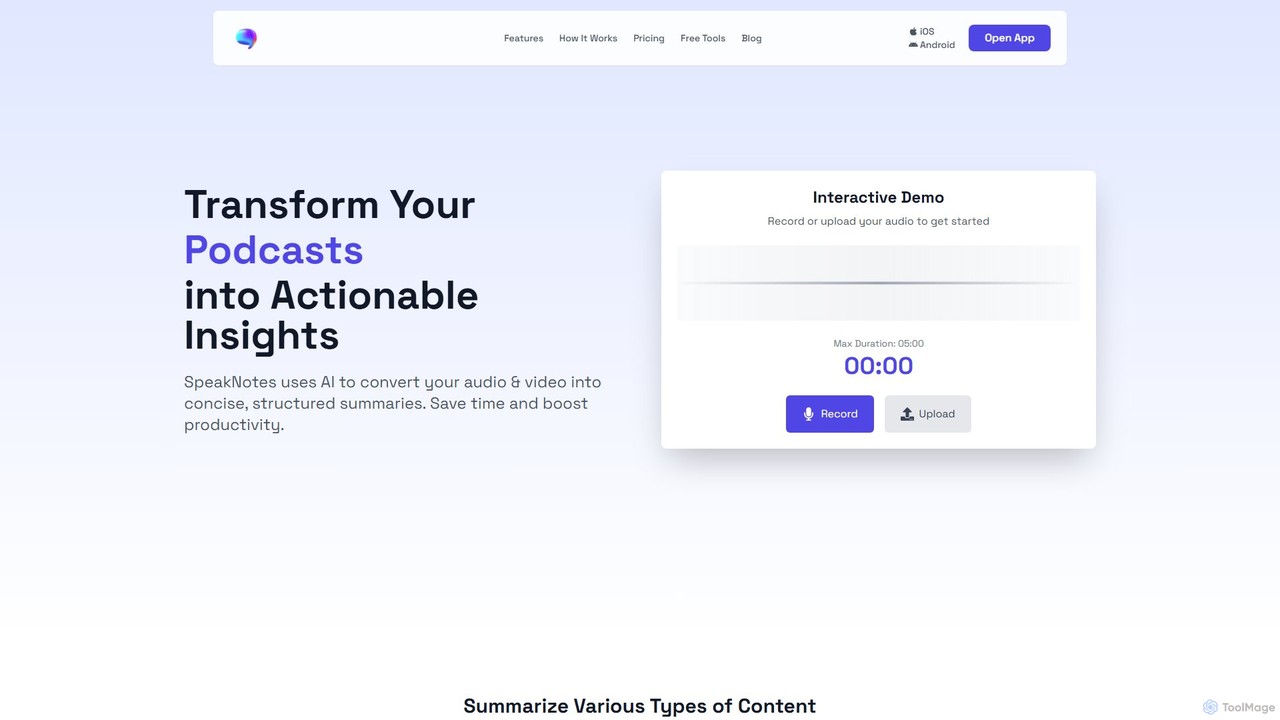
SpeakNotes
SpeakNotes is an AI-powered tool that transforms audio and video content into accurate transcripts and concise, structured summaries. It supports various file formats, multiple languages, and offers diverse output styles to boost productivity for students, professionals, and content creators.
Transcription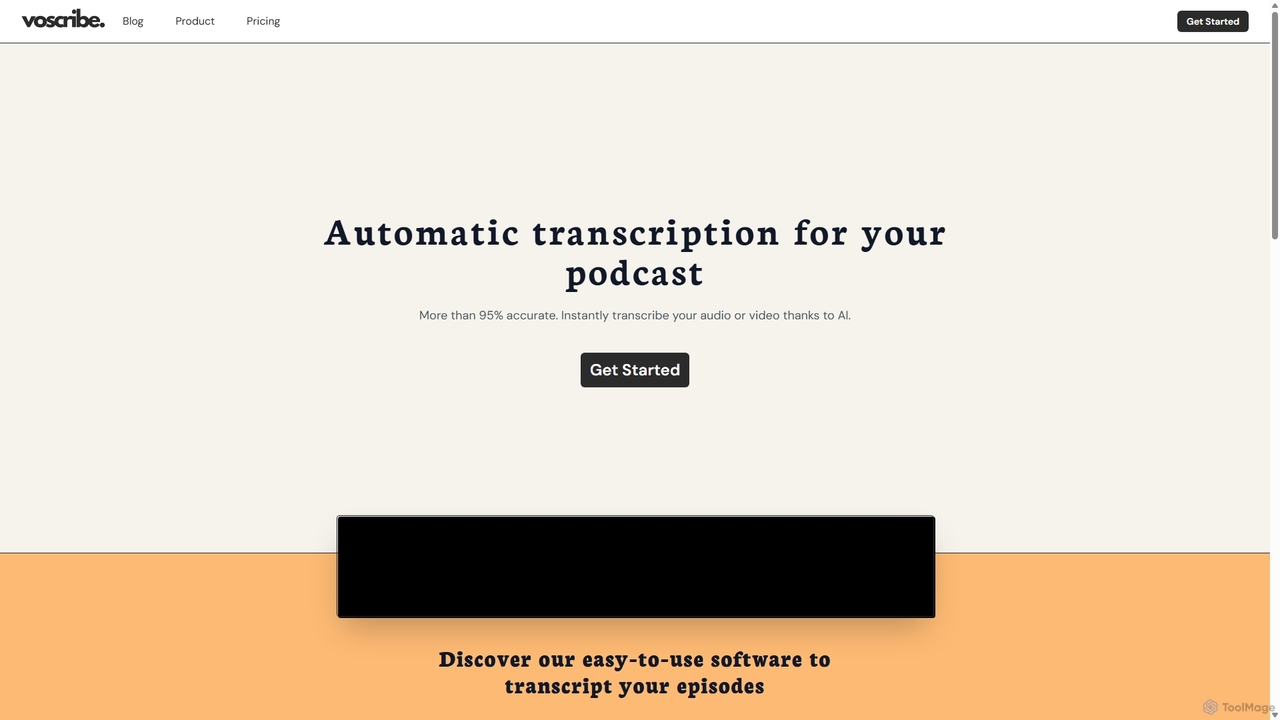
Voscribe
Voscribe is an AI-powered suite for podcasters and video creators, offering highly accurate, fast, and automatic transcription services. It converts audio and video to text in minutes, provides an intuitive editor to sync and edit transcripts, and generates subtitles (SRT) effortlessly. Ideal for content repurposing, enhancing accessibility, and saving valuable production time.
Transcription
Wysper
Wysper is an AI-powered content engine that transforms audio and video content like podcasts and webinars into a wide range of written materials. With a single click, it generates show notes, accurate transcripts, SEO-optimized blogs, social media posts, newsletters, and more, helping creators and marketers save time and maximize audience engagement.
Content Marketing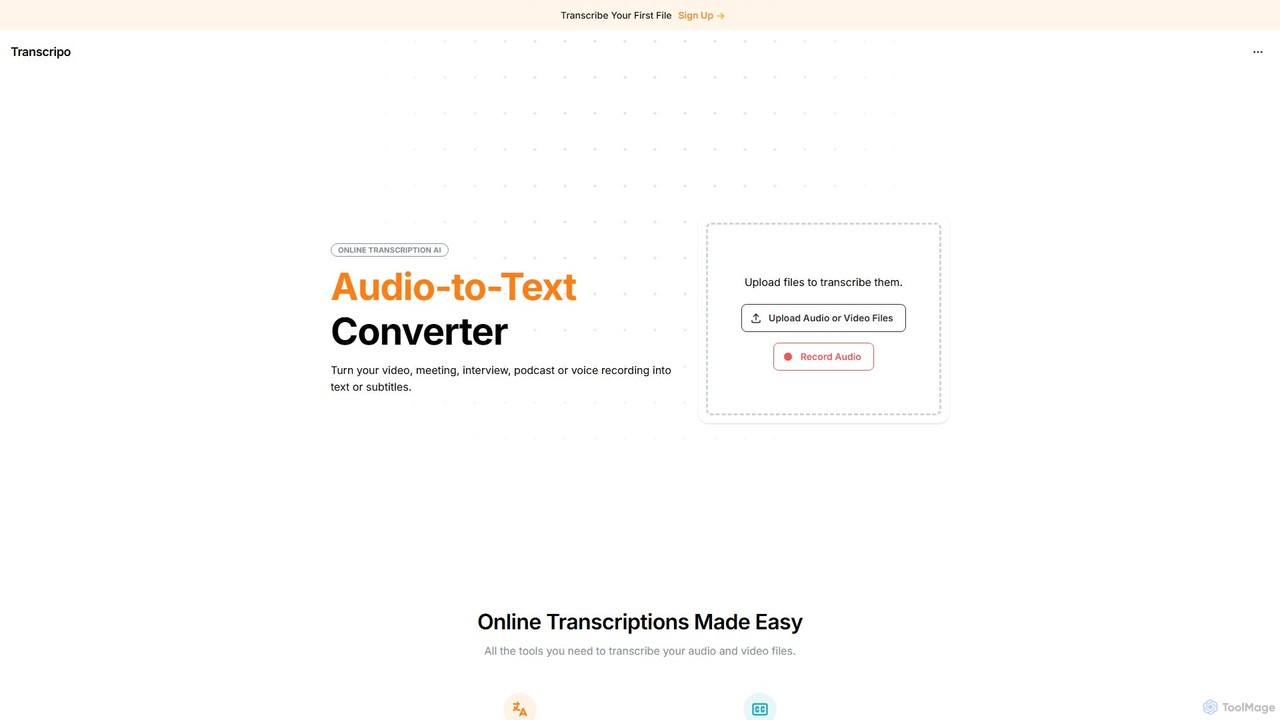
Transcripo
Transcripo is an AI-powered online tool that quickly and accurately converts audio and video files into text and subtitles. It supports over 100 languages, offers AI-generated summaries, and allows users to edit and export transcripts in various formats. Ideal for transcribing interviews, meetings, podcasts, and creating video subtitles to enhance content accessibility and SEO.
Speech To Text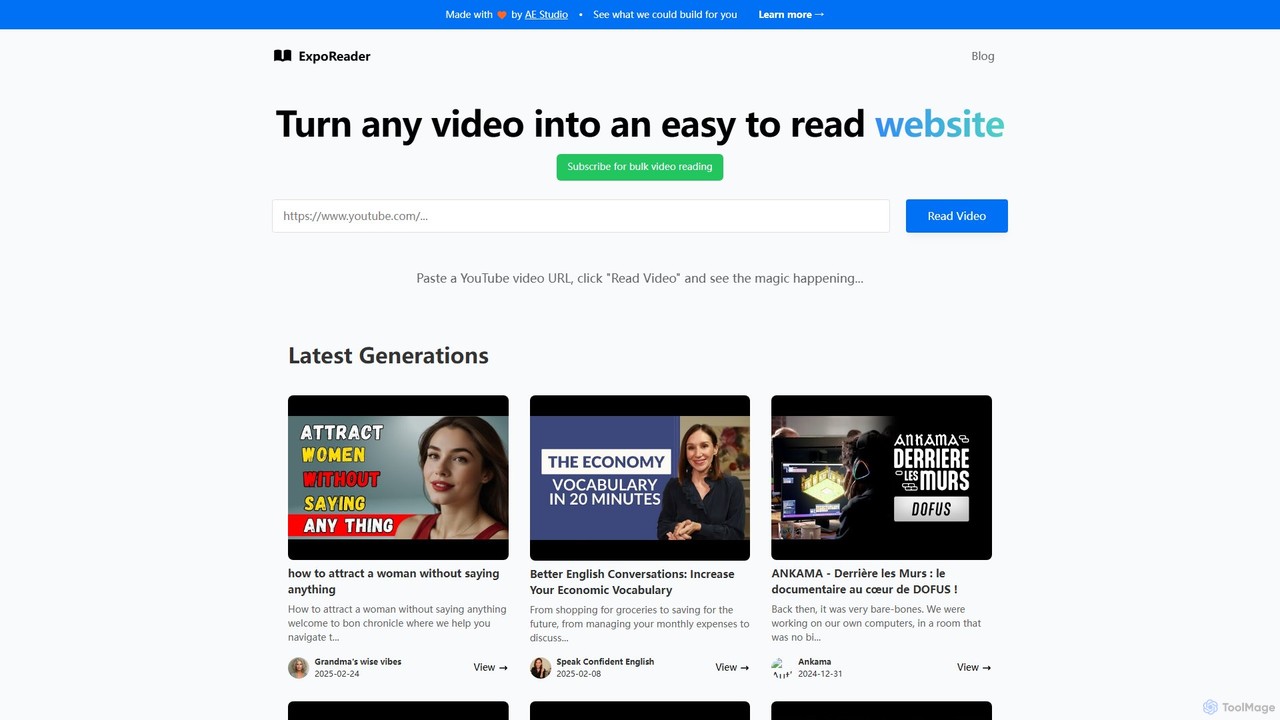
ExpoReader
An AI-powered tool that transforms any YouTube video into a well-structured, easy-to-read article. Simply paste a video URL to get an instant text version, making it perfect for quick information consumption, research, and content repurposing. It saves time by allowing you to read instead of watch.
Transcription
YouTube Transcript Optimizer Comments (0)
Sign in to comment.
Sign inNo comments yet.