

videodownloader.ai Overview
videodownloader.ai is a next-generation, AI-supercharged tool that revolutionizes how you download, process, and repurpose online video content. Moving far beyond traditional downloaders, it integrates powerful artificial intelligence to not only save videos from a vast array of platforms like YouTube, TikTok, Vimeo, and Facebook but also to add significant value to them. Whether you're a content creator looking to streamline your workflow, a marketer analyzing competitor content, or an educator archiving materials, videodownloader.ai provides a comprehensive suite of tools to meet your needs.
The platform is designed with a clean, intuitive interface, making advanced video processing accessible to everyone. Simply paste a video link, and the AI engine instantly analyzes the content, offering a range of download and enhancement options. This seamless experience ensures that you can focus on your creative or analytical work, not on the technical complexities of video handling.
How to use videodownloader.ai
Using videodownloader.ai is a simple, four-step process:
- Paste URL: Copy the URL of the video you wish to download from any supported platform and paste it into the main input field on the videodownloader.ai homepage.
- AI Analysis: The tool's AI will quickly fetch the video details and analyze its content. It will then present you with a variety of download options.
- Select Options: Choose your desired video resolution (from SD to 8K), format (MP4, WEBM), or audio-only (MP3). You can also select powerful AI enhancements, such as video upscaling, transcript generation, or automatic smart clip extraction.
- Download: Click the 'Download' button to save the video and any associated AI-generated assets directly to your device. For batch operations, you can queue multiple videos.
Core Features of videodownloader.ai
- Broad Platform Support: Download videos from hundreds of websites, including YouTube, Vimeo, Facebook, TikTok, Instagram, and more.
- Ultra High-Resolution Downloads: Save videos in their original quality, up to 4K and 8K, ensuring your content is crisp and professional.
- AI Video Upscaling: Enhance lower-resolution videos. Our AI can intelligently upscale videos to 1080p, 4K, or even 8K, improving clarity and detail.
- AI-Generated Transcripts & Subtitles: Automatically generate accurate, time-stamped transcripts and subtitles for any downloaded video in multiple languages.
- AI Smart Clipping: The AI analyzes long videos to identify and suggest key moments, viral-worthy highlights, or important segments, allowing you to download just the parts you need.
- AI Content Repurposing: Automatically reformat videos for different social media platforms. Convert a 16:9 YouTube video into a 9:16 vertical clip for TikTok or Reels, with the AI automatically keeping the main subject in frame.
- Batch Downloading: Paste a playlist or channel URL to download multiple videos at once, saving you significant time and effort.
- High-Quality Audio Extraction: Rip audio from any video and save it as a high-bitrate MP3 file, perfect for podcasts or music.
Use Cases for videodownloader.ai
For Content Creators: Quickly source B-roll footage, create reaction videos, or compile clips. Use the AI Smart Clipping and Repurposing features to efficiently turn long-form content into dozens of short-form posts for social media.
For Digital Marketers: Download and analyze competitor video ads or user-generated content (UGC). Use AI-generated transcripts for sentiment analysis and keyword research. Archive campaign videos for internal reporting.
For Educators and Students: Save lectures, tutorials, and documentaries for offline viewing and study. Use transcripts as study notes and easily clip relevant sections for presentations.
For Researchers and Journalists: Archive video evidence, interviews, or news reports from various online sources. Use the transcription feature to quickly search for key information within hours of footage.
Advantages of videodownloader.ai
videodownloader.ai stands out by integrating cutting-edge AI into the downloading process. Its primary advantage is efficiency—it automates tasks that would otherwise require multiple tools and hours of manual work. The ability to enhance video quality, generate text from speech, and intelligently segment content in one place makes it an invaluable asset. Its user-friendly design ensures these powerful features are accessible to users of all skill levels, from beginners to professionals.
Pricing and Plans
videodownloader.ai operates on a freemium model to suit various needs:
- Free Plan: Allows for up to 5 downloads per day at standard resolutions (up to 1080p). Includes basic audio extraction. Perfect for casual users.
- Pro Plan ($9.99/month): Offers unlimited downloads, access to 4K/8K resolutions, AI video upscaling (up to 20 videos/month), and AI transcript generation (up to 120 minutes/month).
- Business Plan ($29.99/month): Includes all Pro features plus unlimited AI upscaling and transcription, AI Smart Clipping, AI Content Repurposing, batch/playlist downloading, and priority support. API access is available for custom integrations.
videodownloader.ai Alternatives
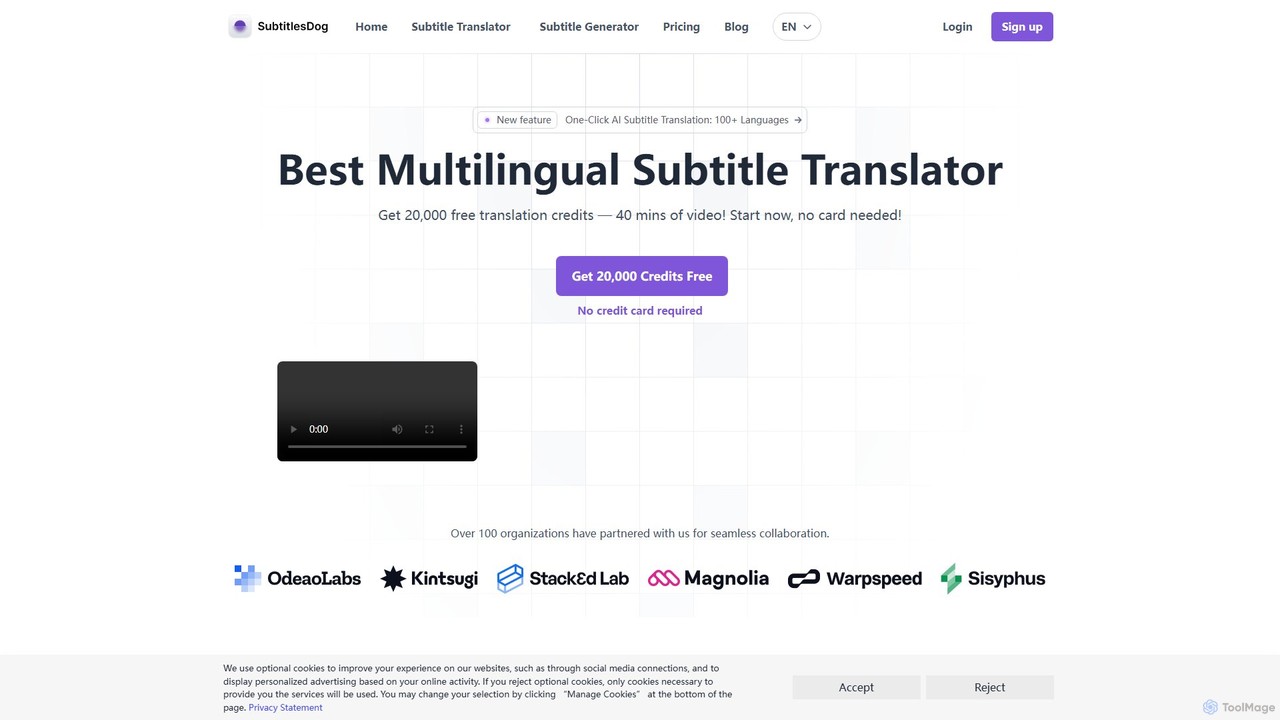
SubtitlesDog
SubtitlesDog is an AI-powered subtitle translation tool that offers fast, accurate translations in over 100 languages. It supports all major subtitle formats (SRT, VTT, etc.) and ensures perfect timeline synchronization. Ideal for filmmakers, content creators, and businesses aiming to reach a global audience. Get started with 20,000 free credits.
Transcription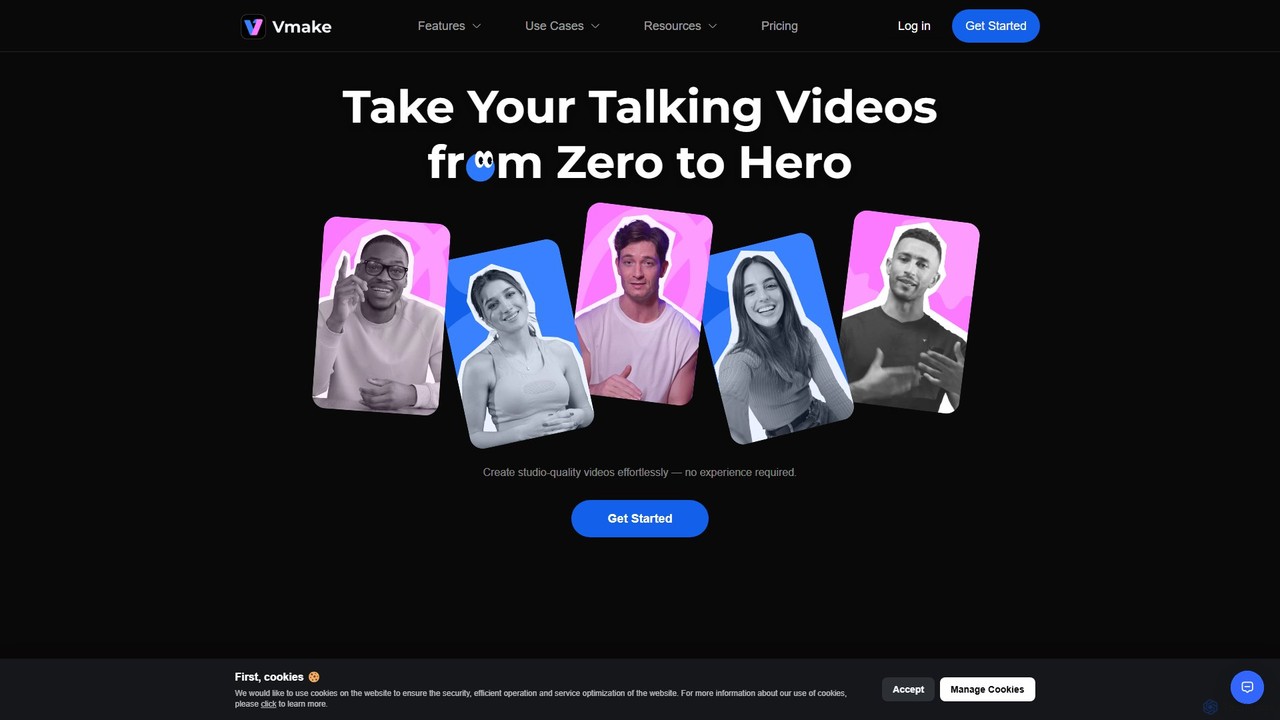
Vmake
Vmake is an all-in-one AI video solution designed for creators. It simplifies video production with features like watermark removal, auto-captions, background removal, and video enhancement. Effortlessly create studio-quality talking videos for social media and marketing without prior experience.
Transcription
Zeemo
Zeemo is an all-in-one AI-powered video toolkit designed for content creators. It excels at automatic subtitle generation, transcription, and translation in over 95 languages with up to 98% accuracy. It also offers a suite of video editing tools, social media downloaders, and AI video generation features to streamline content creation and boost audience engagement.
Transcription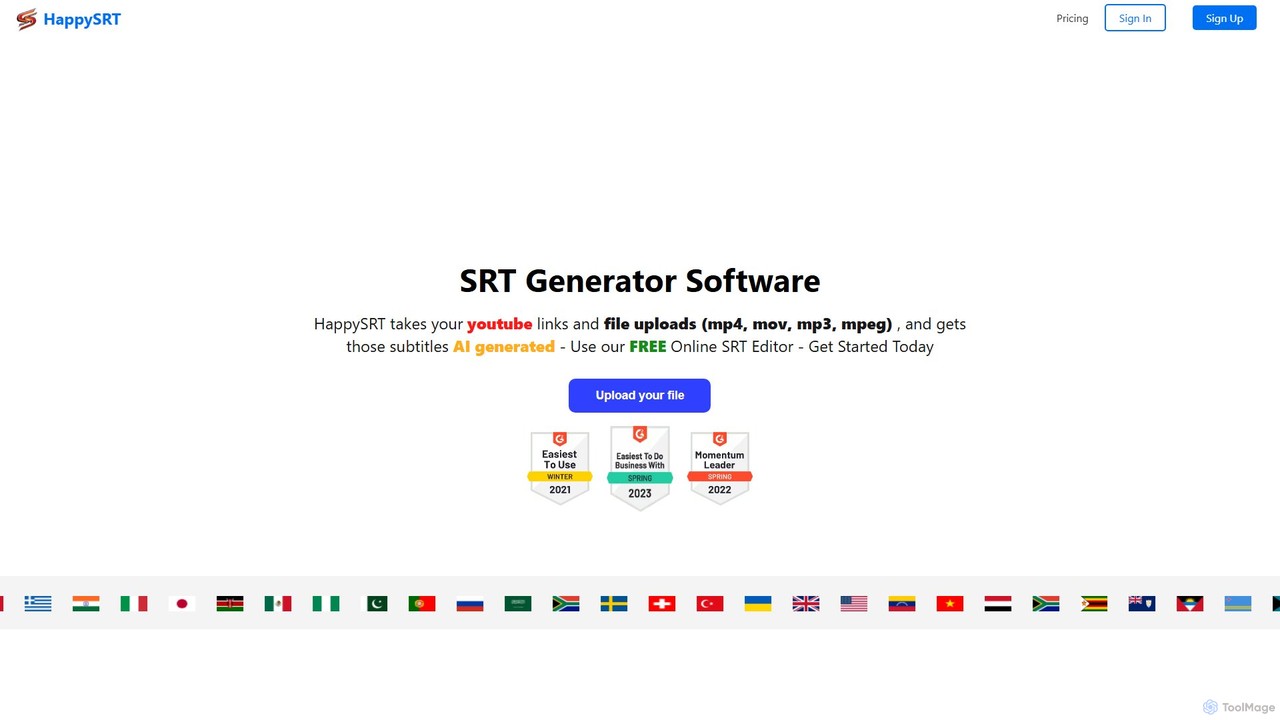
HappySRT
HappySRT is an AI-powered online tool for automatically generating and editing subtitles. It supports various file formats (MP4, MOV, MP3) and YouTube links, providing a fast and easy way for content creators, marketers, and educators to create accurate SRT files with a user-friendly online editor.
Transcription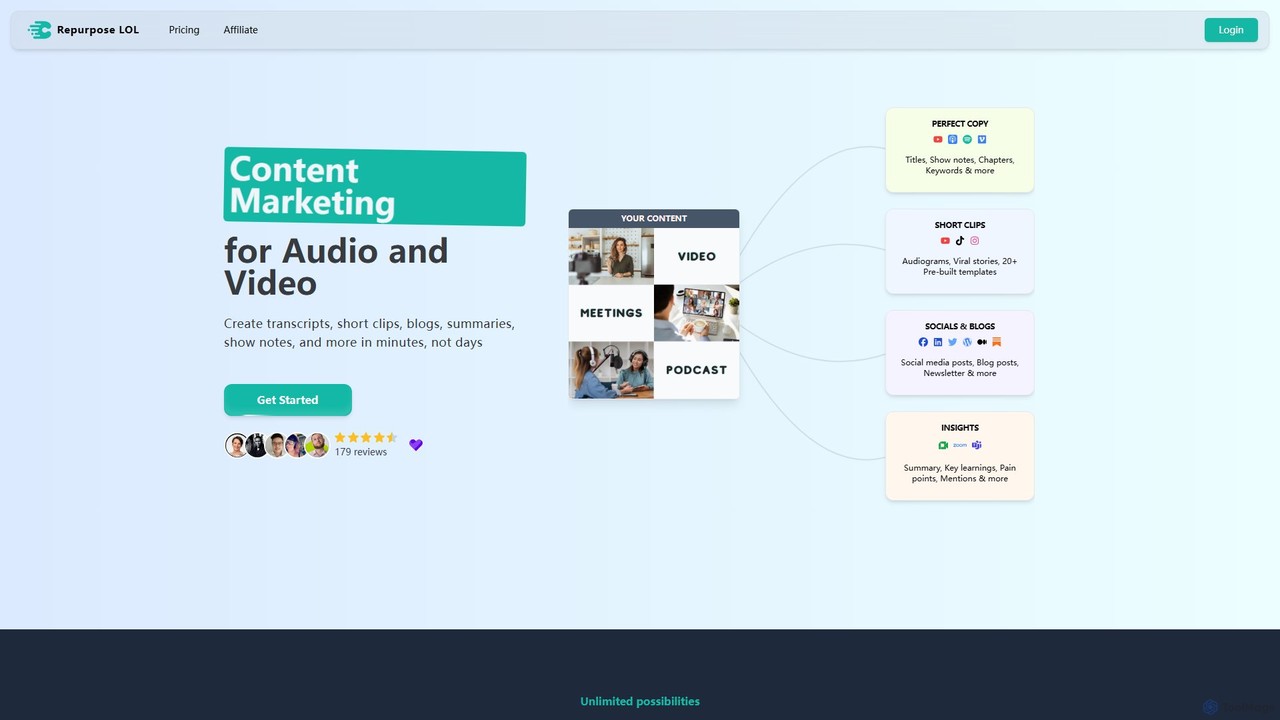
Repurpose LOL
Repurpose LOL is an AI-powered platform that transforms long-form audio and video content into a wide range of marketing assets. It automates the creation of transcripts, short viral clips, blog posts, show notes, and social media content in minutes. Designed for creators, marketers, and agencies, it helps maximize content ROI, save significant time, and grow audiences across multiple channels with ease.
Transcriptionvideodownloader.ai Categories
videodownloader.ai Embed Widget
Copy this embed code to place the badge on your blog, article, or product site and send readers directly to this ToolMage detail page.

Related AI tools
Nabla Mind
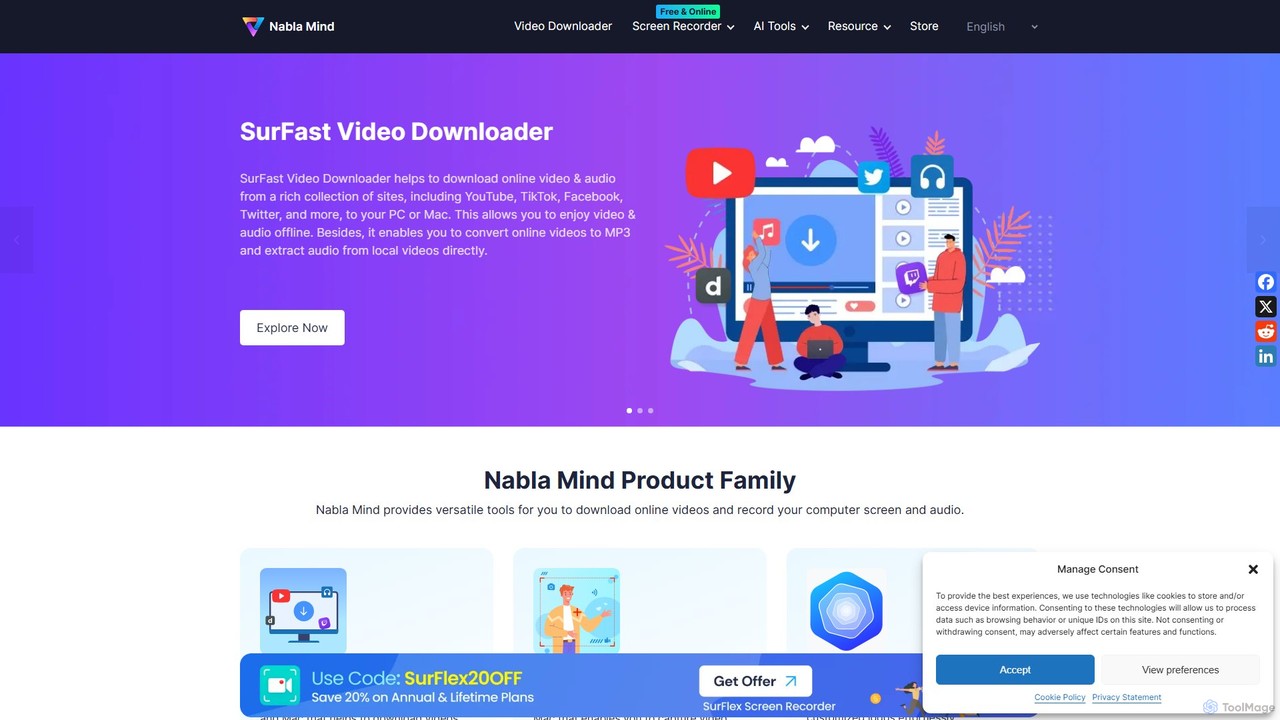
Nabla Mind offers a suite of powerful software for content creators and professionals, including SurFast Video Downloader, SurFlex Screen Recorder, and AI-powered utilities. Easily download online videos, record your screen with audio, and leverage AI for creative tasks like logo design and automatic captioning.
Logo Generation
Jyek
Jyek is an AI agent platform that understands objectives, creates execution plans, uses tools, and delivers verifiable results for complex, multi-step tasks.
Automation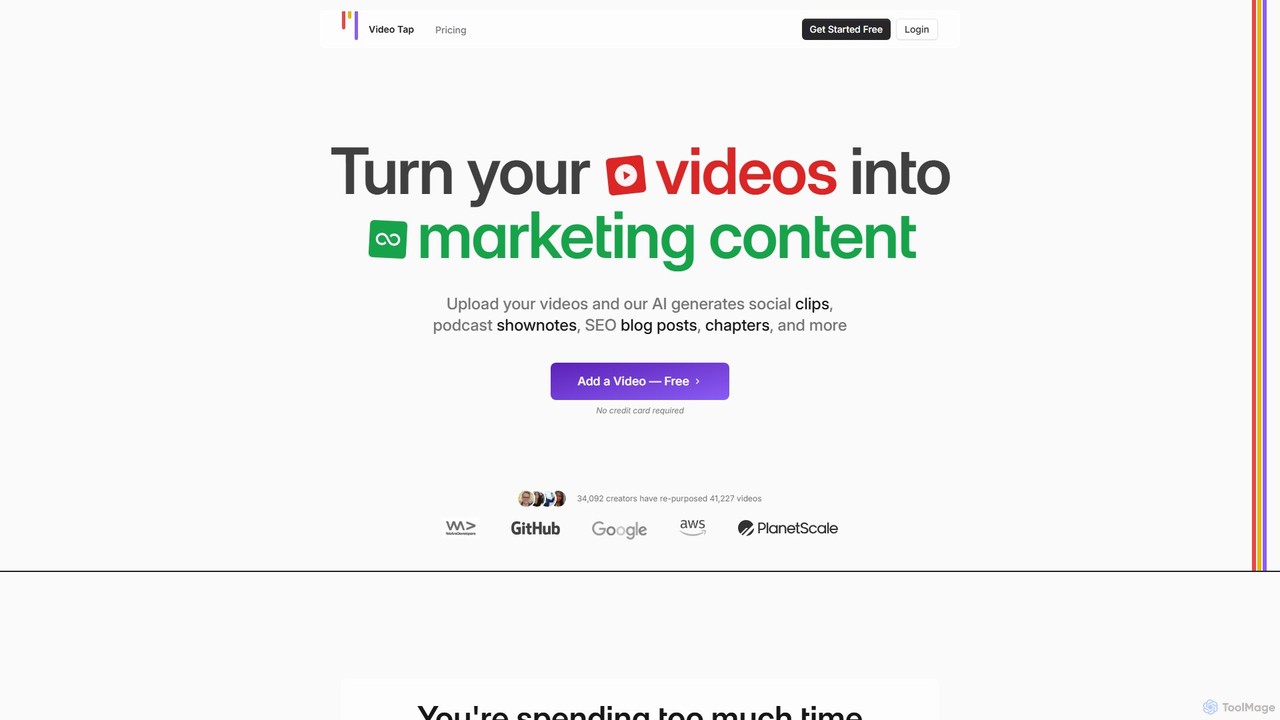
VideoTap
VideoTap is an AI-powered platform that transforms long-form videos into a wide range of marketing content. Simply upload a video, and the AI automatically generates SEO-optimized blog posts, viral social media clips, podcast show notes, email copy, transcripts, and more. It's designed to save creators and marketing teams hours of manual work, maximizing the value of every video.
Content Creation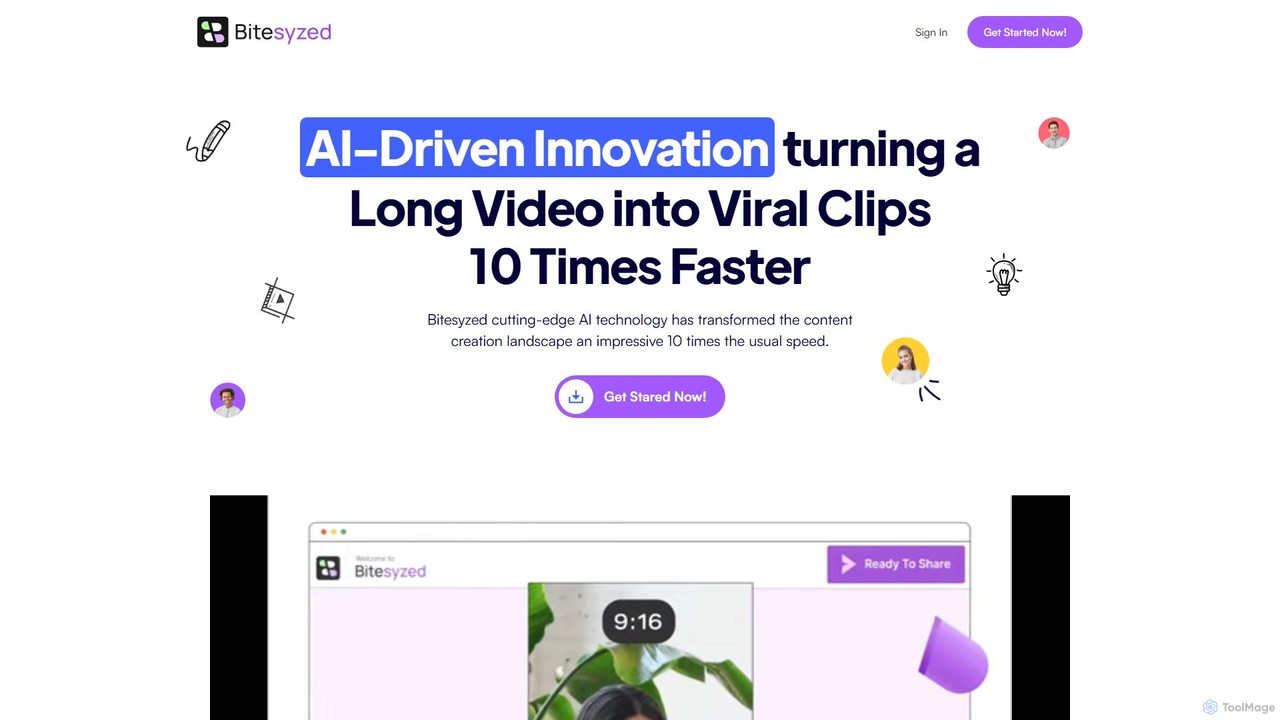
bitesyzed
Bitesyzed is an AI-powered video repurposing tool that transforms long-form videos into engaging, viral short clips 10 times faster. It automatically identifies the most captivating moments, adds multi-language subtitles, and generates optimized descriptions and hashtags. Ideal for content creators and marketers looking to maximize their reach on social media with minimal effort.
Content Creation
Glossai
GlossAI is an AI-powered platform that automatically repurposes long-form video and audio content, such as webinars and podcasts, into a variety of short-form assets. It generates engaging video clips, social media posts, blog articles, and carousels, helping marketers and creators maximize their content's reach and impact with minimal effort.
Repurposing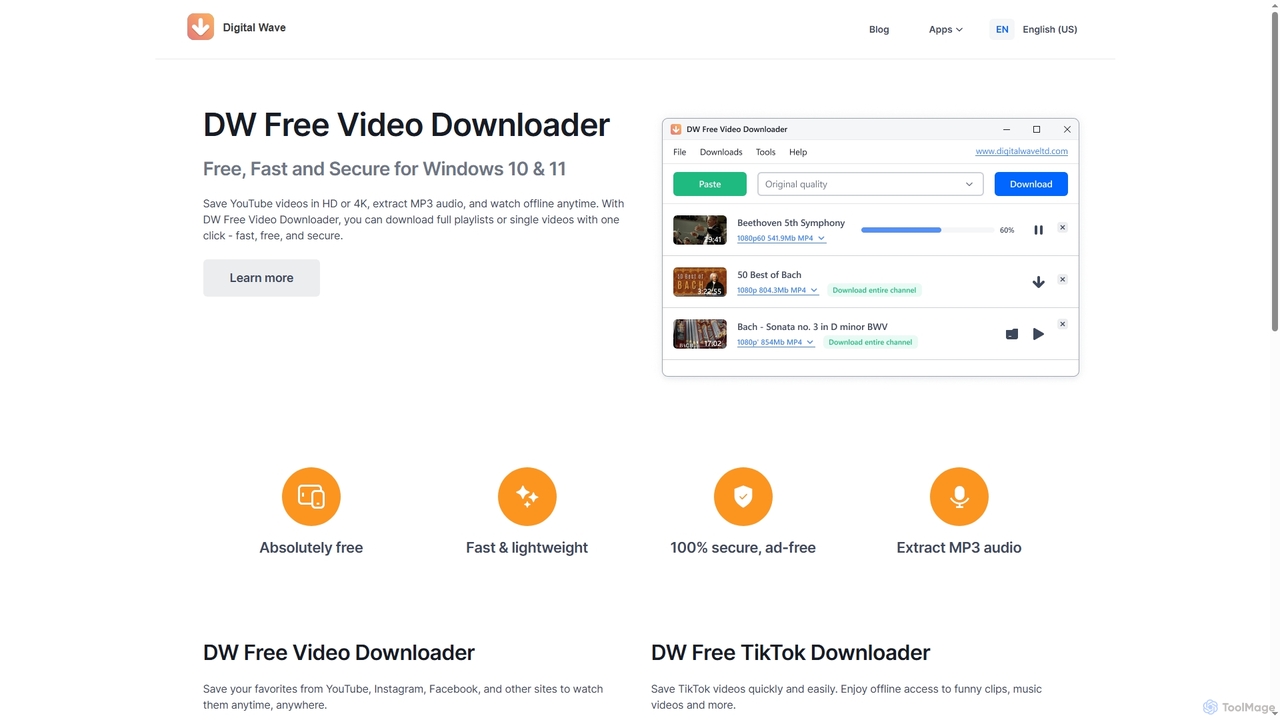
DW Free Video Downloader
DW Free Video Downloader is a free, fast, and secure desktop application for Windows 10 & 11. It enables users to download videos in HD or 4K from sites like YouTube, Instagram, and Facebook, save entire playlists, and extract MP3 audio for offline access.
Video Downloader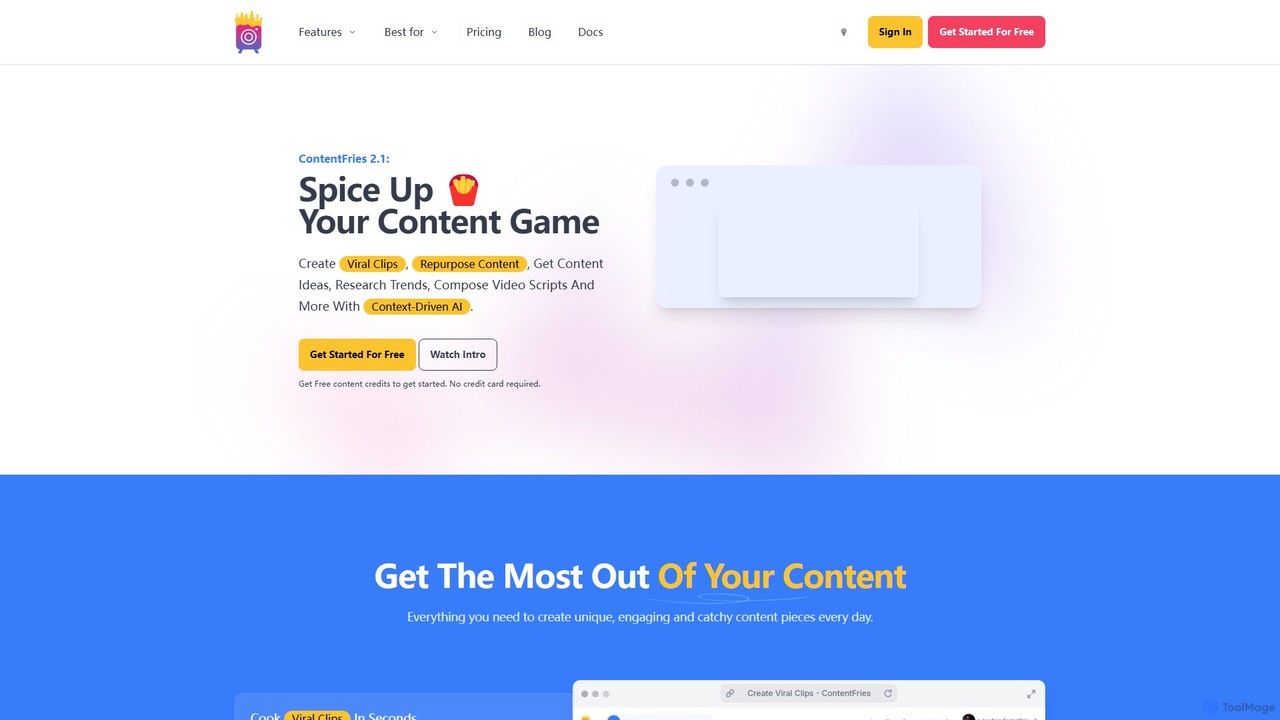
ContentFries
ContentFries is an AI-powered platform that transforms long-form videos into dozens of engaging, bite-sized clips for social media. It automates content repurposing with features like an AI clip detector, auto-subtitling in 120+ languages, animated captions, and one-click templates. Ideal for creators and marketers looking to maximize their content output and engagement effortlessly.
Repurposing
Video Tap
Video Tap is an AI-powered platform that transforms a single video into over 10 different types of marketing content. It automatically generates SEO-optimized blog posts, viral social media clips, transcripts, summaries, emails, and more, saving creators and marketers hours of manual work.
Content CreationVmake
Vmake is an all-in-one AI video solution designed for creators. It simplifies video production with features like watermark removal, auto-captions, background removal, and video enhancement. Effortlessly create studio-quality talking videos for social media and marketing without prior experience.
TranscriptionZeemo
Zeemo is an all-in-one AI-powered video toolkit designed for content creators. It excels at automatic subtitle generation, transcription, and translation in over 95 languages with up to 98% accuracy. It also offers a suite of video editing tools, social media downloaders, and AI video generation features to streamline content creation and boost audience engagement.
TranscriptionHappySRT
HappySRT is an AI-powered online tool for automatically generating and editing subtitles. It supports various file formats (MP4, MOV, MP3) and YouTube links, providing a fast and easy way for content creators, marketers, and educators to create accurate SRT files with a user-friendly online editor.
TranscriptionRepurpose LOL
Repurpose LOL is an AI-powered platform that transforms long-form audio and video content into a wide range of marketing assets. It automates the creation of transcripts, short viral clips, blog posts, show notes, and social media content in minutes. Designed for creators, marketers, and agencies, it helps maximize content ROI, save significant time, and grow audiences across multiple channels with ease.
Transcription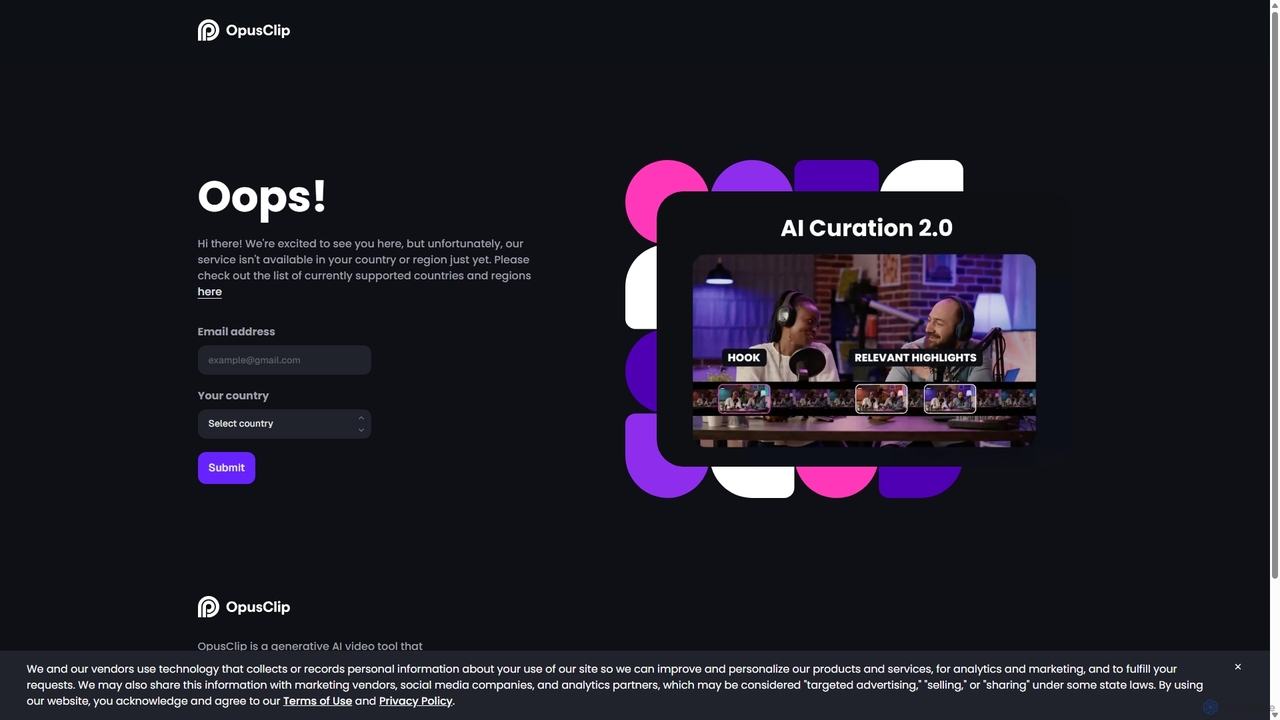
OpusClip
OpusClip is a generative AI video repurposing tool that turns long videos into viral short clips with one click. It automatically identifies the most compelling hooks, reframes the video, adds dynamic captions, and scores clips for virality, streamlining content creation for social media.
Video Marketing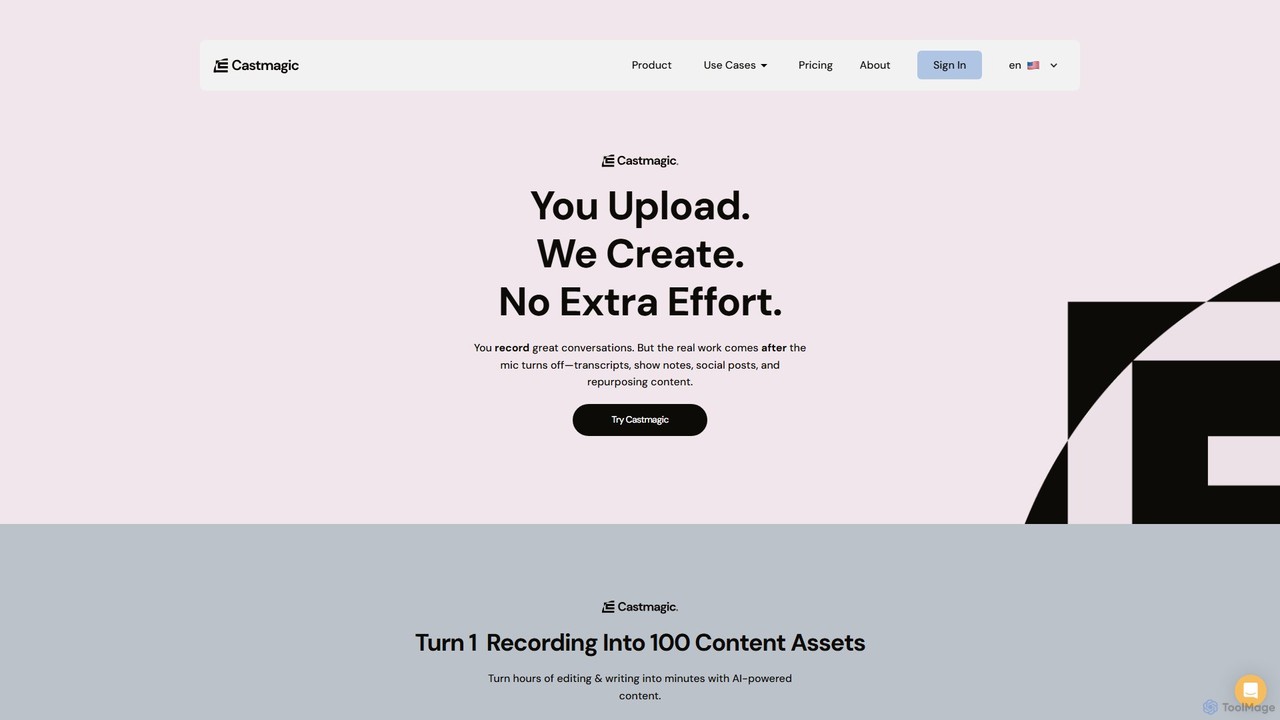
Castmagic
Castmagic is an AI-powered platform that transforms a single audio or video recording into over 100 different content assets. It automates the tedious process of transcription, writing, and editing, enabling creators, marketers, and businesses to repurpose their long-form content into show notes, blog posts, social media updates, email newsletters, and more in minutes.
Transcription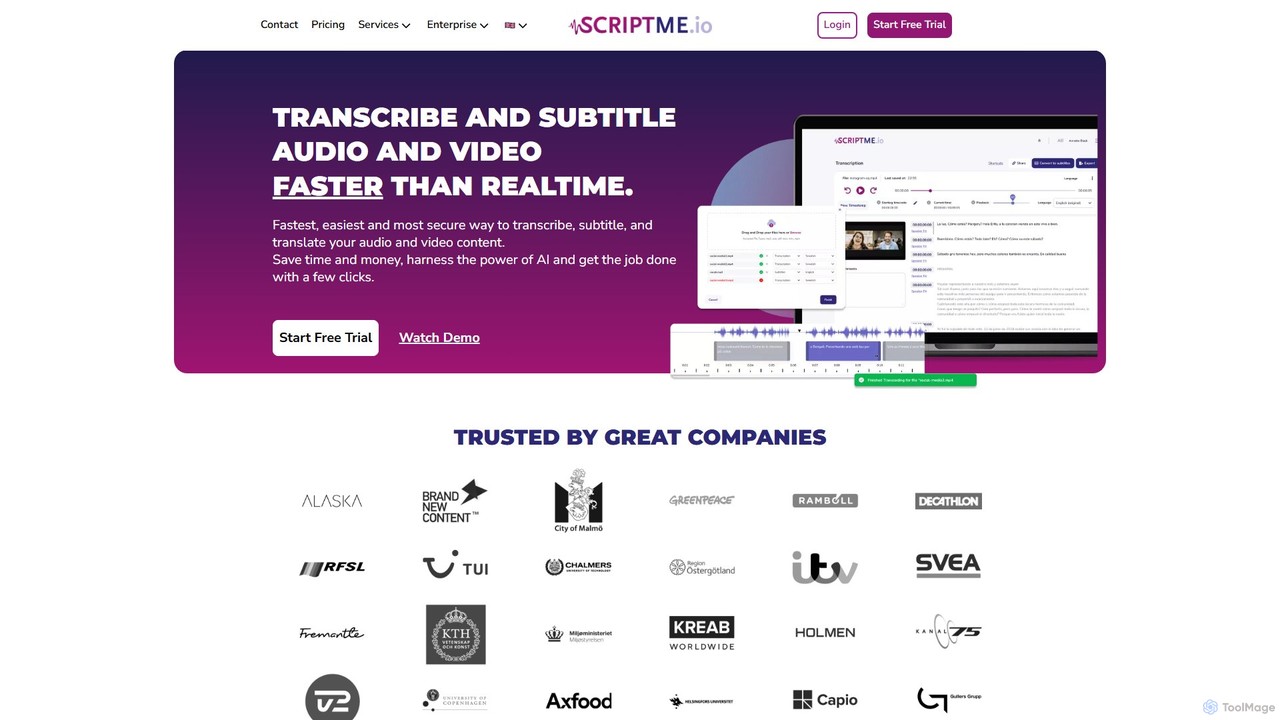
ScriptMe
ScriptMe is an AI-powered platform for fast and accurate automatic transcription of audio and video files. It also provides tools for generating and editing subtitles, making it ideal for content creators, journalists, researchers, and media companies looking to streamline their workflow and improve content accessibility.
Transcription
videodownloader.ai Comments (0)
Sign in to comment.
Sign inNo comments yet.