Video Best in category 4 results Downloader AI Tool

Popular AI tools in the Downloader field of Video include Tubly、Suno Downloader、mobbydownload、videodownloader.ai, etc., helping you quickly improve efficiency.

Tubly

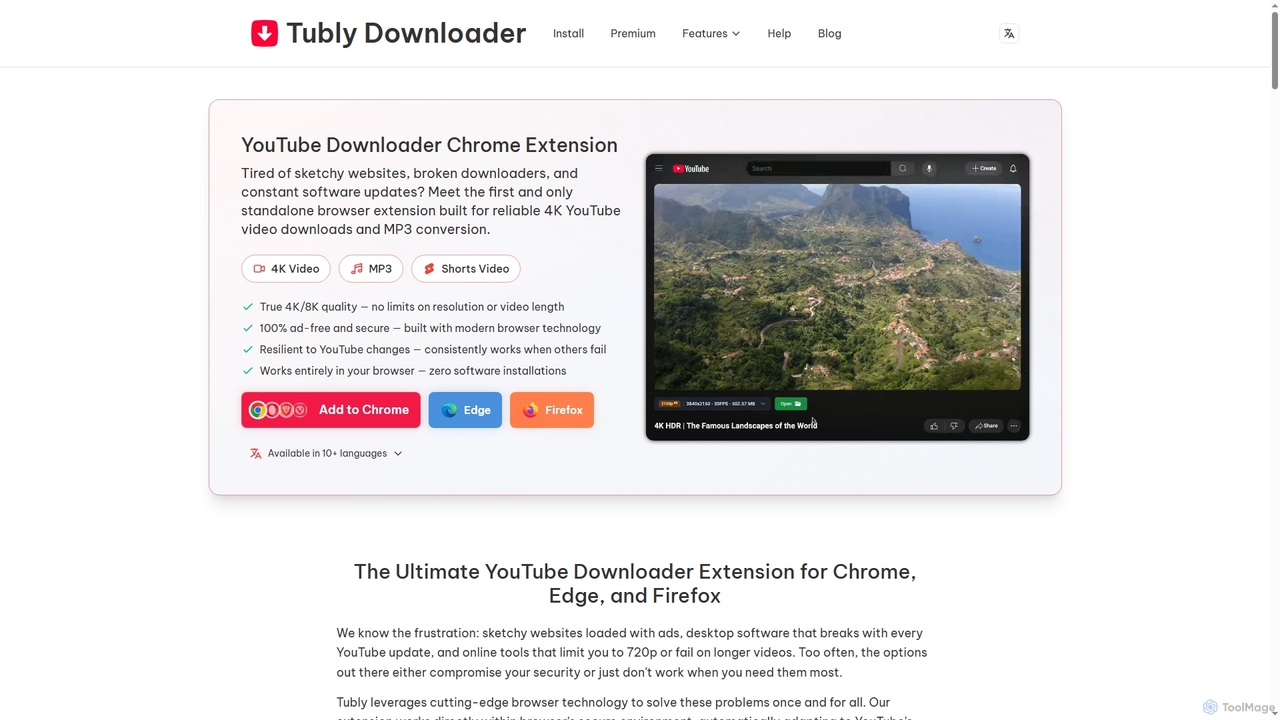
Tubly

Tubly is a powerful and secure browser extension for Chrome, Edge, and Firefox, enabling users to download YouTube …

465.9K
mobbydownload

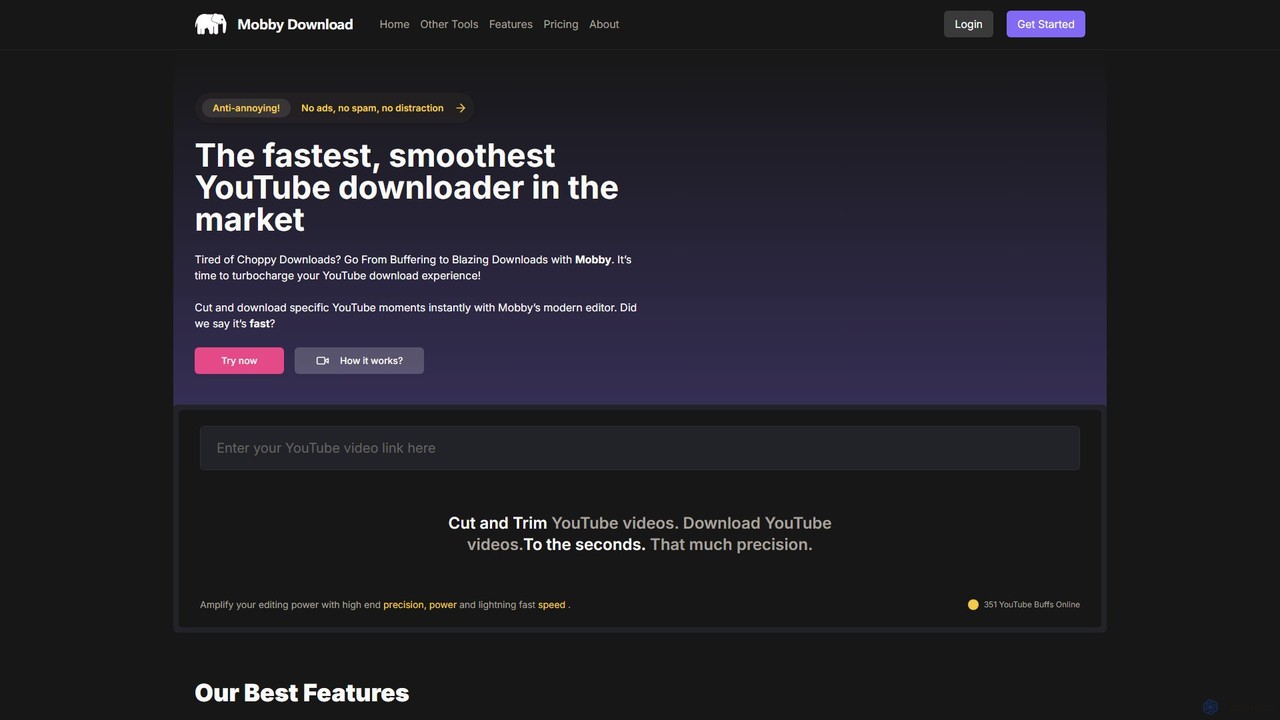
mobbydownload

Mobbydownload is a powerful online tool for quickly cutting, trimming, and downloading YouTube videos. It offers a clean, …

7.4K
Free
Suno Downloader

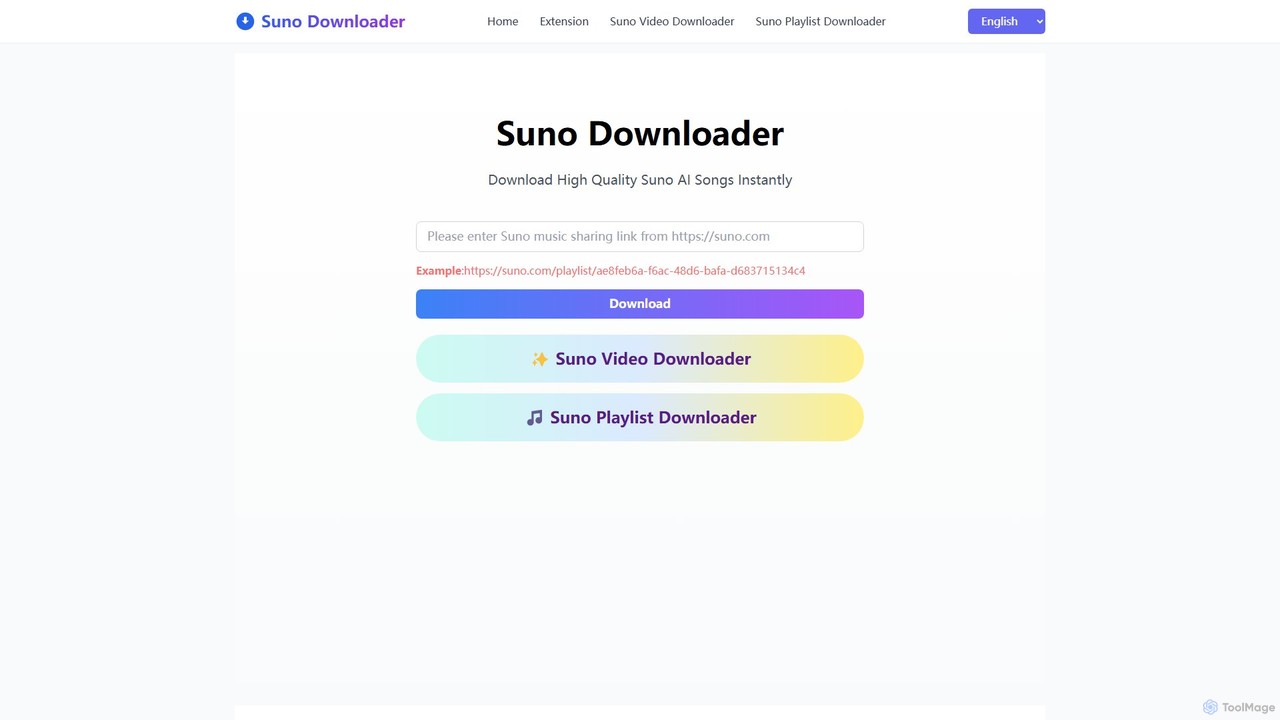
Suno Downloader

Suno Downloader is a free online tool designed to help users easily download songs and playlists created with …

64.1K
videodownloader.ai

videodownloader.ai

An intelligent AI-powered video downloader that not only saves videos from major platforms in up to 8K resolution …

3.1K

About Downloader

AI Downloaders are specialized tools within the video category designed to save video and audio content from online platforms to a local device. They utilize AI algorithms to parse URLs, detect available media formats and resolutions, and often automate the process of extracting subtitles or entire playlists. This enables users to reliably archive content for offline viewing, research, or creative repurposing, overcoming common download restrictions. These tools offer enhanced efficiency compared to manual methods or basic browser extensions.

Core Features

  • Multi-Platform Support: Ability to download videos from a wide range of websites, including social media, streaming services, and news sites.
  • High-Resolution Downloads: Support for various resolutions, from standard definition up to 4K and even 8K, preserving original quality.
  • Batch & Playlist Downloading: Capability to download multiple videos or an entire playlist with a single command, saving significant time.
  • Format Conversion: Integrated options to convert downloaded files into different video or audio formats (e.g., MP4, MKV, MP3).
  • AI-Powered Metadata & Subtitle Extraction: Automatically fetches and embeds video metadata (titles, thumbnails) and downloads available subtitles in various languages.

Use Cases

AI Downloaders are frequently used by content creators for sourcing clips, educators compiling teaching materials, and researchers archiving video data for analysis. They are also valuable for any user who needs to watch content offline, such as during travel or in areas with poor internet connectivity. Businesses might use them to save webinars or competitor video ads for internal review.

How to Choose

When selecting an AI Downloader, consider the range of supported websites, as not all tools work with every platform. Evaluate the available output resolutions and formats to ensure they meet your needs. For efficiency, look for features like batch downloading and browser integration. Finally, consider the tool's privacy policy and security, especially when using desktop applications.

DownloaderUse Cases

1

Archive Social Media Content for Portfolios

A social media manager or content creator needs to build a portfolio of their past video work. Instead of relying on platforms that might delete content or change URLs, they use an AI Downloader. By pasting the URLs of their posts from platforms like Instagram, TikTok, or YouTube, the tool batch downloads all videos in high quality, preserving their work permanently on a local drive for easy access and showcasing to future clients.

2

Prepare Educational Materials for Offline Classes

An educator is preparing a lesson for a classroom with unreliable internet. They need to show several documentary clips from different online sources. Using an AI Downloader, they can download all required videos from platforms like YouTube and Vimeo ahead of time. The tool allows them to select the appropriate quality and even convert the files to a single, universally compatible format, ensuring a smooth and uninterrupted presentation in the classroom.

3

Download Video Playlists for Offline Entertainment

A user is planning a long flight and wants to watch a series of lectures or a music video playlist during the trip. Instead of downloading each video individually, they use an AI Downloader's playlist feature. By simply pasting the URL of the YouTube playlist, the tool automatically detects all videos in the series and downloads them sequentially. This saves a significant amount of manual effort and ensures all content is ready for offline viewing.

4

Extract Audio from Videos for Podcasts or Music

A podcast creator finds an insightful interview on a video platform and wants to use an audio clip from it. They use an AI Downloader with format conversion capabilities. After pasting the video URL, they select 'MP3' as the output format. The tool downloads the video and instantly converts it to a high-quality audio file, which can then be easily edited and integrated into their podcast episode, without needing a separate video-to-audio converter.

5

Conduct Market Research by Saving Competitor Ads

A marketing analyst is tasked with studying a competitor's video advertising strategy. They use an AI Downloader to systematically save all video ads from the competitor's social media channels and website. This creates a local, permanent archive for in-depth analysis of messaging, visuals, and campaign evolution over time. The ability to download in high resolution ensures that all visual details can be clearly examined by the marketing team.

6

Download Videos with Multilingual Subtitles

A language learner wants to improve their skills by watching foreign films with both native and translated subtitles. They find a video that has multiple subtitle tracks available. Using an AI Downloader, they can not only download the video in high quality but also select and download multiple subtitle files (e.g., in SRT format) simultaneously. This allows them to use the video and subtitle files in a media player that supports dual subtitles, creating an effective language learning environment.

DownloaderFrequently Asked Questions