
ScreenApp Overview
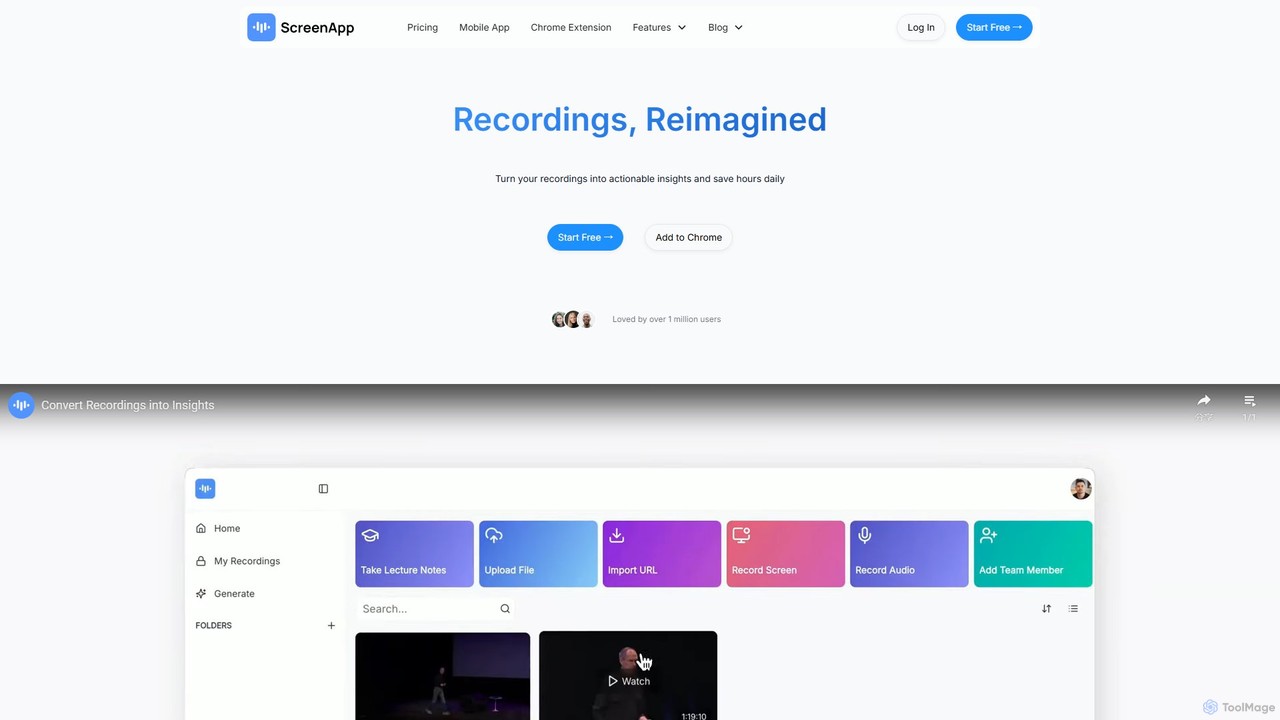
ScreenApp is a comprehensive AI-powered platform designed to function as a 'second brain' for professionals, students, and teams. It revolutionizes how you capture, process, and interact with information from audio and video sources. By automatically recording, transcribing, and summarizing your meetings, lectures, and other media, ScreenApp eliminates the need for manual note-taking and allows you to focus on the conversation. The platform supports various sources, including Zoom, Google Meet, in-person discussions, and even YouTube videos, transforming spoken words into structured, actionable insights.
Beyond simple transcription, ScreenApp offers advanced AI features that distill key points, identify action items, and create perfectly organized notes. Its unique 'Ask AI' functionality allows you to chat directly with your recordings, asking specific questions to retrieve information from both the transcript and the visual content of videos. This turns your entire library of recordings into a searchable knowledge base. Furthermore, ScreenApp extends its capabilities to written documents with a powerful PDF-to-audio converter, making content more accessible.
How to use ScreenApp
Using ScreenApp is an intuitive, multi-step process designed for maximum efficiency:
- Capture Content: You can start by recording directly on any device using ScreenApp's recorder, invite a meeting bot to your online calls (Zoom, Google Meet, etc.), or simply upload existing audio/video files. You can also provide a YouTube link for processing.
- Automatic Processing: Once the content is captured, ScreenApp's AI gets to work. It automatically transcribes the audio with high accuracy, identifying different speakers and understanding nuances. Simultaneously, it generates a concise summary, highlighting key discussion points and action items.
- Interact and Extract Insights: Access the processed recording on your dashboard. You can read the full transcript, review the AI-generated summary, or use the 'Ask AI' feature to ask direct questions like, "What were the main concerns raised about the budget?" to get instant answers.
- Organize and Share: Your notes, transcripts, and summaries are neatly organized and stored securely. You can tag recordings, add comments for collaboration, and integrate with other platforms like Notion or Confluence to share insights with your team seamlessly.
- Convert Documents: For written content, upload a PDF file to the PDF-to-audio converter, select a voice and language, and download the generated MP3 file to listen on the go.
Core Features of ScreenApp
- AI Notetaker & Summarizer: Automatically generates structured notes, key takeaways, and action items from any audio or video recording.
- High-Accuracy Transcription: Converts speech to text with pinpoint accuracy, recognizing different speakers, accents, and technical terminology.
- Ask AI (Chat to Recordings): An interactive chat feature that allows you to ask questions directly to your video and audio files to find specific information quickly.
- PDF to Audio Converter: Transforms PDF documents into natural-sounding audiobooks in multiple languages and voices, with OCR support for scanned documents.
- Meeting Capture Bots: Discreetly records and analyzes meetings from platforms like Zoom, Google Meet, and Microsoft Teams.
- Multi-Language Support & Translation: Processes and translates content across numerous languages, breaking down communication barriers.
- Seamless Integrations & API: Offers a robust API and integrations with popular productivity tools to fit into your existing workflow.
- Screen & Voice Recorder: A built-in tool to easily capture your screen, voice, or both, directly from your browser.
Use Cases for ScreenApp
ScreenApp is versatile and benefits a wide range of users:
- Business Professionals: Capture every detail from client calls, team meetings, and brainstorming sessions. Generate meeting minutes automatically and track action items to improve project management and team alignment.
- Students & Educators: Record lectures and study sessions to create searchable notes and summaries. Convert textbooks and research papers (PDFs) into audio for easier review and learning on the go.
- Recruiters & HR Managers: Record candidate interviews to get AI-generated summaries of skills, experience, and key responses. Easily compare candidates and make more informed hiring decisions.
- Content Creators & Podcasters: Transcribe podcasts and video content to create show notes, articles, and social media content. Use the PDF-to-audio feature to create audiobook versions of written material.
- Accessibility Users: Individuals with visual impairments or reading difficulties can use the PDF-to-audio feature to access written content in a natural, spoken format.
Advantages of ScreenApp
ScreenApp offers a significant competitive edge by combining multiple tools into one platform. Its primary advantage is the massive time savings it provides by automating tedious tasks. Users can focus on strategic thinking and participation rather than note-taking. The 'Ask AI' feature goes beyond simple search, providing contextual answers and deeper insights. The platform is built with security in mind, offering data encryption and local storage options for enhanced privacy. Its multi-language capabilities and wide range of supported formats (audio, video, PDF) make it a uniquely comprehensive solution for knowledge management.
Pricing and Plans
ScreenApp operates on a freemium model, making it accessible to everyone.
- Free Starter Plan: Users can sign up for a free plan that offers access to most core features with generous limits, allowing for thorough evaluation of the product. This plan is available forever.
- Paid Plans: For users and teams requiring higher limits, advanced AI features, and enhanced collaboration tools, ScreenApp offers premium subscription plans. Pricing for specific features like the PDF to Audio converter starts from $7.99/month for unlimited conversions.
- Team Licenses: Businesses can purchase multiple licenses for their teams. Billing is automatically adjusted based on the number of team members. Discounts for bulk purchases are available upon contacting their sales team.
Payments are accepted in USD via Credit Card, Stripe, Google Pay, and Apple Pay.
Traffic
Latest traffic
Status
Monthly traffic trend
- 2025-9: 1.9M
- 2026-1: 1.7M
- 2026-2: 1.9M
- 2026-3: 2.2M
- 2026-4: 1.9M
- 2026-5: 1.7M
Geography
Top 5 countries / regions
- 🇺🇸United States42.6%
- 🇮🇳India18.6%
- 🇪🇸Spain14.9%
- 🇧🇷Brazil13.9%
- 🇵🇪Peru10.0%
Traffic sources
| Source type | Percentage |
|---|---|
Direct | 85.4% |
Referral | 13.7% |
Email | 0.9% |
Top keywords
| Keyword | Cost per click |
|---|---|
| download video | $0.22 |
| link to mp4 | $2.48 |
| screenapp | $0.91 |
| url to mp4 | $1.96 |
| url to mp4 converter | $1.41 |
ScreenApp Alternatives
VOMO
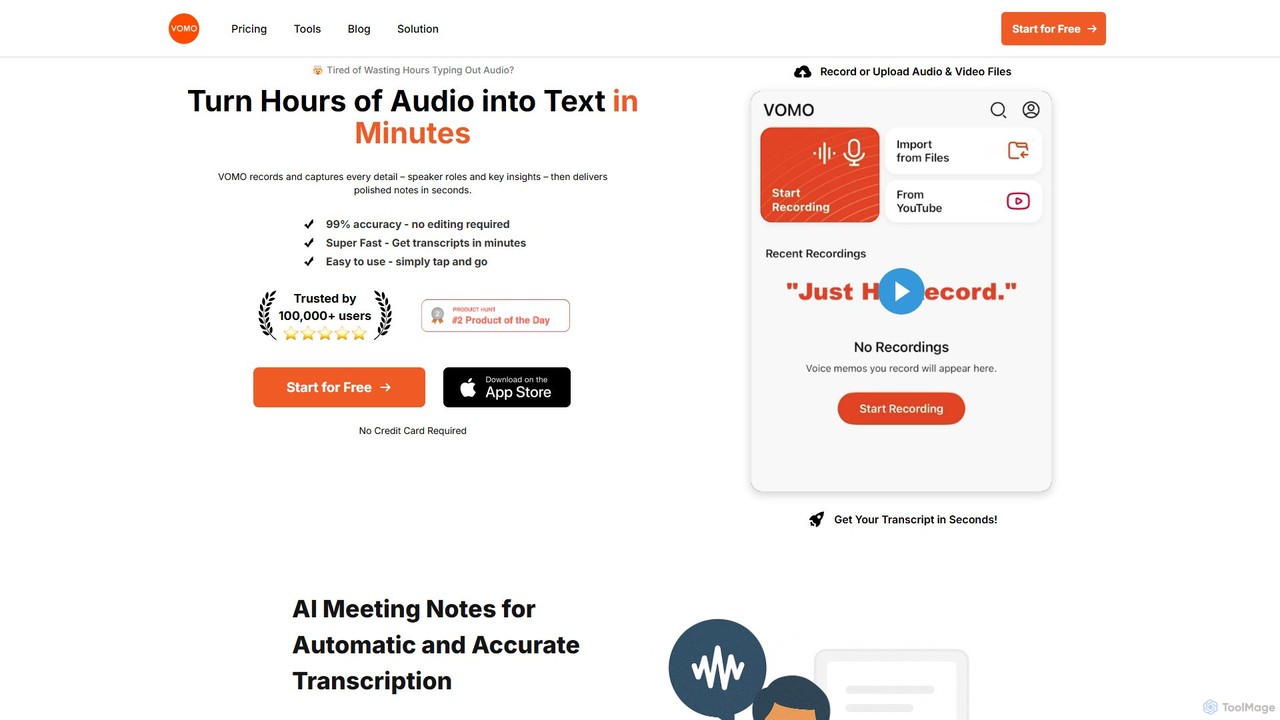
VOMO is an AI-powered tool that transcribes audio and video into text in minutes with 99% accuracy. It automatically generates meeting notes, summaries, and identifies speakers, helping users save time and boost productivity. It supports various file uploads, including YouTube links, and offers features like AI-powered Q&A and smart templates.
Speech To Text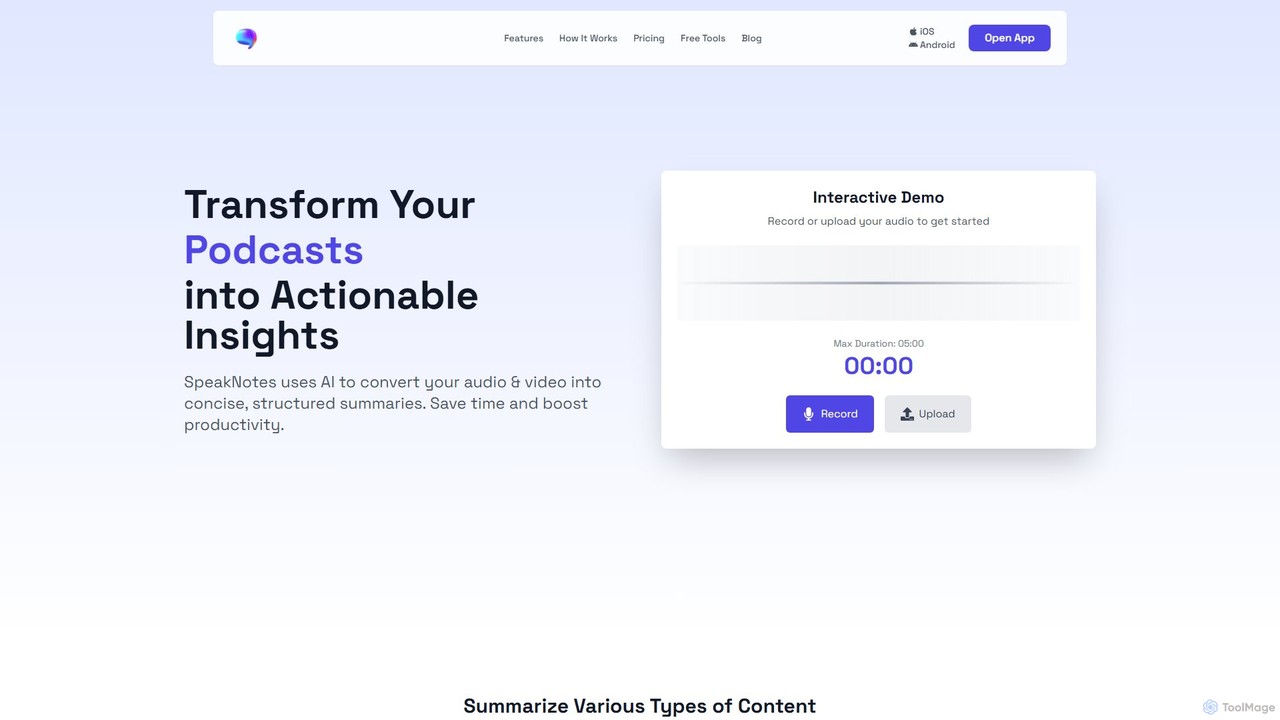
SpeakNotes
SpeakNotes is an AI-powered tool that transforms audio and video content into accurate transcripts and concise, structured summaries. It supports various file formats, multiple languages, and offers diverse output styles to boost productivity for students, professionals, and content creators.
Transcription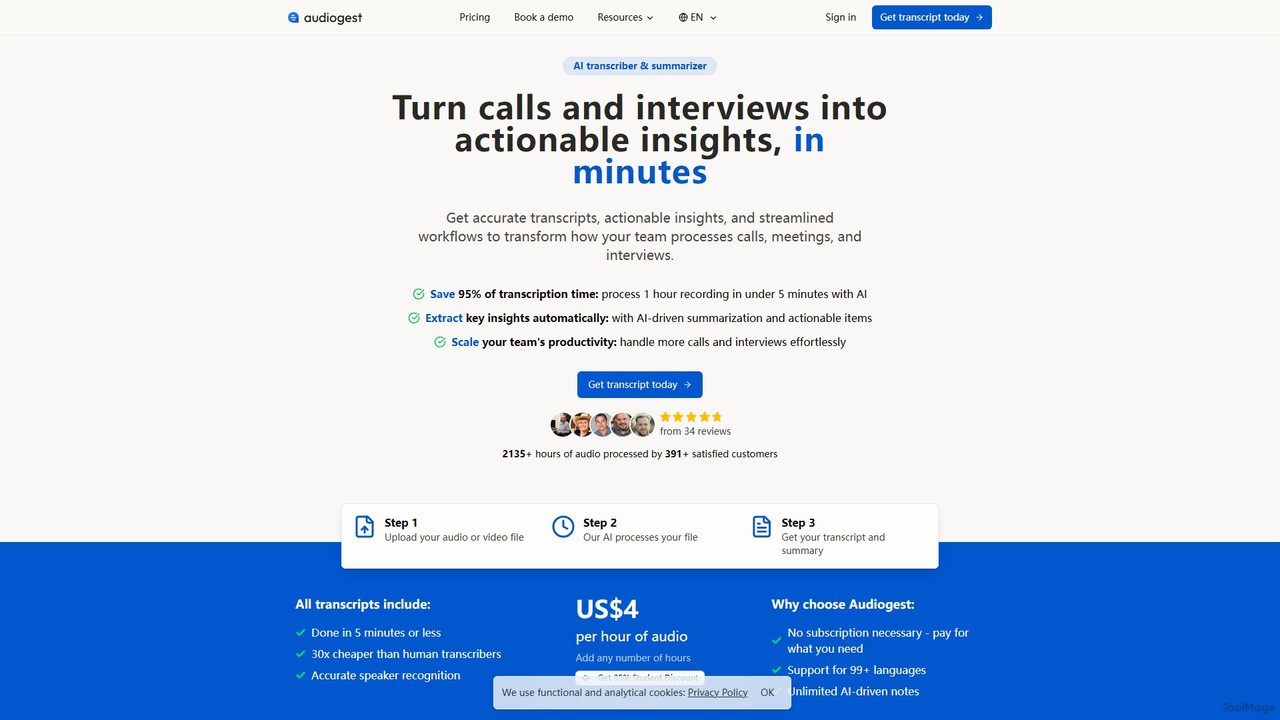
Audiogest
Audiogest is an AI-powered tool that quickly and accurately transcribes and summarizes audio and video files in over 99 languages. It features speaker recognition, customizable AI notes, and flexible pay-as-you-go pricing. Ideal for students, researchers, and professionals, it saves hours of manual work while ensuring data privacy with EU-based servers. Get fast, affordable, and reliable transcripts and summaries without a subscription.
Speech To Text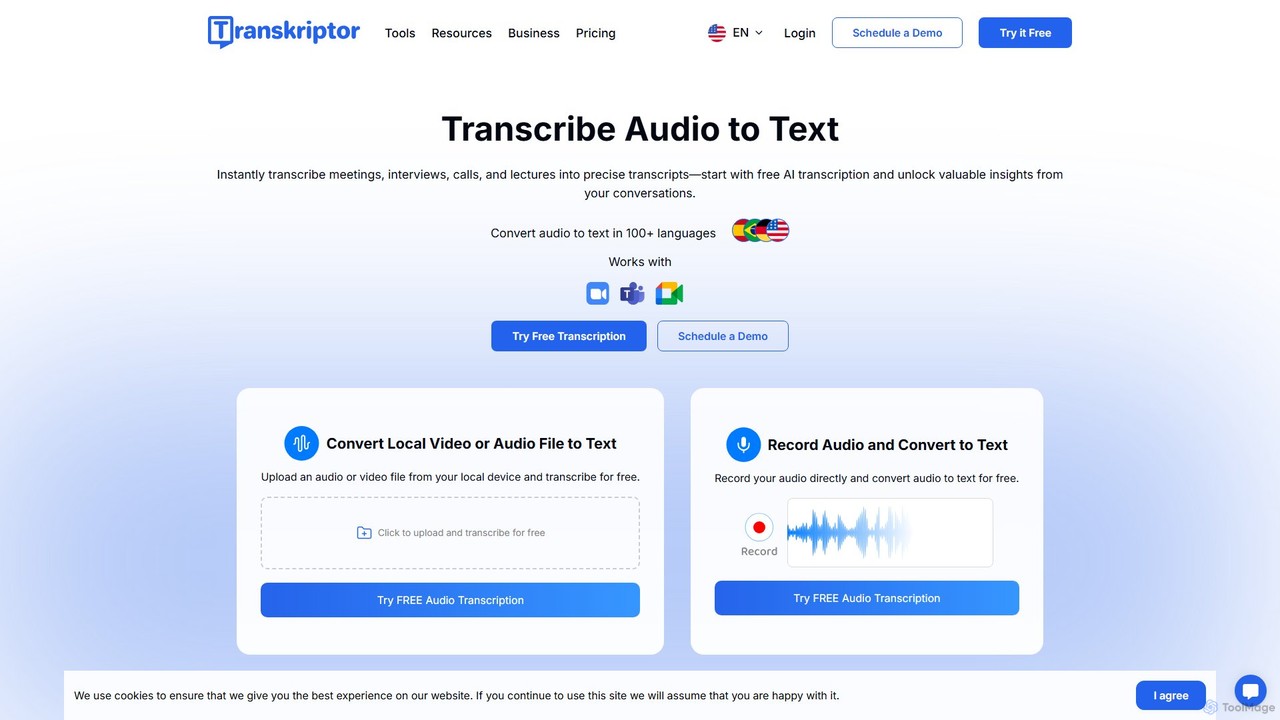
Transkriptor
Transkriptor is an AI-powered transcription service that converts audio and video files into accurate, editable text in over 100 languages. It features an AI assistant for summarizing content, identifying speakers, and extracting action items. Ideal for meetings, interviews, lectures, and content creation, it offers up to 99% accuracy and integrates with platforms like Zoom, Google Meet, and Microsoft Teams. Available as a web app, mobile app, and Chrome extension, it streamlines note-taking and creates a searchable knowledge base from your conversations.
Speech To Text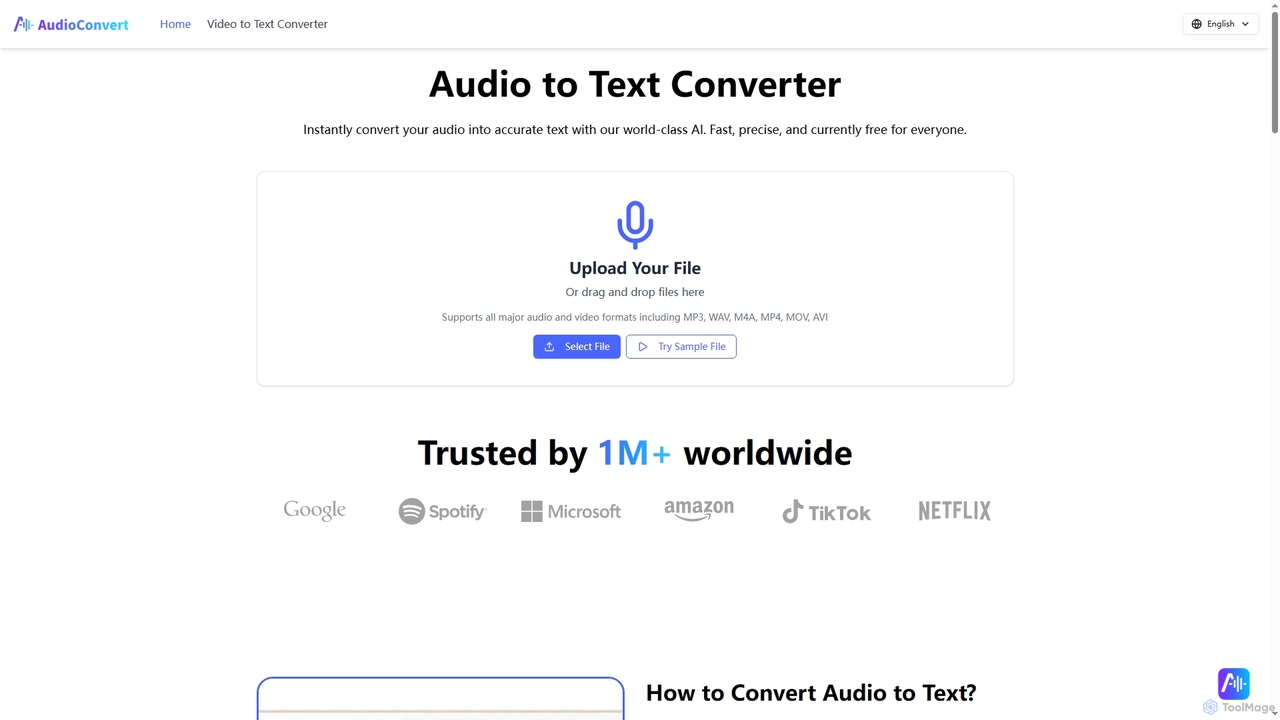
Audioconvert
Audioconvert is an AI-powered tool that swiftly and accurately converts audio and video files into text transcripts. It supports major formats, identifies multiple speakers, provides precise timestamps, and offers various export options like TXT, DOCX, and SRT, all currently available for free.
Meeting ManagementScreenApp Categories
ScreenApp Embed Widget
Copy this embed code to place the badge on your blog, article, or product site and send readers directly to this ToolMage detail page.

Related AI tools
SpeakNotes
SpeakNotes is an AI-powered tool that transforms audio and video content into accurate transcripts and concise, structured summaries. It supports various file formats, multiple languages, and offers diverse output styles to boost productivity for students, professionals, and content creators.
TranscriptionAudiogest
Audiogest is an AI-powered tool that quickly and accurately transcribes and summarizes audio and video files in over 99 languages. It features speaker recognition, customizable AI notes, and flexible pay-as-you-go pricing. Ideal for students, researchers, and professionals, it saves hours of manual work while ensuring data privacy with EU-based servers. Get fast, affordable, and reliable transcripts and summaries without a subscription.
Speech To TextTranskriptor
Transkriptor is an AI-powered transcription service that converts audio and video files into accurate, editable text in over 100 languages. It features an AI assistant for summarizing content, identifying speakers, and extracting action items. Ideal for meetings, interviews, lectures, and content creation, it offers up to 99% accuracy and integrates with platforms like Zoom, Google Meet, and Microsoft Teams. Available as a web app, mobile app, and Chrome extension, it streamlines note-taking and creates a searchable knowledge base from your conversations.
Speech To TextAudioconvert
Audioconvert is an AI-powered tool that swiftly and accurately converts audio and video files into text transcripts. It supports major formats, identifies multiple speakers, provides precise timestamps, and offers various export options like TXT, DOCX, and SRT, all currently available for free.
Meeting Management
Cockatoo
Cockatoo is an AI-powered transcription service that converts audio and video files into text with blazing speed and up to 99.8% accuracy. It supports over 90 languages, offers various export formats, and includes features like document translation and secure cloud storage. Ideal for professionals, content creators, and teams.
Speech To Text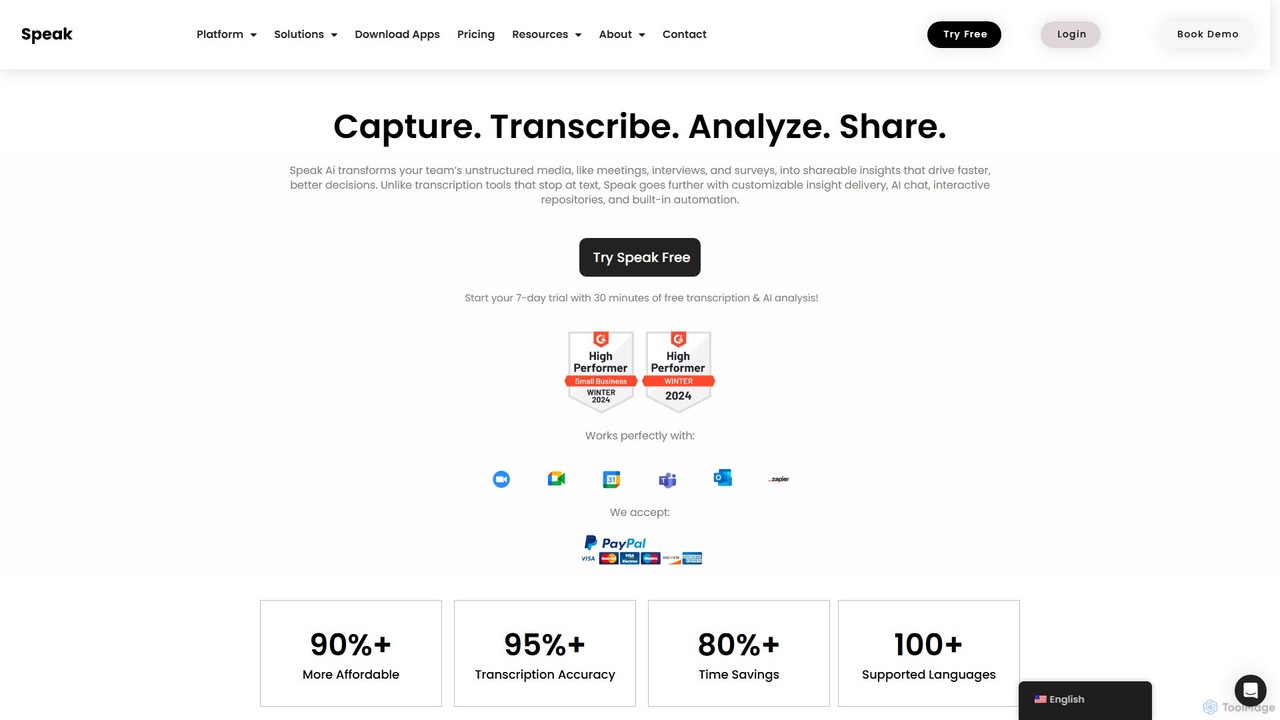
Speak Ai
Speak Ai is an AI-powered platform that transcribes, analyzes, and visualizes audio, video, and text data. It transforms unstructured media from meetings, interviews, and surveys into actionable insights, featuring AI chat, shareable repositories, and powerful automation to facilitate faster, data-driven decision-making for teams and researchers.
Data Analysis
Jyek
Jyek is an AI agent platform that understands objectives, creates execution plans, uses tools, and delivers verifiable results for complex, multi-step tasks.
Automation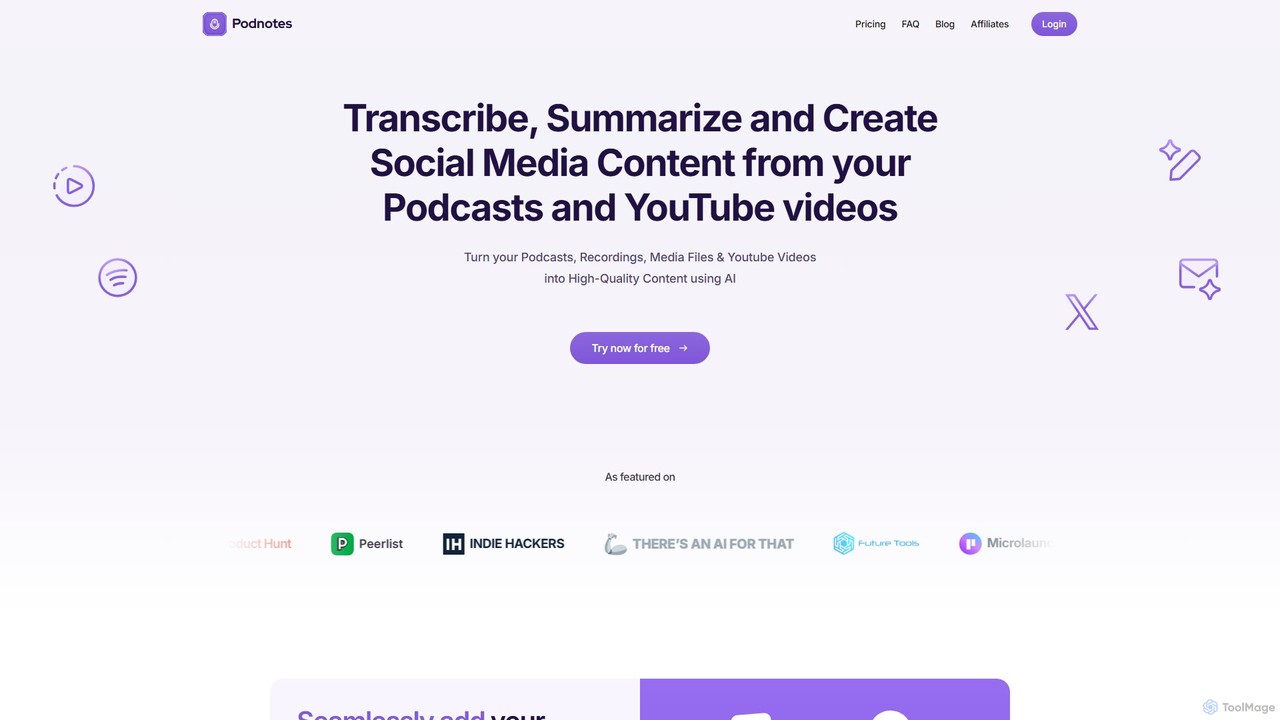
Podnotes
Podnotes is an AI-powered platform that transcribes, summarizes, and repurposes podcasts and YouTube videos into high-quality written content. It helps creators, marketers, and agencies effortlessly generate show notes, blog posts, social media content, and newsletters to expand their audience reach.
Repurposing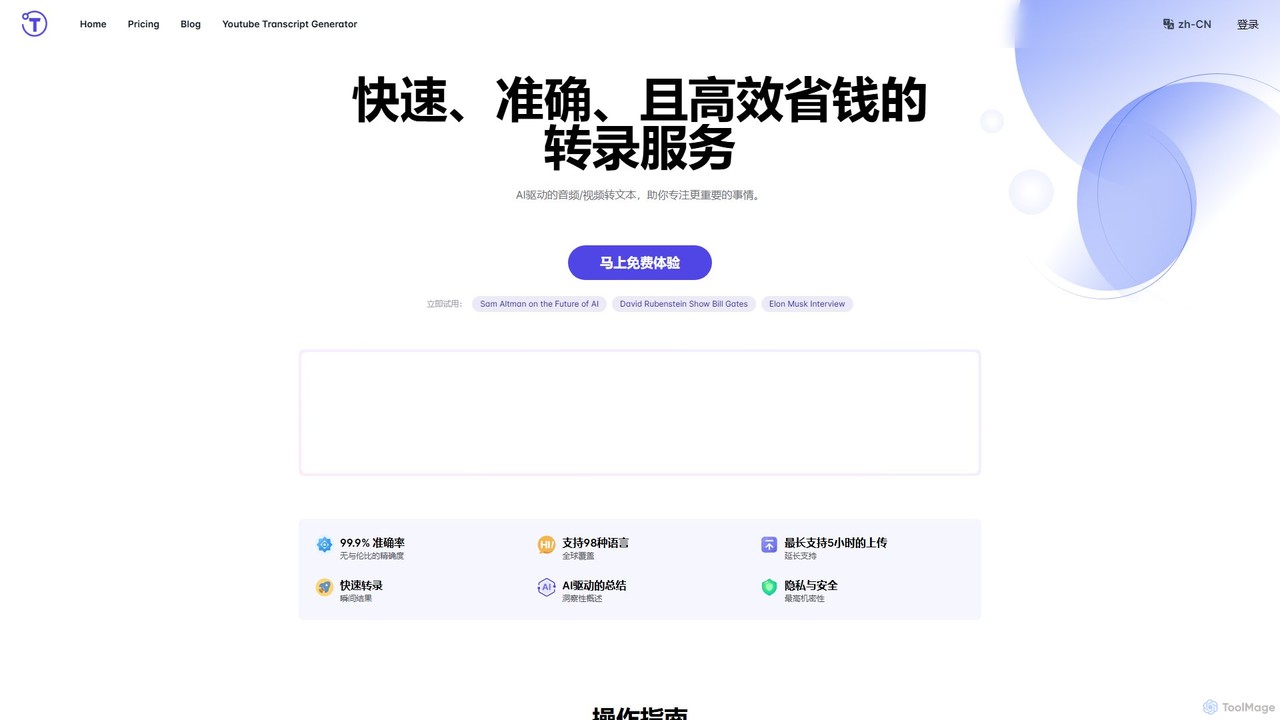
yescribe
yescribe is an AI-powered transcription service that quickly and accurately converts audio and video files into text. Supporting 98 languages, it offers 99.9% accuracy, AI-driven summaries, and speaker identification. Ideal for professionals, researchers, and content creators to streamline workflows, enhance accessibility, and unlock insights from their media content.
Speech To Text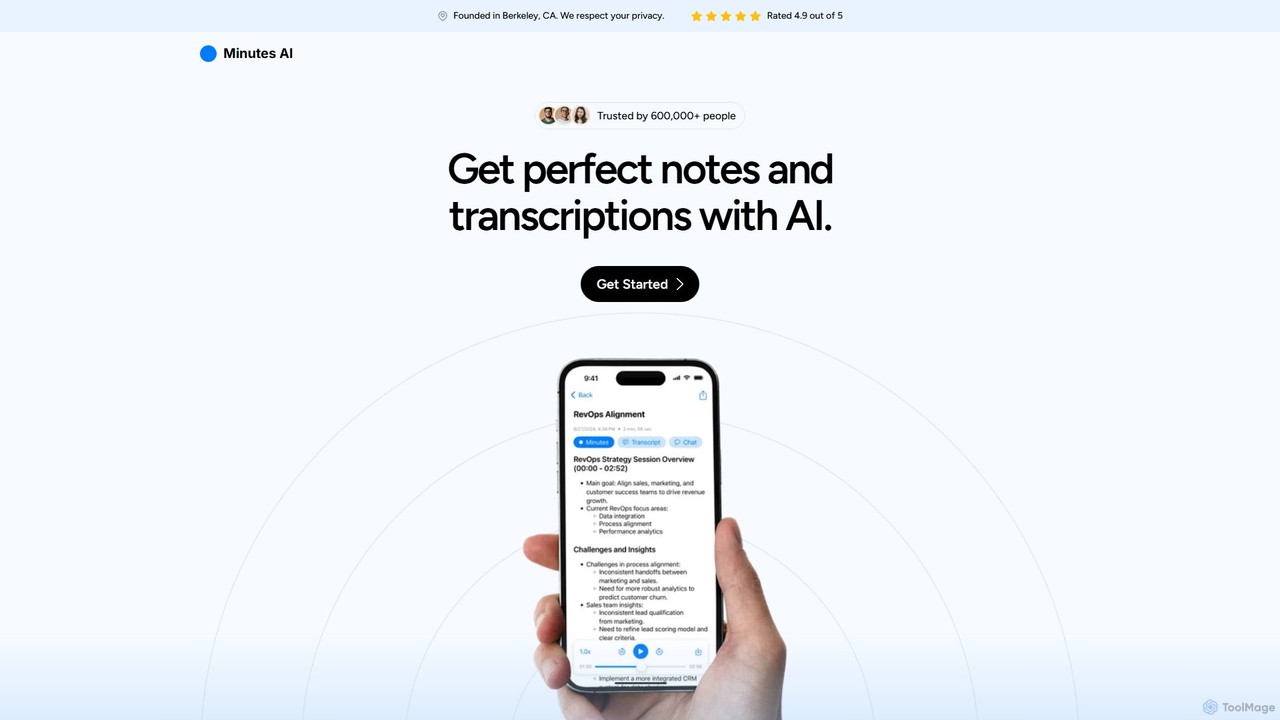
myminutes
myminutes is an AI-powered tool that automates note-taking and transcription from audio. It instantly converts live recordings, audio files, or YouTube videos into beautifully formatted, summarized notes and accurate transcripts, allowing you to focus on the conversation.
Meeting Assistant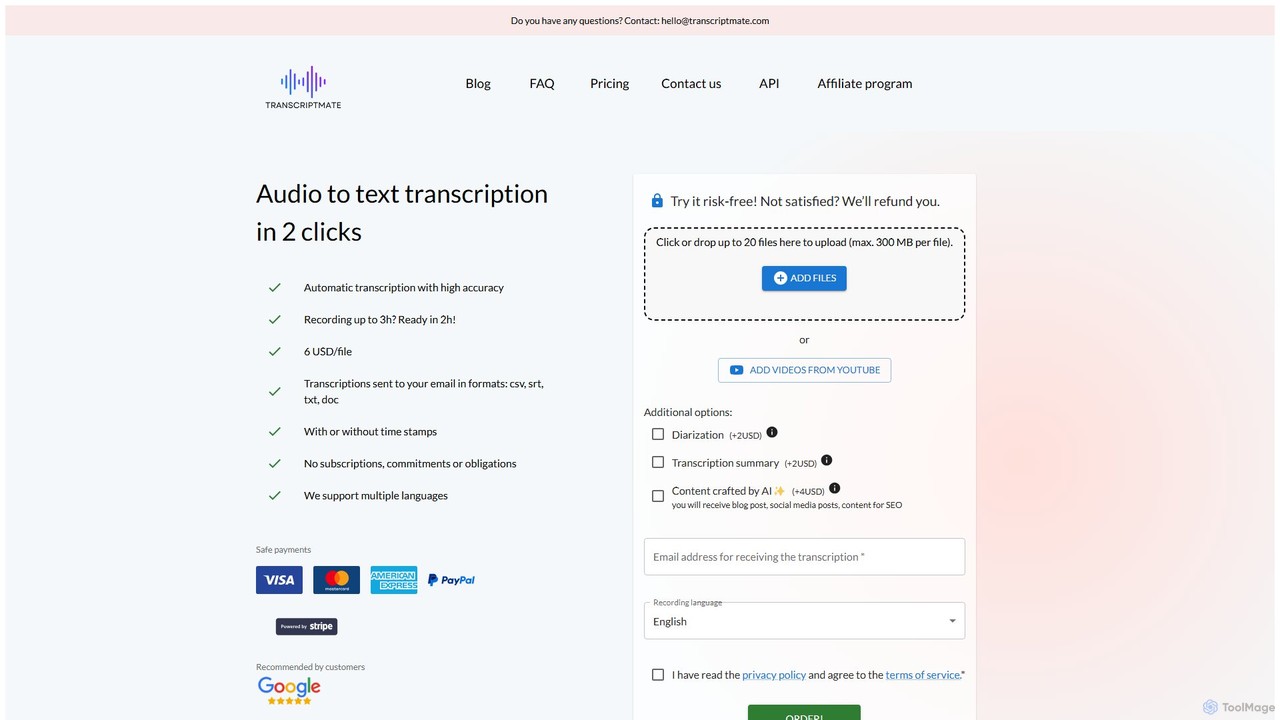
Transcriptmate
Transcriptmate is a simple, pay-as-you-go AI transcription service that converts audio and video files into accurate text in just a few clicks. It supports multiple languages and delivers transcripts in various formats (CSV, SRT, TXT, DOC) directly to your email. With no subscriptions required, it's ideal for one-off projects. Optional add-ons include speaker diarization, AI-generated summaries, and content creation, making it a versatile tool for students, podcasters, researchers, and professionals.
Speech To Text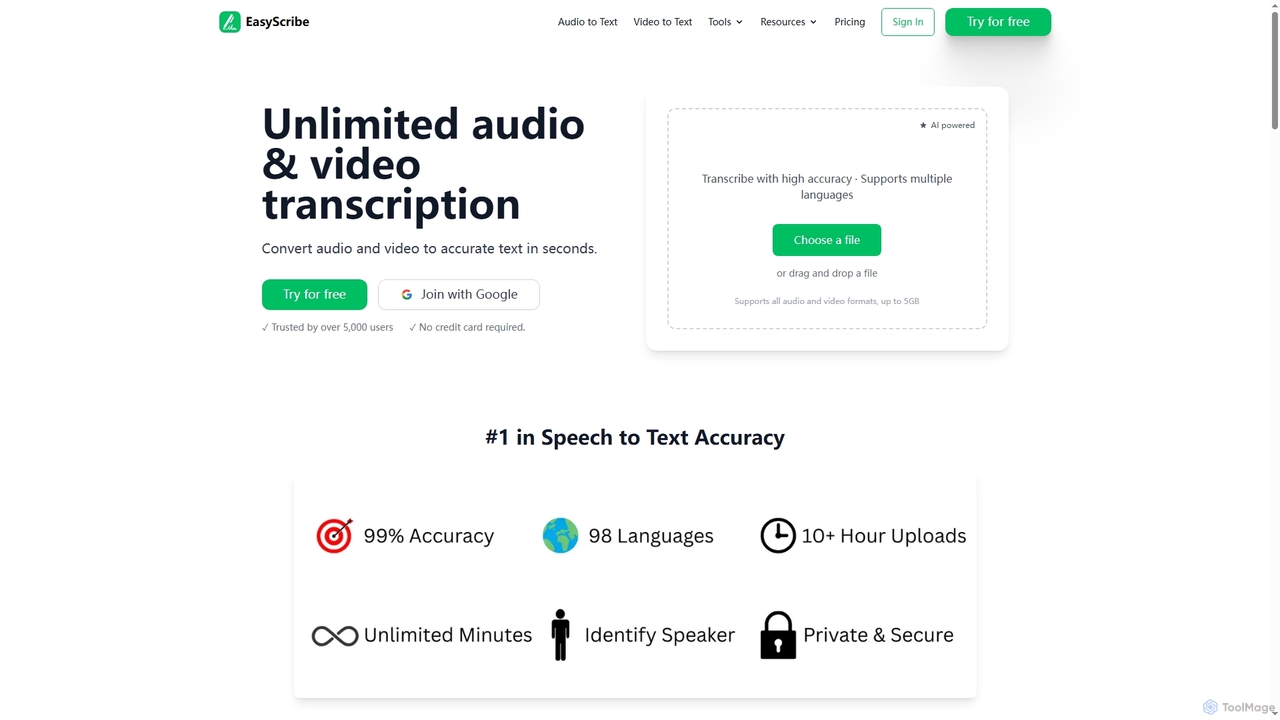
EasyScribe
EasyScribe is an AI-powered transcription tool that converts audio and video files into accurate text in seconds. It supports 98+ languages, offers speaker identification, and allows translation to 134+ languages, making it ideal for global communication and content creation.
Meeting Management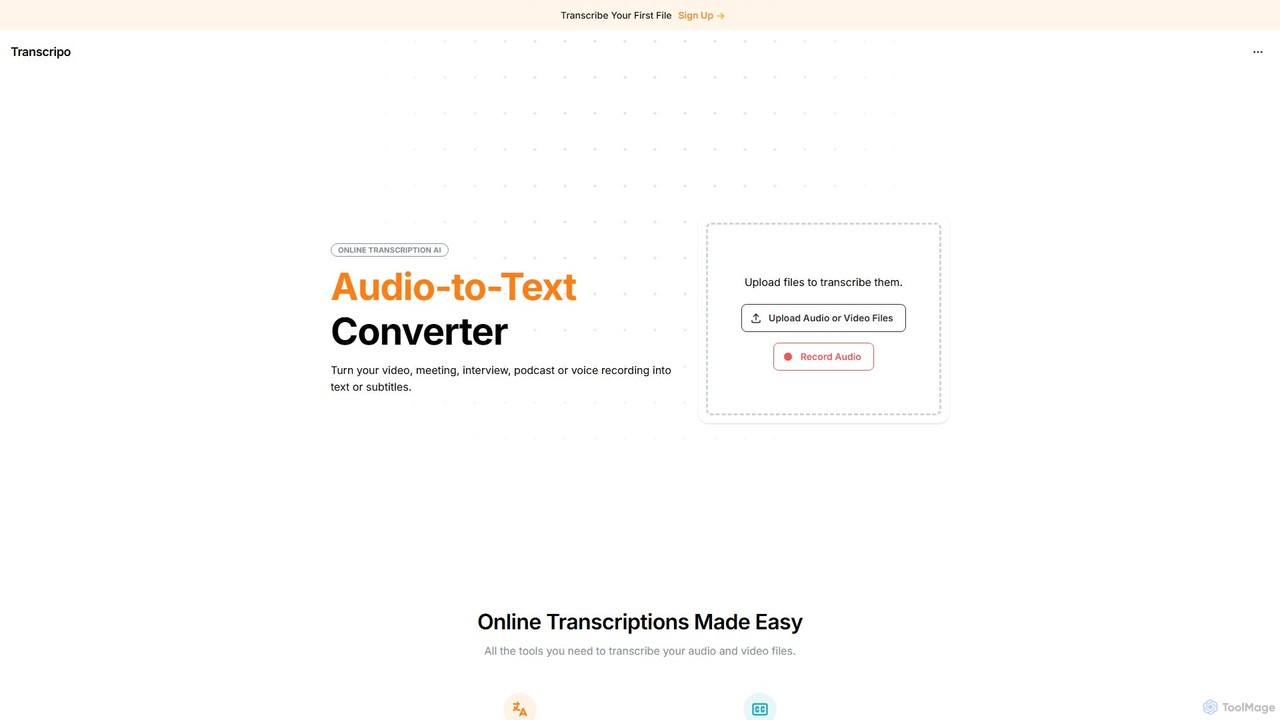
Transcripo
Transcripo is an AI-powered online tool that quickly and accurately converts audio and video files into text and subtitles. It supports over 100 languages, offers AI-generated summaries, and allows users to edit and export transcripts in various formats. Ideal for transcribing interviews, meetings, podcasts, and creating video subtitles to enhance content accessibility and SEO.
Speech To Text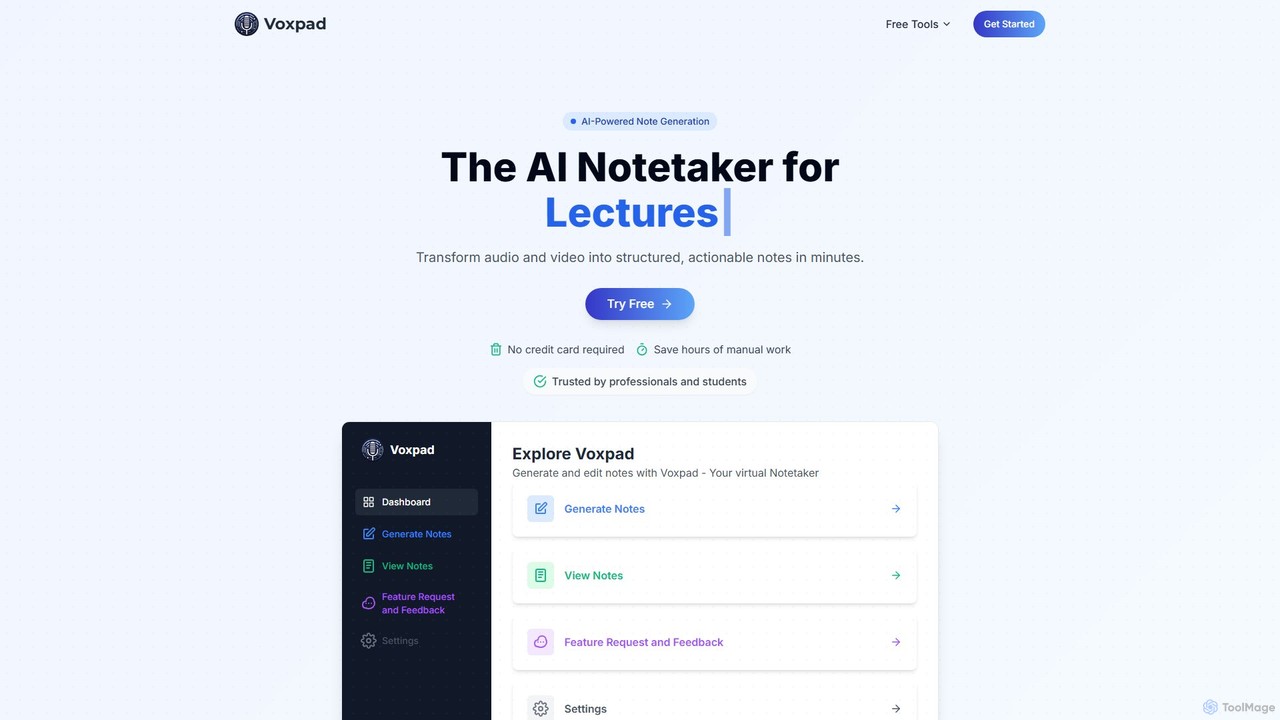
Voxpad
Voxpad is an AI-powered notetaker that transforms audio and video content into detailed, structured, and customizable notes. It's designed for students, professionals, content creators, and researchers to save time on manual transcription, capture key information from lectures and meetings, and repurpose content effortlessly. With high-accuracy transcription in over 60 languages, Voxpad helps you focus on what matters most.
Speech To Text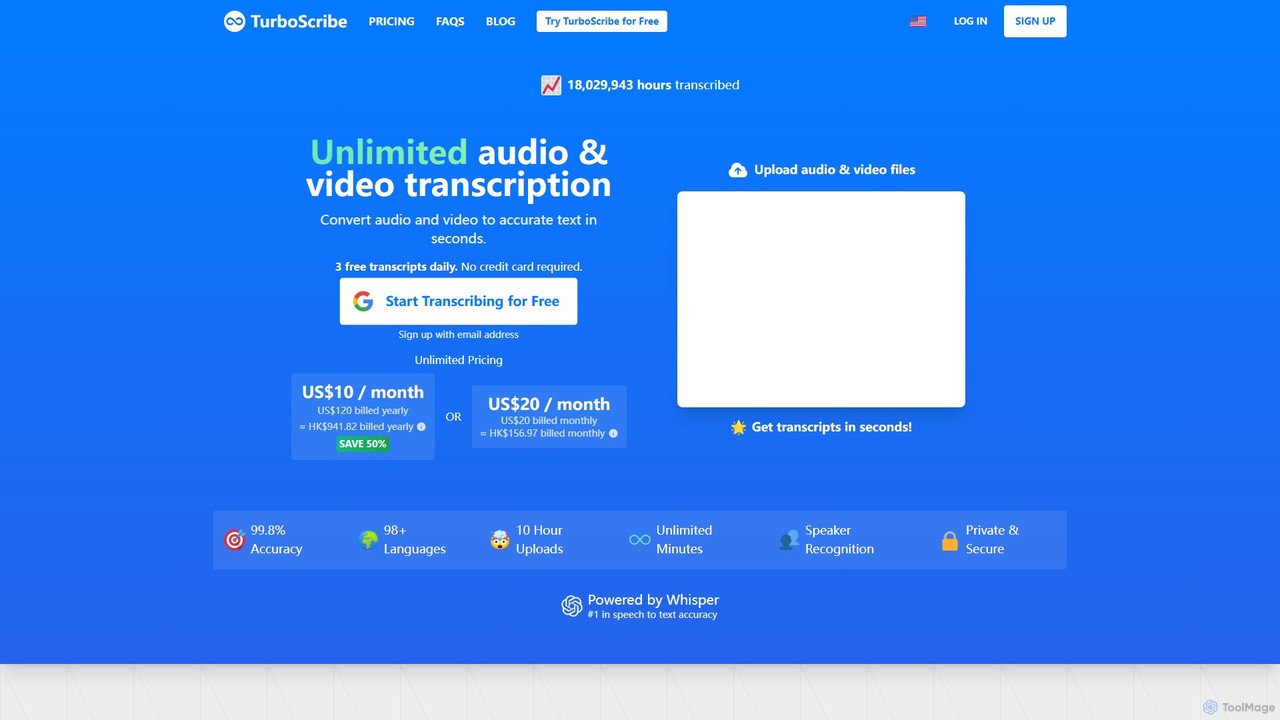
TurboScribe
TurboScribe is an AI-powered transcription service that converts unlimited audio and video files to highly accurate text in seconds. Powered by Whisper, it supports over 98 languages, features speaker recognition, and offers built-in translation to 134+ languages. Ideal for transcribing meetings, interviews, podcasts, and videos with up to 99.8% accuracy. It offers a generous free plan and an affordable unlimited plan.
Transcription
ScreenApp Comments (0)
Sign in to comment.
Sign inNo comments yet.