ToolMage
Sign in

Best 7 Meetings AI tools

Popular Meetings AI tools include ScreenApp, VOMO, Flowtica Scribe, Vocol.ai, agilotext, WavoAI, and Notterai, helping you work more efficiently.

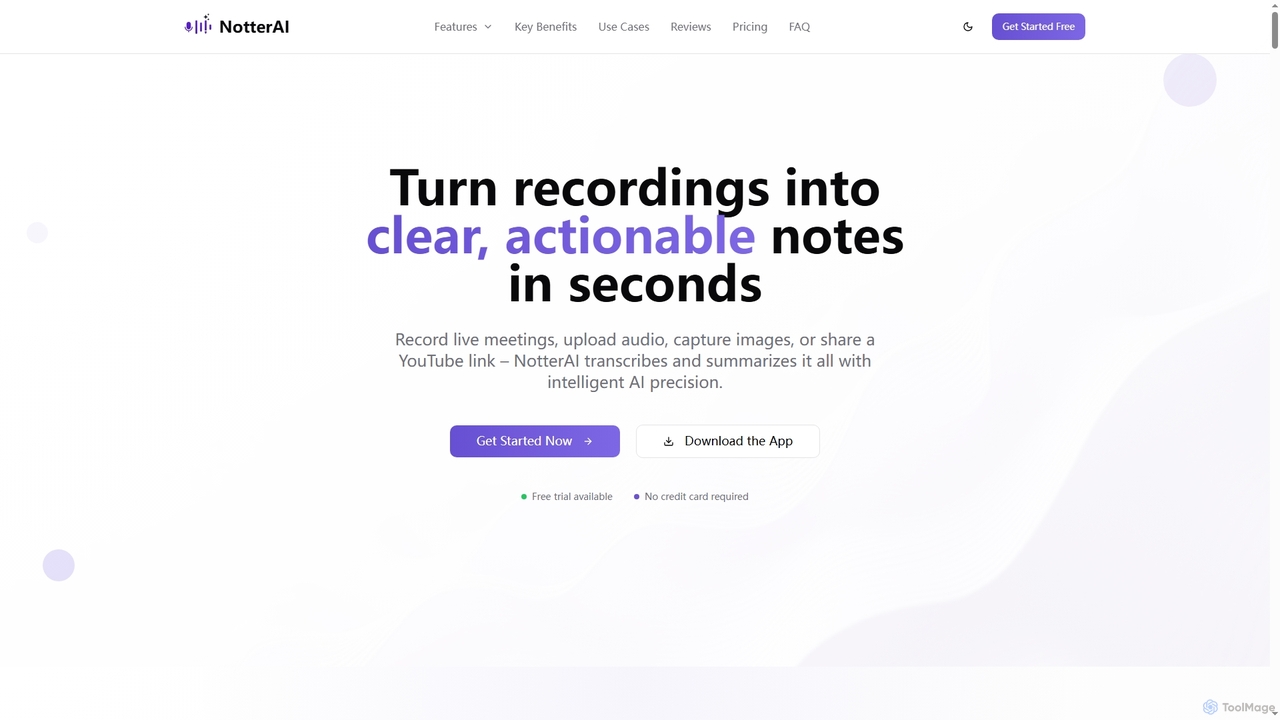
Notterai
Freemium

Notterai

Notterai is an AI-powered note-taker that transforms recordings, audio files, images, PDFs, and even YouTube videos into clear, actionable notes. It offers real-time transcription, intelligent summaries, and multi-language support to boost productivity for students, professionals, and creators.

Study Tools
Visits 10.6KFavorites 224Likes 228
WavoAI
Freemium

WavoAI

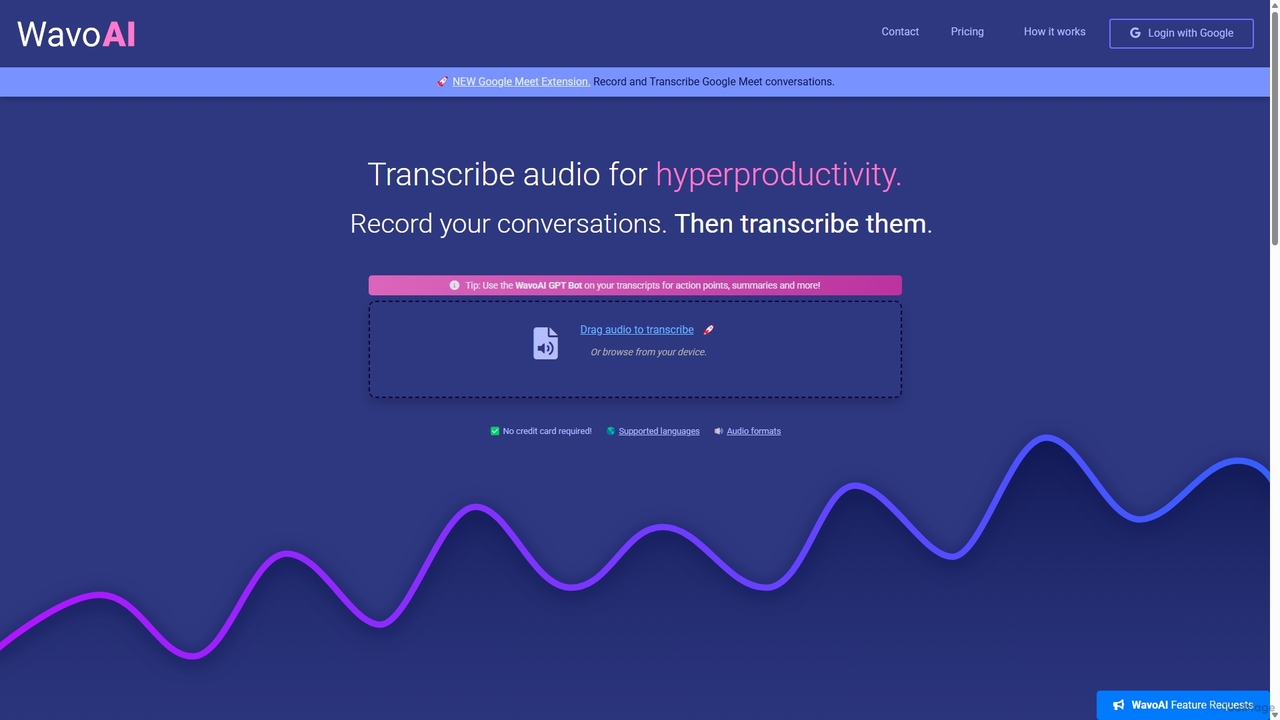
WavoAI is an AI-powered platform that transforms audio and conversations into highly accurate, actionable transcripts. It features speaker identification and an interactive GPT-like bot that allows you to summarize, analyze, and extract key insights like action points from your transcribed text, effectively turning your audio into structured, searchable data.

Speech To Text
Visits 11.9KFavorites 145Likes 153
Vocol.ai
Freemium

Vocol.ai

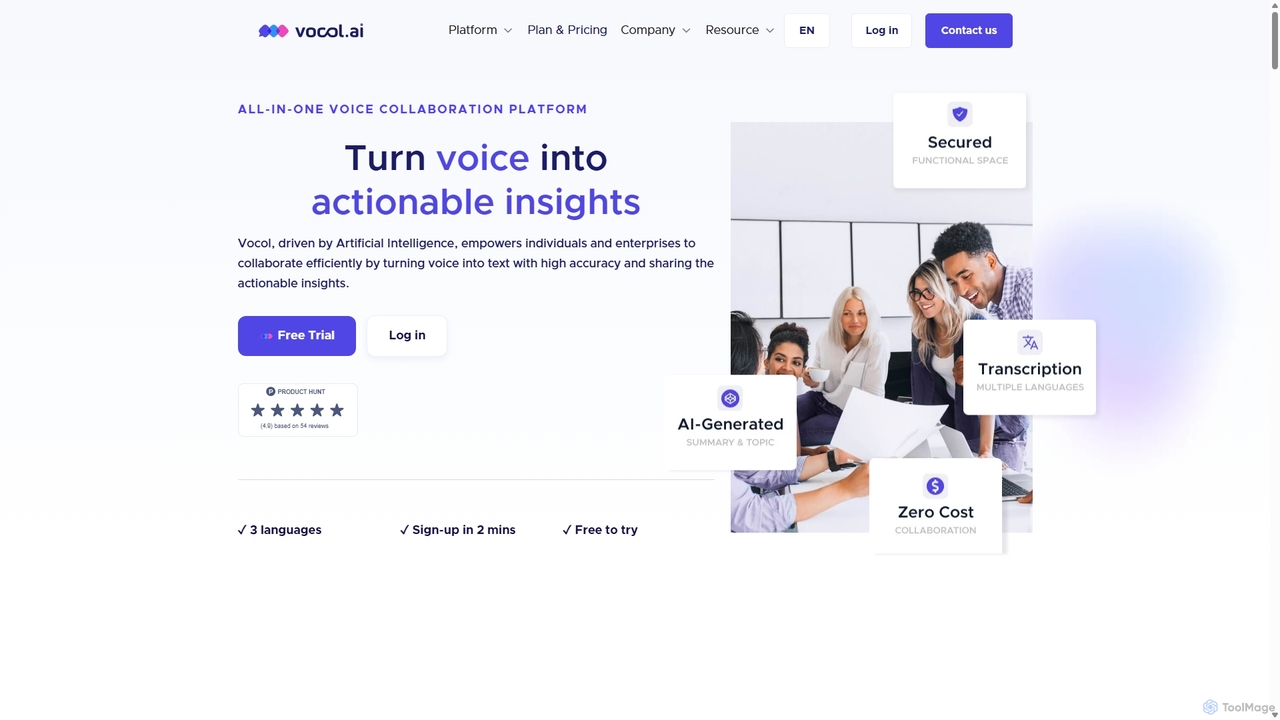
Vocol.ai is an all-in-one AI voice collaboration platform that transforms spoken conversations into actionable insights. It provides high-accuracy, multilingual transcription (English, Chinese, Japanese), AI-generated summaries, key topics, and action items. Designed for teams, it streamlines workflows, enhances collaboration, and boosts productivity by automating the manual work of note-taking and analysis for meetings, interviews, and lectures.

Speech To Text
Visits 31.1KFavorites 176Likes 170
Flowtica Scribe
Paid

Flowtica Scribe

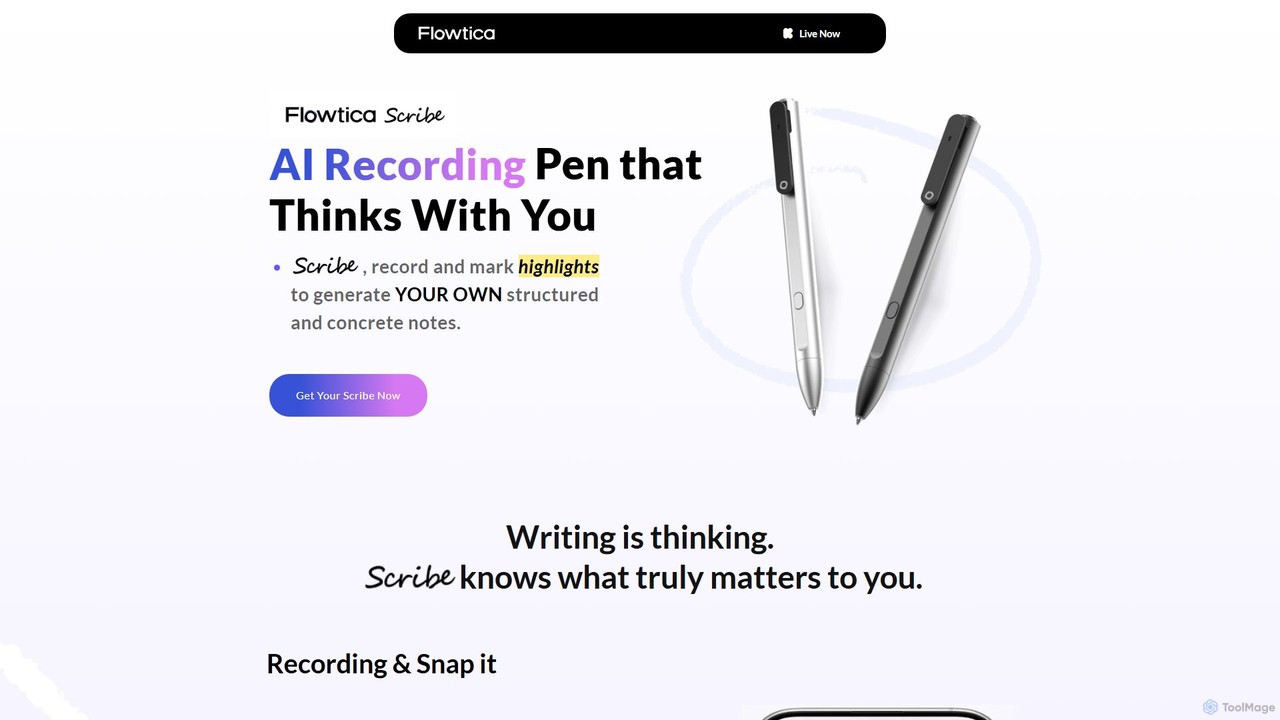
Flowtica Scribe is a revolutionary AI-powered recording pen designed to capture audio and generate personalized, structured notes. By combining audio recording with user-marked highlights and snapped handwritten notes, it creates insightful summaries that reflect your priorities, moving beyond generic bullet points for meetings, interviews, and lectures.

Transcription
Visits 63.6KFavorites 183Likes 170
agilotext
Freemium

agilotext

Agilotext is an AI-powered transcription service that converts audio and video files into accurate text. It specializes in generating intelligent meeting reports, summaries, and detailed transcripts with up to 99.8% accuracy. Focusing on security and privacy (GDPR, ISO 27001), it offers features like speaker recognition, customizable templates, and integrations, making it ideal for professionals and teams to enhance productivity.

Speech To Text
Visits 13.1KFavorites 174Likes 160
ScreenApp
Freemium

ScreenApp

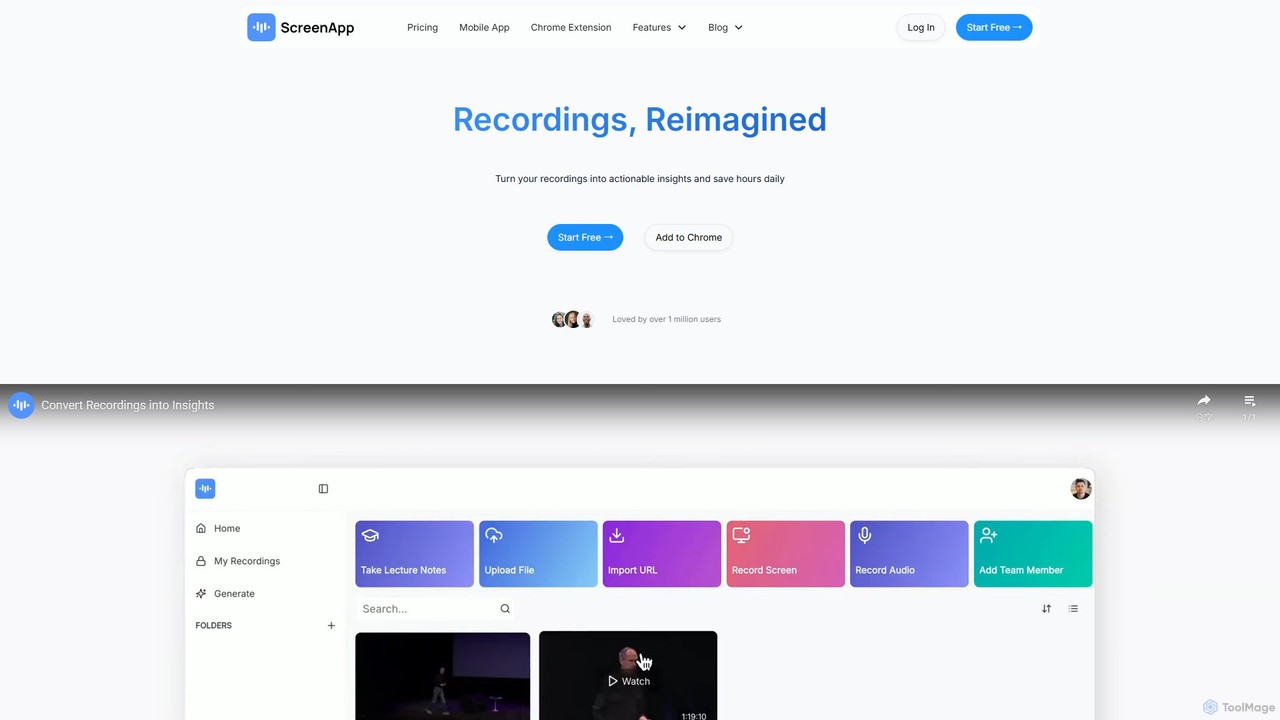
ScreenApp is an AI-powered productivity tool that acts as your second brain. It records, transcribes, and summarizes audio and video content from meetings, lectures, and online videos. Key features include an AI notetaker, high-accuracy transcription, an interactive chat to query your recordings, and a unique PDF-to-audio converter. It's designed to transform conversations and documents into actionable, searchable knowledge, supporting multiple languages and seamless integrations.

Note Taking
Visits 1.7MFavorites 166Likes 148
VOMO
Freemium

VOMO

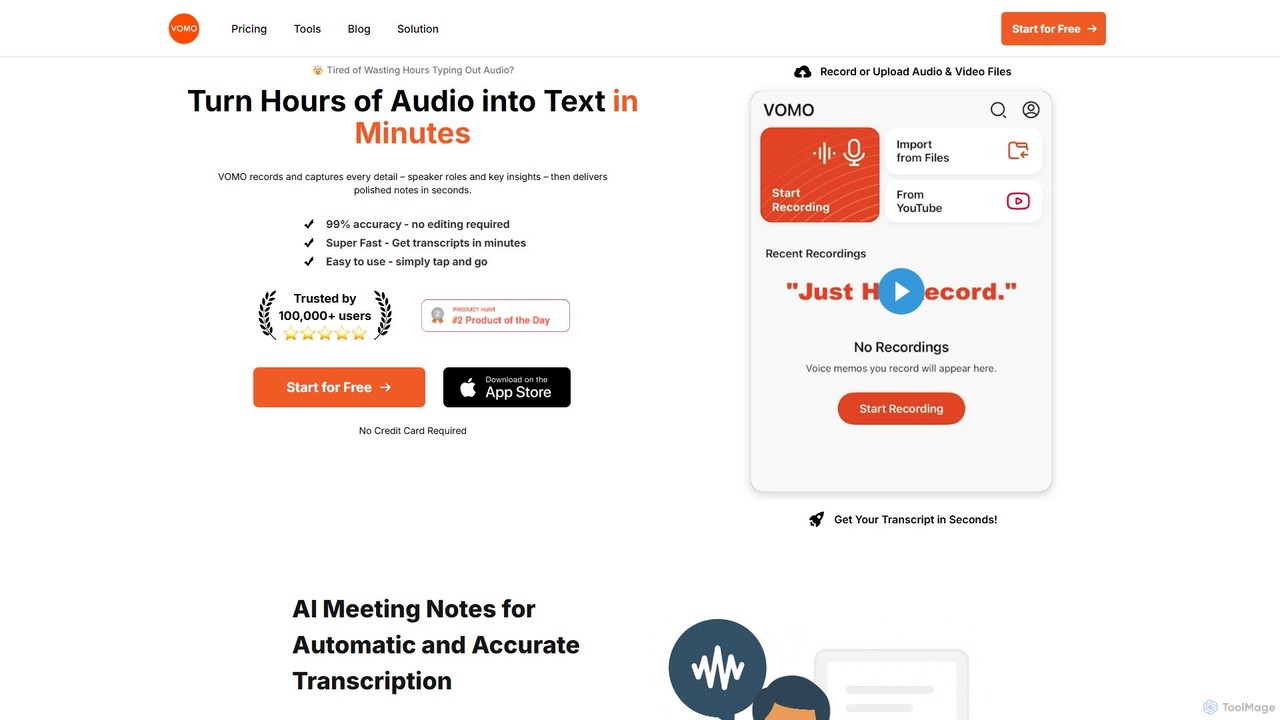
VOMO is an AI-powered tool that transcribes audio and video into text in minutes with 99% accuracy. It automatically generates meeting notes, summaries, and identifies speakers, helping users save time and boost productivity. It supports various file uploads, including YouTube links, and offers features like AI-powered Q&A and smart templates.

Speech To Text
Visits 198.5KFavorites 163Likes 140

About Meetings

AI Meeting tools are applications designed to automate and enhance the entire meeting lifecycle using artificial intelligence. They leverage technologies like natural language processing (NLP) and speech-to-text to automatically transcribe conversations, generate concise summaries, and identify key action items. These tools transform meetings from passive listening sessions into structured, actionable events, ensuring no critical information is lost. By handling the administrative tasks, they allow participants to focus fully on collaboration and decision-making.

Core Features

  • Real-time Transcription: Converts spoken dialogue into written text live during the meeting, with speaker identification.
  • Automated Summarization: Uses AI to create condensed summaries, highlighting key topics, decisions, and outcomes.
  • Action Item Detection: Automatically identifies and lists tasks or follow-ups mentioned during the conversation.
  • Searchable Archive: Creates a fully searchable library of all past meeting transcripts and notes.
  • Multi-language Support: Transcribes and often translates meetings conducted in various languages.

Use Cases

These tools are widely used by project management teams to track progress, sales teams to analyze client calls, and remote-first companies to maintain alignment across time zones. Educational institutions also use them to create accessible lecture notes for students.

How to Choose

When selecting an AI Meeting tool, consider its integration capabilities with your video conferencing platforms (e.g., Zoom, Google Meet, Microsoft Teams). Evaluate the accuracy of its transcription and summarization, especially for industry-specific terminology. Also, review its security protocols and data privacy policies to ensure compliance with your organization's standards.

Meetings use cases

1

Automate Project Status Meeting Documentation

Project managers leading daily or weekly syncs can use an AI Meeting tool to eliminate manual note-taking. The tool joins the call, transcribes the entire discussion, and identifies each team member's updates. After the meeting, it automatically generates a summary highlighting progress, blockers, and key decisions. Most importantly, it detects and assigns action items, which can then be exported directly to project management software like Jira or Asana. This process saves significant administrative time and creates a reliable, searchable record of every project meeting.

2

Capture Insights from Sales and Client Calls

Sales representatives and account managers can leverage AI Meeting tools to focus on building rapport with clients instead of taking notes. The tool records and transcribes the entire conversation, capturing client needs, pain points, and feedback in their own words. The AI summary can highlight key commitments and follow-up questions. This detailed record can be attached to the client's profile in a CRM system, providing valuable context for future interactions and helping the entire sales team understand the customer's journey and requirements.

3

Enhance Remote Team Collaboration and Alignment

For globally distributed teams, AI Meeting tools ensure everyone stays informed, regardless of their time zone. If a team member cannot attend a meeting live, they can review the transcript and AI-generated summary at their convenience. This creates a single source of truth for all decisions and discussions, reducing miscommunication. The searchable archive allows anyone to quickly find information from past meetings, promoting transparency and ensuring new team members can get up to speed efficiently without having to ask colleagues to repeat information.

4

Streamline User Research and Interviews

UX researchers and product managers conduct numerous interviews to gather user feedback. An AI Meeting tool can transcribe these sessions verbatim, freeing the researcher to focus on asking insightful questions and observing user behavior. After the interviews, researchers can search across all transcripts for specific keywords or themes, drastically speeding up the analysis phase. AI summaries can help identify recurring patterns and user quotes, which are essential for creating personas, user journey maps, and product requirement documents.

5

Create Accessible Content from Webinars and Lectures

Educators, trainers, and content creators can repurpose live sessions into various content formats. An AI Meeting tool transcribes a webinar or online lecture, creating an accurate text version. This transcript can be published as a blog post, used as subtitles for the video recording to improve accessibility, or broken down into key takeaways for a social media series. The AI summary provides a quick overview for promotional materials. This multiplies the value of a single live event, making the knowledge accessible to a wider audience over a longer period.

6

Document High-Stakes Board and Legal Meetings

For executive assistants and legal professionals, creating an accurate record of board meetings, depositions, or client consultations is critical for compliance and governance. An AI Meeting tool provides a verifiable, time-stamped transcript that serves as an official record. It can accurately capture motions, votes, and formal decisions. The ability to quickly search for specific topics or statements within these long, dense meetings saves hours of manual review. This ensures that all stakeholders have a clear and precise understanding of the proceedings and outcomes.

Meetings FAQ

What are AI Meeting tools?

AI Meeting tools are software applications that use artificial intelligence to automate tasks related to meetings. Their primary function is to record, transcribe, and summarize conversations in real-time. Key features often include speaker identification, action item detection, and the creation of a searchable archive of past meetings. They are designed to increase meeting productivity by freeing participants from note-taking and providing clear, actionable outcomes.

How do I choose the right AI Meeting tool?

To choose the right tool, consider these factors:

  • Integration: Ensure it works seamlessly with your primary video conferencing platform (Zoom, Google Meet, Teams) and other tools like your calendar or project management software.
  • Accuracy: Check reviews or run a trial to assess the transcription and summarization accuracy, especially for technical terms or various accents.
  • Security: Verify that the tool meets your organization's security and data privacy standards, looking for certifications like SOC 2 or GDPR compliance.
  • Features: Determine if you need advanced features like multi-language support, custom vocabulary, or detailed analytics.
Are AI Meeting tools secure for confidential discussions?

Reputable AI Meeting tools prioritize security. Many offer enterprise-grade security features, including end-to-end encryption for data in transit and at rest. They often comply with major data protection regulations like GDPR and CCPA, and may hold certifications such as SOC 2 Type II. Before using a tool for sensitive conversations, it is essential to review its specific privacy policy and security measures to ensure they align with your company's compliance requirements. Some tools also offer options for on-premise deployment or data residency in specific regions for enhanced control.

How accurate are AI meeting transcriptions?

The accuracy of AI transcriptions has improved significantly, with leading tools often achieving over 90% accuracy under ideal conditions. However, accuracy can be affected by several factors, including:

  • Audio Quality: Clear audio from a good microphone yields the best results. Background noise can reduce accuracy.
  • Accents and Dialects: While many tools handle a wide range of accents well, strong or uncommon accents can be challenging.
  • Technical Jargon: Industry-specific terms or acronyms may not be transcribed correctly unless the tool supports custom vocabularies.
  • Cross-talk: When multiple people speak at once, it can be difficult for the AI to distinguish and transcribe accurately.

Most tools offer the ability to edit the transcript after the meeting to correct any errors.

What is the difference between an AI Meeting tool and a simple recording app?

The key difference is intelligence and analysis. A simple recording app captures the raw audio or video of a meeting, creating a large file that must be manually reviewed. An AI Meeting tool does much more:

  • It transcribes: It converts speech to text, making the content searchable.
  • It analyzes: It identifies speakers, detects action items, and understands key topics.
  • It summarizes: It creates a concise overview of the meeting, saving you the time of re-watching or re-listening to the entire session.

In short, a recording app stores information, while an AI Meeting tool structures and unlocks the value within that information, making it actionable and accessible.