Meetings Best in category 4 results Summarization AI Tool

Popular AI tools in the Summarization field of Meetings include Flowtica Scribe、agilotext、WavoAI、Notterai, etc., helping you quickly improve efficiency.

Notterai

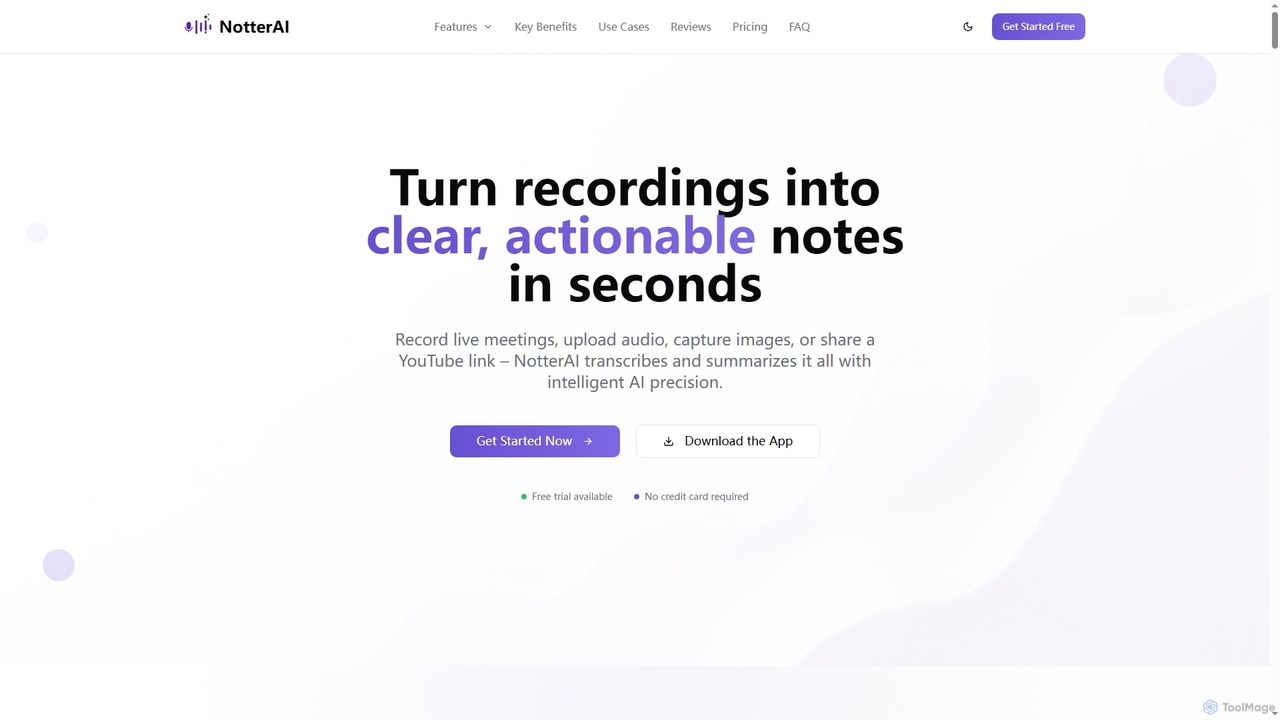
Notterai

Notterai is an AI-powered note-taker that transforms recordings, audio files, images, PDFs, and even YouTube videos into clear, …

2.5K
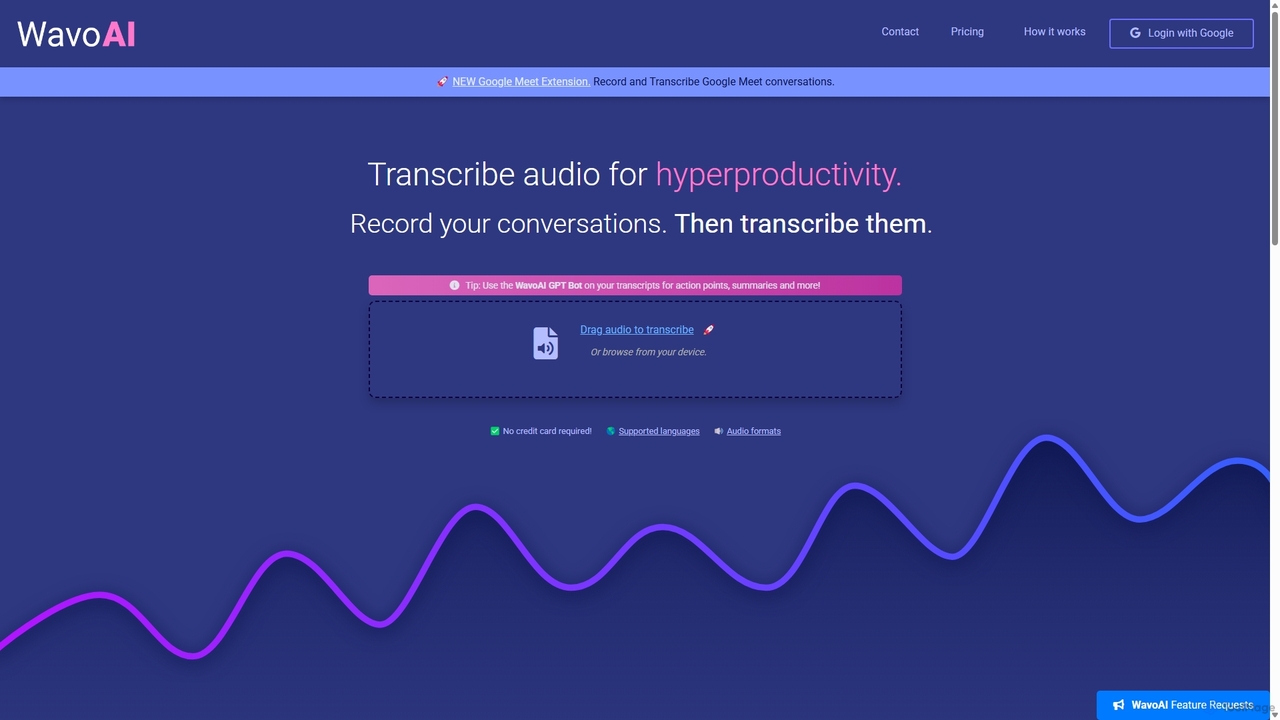
WavoAI

WavoAI

WavoAI is an AI-powered platform that transforms audio and conversations into highly accurate, actionable transcripts. It features speaker …

3.8K
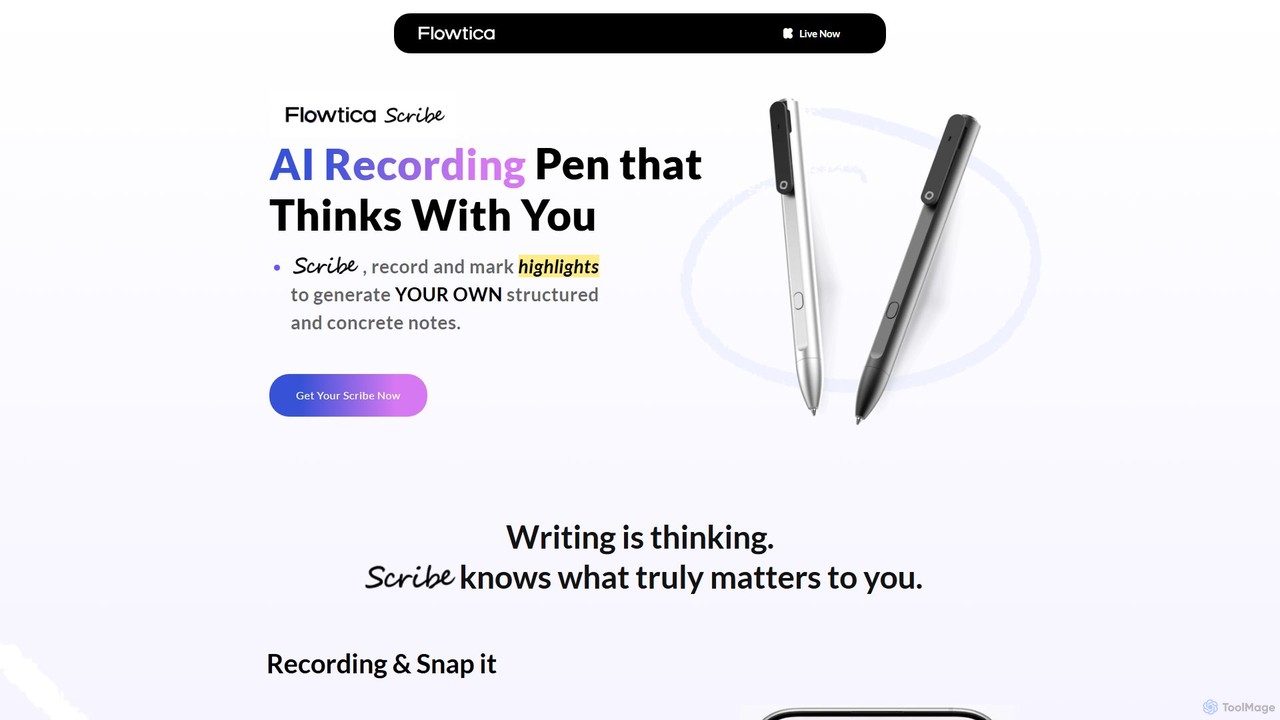
Flowtica Scribe

Flowtica Scribe

Flowtica Scribe is a revolutionary AI-powered recording pen designed to capture audio and generate personalized, structured notes. By …

68.0K
agilotext

agilotext

Agilotext is an AI-powered transcription service that converts audio and video files into accurate text. It specializes in …

7.8K

About Summarization

AI Summarization tools for meetings automatically condense lengthy audio recordings, video calls, and transcripts into concise, actionable summaries. Leveraging advanced Natural Language Processing (NLP), these tools identify key topics, decisions, and action items discussed during a meeting. This allows participants to quickly review crucial information or catch up on missed sessions without needing to watch the entire recording. Unlike general text summarizers, they are specifically optimized to understand conversational dynamics, distinguish between speakers, and extract structured outputs relevant to a professional meeting context.

Core Features

  • Action Item Extraction: Automatically identifies and lists tasks, deadlines, and assignees mentioned during the conversation.
  • Topic Segmentation: Breaks down the meeting into key discussion topics with corresponding summary points for easy navigation.
  • Speaker Identification: Attributes key comments, decisions, and action items to the correct participants in the summary.
  • Customizable Summary Formats: Offers various output styles, from brief bullet points to more detailed narrative paragraphs.
  • Keyword and Highlight Detection: Pinpoints and emphasizes important terms, metrics, or phrases discussed.

Use Cases

These tools are particularly valuable for project managers, team leaders, and consultants who attend numerous meetings. They are essential in remote or hybrid work environments where team members across different time zones need to stay aligned. Common applications include generating automated meeting minutes, creating a searchable archive of decisions, and quickly briefing stakeholders who were not present.

How to Choose

When selecting a meeting summarization tool, consider its transcription accuracy, especially for industry-specific jargon or various accents. Evaluate its integration capabilities with your calendar, video conferencing platforms (e.g., Zoom, Teams), and project management software. Also, assess the tool's security protocols for handling sensitive conversation data and check its support for the languages your team uses.

SummarizationUse Cases

1

Automating Post-Meeting Minutes

A project manager responsible for multiple concurrent projects uses an AI summarization tool to streamline their workflow. After each project sync meeting on Zoom, the tool automatically processes the recording. Within minutes, it generates a structured summary that includes key decisions made, a list of all action items with assigned owners, and highlights of unresolved issues. The manager quickly reviews and edits the summary, then shares it with the team via Slack, saving approximately 30-45 minutes of manual note-taking and minute-writing per meeting.

2

Catching Up on Missed Meetings for Remote Teams

A software developer working in a different time zone frequently misses the daily stand-up meetings. Instead of watching the full 30-minute recording, they use the AI summarizer integrated with their team's Google Meet. The tool provides a 3-minute bullet-point summary highlighting key progress updates, blockers identified, and any tasks assigned to them. This allows the developer to stay fully informed and aligned with the team's progress in a fraction of the time, ensuring they can start their workday with the right priorities without delay.

3

Extracting Key Insights from Client Calls

An account manager in a SaaS company uses an AI summarization tool to analyze client feedback calls. After a 1-hour call discussing feature requests and pain points, the tool generates a summary categorized by topics like 'Pricing Feedback', 'Feature Requests', and 'Integration Issues'. It also extracts specific action items, such as 'Follow up with engineering about API limits'. This structured summary allows the manager to quickly update the CRM, share precise feedback with the product team, and prepare for the next client check-in without re-listening to the entire call.

4

Creating a Knowledge Base from Internal Workshops

A corporate trainer conducts a series of technical workshops over Microsoft Teams. To make the content accessible for future reference, they use an AI summarization tool. The tool processes each 2-hour workshop recording and generates a detailed summary with chapters based on the topics covered. It also creates a list of all questions asked by participants and the answers provided. This content is then easily transferred to the company's internal knowledge base (e.g., Confluence), creating a searchable and digestible resource for employees to learn from asynchronously.

5

Generating Executive Summaries for Board Meetings

An executive assistant is tasked with preparing a summary of a 4-hour quarterly board meeting for the CEO. Instead of manually reviewing the entire transcript, they upload the recording to an AI summarization tool. They select the 'Executive Summary' format, which focuses on high-level strategic decisions, financial outcomes, and key directives. The tool produces a concise, one-page summary in a professional tone, which the assistant can quickly verify and forward. This process reduces a half-day task to under an hour, ensuring timely and accurate communication to senior leadership.

6

Onboarding New Team Members with Past Meeting Insights

A team lead is onboarding a new hire. To bring them up to speed on a project's history, the lead shares a curated list of AI-generated summaries from the past three months of key project meetings. The new hire can quickly read through the key decisions, understand the evolution of the project strategy, and identify key stakeholders and their roles. This self-service onboarding process is much more efficient than having the team lead spend hours verbally explaining the project's history, allowing the new member to become a productive contributor faster.

SummarizationFrequently Asked Questions