

Voxpad Overview
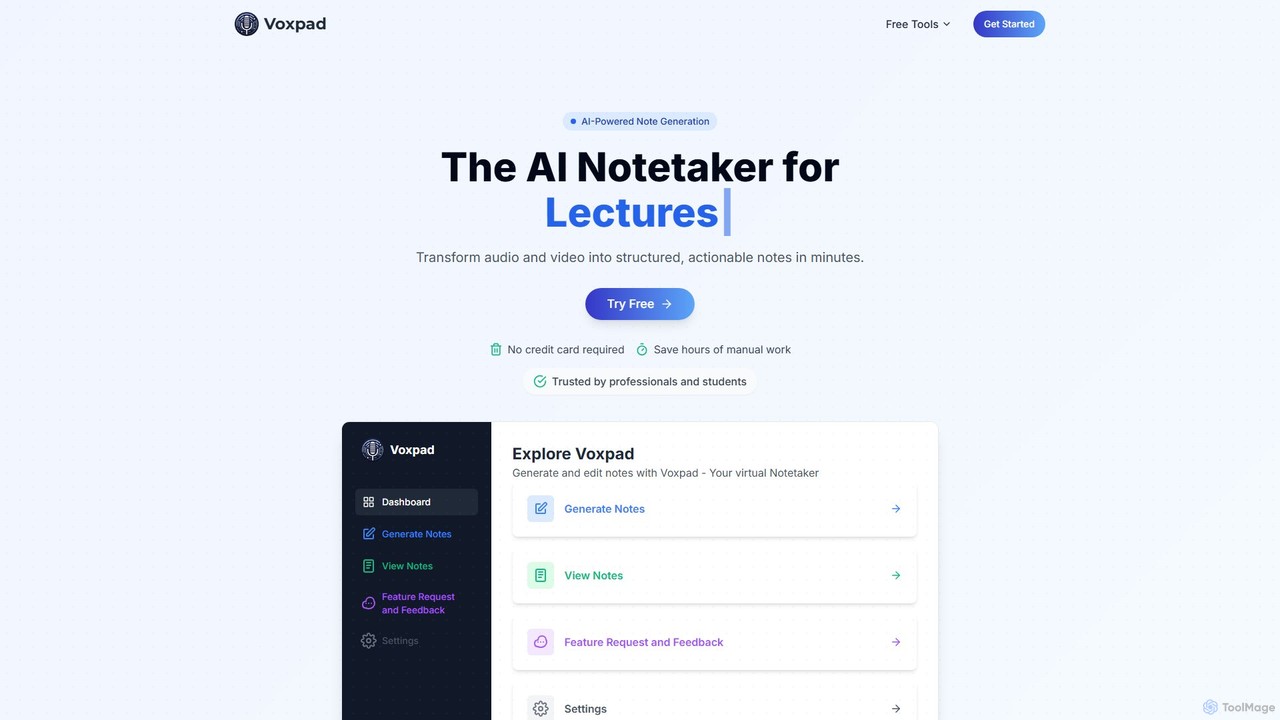
Voxpad is a sophisticated AI notetaker designed to streamline the process of converting spoken content from audio and video files into structured, actionable, and easily digestible notes. This powerful tool eliminates the need for manual transcription, saving users countless hours and allowing them to be more present and engaged during important events like lectures, meetings, interviews, or training sessions. By leveraging advanced AI, Voxpad delivers highly accurate transcriptions and intelligently organized notes, making it an indispensable asset for a wide range of users.
The platform is built for efficiency and ease of use. It supports a variety of common audio and video formats, allowing users to simply upload their files and let the AI handle the rest. The output is highly customizable, enabling users to choose between formats like bullet points, paragraphs, or structured outlines to best suit their needs. Whether you're a student needing to review lecture material, a professional capturing action items from a meeting, or a content creator repurposing a podcast into a blog post, Voxpad provides the tools to do so quickly and effectively.
How to use Voxpad
Using Voxpad is a straightforward, four-step process designed for maximum efficiency:
- Upload Content: Begin by dragging and dropping your video or audio files onto the Voxpad dashboard. The platform supports a wide array of formats, including .mp3, .mp4, .mpeg, .m4a, .wav, and .webm.
- Customize Output: After uploading, you fill out a simple form to specify your preferences. You can give your notes a title, select the style of the original content (e.g., Lecture, Meeting, Interview), and choose the desired format for your notes, such as bullet points, paragraphs, or an outline.
- AI Processing: Once your preferences are set, Voxpad's advanced AI gets to work. It first transcribes the audio with high precision, then analyzes the content to identify key points, speakers, and themes, and finally structures the information into your chosen format.
- Access Notes: In just a few minutes, your comprehensive notes are ready. You can then review, edit, search, and share the generated notes directly from your Voxpad dashboard, creating a searchable and organized knowledge base.
Core Features of Voxpad
- Industry-Leading Transcription Accuracy: Utilizes advanced AI to achieve up to 98% transcription accuracy, effectively handling various accents, speaking styles, and background noise.
- Multi-Language Support: Supports transcription and note generation in over 60 languages, making it a versatile tool for global users.
- AI-Powered Summarization & Editing: Goes beyond simple transcription to summarize long content, extract key insights, and provide AI-assisted editing to refine the final notes.
- Customizable Note Formats: Users can choose to structure their notes as detailed paragraphs, concise bullet points, or a formal outline, tailoring the output to their specific needs.
- Multi-Speaker Recognition: Intelligently identifies and distinguishes between different speakers in a recording, which is crucial for meeting and interview notes.
- Secure and Private: Ensures user data is protected and kept confidential, providing a secure environment for sensitive information.
- Organized & Searchable Knowledge Base: All generated notes are stored and organized in your account, creating a fully searchable repository of information.
Use Cases for Voxpad
Voxpad is a versatile tool that caters to various needs:
- For Students: Transform lengthy lectures into comprehensive study guides and searchable notes. Focus on understanding the material in class instead of frantically typing, and easily review key concepts with timestamps.
- For Professionals: Convert business meetings into actionable summaries, complete with assigned tasks and key decisions. Participate actively in discussions, knowing that every important detail is captured and can be shared instantly with the team.
- For Content Creators: Effortlessly repurpose audio and video content. Turn podcast episodes into blog posts, create social media snippets from long videos, or extract quotes for newsletters, maximizing your content's reach.
- For Researchers: Simplify the analysis of qualitative data. Transcribe interviews and focus groups with precision, easily extract quotes for publications, and conduct thematic analysis across multiple recordings to identify patterns and insights.
Advantages of Voxpad
The primary advantage of Voxpad is its ability to dramatically increase productivity. It saves hours of manual labor, provides highly accurate and reliable output, and transforms unstructured audio/video into an organized, searchable knowledge base. This allows users to focus on higher-value tasks like analysis, learning, and active participation, rather than tedious note-taking.
Pricing and Plans
Voxpad offers a flexible, freemium pricing model to suit different usage levels, including a free trial that does not require a credit card.
- Weekly Plan: $5/week. Includes 300 tokens (for up to 5 hours of audio/video) and storage for up to 25 sets of notes. Ideal for infrequent use or as an extended trial.
- Monthly Plan (Most Popular): $10/month. Includes 600 tokens (for up to 10 hours of audio/video), storage for up to 100 sets of notes, and supports files up to 30 minutes in length.
- Monthly Pro Plan: $20/month. Includes 1500 tokens (for up to 25 hours of audio/video), storage for up to 500 sets of notes, and supports files up to 60 minutes in length.
Voxpad Alternatives
Hurd.ai
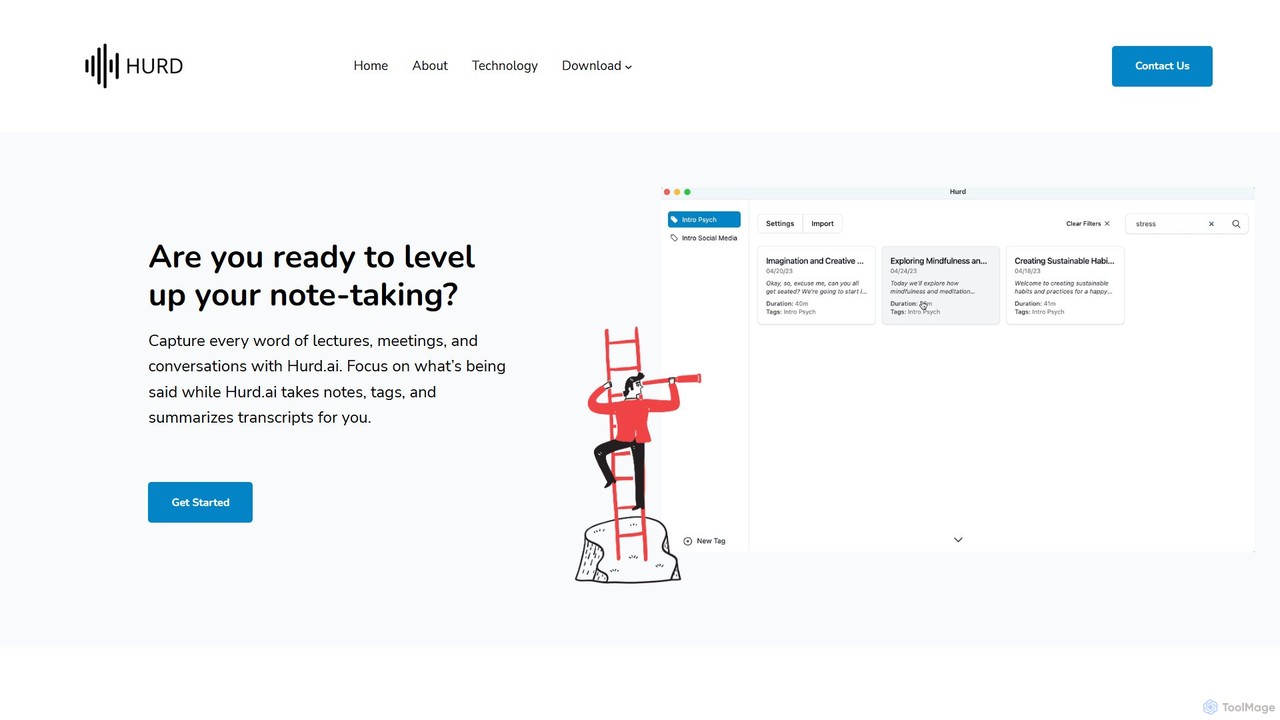
Hurd.ai is a free, privacy-focused AI transcription tool for macOS. It automatically transcribes, summarizes, and tags your lectures, meetings, and conversations from audio/video files. Powered by OpenAI's Whisper, it offers high accuracy in over 90 languages. All processing is done locally on your device, ensuring your data remains private. Ideal for students, professionals, and anyone needing to capture spoken information without the distraction of manual note-taking.
Speech To Text
itingnao
itingnao is an AI-powered assistant that transcribes audio and video into text. It offers real-time transcription, file uploads, and video link parsing. Key features include automatic summarization, key point extraction, and AI-driven Q&A on your content. Designed for students, professionals, and content creators, it streamlines note-taking, meeting minutes generation, and subtitle creation across web, iOS, and Android platforms.
Speech To Text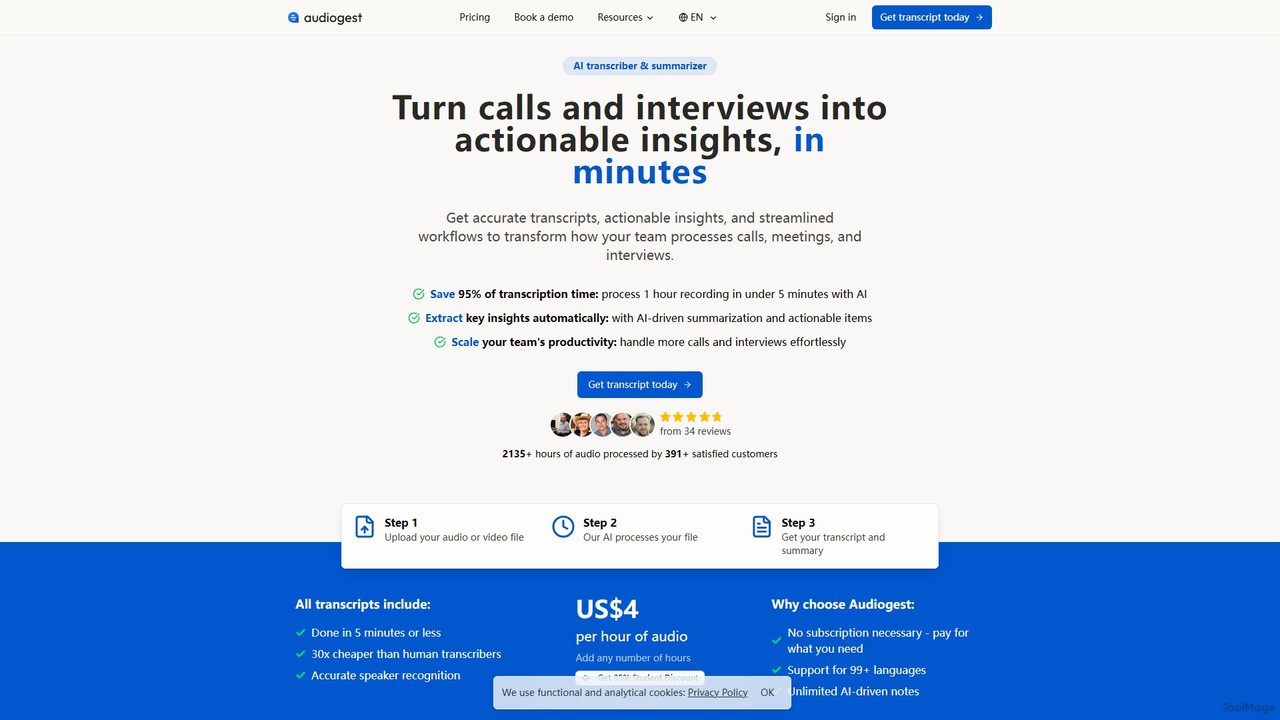
Audiogest
Audiogest is an AI-powered tool that quickly and accurately transcribes and summarizes audio and video files in over 99 languages. It features speaker recognition, customizable AI notes, and flexible pay-as-you-go pricing. Ideal for students, researchers, and professionals, it saves hours of manual work while ensuring data privacy with EU-based servers. Get fast, affordable, and reliable transcripts and summaries without a subscription.
Speech To Text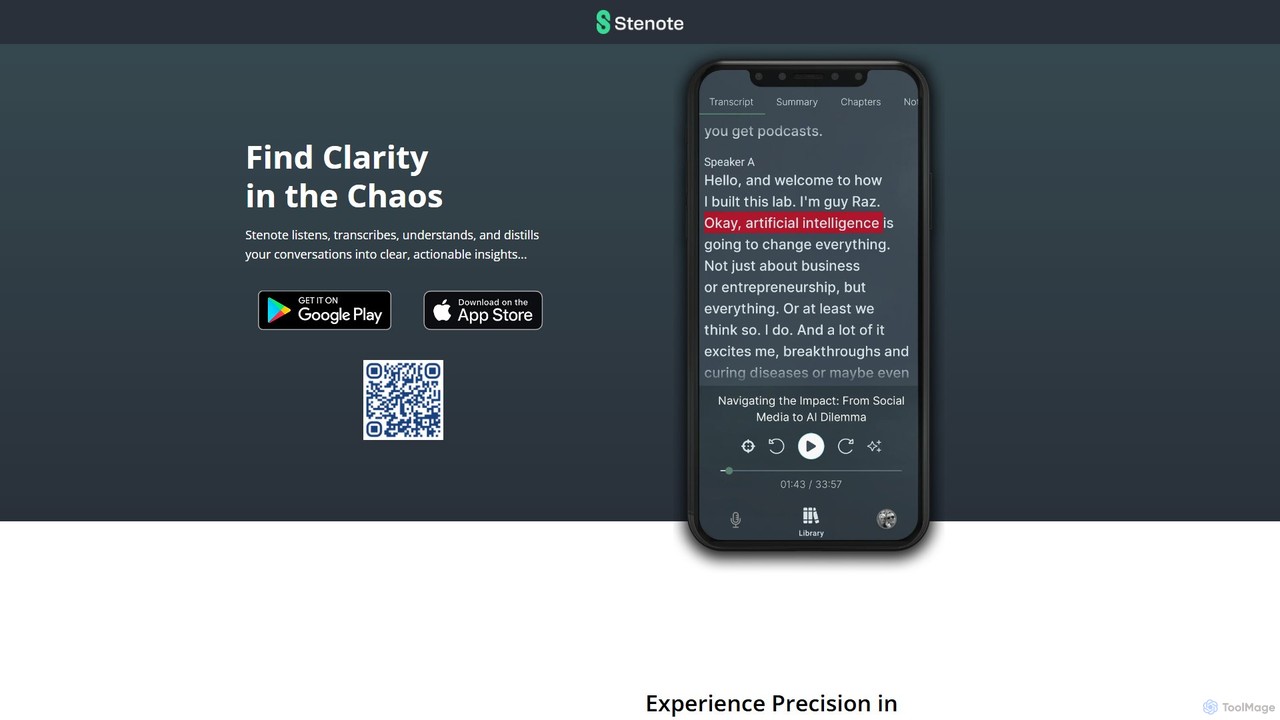
Stenote
Stenote is an AI-powered mobile app that listens to, transcribes, and summarizes your conversations in real-time. It transforms lengthy discussions, meetings, and lectures into clear, actionable insights with over 90% accuracy, helping you focus on the conversation without worrying about note-taking.
Speech To Text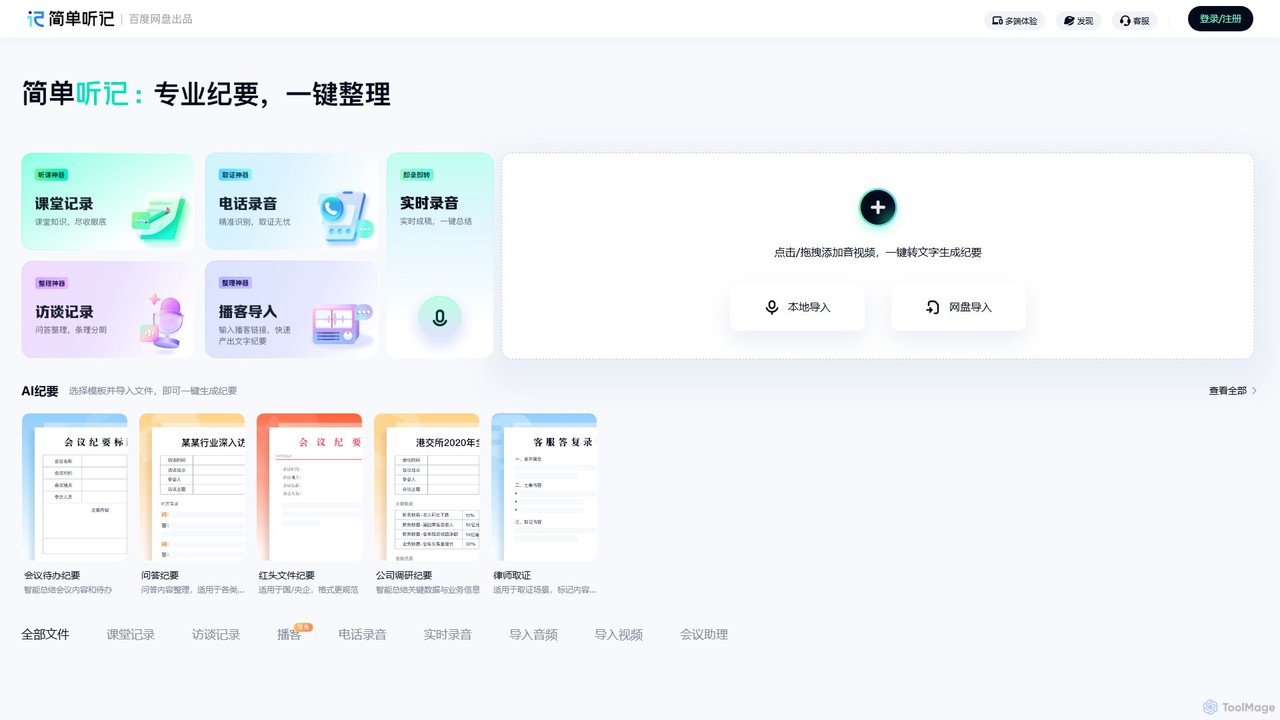
Tingji
Tingji is an all-in-one AI-powered audio and video transcription expert from Baidu. It accurately converts speech to text, generates intelligent summaries, extracts key information, and creates structured meeting minutes, boosting productivity for professionals and students.
Speech To TextVoxpad Categories
Voxpad Embed Widget
Copy this embed code to place the badge on your blog, article, or product site and send readers directly to this ToolMage detail page.

Related AI tools
SpeakNotes
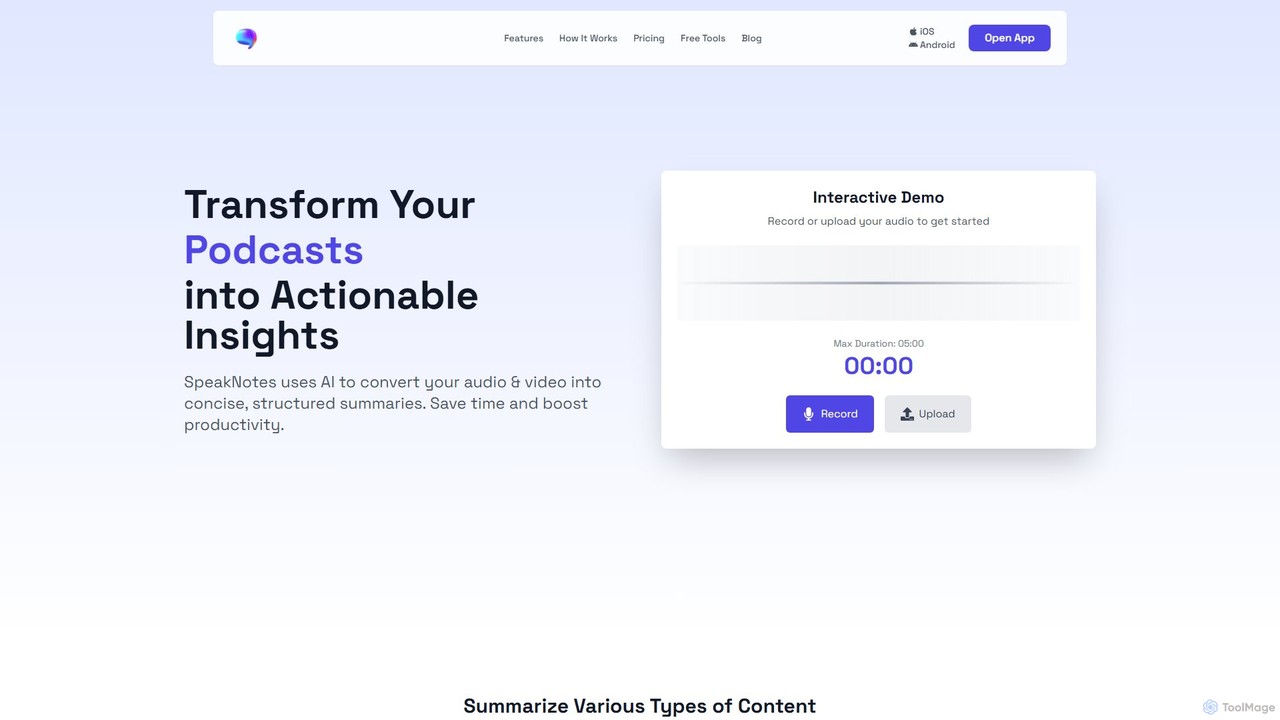
SpeakNotes is an AI-powered tool that transforms audio and video content into accurate transcripts and concise, structured summaries. It supports various file formats, multiple languages, and offers diverse output styles to boost productivity for students, professionals, and content creators.
Transcription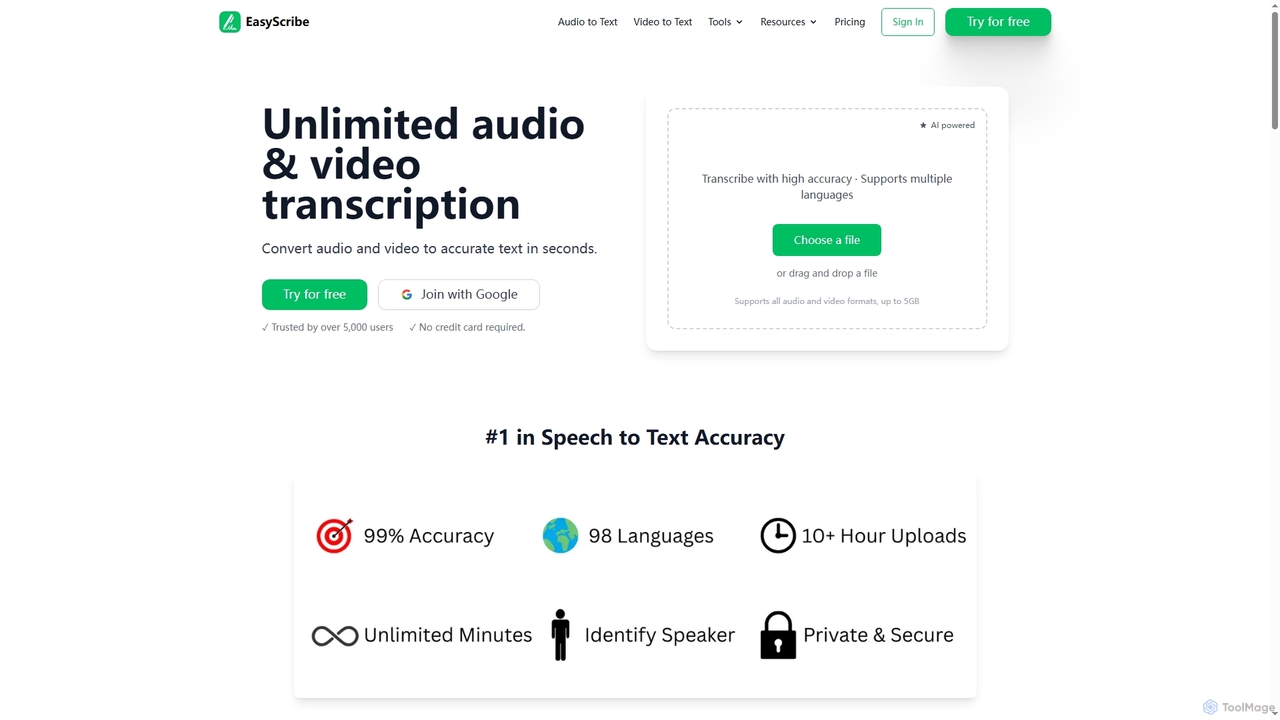
EasyScribe
EasyScribe is an AI-powered transcription tool that converts audio and video files into accurate text in seconds. It supports 98+ languages, offers speaker identification, and allows translation to 134+ languages, making it ideal for global communication and content creation.
Meeting Management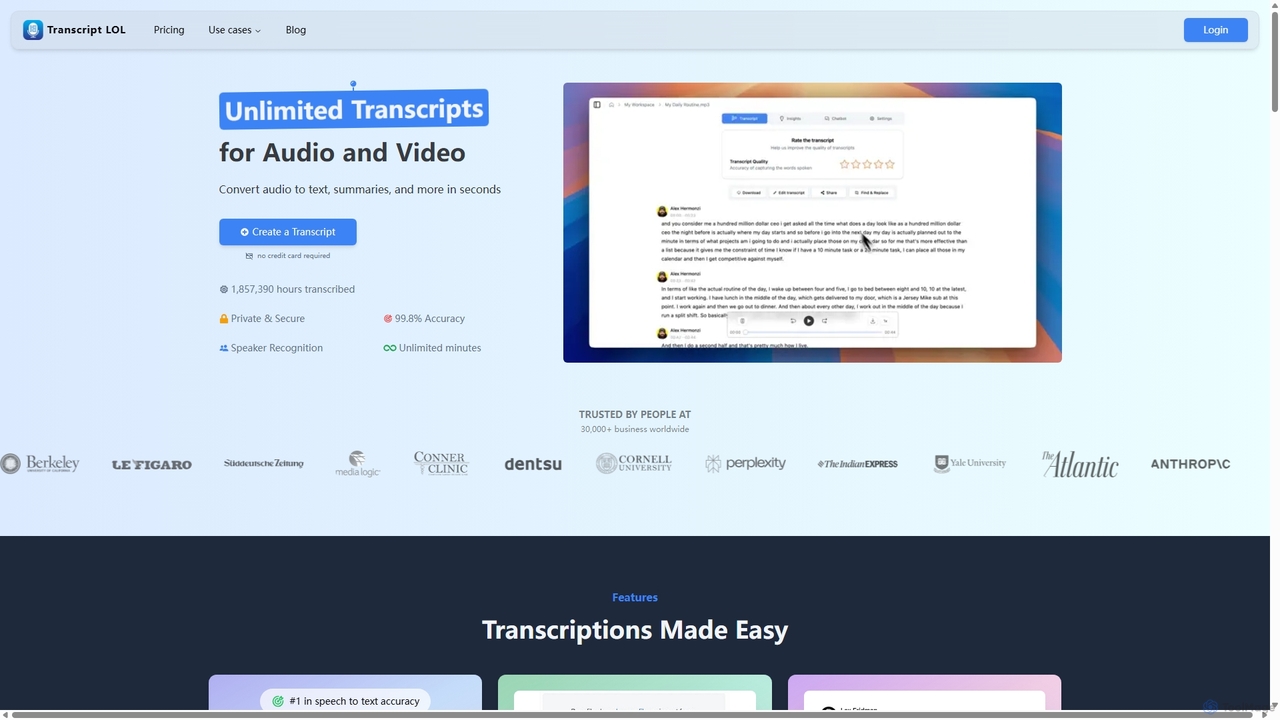
Transcript LOL
Transcript LOL is an AI-powered transcription service that rapidly converts audio and video files into accurate text. It offers unlimited transcriptions, speaker recognition, and advanced AI features to generate summaries, blog posts, social media content, and more, streamlining content creation and analysis workflows.
Speech To Text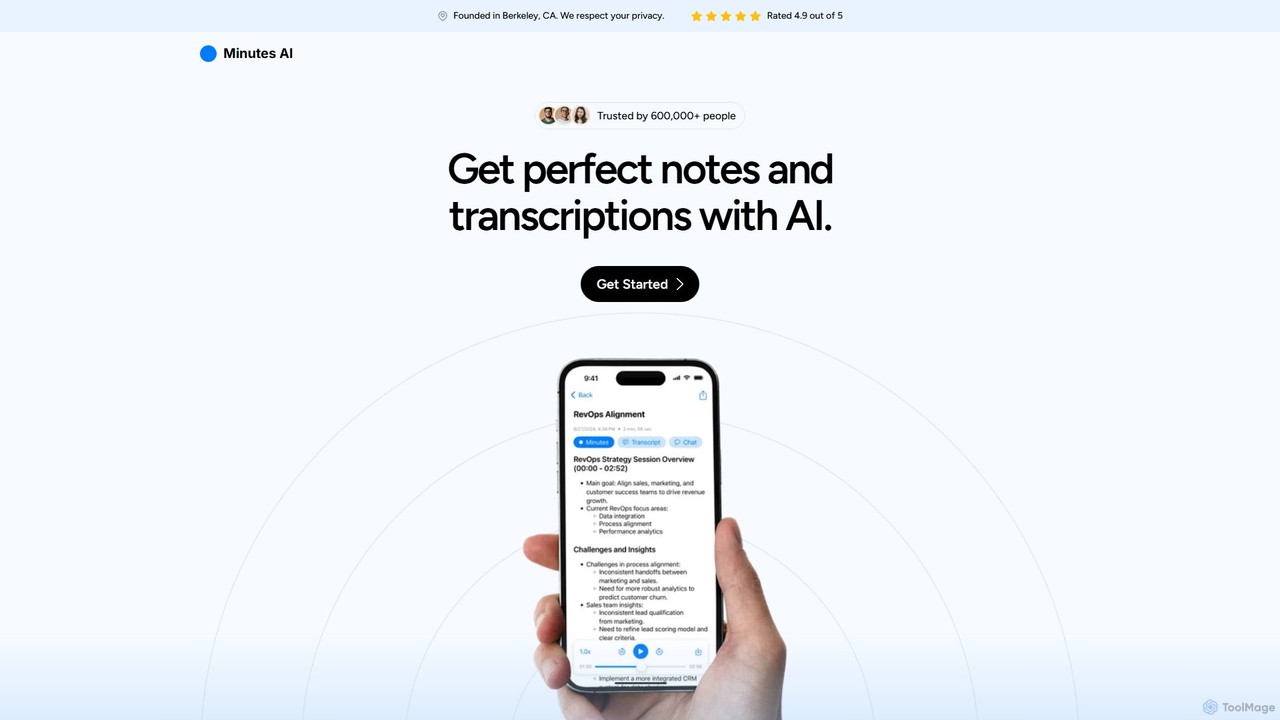
myminutes
myminutes is an AI-powered tool that automates note-taking and transcription from audio. It instantly converts live recordings, audio files, or YouTube videos into beautifully formatted, summarized notes and accurate transcripts, allowing you to focus on the conversation.
Meeting Assistant
OneAudio
OneAudio is an AI-powered tool that transcribes, summarizes, and converts your audio recordings into structured, clean notes. Instantly capture ideas, meeting minutes, or lecture content by recording directly or uploading an audio file, and let the AI generate concise, editable summaries.
Summarizer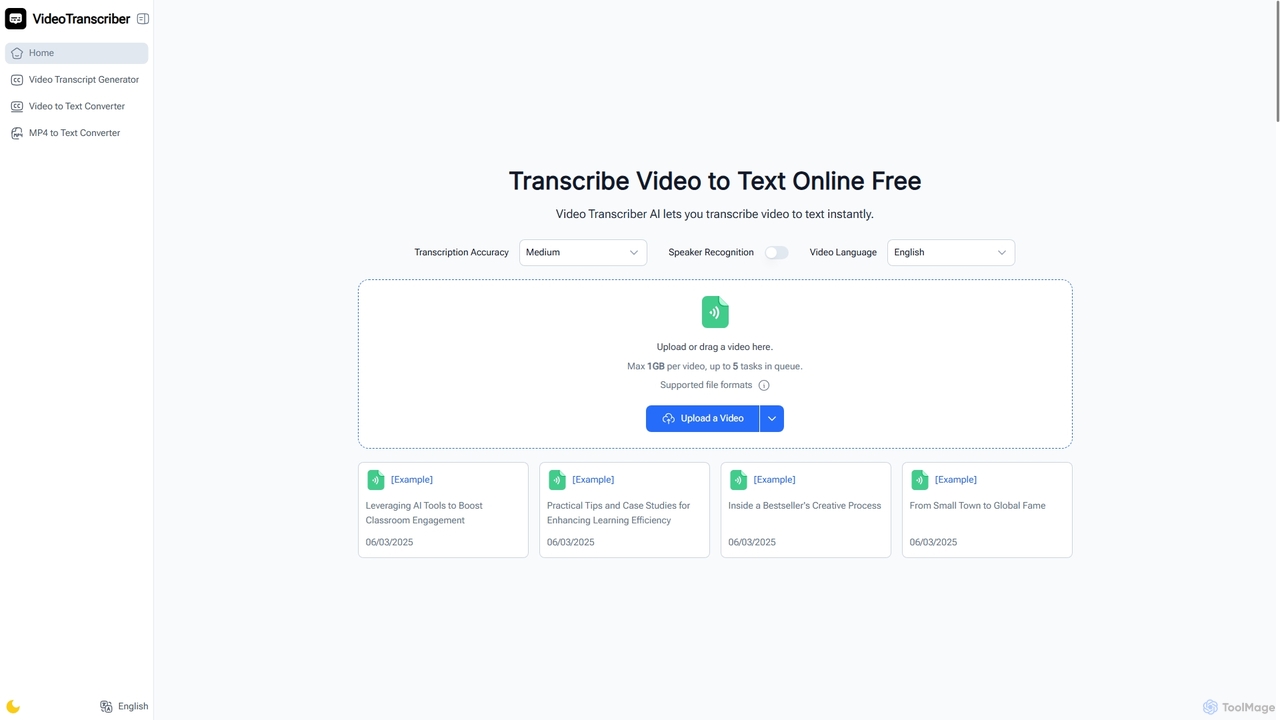
Video Transcriber AI
Video Transcriber AI is a free online tool that instantly converts video content into accurate, readable text. It supports various formats like MP4, YouTube links, and Zoom recordings, making it ideal for students, professionals, and content creators to quickly get transcripts without any sign-up.
Meeting Tools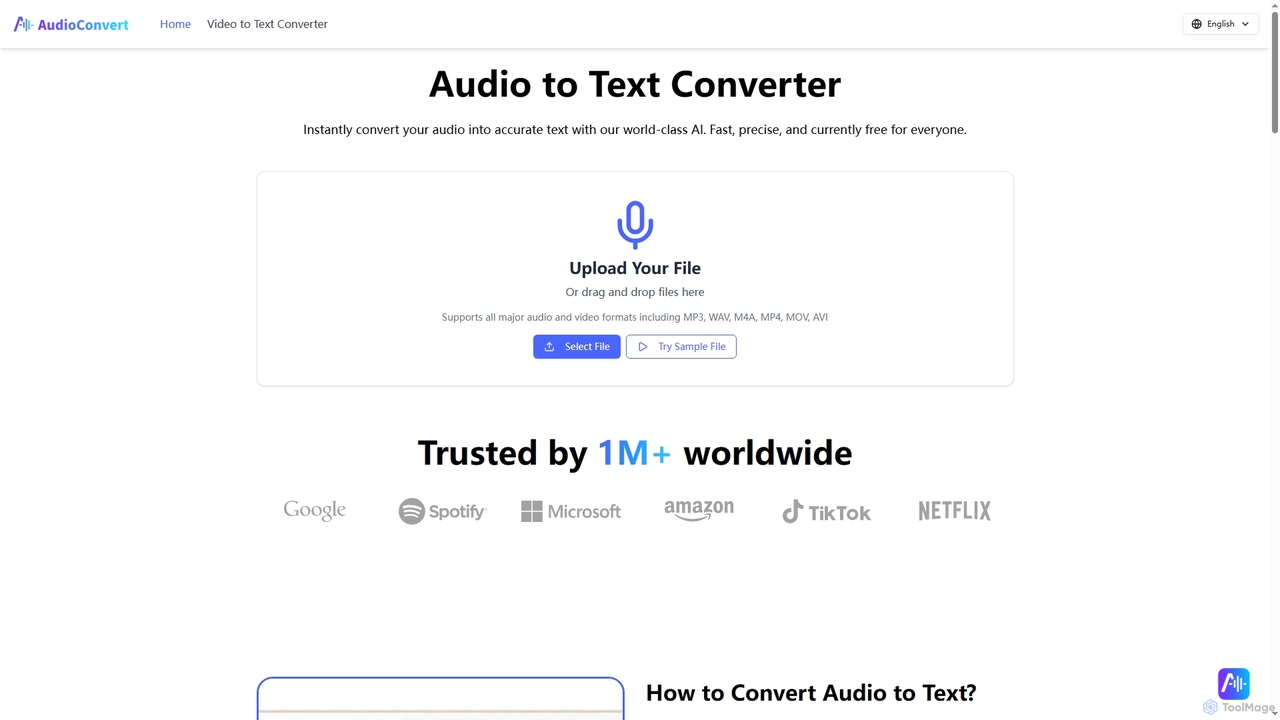
Audioconvert
Audioconvert is an AI-powered tool that swiftly and accurately converts audio and video files into text transcripts. It supports major formats, identifies multiple speakers, provides precise timestamps, and offers various export options like TXT, DOCX, and SRT, all currently available for free.
Meeting Managementitingnao
itingnao is an AI-powered assistant that transcribes audio and video into text. It offers real-time transcription, file uploads, and video link parsing. Key features include automatic summarization, key point extraction, and AI-driven Q&A on your content. Designed for students, professionals, and content creators, it streamlines note-taking, meeting minutes generation, and subtitle creation across web, iOS, and Android platforms.
Speech To TextAudiogest
Audiogest is an AI-powered tool that quickly and accurately transcribes and summarizes audio and video files in over 99 languages. It features speaker recognition, customizable AI notes, and flexible pay-as-you-go pricing. Ideal for students, researchers, and professionals, it saves hours of manual work while ensuring data privacy with EU-based servers. Get fast, affordable, and reliable transcripts and summaries without a subscription.
Speech To TextStenote
Stenote is an AI-powered mobile app that listens to, transcribes, and summarizes your conversations in real-time. It transforms lengthy discussions, meetings, and lectures into clear, actionable insights with over 90% accuracy, helping you focus on the conversation without worrying about note-taking.
Speech To Text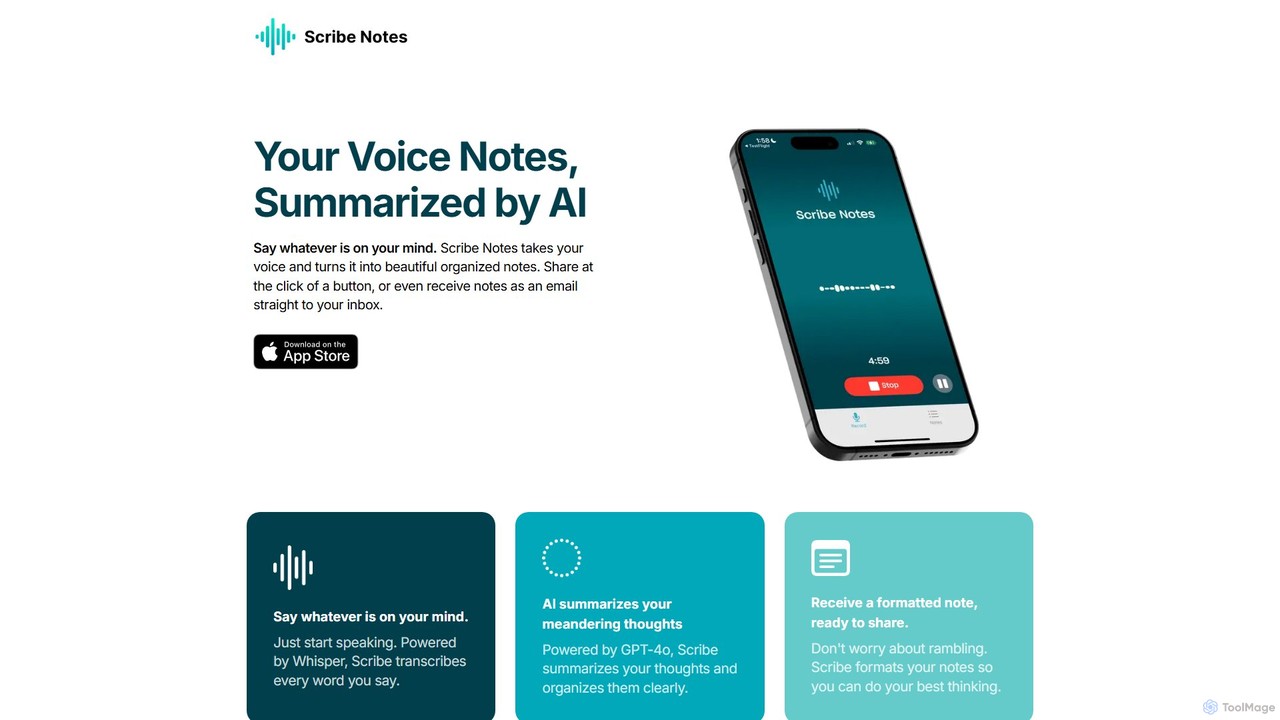
Scribe Notes
Scribe Notes is an AI-powered voice memo app for iOS that transcribes and summarizes your spoken thoughts. Capture ideas on the go with your iPhone or Apple Watch, and receive organized, actionable notes automatically.
Transcription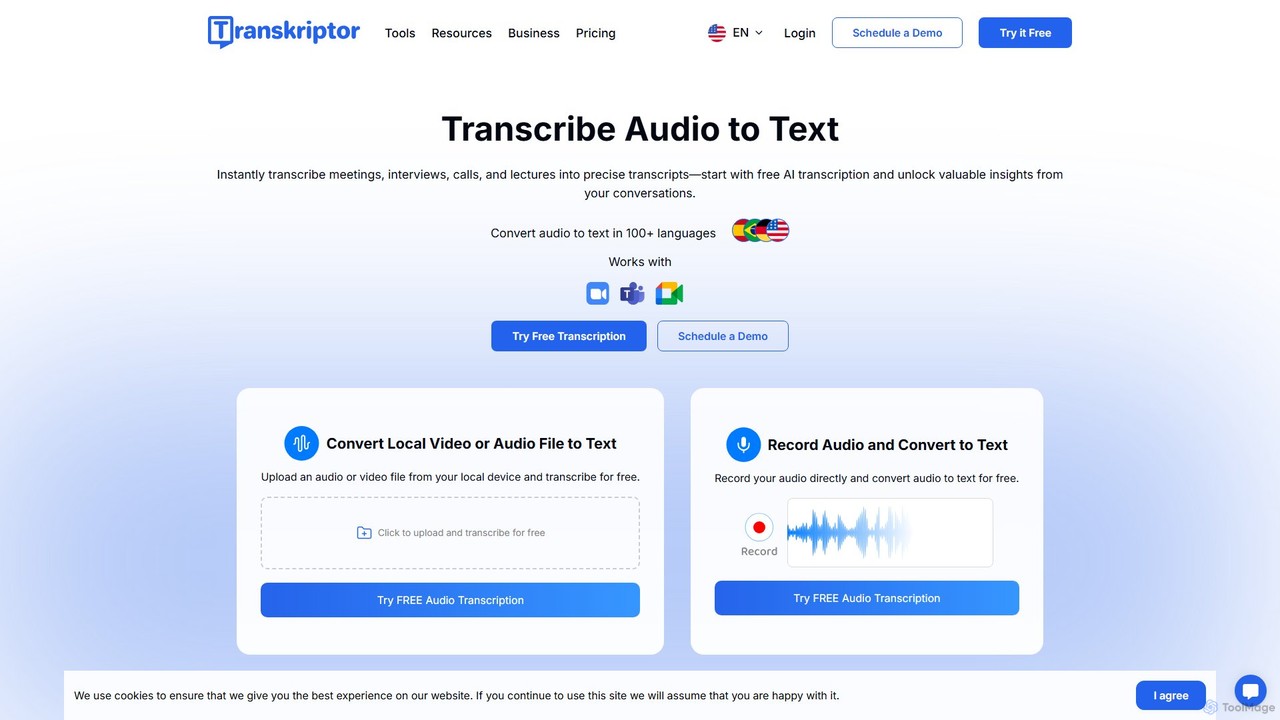
Transkriptor
Transkriptor is an AI-powered transcription service that converts audio and video files into accurate, editable text in over 100 languages. It features an AI assistant for summarizing content, identifying speakers, and extracting action items. Ideal for meetings, interviews, lectures, and content creation, it offers up to 99% accuracy and integrates with platforms like Zoom, Google Meet, and Microsoft Teams. Available as a web app, mobile app, and Chrome extension, it streamlines note-taking and creates a searchable knowledge base from your conversations.
Speech To Text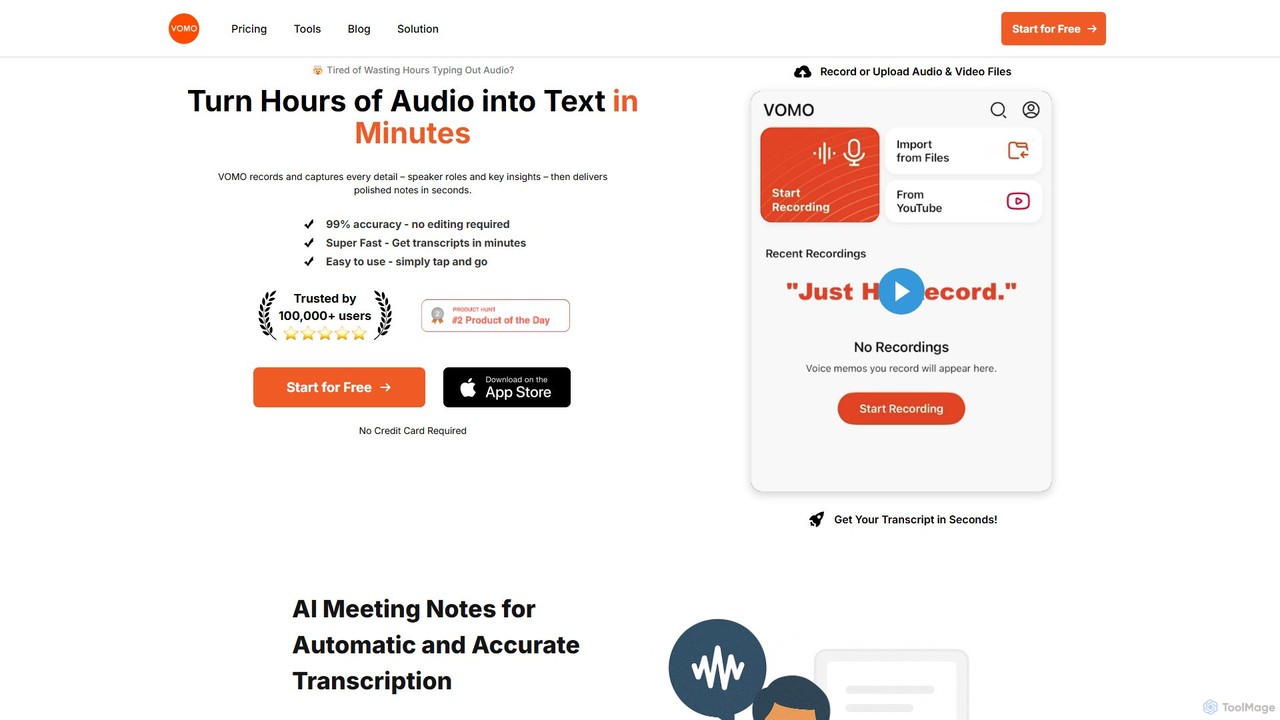
VOMO
VOMO is an AI-powered tool that transcribes audio and video into text in minutes with 99% accuracy. It automatically generates meeting notes, summaries, and identifies speakers, helping users save time and boost productivity. It supports various file uploads, including YouTube links, and offers features like AI-powered Q&A and smart templates.
Speech To Text
Cockatoo
Cockatoo is an AI-powered transcription service that converts audio and video files into text with blazing speed and up to 99.8% accuracy. It supports over 90 languages, offers various export formats, and includes features like document translation and secure cloud storage. Ideal for professionals, content creators, and teams.
Speech To Text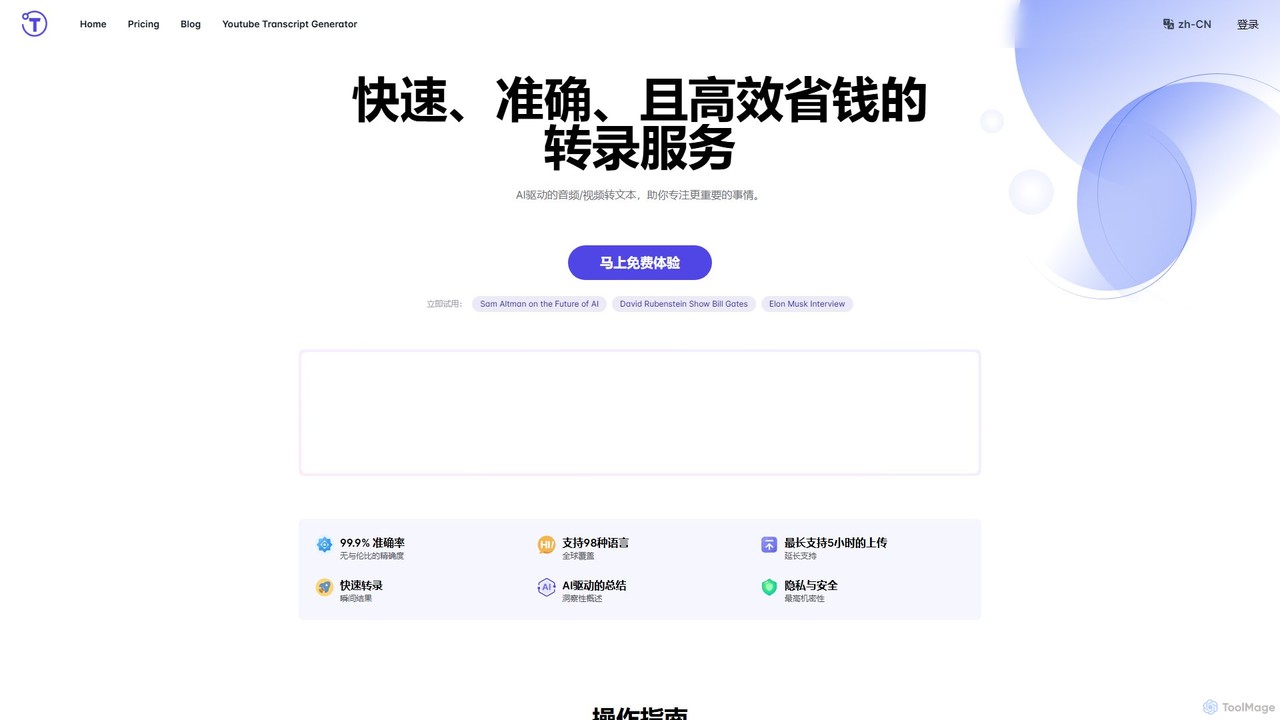
yescribe
yescribe is an AI-powered transcription service that quickly and accurately converts audio and video files into text. Supporting 98 languages, it offers 99.9% accuracy, AI-driven summaries, and speaker identification. Ideal for professionals, researchers, and content creators to streamline workflows, enhance accessibility, and unlock insights from their media content.
Speech To Text
Voxpad Comments (0)
Sign in to comment.
Sign inNo comments yet.