

Audioenhancer.ai Overview
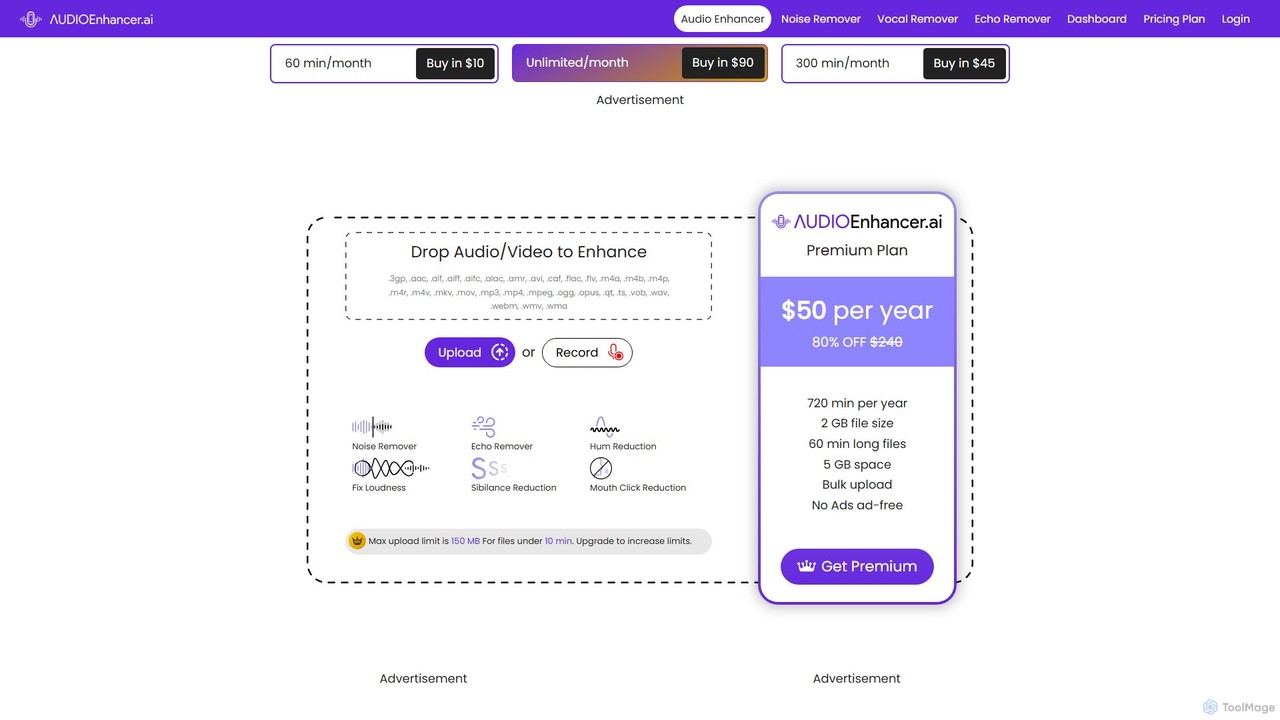
Audioenhancer.ai is a sophisticated, web-based AI tool engineered to dramatically improve the quality of your audio and video files. Say goodbye to distracting background noise, reverb, and other common audio issues that can degrade your content. With just a single click, this powerful sound enhancer cleans and clarifies your audio, making it perfect for a wide range of applications, from professional podcasts and YouTube videos to music recordings and important conference calls. The platform supports a vast array of file formats, ensuring seamless integration into your existing workflow.
How to use Audioenhancer.ai
The process is designed for simplicity and speed, allowing anyone to achieve professional results in three easy steps:
- Upload Your File: Simply drag and drop your audio or video file onto the platform. You can also record audio directly on the site. The tool supports numerous formats, including .mp3, .wav, .mp4, .mov, and many more.
- Select Enhancements: Choose from a suite of AI-powered enhancement tools. You can select "Clean Speech" for an all-in-one fix or individually apply features like Noise Remover, Echo Remover, Hum Reduction, and Loudness Fix. The AI analyzes your file and applies the necessary corrections.
- Download Your File: Preview the enhanced audio to hear the difference. Once you're satisfied, you can export the cleaned file in your desired format (e.g., MP3, WAV, AAC) and quality settings.
Core Features of Audioenhancer.ai
- Noise Remover: Intelligently suppresses static, hum, wind, and other persistent background sounds to isolate the main vocals or instruments.
- Echo & Reverb Remover: Effectively clears echoes and reverberation caused by room acoustics, making speech crisp and clear.
- Clean Speech: An all-in-one function that automatically reduces mouth clicks, plosives (harsh 'p' and 'b' sounds), and sibilance (sharp 's' sounds) for polished voice recordings.
- Fix Loudness: Automatically balances and normalizes the volume levels throughout your track, ensuring a consistent and pleasant listening experience.
- Vocal Remover: A feature available in premium plans that can isolate or remove vocals from a music track, creating instrumental or acapella versions.
- Broad Format Support: Compatible with a wide range of audio and video file types, including .mp3, .mp4, .wav, .flac, .mov, .avi, and more.
- Bulk Processing: Premium users can upload and process multiple files simultaneously, significantly speeding up their workflow.
- Cloud Storage: Paid plans include dedicated cloud storage space to save and manage your files online.
Use Cases for Audioenhancer.ai
Audioenhancer.ai is a versatile tool for anyone who works with audio:
- Podcasters: Elevate the production value of your podcasts by ensuring every episode has pristine, clear audio, free from background noise and echo. This leads to a more engaging and professional listener experience.
- Video Creators: Enhance the audio in your YouTube videos, social media reels, and online courses. Clear audio is crucial for keeping your audience engaged and conveying your message effectively.
- Musicians and Producers: Clean up raw vocal or instrument recordings, remove unwanted room noise from demos, or refine tracks before final mixing and mastering.
- Professionals and Students: Improve the clarity of recorded meetings, interviews, lectures, and conference calls, ensuring no important details are lost in the noise.
Advantages of Audioenhancer.ai
The platform offers several key benefits:
- Ease of Use: The intuitive interface and one-click processing make professional audio enhancement accessible to everyone, regardless of technical skill.
- AI-Powered Quality: Leverages advanced AI algorithms to deliver superior results that often surpass traditional manual editing techniques.
- Time-Saving: Automates a tedious and time-consuming process, allowing creators to focus on their content rather than technical editing.
- Web-Based Convenience: No need to download or install heavy software. Access the tool from any browser, anywhere.
- Flexible and Affordable: Offers a free tier for quick tasks and a range of affordable subscription plans tailored to different usage levels, from beginners to professional studios.
Pricing and Plans
Audioenhancer.ai operates on a freemium model with several plans to fit different needs:
- Free Plan: Allows users to test the service with limitations, such as a 150 MB upload limit for files under 10 minutes. History is not saved.
- Basic Plan: Priced at $10 per month. Includes 60 minutes of processing per month, 2 GB file size limit, 1-hour file duration limit, and 5 GB of cloud storage.
- Pro Plan: Designed for creators, priced at $45 per month. Offers 300 minutes of processing per month, 2 GB file size limit, 2-hour file duration limit, and 10 GB of cloud storage.
- Studio Plan: For professionals and YouTubers, priced at $90 per month. Provides unlimited processing minutes, a 4 GB file size limit, 3-hour file duration limit, and 20 GB of cloud storage.
- Annual Offer: A special annual plan is also available for $50 per year, which includes 720 minutes per year (averaging 60 minutes/month).
All premium plans offer bulk uploads, an ad-free experience, and no ReCaptchas.
Traffic
Latest traffic
Status
Monthly traffic trend
- 2025-9: 333.7K
- 2026-1: 169.0K
- 2026-2: 108.9K
- 2026-3: 128.1K
- 2026-4: 128.2K
- 2026-5: 146.2K
Geography
Top 5 countries / regions
- 🇺🇸United States33.6%
- 🇮🇳India19.1%
- 🇮🇩Indonesia18.0%
- 🇳🇬Nigeria15.6%
- 🇨🇦Canada13.8%
Traffic sources
| Source type | Percentage |
|---|---|
Direct | 94.0% |
Referral | 5.0% |
Email | 1.0% |
Top keywords
| Keyword | Cost per click |
|---|---|
| ai audio enhancer | $1.08 |
| audio enhancer | $0.55 |
| audio enhancer ai | $0.41 |
| vocal remover | $0.28 |
| voice enhancer | $0.38 |
Audioenhancer.ai Alternatives
AudioCleaner AI
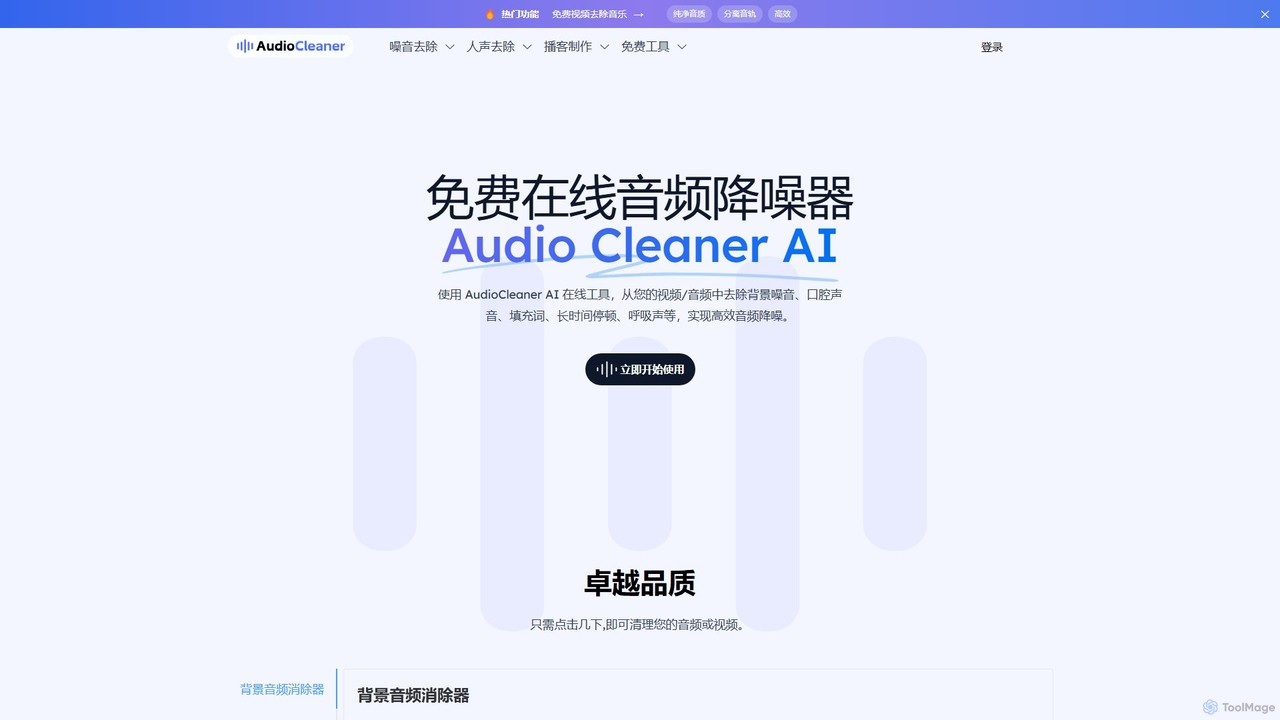
A powerful, free online AI tool that cleans audio and video by removing background noise, music, breathing, mouth clicks, and filler words. Ideal for podcasters, creators, and musicians seeking studio-quality sound with just a few clicks.
Audio Editing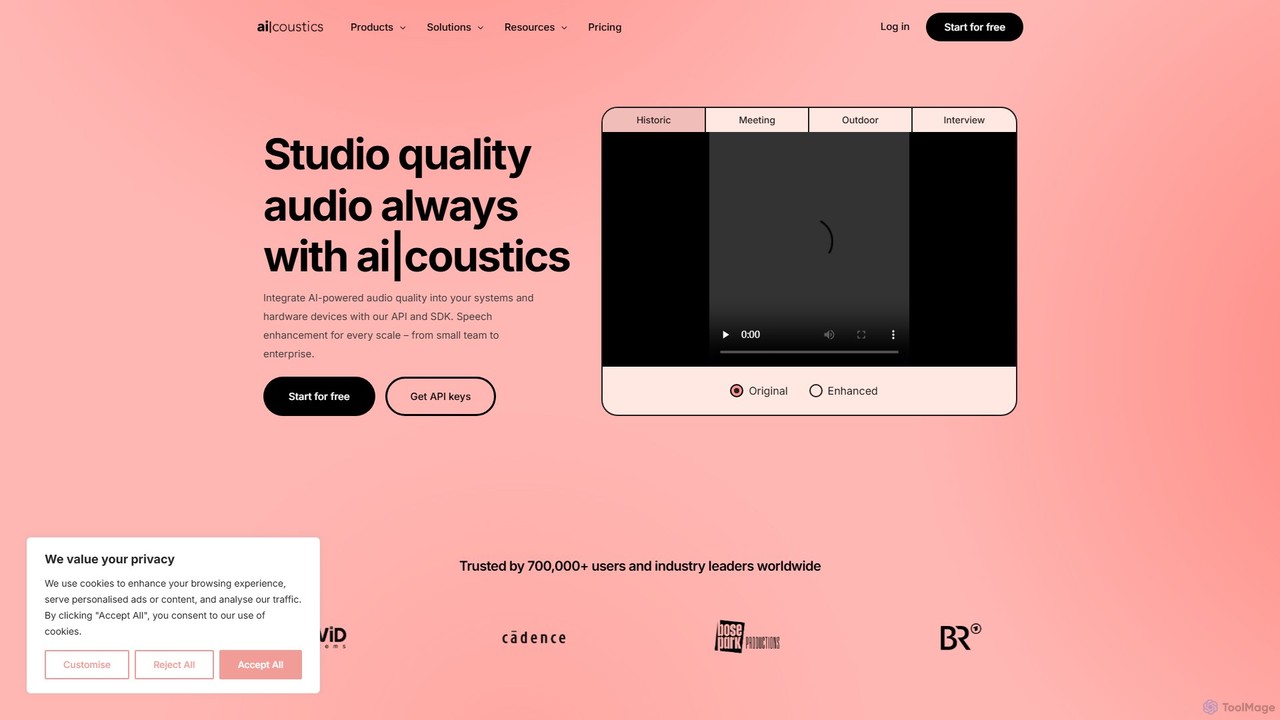
ai_coustics
ai_coustics is an AI-powered audio enhancement platform designed to automatically clean and improve audio quality. It specializes in noise reduction, speech enhancement, and dereverberation, making it ideal for podcasters, video creators, and developers who need studio-quality sound without complex editing.
Audio Editing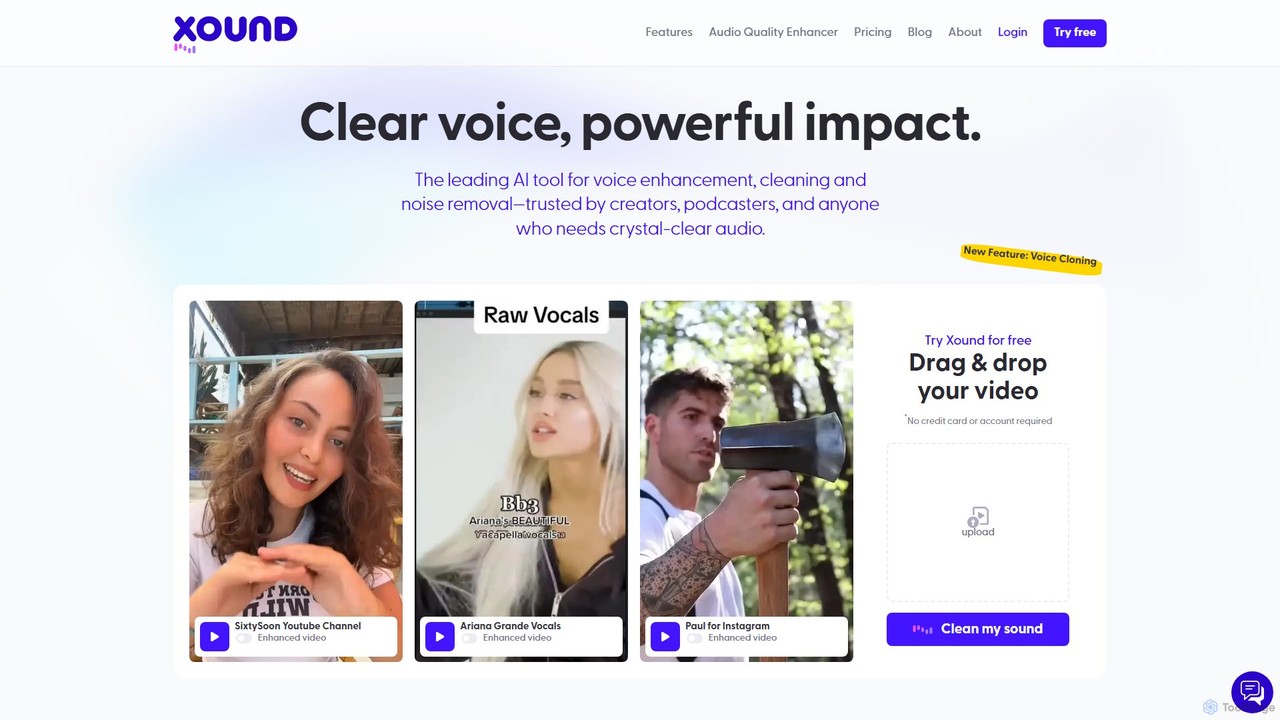
xound
xound is an AI-powered audio enhancement tool designed for content creators. It automatically removes background noise, cleans up voice recordings, and optimizes audio for platforms like YouTube, TikTok, and podcasts. With features like natural pitch correction, voice cloning, and secure local processing, xound helps creators achieve professional, studio-quality sound with a simple drag-and-drop interface.
Audio Editing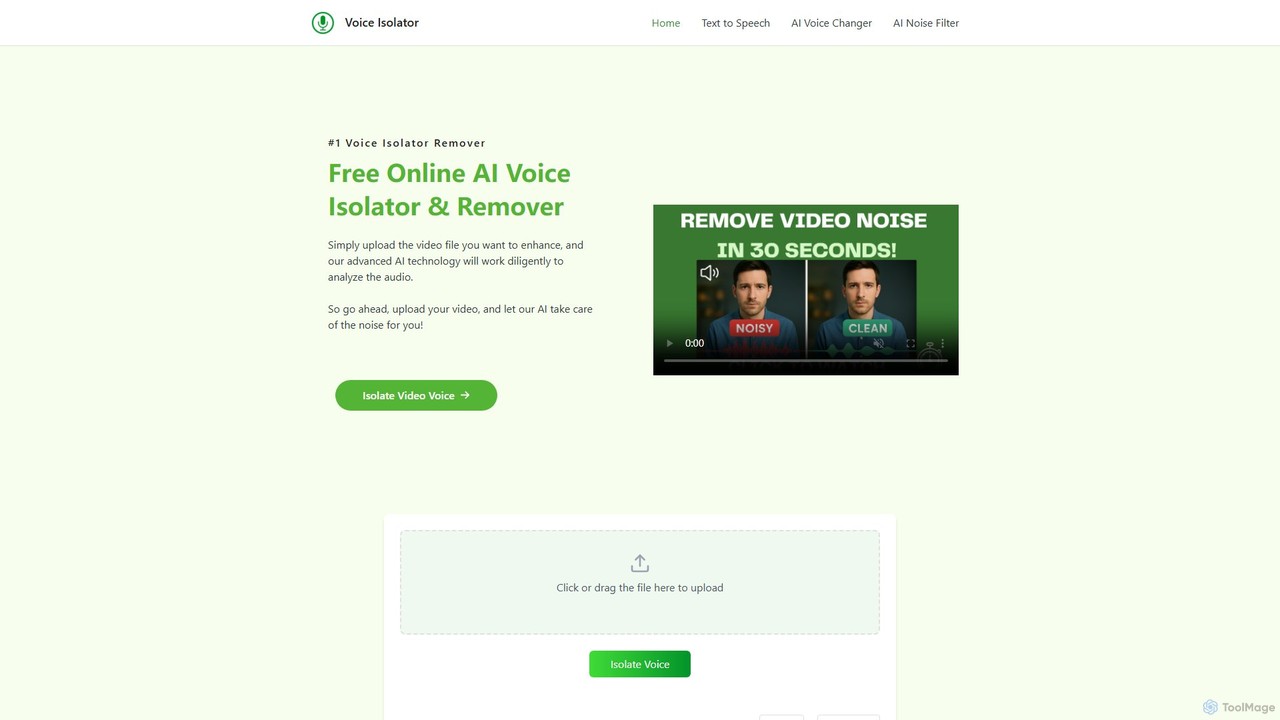
voiceisolator
An AI-powered online tool designed for high-quality voice isolation, background noise removal, and stem separation from audio/video files. It also features a versatile Text-to-Speech (TTS) generator to create natural-sounding voiceovers. Ideal for musicians, content creators, and video editors.
Audio Editing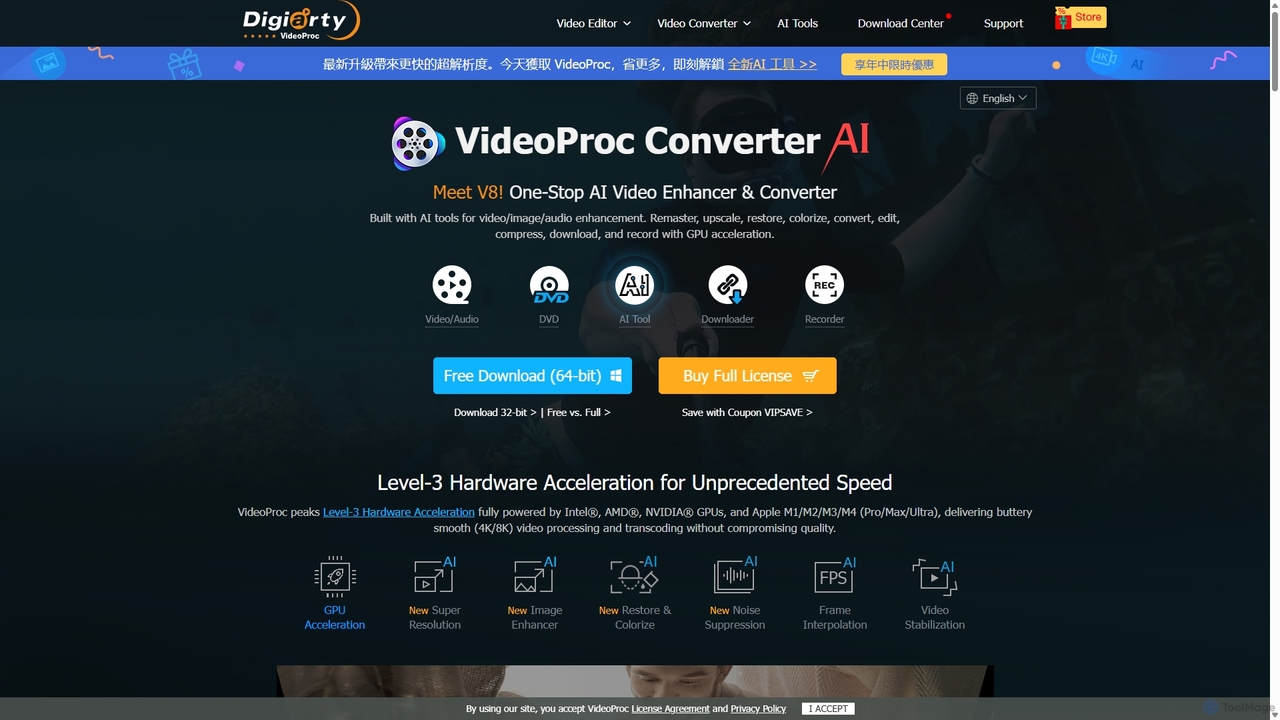
VideoProc
VideoProc is a one-stop, AI-powered media processing suite. It enhances, converts, edits, compresses, downloads, and records 4K/8K videos with full GPU acceleration. Its AI tools upscale video/images, stabilize shaky footage, interpolate frames for smooth motion, and remove background noise from audio.
Audio EditingAudioenhancer.ai Categories
Audioenhancer.ai Embed Widget
Copy this embed code to place the badge on your blog, article, or product site and send readers directly to this ToolMage detail page.

Related AI tools
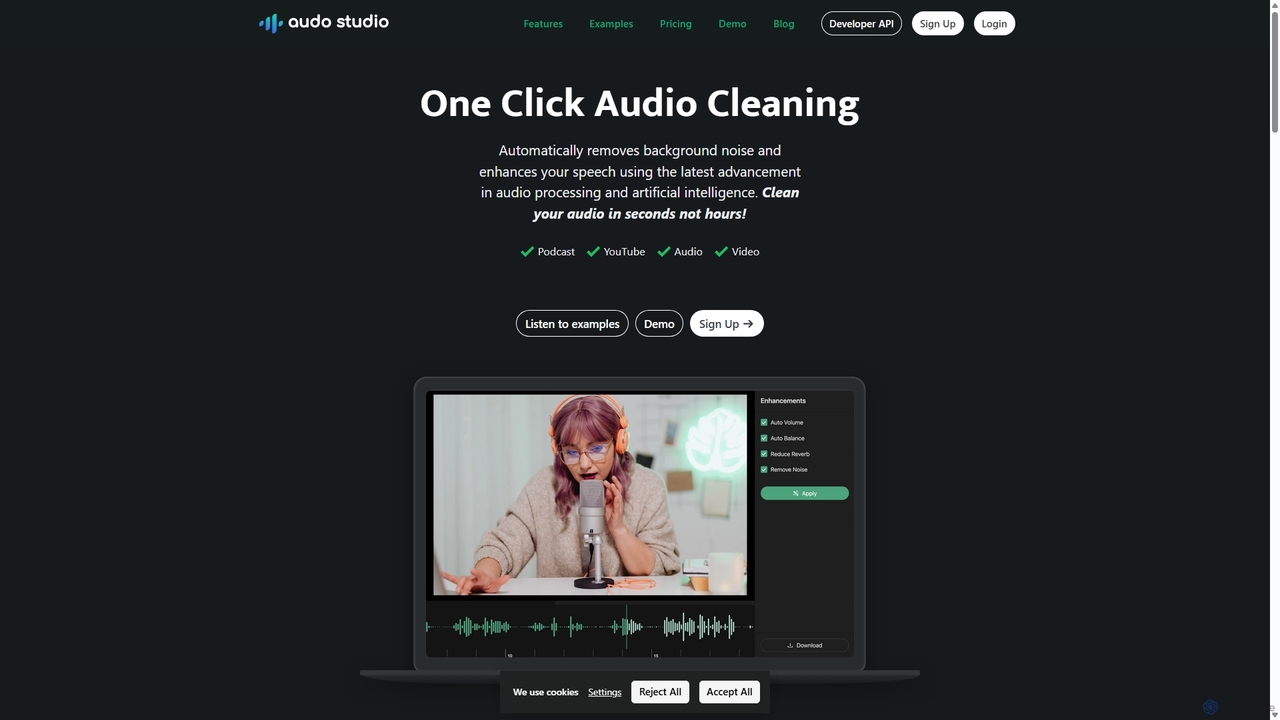
Audo Studio
Audo Studio is an AI-powered audio cleaning tool that removes background noise, reduces echo, and automatically levels volume with a single click. It's designed for content creators, podcasters, and video producers to achieve studio-quality sound effortlessly, without needing complex audio engineering skills.
3DAudioCleaner AI
A powerful, free online AI tool that cleans audio and video by removing background noise, music, breathing, mouth clicks, and filler words. Ideal for podcasters, creators, and musicians seeking studio-quality sound with just a few clicks.
Audio Editingai_coustics
ai_coustics is an AI-powered audio enhancement platform designed to automatically clean and improve audio quality. It specializes in noise reduction, speech enhancement, and dereverberation, making it ideal for podcasters, video creators, and developers who need studio-quality sound without complex editing.
Audio Editing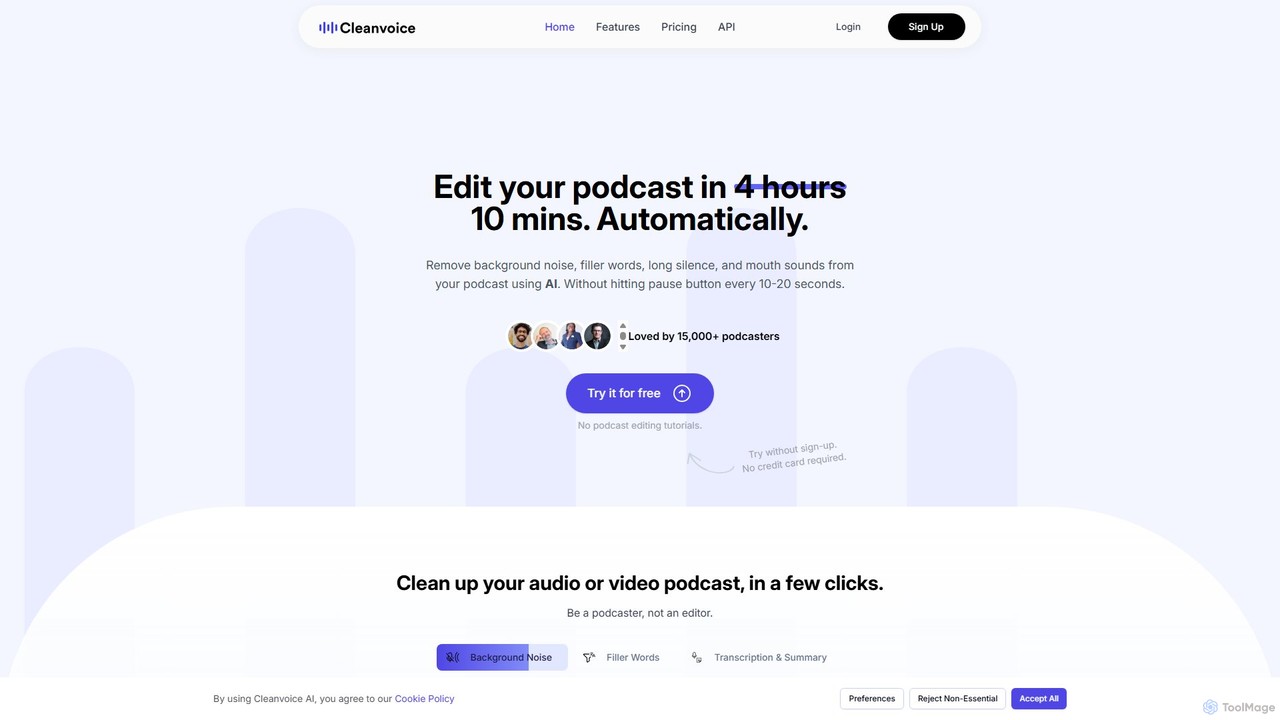
Cleanvoice
Cleanvoice is an AI-powered audio and video editor designed for podcasters and content creators. It automatically removes filler words, background noise, mouth sounds, and long silences from recordings. With features like transcription, summarization, and multitrack editing, it streamlines post-production, saving hours of manual work and delivering studio-quality sound in just a few clicks.
3D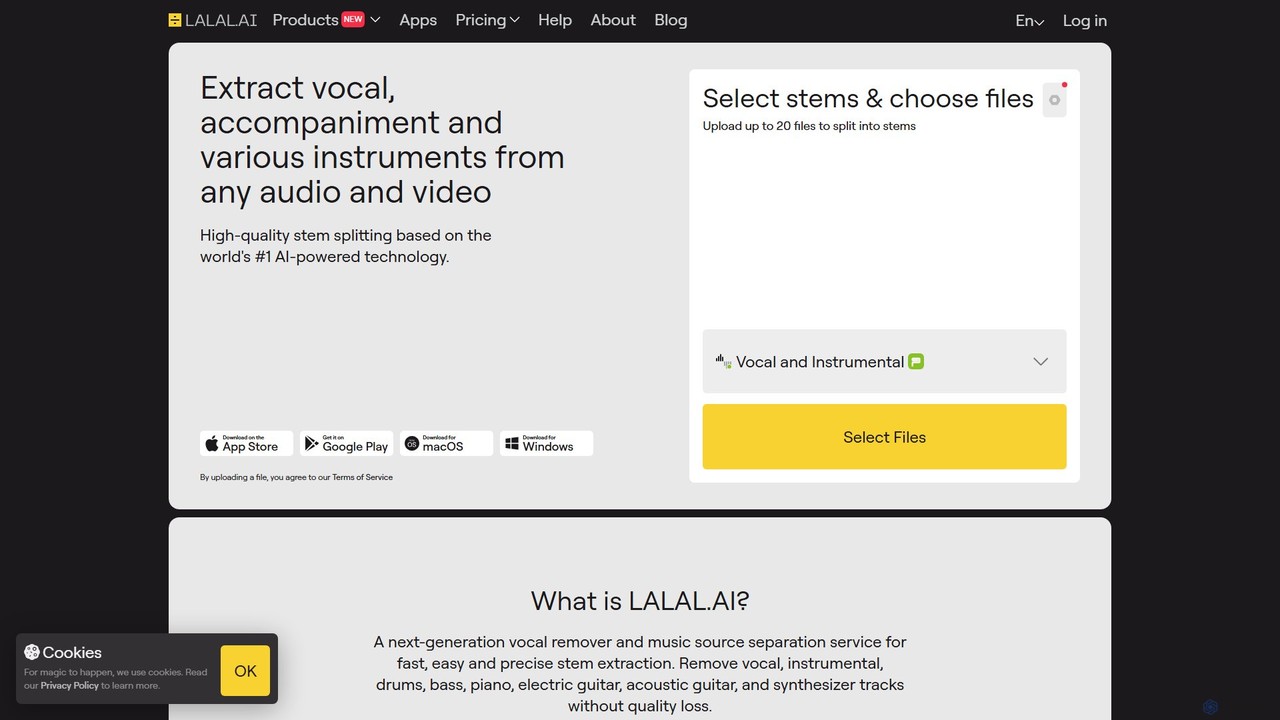
LALAL.AI
LALAL.AI is a next-generation AI-powered service for high-quality vocal and instrumental stem separation. It allows users to quickly and accurately extract up to 10 different stems—including vocals, drums, bass, piano, and more—from any audio or video file. The platform also features a Voice Cleaner for noise reduction, an Echo Remover, and a Voice Cloner, making it a comprehensive toolkit for musicians, producers, and content creators.
Music Editing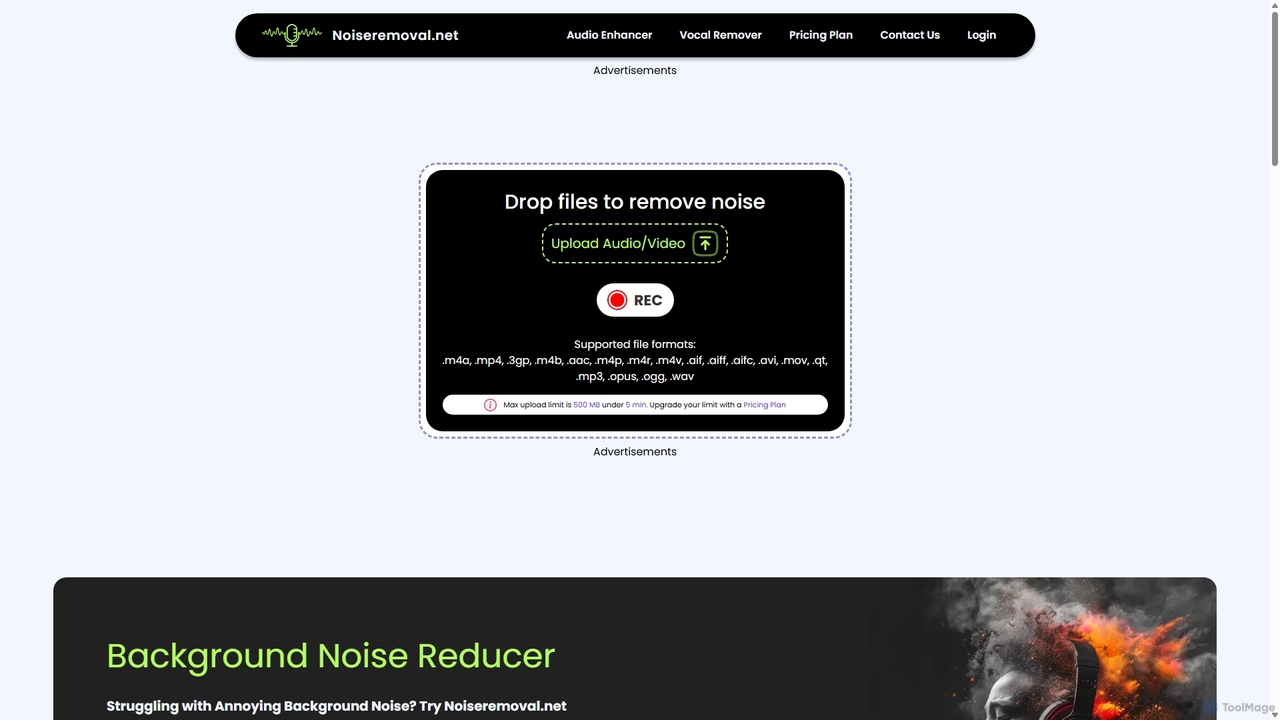
Noiseremoval.net
Noiseremoval.net is an AI-powered online tool designed to enhance audio quality effortlessly. It offers a suite of features including background noise removal from audio and video, a comprehensive audio enhancer to clarify speech and fix levels, and a vocal remover to isolate instrumentals. Ideal for content creators, podcasters, and musicians seeking professional-grade sound with a simple, one-click interface.
3D
Jyek
Jyek is an AI agent platform that understands objectives, creates execution plans, uses tools, and delivers verifiable results for complex, multi-step tasks.
Automation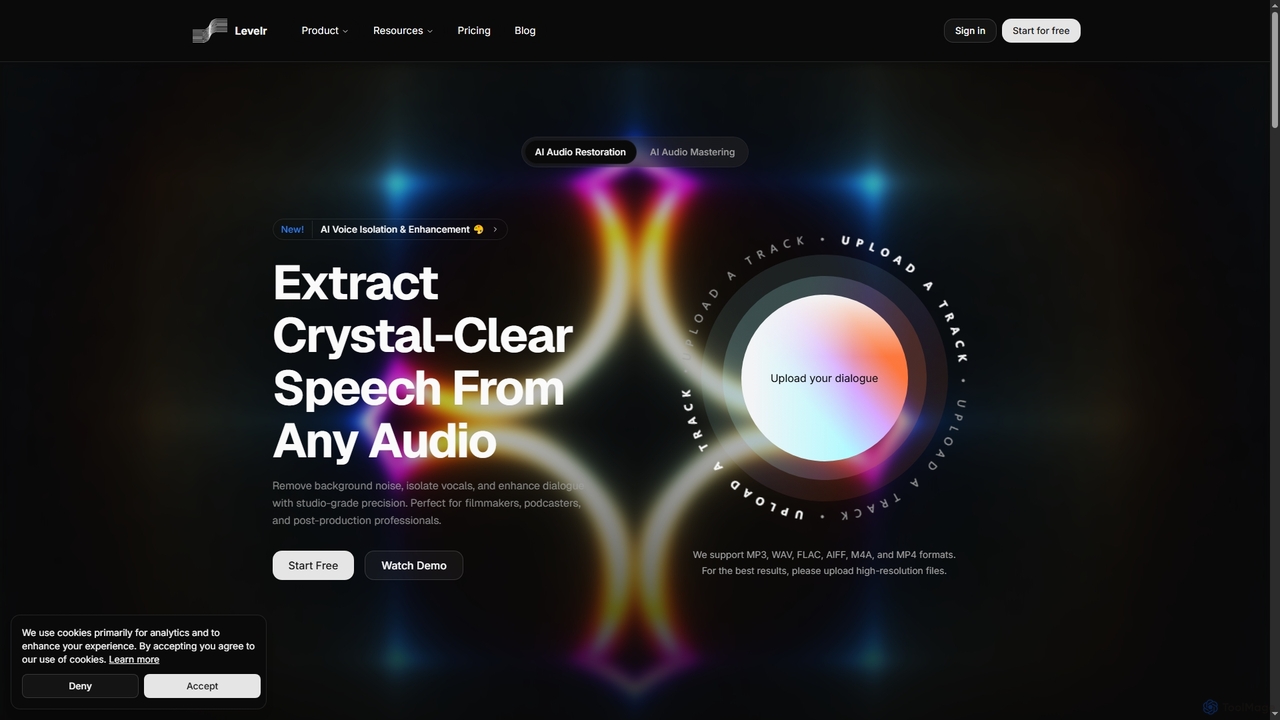
Levelr
Levelr is an AI-powered audio platform offering studio-grade audio restoration, voice isolation, speech enhancement, and professional music mastering. It helps filmmakers, podcasters, music producers, and live streamers achieve crystal-clear sound by removing noise, isolating vocals, and optimizing tracks for release.
MasteringVideoProc
VideoProc is a one-stop, AI-powered media processing suite. It enhances, converts, edits, compresses, downloads, and records 4K/8K videos with full GPU acceleration. Its AI tools upscale video/images, stabilize shaky footage, interpolate frames for smooth motion, and remove background noise from audio.
Audio Editing
HitPaw Online
HitPaw Online is a comprehensive suite of AI-powered media editing tools. Accessible directly from your browser, it offers over 48 tools for enhancing photos, editing videos, and improving audio. Key features include an AI photo and video enhancer, background and watermark remover, and an AI video translator with voice cloning. It's designed for users of all levels, from social media creators to marketing professionals, providing a one-stop solution for all creative needs.
Audio Editing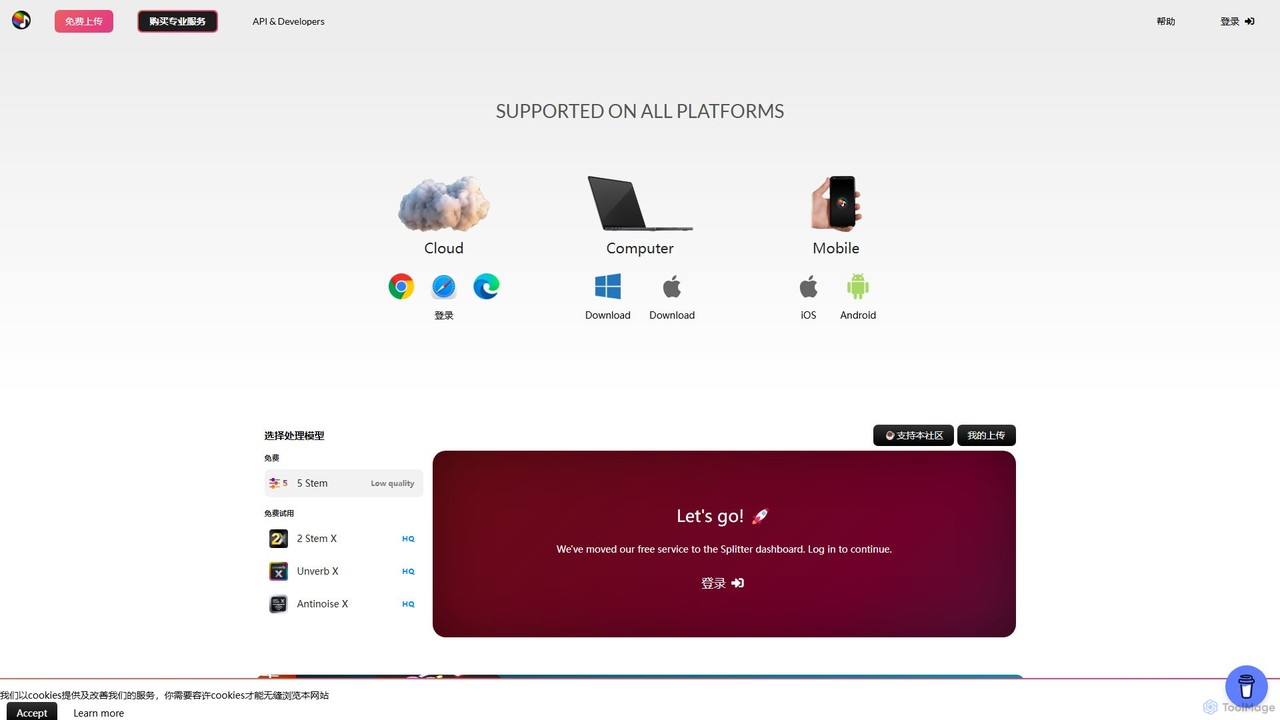
Splitter.ai
Splitter.ai is an advanced AI-powered audio processing platform for high-fidelity stem separation. It enables users to isolate vocals, drums, bass, piano, and other instruments from any song. With features like reverb removal, noise reduction, and direct YouTube processing, it's an essential tool for music producers, DJs, and musicians.
Audio Editing
Topaz Labs
Topaz Labs offers a suite of professional-grade photo and video editing software powered by AI. Its flagship product, Photo AI, intelligently sharpens, de-noises, and upscales images to achieve stunning clarity and detail. Designed for both professionals and enthusiasts, it operates locally on your machine for maximum speed and privacy, and integrates seamlessly into existing workflows as a standalone application or plugin for software like Photoshop and DaVinci Resolve.
Image Editing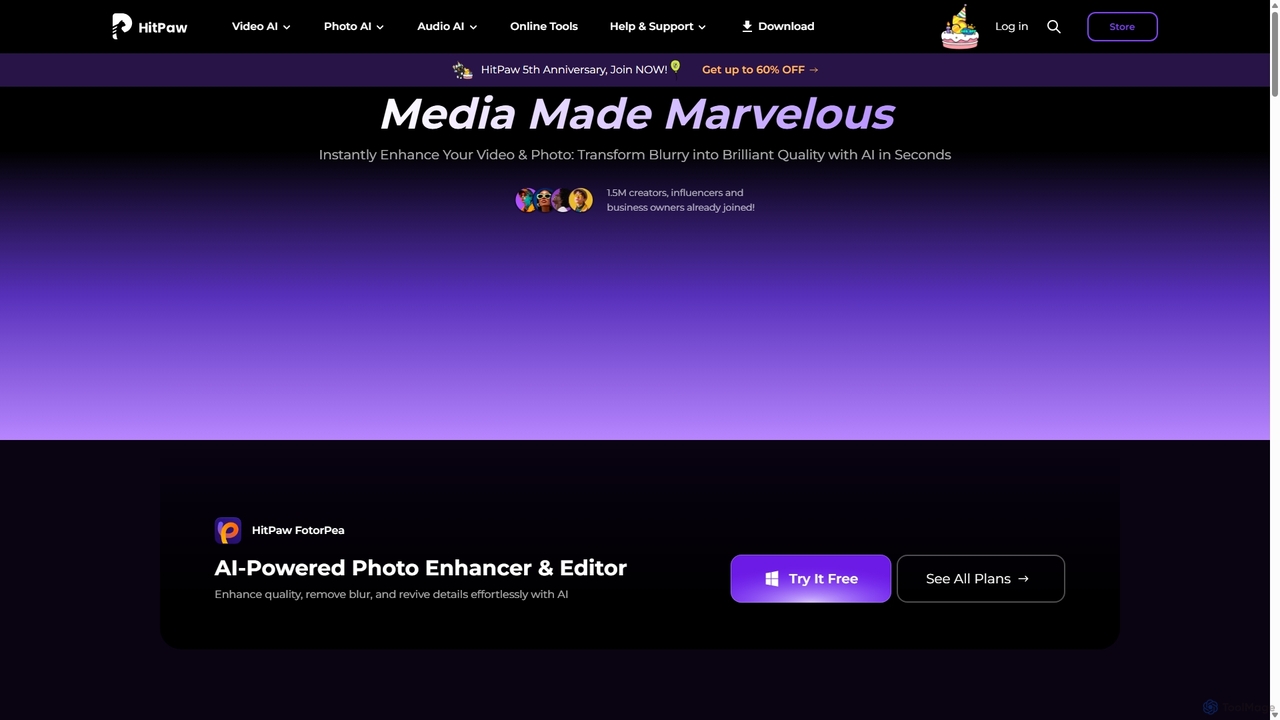
HitPaw
HitPaw is a comprehensive AI-powered multimedia software suite designed for video, photo, and audio enhancement. It offers a range of tools for upscaling video to 8K, restoring old photos, changing voices in real-time, converting file formats, and more, catering to creators, professionals, and enthusiasts.
Voice Modulation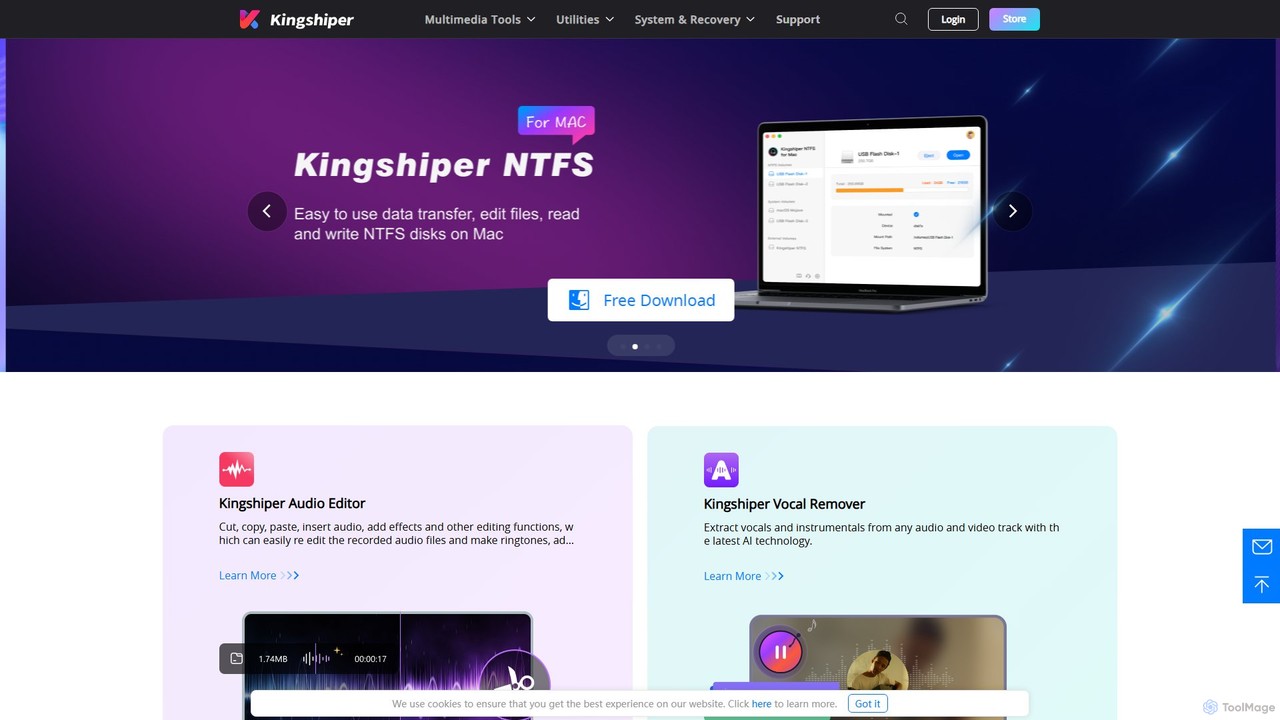
Kingshiper
A versatile suite of desktop tools for audio editing, AI-powered vocal removal, file conversion (audio & PDF), and system utilities. Kingshiper offers user-friendly, high-performance solutions for Windows and Mac, enabling users to easily cut, merge, convert, and manage their digital files with professional-quality results.
Audio Editing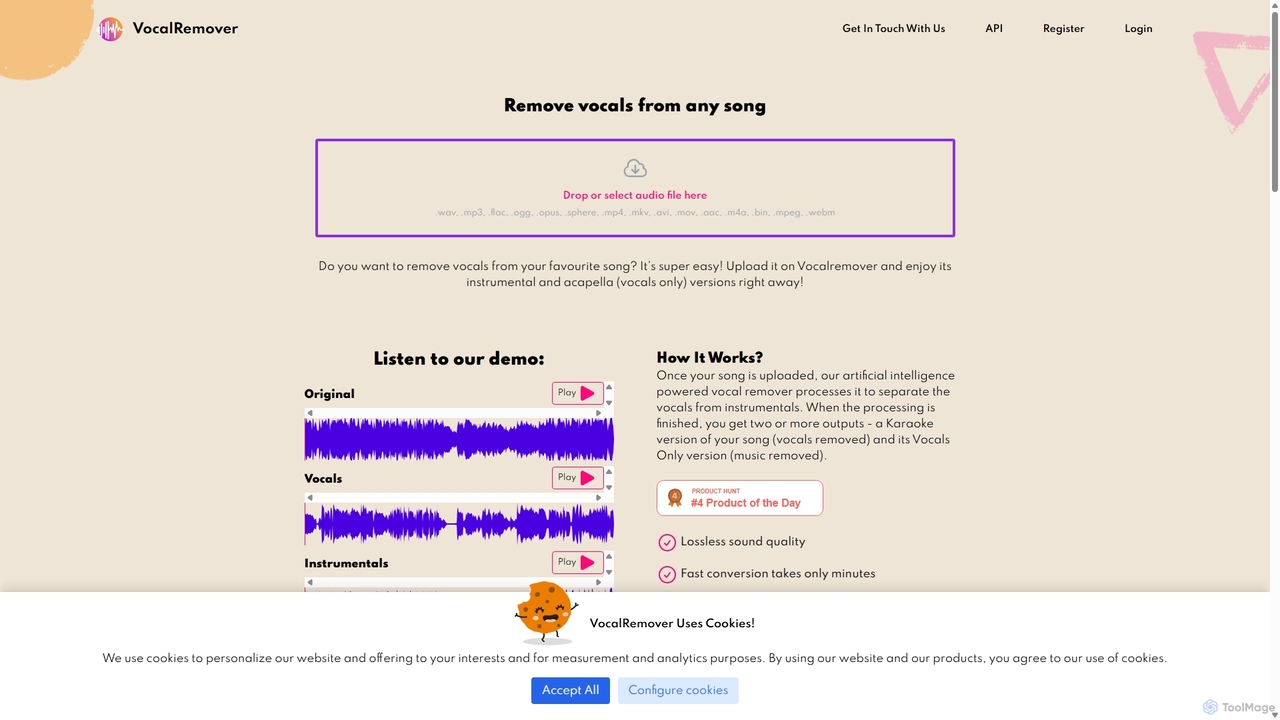
VocalRemover
An AI-powered online tool that precisely separates vocals from music in any audio or video file. It generates high-quality instrumental (karaoke) and acapella tracks. Beyond vocals, it can also isolate specific instruments like drums, bass, and piano, making it an essential tool for DJs, music producers, and karaoke lovers.
Music Editing
Audioenhancer.ai Comments (0)
Sign in to comment.
Sign inNo comments yet.