

Topaz Labs Overview
Topaz Labs is a leading developer of AI-powered software designed to enhance the quality of photos and videos. Their products are engineered to provide professional-grade results, tackling common issues like noise, blur, and low resolution with sophisticated artificial intelligence models. The core philosophy of Topaz Labs is to leverage AI to achieve image and video quality enhancements that were previously impossible, empowering photographers and videographers to perfect their work.
The flagship product, Topaz Photo AI, is an all-in-one solution that consolidates the power of their legacy tools—Gigapixel AI, DeNoise AI, and Sharpen AI—into a single, intuitive interface. It uses an Autopilot feature to automatically analyze images, detect subjects and faces, and recommend the optimal combination of enhancements. This allows users to quickly fix issues while retaining full creative control to fine-tune every parameter.
How to use Topaz Labs
Topaz Labs software is designed for flexibility and can be integrated into various creative workflows. Here’s a typical usage process:
- Choose Your Workflow: You can use Topaz Labs products as standalone applications on your Mac or PC, which is ideal for batch processing large numbers of files. Alternatively, you can use them as plugins directly within your favorite editing software, such as Adobe Photoshop, Adobe Lightroom Classic, DaVinci Resolve, or After Effects, for a seamless, non-destructive workflow.
- Load Your Media: Open your image or video file directly in the standalone app or send it from your host editor (e.g., Photoshop).
- Autopilot Analysis: Upon loading, the software's Autopilot AI will automatically analyze the content. It identifies key issues like digital noise, motion blur, focus softness, and low resolution. It also detects subjects and faces to apply targeted enhancements.
- Review and Refine: Autopilot applies a set of recommended filters. You can review the before-and-after preview and accept the suggestions or manually adjust the settings. You have granular control over sharpening, noise reduction, upscaling factor, face recovery, and more.
- Save and Export: Once you are satisfied with the results, you can save the enhanced file. If using it as a plugin, the image is returned directly to your host application as a new layer or file, preserving your original.
Core Features of Topaz Labs
- AI-Powered Upscaling: Using the technology from Gigapixel AI, it can enlarge images by up to 600% while generating new pixels to create stunning detail, making it perfect for large prints or cropping.
- Advanced Noise Reduction: Intelligently removes digital noise from high-ISO shots or old photos without smudging fine details, preserving the natural texture of the image.
- Sharpening and Deblurring: Corrects for motion blur, missed focus, and general softness. The AI models can distinguish between real detail and noise to deliver crisp, clear results.
- Face Recovery AI: A specialized model that detects and recovers low-resolution faces in photos, adding realistic detail and clarity to portraits and group shots.
- Dust & Scratch Removal: A generative AI model that effectively removes distracting elements like dust spots and scratches from scanned photos or images.
- Local Processing: All processing is done locally on your computer's hardware (GPU and CPU). This ensures your files remain private and secure, and allows for lightning-fast processing without reliance on an internet connection.
- Batch Processing: The standalone application allows you to apply the same enhancements to a whole folder of images, streamlining your editing process.
- Seamless Integration: Works as a plugin for major industry software, allowing it to fit perfectly into professional post-production pipelines.
Use Cases for Topaz Labs
Topaz Labs is a versatile tool for a wide range of users and scenarios:
- Professional Photographers: Rescuing shots taken in challenging conditions (low light, fast action), enhancing portraits, and preparing images for high-resolution printing and client delivery.
- Hobbyist Photographers: Improving photos from older digital cameras or smartphones, restoring old family photos, and bringing out the best in their favorite shots.
- Graphic Designers: Upscaling low-resolution assets for use in larger designs, web graphics, or print materials.
- Videographers: Enhancing video footage by upscaling to 4K/8K, reducing noise in low-light scenes, and sharpening soft footage.
- Archivists and Restorers: Digitally restoring and preserving old photographs and film scans by removing noise, scratches, and improving clarity.
Advantages of Topaz Labs
The primary advantage of Topaz Labs is its commitment to producing natural and high-fidelity results. Unlike some AI tools that can produce an over-processed or artificial look, Topaz models are trained to enhance images realistically. The local processing model is a significant benefit for professionals concerned with data privacy and for anyone needing fast, reliable performance without cloud uploads. The combination of a powerful Autopilot for speed and extensive manual controls for precision offers the best of both worlds. Furthermore, its optimization for modern hardware from Nvidia, AMD, and Intel ensures it runs as efficiently as possible on your system.
Pricing and Plans
Topaz Labs typically operates on a one-time purchase model rather than a subscription. For example, Topaz Photo AI is available for a single payment of $199. This purchase grants you a perpetual license to own the current version of the software forever. It also includes one year of free software updates, which provide new features, performance improvements, and new AI models. After the initial year, you can continue to use your licensed version indefinitely or choose to purchase another year of updates at a reduced price to access the latest enhancements.
Traffic
Latest traffic
Status
Monthly traffic trend
- 2025-9: 3.1M
- 2026-1: 3.2M
- 2026-2: 2.5M
- 2026-3: 2.8M
- 2026-4: 2.8M
- 2026-5: 3.0M
Geography
Top 5 countries / regions
- 🇺🇸United States55.8%
- 🇮🇳India14.6%
- 🇨🇳China11.3%
- 🇩🇪Germany10.7%
- 🇬🇧United Kingdom7.6%
Traffic sources
| Source type | Percentage |
|---|---|
Direct | 81.8% |
Referral | 12.5% |
Email | 5.7% |
Top keywords
| Keyword | Cost per click |
|---|---|
| topaz | $0.58 |
| topaz ai | $0.62 |
| topaz labs | $1.01 |
| topaz photo ai | $0.95 |
| topaz video ai | $0.56 |
Topaz Labs Videos on YouTube



Topaz Labs


Joey /// VP Land
Gamefromscratch
Topaz Labs Alternatives
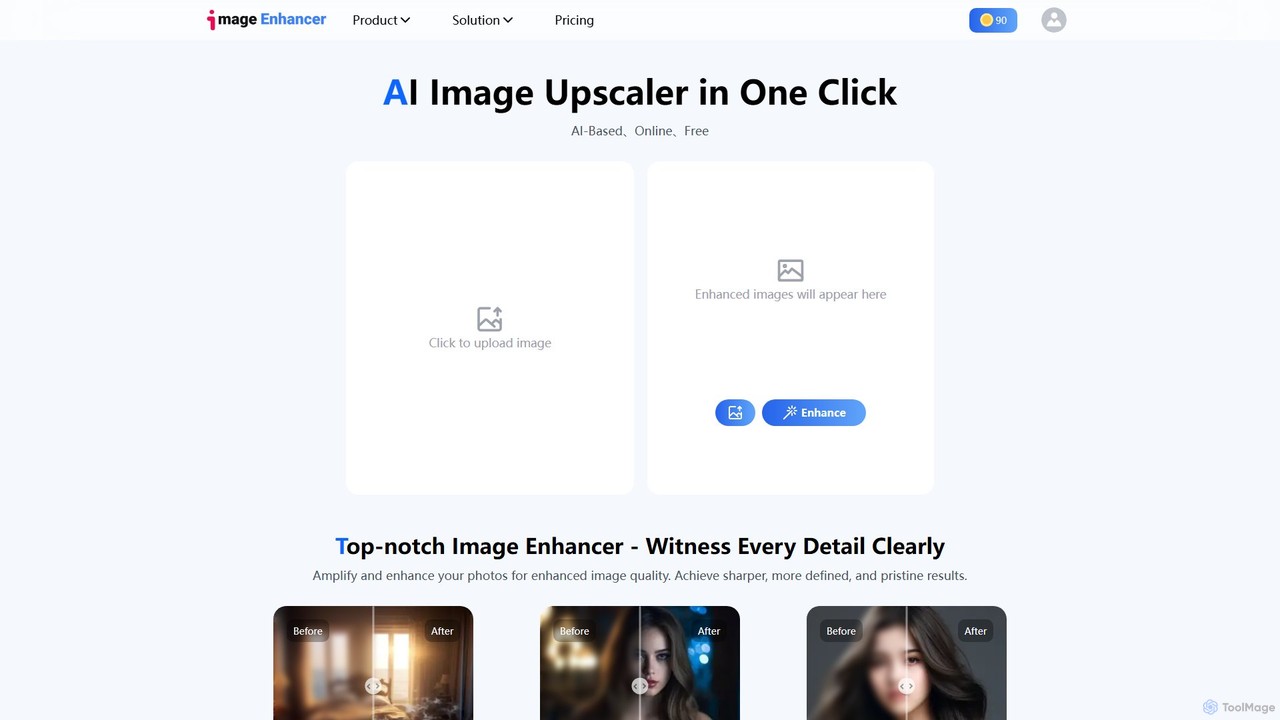
imageenhan
An AI-powered suite of tools for enhancing images and videos. It offers one-click upscaling, sharpening, denoising, background removal, and creative features like cartoonizers and face swapping. Ideal for photographers, designers, and social media users to improve visual quality effortlessly.
Generators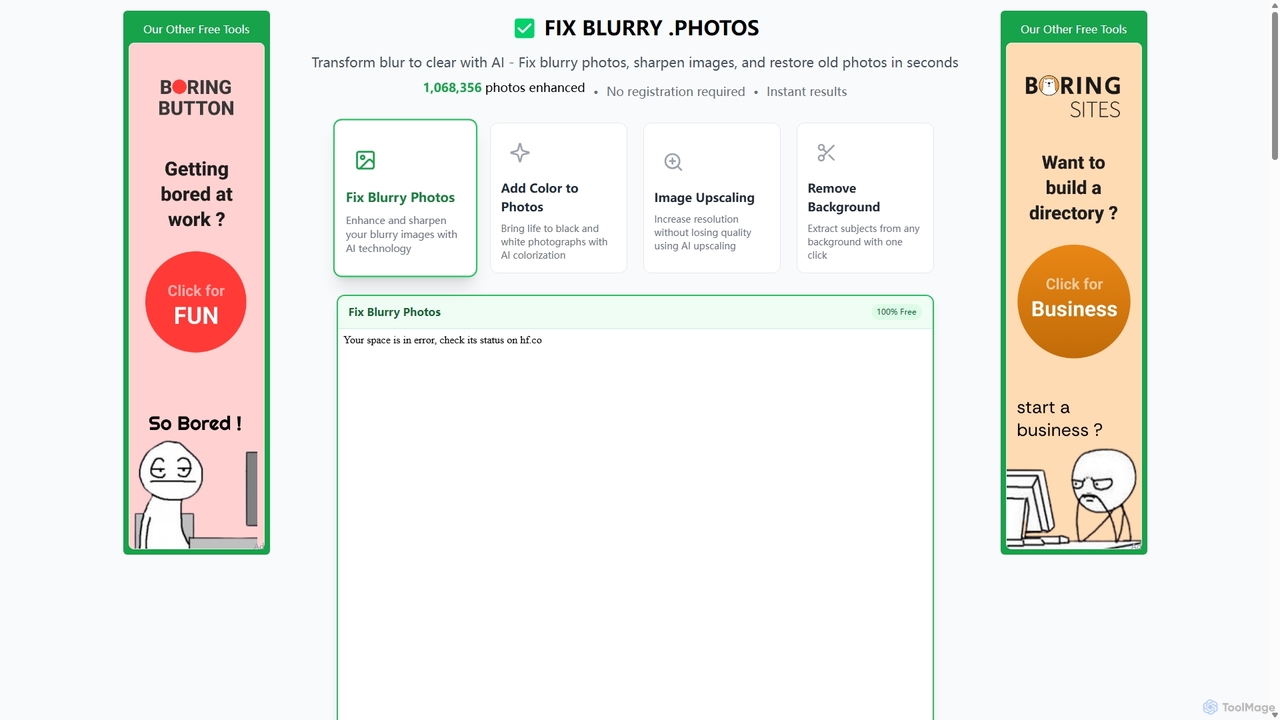
Fixblurry
fixblurry is a free, AI-powered online tool suite designed to enhance your images instantly. It specializes in unblurring and sharpening photos, restoring old or faded pictures, upscaling low-resolution images without quality loss, colorizing black-and-white photos, and removing backgrounds with a single click. No registration or software installation is required, offering professional-grade results for everyone.
Image Editing
Upscale.media
Upscale.media is a free AI-powered tool that automatically upscales and enhances images in seconds. It increases image resolution by up to 8x without losing quality, sharpens details, and removes artifacts. Ideal for e-commerce, photographers, and personal use, it offers web, mobile app, and API access for seamless integration.
Image Editing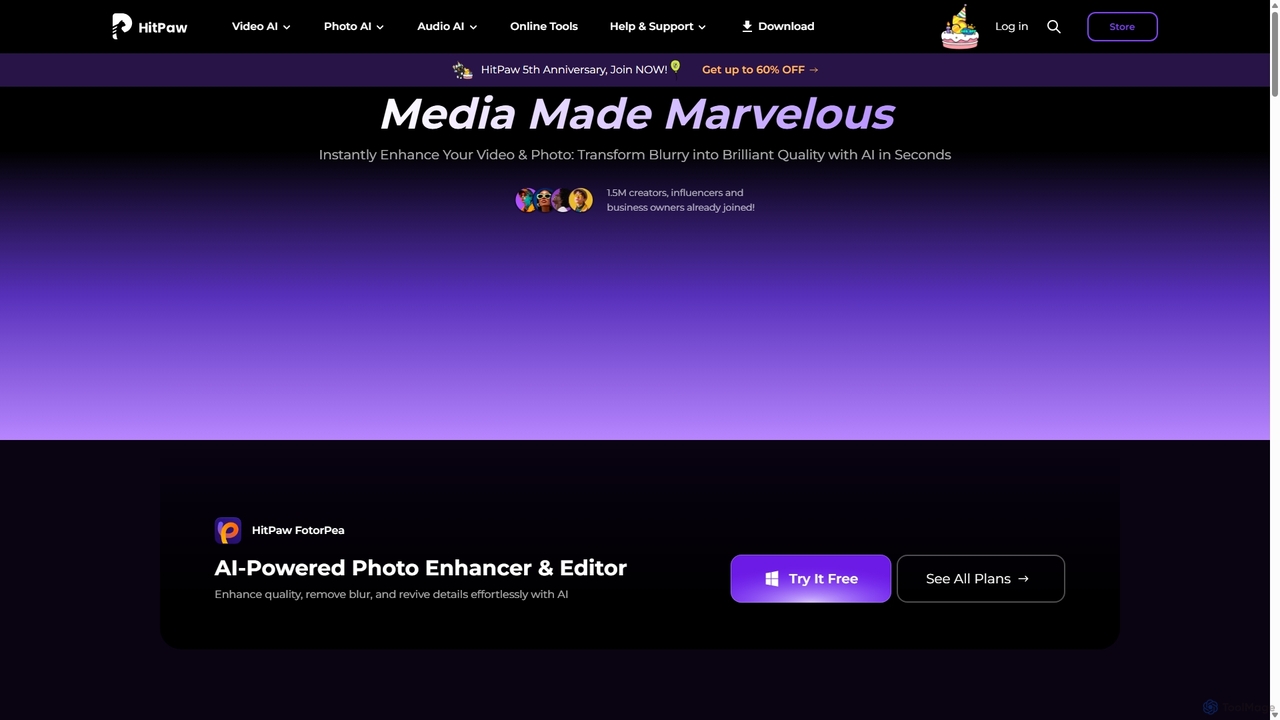
HitPaw
HitPaw is a comprehensive AI-powered multimedia software suite designed for video, photo, and audio enhancement. It offers a range of tools for upscaling video to 8K, restoring old photos, changing voices in real-time, converting file formats, and more, catering to creators, professionals, and enthusiasts.
Voice Modulation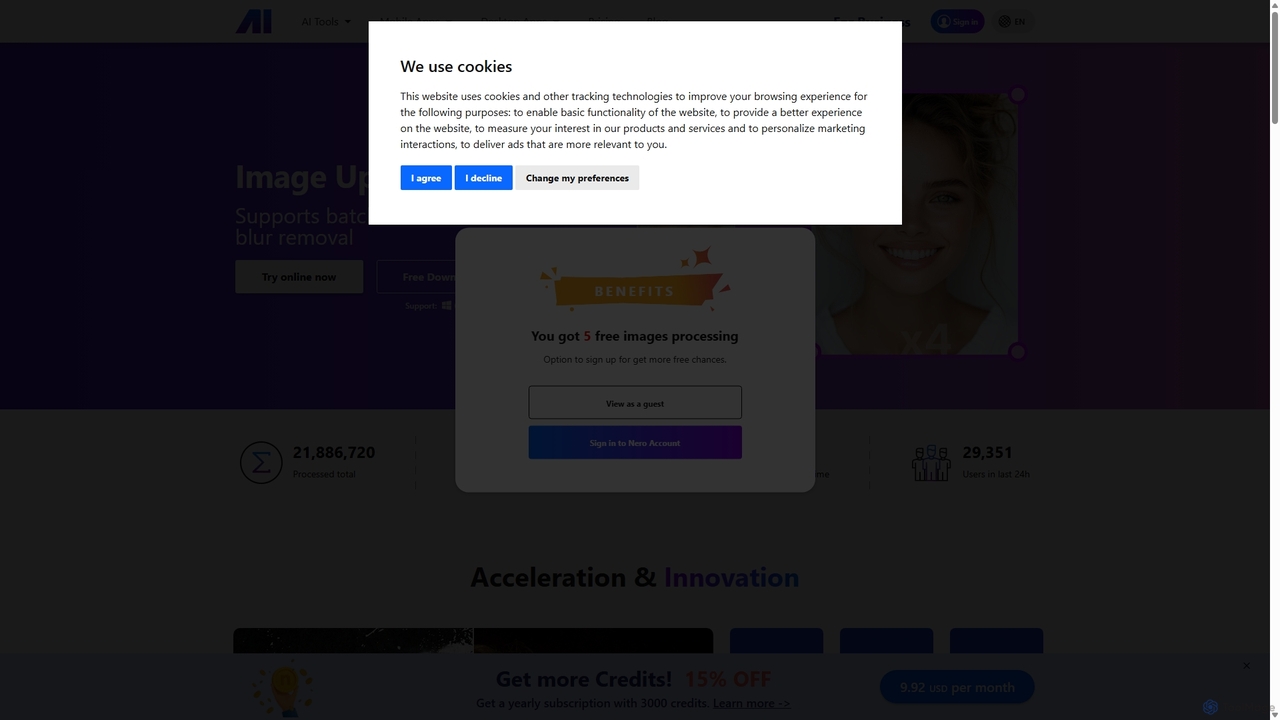
Nero AI
Nero AI is a comprehensive suite of AI-powered tools for image and video enhancement. It offers features like image and video upscaling, photo restoration, background and object removal, face animation, and creative stylization. Designed for creators, marketers, and designers, it provides easy-to-use solutions for both online and desktop platforms to elevate visual content quality.
Graphic DesignTopaz Labs Categories
Topaz Labs Embed Widget
Copy this embed code to place the badge on your blog, article, or product site and send readers directly to this ToolMage detail page.

Related AI tools
imageenhan
An AI-powered suite of tools for enhancing images and videos. It offers one-click upscaling, sharpening, denoising, background removal, and creative features like cartoonizers and face swapping. Ideal for photographers, designers, and social media users to improve visual quality effortlessly.
GeneratorsFixblurry
fixblurry is a free, AI-powered online tool suite designed to enhance your images instantly. It specializes in unblurring and sharpening photos, restoring old or faded pictures, upscaling low-resolution images without quality loss, colorizing black-and-white photos, and removing backgrounds with a single click. No registration or software installation is required, offering professional-grade results for everyone.
Image Editing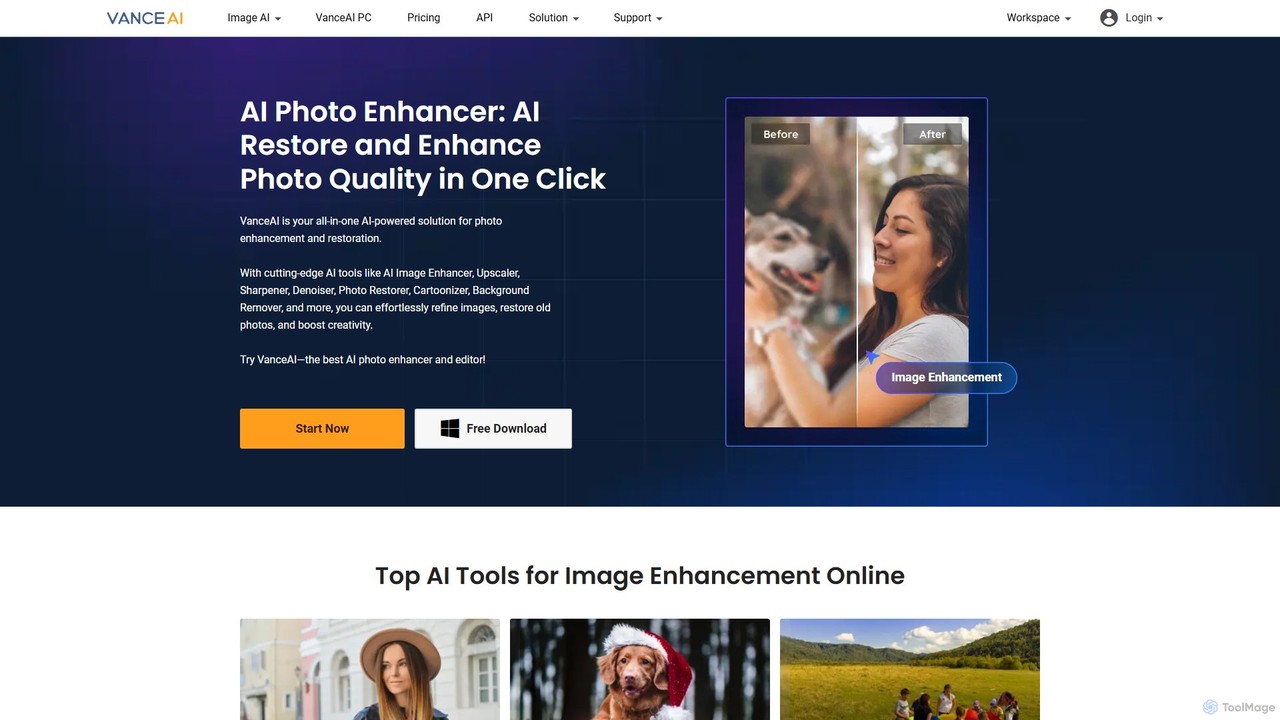
VanceAI
VanceAI is a comprehensive, AI-powered suite for photo enhancement, restoration, and editing. It offers a wide range of tools, including an image upscaler, sharpener, denoiser, background remover, and photo restorer. With one-click solutions and batch processing capabilities, VanceAI helps users from photographers to e-commerce businesses improve image quality, streamline workflows, and boost creativity effortlessly, available both online and as a desktop application.
Image Editing
imgtoimggenerator
imgtoimggenerator is a versatile AI-powered platform for transforming images using simple text prompts. It allows users to perform complex edits like object removal, background replacement, photo restoration, and even changing hairstyles. With support for various formats and a user-friendly interface, it makes professional-grade photo editing accessible to everyone, from content creators to marketers, without requiring any technical skills. It offers both free credits and subscription plans.
Image Editing
BigJpg AI
BigJpg AI is an advanced AI-powered image upscaler that enlarges images up to 16x their original size without losing quality. It intelligently analyzes and enhances image details, making it perfect for creating high-resolution prints, web graphics, and detailed visuals from small source files. Ideal for photographers, designers, and marketers.
Image Editing
Gemini Photo
Gemini Photo is an advanced AI-powered image editing and generation tool that leverages the Nano Banana 2.0 model. It allows users to transform photos and create new images using natural language prompts, offering features like background removal, style transformations, and professional product photography, all designed for stunning and accurate visual results.
Digital Art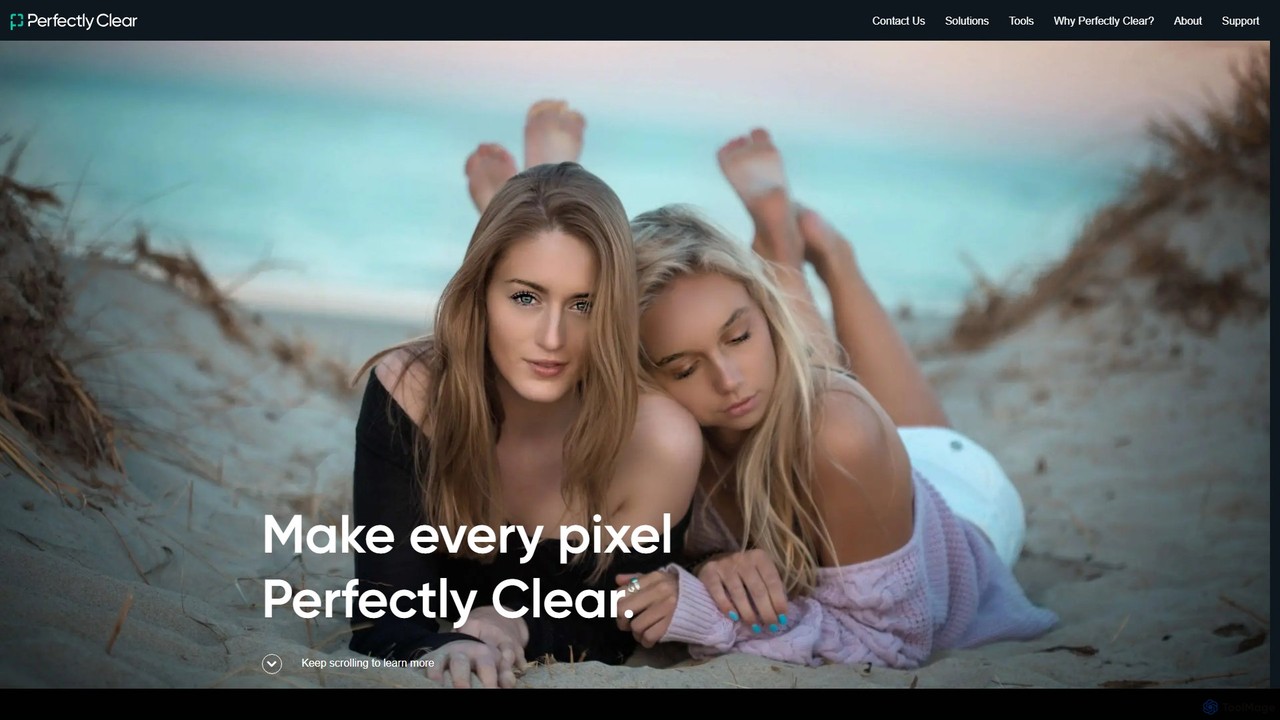
eyeq
eyeq provides world-leading AI-powered automatic photo correction and video enhancement solutions for businesses. Its core technology, Perfectly Clear, uses 20+ years of scientific research and AI to deliver vibrant, accurate colors, intelligent retouching, and automated workflows, helping companies improve quality, reduce costs, and increase revenue.
3D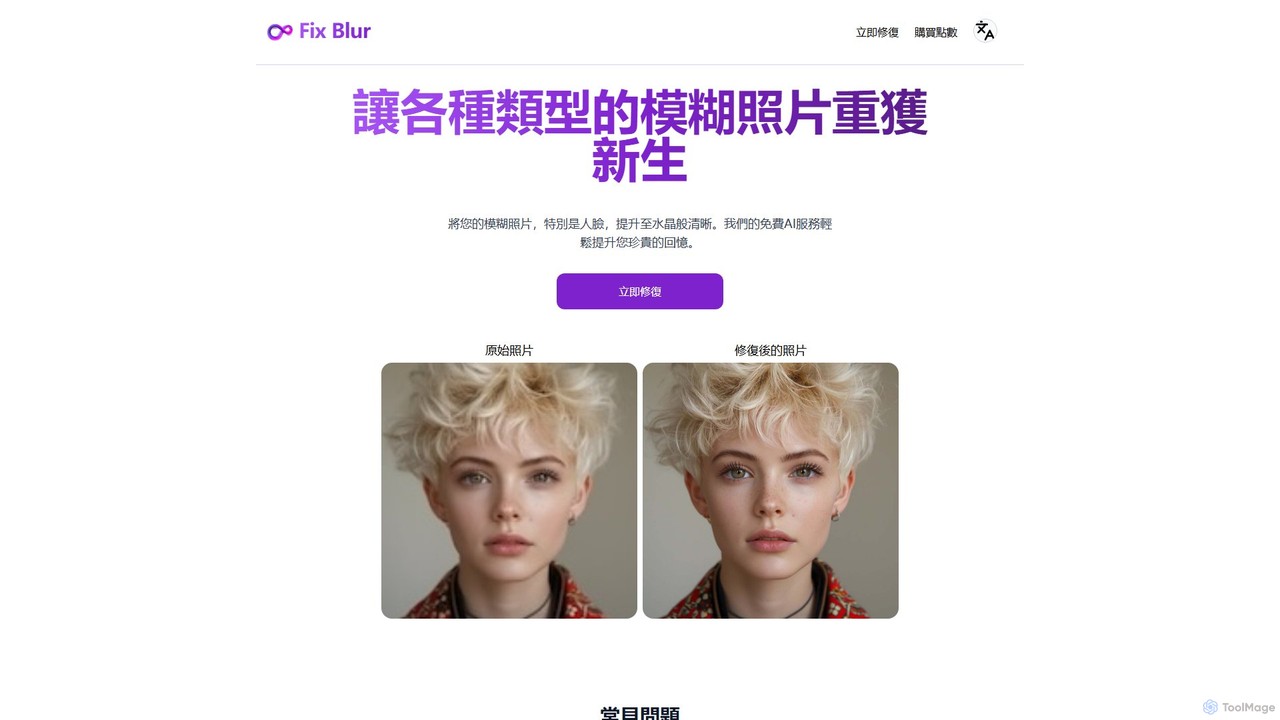
FixBlur
FixBlur is an AI-powered tool that sharpens blurry photos, especially faces, in seconds. It uses advanced algorithms to deblur images, restore details, and bring your precious memories back to crystal clarity. Ideal for fixing motion blur, out-of-focus shots, and old photos.
Image Enhancement
Colorfix
Colorfix is an AI-powered web application designed to breathe new life into old, damaged, or faded photographs. It offers advanced photo restoration, intelligent colorization of black and white images, and the unique ability to transform static pictures into dynamic, musical videos, helping users revive and preserve their most cherished memories.
Video GenerationUpscale.media
Upscale.media is a free AI-powered tool that automatically upscales and enhances images in seconds. It increases image resolution by up to 8x without losing quality, sharpens details, and removes artifacts. Ideal for e-commerce, photographers, and personal use, it offers web, mobile app, and API access for seamless integration.
Image EditingHitPaw
HitPaw is a comprehensive AI-powered multimedia software suite designed for video, photo, and audio enhancement. It offers a range of tools for upscaling video to 8K, restoring old photos, changing voices in real-time, converting file formats, and more, catering to creators, professionals, and enthusiasts.
Voice ModulationNero AI
Nero AI is a comprehensive suite of AI-powered tools for image and video enhancement. It offers features like image and video upscaling, photo restoration, background and object removal, face animation, and creative stylization. Designed for creators, marketers, and designers, it provides easy-to-use solutions for both online and desktop platforms to elevate visual content quality.
Graphic Design
isamur.ai
isamur.ai is an advanced AI multimedia platform specializing in high-quality face enhancement, photo restoration, and realistic face swapping for both images and long-form videos. It breaks common video length limits, offering creative freedom for extensive projects. With a user-friendly interface and affordable pricing, it's designed for content creators, marketers, and individuals seeking to elevate their visual content with powerful AI tools.
Face Swap
Cutout.Pro
Cutout.Pro is an AI-powered visual design platform offering a comprehensive suite of tools for image and video editing. It specializes in automated background removal, photo enhancement, object removal, and AI content generation, catering to designers, e-commerce businesses, developers, and individual users.
3D
PhotoGrid
PhotoGrid is an all-in-one online collage maker and AI photo editor. It offers over 20,000 templates and a suite of powerful AI tools to create stunning photo collages, remove backgrounds, enhance image quality, and apply creative filters, making professional photo editing accessible to everyone.
Collage Maker
Topaz Labs Comments (0)
Sign in to comment.
Sign inNo comments yet.