Accessibility Best in category 1 results Speech Enhancement AI Tool

Popular AI tools in the Speech Enhancement field of Accessibility include HeardThat, etc., helping you quickly improve efficiency.

HeardThat

HeardThat

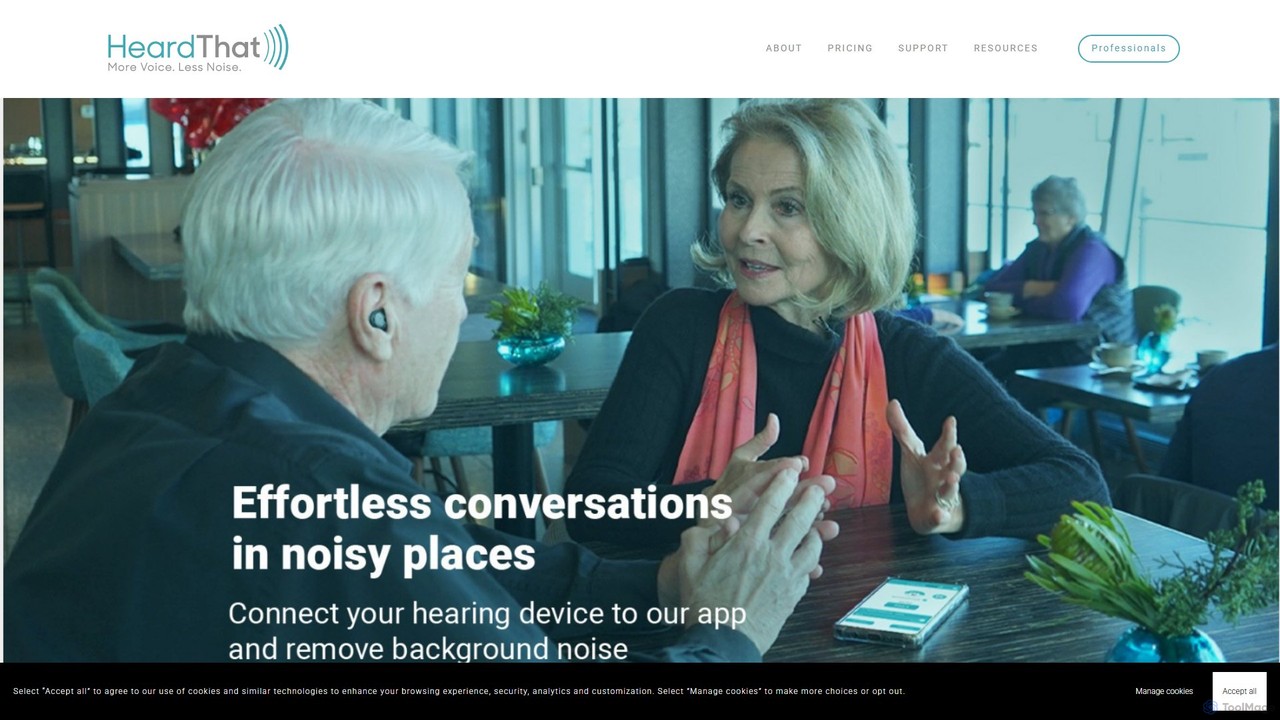
HeardThat is an AI-powered smartphone app that eliminates background noise, allowing you to hear conversations clearly in loud …

5.5K

About Speech Enhancement

Speech Enhancement tools are a class of AI-powered software designed to isolate and clarify human speech from audio recordings. They utilize advanced algorithms like deep learning to identify and suppress background noise, reduce echo, and balance vocal frequencies. This results in crystal-clear dialogue, making it crucial for professional media production and improving accessibility. These tools go beyond simple noise filters by intelligently distinguishing voice from unwanted sounds, ensuring the core message is always heard.

Core Features

  • AI Noise Reduction: Intelligently removes non-speech sounds like traffic, wind, crowds, or electronic hums.
  • Echo & Reverb Cancellation: Eliminates room echo and reverberation for a clean, studio-like sound without acoustic treatment.
  • Vocal Frequency Balancing: Automatically equalizes voice tones to enhance clarity, presence, and intelligibility.
  • De-Essing & Plosive Removal: Softens harsh 's' sounds (sibilance) and reduces popping 'p' and 'b' sounds (plosives).
  • Dialogue Isolation: Separates spoken words from music, sound effects, or other overlapping audio sources.

Applicable Scenarios

These tools are essential for podcasters, video creators, journalists, and filmmakers who need to clean up field recordings or interviews. In corporate settings, they improve the audio quality of online meetings, webinars, and training videos. They also play a vital role in audio forensics and accessibility services, making spoken content intelligible for everyone, including those with hearing impairments.

How to Choose

When selecting a tool, consider the specific types of noise you need to remove (e.g., consistent hum vs. sudden sounds). Evaluate the level of control offered—some tools are one-click solutions while others provide detailed parameters. Check for plugin compatibility with your existing audio/video editing software (DAW/NLE) and consider the processing speed, especially for long-form content.

Speech EnhancementUse Cases

1

Cleaning Up Podcast Interview Audio

A podcaster records an interview over a video call, but the guest's audio has significant background noise and room echo. Using a speech enhancement tool, the podcaster applies AI noise reduction and dereverberation. The tool automatically isolates the guest's voice, removes the distracting hum from their air conditioner, and minimizes the echo. This results in a professional-sounding conversation that is clear and easy for the audience to follow, improving listener engagement.

2

Restoring Dialogue in Film and Video Production

A filmmaker captures a critical scene on location, but wind noise contaminates the actors' dialogue. In post-production, the audio editor uses a speech enhancement tool to specifically target and suppress the wind frequencies without distorting the voices. The tool's dialogue isolation feature helps lift the speech above the remaining ambient sound, saving the take from an expensive reshoot or automated dialogue replacement (ADR).

3

Enhancing Clarity for Online Meetings and Webinars

A remote team manager needs to share a recording of an important webinar, but several participants had poor microphone quality with background chatter. They process the recording through a speech enhancement tool. The AI identifies and boosts each speaker's voice while suppressing keyboard clicks, pets, and other home office noises. This ensures the key information is communicated clearly to all who watch the replay, improving knowledge retention and accessibility.

4

Improving Accessibility of Educational Content

An instructional designer creates video tutorials for a diverse audience, including individuals with hearing impairments. To maximize comprehension, they use a speech enhancement tool to process all voice-overs. The tool balances vocal frequencies and removes any subtle microphone hiss or room reverb. This creates exceptionally clear audio that is easier to understand for all learners and also improves the accuracy of automated captioning services, making the content more accessible.

5

Transcribing Noisy Field Recordings for Journalism

A journalist conducts an interview in a crowded café, and the resulting audio is difficult to transcribe due to background conversations and clatter. Before feeding the audio into a transcription service, they use a speech enhancement tool. The tool effectively isolates the interviewer's and interviewee's voices, significantly reducing the background noise. This leads to a much higher transcription accuracy rate from the AI service, saving hours of manual correction.

6

Clarifying Audio Evidence for Legal and Investigative Work

A forensic analyst receives a low-quality surveillance recording with crucial spoken evidence. The speech is muffled and obscured by machine hum and electrical interference. Using an advanced speech enhancement tool, the analyst applies targeted noise reduction and vocal equalization filters. This process clarifies the dialogue enough to be intelligible for transcription and analysis, potentially providing the key information needed to resolve a case.

Speech EnhancementFrequently Asked Questions