

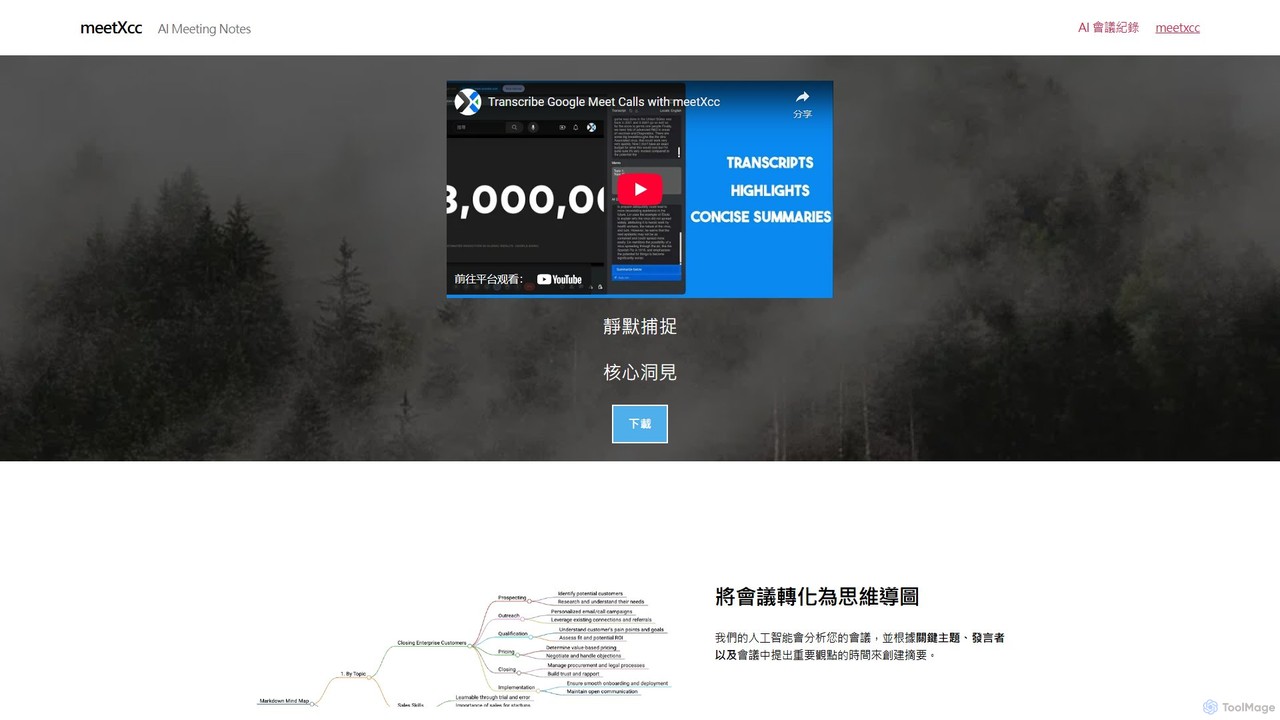
meetXcc Overview
meetXcc is a revolutionary AI meeting assistant designed to enhance productivity and clarity for professionals using Google Meet. It addresses the common challenges of meeting overload and information retention by silently capturing the core insights of your conversations. Unlike other tools that require an intrusive bot to join the call, meetXcc operates invisibly, ensuring a natural meeting flow. It automatically records, transcribes, and analyzes your discussions in real-time, supporting over 86 languages.
The standout feature of meetXcc is its ability to convert complex discussions into intuitive mind maps. This visual representation helps users quickly grasp key topics, speaker contributions, and the relationships between different ideas. In addition to mind maps, the tool generates concise summaries, detailed notes, and a clear list of action items, ensuring no critical task is overlooked. All meeting data, including transcripts and summaries, can be automatically saved to your personal Google Drive, providing a secure and centralized repository for your records. Powered by Anthropic's Claude AI, meetXcc delivers high-quality, nuanced analysis, making it an indispensable tool for anyone looking to make their meetings more efficient and impactful.
How to use meetXcc
Using meetXcc is designed to be simple and seamless. Follow these steps to get started:
- Installation: First, download and install the meetXcc browser extension for your Google Chrome browser.
- Start a Meeting: Begin a new meeting on Google Meet as you normally would. Once the meeting starts, the meetXcc widget will automatically appear on your screen. It is only visible to you, ensuring complete discretion.
- Record and Transcribe: Click the record button within the meetXcc widget to begin capturing the meeting. The tool will work silently in the background, providing real-time transcription of the conversation.
- Generate Insights: During or after the meeting, you can use the AI to generate summaries, identify action items, and create a visual mind map of the discussion. With the Pro plan, you can even use an AI chat feature to ask specific questions about the meeting content.
- Access Your Data: Within a minute of the meeting ending, your complete meeting package—including the transcript, summary, and mind map—will be sent to your email and become available on the meetXcc dashboard. Pro users can also have all data automatically exported and saved to their Google Drive.
Core Features of meetXcc
- AI-Generated Mind Maps: Automatically transforms meeting conversations into structured mind maps, visualizing key themes, speaker points, and connections.
- Bot-Free Invisible Recording: Records and transcribes meetings discreetly without an AI bot joining the call, maintaining a professional and uninterrupted meeting environment.
- Real-time Transcription: Accurately captures and transcribes discussions in real-time, with support for over 86 languages, matching the capabilities of Google Meet.
- Intelligent Summaries & Action Items: Leverages advanced AI (Anthropic Claude) to produce concise summaries, highlight key moments, and extract actionable tasks, saving you hours of manual review.
- Speaker Identification: Clearly attributes spoken text to the correct participant, making it easy to follow the conversation and understand who said what.
- Secure Google Drive Integration: Automatically saves all meeting artifacts, including transcripts, notes, and mind maps, directly to your personal Google Drive for secure storage and easy access.
- Customizable AI Prompts: Allows users to tailor AI requests by adding custom prompts or asking multiple questions at once for more specific and relevant outputs.
- AI Chat: An interactive chat feature (Pro plan) that lets you query the meeting transcript to find specific information or gain deeper insights instantly.
Use Cases for meetXcc
meetXcc is versatile and valuable for various professional scenarios:
- Project Management: Project managers can use it to capture all decisions, track action items from team syncs, and easily share progress updates with stakeholders.
- Sales and Client Meetings: Sales teams can review client calls to understand needs better, extract commitments, and ensure follow-up actions are accurately recorded.
- Executive Meetings: Leadership teams can maintain a clear record of strategic discussions, ensuring alignment and facilitating informed decision-making.
- User Research & Interviews: UX researchers and hiring managers can focus on the conversation, knowing that every detail is being transcribed and can be easily analyzed later.
- Education and Training: Students and professionals can record lectures and workshops to create study guides and review key concepts visually through mind maps.
Advantages of meetXcc
meetXcc offers significant advantages over traditional note-taking and other meeting tools:
- Enhanced Productivity: Frees you from the burden of manual note-taking, allowing for full engagement in the meeting.
- Improved Comprehension: The unique mind map feature provides a visual, easy-to-digest overview of complex discussions.
- Complete Discretion: The bot-free design ensures that other participants are not distracted or made uncomfortable by the presence of a recording tool.
- Data Security and Ownership: Your data is treated with strict confidentiality and saved directly to your personal cloud storage, giving you full control.
- Cost-Effective: The generous free plan and affordable Pro plan offer unlimited AI summaries and features, providing exceptional value.
Pricing and Plans
meetXcc offers a straightforward pricing structure:
- Free Plan: $0. Includes up to 10 free meetings, speaker identification, highlight summaries, AI auto-summary, AI meeting assistant, and AI mind maps. Ideal for individuals and light users.
- Pro Plan: $8 per month. Includes everything in the Free plan with unlimited meetings, unlimited AI summaries and mind maps, AI chat functionality, and automatic export and saving to Google Drive. Screenshot feature is also coming soon for Pro users.
Traffic
Latest traffic
Status
Monthly traffic trend
- 2026-1: 8.4K
- 2026-2: 5.9K
- 2026-3: 1.4K
- 2026-4: 1.2K
- 2026-5: 896
Geography
Top 5 countries / regions
- 🇹🇼Taiwan100.0%
Top keywords
| Keyword | Cost per click |
|---|---|
| google meet 背景模糊 | $0.00 |
| google meet 錄製的檔案會去哪? | $0.00 |
| гугл мит создать встречу | $0.00 |
| есть ли ограничения по времени в гугл мит | $0.00 |
| создать гугл мит | $0.00 |
meetXcc Alternatives
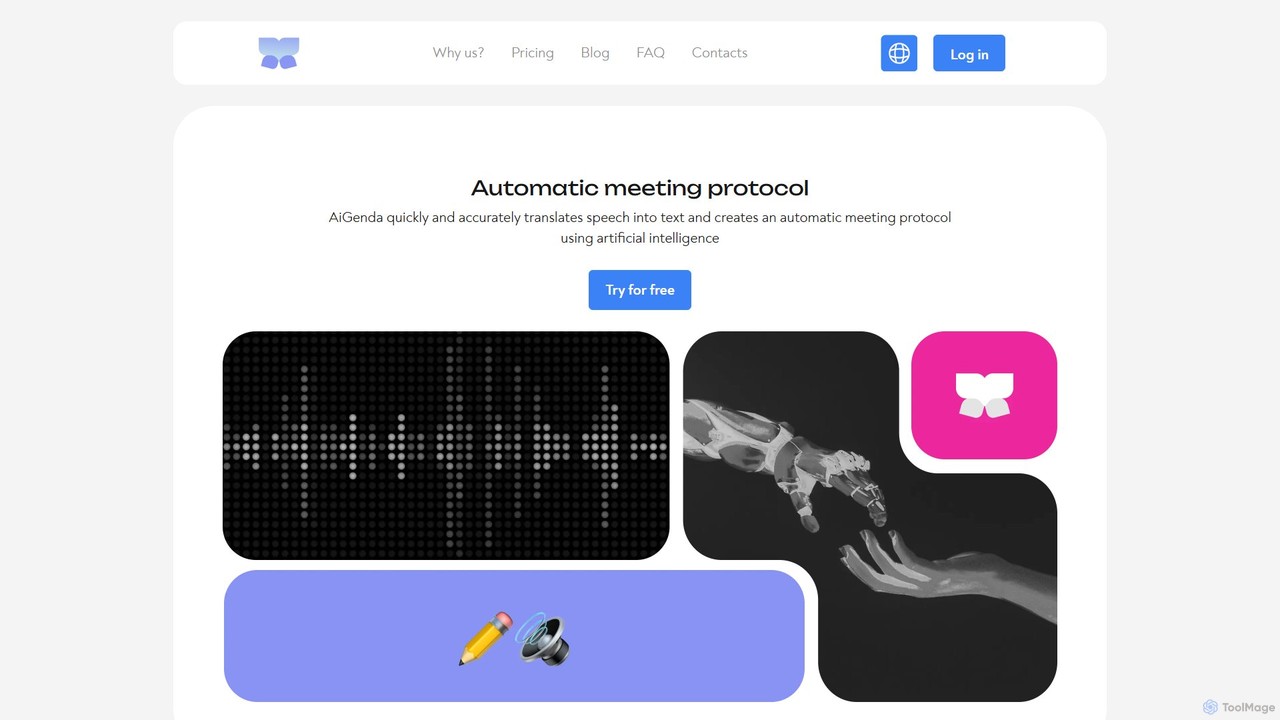
AiGenda
AiGenda is an AI-powered meeting assistant that automatically records, transcribes, and summarizes your online meetings. It integrates with platforms like Zoom, Google Meet, and Telemost to provide high-accuracy transcripts and intelligent summaries in minutes, supporting over 10 languages. This tool helps teams save time, improve focus during calls, and easily search for key information from past discussions.
Collaboration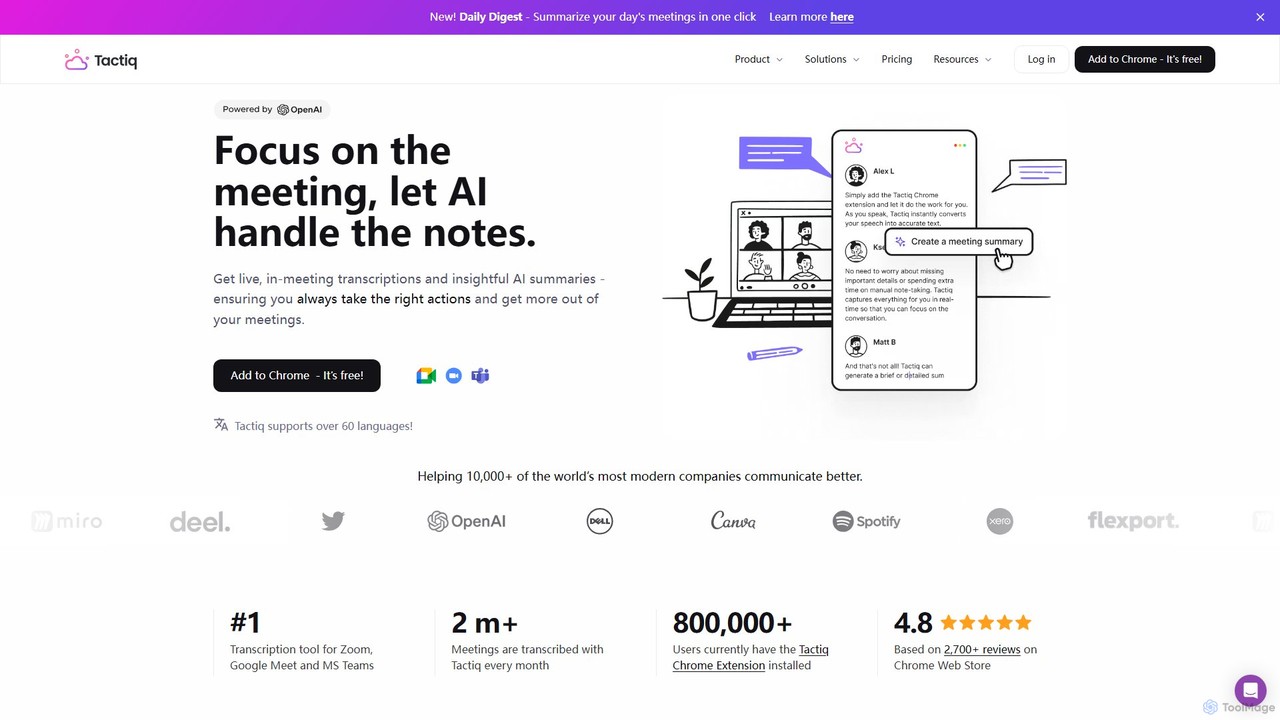
Tactiq
Tactiq is an AI-powered Chrome extension that provides real-time transcription, summaries, and actionable insights for Google Meet, Zoom, and MS Teams meetings. It operates without a bot, ensuring privacy while capturing every detail, identifying speakers, and automating post-meeting tasks like follow-up emails and action items.
Team Collaboration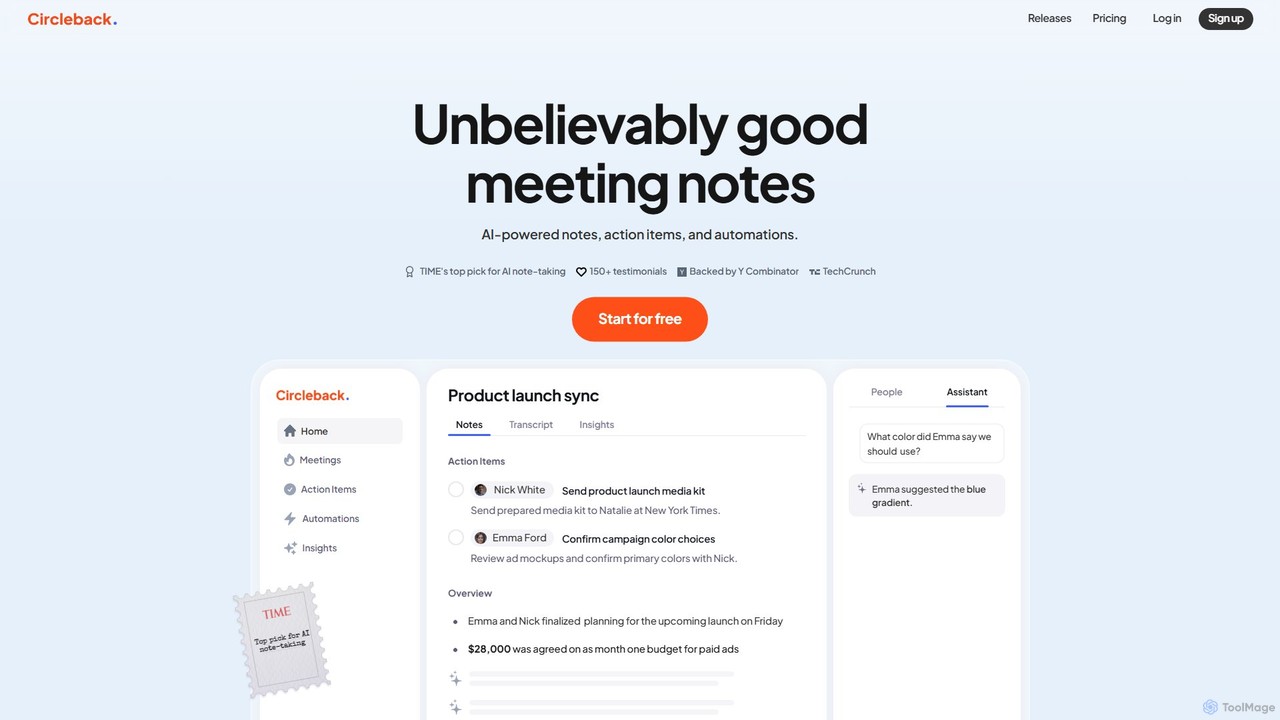
Circleback
Circleback is an AI-powered meeting assistant that automatically generates meticulous notes, assigns action items, and provides accurate transcriptions for both virtual and in-person meetings. It integrates with your favorite apps to automate post-meeting workflows, helping you save time, stay organized, and focus on the conversation.
Workflow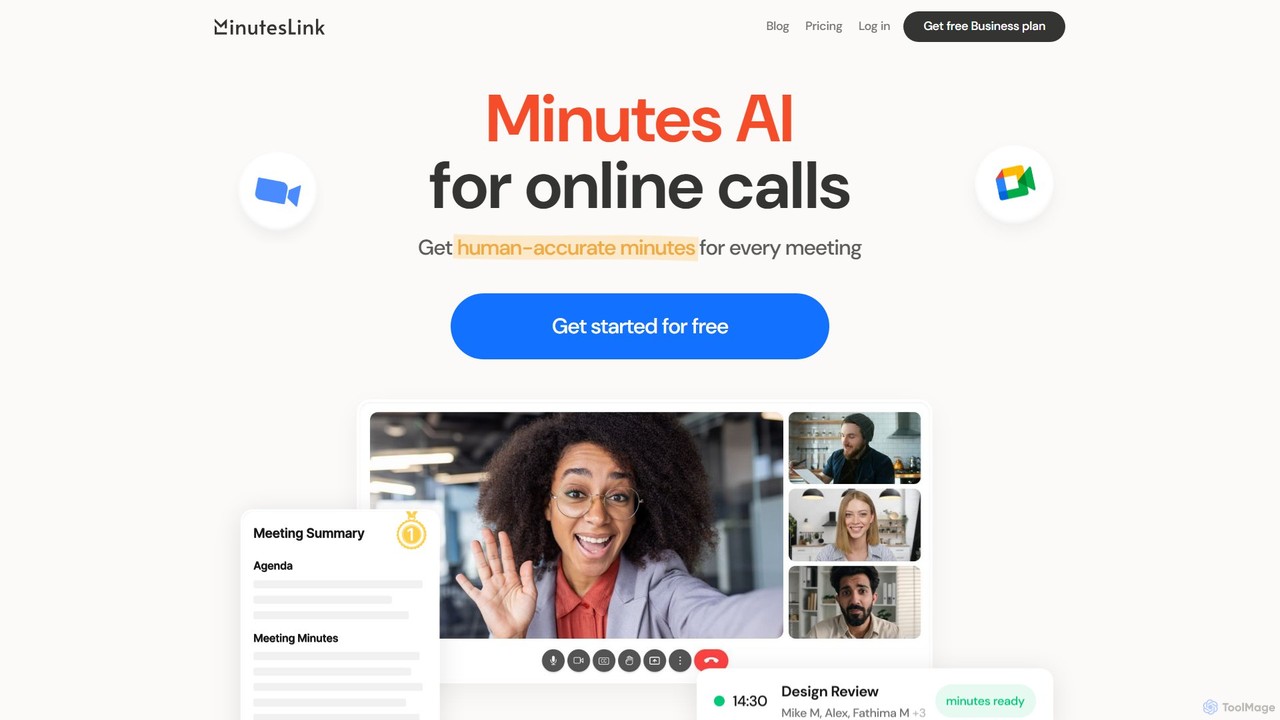
MinutesLink
MinutesLink is an AI meeting assistant for Zoom and Google Meet that automatically records, transcribes, and summarizes your online calls. It generates accurate, human-like meeting minutes, identifies key points, and assigns action items to boost productivity and ensure accountability.
Communication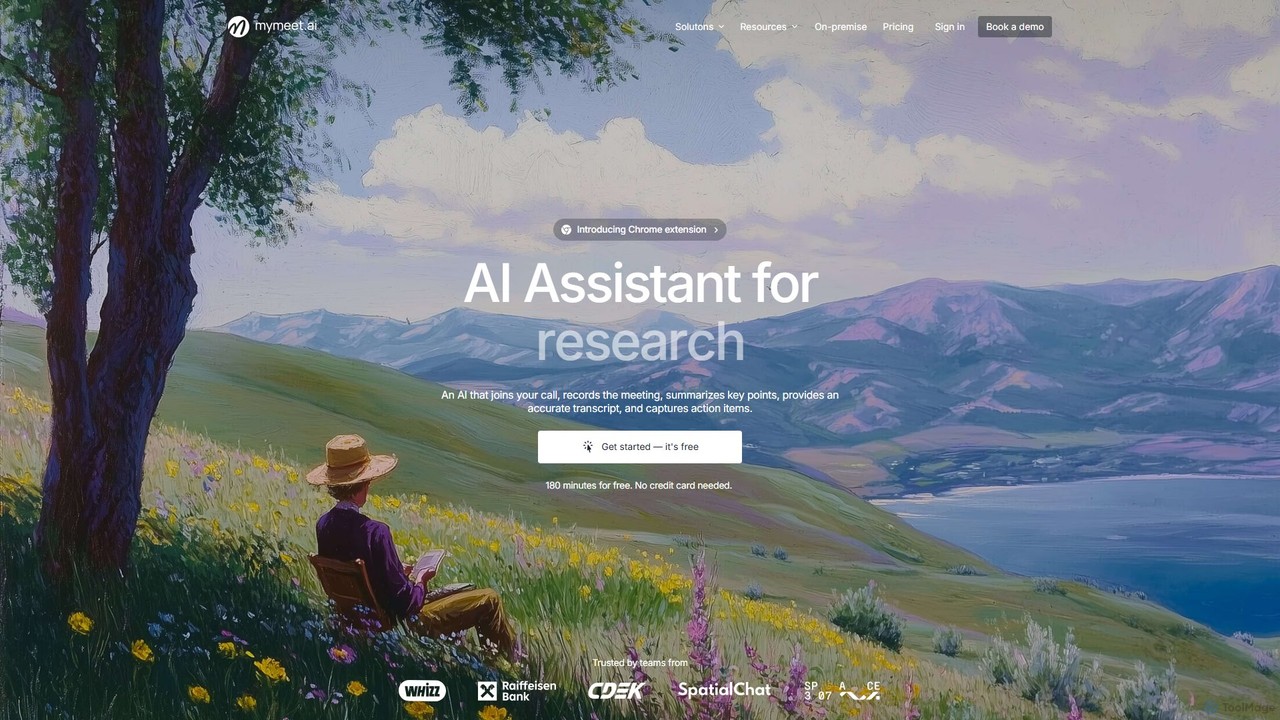
mymeet.ai
mymeet.ai is an AI meeting assistant that automatically joins your calls on Zoom, Google Meet, and Teams to record, transcribe, summarize, and identify action items. It features an interactive AI chat to query meeting details, offers specialized analysis templates, and integrates seamlessly with your calendar and other work tools to boost productivity.
SalesmeetXcc Categories
meetXcc Embed Widget
Copy this embed code to place the badge on your blog, article, or product site and send readers directly to this ToolMage detail page.

Related AI tools
Tactiq
Tactiq is an AI-powered Chrome extension that provides real-time transcription, summaries, and actionable insights for Google Meet, Zoom, and MS Teams meetings. It operates without a bot, ensuring privacy while capturing every detail, identifying speakers, and automating post-meeting tasks like follow-up emails and action items.
Team CollaborationCircleback
Circleback is an AI-powered meeting assistant that automatically generates meticulous notes, assigns action items, and provides accurate transcriptions for both virtual and in-person meetings. It integrates with your favorite apps to automate post-meeting workflows, helping you save time, stay organized, and focus on the conversation.
WorkflowMinutesLink
MinutesLink is an AI meeting assistant for Zoom and Google Meet that automatically records, transcribes, and summarizes your online calls. It generates accurate, human-like meeting minutes, identifies key points, and assigns action items to boost productivity and ensure accountability.
Communicationmymeet.ai
mymeet.ai is an AI meeting assistant that automatically joins your calls on Zoom, Google Meet, and Teams to record, transcribe, summarize, and identify action items. It features an interactive AI chat to query meeting details, offers specialized analysis templates, and integrates seamlessly with your calendar and other work tools to boost productivity.
Sales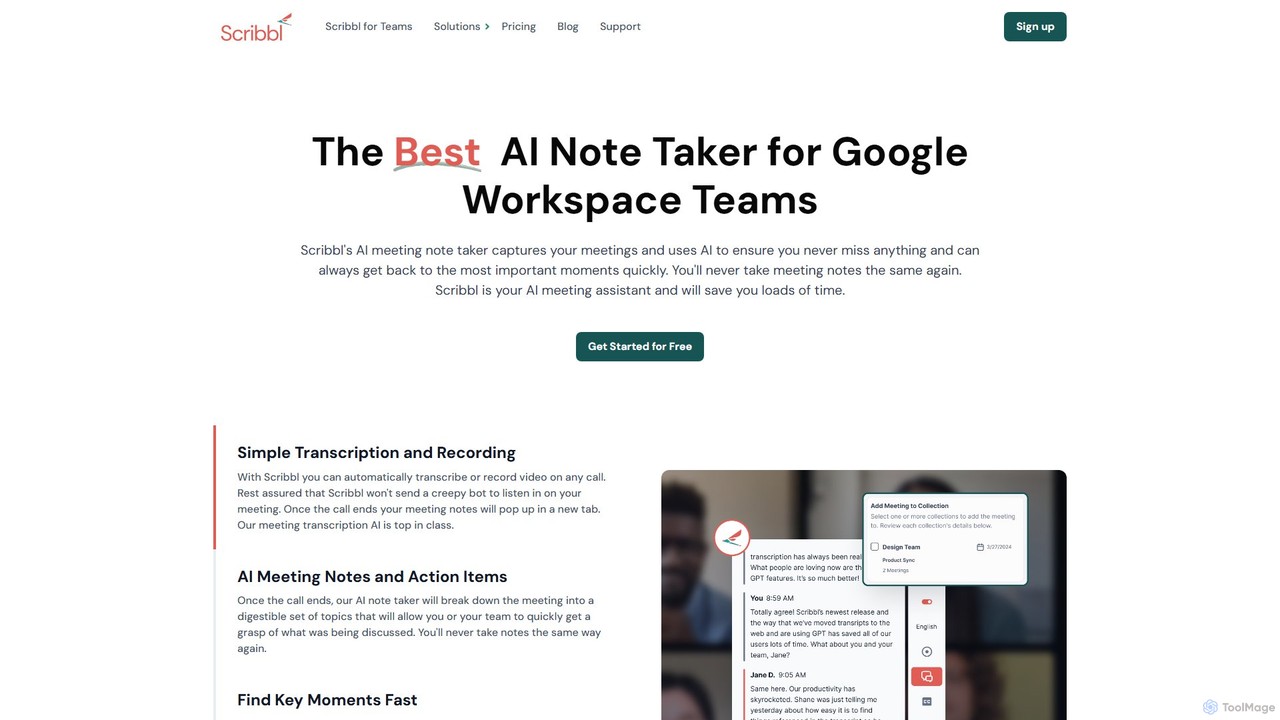
Scribbl
Scribbl is an AI-powered meeting assistant and note-taker designed as a Chrome extension for Google Meet. It automatically transcribes, records, and summarizes your meetings, generating digestible notes, key topics, and actionable items. This tool helps users and teams boost post-meeting productivity by making it easy to find key moments, share insights, and integrate with other workflow tools.
Meetings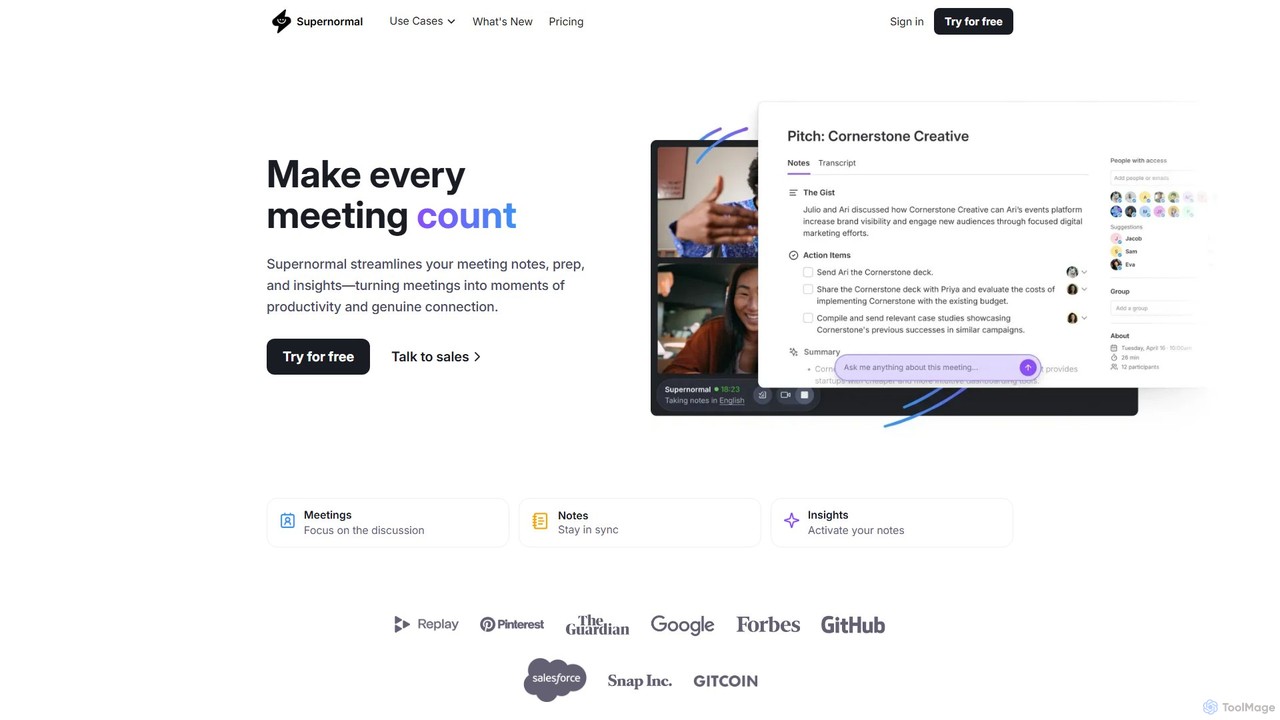
Supernormal
Supernormal is an AI meeting assistant that automatically records, transcribes, and summarizes your meetings on Google Meet, Zoom, and Microsoft Teams. It helps you focus on the conversation by taking care of note-taking, identifying action items, and providing actionable insights.
Meetings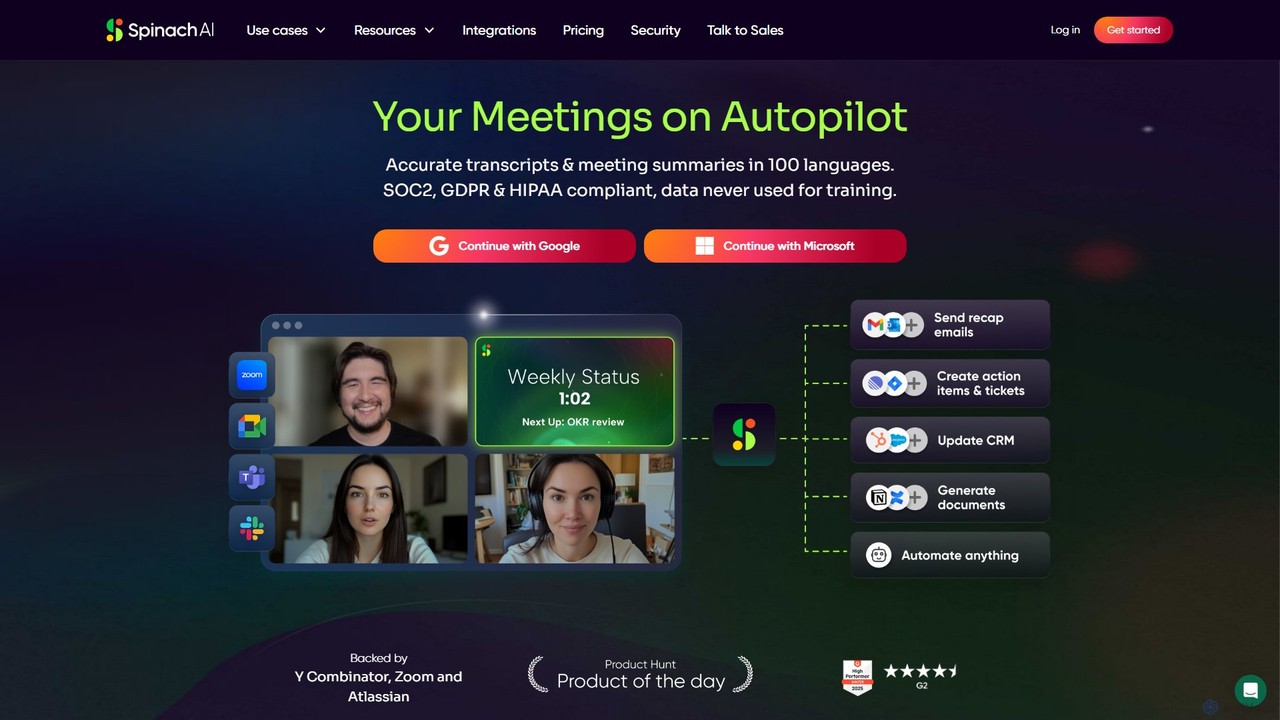
Spinach AI
Spinach AI is an intelligent meeting assistant and AI Scrum Master that automatically joins, records, transcribes, and summarizes your meetings. It captures key decisions and action items, integrating seamlessly with tools like Jira, Slack, and Salesforce to streamline workflows and boost team productivity.
Project Management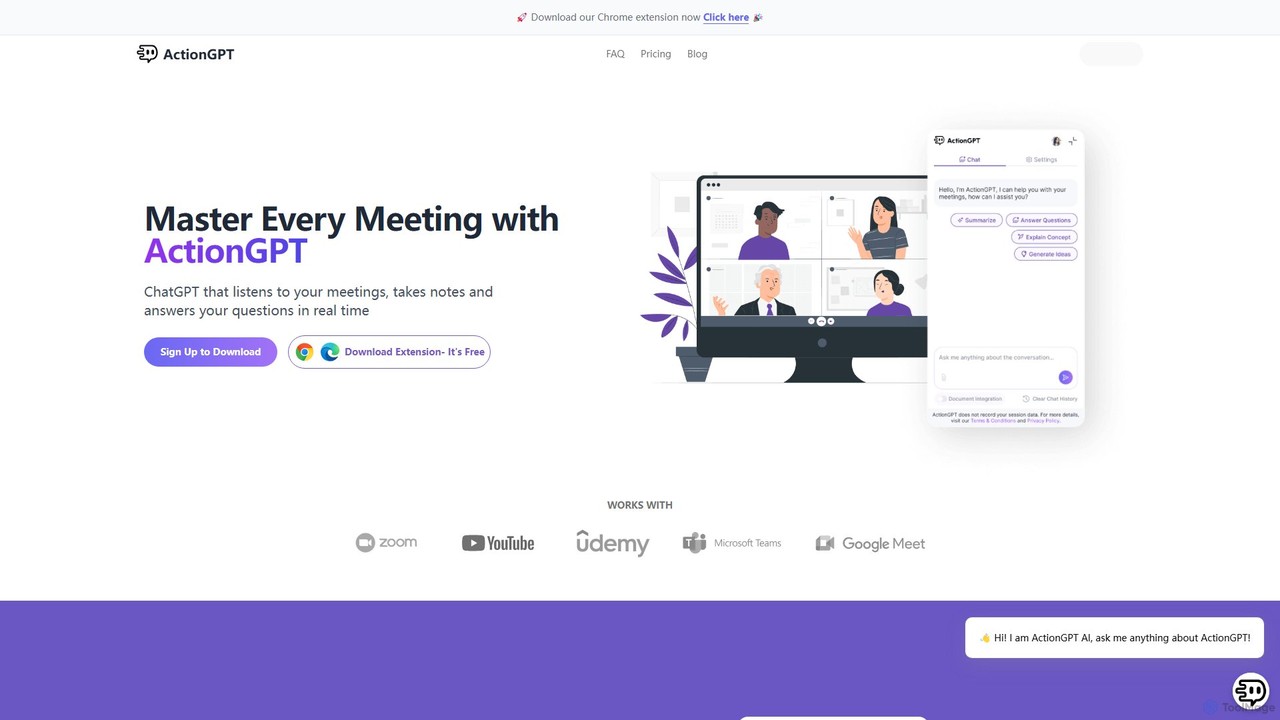
ActionGPT
ActionGPT is an AI-powered Chrome extension that acts as your personal meeting assistant. It listens to your meetings, provides real-time, context-aware answers, takes notes, and automatically generates summaries with actionable follow-ups. Enhance your productivity by personalizing its knowledge with your own documents, ensuring every response is aligned with your expertise and company policies.
Ai Assistant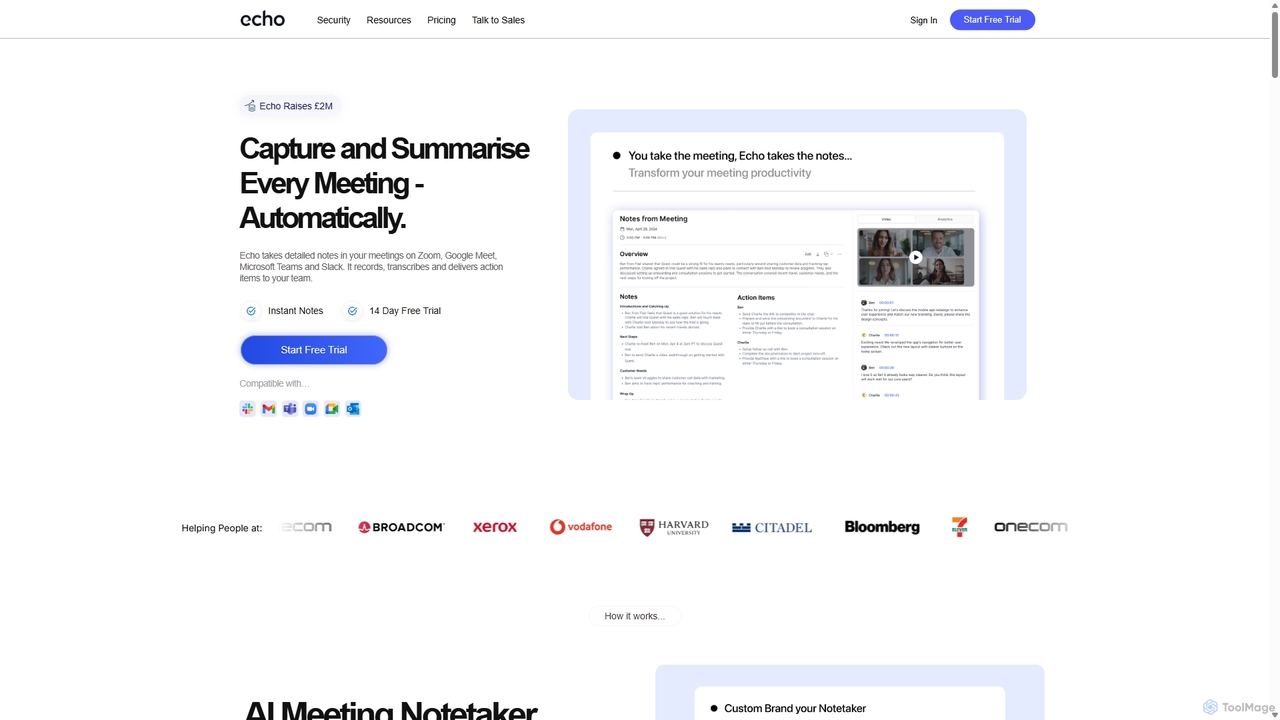
Meetecho
meetecho is an AI executive assistant that automatically joins your meetings on Zoom, Google Meet, and Microsoft Teams to record, transcribe, and generate detailed summaries with action items. It enhances productivity by eliminating manual note-taking and creating a searchable archive of all your conversations. Upcoming features include AI-powered email sorting and drafting.
Assistant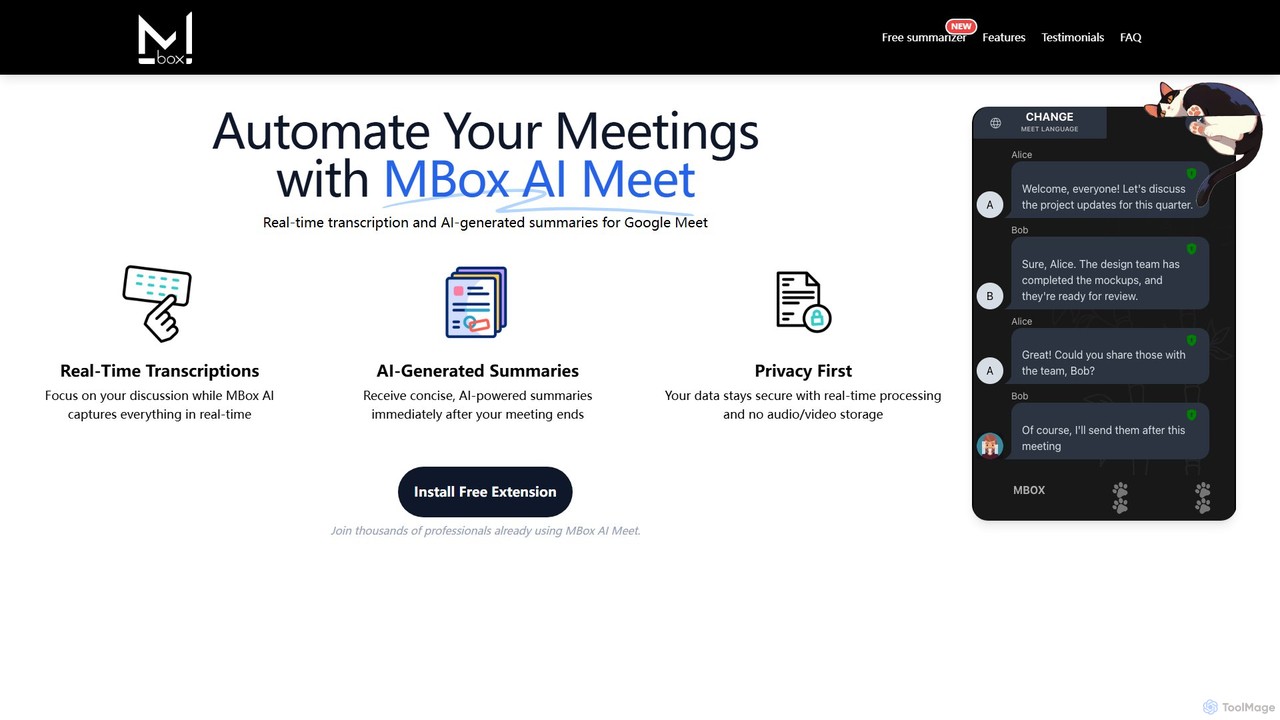
MBox AI Meet
An AI-powered Chrome extension for Google Meet that provides real-time transcription and automatically generates concise meeting summaries. It features speaker identification, action item tracking, and multi-language support to enhance meeting productivity and focus.
Chrome Extensions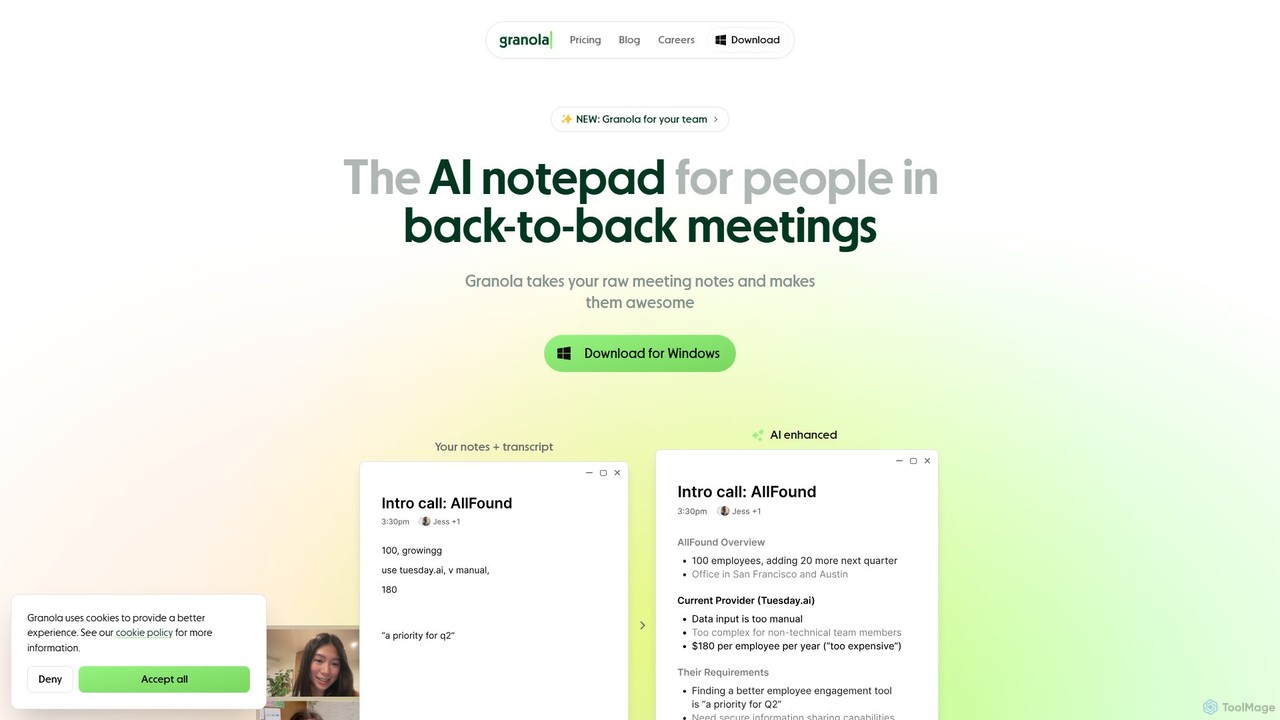
Granola
Granola is an AI-powered notepad designed for professionals in back-to-back meetings. It operates locally on your computer to transcribe meeting audio without bots, enhances your notes with AI-generated insights, and helps create summaries, action items, and follow-up content, boosting meeting productivity.
Meetings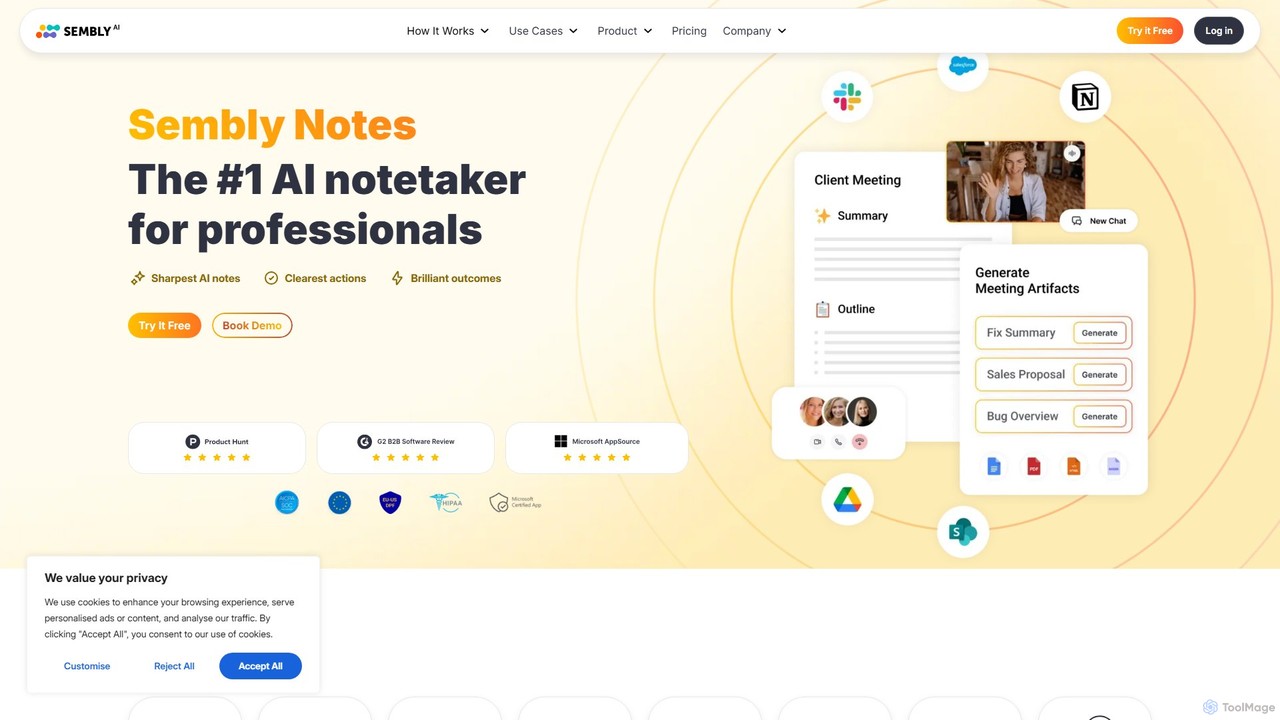
Sembly
Sembly is an AI meeting assistant that records, transcribes, and generates intelligent summaries for your meetings. It integrates with major platforms like Zoom, Google Meet, and Microsoft Teams to capture conversations, identify key items, create action points, and provide deep insights, transforming discussions into actionable outcomes.
Project Management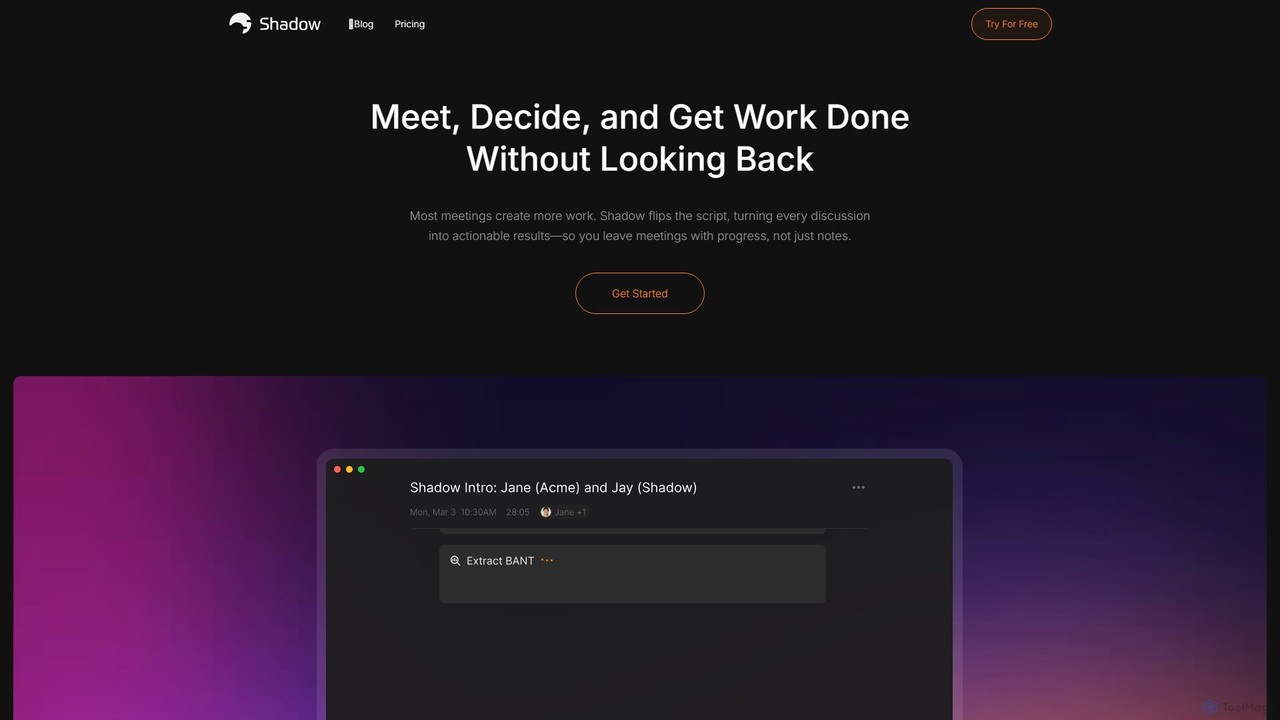
Shadow
Shadow is an AI meeting assistant for Mac that automatically transcribes, summarizes, and transforms discussions into actionable results. It operates in the background, ensuring every meeting becomes a permanent, searchable knowledge asset, with a strong focus on privacy through on-device local processing.
Task Management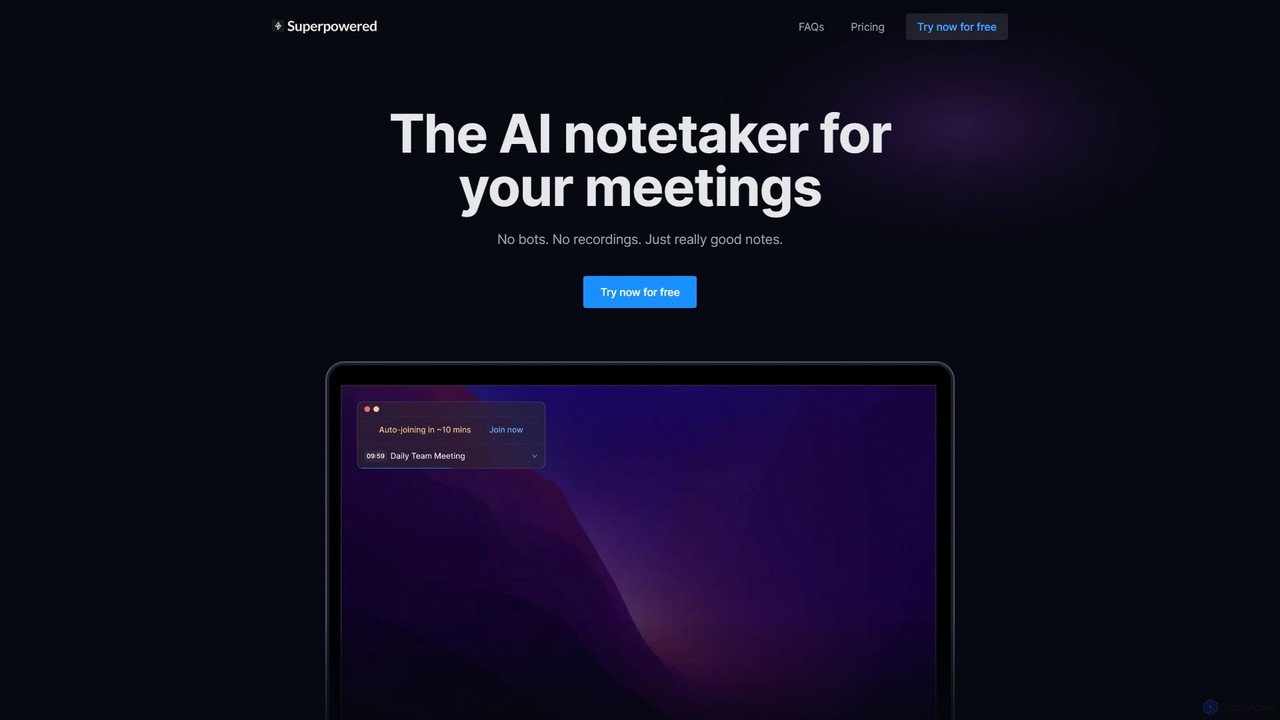
Superpowered
Superpowered is an AI meeting assistant that generates high-quality notes, summaries, and action items without using bots or recordings. It works seamlessly with all meeting platforms by transcribing device audio in real-time, ensuring privacy and security. It integrates with your calendar and workflow tools to boost productivity.
Meeting Assistant
Hedy
Hedy is a real-time AI meeting and class coach designed to enhance communication for professionals, students, journalists, and recruiters. It provides live insights, automatic summaries, transcripts, and action items across 30+ languages. With a focus on privacy and accessibility, Hedy runs on any device to help you participate more confidently and effectively in every conversation, turning discussions into actionable knowledge.
Communication
meetXcc Comments (0)
Sign in to comment.
Sign inNo comments yet.