

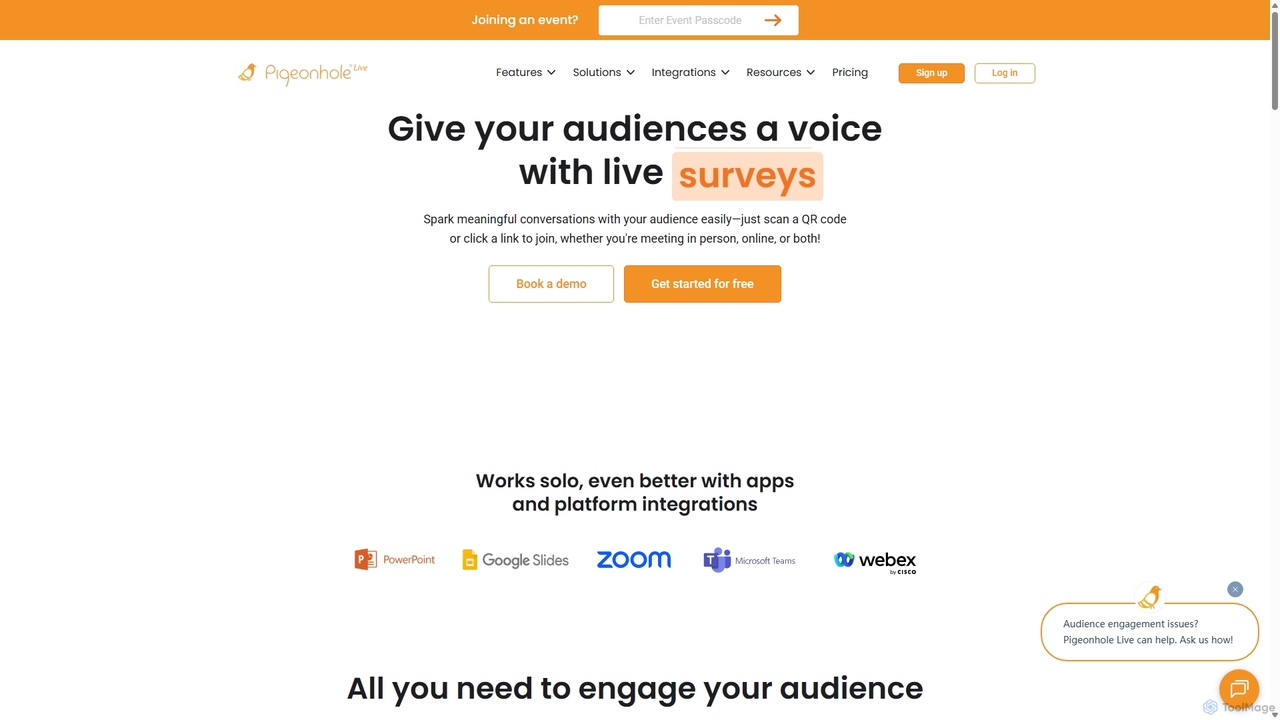
Pigeonhole Live Overview
Pigeonhole Live is a complete audience engagement platform designed to make meetings, town halls, webinars, and conferences more interactive and inclusive. It provides a suite of tools that give every participant a voice, whether they are attending in person, online, or in a hybrid format. The platform is trusted by leading companies worldwide to foster meaningful conversations, gather valuable feedback, and create memorable sessions by breaking down the barriers between speakers and their audience.
The core philosophy of Pigeonhole Live is simple yet powerful: to empower inclusive conversations. By allowing attendees to easily join sessions via a QR code or a simple link without any downloads, it ensures a frictionless experience. The platform's versatility makes it suitable for a wide range of applications, from internal communications and team meetings to large-scale international events.
How to use Pigeonhole Live
Getting started with Pigeonhole Live is designed to be intuitive for both organizers and participants. Here’s a typical workflow:
- Setup Your Event: Organizers create a 'Pigeonhole' for their event or meeting. Inside this, they can build an agenda and set up various interactive sessions like Q&A, Polls, Quizzes, or Surveys. The platform offers extensive customization options, allowing you to add logos, match brand colors, and even include sponsor branding.
- Share with Your Audience: Participants can join the session by scanning a QR code or clicking a shared link. No app installation or login is required, making access quick and easy. For added security, organizers can set up event passcodes or use Single Sign-On (SSO).
- Engage in Real-Time: During the event, presenters can launch polls, quizzes, and Q&A sessions directly from their presentation slides using integrations with PowerPoint and Google Slides. Responses appear live on the main screen, creating a dynamic and engaging visual experience.
- Moderate and Manage: A powerful Admin Panel allows organizers and moderators to manage the flow of interaction. They can filter and approve questions in a Q&A, display specific questions on the projector screen, send announcements, and collaborate with team members to manage large-scale events.
- Analyze and Act: After the session, Pigeonhole Live provides detailed insights and analytics. All data, including questions, poll results, and feedback, can be exported into PDF or Excel reports. This allows organizers to understand audience sentiment, identify key themes, and make data-driven decisions for future events.
Core Features of Pigeonhole Live
- Live Q&A: Allows audiences to ask questions and vote on submissions from others. A key feature is the AI-powered translation, which lets participants ask questions in their native language, promoting inclusivity in global events.
- Polls & Word Clouds: Engage participants with multiple-choice questions, rating polls, and open-ended questions. Word clouds visualize audience input in real-time, turning ideas into a colorful, dynamic display.
- Interactive Quizzes: Test audience knowledge and boost energy with fun, competitive quizzes. This feature is great for training sessions or as an icebreaker between presentations.
- Live Chat & Reactions: A dedicated chat feature brings in-person and online attendees together, allowing them to share ideas and connect. Emoji reactions let the audience express their feelings in real-time, giving speakers instant feedback.
- Surveys: Gather structured feedback and valuable insights from your audience before, during, or after the event.
- Seamless Integrations: Works with popular presentation and event platforms like PowerPoint, Google Slides, Zoom, Microsoft Teams, Webex, and more, ensuring a smooth workflow.
- Custom Branding & API: Offers powerful tools to customize the look and feel of your event. A robust API allows for deeper integration with existing event tech stacks and data warehouses.
Use Cases for Pigeonhole Live
Pigeonhole Live is versatile and can be adapted for various scenarios:
- Town Hall Meetings: Make company-wide meetings more open and engaging. Employees can ask questions anonymously in their preferred language, vote on important topics, and provide real-time feedback, ensuring their voices are heard by leadership.
- Team Meetings: Transform routine meetings into productive conversations. Use quick polls to make decisions, run brainstorming sessions with word clouds, and use Q&As to ensure all team members are aligned.
- Events & Conferences: Create an immersive experience where every attendee feels involved. Speakers can manage interactions seamlessly, while attendees participate in polls, ask questions, and share reactions, whether they are on-site or virtual.
- Webinars & Training: Keep your audience focused and engaged during online presentations. Use quizzes to reinforce learning, polls to gauge understanding, and Q&As to address specific queries.
Advantages of Pigeonhole Live
The platform offers numerous advantages for creating more effective and engaging events. It significantly boosts audience participation and makes everyone feel included, especially in hybrid settings where remote attendees can often feel disconnected. The ability to collect real-time data and feedback provides invaluable insights for organizers to measure event success and plan future improvements. Furthermore, its powerful moderation tools ensure that discussions remain focused and productive, while customization options help maintain brand consistency and professionalism.
Pricing and Plans
Pigeonhole Live offers a flexible pricing structure with plans tailored for both Meetings and Events, available on a one-time or annual basis.
- Basic (Free): A free-forever plan perfect for trying out the platform. It includes up to 100 participants, 1 Q&A, 5 Polls/Quizzes, and 1 Survey per event.
- For Meetings (Annual Plans):
- Pro ($8/month): For up to 200 participants, offering unlimited Q&As, Polls, and Surveys, plus data exports.
- Business ($25/month): For up to 1000 participants, adding moderation controls, direct replies, and custom branding.
- Enterprise: Custom plan for organizations with 20+ users, featuring advanced security like SSO, a dedicated success manager, and organization-wide branding.
- For Events (One-Time or Annual Plans):
- Engage (from $338/event or $100/month annually): For up to 1000 participants, includes unlimited chats, moderation, and embed codes.
- Captivate (from $928/event or $225/month annually): For up to 5000 participants, adding features like Reactions and sponsor logos.
- Enterprise: Custom solutions for large-scale events with over 5,000 participants, offering API integrations and dedicated support.
Special plans are also available for educational institutions.
Traffic
Latest traffic
Status
Monthly traffic trend
- 2025-9: 42.6K
- 2026-1: 38.1K
- 2026-2: 30.7K
- 2026-3: 41.2K
- 2026-4: 42.3K
- 2026-5: 36.8K
Geography
Top 5 countries / regions
- 🇺🇸United States36.3%
- 🇦🇺Australia17.9%
- 🇸🇬Singapore17.3%
- 🇻🇳Vietnam15.6%
- 🇬🇧United Kingdom12.9%
Traffic sources
| Source type | Percentage |
|---|---|
Direct | 96.0% |
Referral | 4.0% |
Top keywords
| Keyword | Cost per click |
|---|---|
| how to pause the storm circle with admin panel in private match | $0.00 |
| piegon hole | $0.00 |
| pigeon hole | $3.26 |
| pigeonhole | $5.54 |
| pigeonhole live | $3.88 |
Pigeonhole Live Alternatives
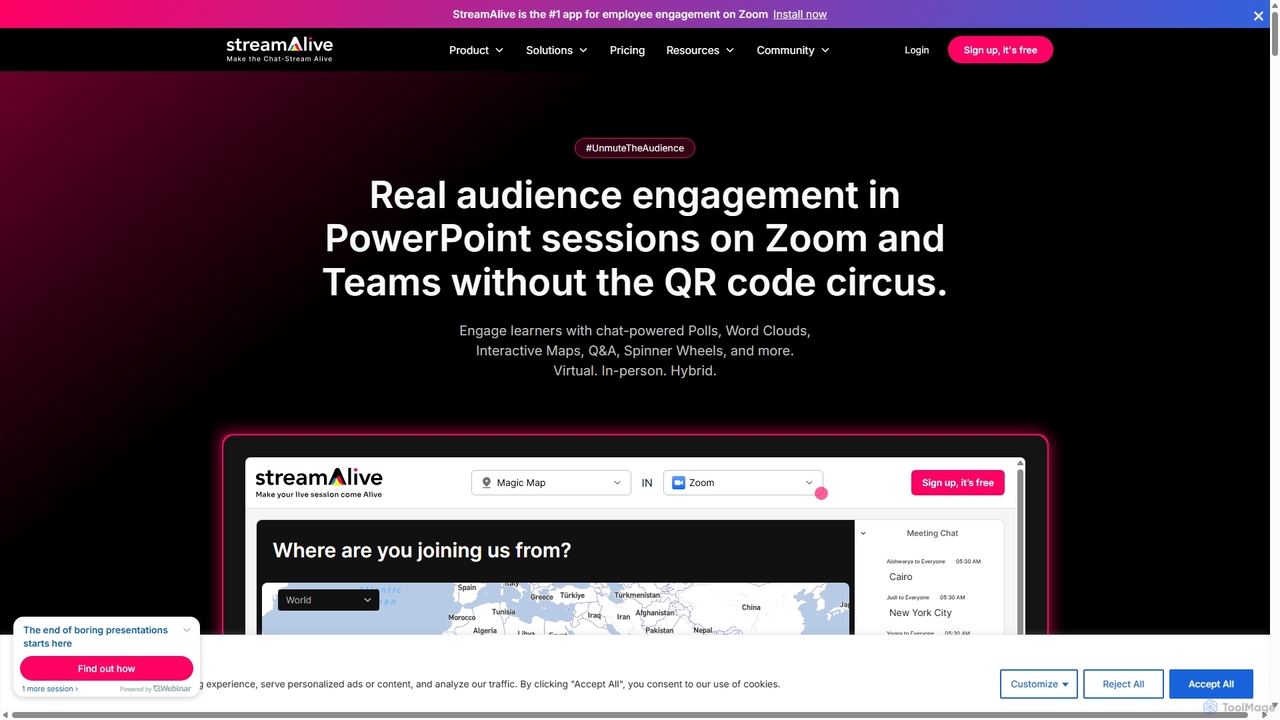
StreamAlive
StreamAlive is an AI-powered audience engagement tool for live sessions on platforms like Zoom, Teams, and YouTube. It transforms passive presentations into interactive experiences using chat-powered features like polls, word clouds, interactive maps, and Q&A. Its AI can automatically generate engagement questions from your presentation material, making it easy for trainers, educators, and presenters to keep their audience captivated without complex setups or QR codes.
Training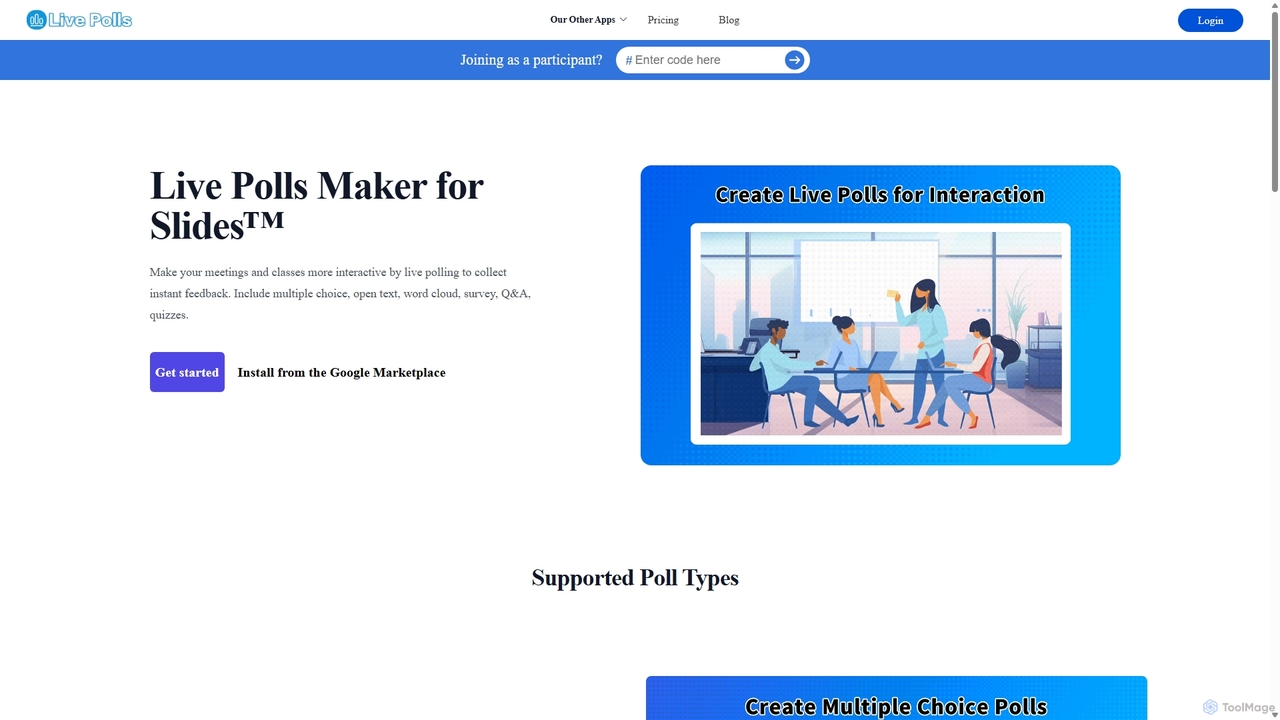
Live Polls Maker for Slides™
An interactive polling tool for Google Slides that enhances presentations by engaging audiences with live polls, quizzes, Q&A sessions, and word clouds. Collect instant feedback and display results in real-time to make meetings and classes more dynamic and participatory.
Collaboration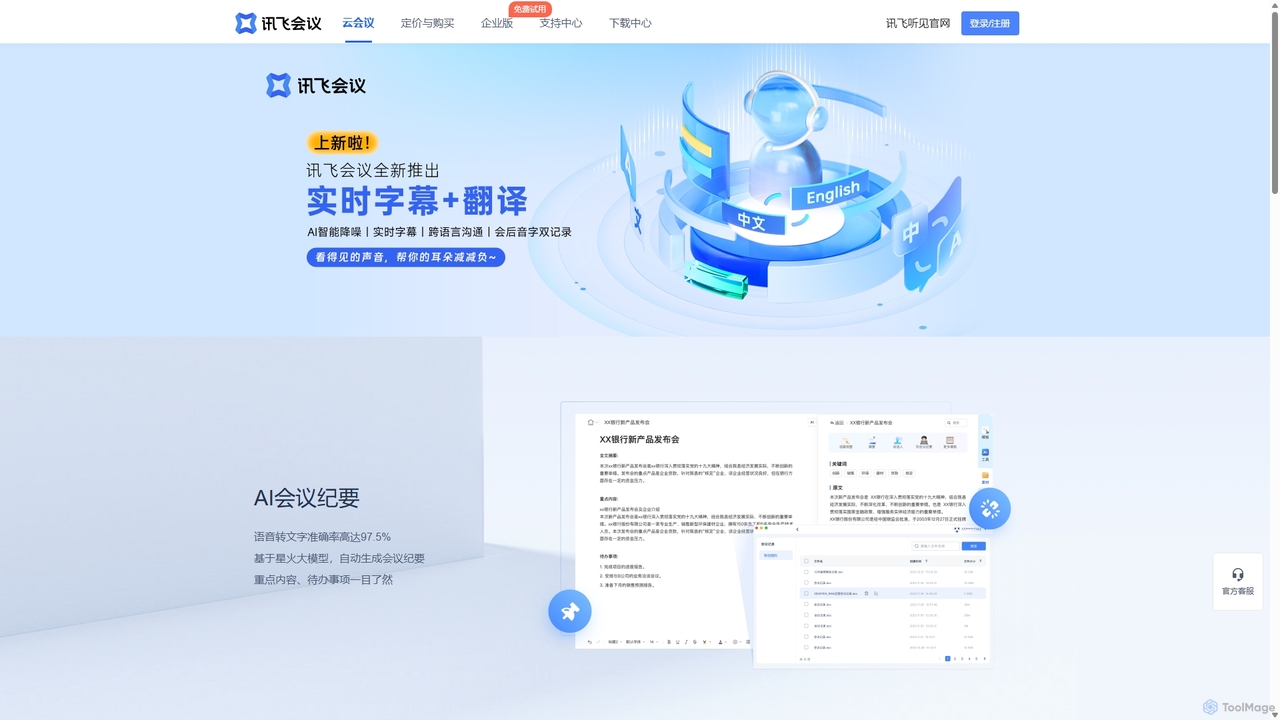
IFlytek Meeting
iFlytek Meeting is an AI-powered HD video conferencing platform. It offers high-accuracy real-time transcription, automatic meeting summaries, and to-do list generation. With features like stable HD video, cross-platform support, and robust security, it enhances meeting efficiency for individuals, teams, and large enterprises, providing a seamless remote collaboration experience.
Communication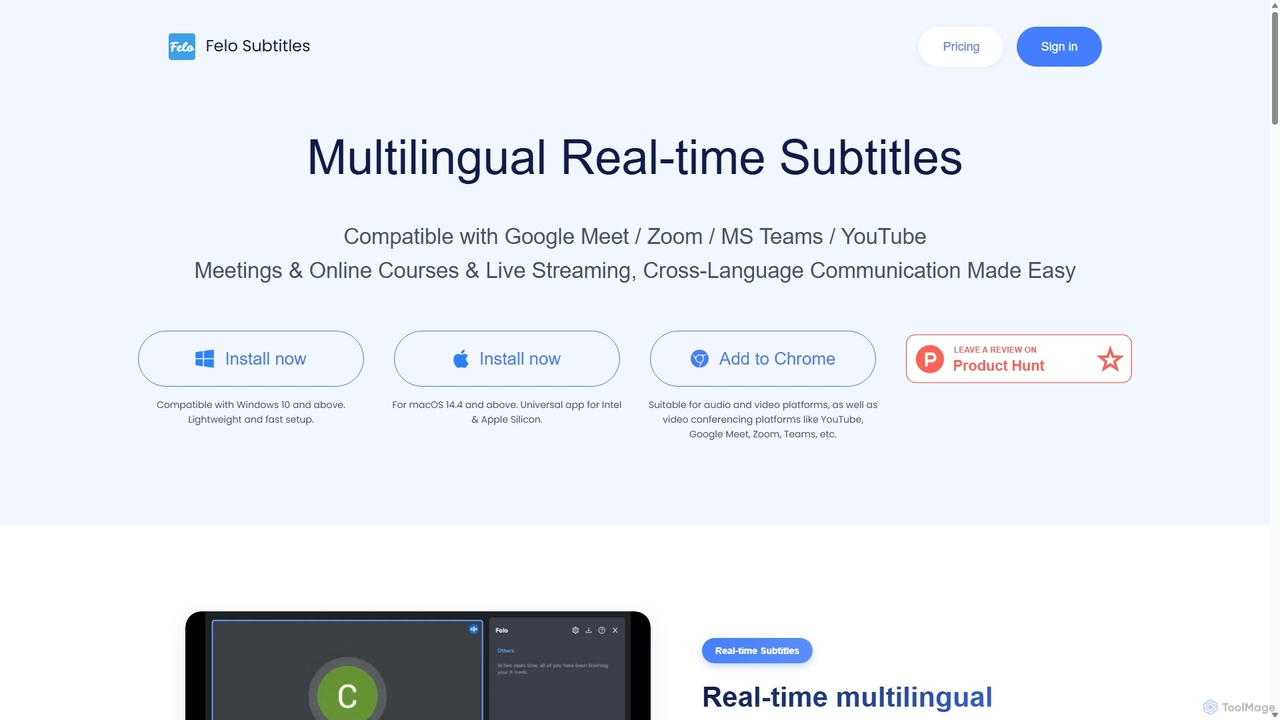
Felo Subtitles
Felo Subtitles is an AI-powered tool providing real-time multilingual captions and translated subtitles for meetings and videos. It seamlessly integrates with platforms like Google Meet, Zoom, MS Teams, and YouTube, offering features like speaker recognition, AI summaries, and customizable dictionaries to ensure clear, cross-language communication.
Language Learning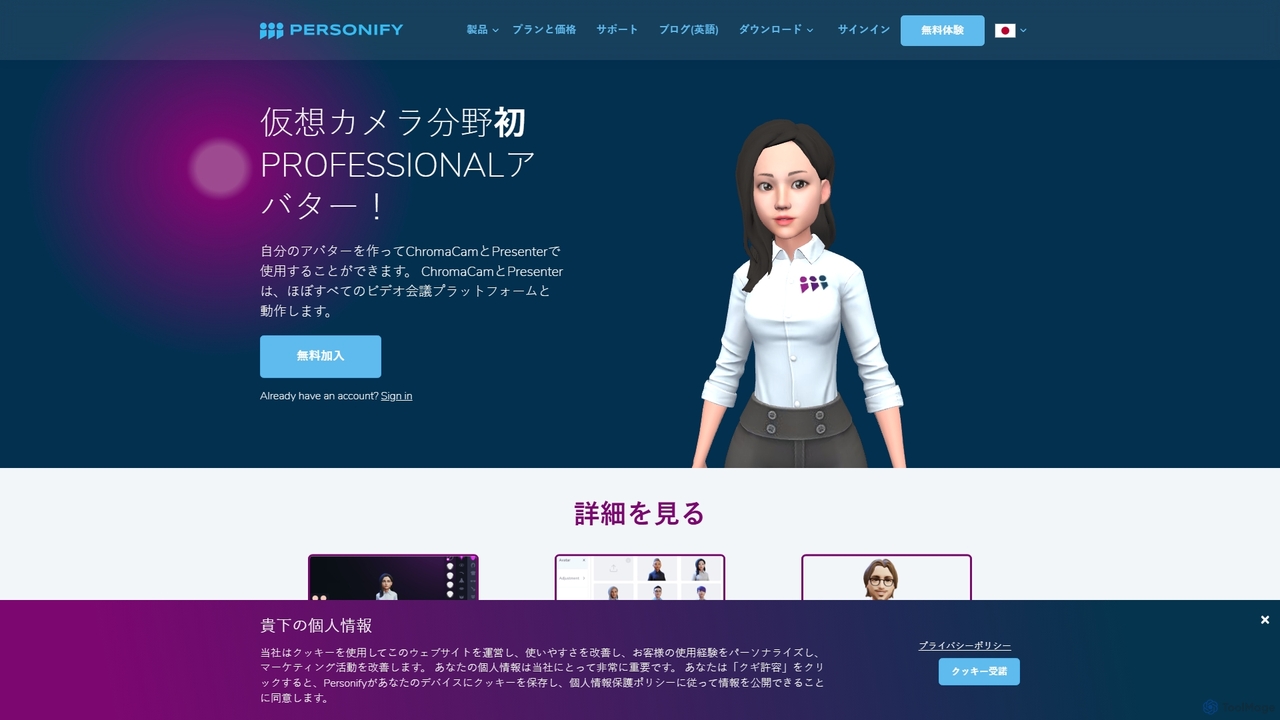
Personify
Personify is an AI-powered suite of virtual camera tools, including Presenter and ChromaCam, designed to create immersive and engaging video presentations. It allows users to overlay their video on content, use custom 3D avatars, and replace backgrounds in any video conferencing app.
Virtual IdentityPigeonhole Live Categories
Pigeonhole Live Jobs
Pigeonhole Live Embed Widget
Copy this embed code to place the badge on your blog, article, or product site and send readers directly to this ToolMage detail page.

Related AI tools
StreamAlive
StreamAlive is an AI-powered audience engagement tool for live sessions on platforms like Zoom, Teams, and YouTube. It transforms passive presentations into interactive experiences using chat-powered features like polls, word clouds, interactive maps, and Q&A. Its AI can automatically generate engagement questions from your presentation material, making it easy for trainers, educators, and presenters to keep their audience captivated without complex setups or QR codes.
TrainingLive Polls Maker for Slides™
An interactive polling tool for Google Slides that enhances presentations by engaging audiences with live polls, quizzes, Q&A sessions, and word clouds. Collect instant feedback and display results in real-time to make meetings and classes more dynamic and participatory.
Collaboration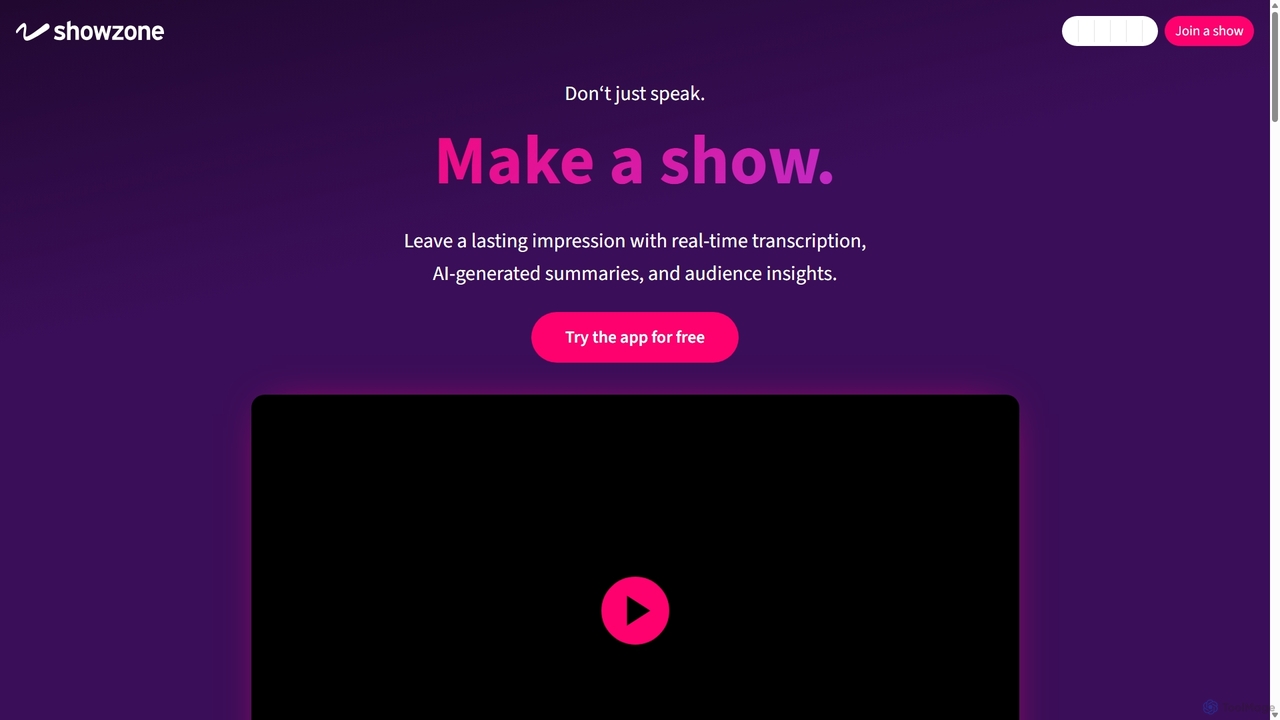
Showzone
Showzone is an AI-powered presentation delivery platform that transforms standard presentations into interactive shows. It boosts audience engagement by broadcasting content directly to their phones, generating AI summaries, and capturing leads, all through a simple drag-and-drop interface.
Elearning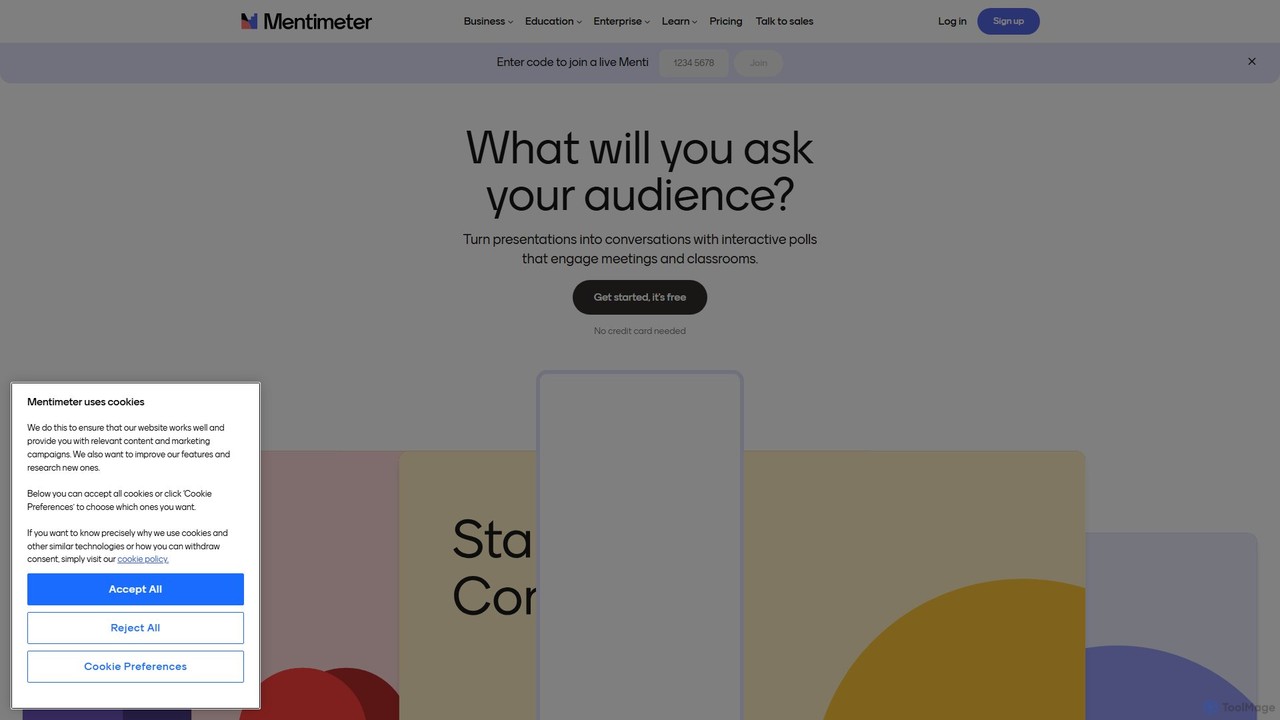
Mentimeter
Mentimeter is an AI-powered interactive presentation platform that transforms meetings, workshops, and classes into engaging experiences. It enables presenters to create live polls, quizzes, word clouds, and Q&A sessions, allowing audiences to participate in real-time using their smartphones. The AI presentation maker can generate a draft presentation from a simple prompt, saving valuable time.
Meeting Management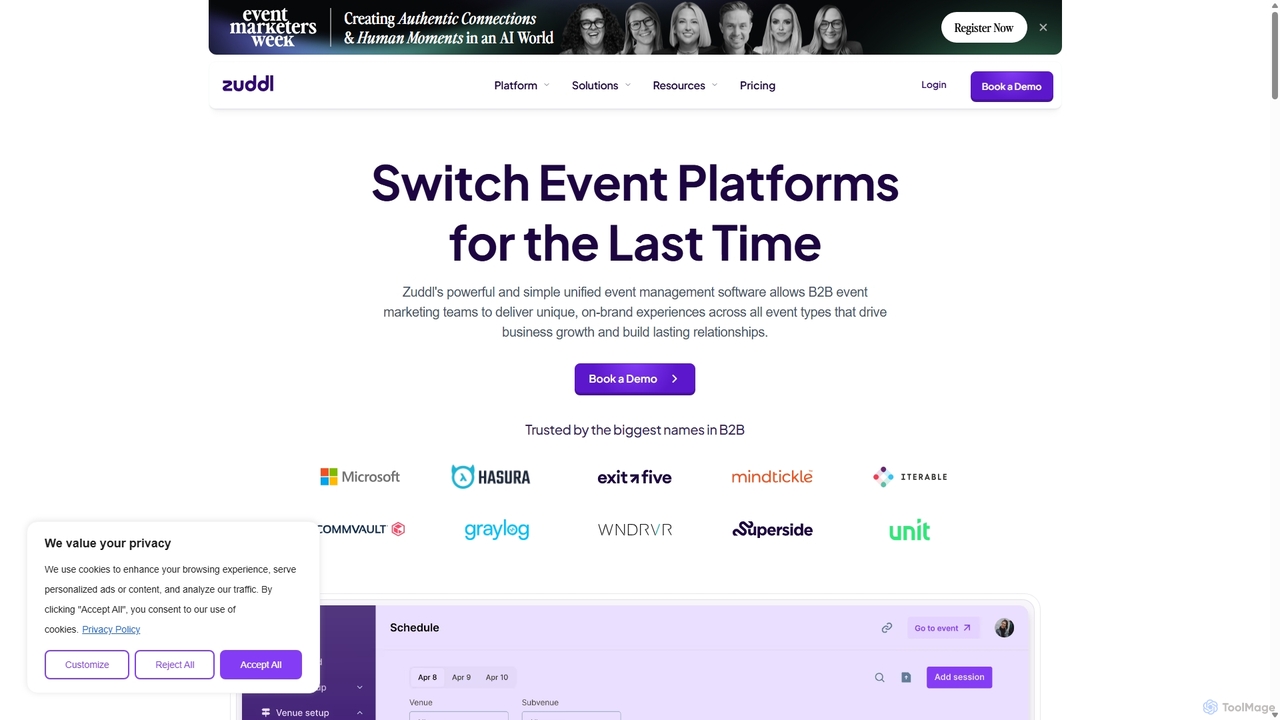
Zuddl
Zuddl is a modular, all-in-one platform for B2B marketers to plan and execute standout virtual and hybrid events. It provides a unified solution for the entire event lifecycle, from customizable registration and branding to interactive engagement tools and in-depth analytics. Zuddl is designed to help businesses deliver immersive experiences, drive audience participation, and measure event ROI effectively.
Virtual Events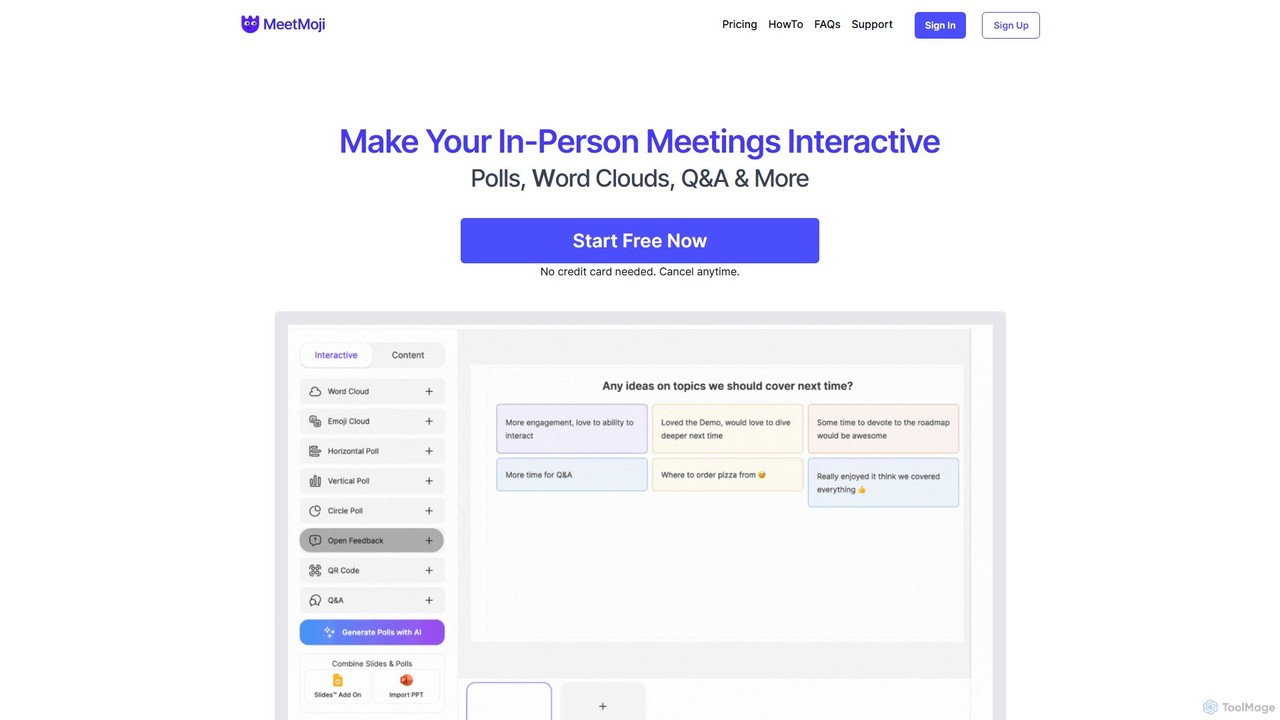
MeetMoji
MeetMoji is an interactive presentation tool that boosts audience engagement through live polls, word clouds, Q&A, and emoji reactions. It seamlessly integrates with Google Slides, PowerPoint, and more, allowing audiences to participate instantly by scanning a QR code, with no downloads required.
CollaborationIFlytek Meeting
iFlytek Meeting is an AI-powered HD video conferencing platform. It offers high-accuracy real-time transcription, automatic meeting summaries, and to-do list generation. With features like stable HD video, cross-platform support, and robust security, it enhances meeting efficiency for individuals, teams, and large enterprises, providing a seamless remote collaboration experience.
Communication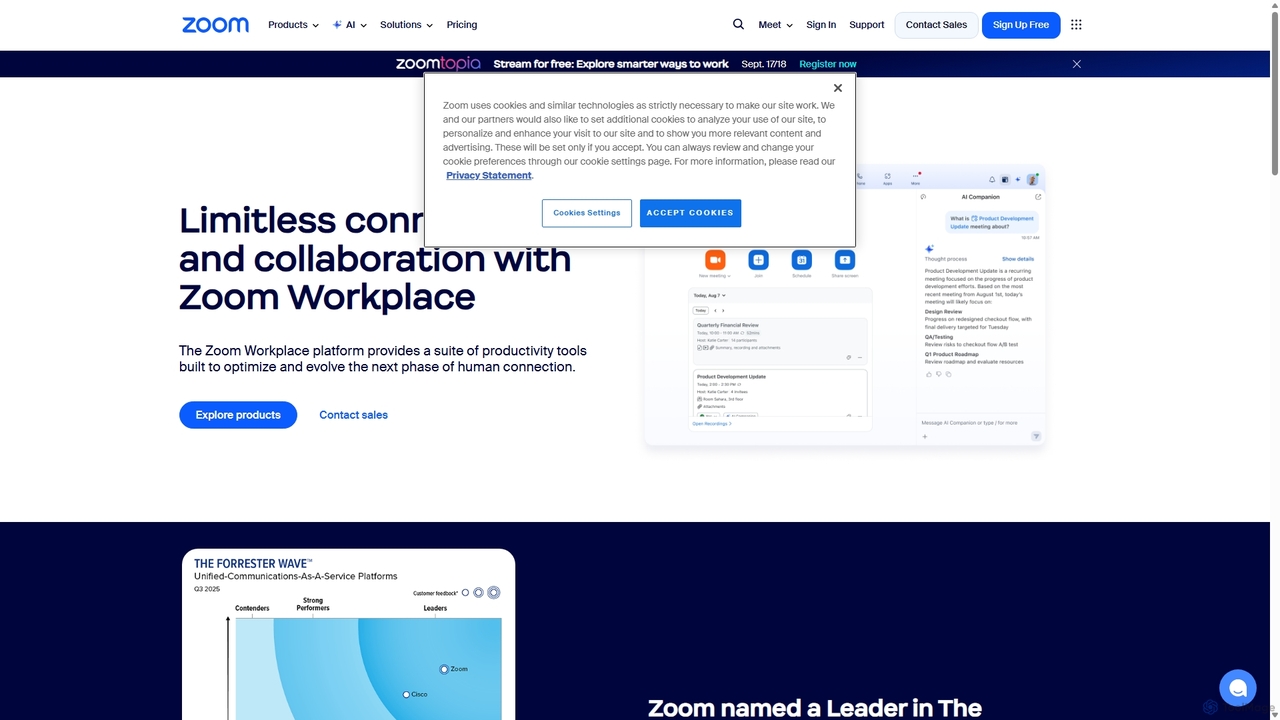
Zoom
Zoom is an AI-first, unified collaboration platform that connects people through video meetings, phone calls, team chat, webinars, and more. Featuring the AI Companion, it streamlines workflows, summarizes meetings, and enhances productivity for remote and hybrid teams across all industries.
Meeting Management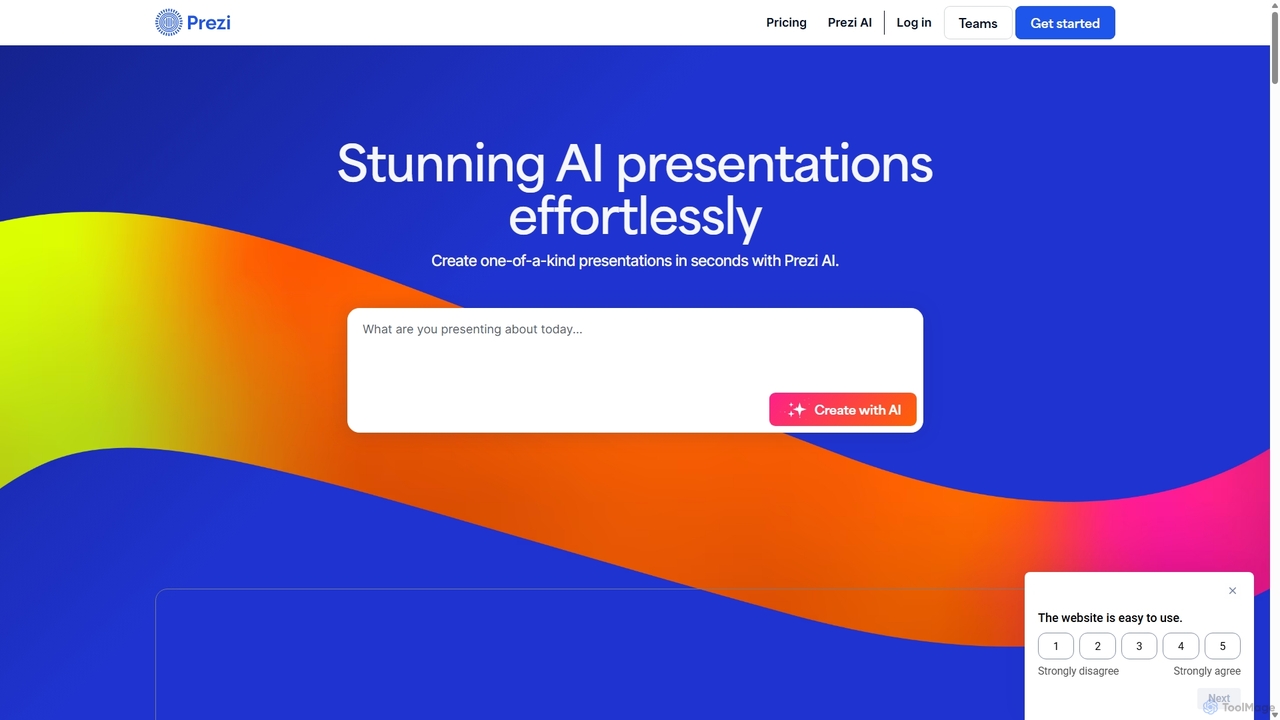
Prezi
Prezi is an AI-powered presentation software that transforms ideas into stunning, dynamic, and non-linear presentations. Go beyond traditional slides with a zooming canvas that captivates audiences. Its AI generator creates unique designs, content, and images in seconds, making it ideal for business, education, and personal storytelling.
Teaching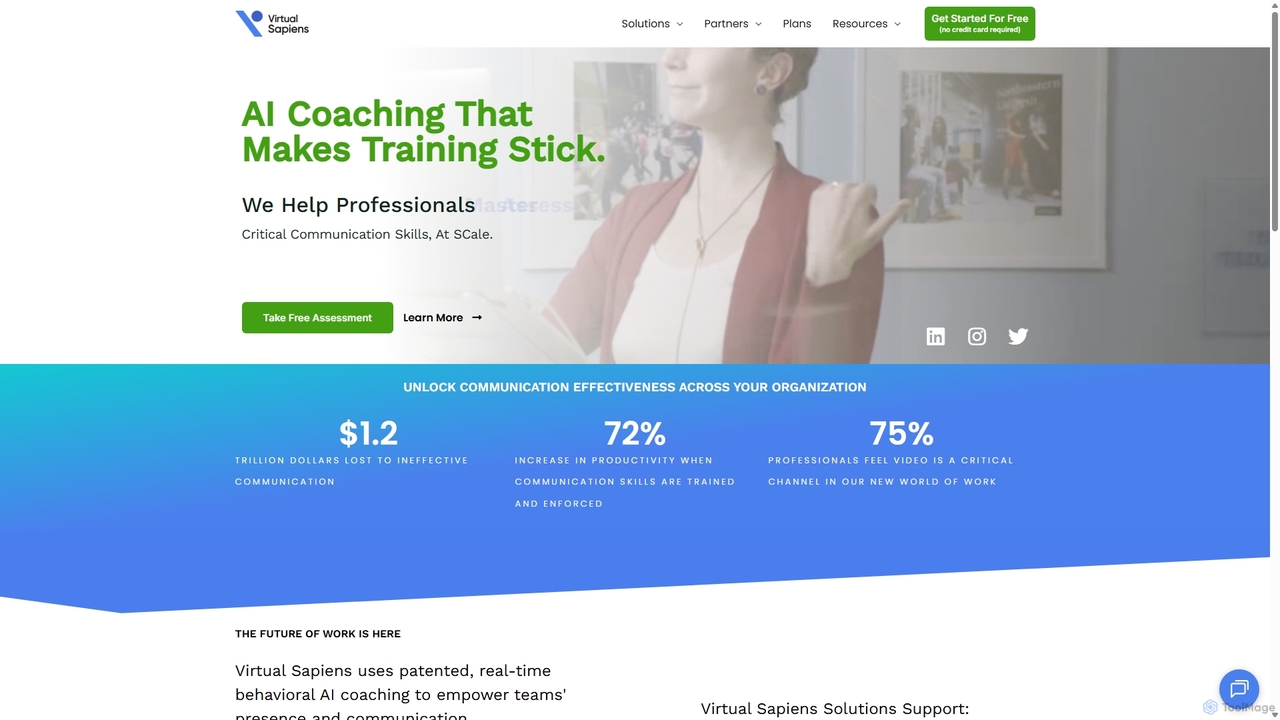
Virtual Sapiens
Virtual Sapiens is an AI-powered communication coach that provides real-time feedback to help professionals master virtual presence and communication skills. It integrates with popular video conferencing platforms to offer live, private coaching on nonverbal, vocal, and verbal cues, empowering teams and individuals to communicate with confidence and impact.
Sales
GetSurvey
GetSurvey is an AI-powered platform designed to transform tedious survey processes into effortless insight generation and action planning. It enables users to quickly draft surveys, gather feedback without requiring accounts, and receive real-time AI-driven summaries, sentiment analysis, and actionable recommendations. Ideal for businesses, communities, and educators seeking to make data-driven decisions.
Data Analysis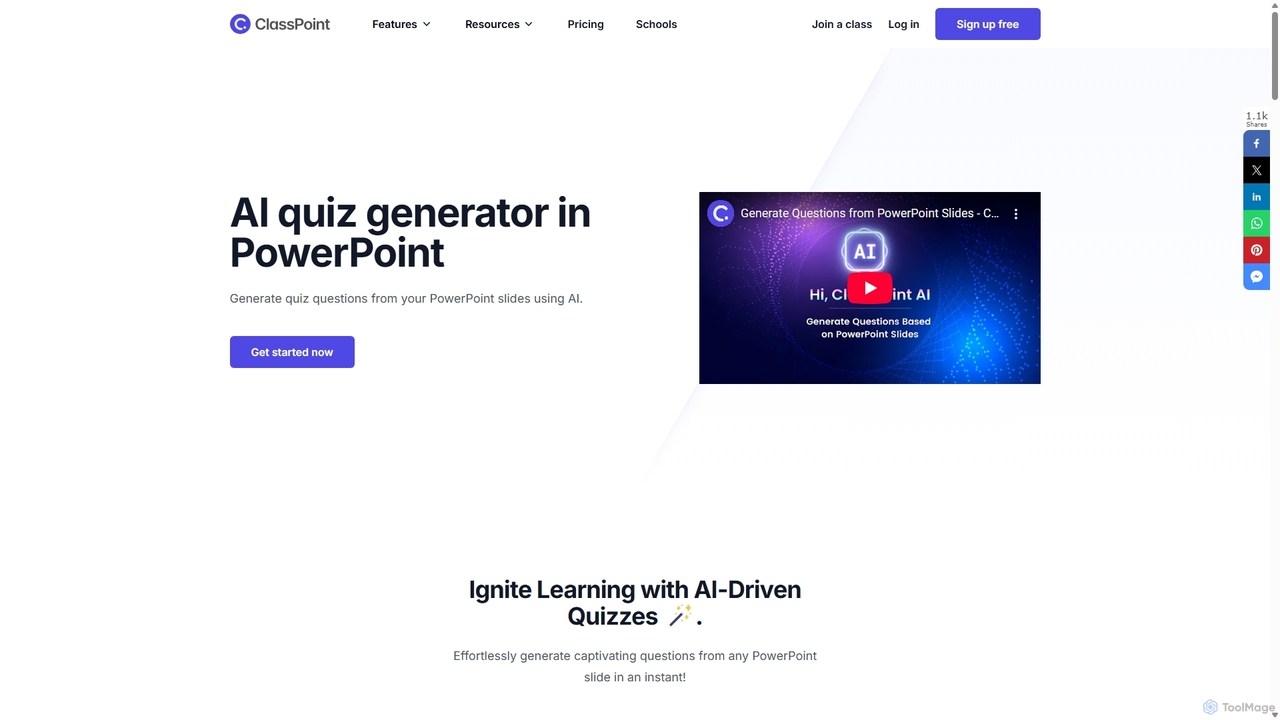
ClassPoint AI
ClassPoint AI is a powerful PowerPoint add-in that transforms static presentations into interactive learning experiences. It uses AI to instantly generate quiz questions from any slide's content, supporting various formats like multiple choice, short answer, and fill-in-the-blanks. With features like Bloom's Taxonomy integration and multi-language support, it helps educators effortlessly assess student understanding and boost engagement in real-time.
AssessmentFelo Subtitles
Felo Subtitles is an AI-powered tool providing real-time multilingual captions and translated subtitles for meetings and videos. It seamlessly integrates with platforms like Google Meet, Zoom, MS Teams, and YouTube, offering features like speaker recognition, AI summaries, and customizable dictionaries to ensure clear, cross-language communication.
Language LearningPersonify
Personify is an AI-powered suite of virtual camera tools, including Presenter and ChromaCam, designed to create immersive and engaging video presentations. It allows users to overlay their video on content, use custom 3D avatars, and replace backgrounds in any video conferencing app.
Virtual Identity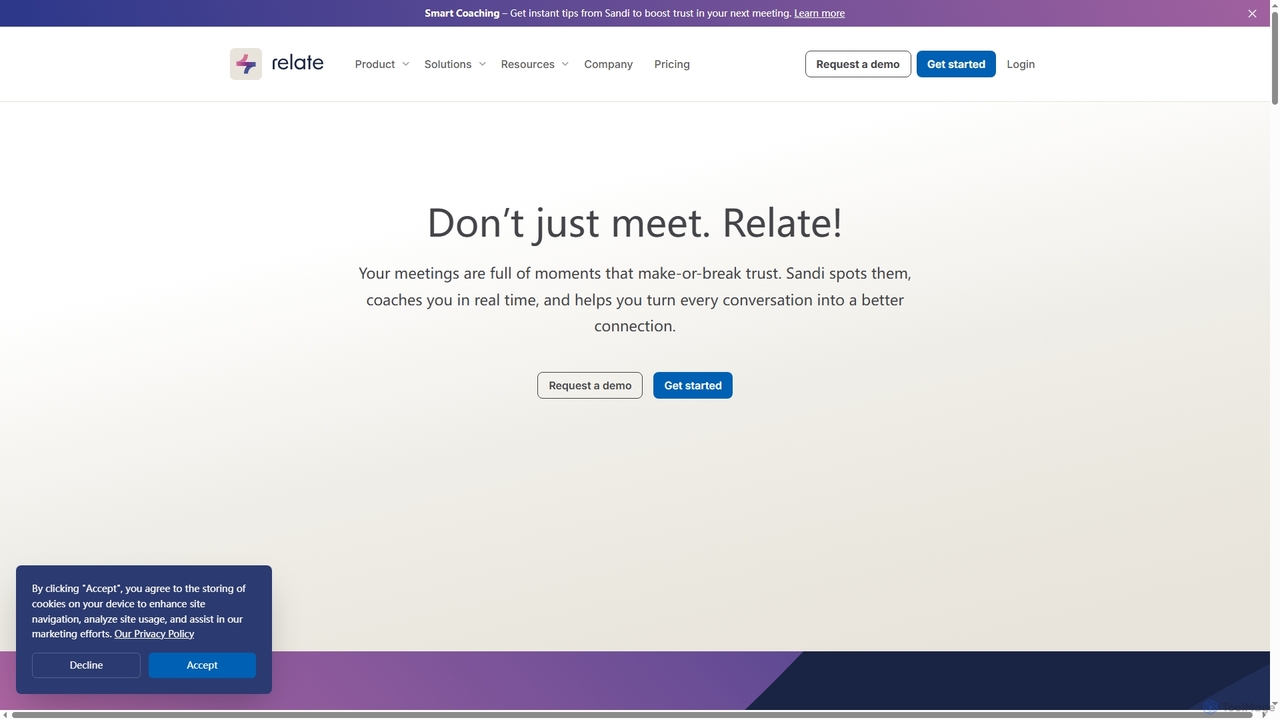
Relate
Relate is an AI-powered meeting intelligence platform designed to improve communication and build trust. Its AI coach, Sandi, provides real-time analysis and post-meeting feedback on trust-building behaviors, helping teams enhance engagement, collaboration, and outcomes. It integrates with popular meeting tools like Zoom, Google Meet, and MS Teams.
Training
Pigeonhole Live Comments (0)
Sign in to comment.
Sign inNo comments yet.