

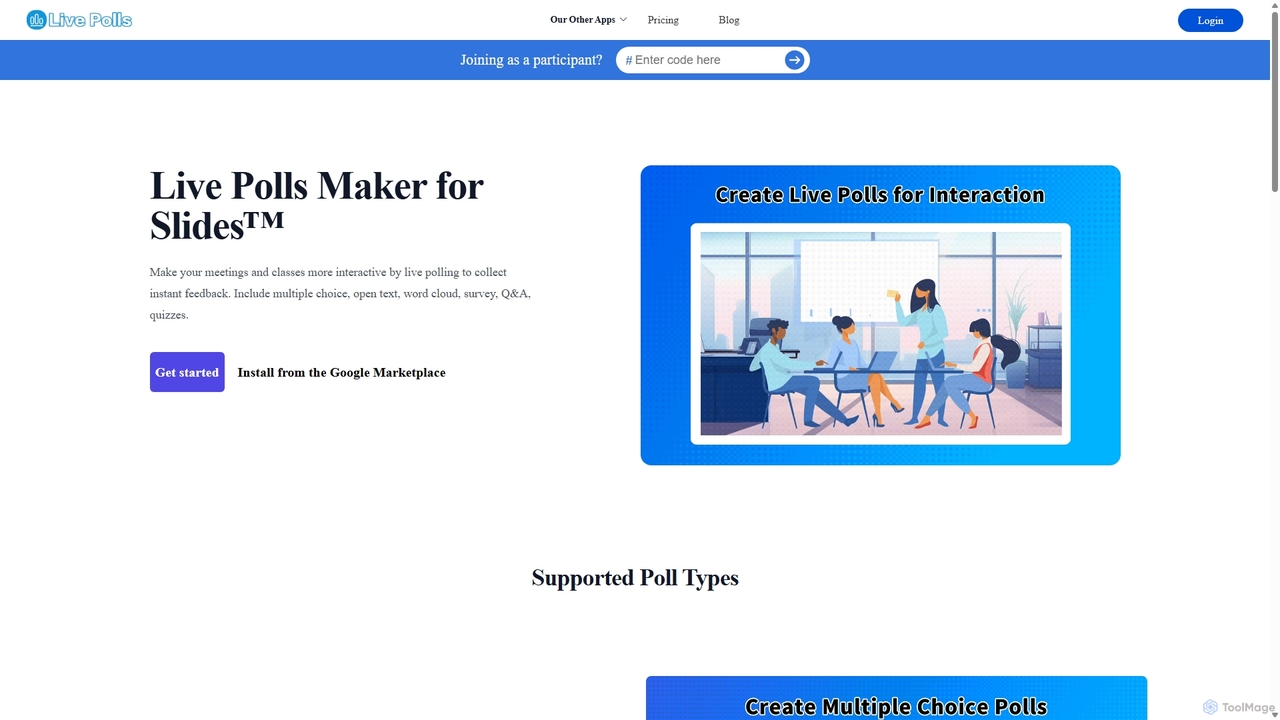
Live Polls Maker for Slides™ Overview
Live Polls Maker for Slides™ is a powerful add-on for Google Slides designed to transform standard presentations into interactive experiences. It enables presenters to seamlessly integrate various types of live polls, quizzes, and Q&A sessions directly into their slide decks. This tool is perfect for educators, corporate trainers, marketers, and anyone looking to boost audience engagement and gather real-time feedback during meetings, classes, or events. By breaking the monotony of one-way communication, Live Polls Maker for Slides™ fosters a more dynamic, inclusive, and memorable environment for all participants.
How to use Live Polls Maker for Slides™
Using the tool is straightforward and integrates directly into your existing Google Slides workflow:
- Installation: First, install the 'Live Polls Maker for Slides™' add-on from the Google Workspace Marketplace.
- Creation: Open your Google Slides presentation. From the add-on menu, select Live Polls Maker to open the creation panel.
- Poll Selection: Choose the type of interaction you want to create, such as Multiple Choice, Word Cloud, Open-ended Q&A, or a Quiz.
- Configuration: Customize your poll with questions, options, and settings like timers for quizzes.
- Insertion: Once configured, insert the poll directly onto a new or existing slide. It will appear as a placeholder.
- Presentation: When you present your slides, the poll becomes active. Participants can join using a simple link or QR code displayed on the screen, without needing to download any app.
- Interaction: As participants submit their responses, the results are displayed live on your presentation slide in visually appealing charts or formats, creating an engaging real-time feedback loop.
Core Features of Live Polls Maker for Slides™
- Multiple Poll Types: Offers a wide variety of interaction formats, including Multiple Choice, Open Text for Q&A and feedback, Word Clouds for highlighting popular ideas, and Surveys for comprehensive data collection.
- Live Quizzes: Create competitive quizzes with timers and leaderboards to test knowledge in a fun and interactive way. Supports both 'Pick Answer' (multiple choice) and 'Type Answer' formats.
- Real-Time Results: Instantly visualizes audience responses in real-time with dynamic charts and word clouds, keeping the audience engaged and informed.
- Seamless Google Slides Integration: Works as a native add-on within Google Slides, eliminating the need to switch between different applications during a presentation.
- Unlimited Participants: Both free and premium plans support an unlimited number of participants, making it suitable for small team meetings and large-scale events alike.
- Data Export: Premium users can export poll and quiz results to Excel for further analysis, record-keeping, or reporting.
Use Cases for Live Polls Maker for Slides™
This tool is versatile and can be applied in various professional and educational settings:
- Education: Teachers and lecturers can use it for icebreakers, to check for student understanding, conduct formative assessments with quizzes, and facilitate interactive classroom discussions.
- Corporate Meetings & Training: Make all-hands meetings, workshops, and training sessions more engaging. Use it for collective decision-making, brainstorming with word clouds, and gathering immediate feedback on new strategies.
- Webinars & Conferences: Keep a remote or large audience captivated by running live polls and Q&A sessions. It helps speakers connect with their audience and tailor their content based on real-time feedback.
- Market Research: Quickly gather opinions and preferences from a focus group or audience during a product presentation.
Advantages of Live Polls Maker for Slides™
The primary advantage is its ability to significantly increase audience participation and attention. By turning passive listeners into active contributors, it makes information more digestible and memorable. Its direct integration with Google Slides provides a smooth and professional user experience for the presenter. The variety of poll types ensures that you have the right tool for any interactive scenario, from simple voting to complex knowledge testing. The unlimited participant feature on all plans is a major benefit, removing barriers to scalability.
Pricing and Plans
Live Polls Maker for Slides™ operates on a freemium model:
- Free Plan: $0/month. This plan allows users to create 1 poll (Multiple Choice only) with an unlimited number of participants. It's ideal for trying out the basic functionality.
- Pro Plan: $9.90/month or $99/year (a 48% saving). This plan unlocks unlimited polls and quizzes, access to all poll types (including Word Cloud, Q&A, Quizzes), unlimited participants, the ability to export results to Excel, and full access to advanced settings.
- Team Plan: Starts from $18.00/month (billed yearly) at $6.00 per user/month. It includes all the features of the Pro plan, with the addition of multiple user seats for collaborative team use.
Subscriptions can be canceled at any time by contacting their support team.
Traffic
Latest traffic
Status
Monthly traffic trend
- 2025-9: 329.2K
- 2026-1: 312.0K
- 2026-2: 283.4K
- 2026-3: 352.1K
- 2026-4: 295.5K
- 2026-5: 255.4K
Geography
Top 5 countries / regions
- 🇺🇸United States41.6%
- 🇧🇷Brazil17.8%
- 🇻🇳Vietnam15.9%
- 🇮🇳India14.8%
- 🇰🇷South Korea10.0%
Traffic sources
| Source type | Percentage |
|---|---|
Direct | 78.8% |
Referral | 18.2% |
Email | 3.0% |
Top keywords
| Keyword | Cost per click |
|---|---|
| form builder live | $0.00 |
| live poll | $0.00 |
| mind map | $1.02 |
| перевод видео на русский | $0.00 |
| перевод видео онлайн | $0.00 |
Live Polls Maker for Slides™ Alternatives
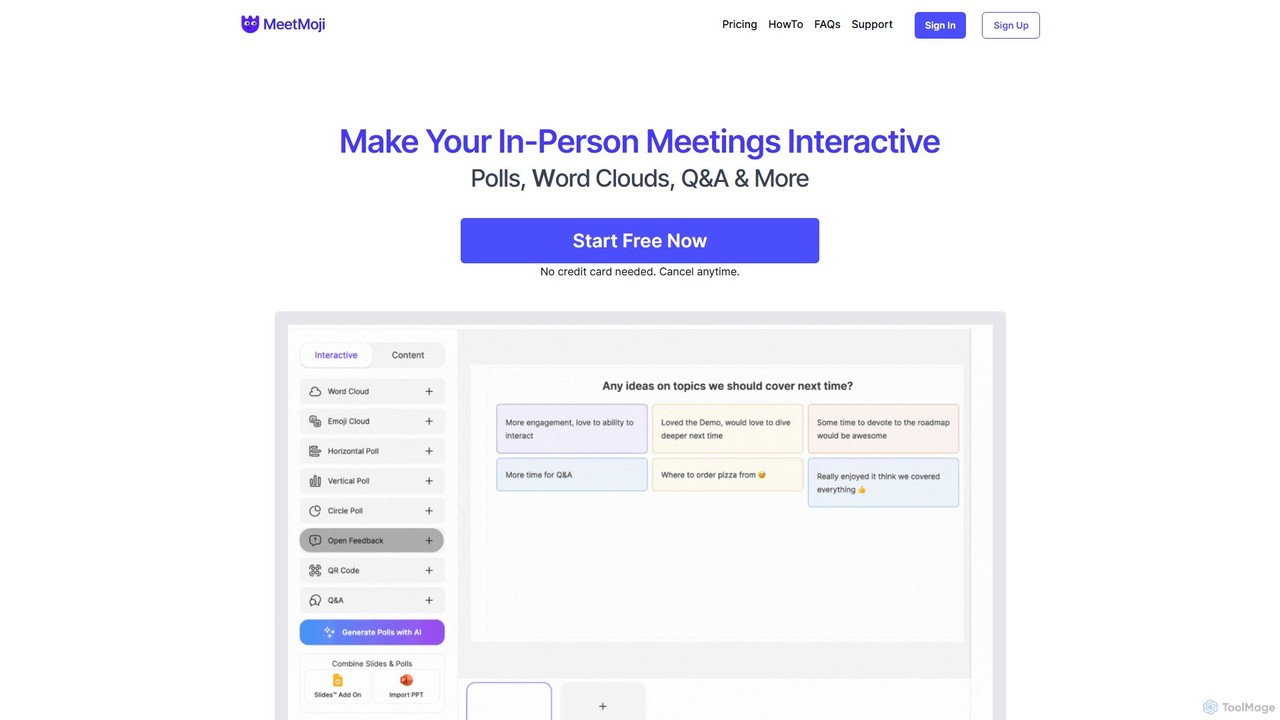
MeetMoji
MeetMoji is an interactive presentation tool that boosts audience engagement through live polls, word clouds, Q&A, and emoji reactions. It seamlessly integrates with Google Slides, PowerPoint, and more, allowing audiences to participate instantly by scanning a QR code, with no downloads required.
Collaboration
Showzone
Showzone is an AI-powered presentation delivery platform that transforms standard presentations into interactive shows. It boosts audience engagement by broadcasting content directly to their phones, generating AI summaries, and capturing leads, all through a simple drag-and-drop interface.
Elearning
Taku Slides
Taku Slides is an AI-powered presentation tool that transforms simple prompts, documents, or outlines into professionally designed slides in minutes. It features smart templates, brand consistency, real-time collaboration, and multiple export options.
Collaboration
HeyGen
HeyGen is a cutting-edge AI video generation platform that enables users to create professional, studio-quality videos with realistic AI avatars and voices. Effortlessly convert text into engaging spokesperson videos for marketing, training, and communication without the need for cameras, actors, or complex editing software. It's designed to scale video production quickly and affordably.
E Learning
Mentimeter
Mentimeter is an AI-powered interactive presentation platform that transforms meetings, workshops, and classes into engaging experiences. It enables presenters to create live polls, quizzes, word clouds, and Q&A sessions, allowing audiences to participate in real-time using their smartphones. The AI presentation maker can generate a draft presentation from a simple prompt, saving valuable time.
Meeting ManagementLive Polls Maker for Slides™ Categories
Live Polls Maker for Slides™ Jobs
Live Polls Maker for Slides™ Embed Widget
Copy this embed code to place the badge on your blog, article, or product site and send readers directly to this ToolMage detail page.

Related AI tools
Pigeonhole Live
Pigeonhole Live is a comprehensive audience engagement platform designed for meetings, events, and conferences. It empowers organizers to boost participation through interactive tools like live Q&A with AI translation, polls, word clouds, quizzes, and surveys, creating a more inclusive and memorable experience for both in-person and virtual attendees.
Collaboration
StreamAlive
StreamAlive is an AI-powered audience engagement tool for live sessions on platforms like Zoom, Teams, and YouTube. It transforms passive presentations into interactive experiences using chat-powered features like polls, word clouds, interactive maps, and Q&A. Its AI can automatically generate engagement questions from your presentation material, making it easy for trainers, educators, and presenters to keep their audience captivated without complex setups or QR codes.
TrainingShowzone
Showzone is an AI-powered presentation delivery platform that transforms standard presentations into interactive shows. It boosts audience engagement by broadcasting content directly to their phones, generating AI summaries, and capturing leads, all through a simple drag-and-drop interface.
ElearningMentimeter
Mentimeter is an AI-powered interactive presentation platform that transforms meetings, workshops, and classes into engaging experiences. It enables presenters to create live polls, quizzes, word clouds, and Q&A sessions, allowing audiences to participate in real-time using their smartphones. The AI presentation maker can generate a draft presentation from a simple prompt, saving valuable time.
Meeting ManagementHeyGen
HeyGen is a cutting-edge AI video generation platform that enables users to create professional, studio-quality videos with realistic AI avatars and voices. Effortlessly convert text into engaging spokesperson videos for marketing, training, and communication without the need for cameras, actors, or complex editing software. It's designed to scale video production quickly and affordably.
E Learning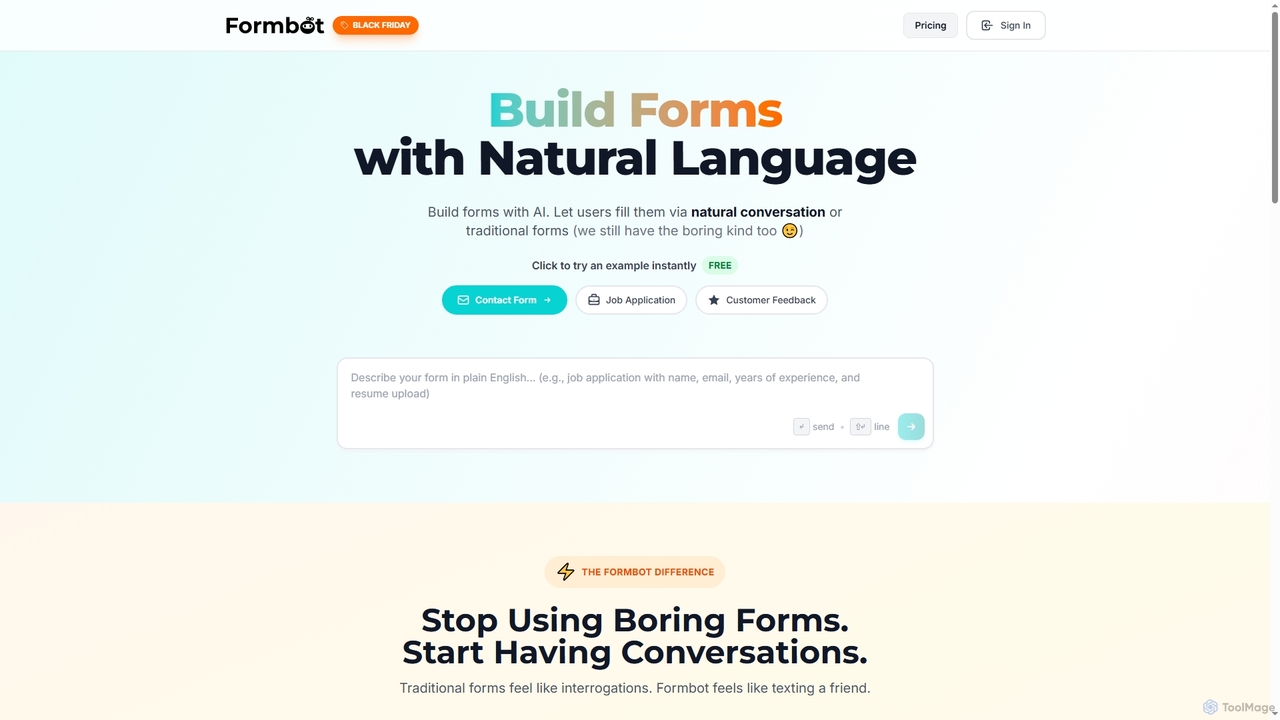
Formbot
Formbot is an AI-powered form builder that creates forms from natural language descriptions. It features a unique conversational chat mode to boost user engagement and completion rates, alongside traditional and guided form options. It offers full customization, real-time analytics, and over 100 templates for various industries without requiring any coding skills.
Feedback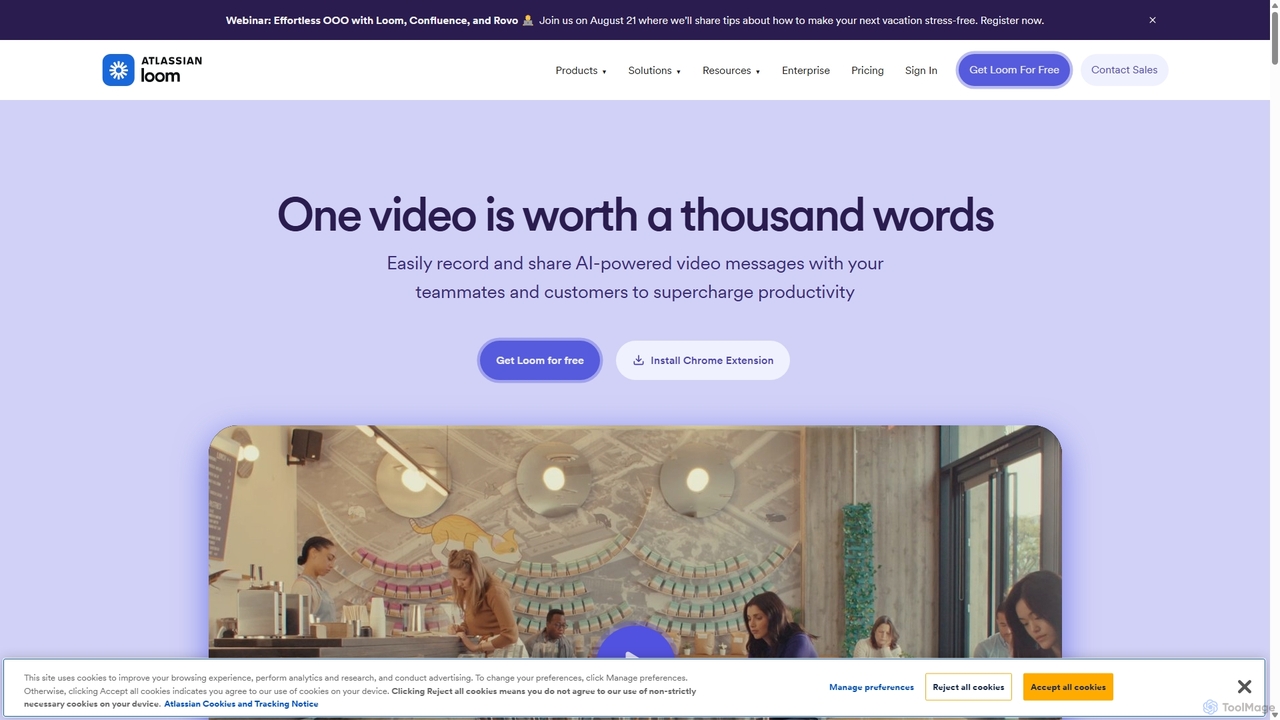
Loom
Loom is an AI-powered video messaging platform for work that allows users to instantly record and share their screen, camera, and audio. It streamlines communication, reduces meetings, and enhances team collaboration with features like AI-powered summaries, transcriptions, and editing tools.
Team Management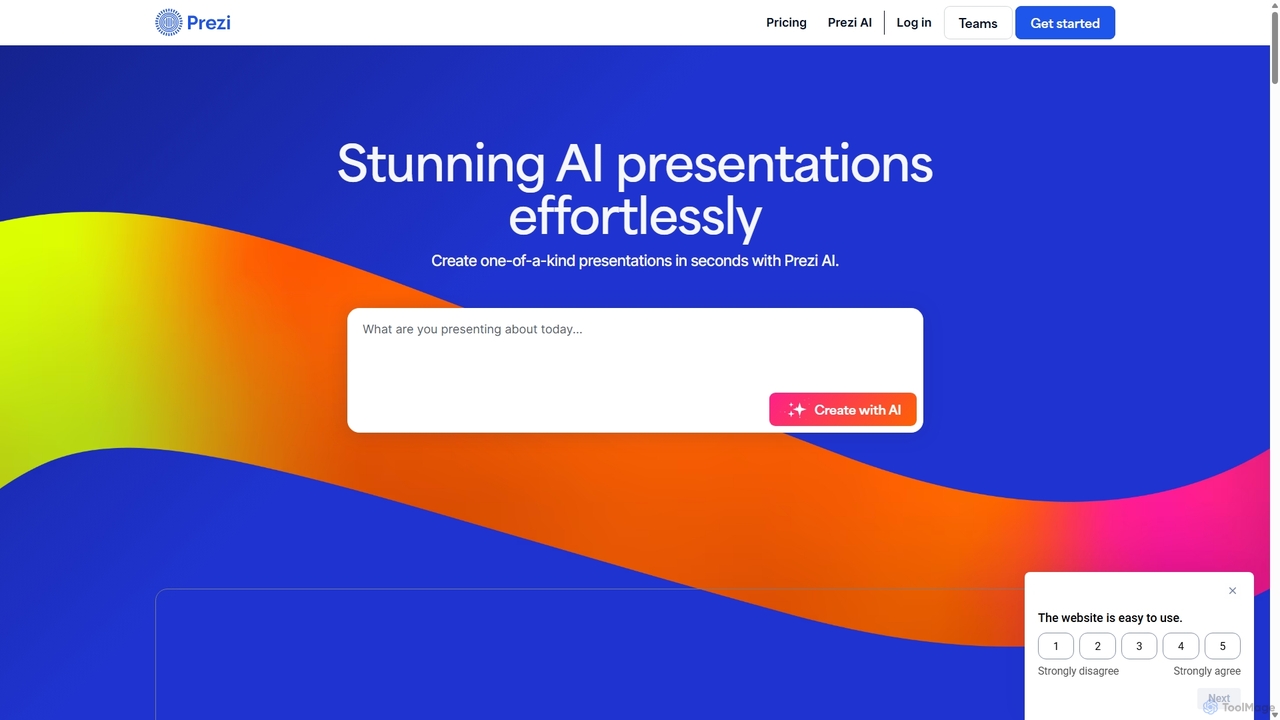
Prezi
Prezi is an AI-powered presentation software that transforms ideas into stunning, dynamic, and non-linear presentations. Go beyond traditional slides with a zooming canvas that captivates audiences. Its AI generator creates unique designs, content, and images in seconds, making it ideal for business, education, and personal storytelling.
Teaching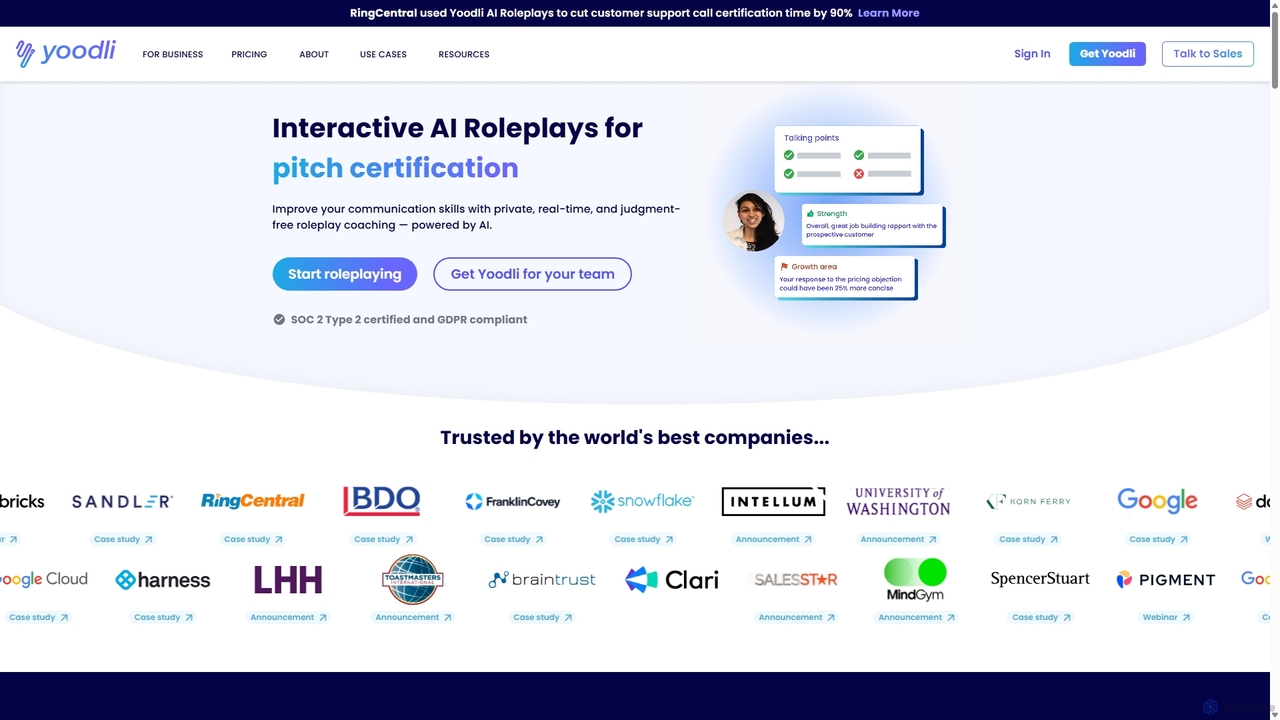
Yoodli
Yoodli is an AI-powered communication coach that helps individuals and teams improve their speaking skills through interactive role-playing simulations. It provides a private, judgment-free environment to practice sales pitches, interviews, and public speaking, offering real-time feedback and quantifiable analytics on content and delivery. Trusted by top companies, Yoodli makes professional coaching scalable, consistent, and accessible.
Sales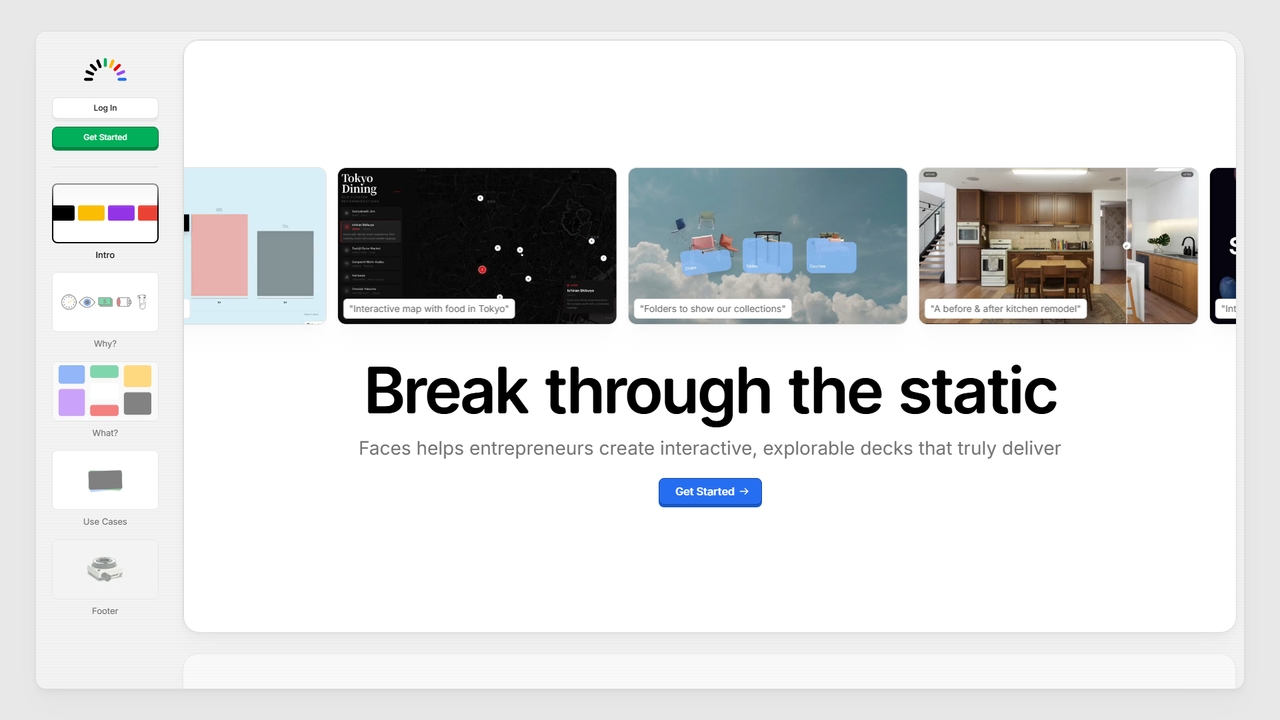
Faces
Faces is a modern presentation tool designed to break free from static slides. It enables users, particularly entrepreneurs, to create interactive and explorable presentations that leverage the full power of the web, making ideas more engaging and effective for pitches, portfolios, guides, and proposals.
Pitching
Muse.ai
Muse.ai is an intelligent AI-powered video platform that simplifies video hosting, management, and monetization. It offers a unique in-video search capability, allowing users to find specific moments by searching for speech, text, people, objects, and actions. With automatic transcription, a customizable player, and powerful analytics, it's designed for educators, creators, teams, and marketers to unlock the full potential of their video content.
E Learning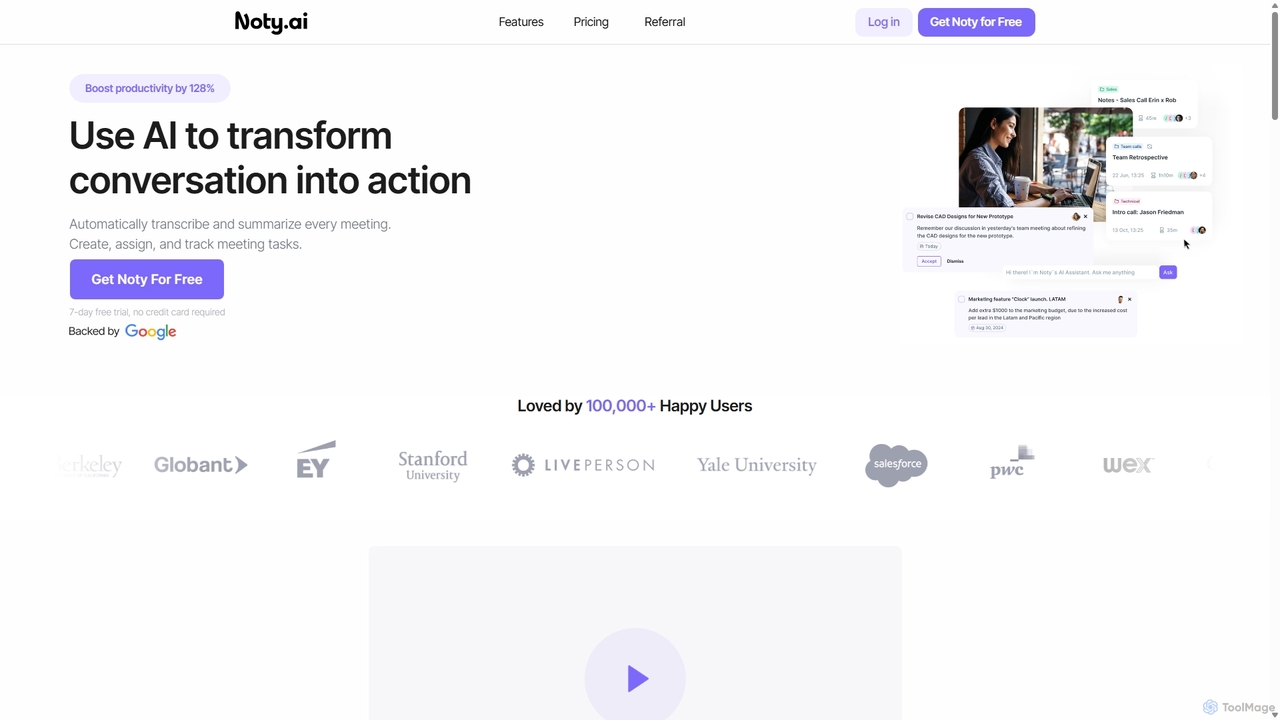
Noty.ai
Noty.ai is an AI meeting assistant that automatically transcribes, summarizes, and generates action items from your conversations. It helps you focus during meetings, ensures no detail is missed, and transforms discussions into trackable tasks, boosting team productivity and accountability.
Task Management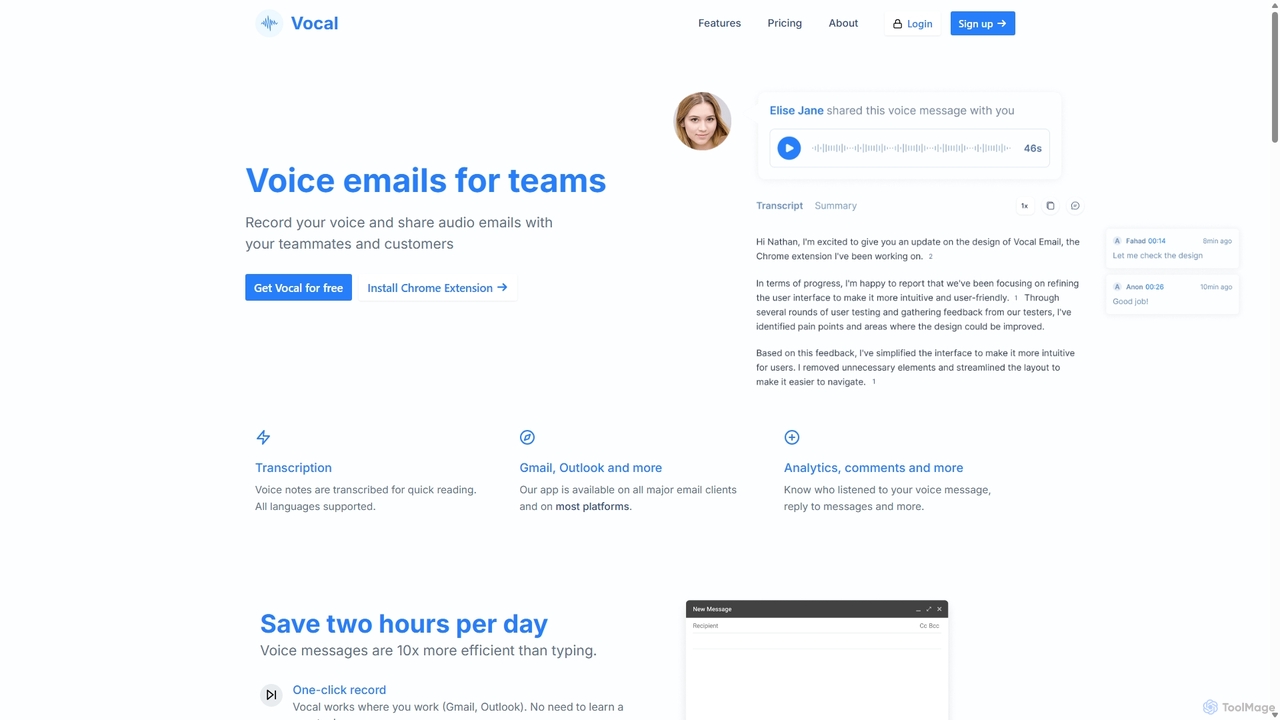
Vocal
Vocal enhances email communication by allowing users to send voice messages directly within Gmail and Outlook. It simplifies sending personal, nuanced audio notes as .mp3 attachments or shareable links, making communication more expressive. Features include automatic transcription, listen insights, and customization options to improve engagement and efficiency.
Messaging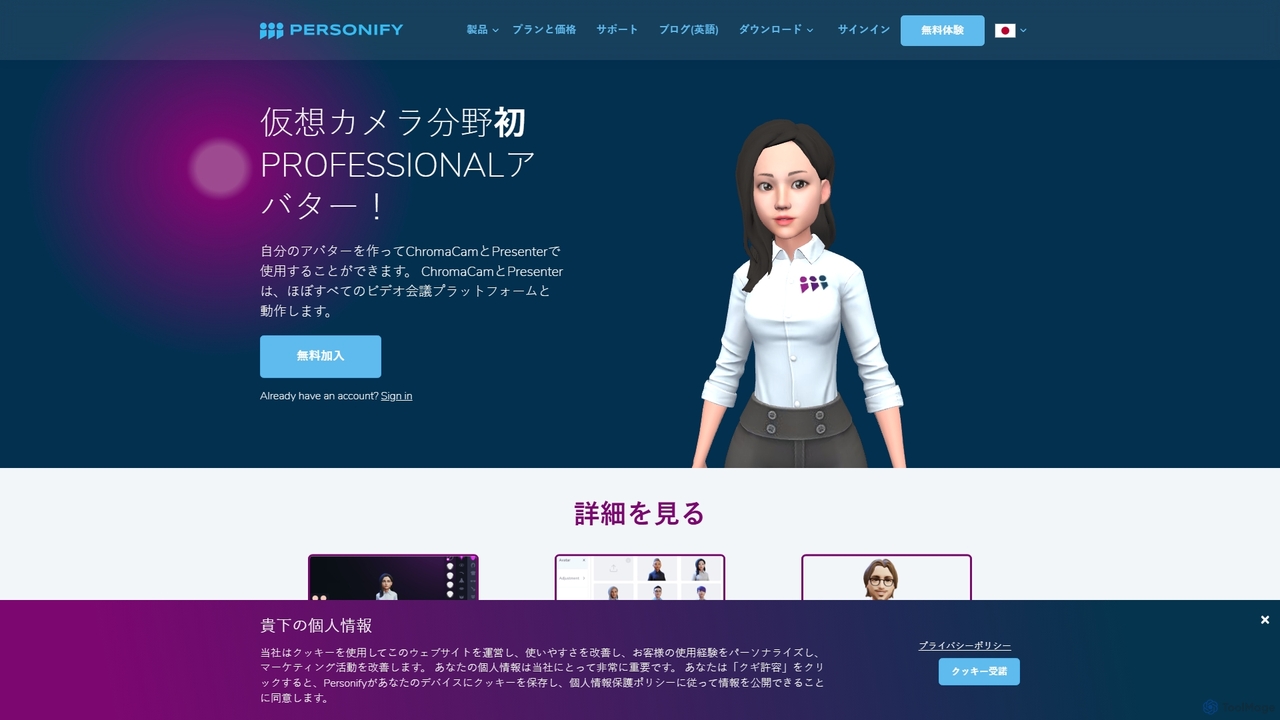
Personify
Personify is an AI-powered suite of virtual camera tools, including Presenter and ChromaCam, designed to create immersive and engaging video presentations. It allows users to overlay their video on content, use custom 3D avatars, and replace backgrounds in any video conferencing app.
Virtual Identity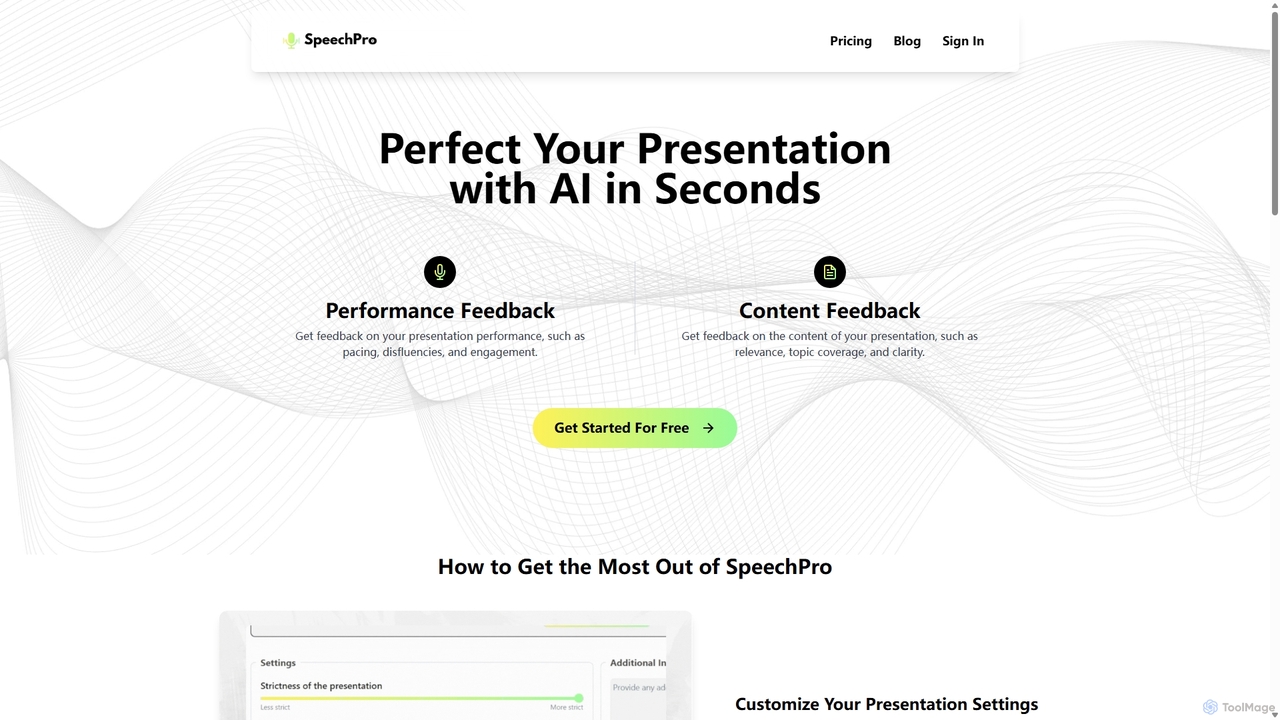
SpeechPro
SpeechPro is an AI-powered coach that analyzes your presentation recordings to provide detailed feedback on both performance and content. Improve your pacing, clarity, and engagement with personalized insights, customizable settings, and comprehensive assessments to become a more confident and effective speaker.
Skill Development
Live Polls Maker for Slides™ Comments (0)
Sign in to comment.
Sign inNo comments yet.