Live Polls Maker for Slides™
An interactive polling tool for Google Slides that enhances presentations by engaging audiences with live polls, quizzes, Q&A …
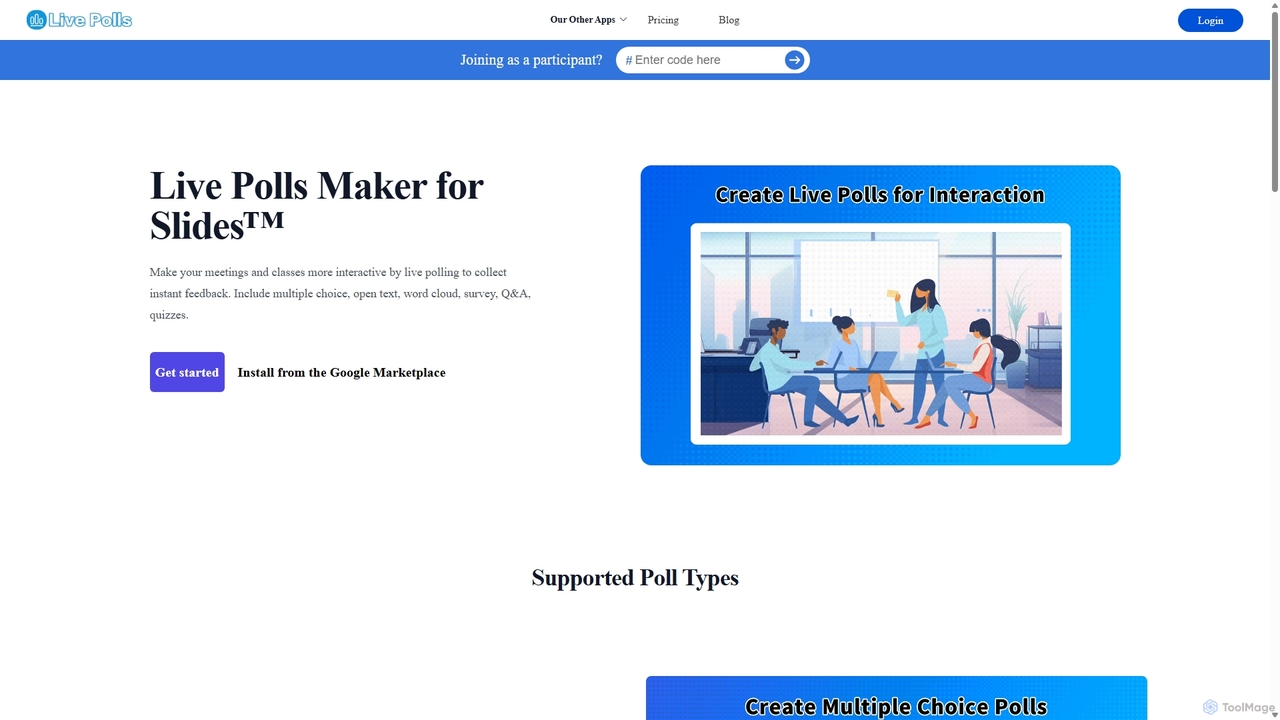
An interactive polling tool for Google Slides that enhances presentations by engaging audiences with live polls, quizzes, Q&A sessions, and word clouds. Collect instant feedback and display results in real-time to make meetings and classes more dynamic and participatory.
MeetMoji
MeetMoji is an interactive presentation tool that boosts audience engagement through live polls, word clouds, Q&A, and emoji …
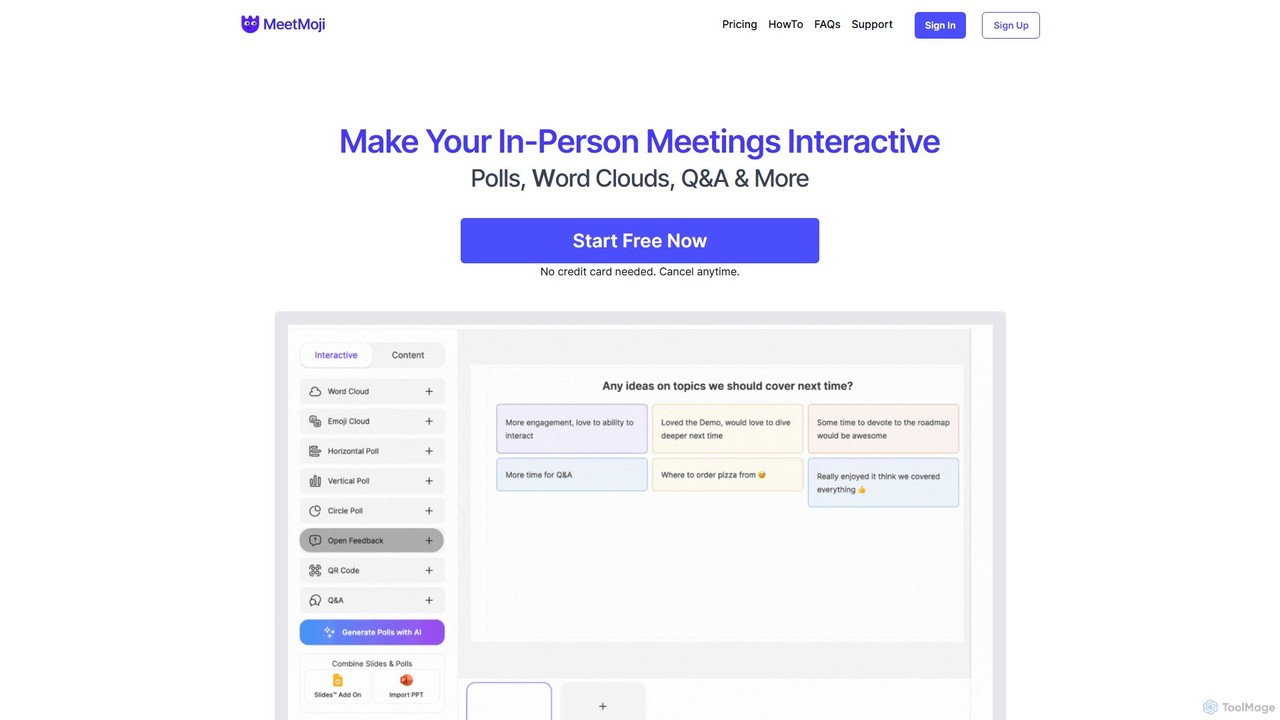
MeetMoji is an interactive presentation tool that boosts audience engagement through live polls, word clouds, Q&A, and emoji reactions. It seamlessly integrates with Google Slides, PowerPoint, and more, allowing audiences to participate instantly by scanning a QR code, with no downloads required.
Mentimeter
Mentimeter is an AI-powered interactive presentation platform that transforms meetings, workshops, and classes into engaging experiences. It enables …
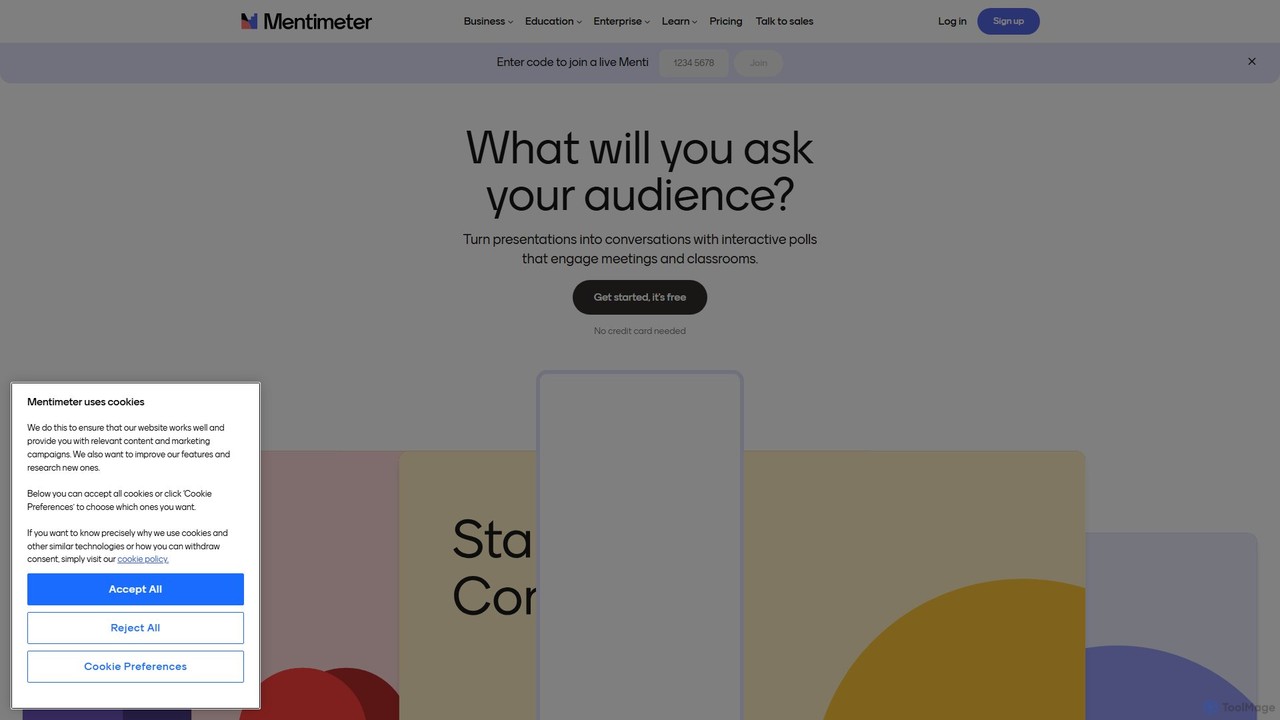
Mentimeter is an AI-powered interactive presentation platform that transforms meetings, workshops, and classes into engaging experiences. It enables presenters to create live polls, quizzes, word clouds, and Q&A sessions, allowing audiences to participate in real-time using their smartphones. The AI presentation maker can generate a draft presentation from a simple prompt, saving valuable time.
About Audience Engagement
Audience Engagement tools are AI-enhanced platforms designed to make presentations, lectures, and meetings more interactive. They leverage real-time data processing to enable features like live polls, Q&A sessions, and quizzes directly within a presentation. This transforms passive listening into active participation, significantly boosting information retention and overall engagement. These tools are particularly effective in educational and corporate training settings for gauging comprehension and fostering a collaborative environment.
Core Features
- Live Polling & Quizzes: Instantly gather audience responses and test knowledge in real-time.
- Interactive Q&A: Allow participants to submit questions and upvote the most popular ones.
- Word Clouds & Brainstorming Boards: Visually capture and display collective audience ideas and keywords.
- Gamification Elements: Incorporate leaderboards, points, and timers to create a competitive and fun learning atmosphere.
- Real-time Feedback: Collect instant feedback on session pacing, clarity, and content from participants.
Use Cases
These tools are primarily used in academic lectures, corporate training workshops, large-scale webinars, and hybrid meetings. For instance, a university professor can use live polls to check student understanding of a complex topic, while a corporate trainer can use interactive quizzes to reinforce key learning points during a compliance session.
How to Choose
When selecting a tool, consider its integration capabilities with presentation software like PowerPoint or Google Slides. Evaluate the maximum number of participants it supports and the variety of question types available. Also, review its data analytics features for exporting results and the overall ease of use for both the presenter and the audience.
Audience EngagementUse Cases
Enhancing University Lecture Interactivity
A university professor teaching a large class of over 200 students uses an audience engagement tool integrated into their lecture slides. Throughout the lecture, they launch multiple-choice polls to check comprehension of key concepts and use a word cloud for a quick brainstorming session. This breaks the monotony of a one-way lecture, provides immediate feedback on student understanding, and helps identify areas that need further explanation. The anonymous Q&A feature encourages shy students to ask questions they otherwise wouldn't, fostering a more inclusive learning environment.
Boosting Corporate Training Effectiveness
A corporate trainer leads a mandatory compliance workshop for new employees. To ensure participants are actively learning, the trainer uses gamified quizzes after each module. A live leaderboard displays top scores, creating friendly competition. At the end of the session, a feedback survey is deployed through the same tool to gather instant opinions on the training's quality. This approach increases knowledge retention and provides measurable data on the training's impact, helping the company refine future training programs.
Facilitating Engaging Online Webinars
A marketing manager hosts a webinar for a global audience to launch a new product. To keep remote attendees focused, they use live polls to gather opinions on new features and an upvoted Q&A session to prioritize the most relevant questions. This interaction prevents attendees from multitasking and makes them feel like active participants. The data collected from polls also provides valuable market insights that can be used for future marketing campaigns, turning an engagement feature into a data collection tool.
Making K-12 Classroom Lessons Dynamic
A middle school science teacher uses an audience engagement tool to make lessons on the solar system more exciting. Students use their tablets to join a team-based quiz game, answering questions to earn points for their team. The teacher also uses an open-ended question feature where students can submit their hypotheses about a science experiment. This gamified approach increases student motivation, encourages collaboration, and caters to different learning styles within the classroom, making abstract concepts more tangible and fun.
Improving All-Hands Company Meetings
A CEO presents quarterly results during a virtual all-hands meeting. To make the meeting a two-way conversation, an audience engagement tool is used for a live Q&A session where employees can submit and upvote questions anonymously. The leadership team can then address the most pressing concerns. A quick poll is also used to gauge employee sentiment on a new company initiative, providing instant, company-wide feedback that helps leadership make more informed decisions and fosters a culture of transparency.
Running Collaborative Brainstorming Workshops
A project manager facilitates a remote brainstorming session for a new project. Instead of a chaotic video call, the team uses an interactive brainstorming board within an engagement tool. Team members submit ideas as digital sticky notes, group them by theme, and then vote on the most promising concepts. This structured process ensures everyone has an equal voice, organizes ideas visually, and helps the team reach a consensus more efficiently than traditional methods, especially in a hybrid or remote work environment.