

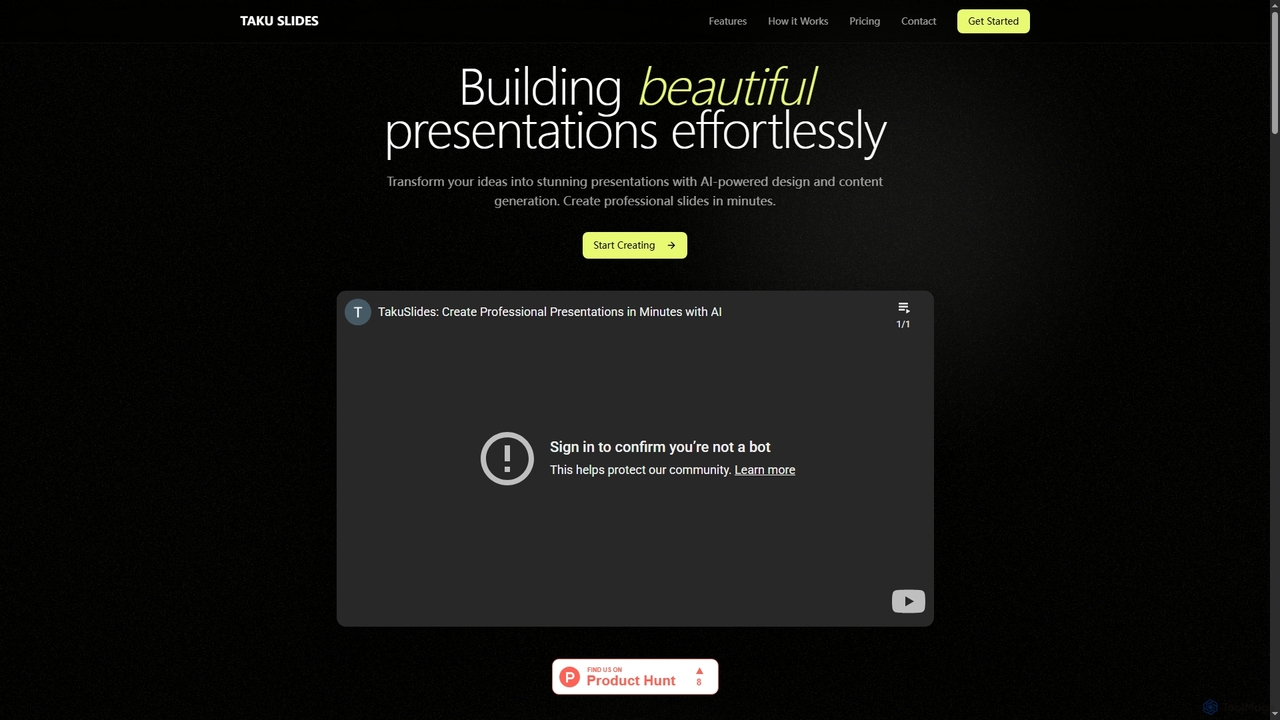
Taku Slides Overview
Taku Slides is an intelligent presentation creation platform designed to help users effortlessly transform their ideas into visually stunning and professional presentations. By leveraging artificial intelligence for design and content generation, it significantly streamlines the slide creation process. Users can start from a simple text prompt, a document, or an outline, and the AI will generate a complete, well-structured presentation. The platform is ideal for professionals, teams, and individuals who need to create high-quality presentations quickly and efficiently.
How to use Taku Slides
Creating a presentation with Taku Slides is a simple four-step process: 1. Input Your Content: Begin by providing a prompt, uploading a document, or pasting an outline of your presentation. 2. AI Magic Happens: The platform's AI analyzes your input and automatically generates a complete presentation with relevant design and content. 3. Customize & Perfect: Fine-tune the generated slides. You can edit the content, adjust the design, and apply your branding to make it uniquely yours. 4. Present & Share: Once you're satisfied, you can export the presentation to PowerPoint or present it directly from the Taku Slides platform.
Core Features of Taku Slides
- AI-Powered Generation: Instantly creates full presentations from a simple text prompt, document, or outline.
- Smart Templates: Offers access to hundreds of professionally designed templates to fit various topics and styles.
- Brand Consistency: Automatically applies your company's brand colors, fonts, and logos across the entire presentation.
- Real-time Collaboration: Allows team members to work together on the same presentation simultaneously.
- Multiple Export Options: Provides the flexibility to export presentations to PowerPoint or present them directly online.
Use Cases for Taku Slides
Taku Slides is versatile and can be used for various purposes, including creating business proposals, marketing reports, academic lectures, project updates, and team meeting presentations. Its speed and ease of use make it particularly valuable for professionals with tight deadlines who need to maintain a high standard of quality in their visual communications.
Advantages of Taku Slides
The primary advantage of Taku Slides is its efficiency. It dramatically reduces the time and effort required to build a presentation from scratch. The AI-driven design ensures a professional and polished look without needing advanced design skills. Features like brand consistency and real-time collaboration make it an excellent tool for corporate environments, ensuring brand alignment and seamless teamwork.
Pricing and Plans
Taku Slides offers a freemium model with several tiers to suit different needs:
- Free: $0 (one-time). Includes up to 5 presentations and all core features.
- Essential: $10 per month. Includes up to 25 presentations.
- Pro: $20 per month. Includes up to 60 presentations.
- Ultimate: $75 per month. Includes up to 275 presentations.
Taku Slides FAQ
Taku Slides Alternatives
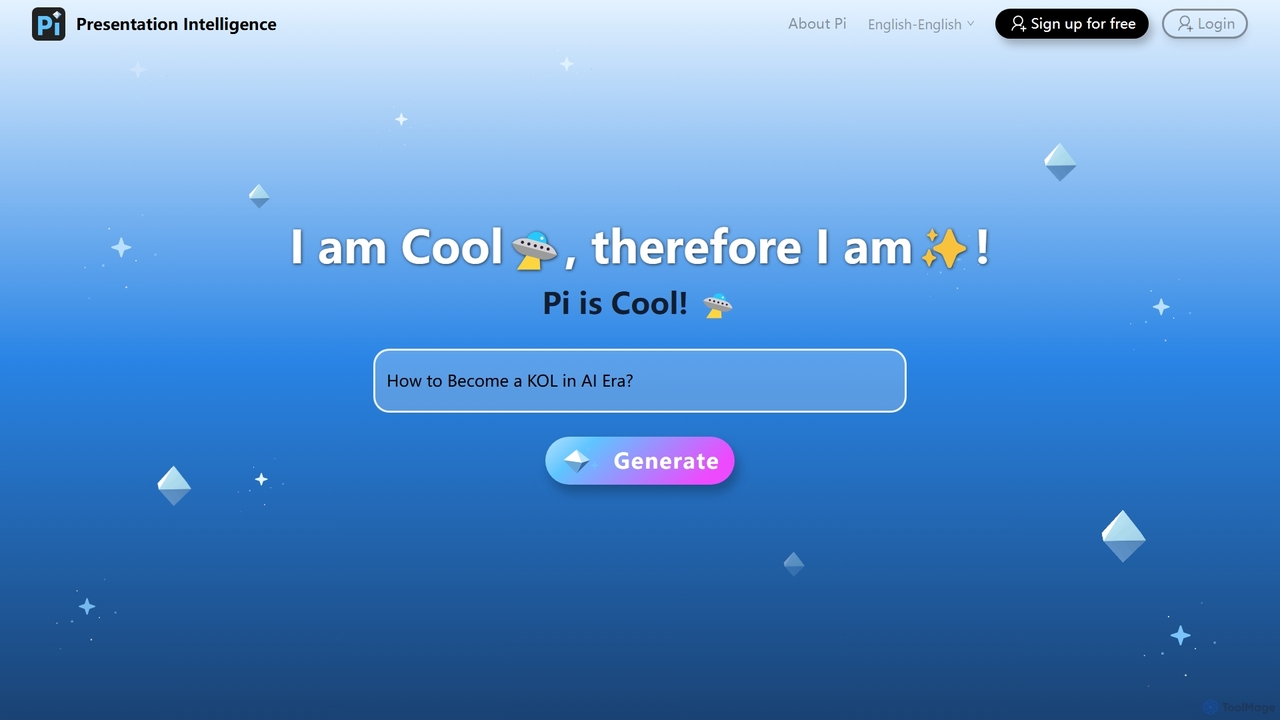
Pi
Pi (Presentation Intelligence) is an AI-native platform that transforms content creation. It uses advanced multi-modal AI and design engineering to automatically generate stunning presentations and documents from simple prompts, PDFs, websites, or data. Pi intelligently structures content, designs layouts, visualizes information, and ensures a seamless, fluid experience on any device, making professional design accessible to everyone.
Generative Art
Pitch
Pitch is a collaborative presentation software designed for modern teams. It combines smart design features, AI-powered generation, real-time collaboration, and powerful analytics to help users create, share, and track stunning presentations. With over 100 expert-designed templates and seamless integrations, Pitch streamlines the entire workflow from creation to delivery, enabling teams to close deals, win clients, and communicate ideas effectively.
Sales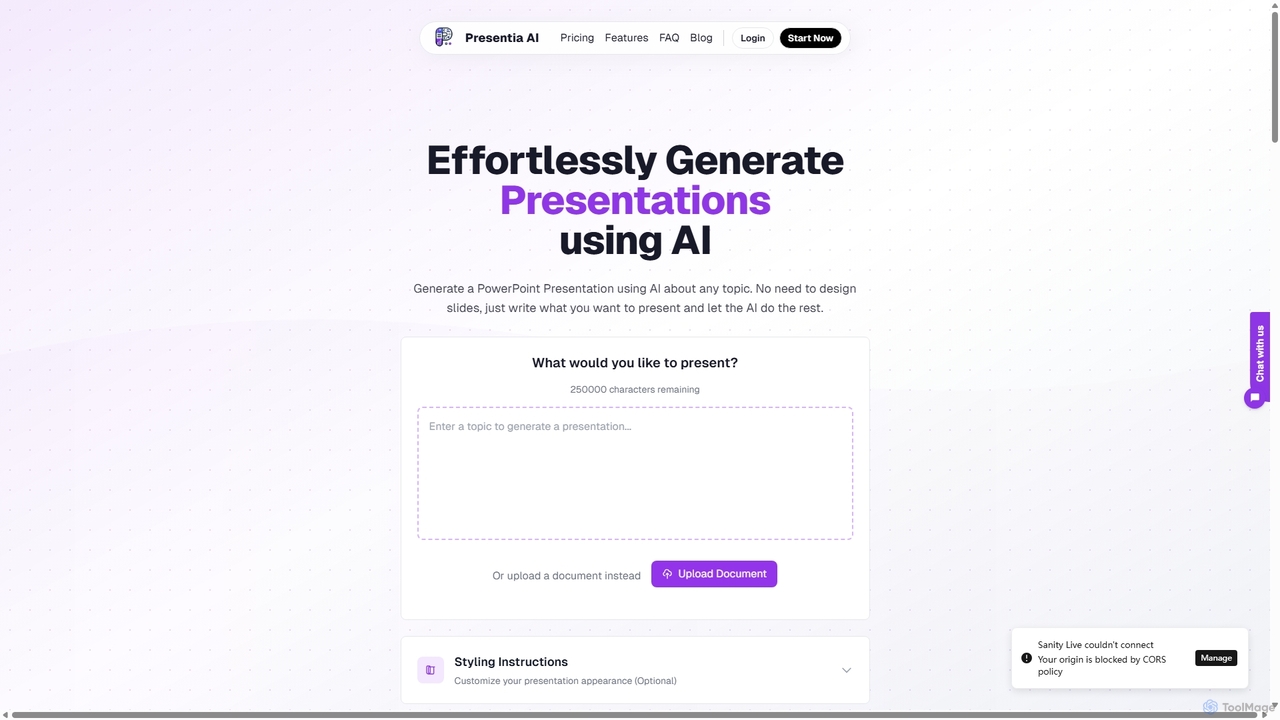
Presentia AI
Presentia AI is an advanced AI presentation maker that automatically generates professional PowerPoint slides from text prompts or documents. Simply input your topic or upload a PDF/Word file, and the AI will create a complete, visually appealing presentation with text and images in seconds, supporting multiple languages and custom styling.
Student Tools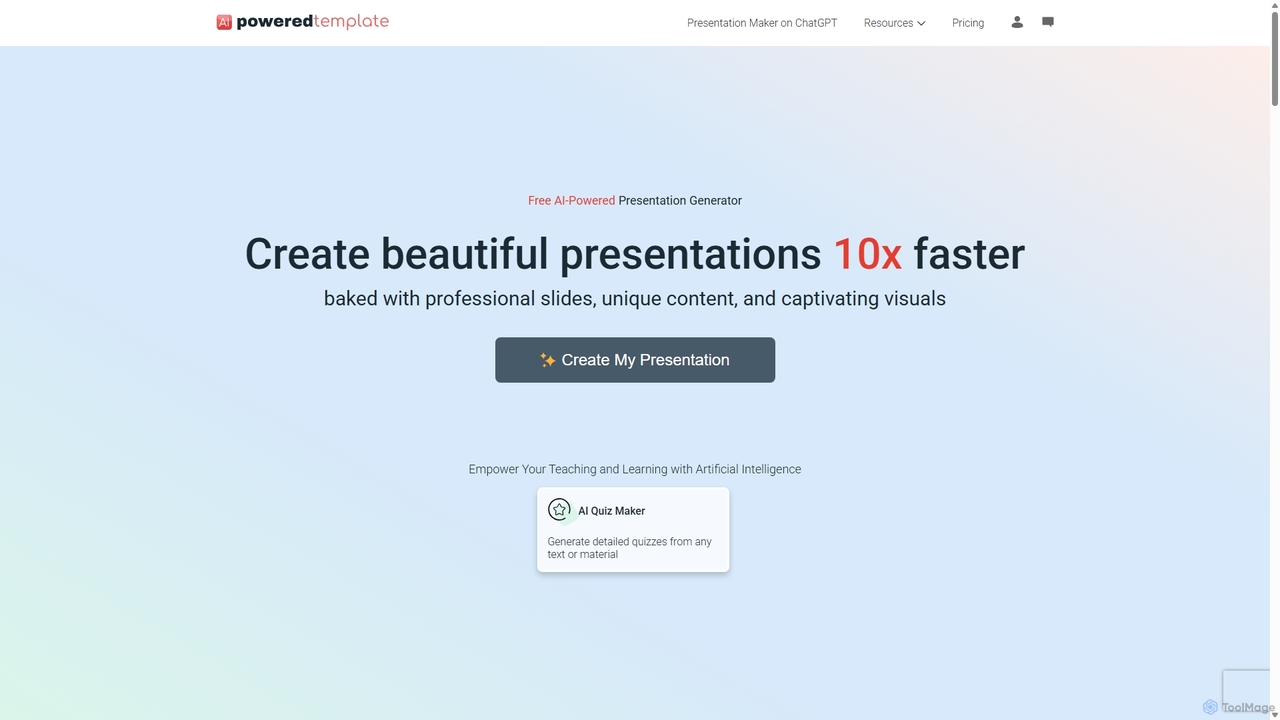
PoweredTemplate AI Presentation Maker
PoweredTemplate AI Presentation Maker is a free, AI-powered tool that transforms your ideas and text into stunning, professional presentations 10x faster. Instantly generate high-quality slides with unique content and captivating visuals for business, education, and marketing. It supports export to PowerPoint, Google Slides, and PDF, offering extensive customization through a vast library of templates and stock media.
Proposals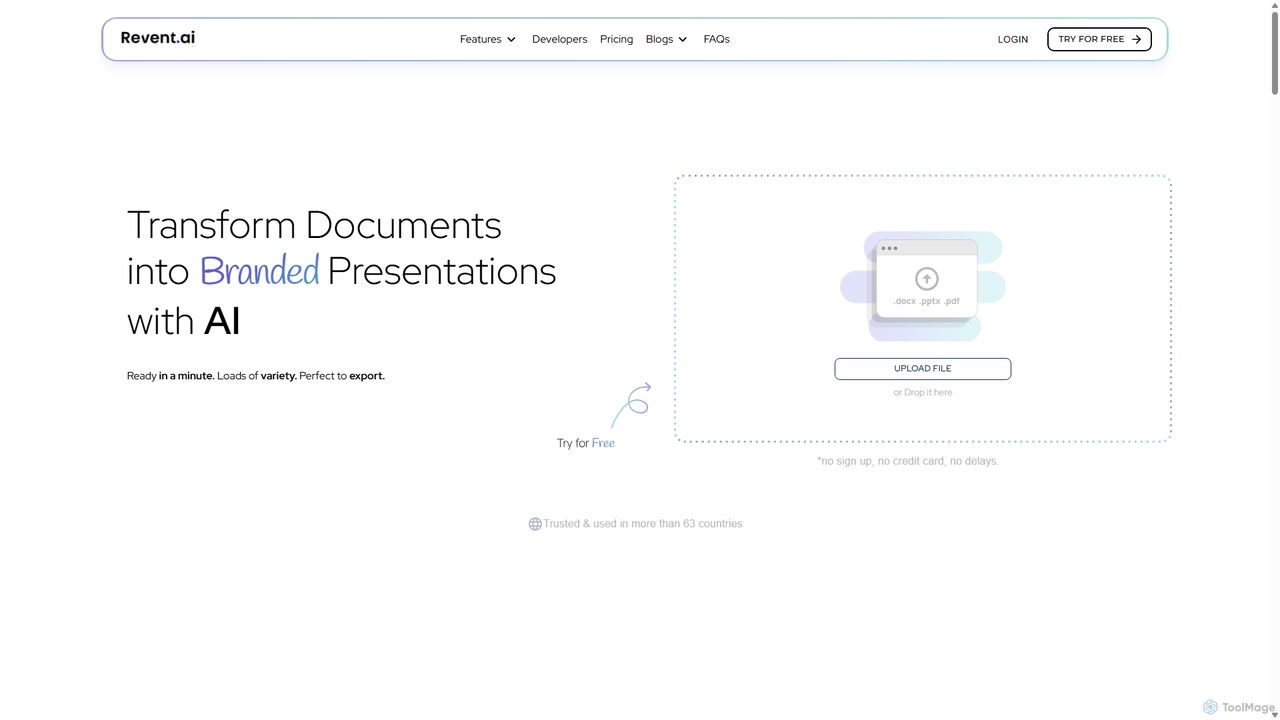
Revent
Revent is an AI-powered presentation design tool that instantly transforms documents like PDFs, Word files, and plain text into professionally designed, branded presentations. It automates slide creation, ensures brand consistency by mirroring your website's design, and offers a vast library of smart templates to streamline your workflow and produce stunning decks in minutes.
Document ManagementTaku Slides Categories
Taku Slides Jobs
Taku Slides Embed Widget
Copy this embed code to place the badge on your blog, article, or product site and send readers directly to this ToolMage detail page.

Related AI tools
Pi
Pi (Presentation Intelligence) is an AI-native platform that transforms content creation. It uses advanced multi-modal AI and design engineering to automatically generate stunning presentations and documents from simple prompts, PDFs, websites, or data. Pi intelligently structures content, designs layouts, visualizes information, and ensures a seamless, fluid experience on any device, making professional design accessible to everyone.
Generative Art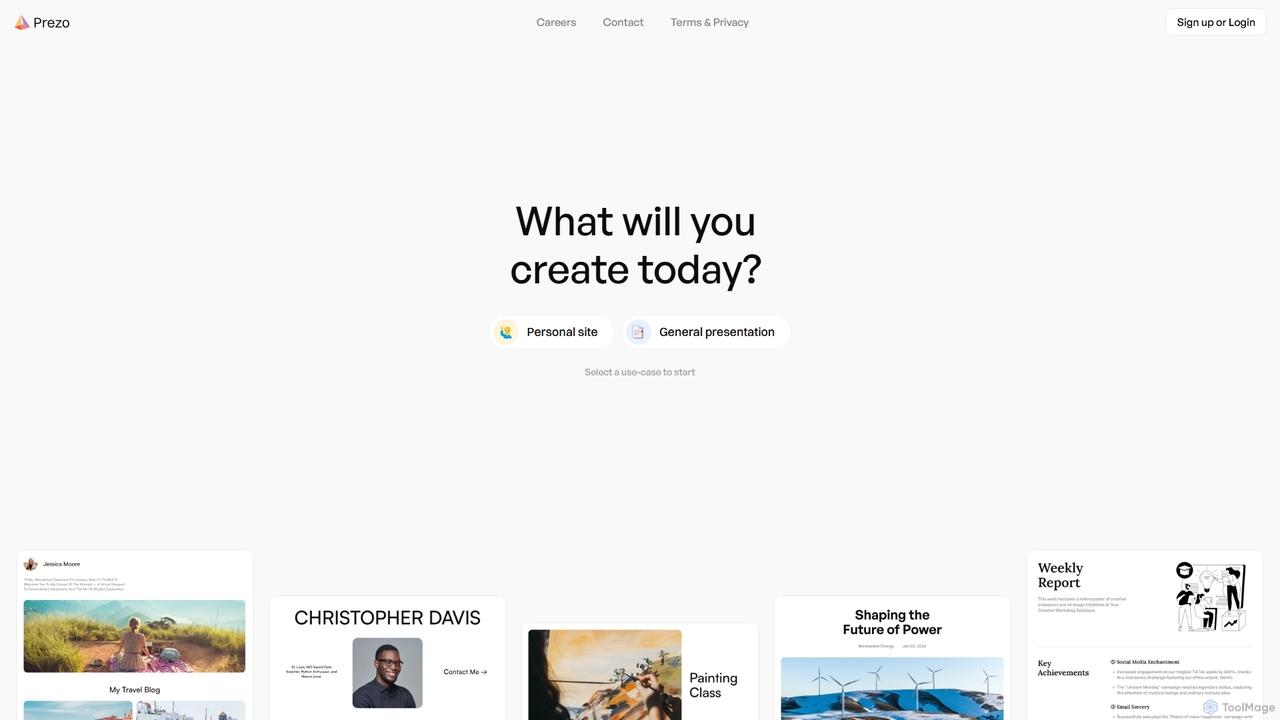
Prezo
Prezo is an AI-powered platform that enables users to effortlessly create professional presentations, documents, and websites. By simply providing a text prompt or an idea, Prezo's AI generates a complete, well-structured, and visually appealing draft in seconds. It's designed to streamline content creation for professionals, educators, and individuals, eliminating the need for design skills and saving valuable time.
Website Builder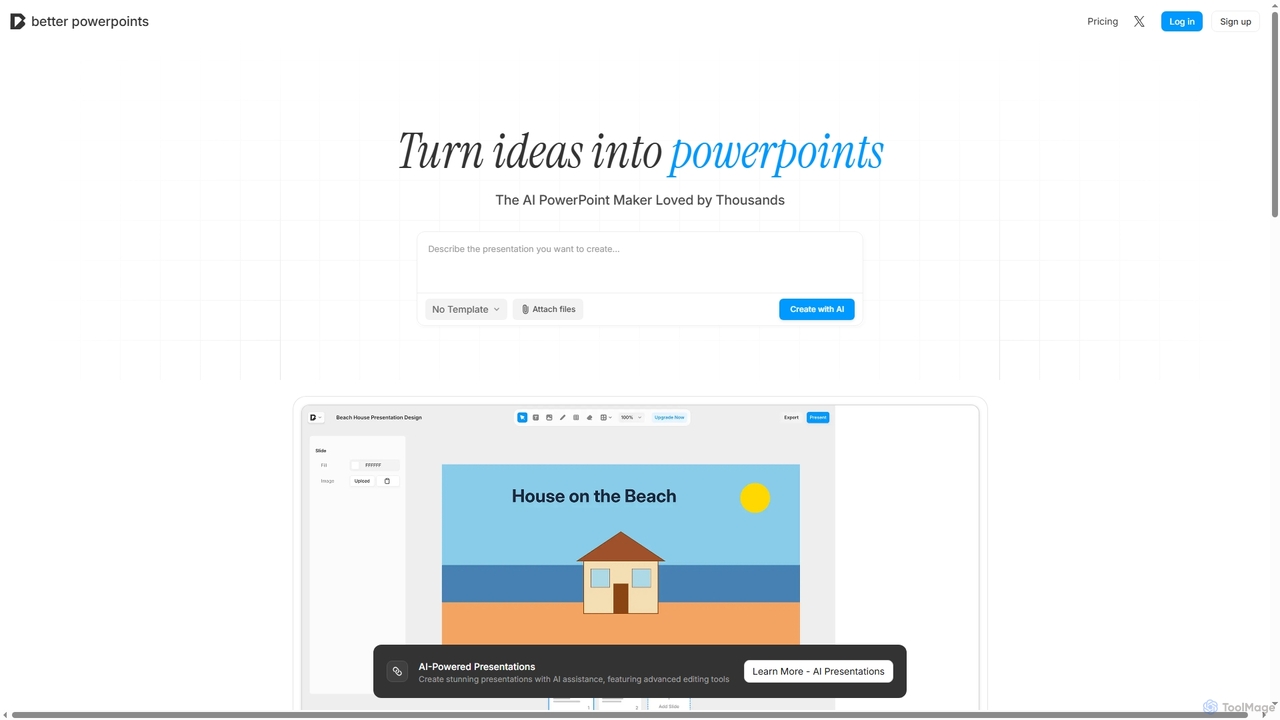
Better Powerpoints
Better Powerpoints is a free, privacy-first AI presentation maker that runs directly in your browser. It helps users quickly transform ideas and files into stunning, editable presentations with AI assistance, real-time collaboration, and PPTX export.
Content GenerationPitch
Pitch is a collaborative presentation software designed for modern teams. It combines smart design features, AI-powered generation, real-time collaboration, and powerful analytics to help users create, share, and track stunning presentations. With over 100 expert-designed templates and seamless integrations, Pitch streamlines the entire workflow from creation to delivery, enabling teams to close deals, win clients, and communicate ideas effectively.
SalesPresentia AI
Presentia AI is an advanced AI presentation maker that automatically generates professional PowerPoint slides from text prompts or documents. Simply input your topic or upload a PDF/Word file, and the AI will create a complete, visually appealing presentation with text and images in seconds, supporting multiple languages and custom styling.
Student Tools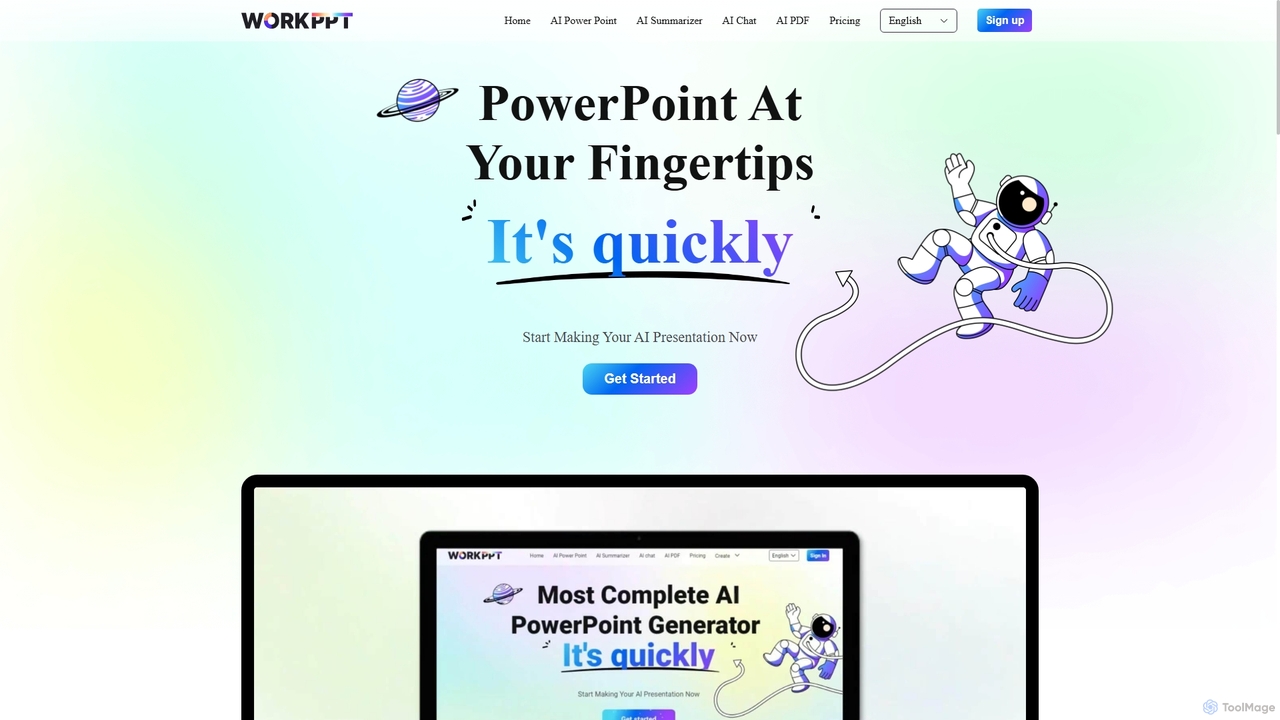
Workppt
Workppt is an AI-powered presentation generator that creates professional PowerPoint slides, websites, and summaries in seconds. Simply provide a title or upload a document, and the AI will generate a complete presentation with relevant content and design, saving you hours of manual work.
Marketing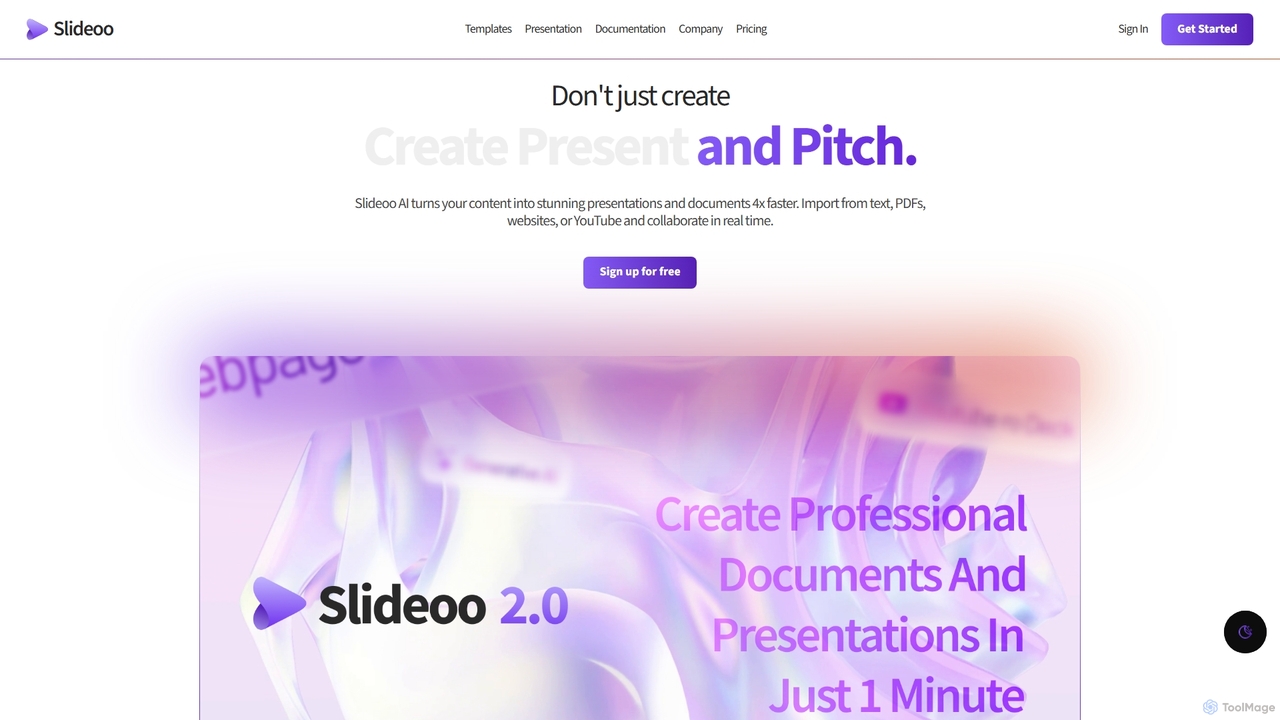
Slideoo
Slideoo is an AI-powered platform that revolutionizes the creation of presentations and documents. It transforms content from text, PDFs, websites, or YouTube into stunning visuals 4x faster. Featuring an AI chatbot, real-time collaboration, and engagement analytics, Slideoo helps professionals, marketers, and students create, present, and pitch with unparalleled speed and quality.
Document Creation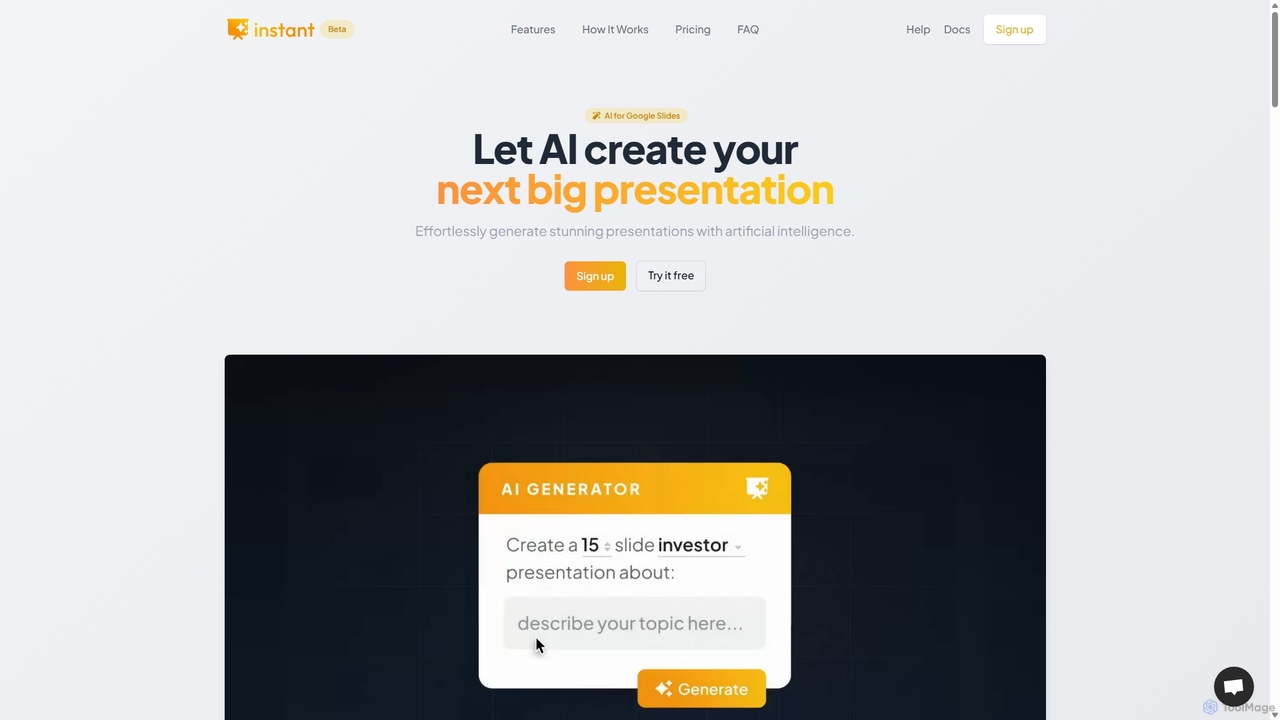
Instant
Instant is an AI-powered presentation generator designed as a Google Slides extension. It enables users to create visually stunning, fully-editable presentations directly within their familiar workflow. By combining advanced AI with a library of over 100 expert-designed templates, Instant excels at generating engaging slides with infographics, diagrams, and flowcharts, moving beyond simple text and bullet points. It automates content creation, outline generation, and layout design, saving time and effort while producing professional-grade results.
Learning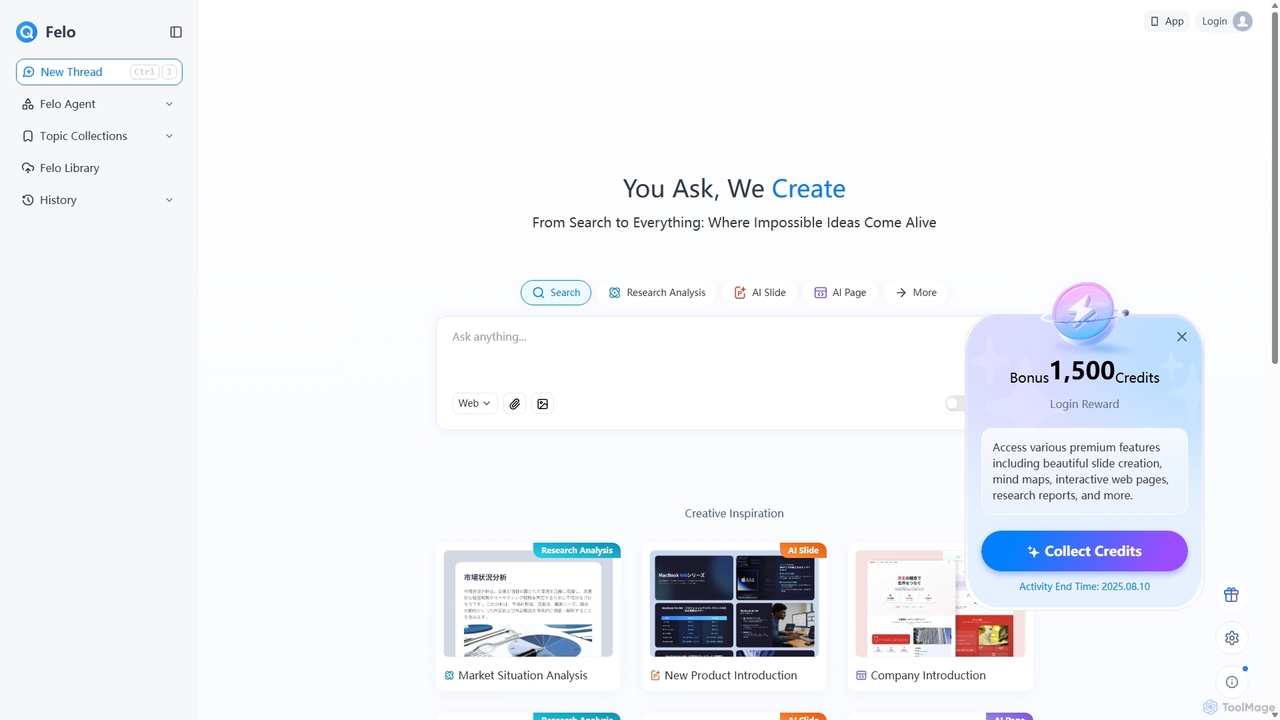
Felo
Felo is an all-in-one AI platform that transforms search into a comprehensive creation and analysis engine. It utilizes intelligent agents to automate research, generate insightful reports, create stunning presentations, and build interactive web pages from a simple query or uploaded files, significantly boosting productivity for professionals.
Presentations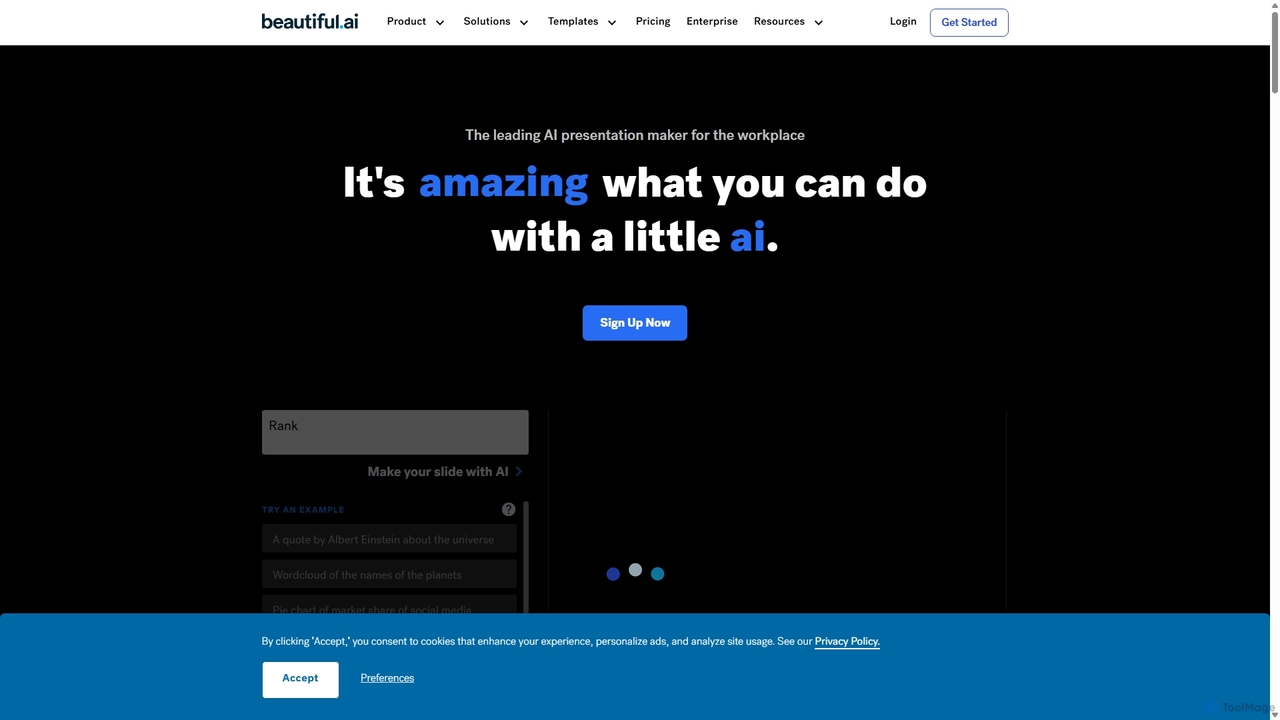
Beautiful.ai
Beautiful.ai is an AI-powered presentation maker that automates design, enabling users to create stunning, professional presentations 10x faster. It offers smart templates, real-time slide adaptation, and robust team collaboration features to ensure brand consistency and boost productivity for businesses and individuals.
Graphics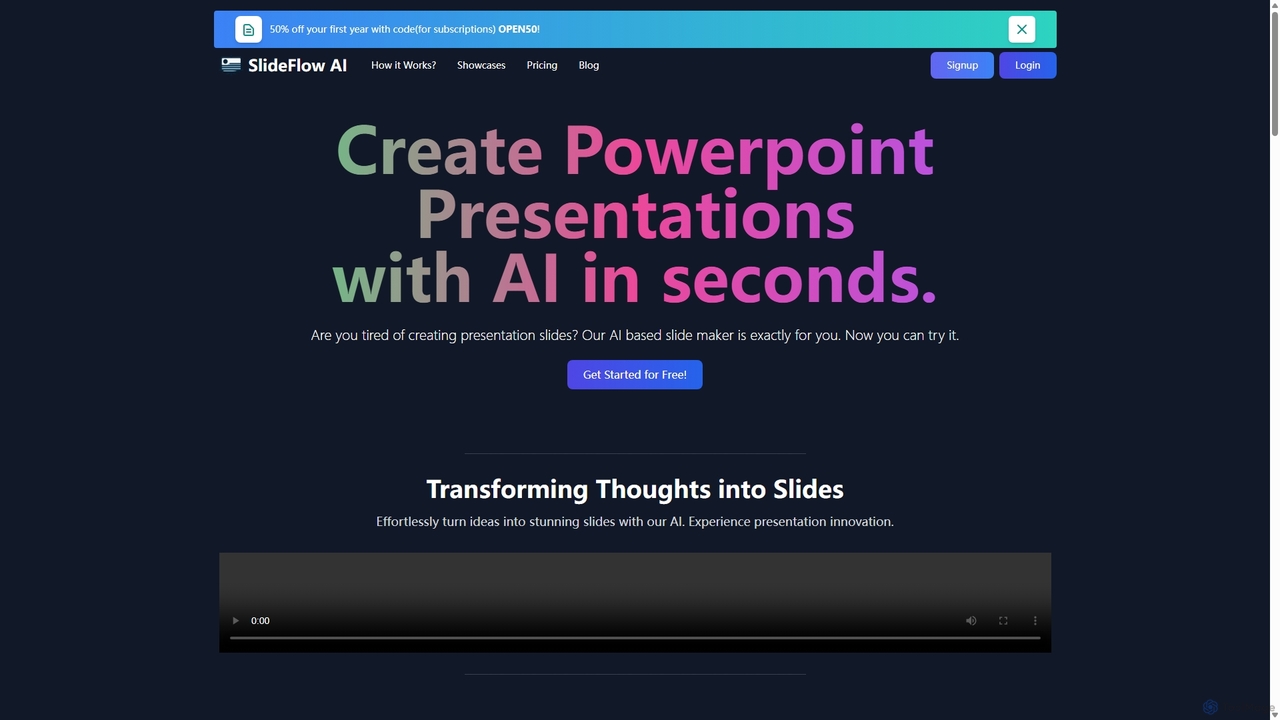
SlideFlow
SlideFlow is an AI-powered presentation maker that transforms your text and ideas into professional PowerPoint slides in seconds. It features a Magic Writer for content refinement, a vast library of background images, and supports over 85 languages. Ideal for students, professionals, and anyone looking to save hours on presentation design.
Marketing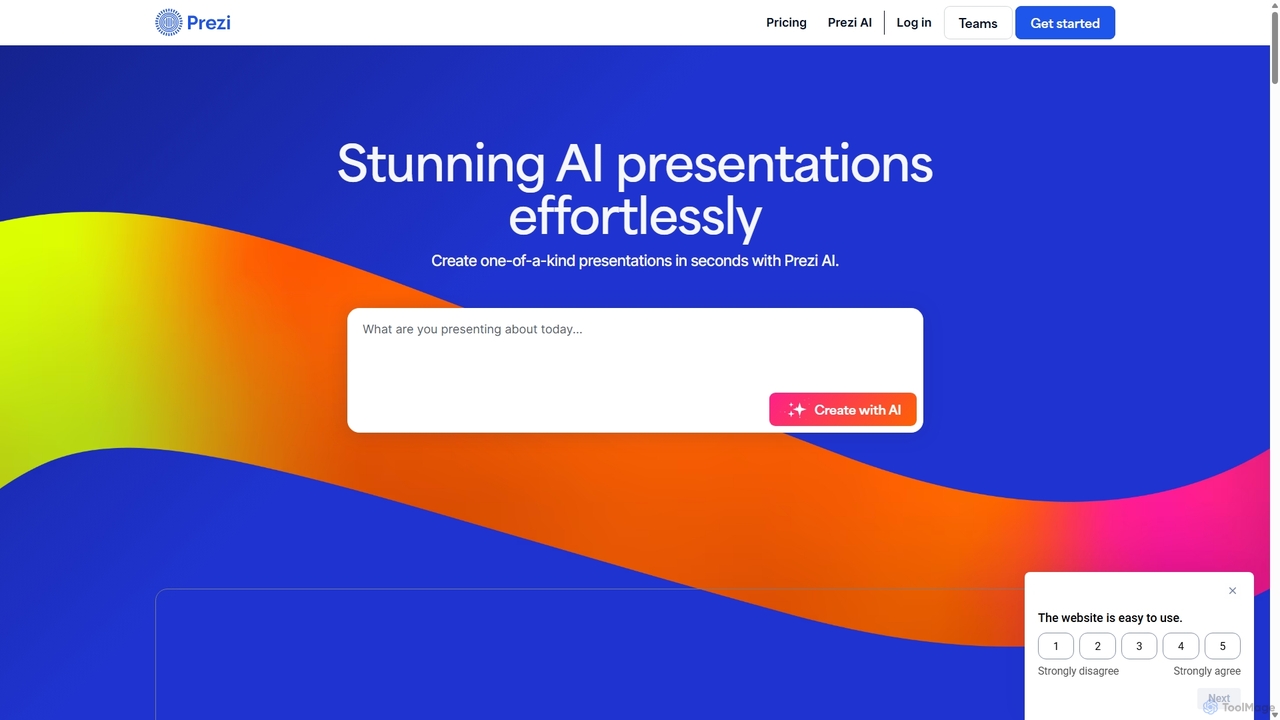
Prezi
Prezi is an AI-powered presentation software that transforms ideas into stunning, dynamic, and non-linear presentations. Go beyond traditional slides with a zooming canvas that captivates audiences. Its AI generator creates unique designs, content, and images in seconds, making it ideal for business, education, and personal storytelling.
Teaching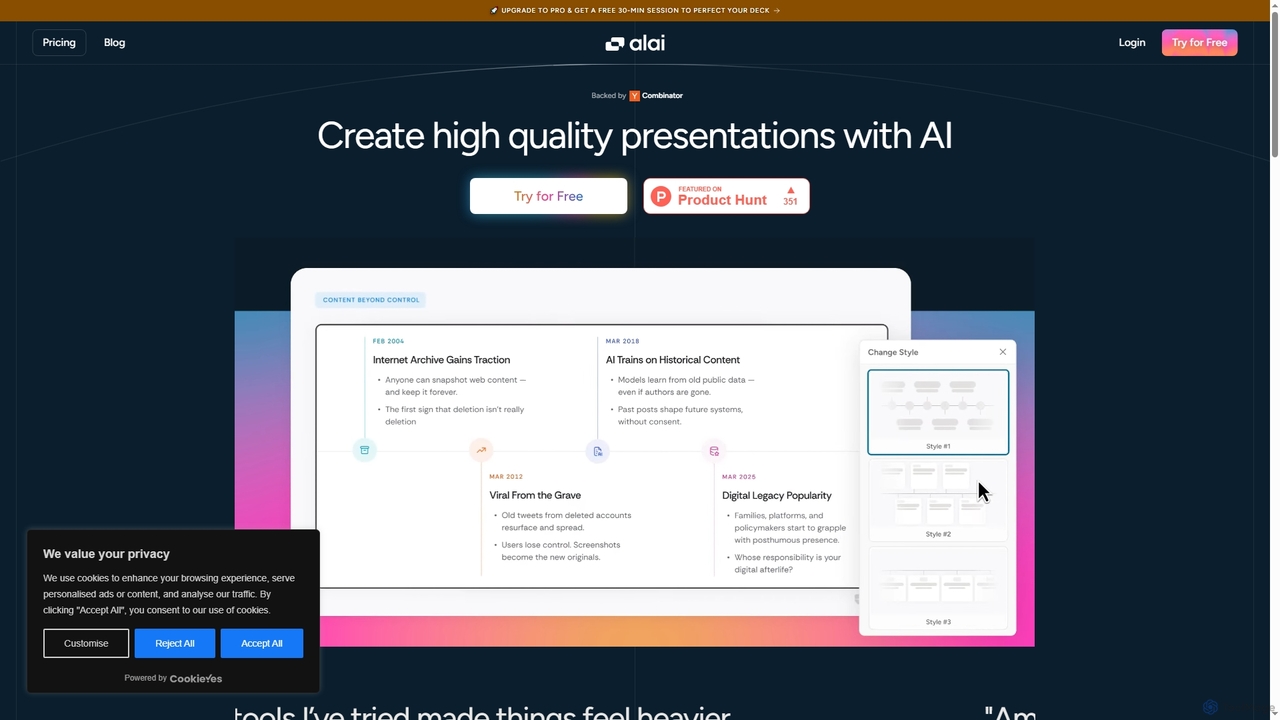
Alai
Alai is an AI-powered presentation maker that transforms your ideas into professional, high-quality slide decks in seconds. It streamlines the design process, allowing users to focus on content while ensuring visual consistency and compelling communication.
Content Creation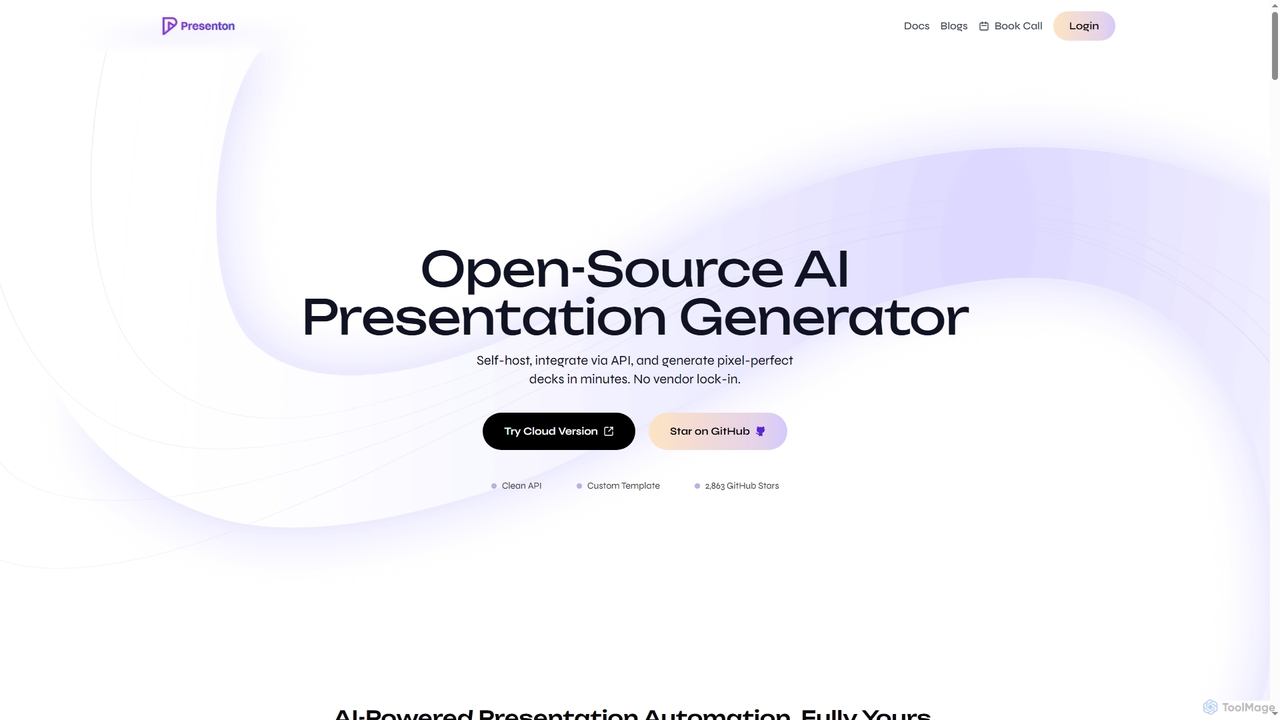
Presenton
Presenton is an open-source AI presentation generator designed for developers and teams. It allows for self-hosting, API integration, and creating pixel-perfect, on-brand presentations from custom templates, ensuring complete control, privacy, and no vendor lock-in.
Automation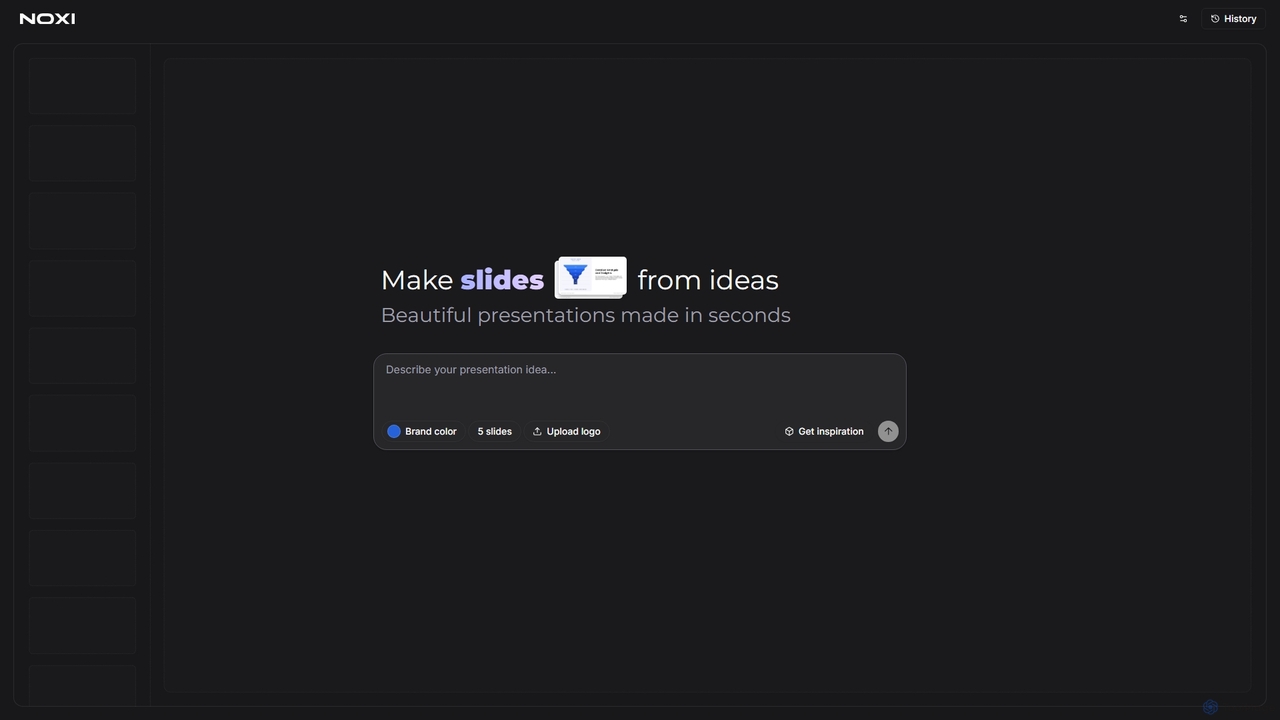
Noxi
Noxi is an innovative AI-powered presentation maker designed to transform your ideas into beautiful slides in seconds. Simply describe your presentation concept, choose a brand color, and optionally upload your logo to generate professional-looking presentations effortlessly. It streamlines the slide creation process, making it ideal for anyone needing quick, visually appealing presentations.
Marketing
Taku Slides Comments (0)
Sign in to comment.
Sign inNo comments yet.