ToolMage
Sign in

Best 4 Collaboration AI tools for Communication

Popular Collaboration AI tools in Communication include Pigeonhole Live, MCPTotal, PromptURLs, and Briefdeck, helping you work more efficiently.

PromptURLs
Free

PromptURLs

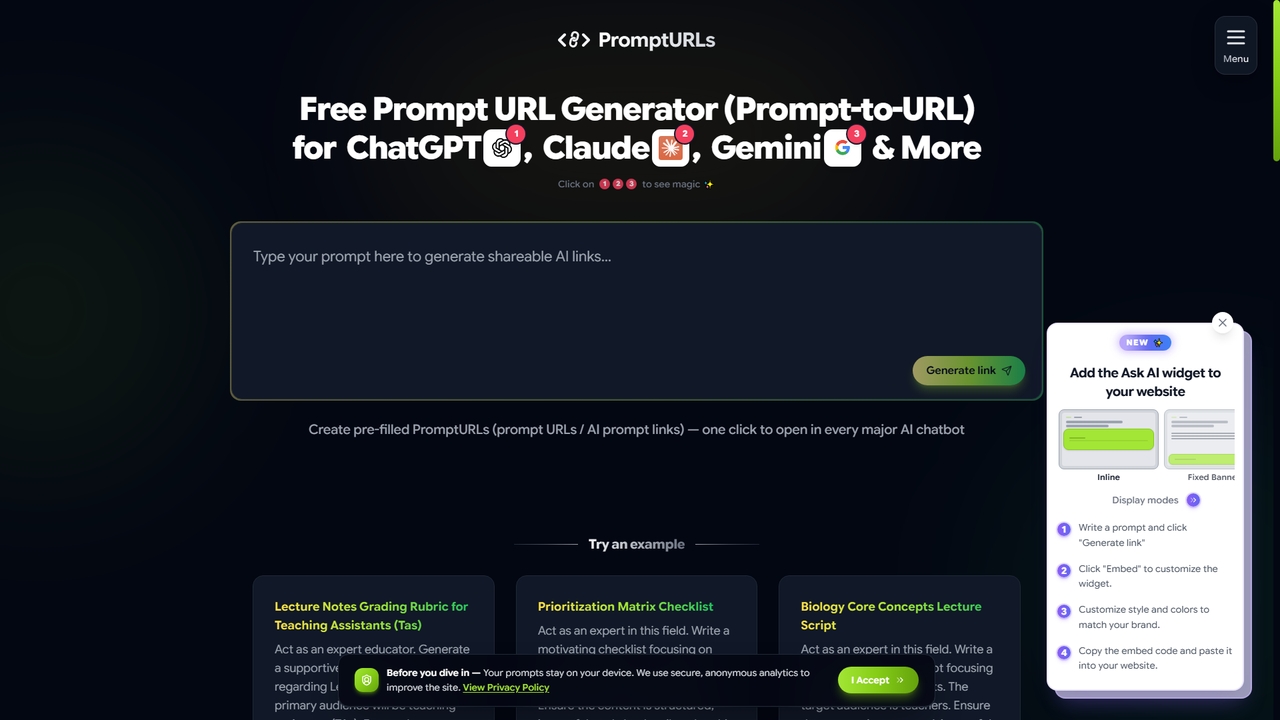
PromptURLs is a free online tool that instantly generates pre-filled, shareable prompt links for major AI chatbots like ChatGPT, Claude, and Gemini. Type a prompt once, and get direct links that open in each AI platform with your text already loaded, streamlining collaboration and workflow.

Collaboration
Visits 4KFavorites 11Likes 7
MCPTotal
Freemium

MCPTotal

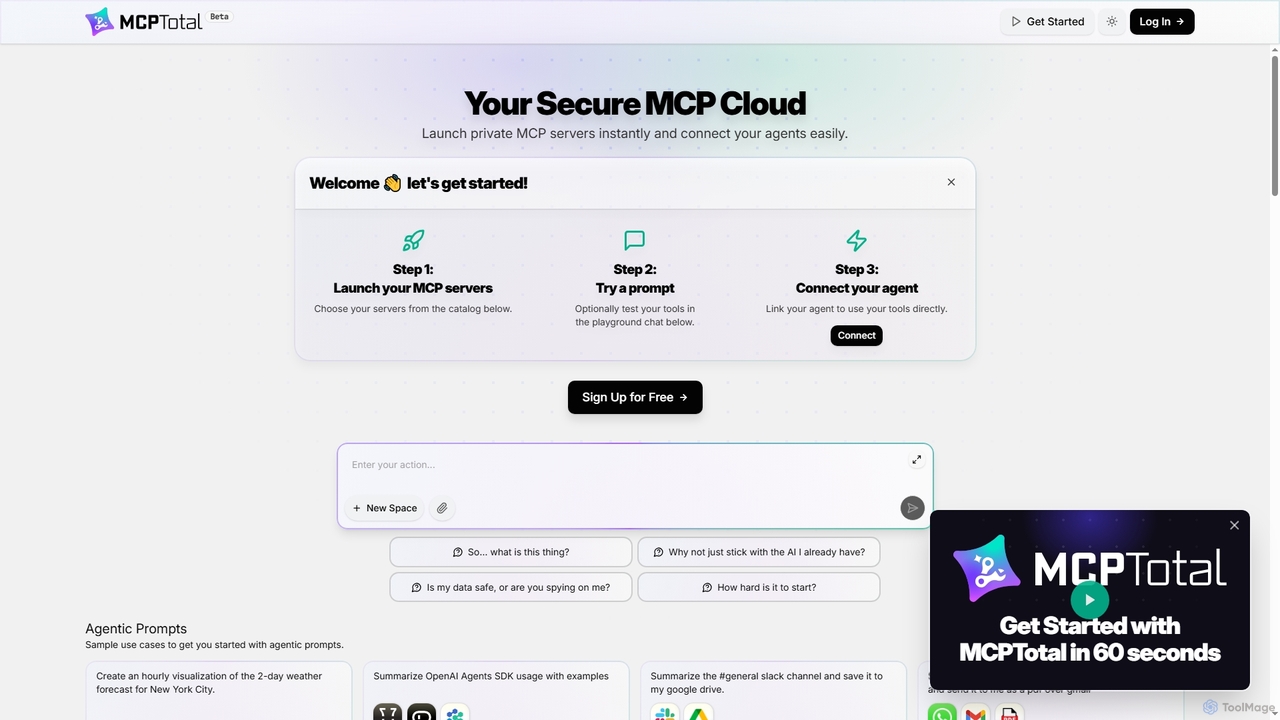
MCPTotal is a secure cloud platform that enables users to instantly launch private AI agent servers and easily connect them to a vast catalog of third-party tools and services. It empowers AI agents to perform complex tasks across communication, productivity, development, and data management by providing real-time access and interaction capabilities.

Agent Orchestration
Visits 5.2KFavorites 60Likes 60
Briefdeck
Freemium

Briefdeck

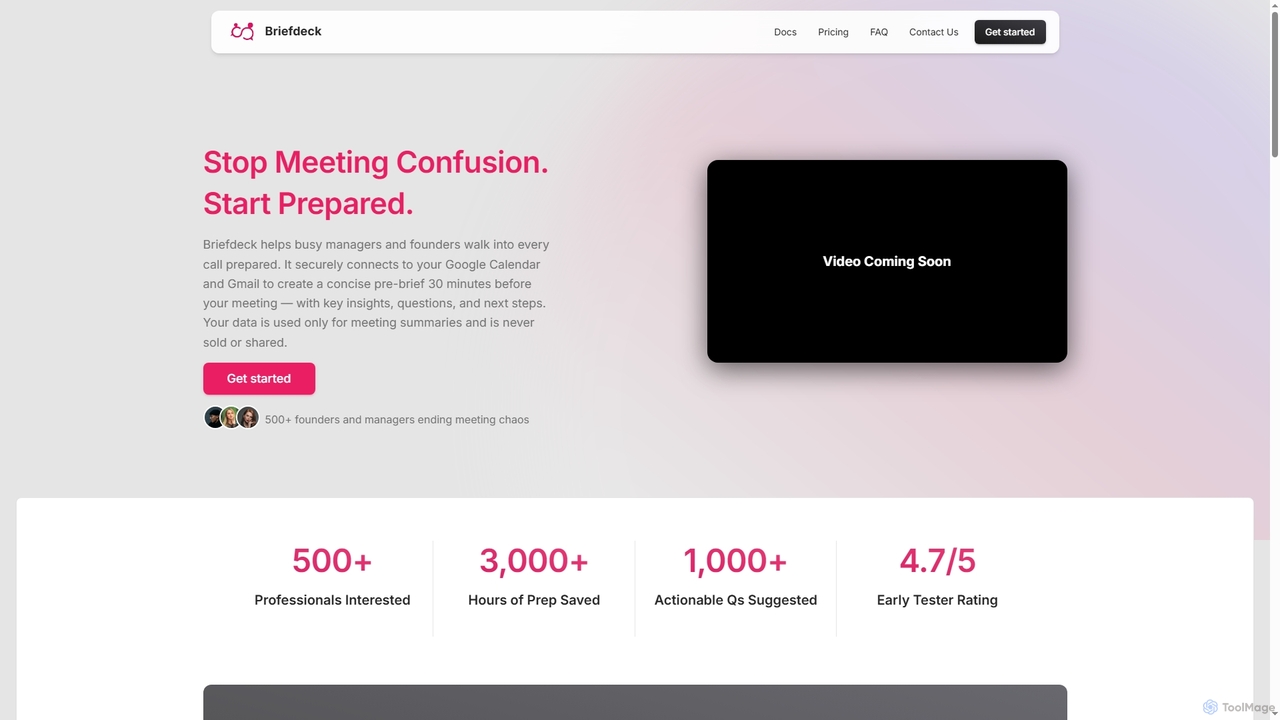
Briefdeck is an AI-powered meeting co-pilot that transforms how professionals prepare for and follow up on calls. It synthesizes fragmented data from emails, notes, and communications into concise, actionable summaries delivered before meetings, and generates post-meeting insights, saving valuable preparation time.

Ai Assistant
Visits 3.7KFavorites 122Likes 143
Pigeonhole Live
Freemium

Pigeonhole Live

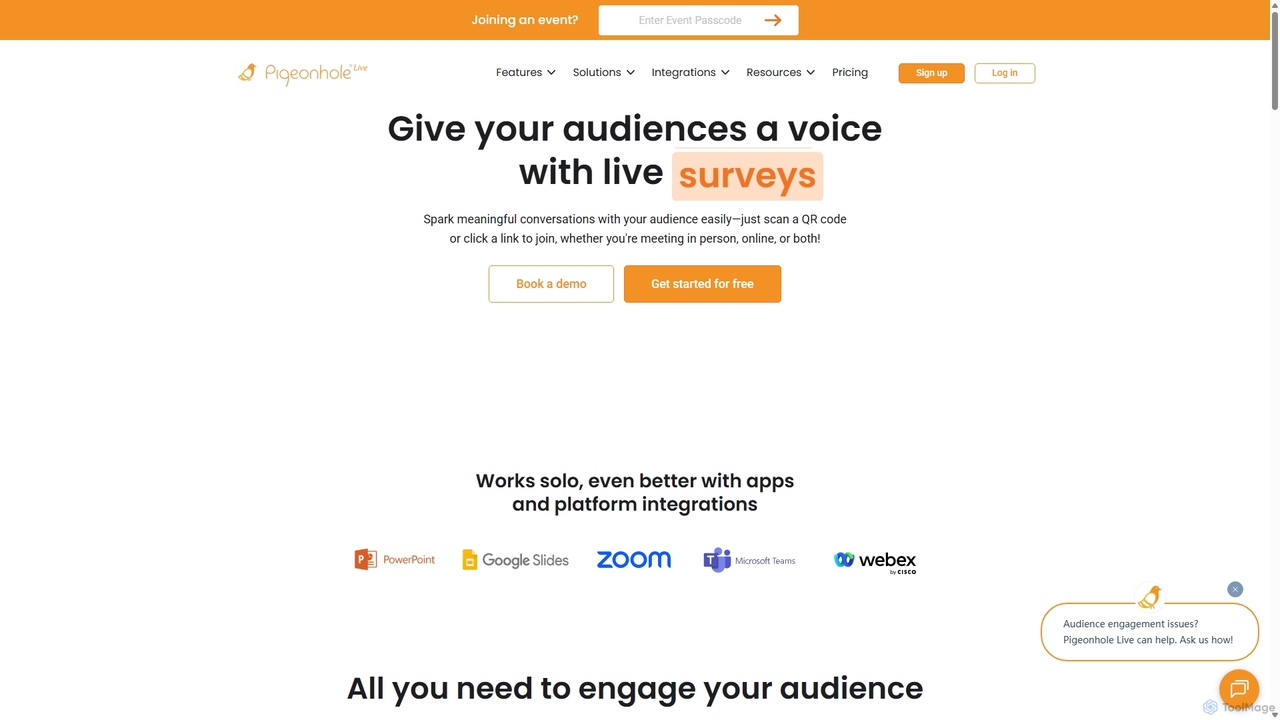
Pigeonhole Live is a comprehensive audience engagement platform designed for meetings, events, and conferences. It empowers organizers to boost participation through interactive tools like live Q&A with AI translation, polls, word clouds, quizzes, and surveys, creating a more inclusive and memorable experience for both in-person and virtual attendees.

Collaboration
Visits 40.7KFavorites 92Likes 104

About Collaboration

AI Collaboration tools are a class of software that uses artificial intelligence to actively enhance teamwork and streamline communication. These tools go beyond simple messaging by analyzing conversations, automating administrative tasks, and providing intelligent insights. They help teams capture key information, track decisions, and overcome language barriers, turning discussions into actionable outcomes. This makes them a pivotal part of the modern communication toolkit, especially for remote and global teams.

Core Features

  • Real-time Transcription & Summarization: Automatically converts spoken words from meetings into text and generates concise summaries of key points.
  • Action Item Detection: Intelligently identifies tasks, deadlines, and owners from conversations and adds them to project plans.
  • Multilingual Translation: Provides real-time translation of speech and text during meetings, breaking down language barriers for global teams.
  • AI-Powered Whiteboards: Enhances brainstorming sessions by organizing ideas, suggesting concepts, and creating visual diagrams automatically.
  • Sentiment Analysis: Analyzes the tone and sentiment of conversations to provide insights into team dynamics and client feedback.

Use Cases

AI Collaboration tools are widely used in environments with frequent meetings and complex projects. They are particularly valuable for project management teams tracking deliverables, global corporations coordinating across different languages, agile development teams running daily stand-ups, and consulting firms needing to document client discussions accurately.

How to Choose

When selecting an AI Collaboration tool, consider its integration capabilities with your existing software (e.g., Slack, Microsoft Teams, Jira). Evaluate the accuracy of its transcription and summarization features. For global teams, assess the range and quality of supported languages. Finally, review the security protocols and data privacy policies to ensure they meet your organization's standards.

Featured tool rankings

Collaboration use cases

1

Automate Meeting Follow-ups for Project Managers

A project manager leading multiple agile teams uses an AI collaboration tool integrated with their video conferencing platform. During a sprint review meeting, the AI assistant transcribes the entire discussion in real-time. After the call, it automatically generates a concise summary highlighting key decisions, stakeholder feedback, and identified risks. More importantly, it extracts all action items, such as 'Update user story 542 based on feedback,' and creates tasks directly in their project management software, assigning them to the correct developers. This process eliminates hours of manual note-taking and task creation each week, ensuring no commitment is missed.

2

Bridge Language Gaps in Global Team Meetings

An international marketing team with members in Germany, Japan, and the United States holds its weekly strategy call. Using an AI collaboration tool, each participant can speak in their native language. The tool provides real-time, on-screen captions translated for each user. A German-speaking product manager's comments are instantly displayed in Japanese for the designer and in English for the content strategist. This ensures nuanced ideas are not lost in translation, fosters inclusivity, and significantly speeds up decision-making by removing the need for slower, sequential translation or the cognitive load of speaking a non-native language.

3

Accelerate Brainstorming for Creative Teams

A design agency uses an AI-powered collaborative whiteboard for a remote brainstorming session on a new brand identity. As team members add virtual sticky notes with ideas, the AI automatically groups related concepts into clusters like 'Color Palettes,' 'Typography,' and 'Logo Styles.' It also suggests related keywords and visual inspirations based on the initial input. When the team gets stuck, they can ask the AI to generate alternative ideas based on a specific theme, such as 'minimalist and eco-friendly.' This transforms the whiteboard from a passive canvas into an active brainstorming partner, leading to more diverse and structured ideas in less time.

4

Streamline Onboarding for New Remote Employees

An HR department uses an AI collaboration platform to improve the onboarding experience for new remote hires. Instead of having them sit through hours of introductory meetings, the new employee is given access to a searchable archive of past project kick-offs and team meetings, all transcribed and summarized by AI. They can quickly search for key terms like 'Q3 marketing goals' or 'product roadmap' to understand project history and context at their own pace. This empowers new hires to get up to speed independently, reduces repetitive explanations from existing team members, and creates a living knowledge base for the entire organization.

5

Improve Sales Call Analysis and Coaching

A sales manager uses an AI collaboration tool that integrates with their CRM and dialer. The tool records and transcribes all sales calls. The manager doesn't need to listen to every hour-long call; instead, they review AI-generated summaries that highlight key moments, such as customer objections, competitor mentions, and pricing discussions. The platform's sentiment analysis feature flags calls where customer frustration was high. The manager can then jump directly to those specific moments in the transcript to provide targeted, effective coaching to their sales representatives, improving overall team performance.

6

Facilitate Asynchronous Collaboration on Complex Documents

A legal team is collaborating on a lengthy contract with members working across different time zones. They use an AI collaboration tool that allows them to upload the document. Team members can leave comments and suggested edits. The AI assistant then summarizes all the feedback from a given day, groups related suggestions, and highlights conflicting edits. It can even suggest revised phrasing that incorporates multiple pieces of feedback. This allows a lawyer in London to wake up to a clear, summarized list of their New York colleague's overnight changes, rather than having to read through dozens of individual comments, making asynchronous work seamless and efficient.

Collaboration FAQ

What are AI Collaboration tools?

AI Collaboration tools are software platforms that use artificial intelligence to actively participate in and improve teamwork. Unlike traditional communication tools that simply transmit information, these tools analyze conversations to automatically generate summaries, detect action items, and provide real-time translations. Their primary goal is to reduce administrative overhead, break down communication barriers, and turn unstructured discussions into structured, actionable data, making teamwork more efficient and effective.

How do AI Collaboration tools differ from standard tools like Slack or Zoom?

The key difference lies in their role. Standard tools like Slack and Zoom are communication channels; they provide the infrastructure for conversations to happen. AI Collaboration tools are active participants within those channels. While Zoom hosts a meeting, an AI tool transcribes it, summarizes it, and identifies tasks. While Slack is a place for messaging, an AI tool can analyze those messages to track project progress or sentiment. In essence, standard tools connect people, while AI tools help people understand and act on what was communicated.

How to choose the right AI Collaboration tool?

Choosing the right tool depends on your team's specific needs. Consider these factors:

  • Integration: Does it seamlessly connect with your existing workflow tools like project management software, calendars, and communication platforms (e.g., Slack, MS Teams)?
  • Core Functionality: Evaluate the accuracy and features of its key offerings. How good is the transcription? Does the summarization capture the right details? Does it support the languages your team needs?
  • User Experience: Is the tool intuitive and easy for your team to adopt? A complex tool, no matter how powerful, will go unused if it's not user-friendly.
  • Security and Privacy: Since these tools process sensitive conversations, verify their security credentials, data encryption methods, and privacy policies to ensure your company's information is protected.
What are the main benefits of using AI in team collaboration?

The primary benefits are increased efficiency and improved communication clarity. By automating tasks like note-taking, summarizing, and creating action items, AI frees up significant time for teams to focus on strategic work rather than administration. It enhances clarity by creating a searchable, accurate record of all discussions, reducing misunderstandings. For global teams, real-time translation fosters inclusivity and ensures everyone can contribute their best ideas without language being a barrier.

Are AI Collaboration tools secure for sensitive business discussions?

Reputable AI Collaboration tools prioritize security. When evaluating a tool, look for enterprise-grade security features such as end-to-end encryption, SOC 2 compliance, and GDPR or CCPA adherence. It's also important to understand their data policies: where is your data stored, who has access to it, and is it used to train their public AI models? Many leading providers offer private instances or options to ensure your conversational data remains confidential and is not used for external training, making them secure for most business discussions.