

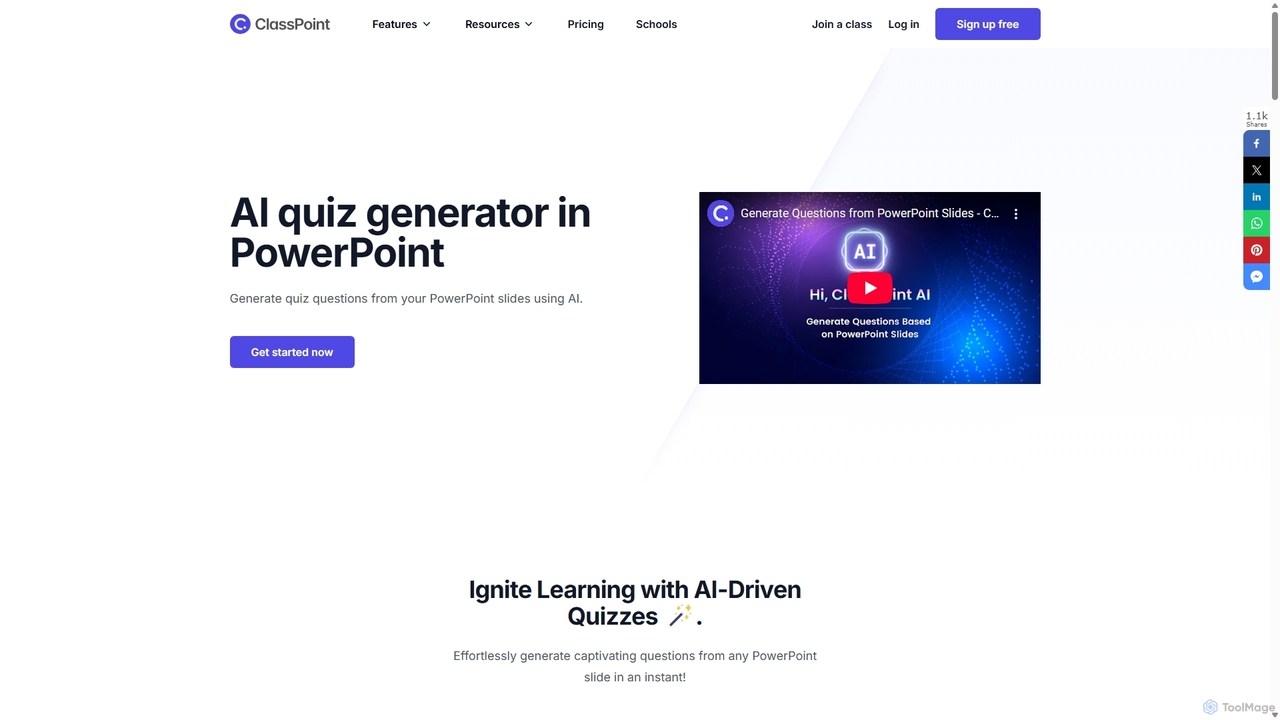
ClassPoint AI Overview
ClassPoint AI is an innovative artificial intelligence tool designed to integrate seamlessly with Microsoft PowerPoint, transforming standard presentations into dynamic and interactive educational sessions. It empowers educators, trainers, and presenters to create engaging learning environments by generating insightful quiz questions directly from the content of their slides. This eliminates the tedious process of manual question creation, allowing instructors to focus more on teaching and student interaction. By leveraging advanced AI, ClassPoint AI analyzes slide text and generates relevant questions in various formats, making assessments both instant and effective.
The platform is built with the modern classroom in mind, supporting diverse teaching methodologies and learning objectives. It not only saves valuable preparation time but also enhances the learning experience by providing immediate feedback and fostering active participation. With its intuitive interface within the familiar PowerPoint environment, users can adopt the tool with a minimal learning curve, making advanced educational technology accessible to everyone.
How to use ClassPoint AI
Using ClassPoint AI is a straightforward process integrated directly into your PowerPoint workflow. Here are the three simple steps to generate quizzes and engage your audience:
- Install and Open in PowerPoint: First, download and install the ClassPoint add-in. A new ClassPoint tab will appear in your PowerPoint ribbon. Open your presentation and navigate to the slide you want to create a quiz for.
- Let AI Analyze Your Slide: With the desired slide selected, click on the ClassPoint AI feature. The AI will instantly read and analyze the text and context of your slide content with remarkable speed and accuracy.
- Generate and Customize Questions: ClassPoint AI will then generate a set of relevant questions based on the slide's information. You can choose from multiple formats like Multiple Choice, Short Answer, or Fill in the Blanks. You can also refine the questions by selecting a specific cognitive level from Bloom's Taxonomy, from simple recall to higher-order thinking skills like analysis and evaluation. Once satisfied, you can insert the question as an interactive quiz slide and collect live responses from your audience during the presentation.
Core Features of ClassPoint AI
- AI-Powered Quiz Generation: Automatically creates quiz questions from any PowerPoint slide content in seconds.
- Multiple Question Types: Supports various formats including Multiple Choice, Short Answer, and Fill in the Blanks to cater to different assessment needs.
- Bloom's Taxonomy Integration: Allows educators to generate questions based on different cognitive levels (Remember, Understand, Apply, Analyze, Evaluate, Create) to foster critical thinking.
- Multi-Language Support: Powered by OpenAI, it can generate questions in numerous languages, breaking down language barriers and promoting inclusivity.
- Live Interactive Quizzes: Collect and display student responses in real-time directly within the PowerPoint presentation, creating a highly engaging and interactive experience.
- Seamless PowerPoint Integration: Works as a native add-in for PowerPoint, ensuring a smooth and familiar user experience without needing to switch between applications.
- Instant Feedback and Analytics: Provides valuable insights into student understanding by tracking progress and participation, helping teachers tailor their instruction.
Use Cases for ClassPoint AI
ClassPoint AI is versatile and can be used in various educational and professional settings:
- K-12 and Higher Education: Teachers and professors can use it for formative assessments, exit tickets, and concept checks during lectures to gauge student comprehension instantly.
- Corporate Training: Trainers can create interactive quizzes to ensure employees are engaged and retaining key information during training sessions and workshops.
- Workshops and Seminars: Presenters can use live quizzes to interact with their audience, gather opinions, and make their presentations more memorable and impactful.
- Test Preparation: Create practice quizzes based on study materials to help students prepare for exams in a more interactive way.
Advantages of ClassPoint AI
The primary advantage of ClassPoint AI is its ability to save educators significant time and effort. Instead of spending hours crafting assessment questions, they can generate them in seconds. This efficiency allows for more dynamic and responsive teaching. Furthermore, the tool significantly boosts student engagement by turning passive listening into active participation. The real-time feedback mechanism helps identify learning gaps immediately, enabling timely intervention. The support for Bloom's Taxonomy also promotes deeper, more critical thinking beyond simple memorization.
Pricing and Plans
ClassPoint AI operates on a freemium model, offering several tiers to suit different user needs:
- Free Plan: This plan allows users to access basic interactive features and includes a limited number of AI credits to try the quiz generation feature. It's ideal for individual teachers who want to explore the tool's capabilities.
- Pro Plan: A paid subscription designed for individual educators, this plan offers a significantly higher number of AI credits per month, access to all premium features, unlimited questions, and support for larger class sizes.
- Premium (School) Plan: This is a custom-priced plan for schools and educational institutions. It includes site-wide licenses for all teachers, centralized administration, onboarding, and dedicated support to ensure seamless integration across the organization.
A free trial of the Pro features is often available, allowing users to experience the full power of the tool before committing to a subscription.
Traffic
Latest traffic
Status
Monthly traffic trend
- 2025-7: 5.9K
- 2025-8: 6.0K
- 2025-9: 1.2K
- 2026-3: 0
- 2026-4: 0
- 2026-5: 177
Geography
Top 5 countries / regions
- 🇵🇰Pakistan100.0%
ClassPoint AI Alternatives
Dodogenai
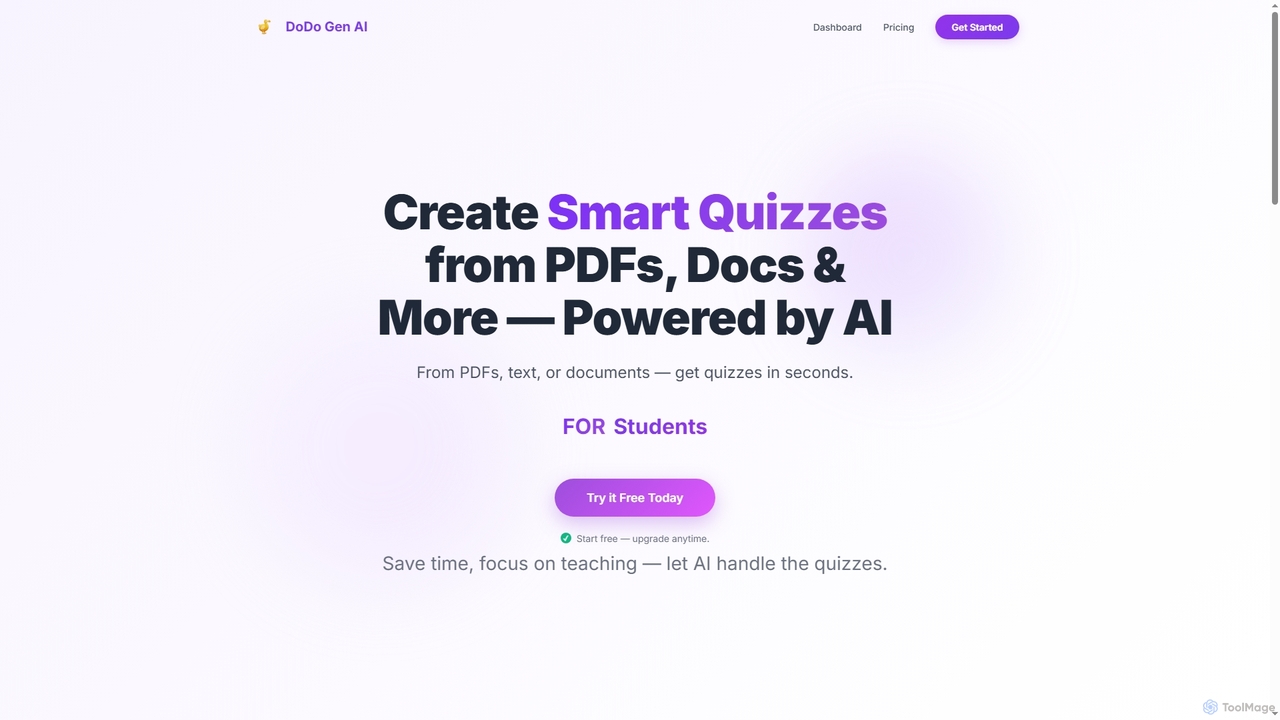
Dodogenai is an AI-powered quiz creation tool for students, teachers, and course creators. It instantly transforms content from PDFs, text, and images into engaging quizzes, saving time and enhancing the learning experience with features like Bloom's Taxonomy integration and high-volume generation.
Assessment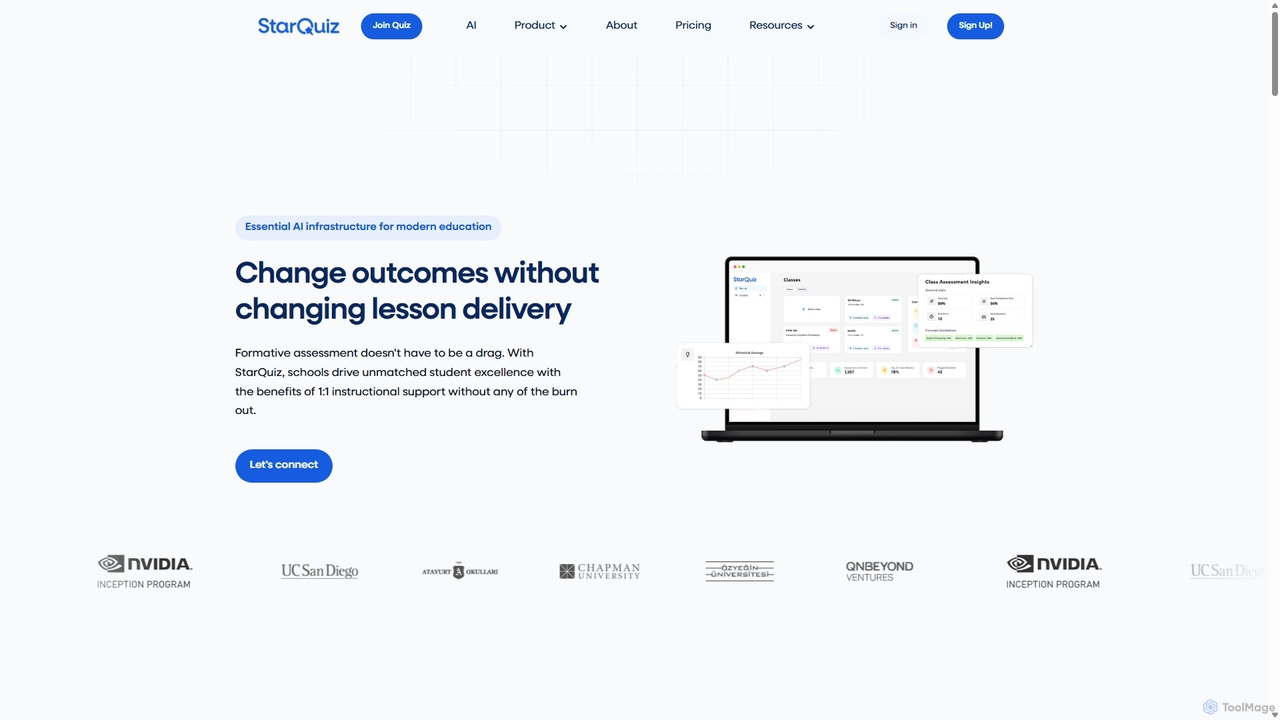
StarQuiz
StarQuiz is an AI-powered formative assessment platform for K-12 and higher education. It instantly transforms lesson materials, such as lectures and documents, into interactive quizzes. Teachers gain real-time insights into student comprehension, while students receive immediate feedback to enhance learning. The platform streamlines grading, supports personalized instruction, and integrates with Learning Management Systems (LMS) to improve educational outcomes without increasing teacher workload.
Assessment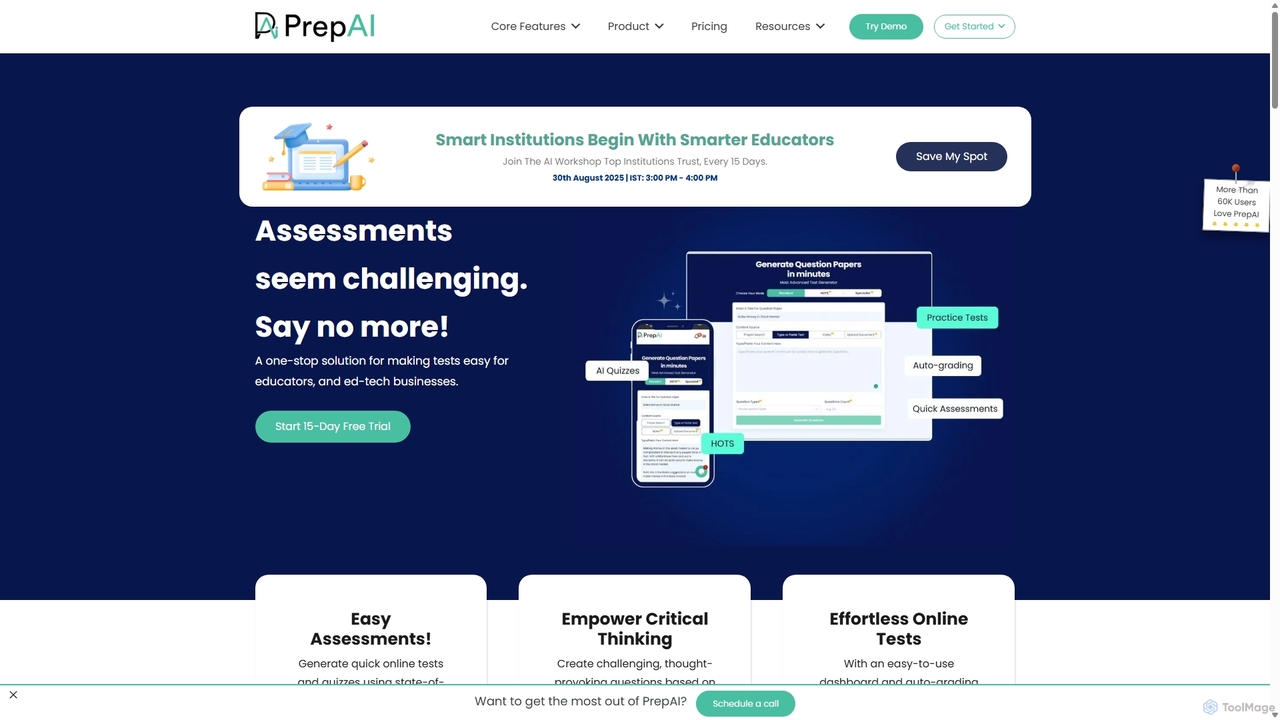
PrepAI
PrepAI is an advanced AI-powered test generator that revolutionizes assessment creation for educators, ed-tech businesses, and students. Effortlessly generate high-quality quizzes and tests in various formats (MCQs, True/False, HOTS) from multiple content sources like text, documents, and videos. Featuring auto-grading and Bloom's Taxonomy integration, PrepAI saves time, enhances critical thinking, and streamlines the entire examination process.
Training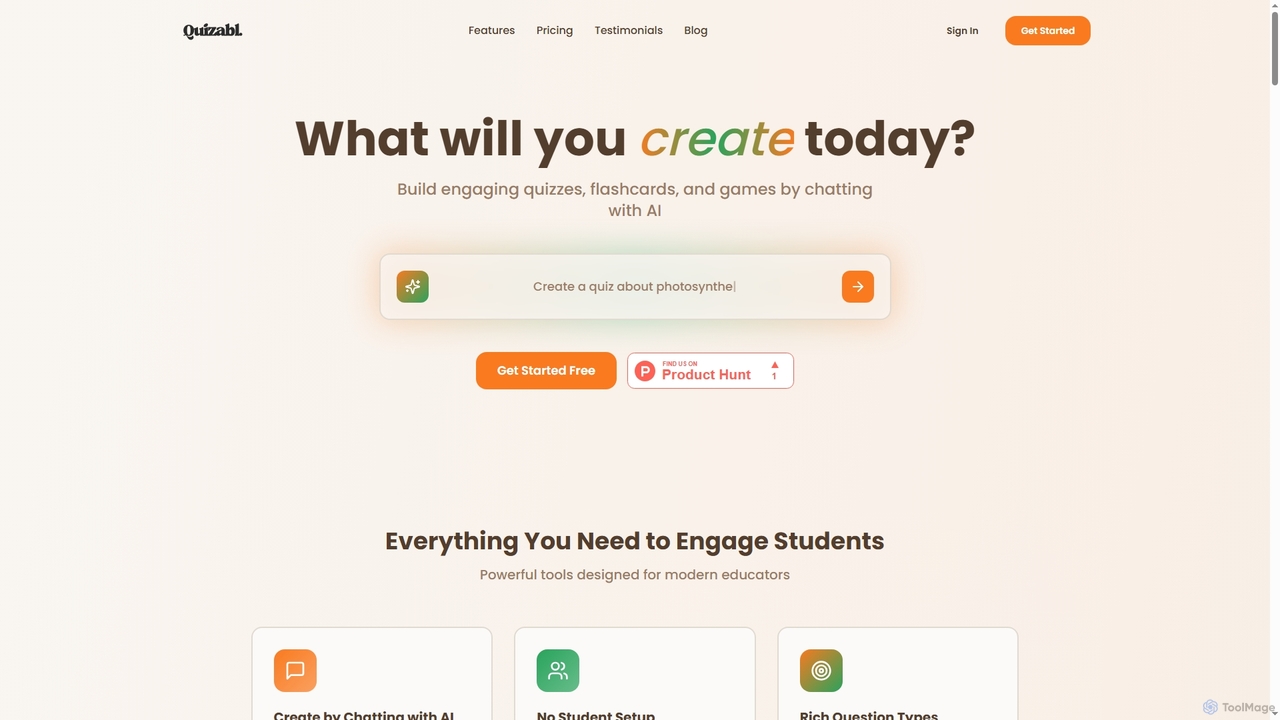
Quizabl
Quizabl is an AI-powered platform for educators to create engaging quizzes, flashcards, and games in seconds. By simply chatting with the AI about a topic, it instantly generates interactive content, eliminating manual form-filling and saving valuable prep time.
Quiz Generator
VQstar.ai
VQstar.ai is an AI-powered platform that transforms any YouTube video into an interactive quiz. It's designed for educators, trainers, and content creators to enhance learning, boost engagement, and assess comprehension by turning passive video consumption into an active, gamified experience.
AssessmentClassPoint AI Categories
ClassPoint AI Jobs
ClassPoint AI Embed Widget
Copy this embed code to place the badge on your blog, article, or product site and send readers directly to this ToolMage detail page.

Related AI tools
Dodogenai
Dodogenai is an AI-powered quiz creation tool for students, teachers, and course creators. It instantly transforms content from PDFs, text, and images into engaging quizzes, saving time and enhancing the learning experience with features like Bloom's Taxonomy integration and high-volume generation.
AssessmentStarQuiz
StarQuiz is an AI-powered formative assessment platform for K-12 and higher education. It instantly transforms lesson materials, such as lectures and documents, into interactive quizzes. Teachers gain real-time insights into student comprehension, while students receive immediate feedback to enhance learning. The platform streamlines grading, supports personalized instruction, and integrates with Learning Management Systems (LMS) to improve educational outcomes without increasing teacher workload.
AssessmentPrepAI
PrepAI is an advanced AI-powered test generator that revolutionizes assessment creation for educators, ed-tech businesses, and students. Effortlessly generate high-quality quizzes and tests in various formats (MCQs, True/False, HOTS) from multiple content sources like text, documents, and videos. Featuring auto-grading and Bloom's Taxonomy integration, PrepAI saves time, enhances critical thinking, and streamlines the entire examination process.
TrainingQuizabl
Quizabl is an AI-powered platform for educators to create engaging quizzes, flashcards, and games in seconds. By simply chatting with the AI about a topic, it instantly generates interactive content, eliminating manual form-filling and saving valuable prep time.
Quiz GeneratorVQstar.ai
VQstar.ai is an AI-powered platform that transforms any YouTube video into an interactive quiz. It's designed for educators, trainers, and content creators to enhance learning, boost engagement, and assess comprehension by turning passive video consumption into an active, gamified experience.
Assessment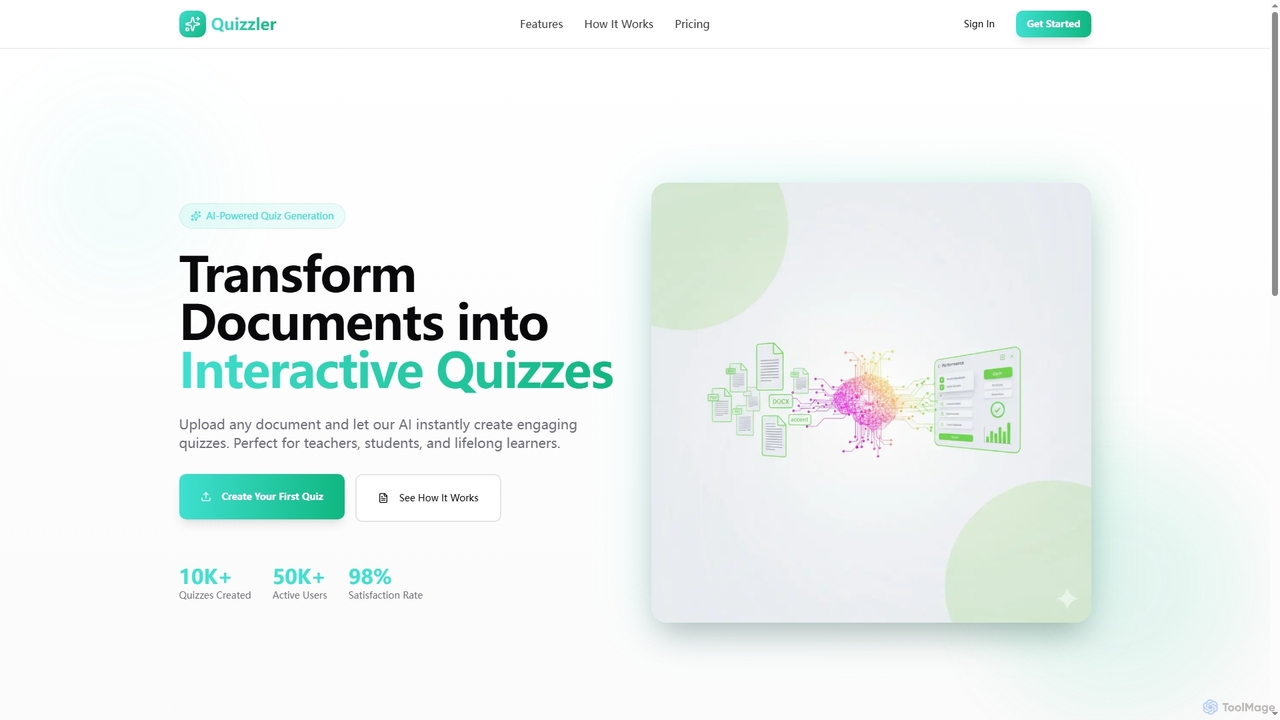
Quizzler
Quizzler is an AI-powered platform that instantly converts documents such as PDFs, Word, and PowerPoint files into interactive quizzes. Designed for teachers, students, and professionals, it automates question generation, offers performance analytics, and enables easy sharing to streamline learning and assessment.
Quiz Generator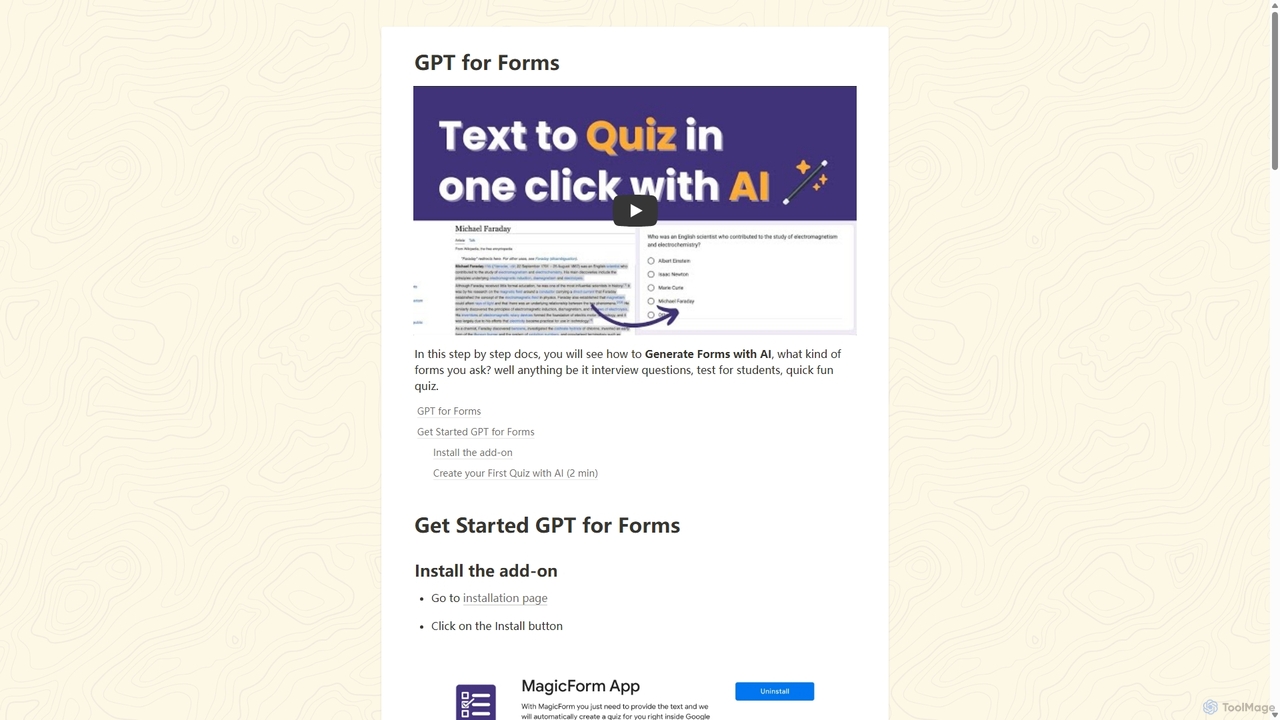
GPT for Forms
An AI-powered Google Forms add-on that instantly generates quizzes, tests, and surveys from any text. Simply paste your content, and GPT for Forms creates relevant questions and answers in seconds, streamlining the assessment creation process for educators, trainers, and HR professionals.
Assessment
Testudy
Testudy (formerly Quizbot) is an AI-powered quiz generator that instantly creates single and multiple-choice tests from any text, document, or topic. Ideal for educators, students, and corporate trainers, it saves hours of manual work by automating question creation. Simply provide your source material, and Testudy generates relevant, customizable quizzes with answer keys, streamlining the process of assessment and learning reinforcement.
Assessment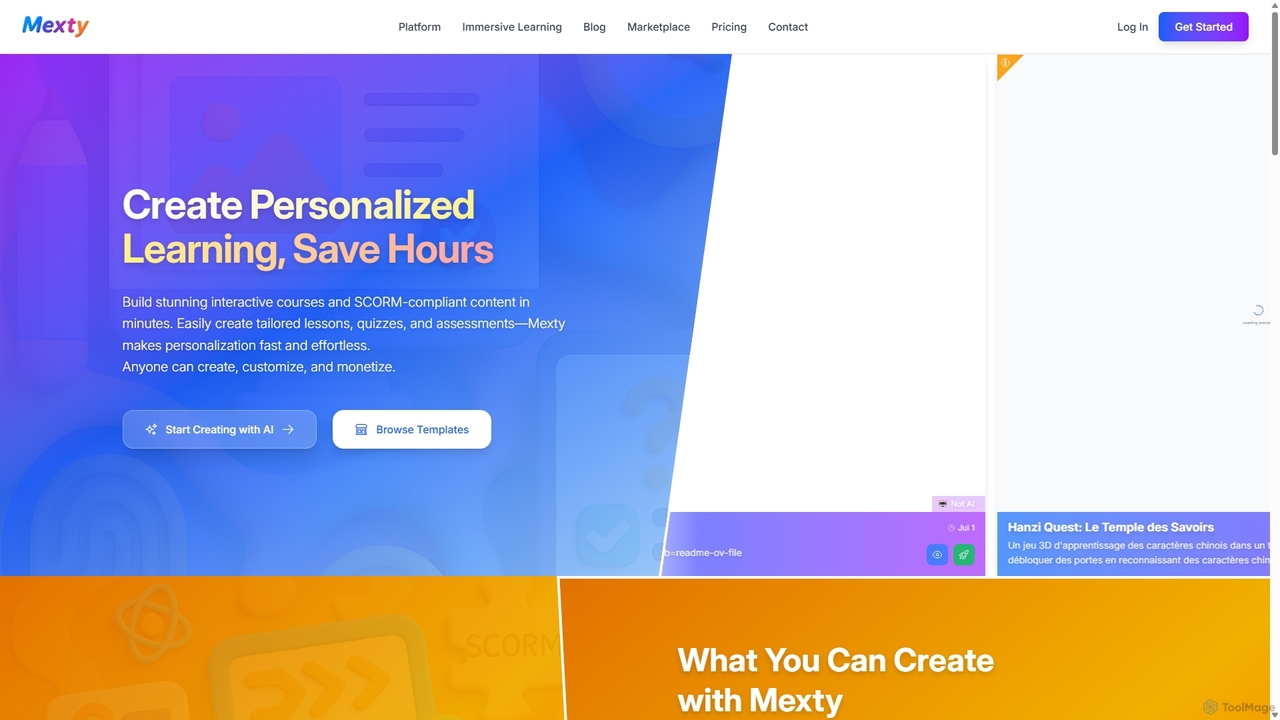
Mexty
Mexty is an AI-powered platform designed for educators, trainers, and instructional designers to create stunning interactive and personalized learning content. Build SCORM-compliant courses, quizzes, simulations, and games in minutes, significantly reducing development time and boosting learner engagement.
Game Development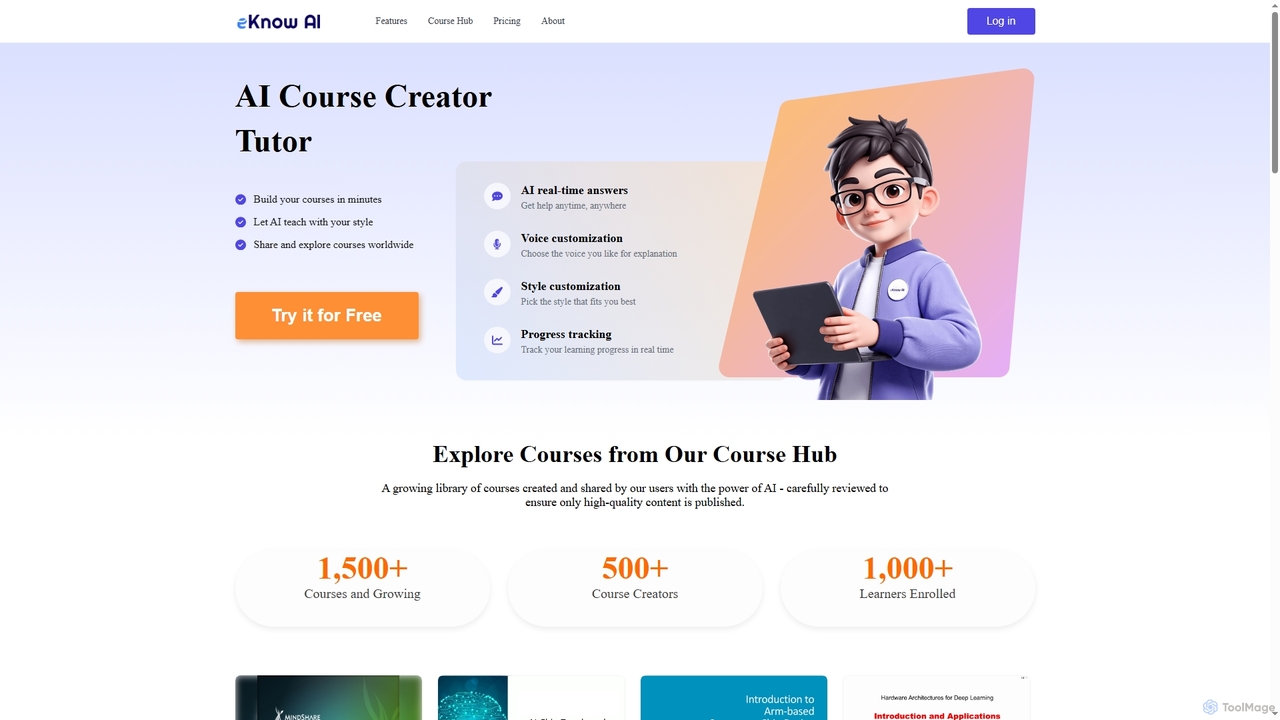
eKnow
eKnow is an AI-powered platform that transforms lecture notes, PDFs, and presentations into interactive, personalized online courses within minutes. It offers an AI tutor for real-time answers, customizable learning styles, and a global Course Hub for sharing and exploring educational content.
Learning Assistant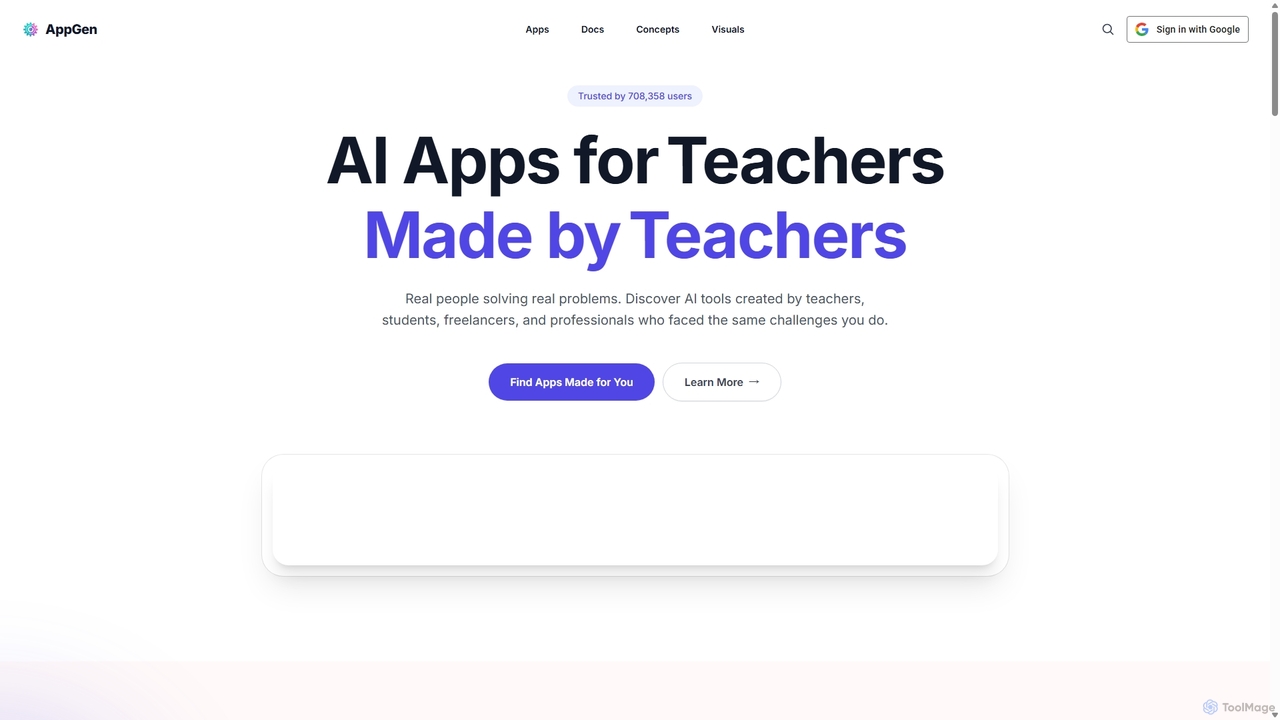
AppGen
AppGen is a no-code AI platform empowering users, especially educators and students, to build and use custom AI applications. Solve real-world problems by creating tools like lesson planners, quiz generators, and writing assistants without programming. Discover a marketplace of apps made by a community of teachers, freelancers, and professionals to boost productivity and enhance learning experiences.
Teaching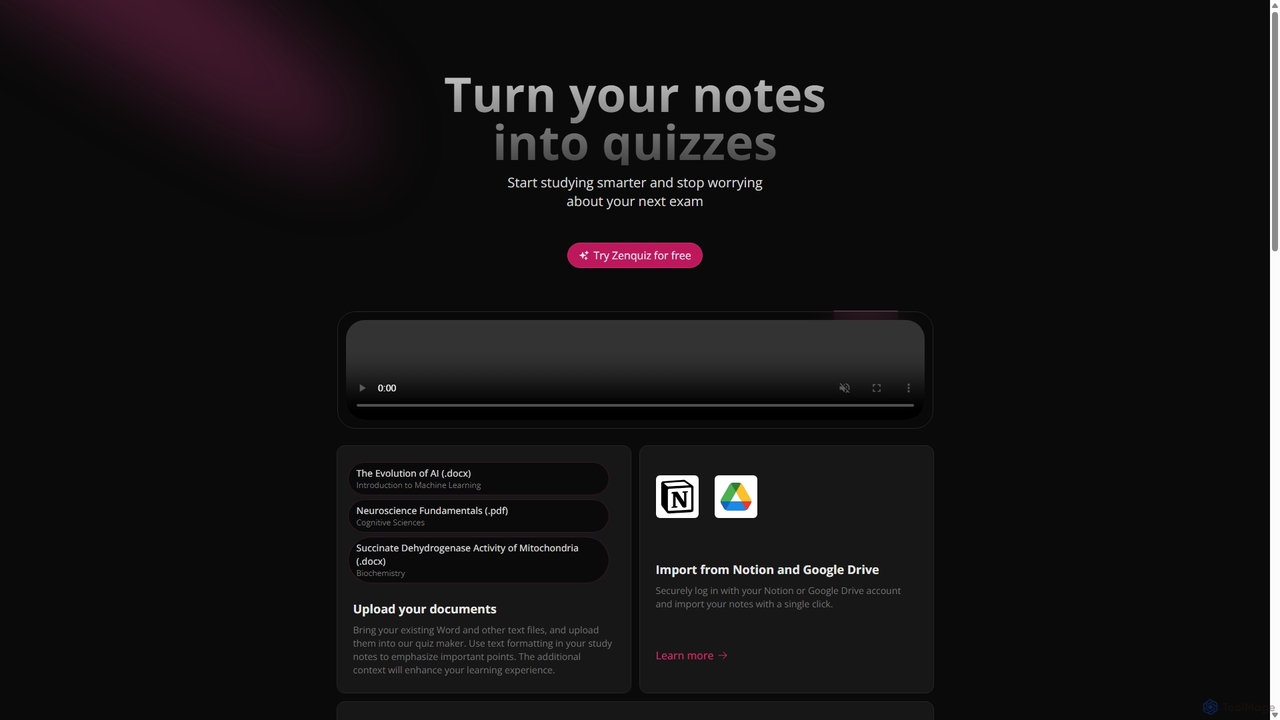
Zenquiz
Zenquiz is an AI-powered quiz generator that transforms your study notes, documents, and text into interactive quizzes. Upload files or import from Notion and Google Drive to create multiple-choice, true/false, and fill-in-the-blank questions, making studying more efficient for students, educators, and businesses.
Text Analysis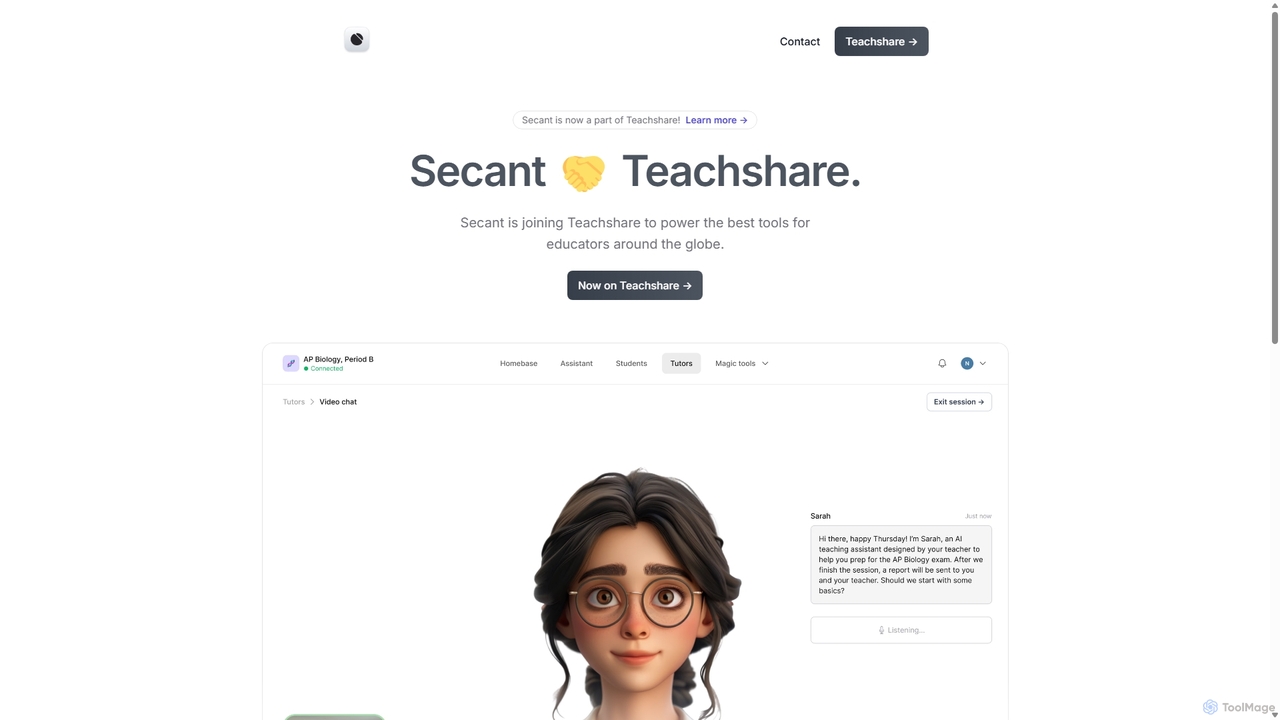
Secant
Secant is an AI-powered educational platform, now part of Teachshare, designed to enhance learning for students and automate tasks for teachers. It provides integrated AI study tools, collaborative features, and robust classroom management capabilities, all while prioritizing data privacy and compliance with educational standards.
Learning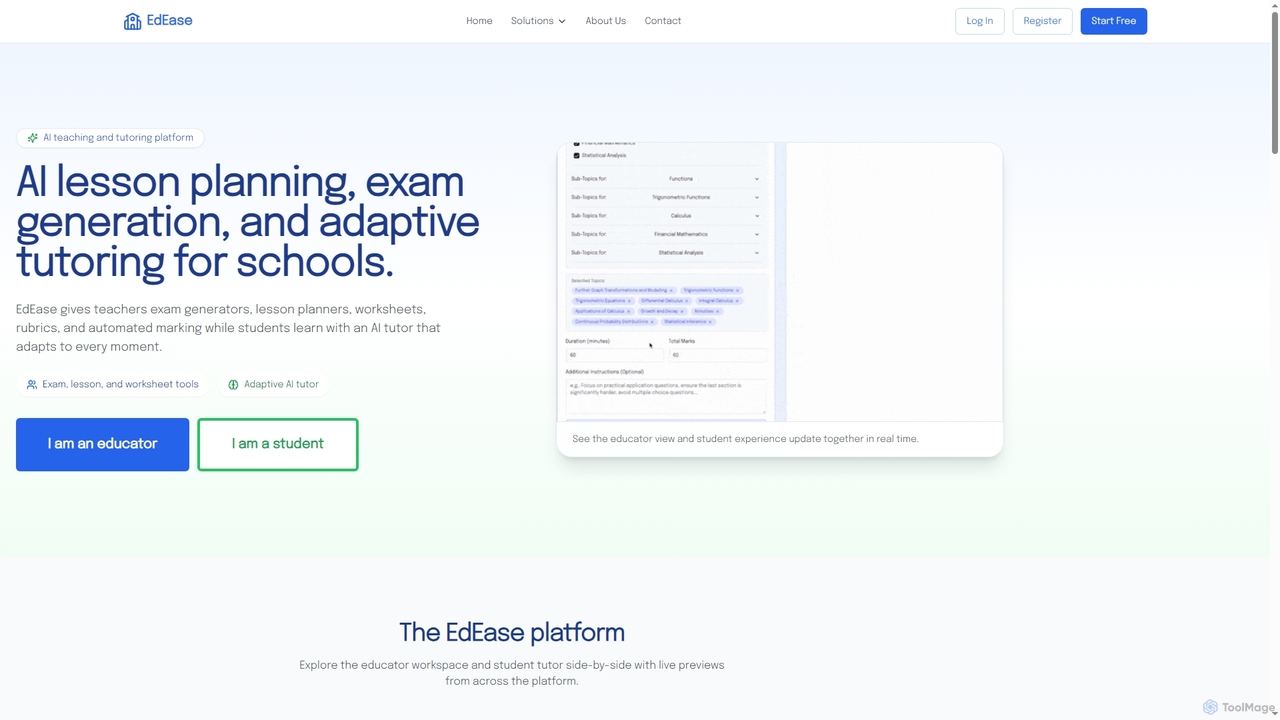
EdEase
EdEase is an AI-powered teaching and tutoring platform designed for educators and students. It streamlines lesson planning, exam generation, worksheet creation, and automated marking for teachers, while providing students with an adaptive AI tutor for personalized learning and practice. Built to reduce teacher workload and enhance student outcomes.
Assessment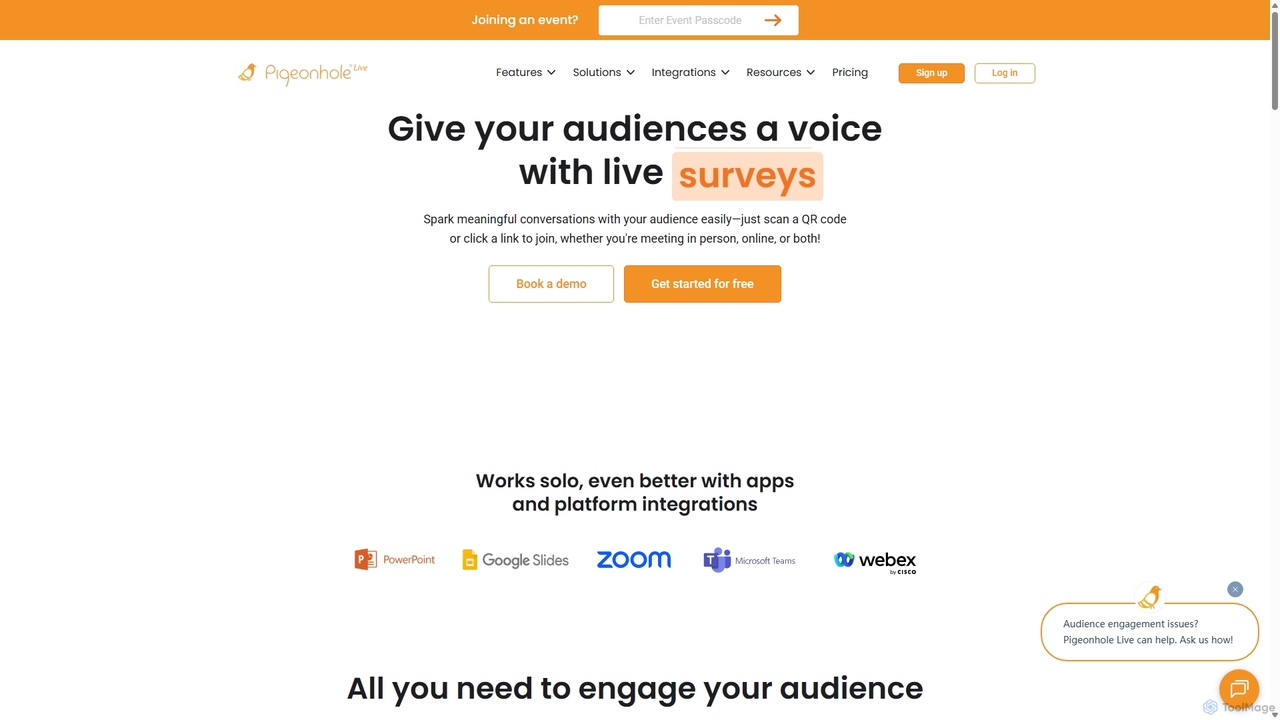
Pigeonhole Live
Pigeonhole Live is a comprehensive audience engagement platform designed for meetings, events, and conferences. It empowers organizers to boost participation through interactive tools like live Q&A with AI translation, polls, word clouds, quizzes, and surveys, creating a more inclusive and memorable experience for both in-person and virtual attendees.
Collaboration
ClassPoint AI Comments (0)
Sign in to comment.
Sign inNo comments yet.