

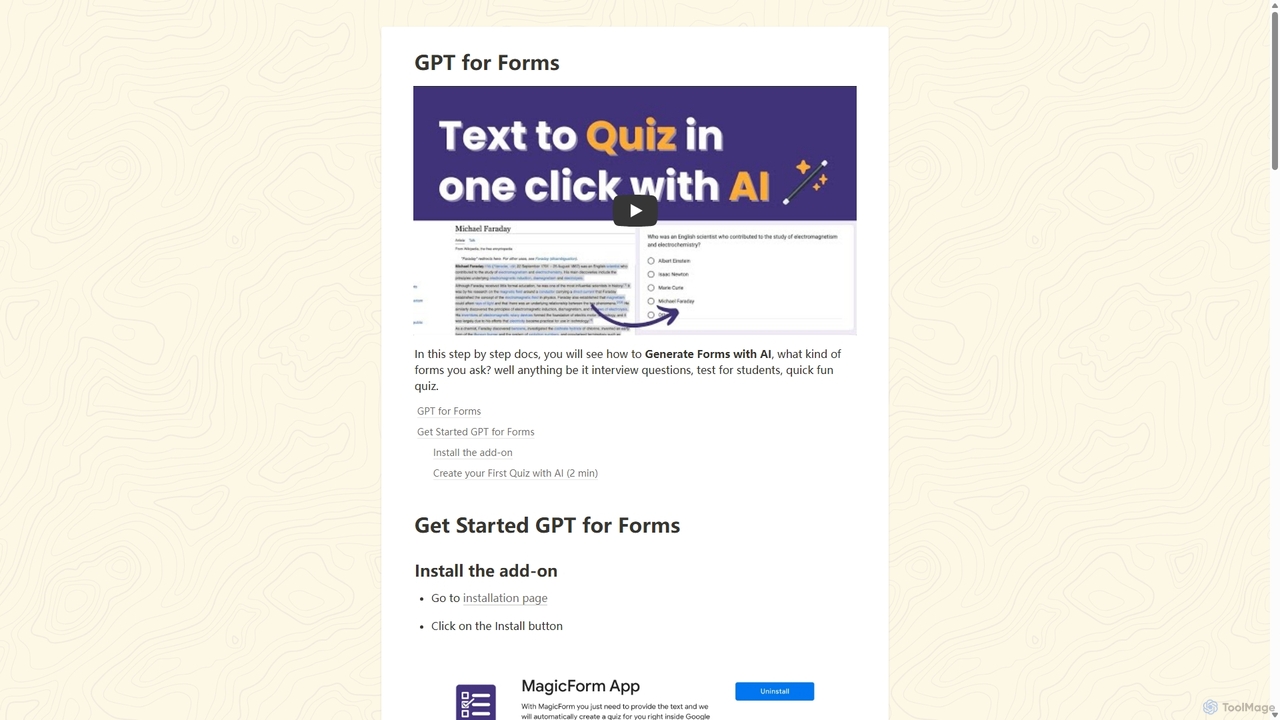
GPT for Forms Overview
GPT for Forms is a revolutionary productivity tool designed to eliminate the tedious task of manual quiz and survey creation. As a seamless add-on for Google Forms, it leverages the power of advanced AI to transform any piece of text into a structured, ready-to-use form in less than a second. Whether you're an educator needing to create a test from a textbook chapter, a corporate trainer assessing comprehension of training materials, or an HR manager screening candidates, GPT for Forms automates the entire process, saving you countless hours of work.
The tool, also known as MagicForm App in the Google Workspace Marketplace, integrates directly into your existing workflow. By simply providing a block of text from any source—be it a web article, a PDF document, or your personal notes—the AI analyzes the content and intelligently generates relevant questions and corresponding answers. This allows for the rapid creation of everything from fun trivia quizzes to formal examinations and detailed interview questionnaires.
How to use GPT for Forms
Getting started with GPT for Forms is incredibly simple and takes only a few minutes. Follow these steps to automate your form creation:
- Install the Add-on: Navigate to the Google Workspace Marketplace and search for "MagicForm App" or "GPT for Forms". Click the "Install" button and grant the necessary permissions to link it with your Google account.
- Create a Google Form: Open a new Google Form by visiting forms.new in your browser.
- Launch the Add-on: Click on the puzzle piece icon (Add-ons) in the top right corner of your Google Form, select "MagicForm App" (or GPT for Forms), and then click "Launch".
- Provide Your Content: A sidebar will open. Copy the text you want to create a quiz from (e.g., an article, lecture notes, a policy document) and paste it into the designated text area in the add-on.
- Configure and Generate: Choose the number of questions you want the AI to generate. Click the "Generate" button.
- Review and Use: In seconds, the AI will populate your Google Form with questions and answers based on the text you provided. You can then review, edit, and share the form as you normally would.
Core Features of GPT for Forms
- Instant Quiz Generation: Converts any text into a quiz or survey in under a second using advanced AI.
- Seamless Google Forms Integration: Works as a native add-on within the familiar Google Forms interface, requiring no external software.
- Versatile Content Sources: Accepts text from any source, including websites, PDFs, documents, and pasted notes.
- Multiple Use-Case Support: Capable of generating various types of questions suitable for educational tests, corporate training assessments, interview screening, fun quizzes, and more.
- Customizable Question Quantity: Allows users to specify the exact number of questions they need for their form.
- Time-Saving Automation: Drastically reduces the manual effort and time required to design and type out questions and answers.
Use Cases for GPT for Forms
GPT for Forms is a versatile tool for a wide range of professionals:
- Educators and Teachers: Quickly create reading comprehension quizzes from articles, generate chapter review tests from textbooks, or design homework assignments from lecture notes.
- Corporate Trainers: Develop post-training assessments to measure employee understanding of new policies, software, or procedures.
- Human Resources Managers: Build initial screening questionnaires for job applicants based on job descriptions or create knowledge tests for internal promotions.
- Content Creators and Marketers: Engage audiences by turning blog posts or articles into interactive quizzes for social media or websites.
- Students: Create self-assessment quizzes from study materials to test their own knowledge and prepare for exams.
Advantages of GPT for Forms
The primary advantage of GPT for Forms is its incredible efficiency. It transforms a task that could take hours into one that takes mere seconds. This massive time-saving benefit allows professionals to focus on more strategic activities, such as teaching, analyzing results, or interviewing candidates. Its seamless integration with Google Forms means there is no learning curve for anyone already familiar with the Google Workspace ecosystem. The tool enhances productivity, ensures consistency in question generation, and provides a simple, powerful solution for anyone needing to create assessments quickly.
Pricing and Plans
GPT for Forms operates on a freemium model, making it accessible to everyone.
- Free Plan: Users can typically generate a limited number of quizzes or questions for free. This is perfect for trying out the tool or for occasional use.
- Premium Plan: For users with more frequent or extensive needs, a paid subscription is available. This plan usually offers unlimited quiz generations, priority support, and potentially access to more advanced features.
For the most current and detailed pricing information, please visit the official GPT for Forms website or its page on the Google Workspace Marketplace.
GPT for Forms Alternatives
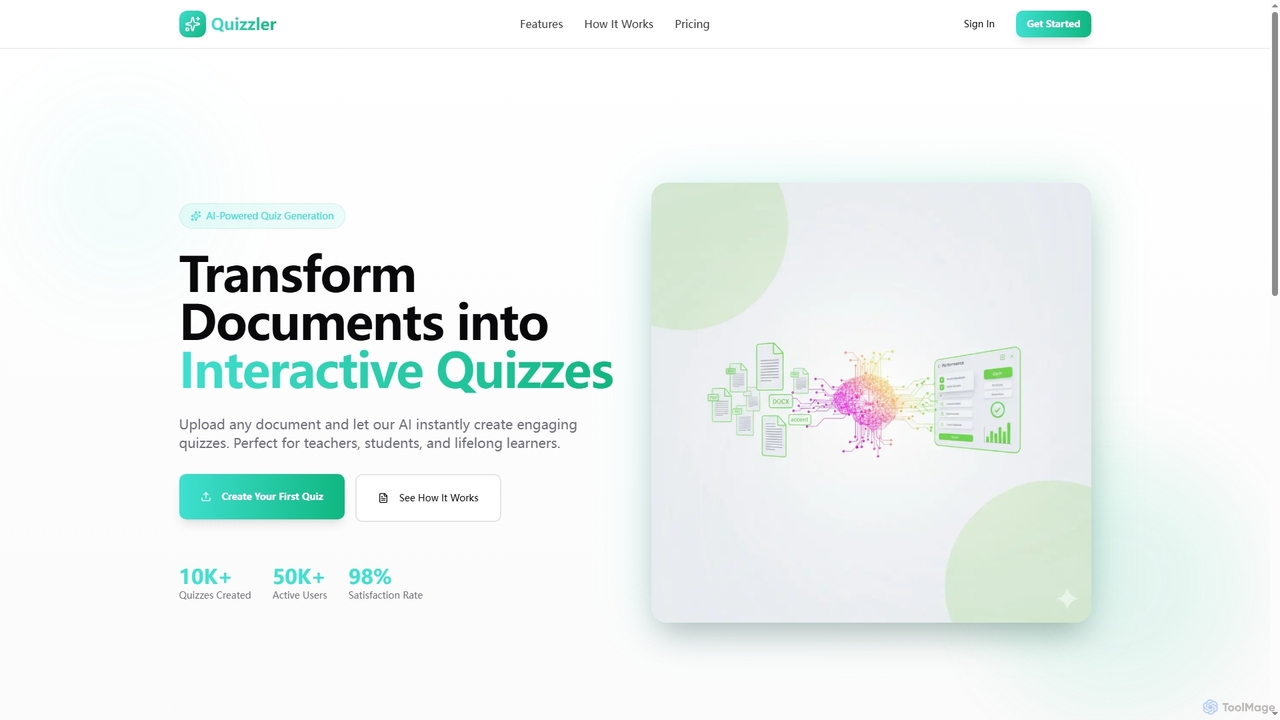
Quizzler
Quizzler is an AI-powered platform that instantly converts documents such as PDFs, Word, and PowerPoint files into interactive quizzes. Designed for teachers, students, and professionals, it automates question generation, offers performance analytics, and enables easy sharing to streamline learning and assessment.
Quiz Generator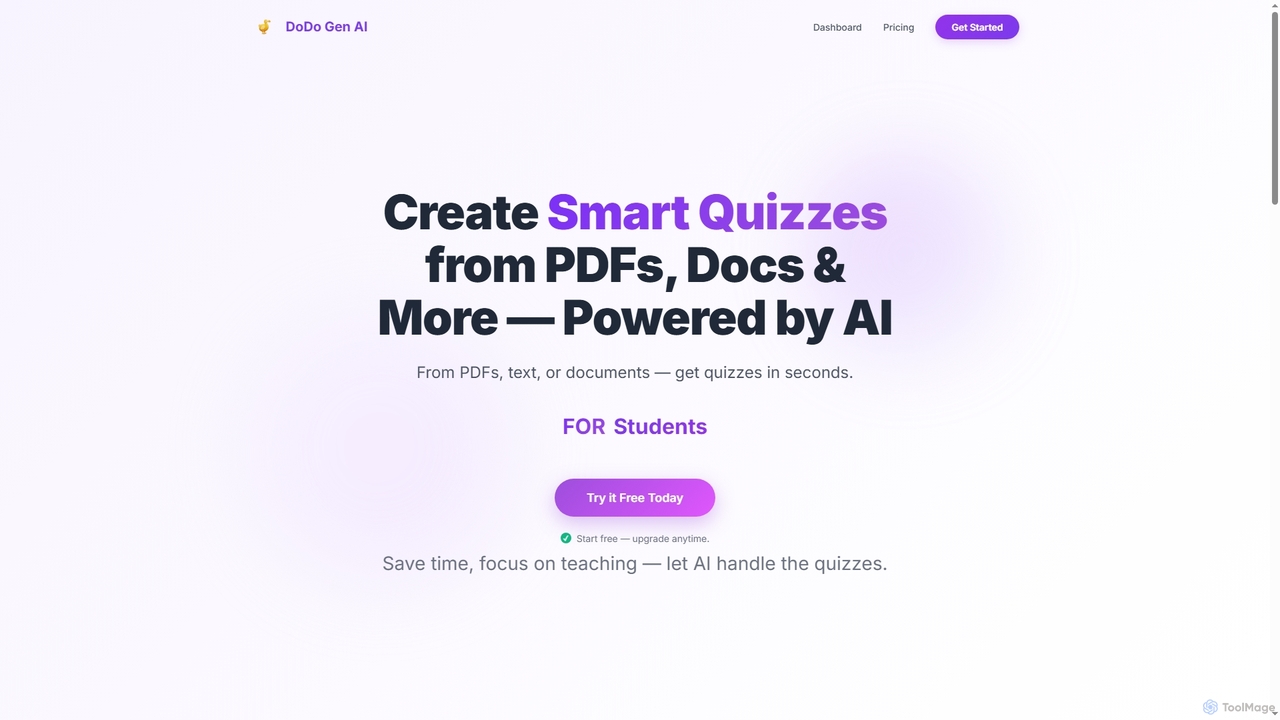
Dodogenai
Dodogenai is an AI-powered quiz creation tool for students, teachers, and course creators. It instantly transforms content from PDFs, text, and images into engaging quizzes, saving time and enhancing the learning experience with features like Bloom's Taxonomy integration and high-volume generation.
Assessment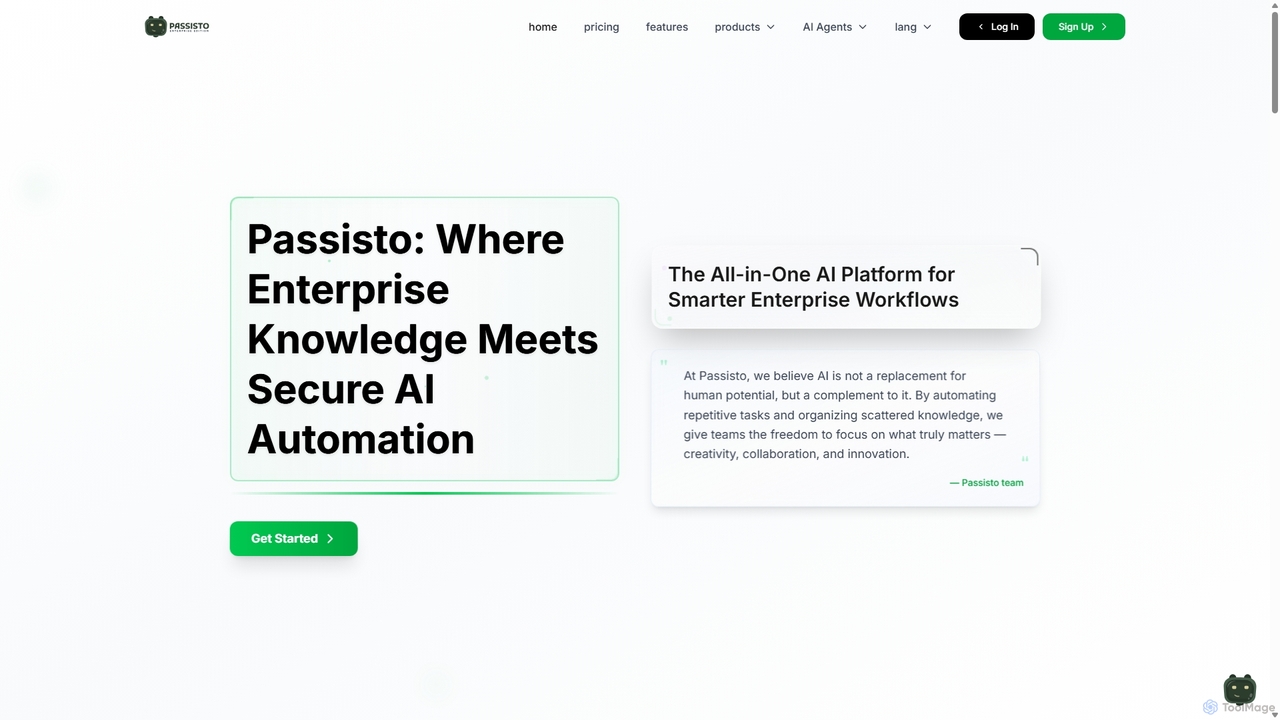
Passisto
Passisto is an enterprise-grade AI platform featuring built-in agents to enhance productivity. It includes an AI Email Builder for crafting context-aware communications, an AI Interviewer for streamlining recruitment, and an upcoming Form Builder. Passisto is designed to amplify human creativity, save time, and improve decision-making in business environments.
Operations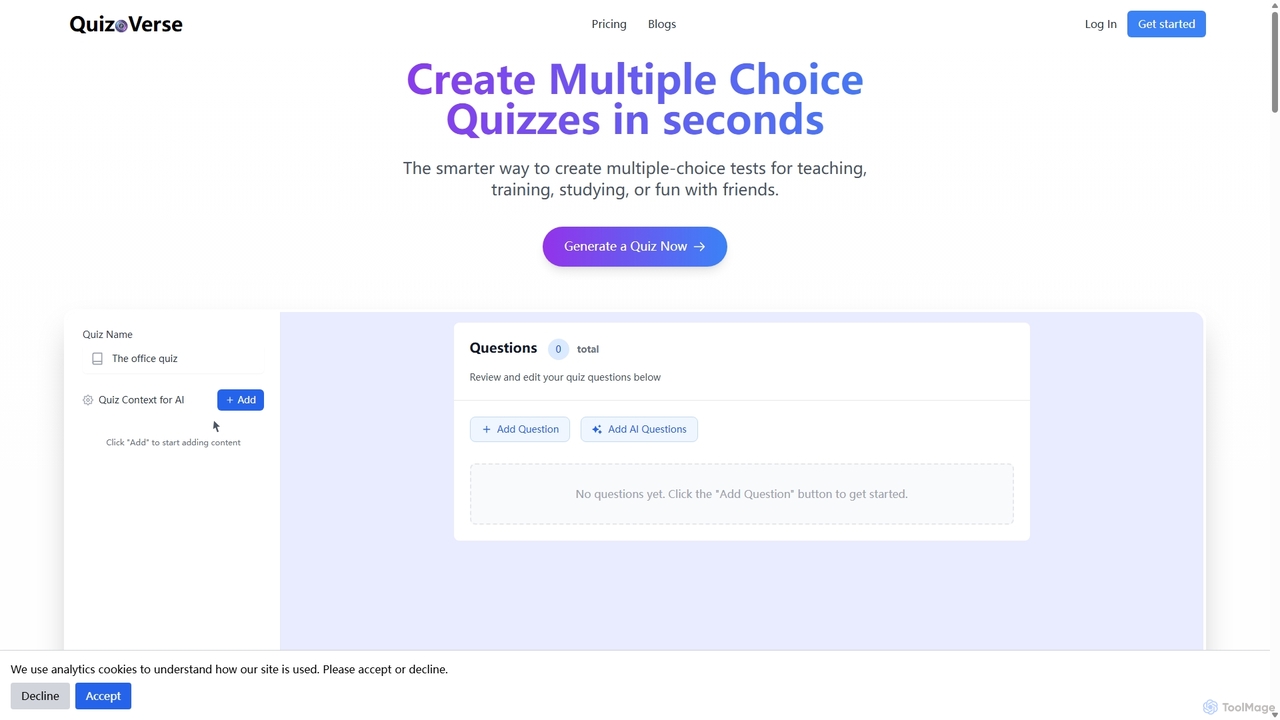
QuizCanvasAI
QuizCanvasAI is an AI-powered quiz maker that instantly generates high-quality multiple-choice questions from your content. Designed for teachers, trainers, and students, it saves hours of manual work, offers live and self-paced quiz modes, provides detailed analytics, and supports advanced features like multiple correct answers. Streamline your assessment creation process and create engaging learning experiences in minutes.
Assessment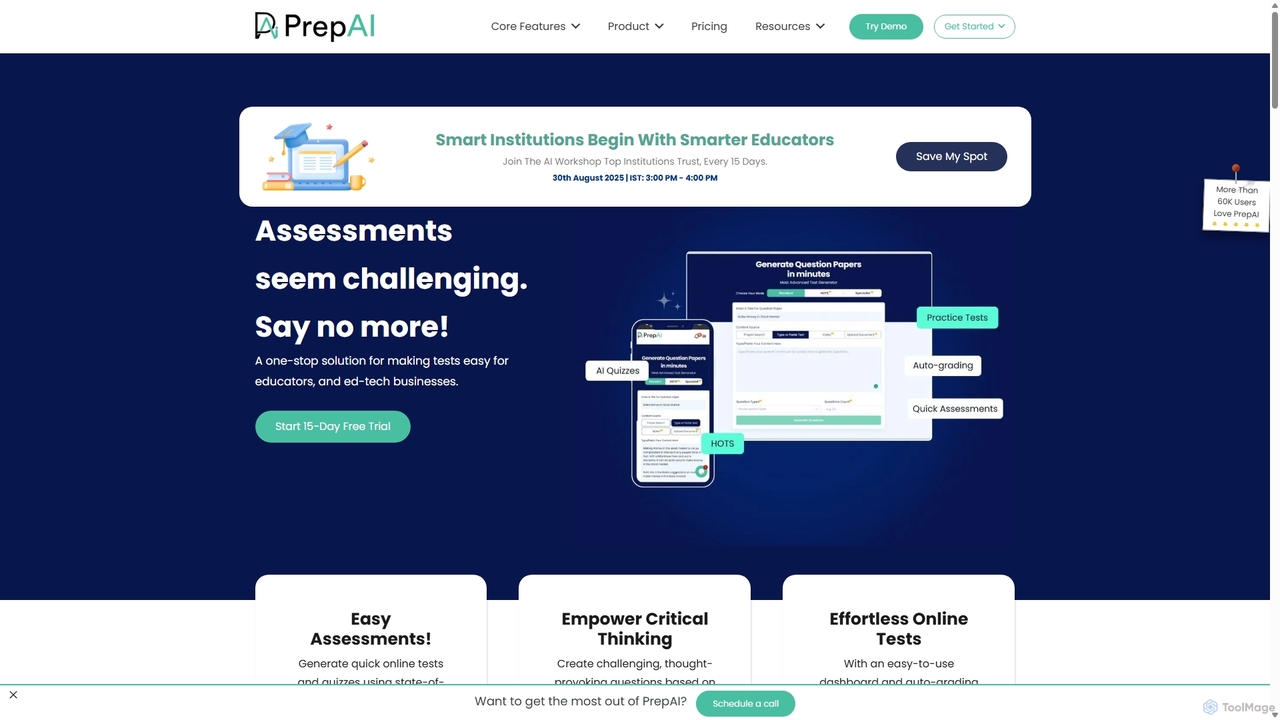
PrepAI
PrepAI is an advanced AI-powered test generator that revolutionizes assessment creation for educators, ed-tech businesses, and students. Effortlessly generate high-quality quizzes and tests in various formats (MCQs, True/False, HOTS) from multiple content sources like text, documents, and videos. Featuring auto-grading and Bloom's Taxonomy integration, PrepAI saves time, enhances critical thinking, and streamlines the entire examination process.
TrainingGPT for Forms Categories
GPT for Forms Jobs
GPT for Forms Embed Widget
Copy this embed code to place the badge on your blog, article, or product site and send readers directly to this ToolMage detail page.

Related AI tools
Quizzler
Quizzler is an AI-powered platform that instantly converts documents such as PDFs, Word, and PowerPoint files into interactive quizzes. Designed for teachers, students, and professionals, it automates question generation, offers performance analytics, and enables easy sharing to streamline learning and assessment.
Quiz GeneratorDodogenai
Dodogenai is an AI-powered quiz creation tool for students, teachers, and course creators. It instantly transforms content from PDFs, text, and images into engaging quizzes, saving time and enhancing the learning experience with features like Bloom's Taxonomy integration and high-volume generation.
AssessmentPassisto
Passisto is an enterprise-grade AI platform featuring built-in agents to enhance productivity. It includes an AI Email Builder for crafting context-aware communications, an AI Interviewer for streamlining recruitment, and an upcoming Form Builder. Passisto is designed to amplify human creativity, save time, and improve decision-making in business environments.
Operations
Jyek
Jyek is an AI agent platform that understands objectives, creates execution plans, uses tools, and delivers verifiable results for complex, multi-step tasks.
Automation
VQstar.ai
VQstar.ai is an AI-powered platform that transforms any YouTube video into an interactive quiz. It's designed for educators, trainers, and content creators to enhance learning, boost engagement, and assess comprehension by turning passive video consumption into an active, gamified experience.
Assessment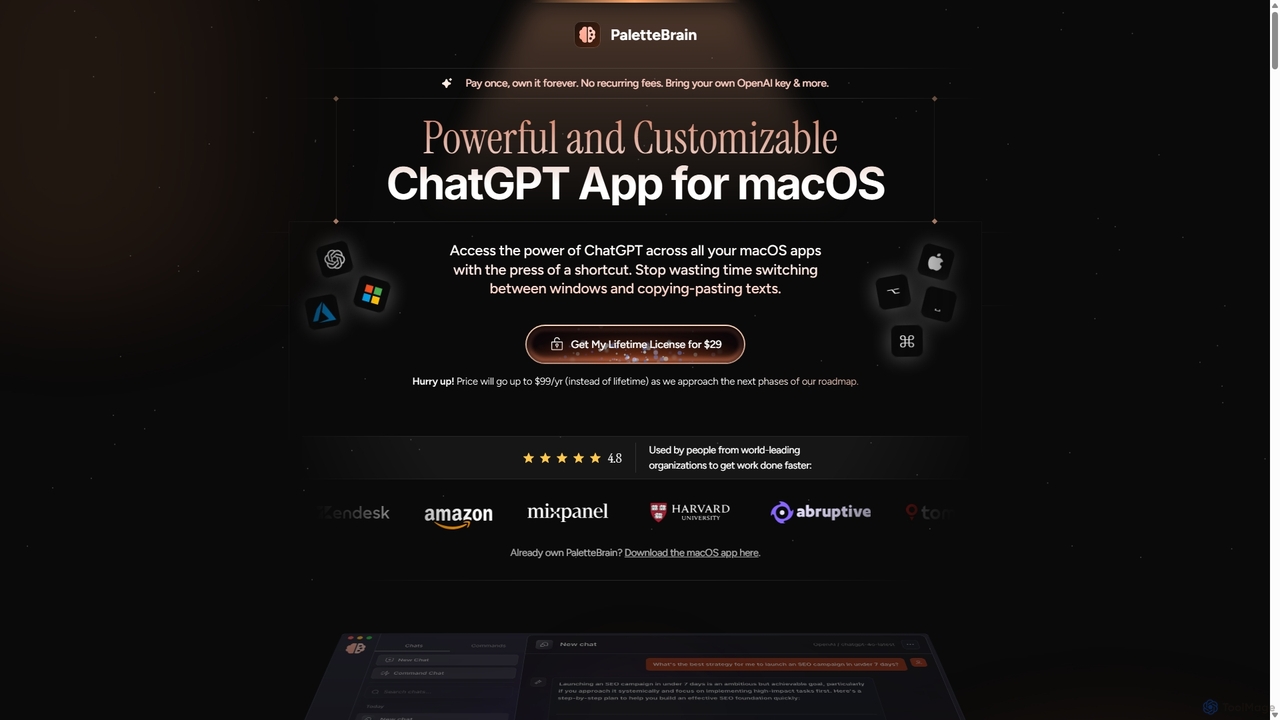
PaletteBrain
PaletteBrain is a native macOS application that integrates the power of ChatGPT directly into your workflow. With a simple keyboard shortcut, you can access AI commands on any selected text within any app, eliminating context switching. It offers customizable prompts, a one-time purchase model, and allows you to use your own OpenAI key for pay-as-you-go usage, making it a cost-effective and efficient productivity booster for writers, developers, and marketers.
Code AssistantQuizCanvasAI
QuizCanvasAI is an AI-powered quiz maker that instantly generates high-quality multiple-choice questions from your content. Designed for teachers, trainers, and students, it saves hours of manual work, offers live and self-paced quiz modes, provides detailed analytics, and supports advanced features like multiple correct answers. Streamline your assessment creation process and create engaging learning experiences in minutes.
AssessmentPrepAI
PrepAI is an advanced AI-powered test generator that revolutionizes assessment creation for educators, ed-tech businesses, and students. Effortlessly generate high-quality quizzes and tests in various formats (MCQs, True/False, HOTS) from multiple content sources like text, documents, and videos. Featuring auto-grading and Bloom's Taxonomy integration, PrepAI saves time, enhances critical thinking, and streamlines the entire examination process.
Training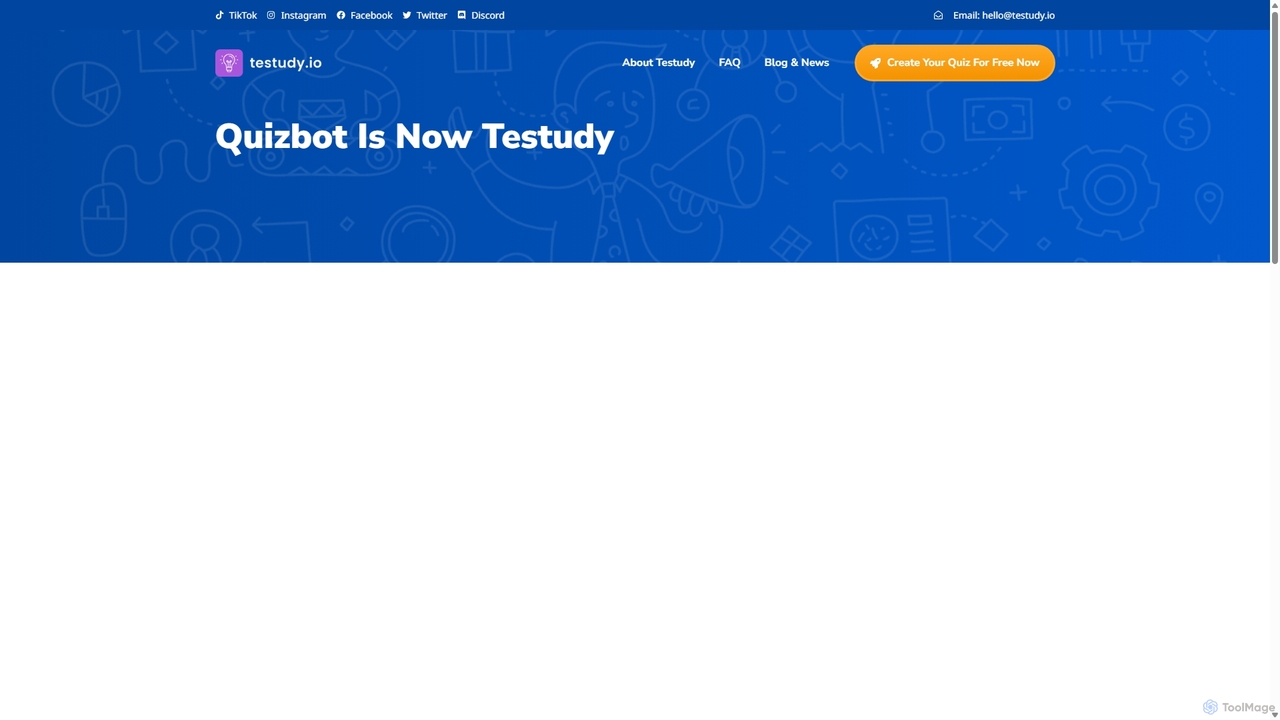
Testudy
Testudy (formerly Quizbot) is an AI-powered quiz generator that instantly creates single and multiple-choice tests from any text, document, or topic. Ideal for educators, students, and corporate trainers, it saves hours of manual work by automating question creation. Simply provide your source material, and Testudy generates relevant, customizable quizzes with answer keys, streamlining the process of assessment and learning reinforcement.
Assessment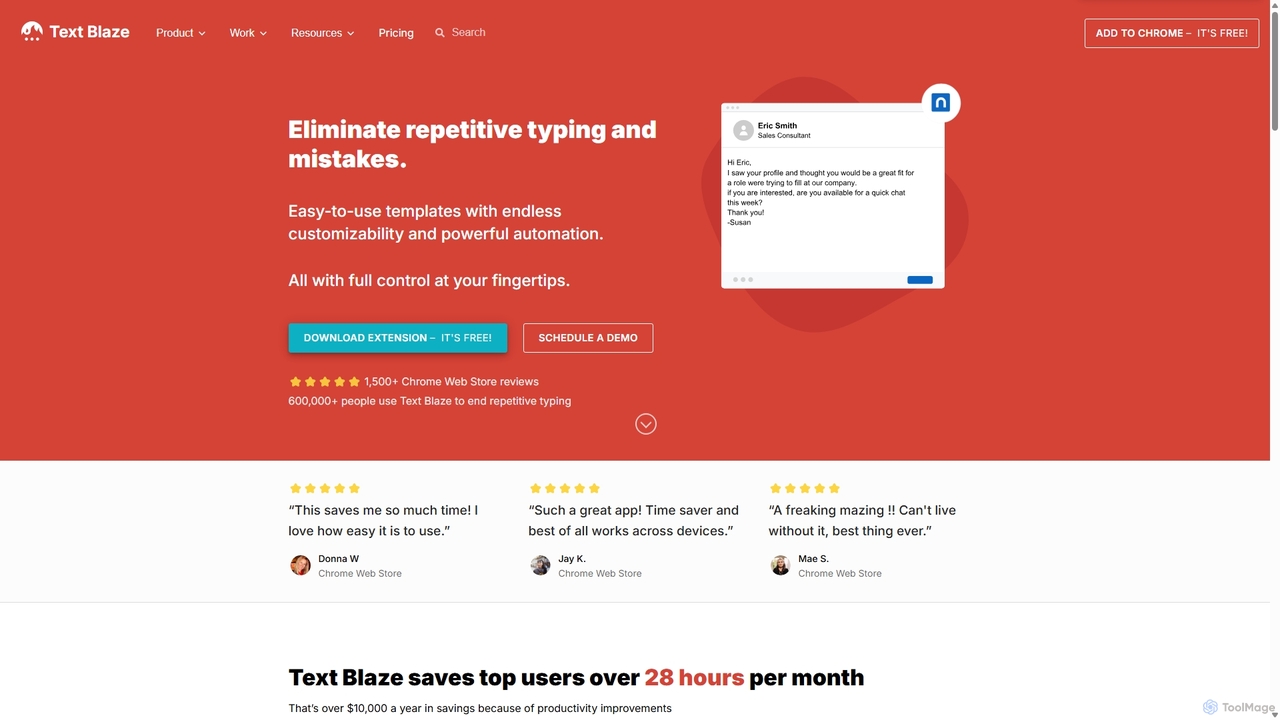
Blaze
Blaze (formerly Text Blaze) is a powerful text expander and automation tool that eliminates repetitive typing. Create customizable snippets and templates with dynamic formulas, forms, and team collaboration features to boost productivity across any website or application.
Response Management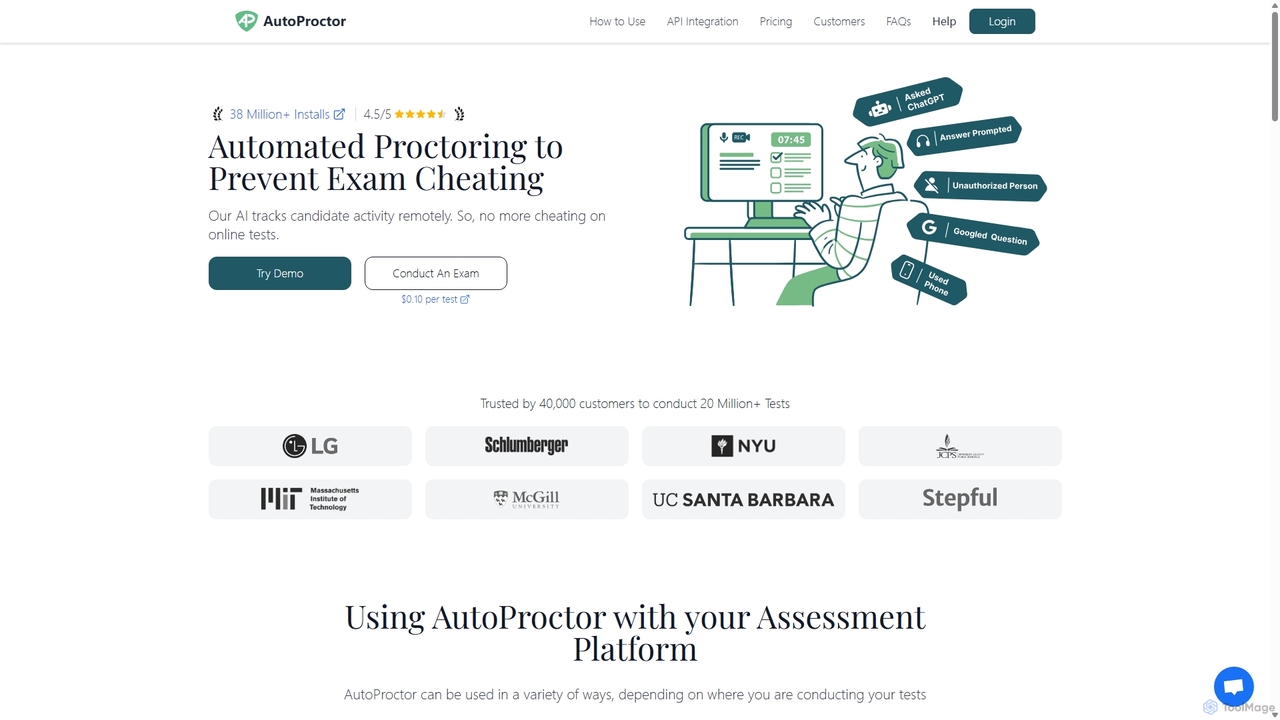
AutoProctor
AutoProctor is an AI-powered automated online test proctoring tool designed to prevent cheating during remote exams. It integrates seamlessly with platforms like Google Forms, Microsoft Forms, and custom websites. The AI monitors candidates' camera, microphone, and screen activity to ensure test integrity, providing a 'Trust Score' for easy evaluation.
Assessment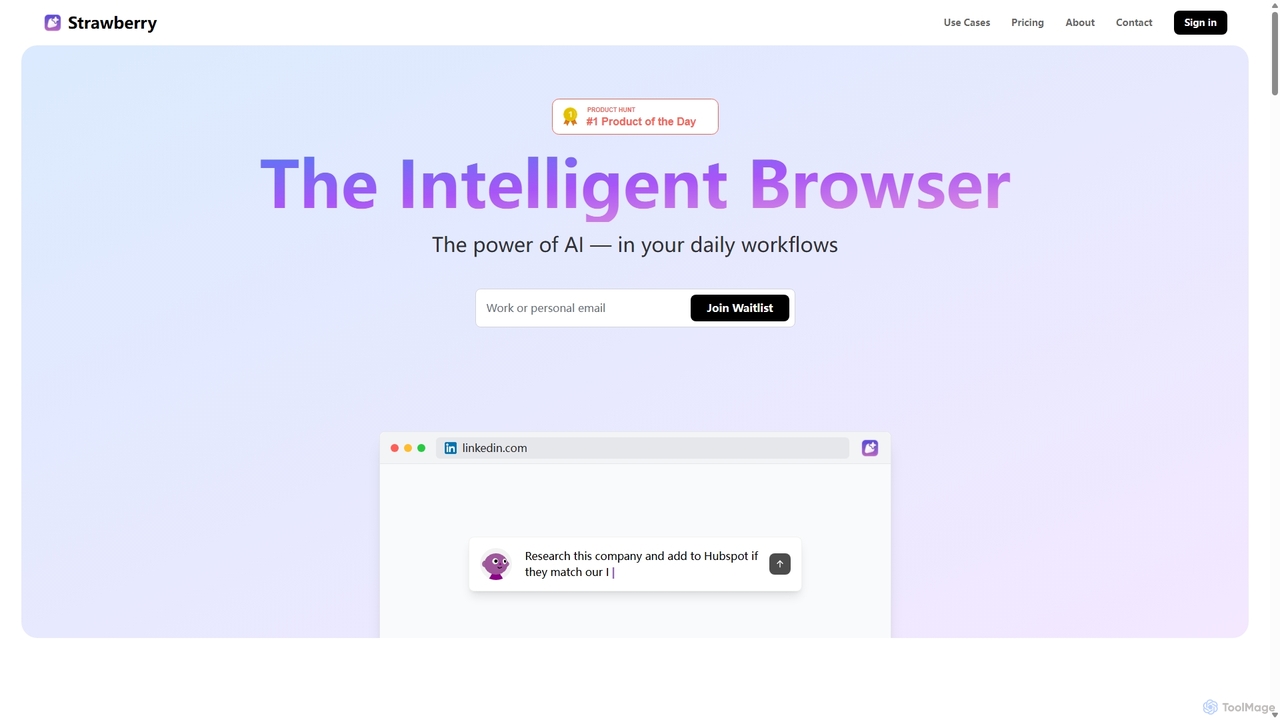
Strawberry Browser
Strawberry Browser is an intelligent, AI-powered browser designed to automate your daily workflows. It allows you to build a team of customizable AI assistants that handle repetitive tasks like research, data extraction, and lead generation directly within your browser. Eliminate grunt work, stay focused, and enhance your productivity.
Ai Assistant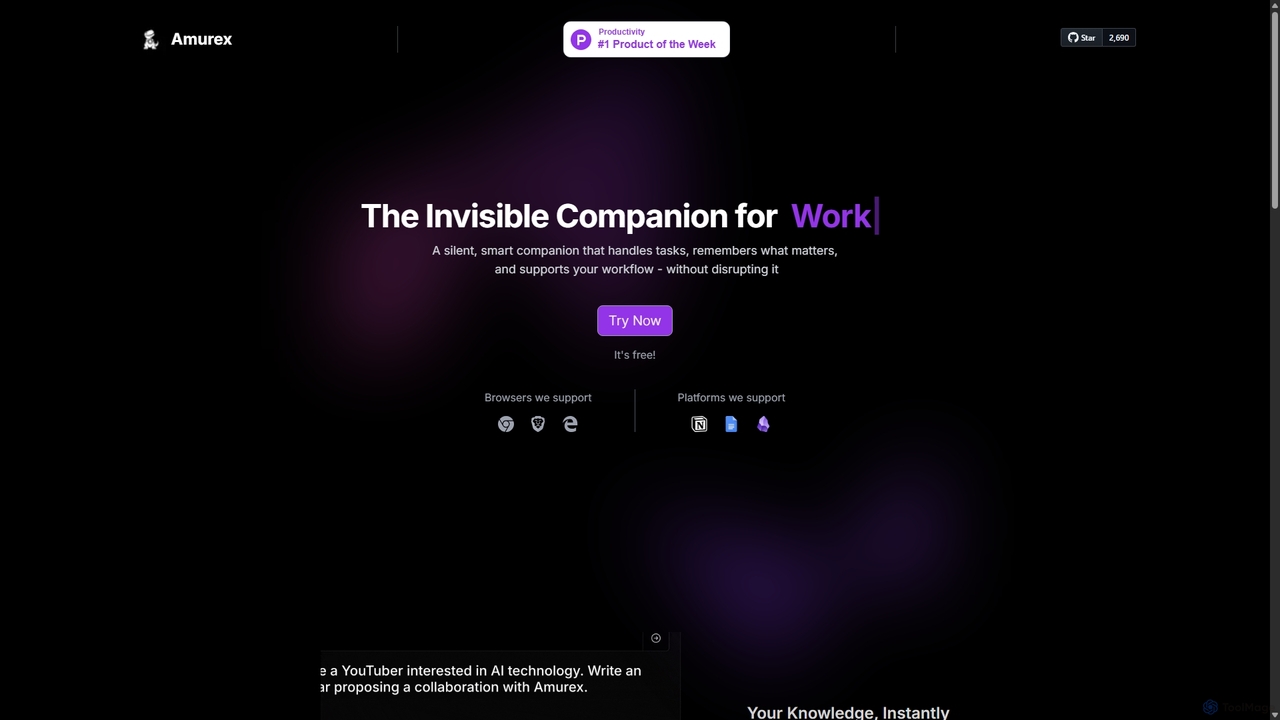
Amurex
Amurex is an open-source AI invisible companion that works silently in the background to streamline your workflow. It integrates with your existing apps like Notion, Google Drive, and Obsidian to create a searchable knowledge base, automates meeting transcriptions and summaries, and intelligently categorizes your inbox.
Automation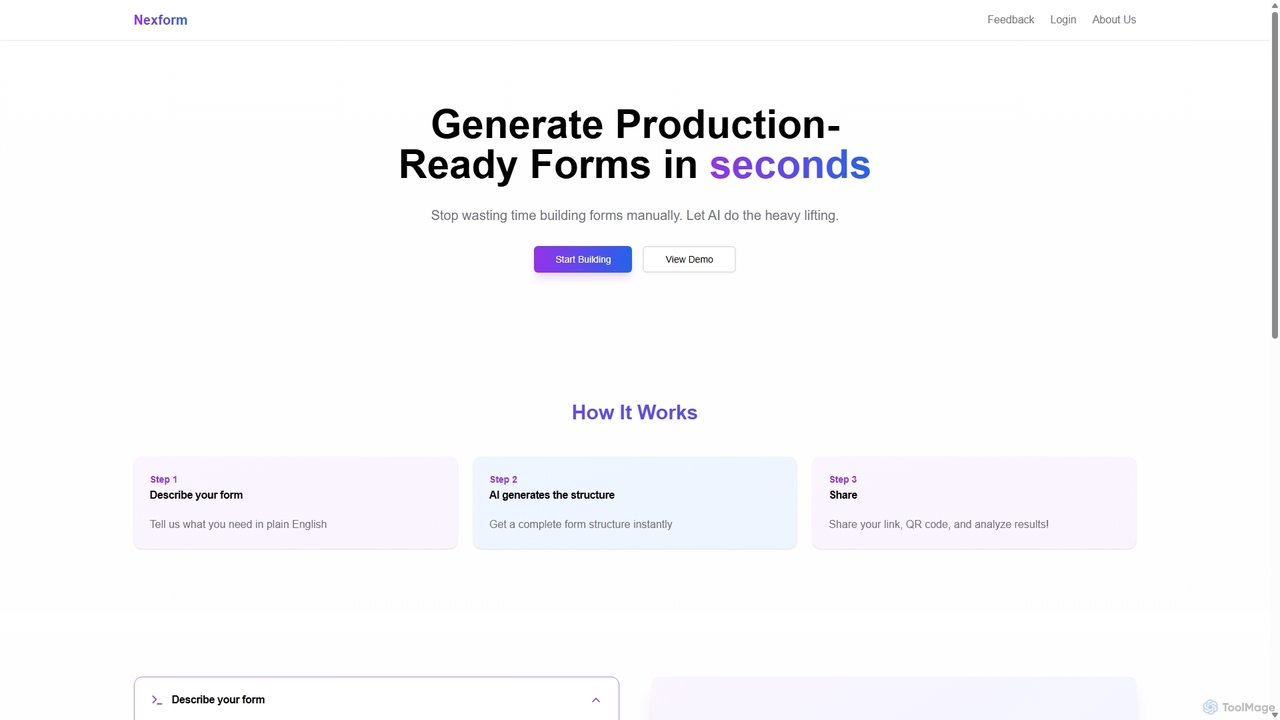
Nexform
Nexform is an AI-powered form builder that transforms plain text descriptions into fully functional, production-ready web forms in seconds. It automates the entire form creation process, from structure generation to smart validation, empowering developers and businesses to build and deploy forms with unprecedented speed and efficiency.
No Code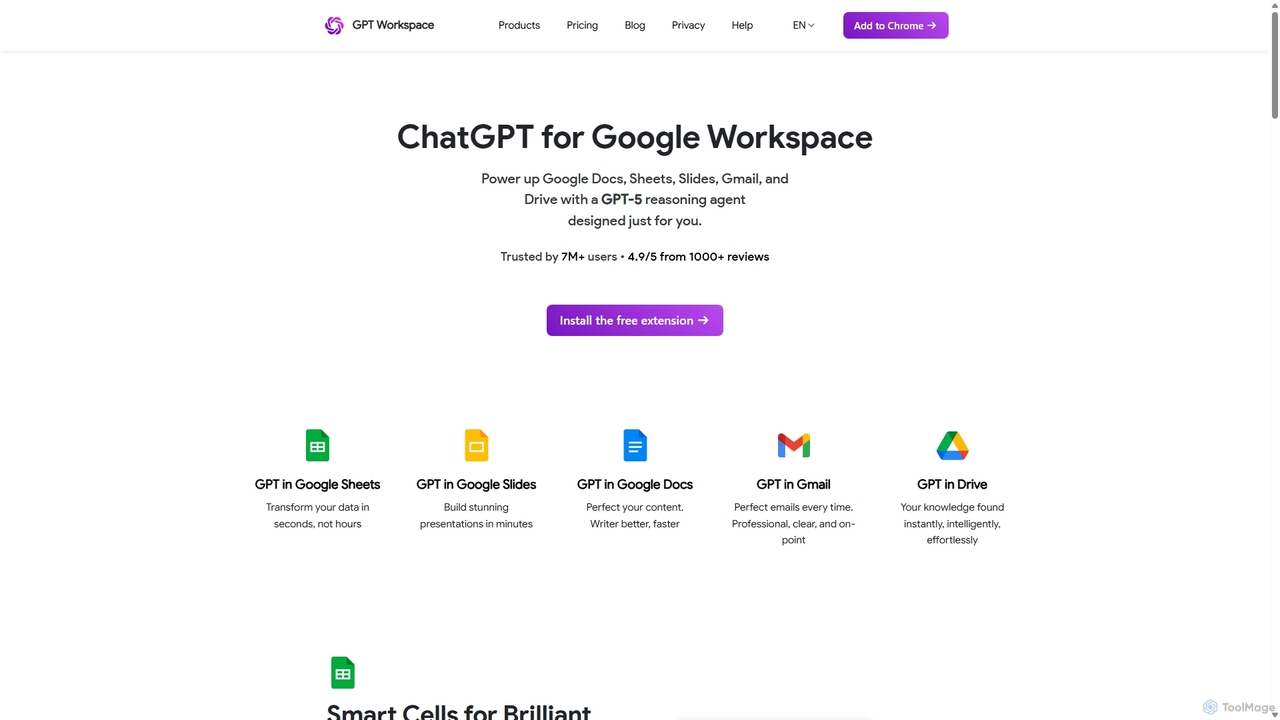
GPT Workspace
GPT Workspace integrates AI-powered features directly into Google Workspace applications like Docs, Sheets, Slides, and Gmail. It enhances productivity by automating content creation, data analysis, email drafting, and document editing, allowing users to leverage the power of models like GPT-4o seamlessly within their existing workflow.
Document Management
GPT for Forms Comments (0)
Sign in to comment.
Sign inNo comments yet.