
AutoProctor Overview
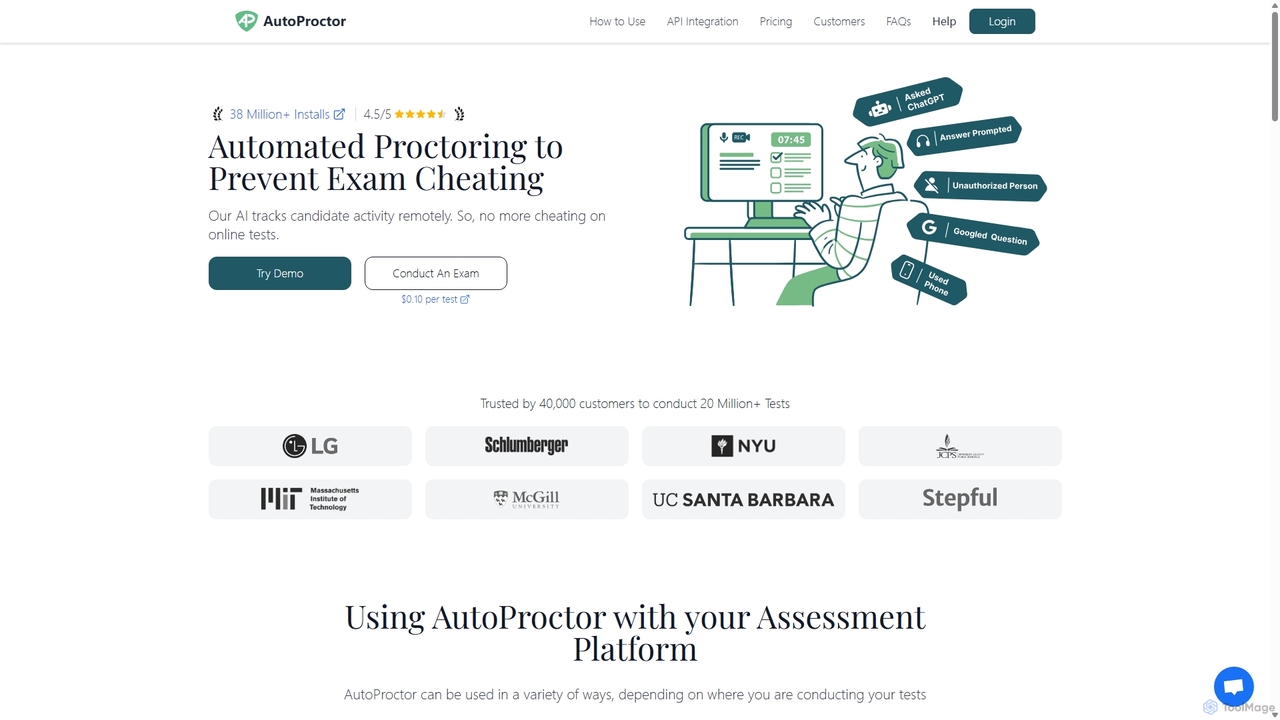
AutoProctor is a comprehensive and affordable AI-enabled solution for remote online test proctoring, trusted by over 40,000 customers for more than 20 million tests. It is designed to help educators, recruiters, and corporate trainers maintain the integrity of online assessments by automatically monitoring test-takers to prevent cheating. The platform is highly flexible, offering seamless integration with popular quiz platforms like Google Forms and Microsoft Forms, as well as custom websites through a JavaScript SDK and REST APIs. For those without an existing platform, AutoProctor provides its own user-friendly quiz builder, Socratease.
The core of AutoProctor is its powerful AI that tracks various activities during an exam. It monitors the candidate's camera for suspicious behavior such as multiple faces, the absence of a face, or potential ID card mismatches. It also listens for audio cues through the microphone and tracks screen activity, flagging actions like switching tabs, using external monitors, or attempting to use prohibited tools like ChatGPT or Google search. After the test, administrators receive a detailed report for each candidate, including activity logs, screenshots of violations, and a consolidated 'Trust Score' that provides a quick, at-a-glance assessment of the candidate's integrity.
How to use AutoProctor
Using AutoProctor is designed to be a straightforward, four-step process:
- Create your test: Start by creating your assessment on your preferred platform, whether it's Google Forms, Microsoft Forms, your own custom-built site, or directly within AutoProctor's Socratease Quizzes.
- Set your proctoring settings: Customize the monitoring level to fit your needs. You can enable or disable features like camera monitoring, microphone noise detection, tab-switch tracking, and full-screen enforcement. You can also configure timers, schedule the test for a specific window, and set access rules for candidates.
- Share the test link: Once configured, AutoProctor generates a unique, secure link for your test. Simply share this link with your candidates via email, LMS, or any other communication channel. Test-takers do not need to install any software; they just open the link in their browser and grant the necessary permissions.
- View results and trust scores: After candidates complete the test, you can access detailed proctoring reports on your dashboard. These reports include their test responses, a log of all flagged activities, supporting evidence like screenshots, and the overall Trust Score to help you make informed decisions about the validity of the results.
Core Features of AutoProctor
- AI-Powered Proctoring: Automatically monitors camera, microphone, and screen activity to detect cheating behaviors like multiple faces, background noise, and tab switching.
- Trust Score: Generates a simple, color-coded score for each test-taker, allowing for quick identification of suspicious sessions.
- Seamless Integration: Works effortlessly with Google Forms, Microsoft Forms, and can be integrated into any website using its API and SDK.
- Socratease Quizzes: An in-built, feature-rich quiz platform for creating and conducting exams directly within AutoProctor. Supports various question types, randomization, and bulk uploads.
- Customizable Monitoring: Offers granular control over proctoring settings, including timers, full-screen mode, and specific tracking options.
- Session Recording: Records the candidate's screen during the test, capturing every click and cursor movement for detailed review.
- Auxiliary Device Proctoring: Enhances security by using the candidate's phone as a secondary camera for a wider view of the testing environment.
- Detailed Reporting: Provides comprehensive reports with activity logs, screenshots of violations, and downloadable results in Excel format.
Use Cases for AutoProctor
AutoProctor is versatile and can be used in various scenarios:
- Educational Exams: Schools, colleges, and universities use it for final exams, midterms, and homework assignments to ensure academic integrity.
- Hiring and Recruitment: Companies leverage AutoProctor to conduct secure pre-employment skill assessments, ensuring that they are evaluating a candidate's genuine abilities.
- Corporate Training and Certifications: Organizations use it to administer internal tests and certification exams, verifying that employees have mastered the required skills.
- Large-Scale Olympiads and Competitions: Its scalable and kid-friendly interface makes it suitable for conducting global competitions securely.
Advantages of AutoProctor
AutoProctor stands out for its ease of use, affordability, and powerful features. It requires no installation for test-takers, making it highly accessible. The flexible integration options allow organizations to continue using their existing assessment platforms. The AI-driven Trust Score saves administrators significant time by highlighting only the most critical incidents, streamlining the review process. Finally, its transparent and scalable pricing makes it an affordable solution for individuals and large institutions alike.
Pricing and Plans
AutoProctor operates on a freemium, subscription-based model. New users receive 10 free proctored test attempts to try the platform.
- Standard Plan: Ideal for individuals, starting at $15/month. Includes 150 proctored attempts per month, unlimited timer-only tests, Socratease Quizzes, and Google Classroom integration.
- Premium Plan: Designed for teams, starting at $30/month. Includes all Standard features plus team management (multiple users), collaboration on tests, and automatic results export to Google Sheets.
- Elite Plan: For organizations with advanced needs, starting at $60/month. Includes all Premium features plus Question Banks, advanced question types (voice, code), and API/SDK access for custom integration.
Plans are available on a monthly, quarterly, or yearly basis, with discounts for longer commitments. Additional test attempts can be purchased as 'top-ups' if the monthly quota is exceeded. Unused attempts roll over to the next billing cycle as long as the subscription is active.
Traffic
Latest traffic
Status
Monthly traffic trend
- 2025-9: 143.0K
- 2026-1: 128.2K
- 2026-2: 232.7K
- 2026-3: 178.7K
- 2026-4: 158.7K
- 2026-5: 200.0K
Geography
Top 5 countries / regions
- 🇮🇩Indonesia47.2%
- 🇮🇳India27.2%
- 🇻🇳Vietnam9.9%
- 🇺🇸United States8.6%
- 🇨🇱Chile7.1%
Traffic sources
| Source type | Percentage |
|---|---|
Direct | 65.5% |
Email | 24.6% |
Referral | 9.9% |
Top keywords
| Keyword | Cost per click |
|---|---|
| autoproctor | $0.74 |
| proctored test | $3.31 |
| proctor exam demo | $0.00 |
| proctoring online test sample | $0.00 |
| protractor mock test | $0.00 |
AutoProctor Alternatives
GPT for Forms
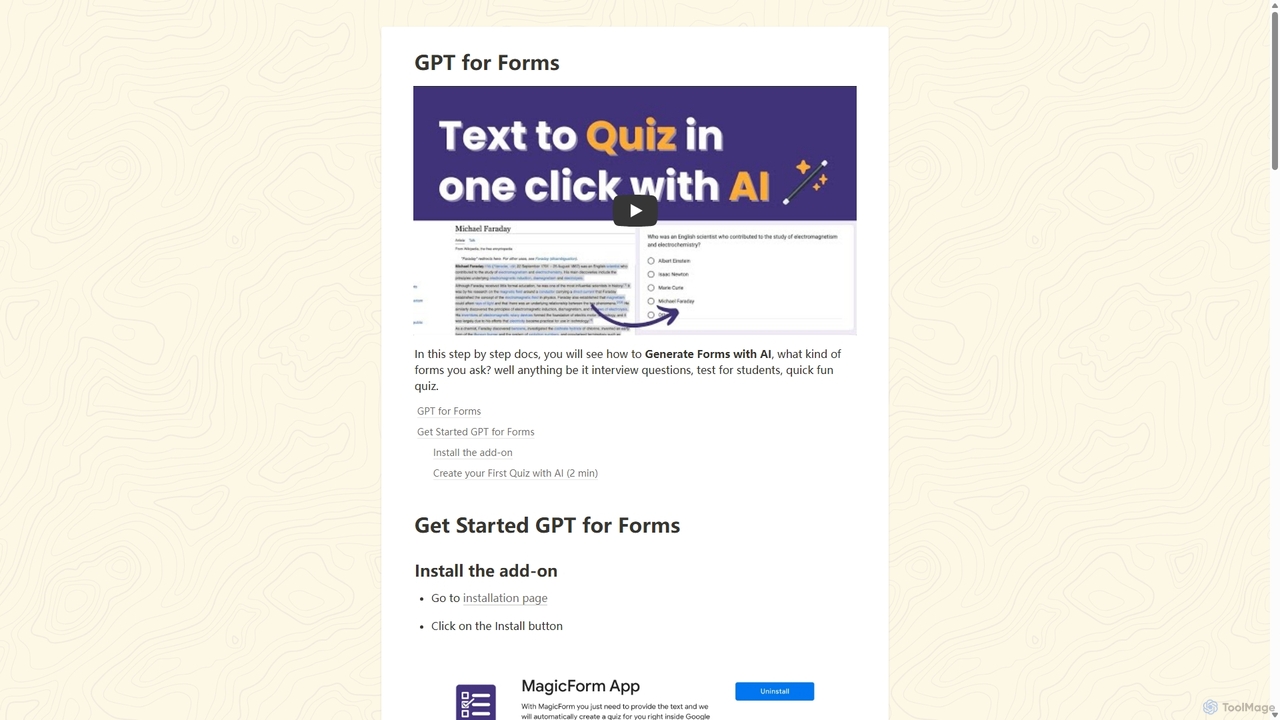
An AI-powered Google Forms add-on that instantly generates quizzes, tests, and surveys from any text. Simply paste your content, and GPT for Forms creates relevant questions and answers in seconds, streamlining the assessment creation process for educators, trainers, and HR professionals.
Assessment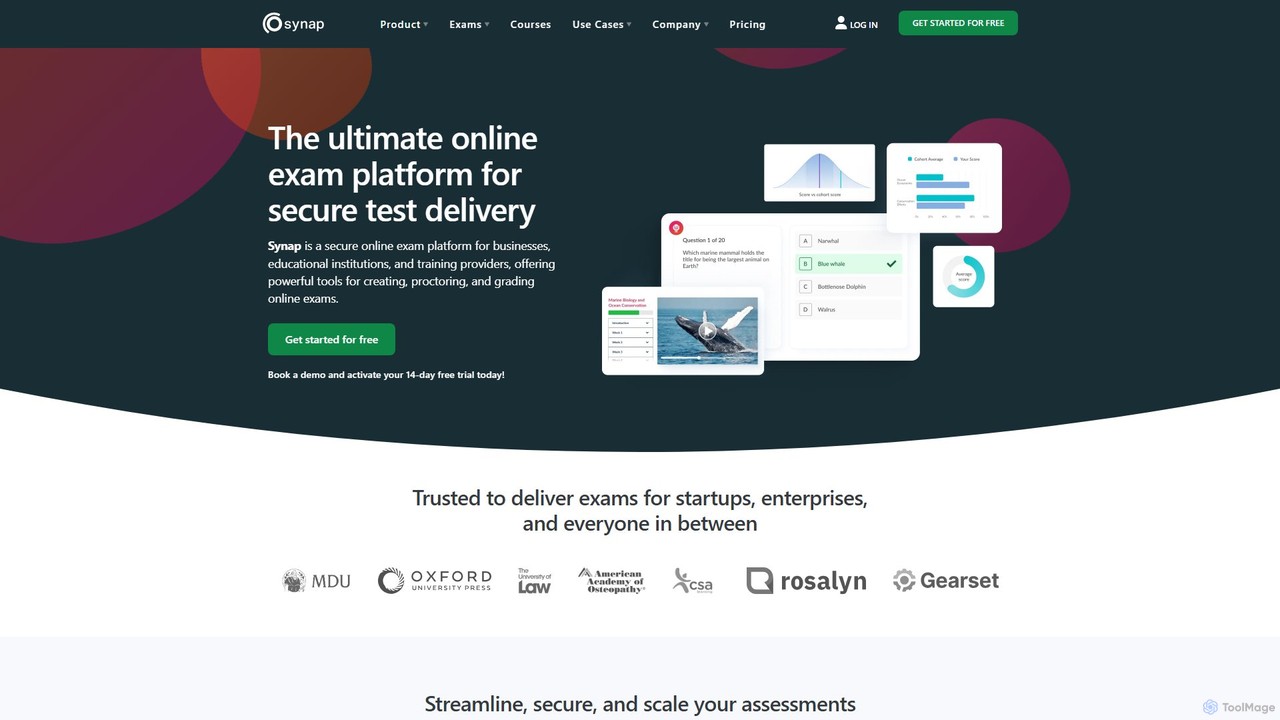
Synap
Synap is a secure and scalable online exam platform for businesses, educational institutions, and training providers. It offers powerful tools for creating, proctoring, and grading online exams, featuring AI-powered anti-cheat measures, detailed analytics, and white-labelling options to ensure assessment integrity and efficiency.
Training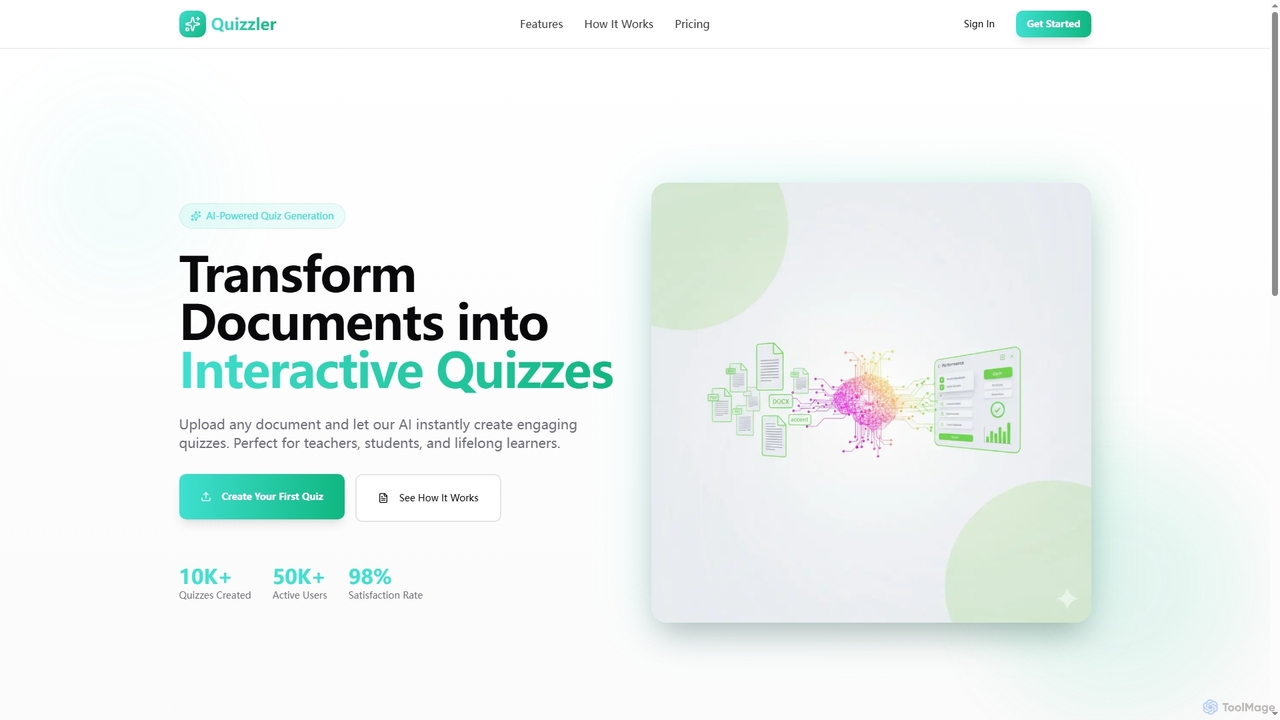
Quizzler
Quizzler is an AI-powered platform that instantly converts documents such as PDFs, Word, and PowerPoint files into interactive quizzes. Designed for teachers, students, and professionals, it automates question generation, offers performance analytics, and enables easy sharing to streamline learning and assessment.
Quiz Generator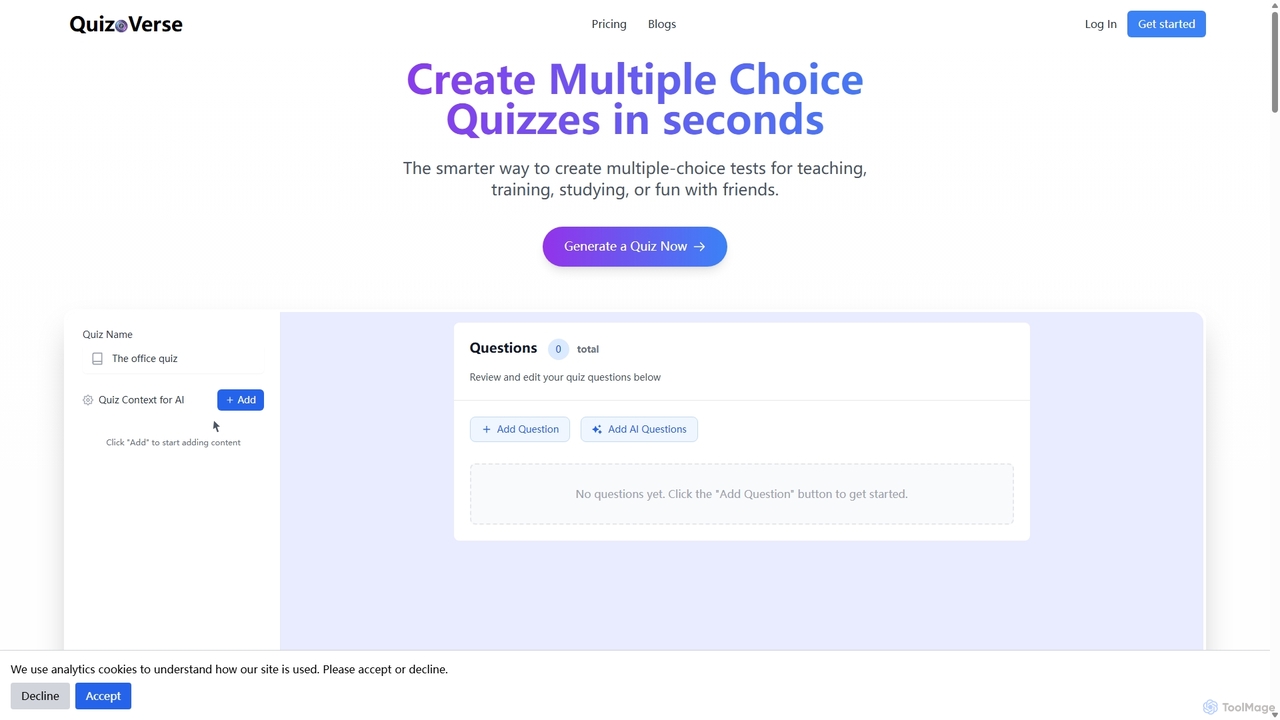
QuizCanvasAI
QuizCanvasAI is an AI-powered quiz maker that instantly generates high-quality multiple-choice questions from your content. Designed for teachers, trainers, and students, it saves hours of manual work, offers live and self-paced quiz modes, provides detailed analytics, and supports advanced features like multiple correct answers. Streamline your assessment creation process and create engaging learning experiences in minutes.
Assessment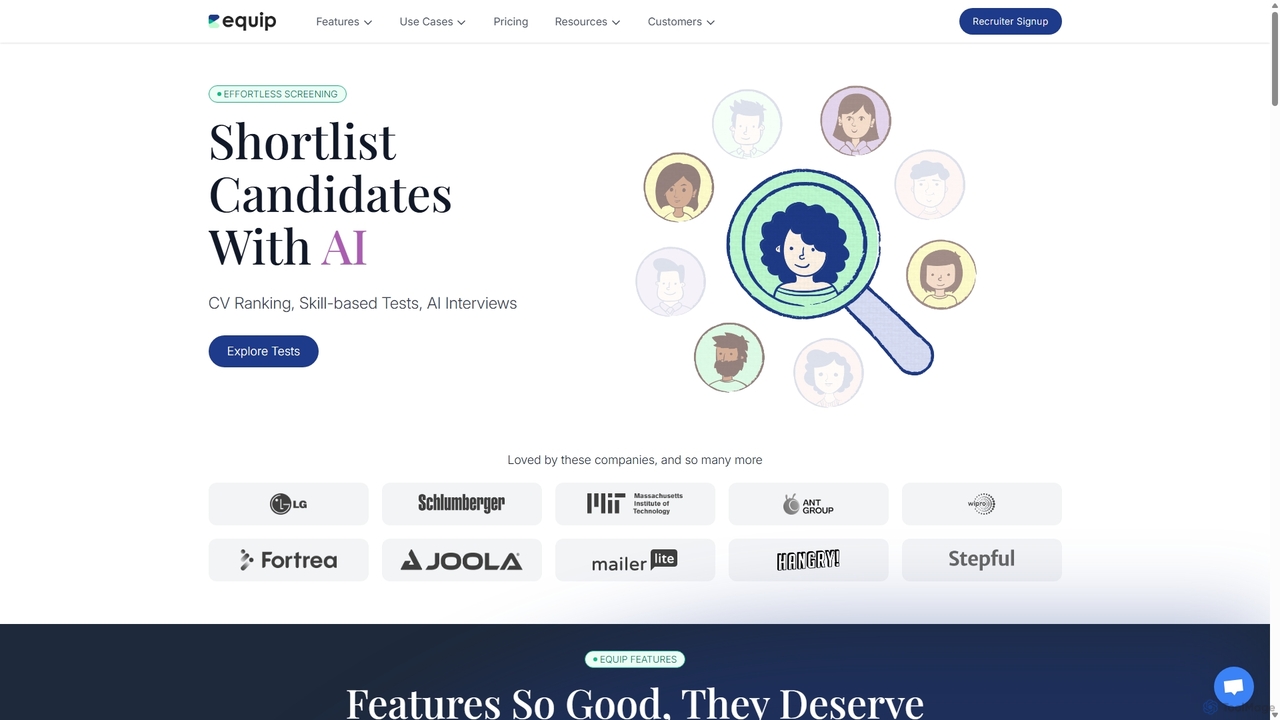
Equip
Equip is an AI-powered skill assessment platform designed to streamline the hiring process. It helps companies screen and shortlist candidates effortlessly through skill-based tests, AI CV ranking, and AI-proctored interviews. With a vast question bank and robust anti-cheating technology, Equip provides a reliable way to evaluate candidates for various roles, from technical to non-technical.
AssessmentAutoProctor Categories
AutoProctor Jobs
AutoProctor Embed Widget
Copy this embed code to place the badge on your blog, article, or product site and send readers directly to this ToolMage detail page.

Related AI tools
GPT for Forms
An AI-powered Google Forms add-on that instantly generates quizzes, tests, and surveys from any text. Simply paste your content, and GPT for Forms creates relevant questions and answers in seconds, streamlining the assessment creation process for educators, trainers, and HR professionals.
Assessment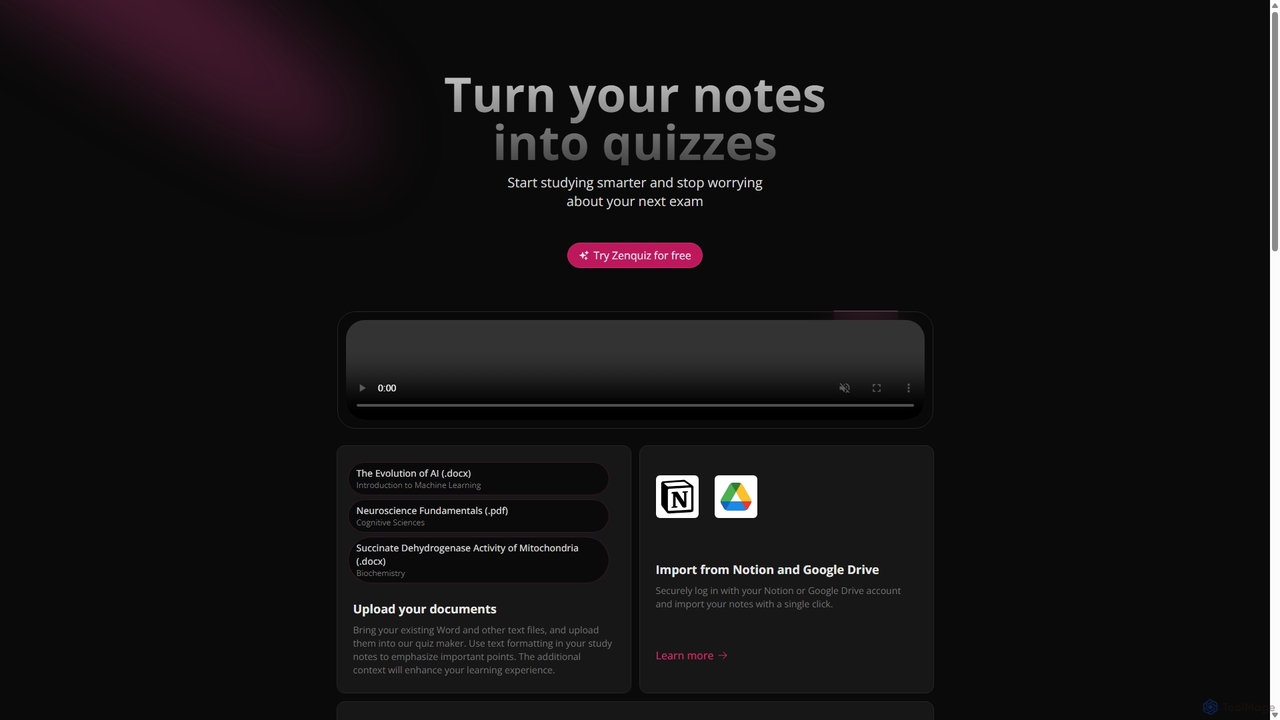
Zenquiz
Zenquiz is an AI-powered quiz generator that transforms your study notes, documents, and text into interactive quizzes. Upload files or import from Notion and Google Drive to create multiple-choice, true/false, and fill-in-the-blank questions, making studying more efficient for students, educators, and businesses.
Text AnalysisQuizzler
Quizzler is an AI-powered platform that instantly converts documents such as PDFs, Word, and PowerPoint files into interactive quizzes. Designed for teachers, students, and professionals, it automates question generation, offers performance analytics, and enables easy sharing to streamline learning and assessment.
Quiz GeneratorQuizCanvasAI
QuizCanvasAI is an AI-powered quiz maker that instantly generates high-quality multiple-choice questions from your content. Designed for teachers, trainers, and students, it saves hours of manual work, offers live and self-paced quiz modes, provides detailed analytics, and supports advanced features like multiple correct answers. Streamline your assessment creation process and create engaging learning experiences in minutes.
Assessment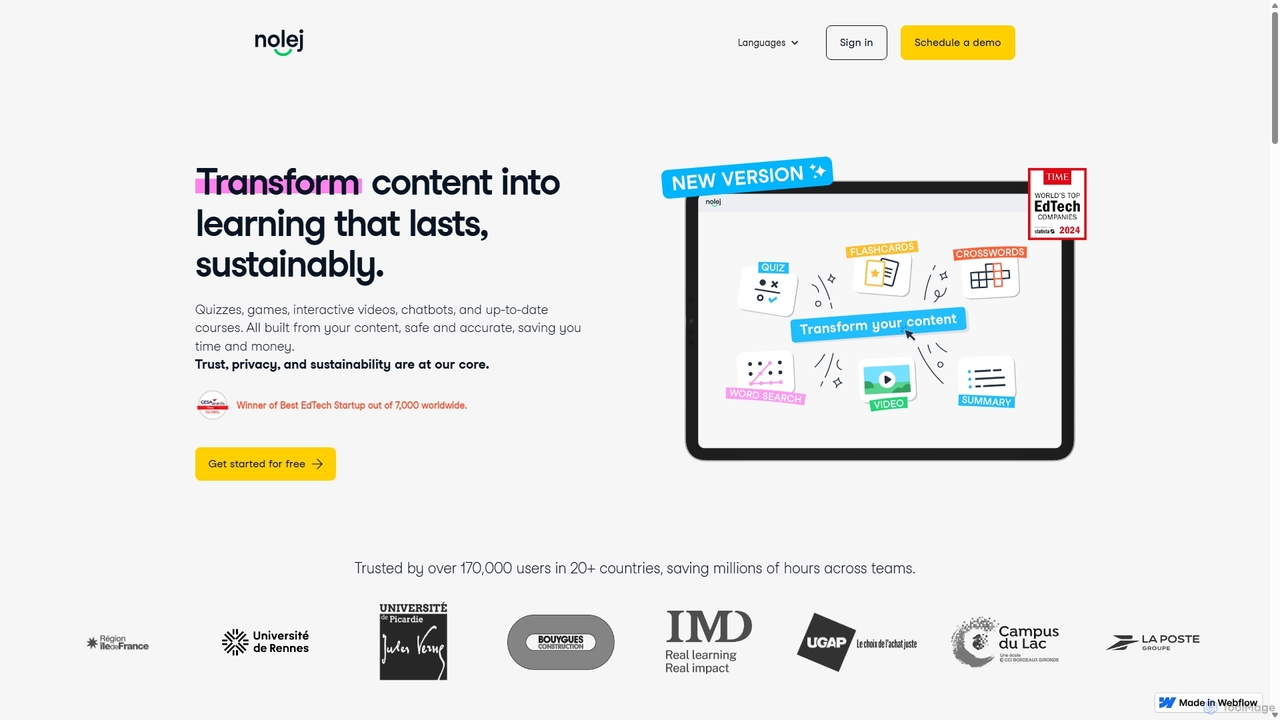
Nolej
Nolej is an AI-powered learning design platform that rapidly transforms existing content like videos and PDFs into interactive e-learning courses. It automates the creation of over 15 types of learning activities, enabling educators and trainers to build engaging and accessible educational materials in minutes. With deep integration for LMS platforms like Moodle and robust export options (SCORM, H5P), Nolej streamlines the entire course creation workflow, saving significant time and effort while enhancing the learning experience.
Training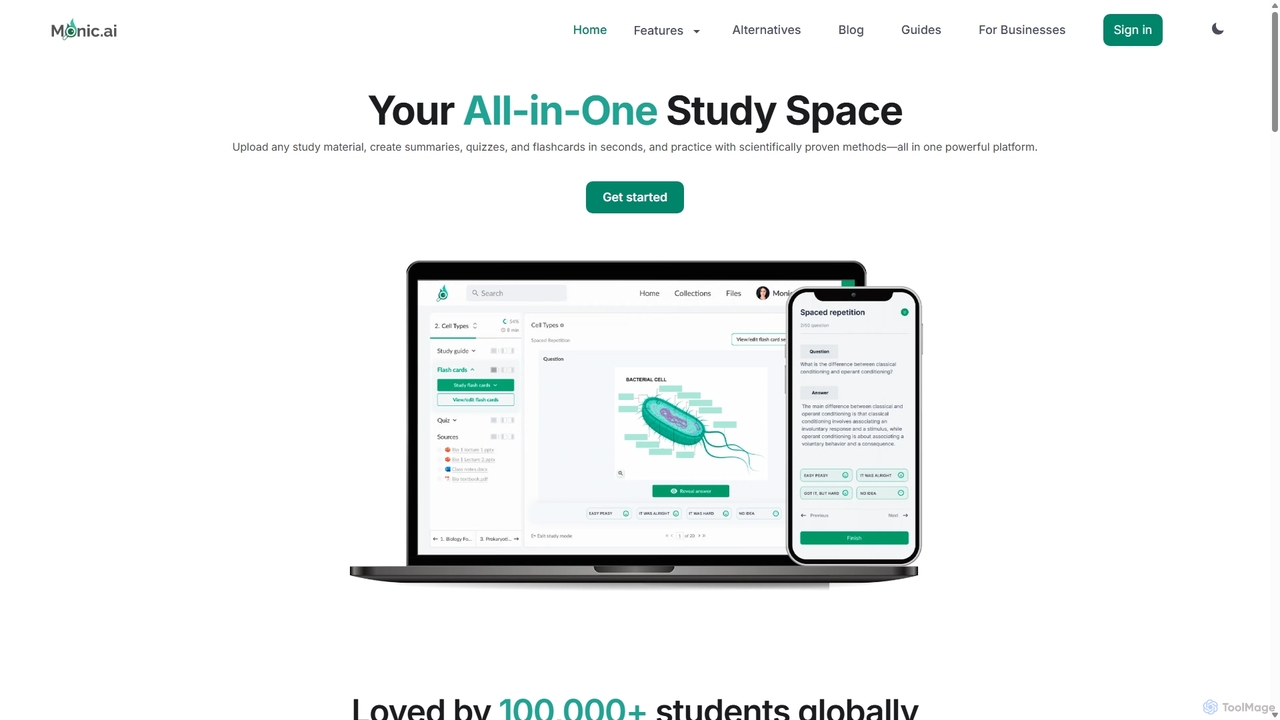
Monic.ai
Monic.ai is an all-in-one AI-powered study platform designed to enhance learning efficiency for students, educators, and professionals. It transforms any study material—including documents, audio, and YouTube videos—into interactive summaries, quizzes, and flashcards. Features like an AI tutor, smart practice modes, and file-chat capabilities create a personalized and effective study environment.
Learning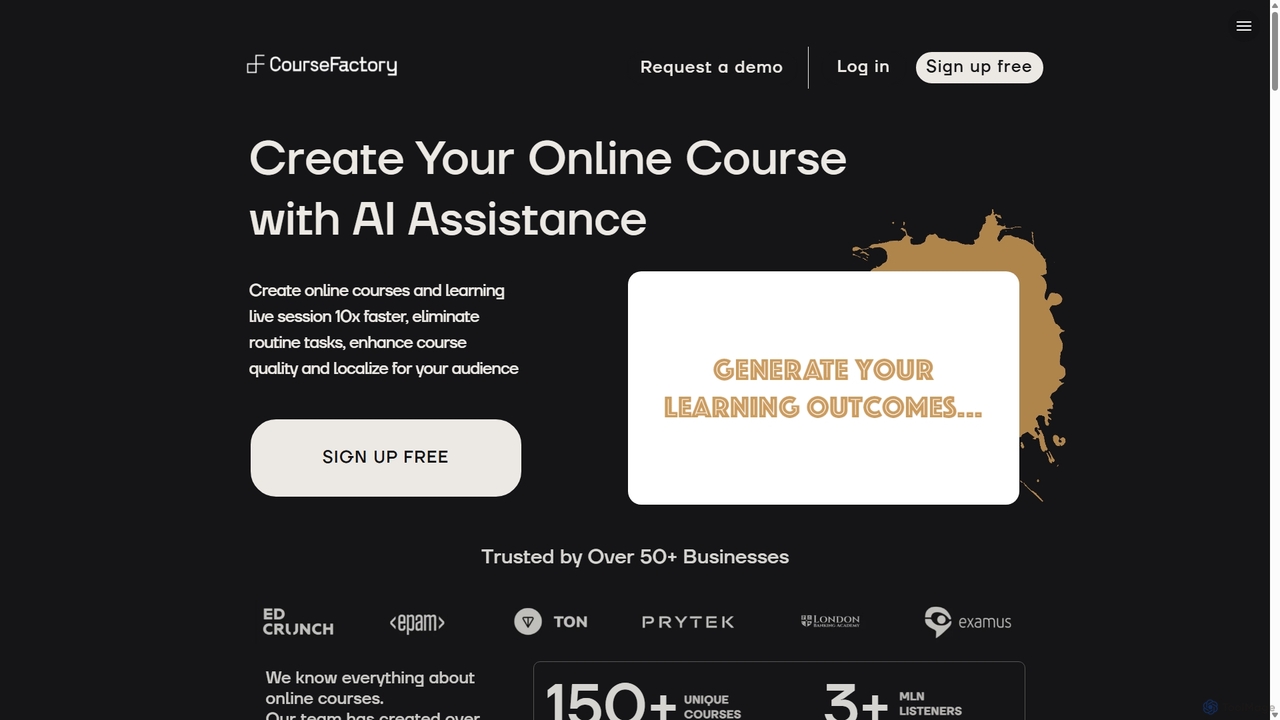
CourseFactory AI
CourseFactory AI is an AI-powered platform designed for educators, experts, and institutions to create high-quality online courses 10x faster. It automates curriculum design, content generation, and localization, transforming ideas into engaging learning experiences with ease.
Course Creation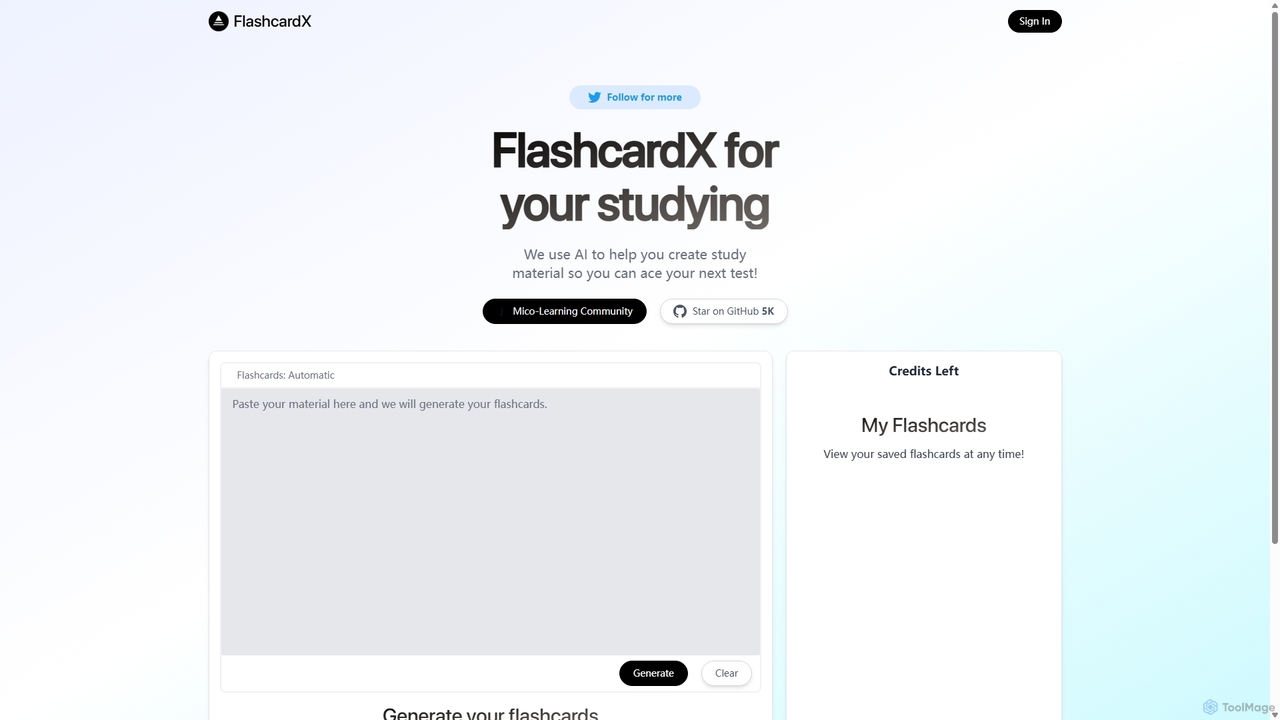
FlashcardX
FlashcardX is an AI-powered study tool that automates the creation of flashcards. Simply paste text from articles, textbooks, or notes, and our AI will instantly generate key vocabulary and concept cards. It's designed to make studying more efficient, engaging, and effective for students, professionals, and lifelong learners.
Text Extraction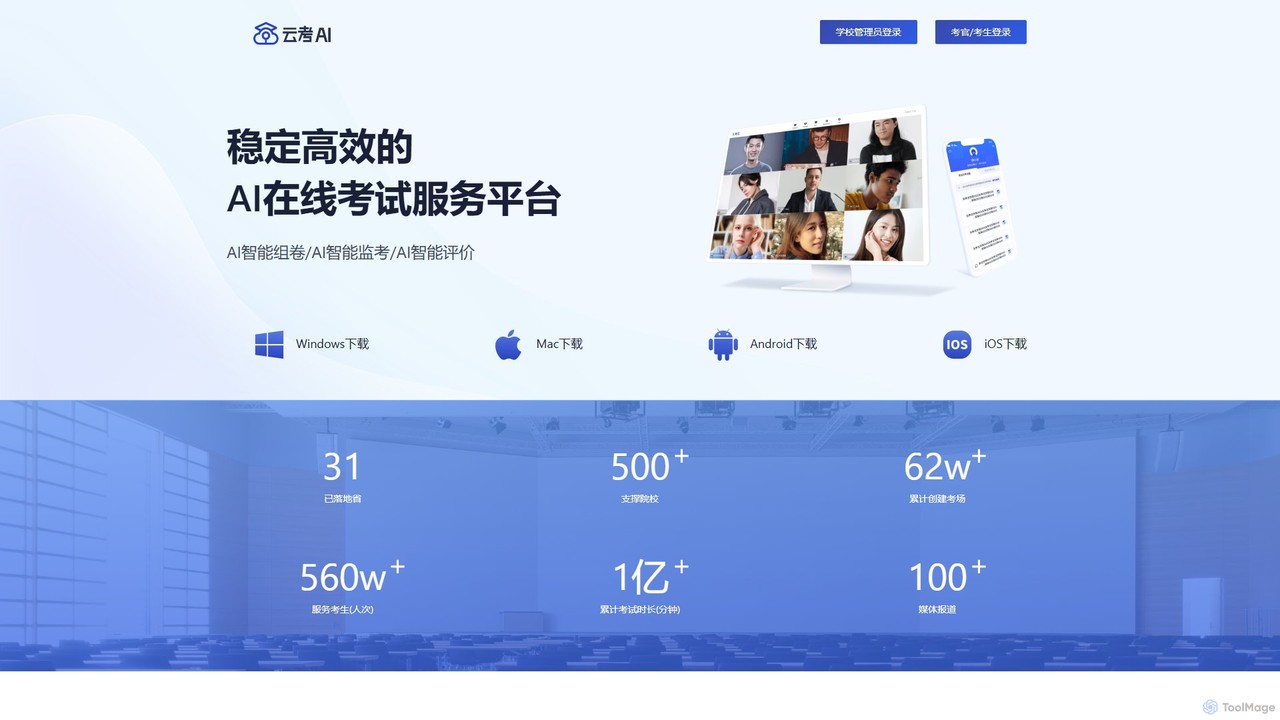
yunkaoai
yunkaoai is an AI-powered online examination platform designed for educational institutions. It offers a comprehensive solution for creating, proctoring, and evaluating remote exams, leveraging AI to ensure fairness, security, and efficiency throughout the entire testing process.
Human ResourcesEquip
Equip is an AI-powered skill assessment platform designed to streamline the hiring process. It helps companies screen and shortlist candidates effortlessly through skill-based tests, AI CV ranking, and AI-proctored interviews. With a vast question bank and robust anti-cheating technology, Equip provides a reliable way to evaluate candidates for various roles, from technical to non-technical.
AssessmentSynap
Synap is a secure and scalable online exam platform for businesses, educational institutions, and training providers. It offers powerful tools for creating, proctoring, and grading online exams, featuring AI-powered anti-cheat measures, detailed analytics, and white-labelling options to ensure assessment integrity and efficiency.
Training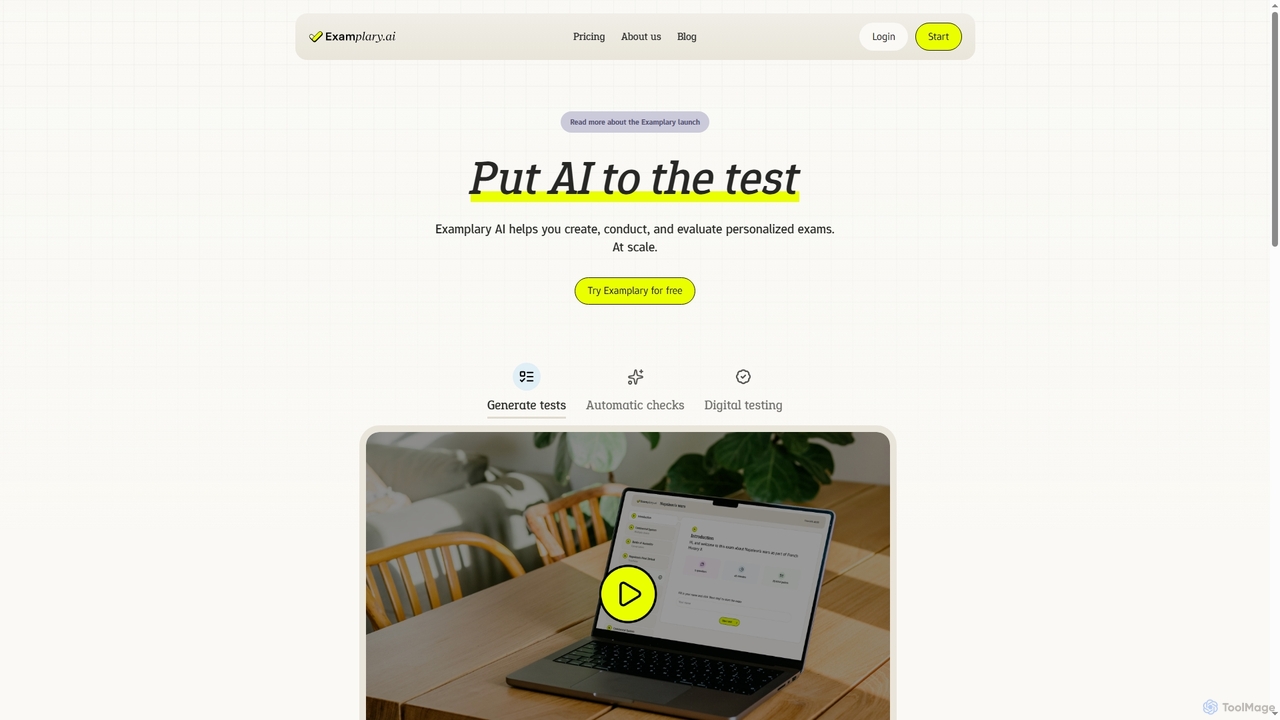
Examplary
Examplary is an AI-powered platform designed for educators to create, conduct, and grade personalized exams at scale. It saves significant time by automating test generation from various sources, providing intelligent grading suggestions, and offering instant feedback, enabling teachers to focus on creating didactically stronger assessments.
Assessment
VQstar.ai
VQstar.ai is an AI-powered platform that transforms any YouTube video into an interactive quiz. It's designed for educators, trainers, and content creators to enhance learning, boost engagement, and assess comprehension by turning passive video consumption into an active, gamified experience.
Assessment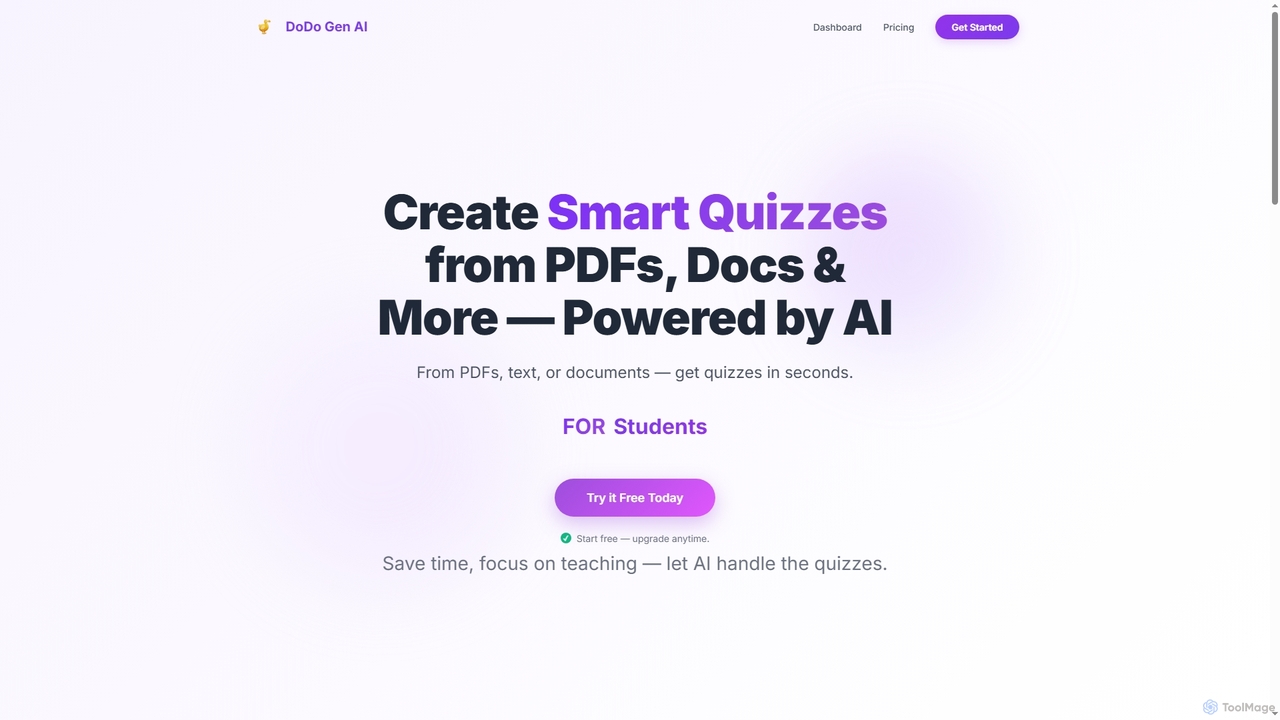
Dodogenai
Dodogenai is an AI-powered quiz creation tool for students, teachers, and course creators. It instantly transforms content from PDFs, text, and images into engaging quizzes, saving time and enhancing the learning experience with features like Bloom's Taxonomy integration and high-volume generation.
Assessment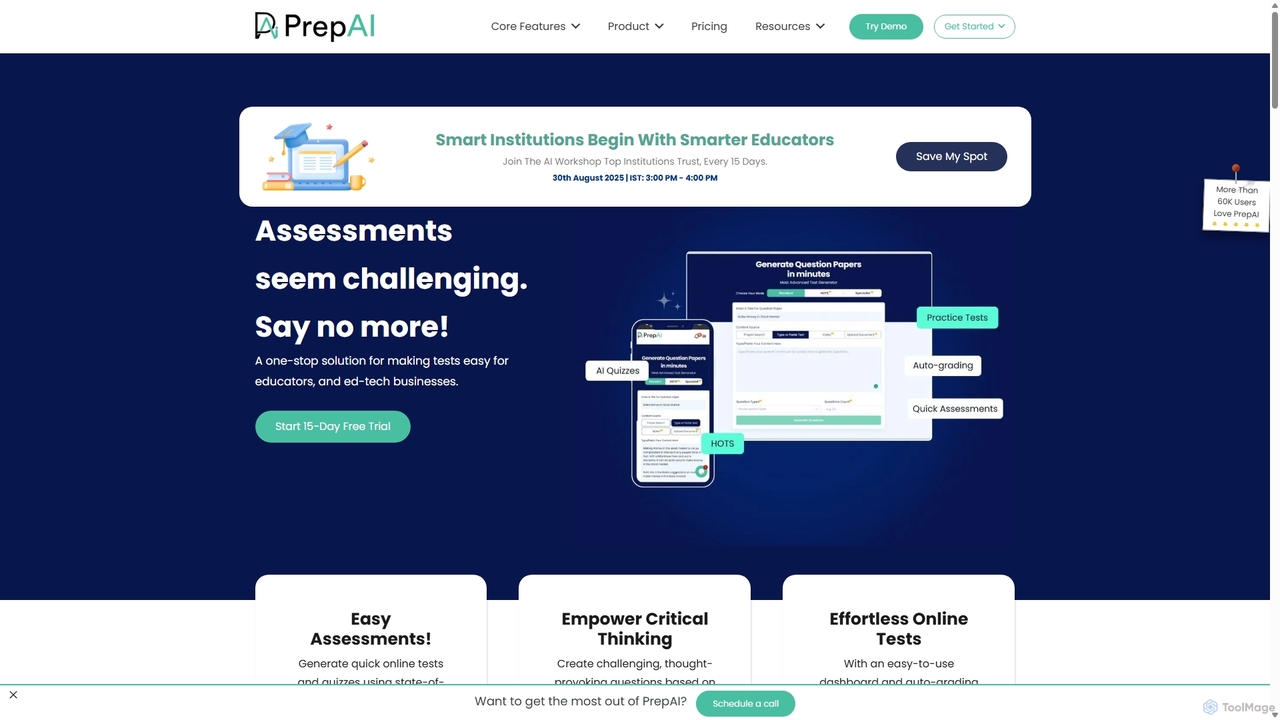
PrepAI
PrepAI is an advanced AI-powered test generator that revolutionizes assessment creation for educators, ed-tech businesses, and students. Effortlessly generate high-quality quizzes and tests in various formats (MCQs, True/False, HOTS) from multiple content sources like text, documents, and videos. Featuring auto-grading and Bloom's Taxonomy integration, PrepAI saves time, enhances critical thinking, and streamlines the entire examination process.
Training
AutoProctor Comments (0)
Sign in to comment.
Sign inNo comments yet.