Productivity Best in category 14 results Testing AI Tool

Popular AI tools in the Testing field of Productivity include AutoProctor、deepchecks、Artificial Societies、WEVO、FutureAGI、Escape、Synap、Helpfull、Testportal、Mobot, etc., helping you quickly improve efficiency.

Ai Brand Insights

Ai Brand Insights

An AI-powered tool that measures the impact of advertising on brand perception. It offers fast, affordable, and accurate …

1.9K
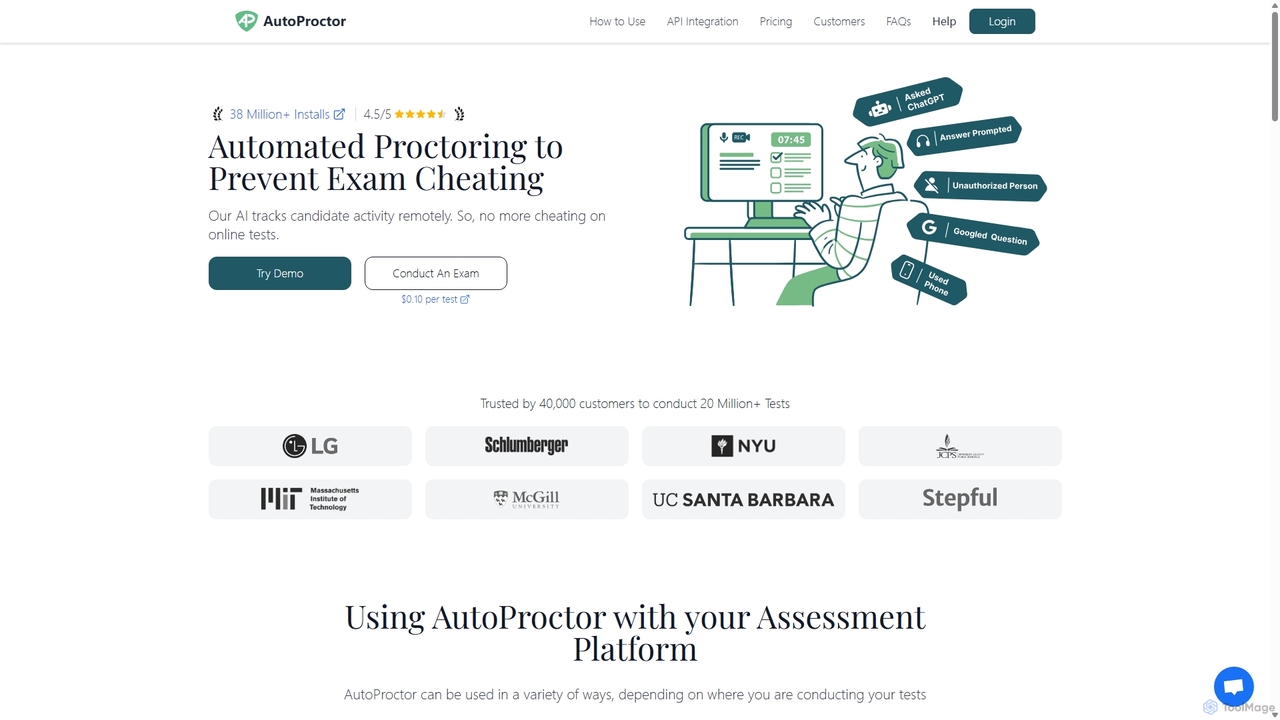
AutoProctor

AutoProctor

AutoProctor is an AI-powered automated online test proctoring tool designed to prevent cheating during remote exams. It integrates …

160.6K
Free
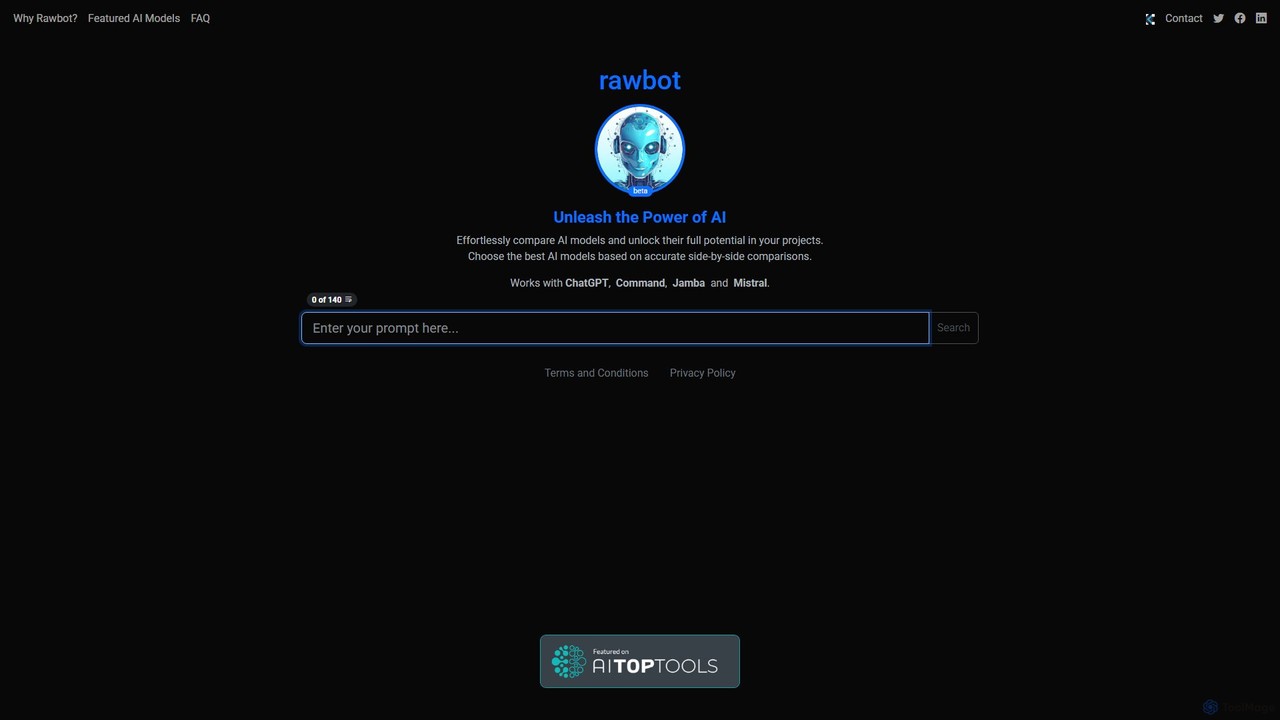
Rawbot

Rawbot

Rawbot is an intuitive AI tool for simple and effective side-by-side comparison of large language models. Input a …

1.8K
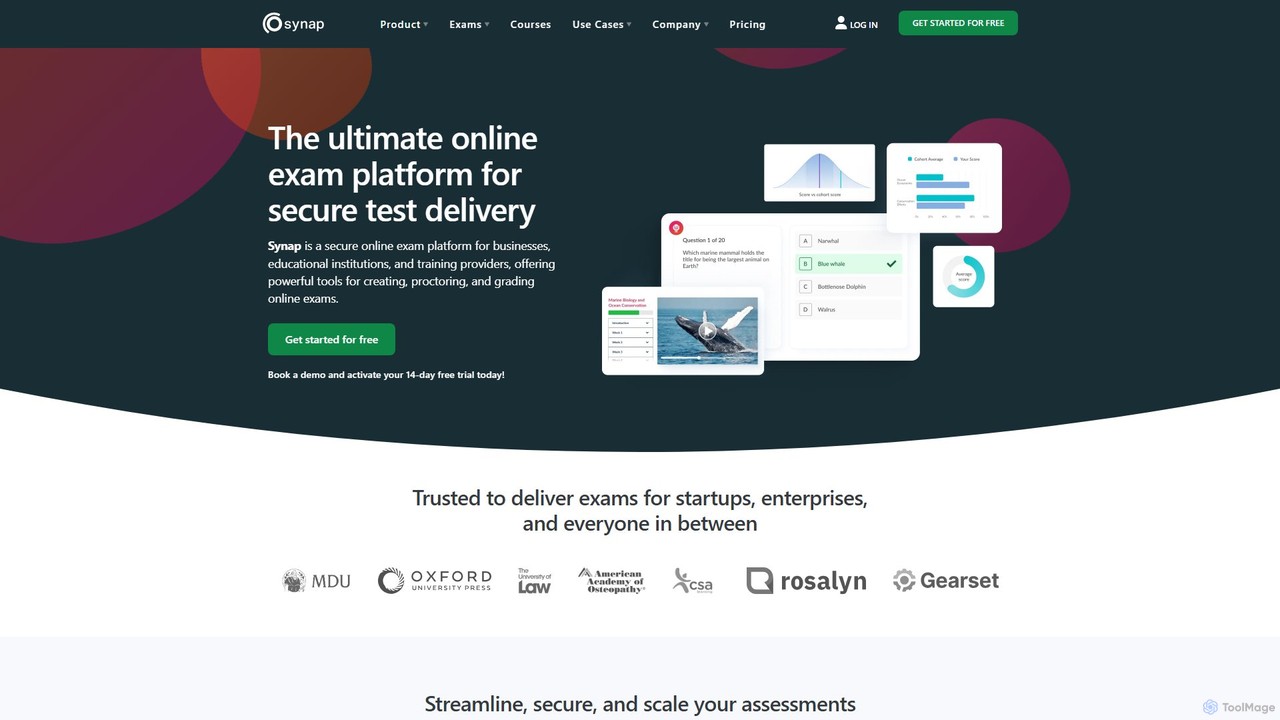
Synap

Synap

Synap is a secure and scalable online exam platform for businesses, educational institutions, and training providers. It offers …

32.0K
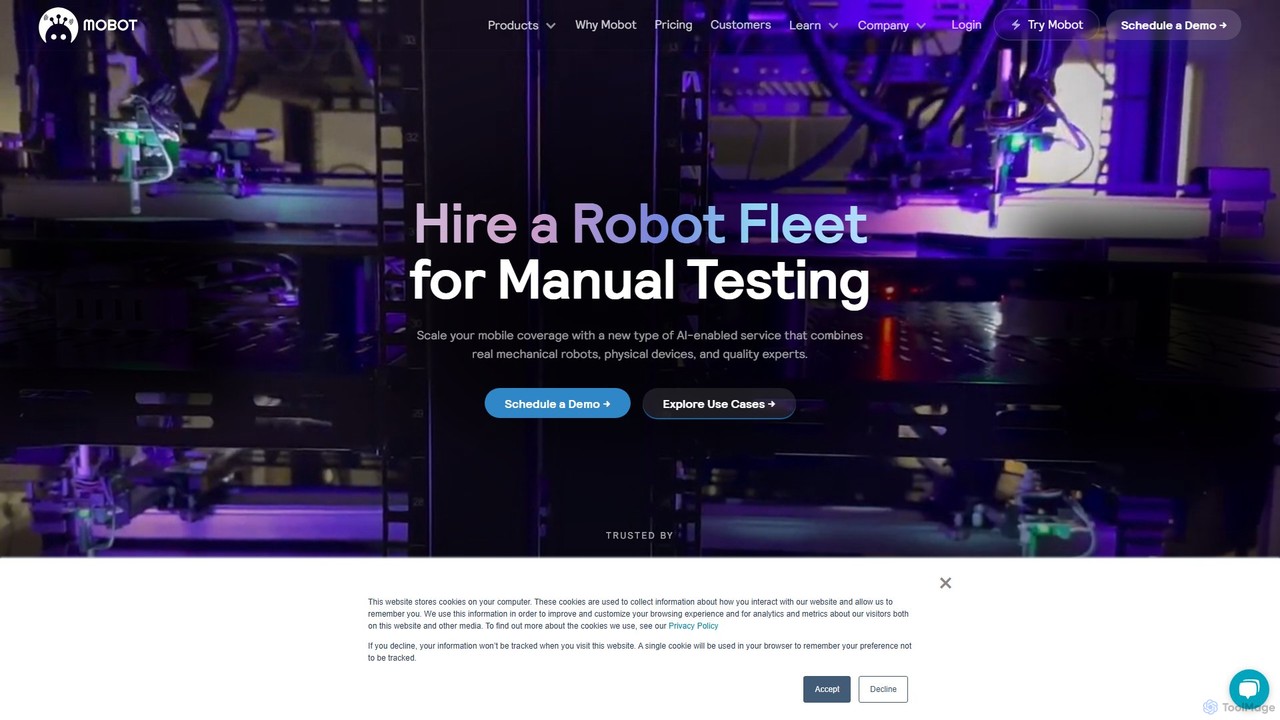
Mobot

Mobot

Mobot is a unique AI-powered service that uses a fleet of real mechanical robots to automate manual testing …

7.2K
Artificial Societies

Artificial Societies

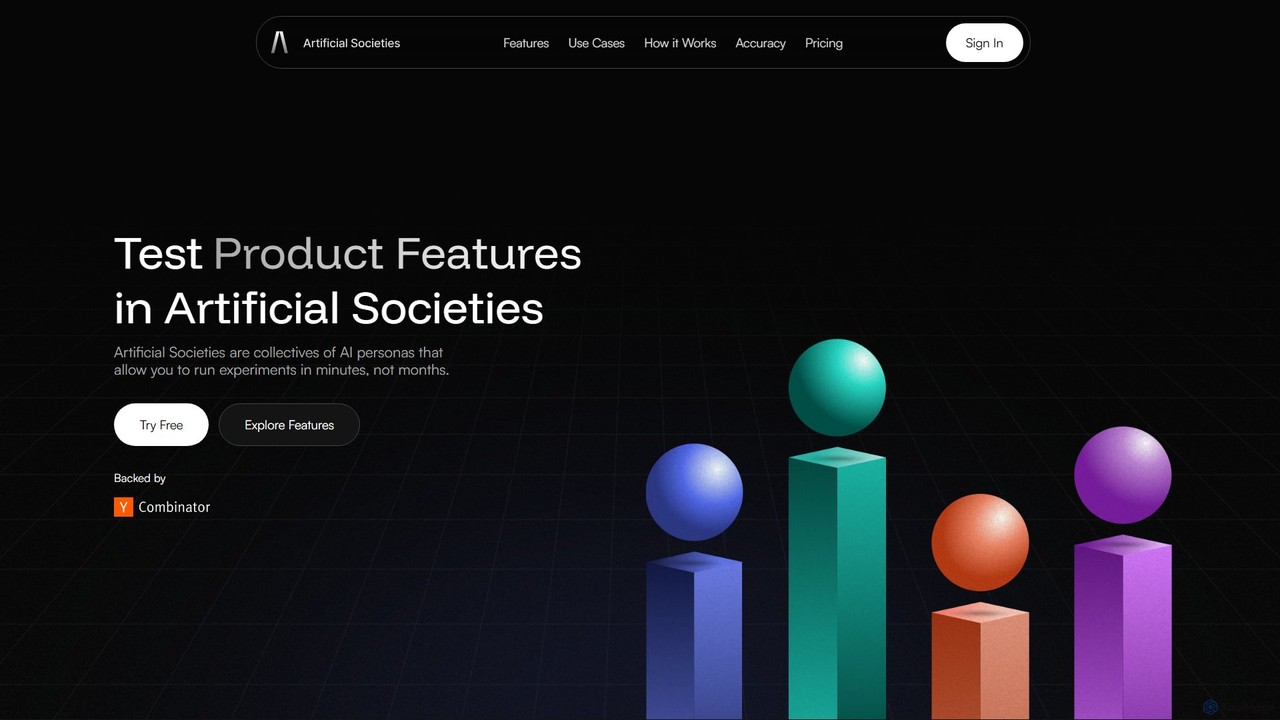
Artificial Societies is an AI-powered platform that creates realistic audience simulations to test content, messages, and ideas. It …

53.5K
deepchecks

deepchecks

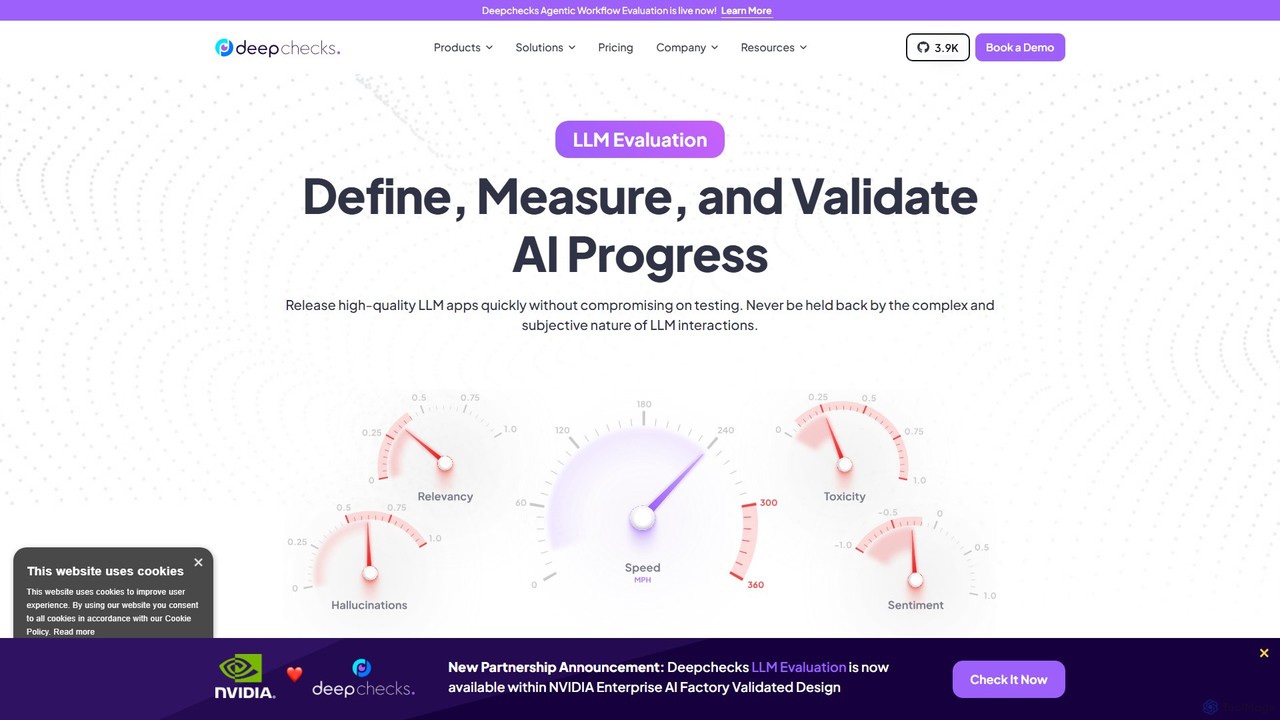
Deepchecks is an end-to-end platform for evaluating, validating, and monitoring LLM-based applications. It helps AI teams define, measure, …

84.8K
Escape

Escape

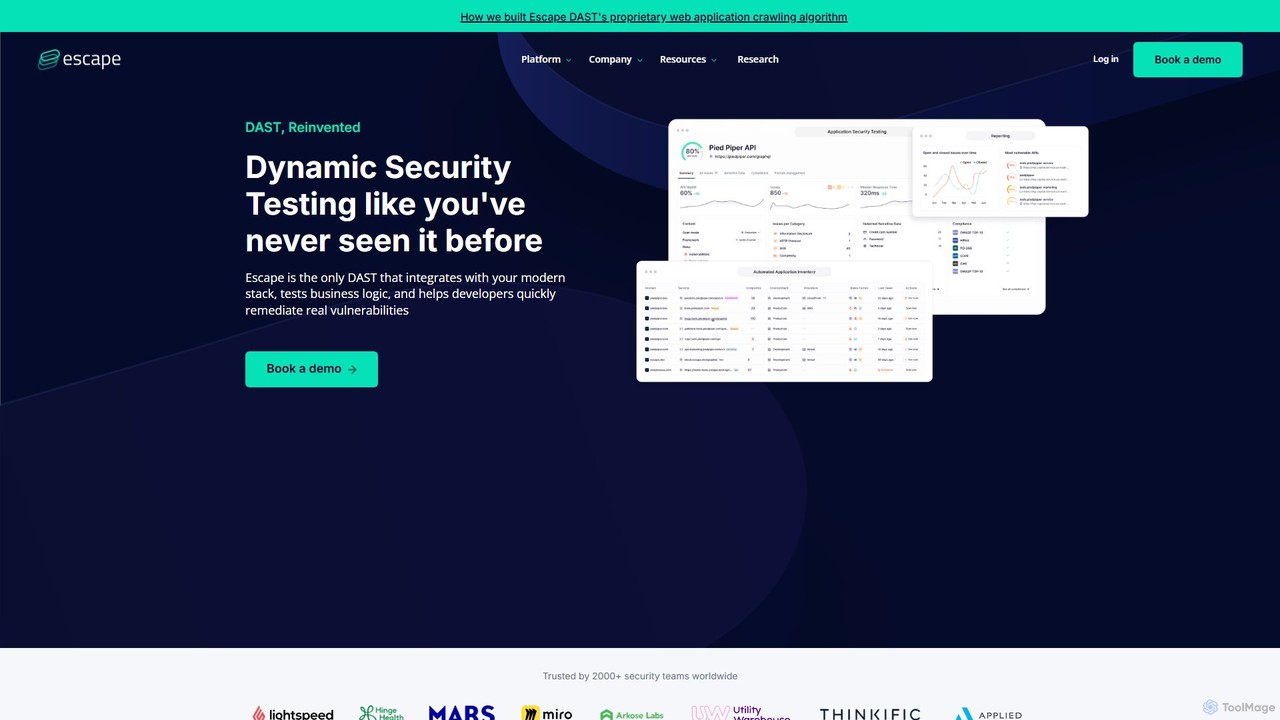
Escape is an AI-powered DAST (Dynamic Application Security Testing) tool specifically designed for modern applications. It focuses on …

37.3K
Helpfull

Helpfull

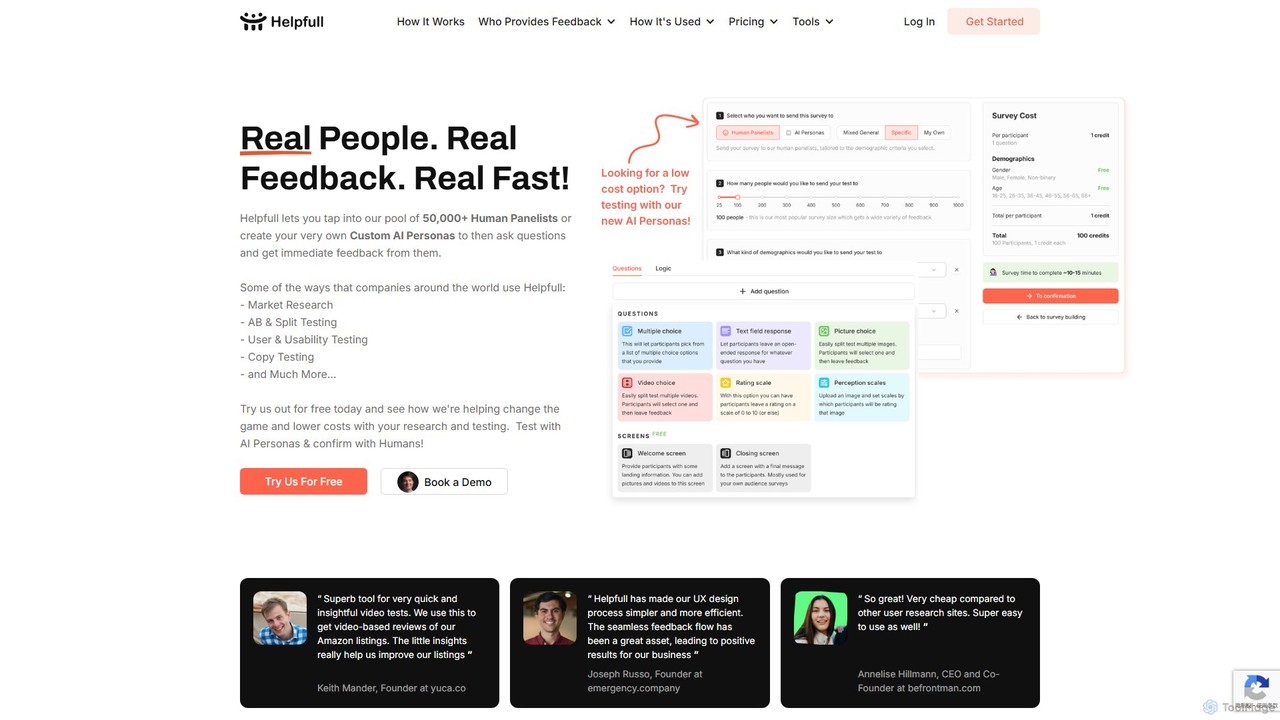
Helpfull is a hybrid feedback platform that provides rapid insights from both a panel of over 50,000 real …

14.6K
WEVO

WEVO

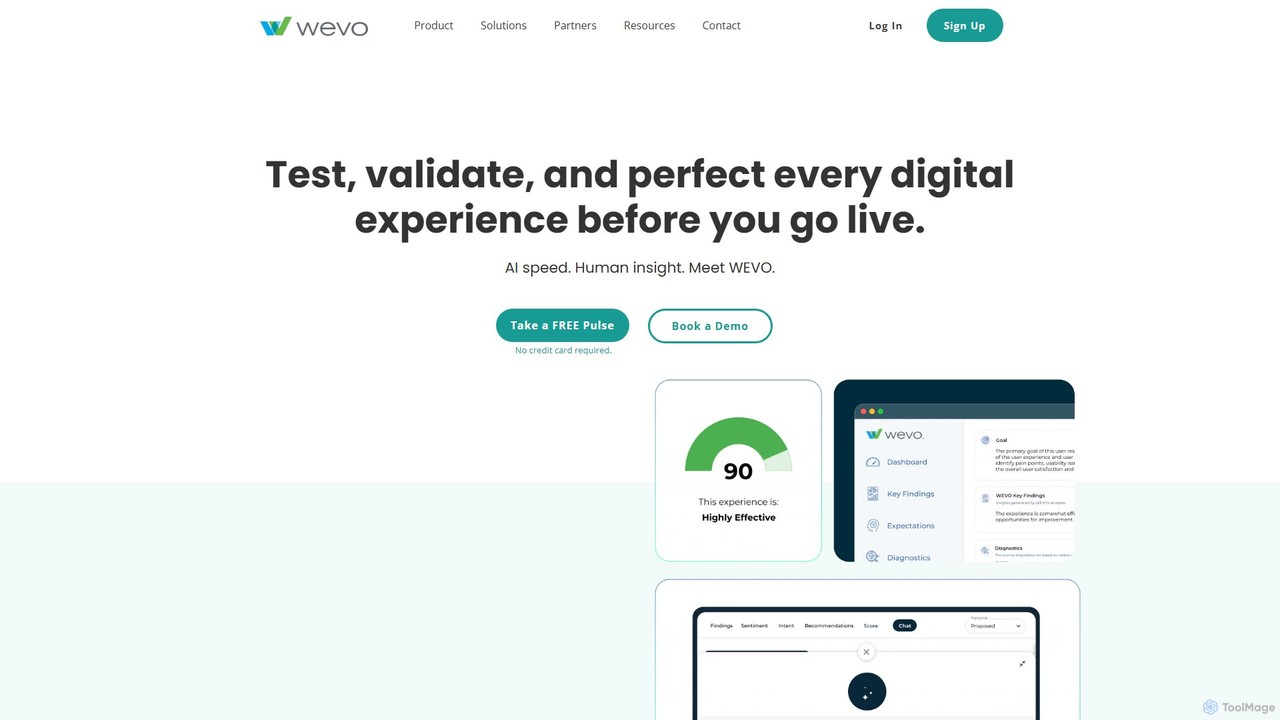
WEVO is an AI-powered UX research platform that combines artificial intelligence with human insight to test, validate, and …

52.7K
FutureAGI

FutureAGI

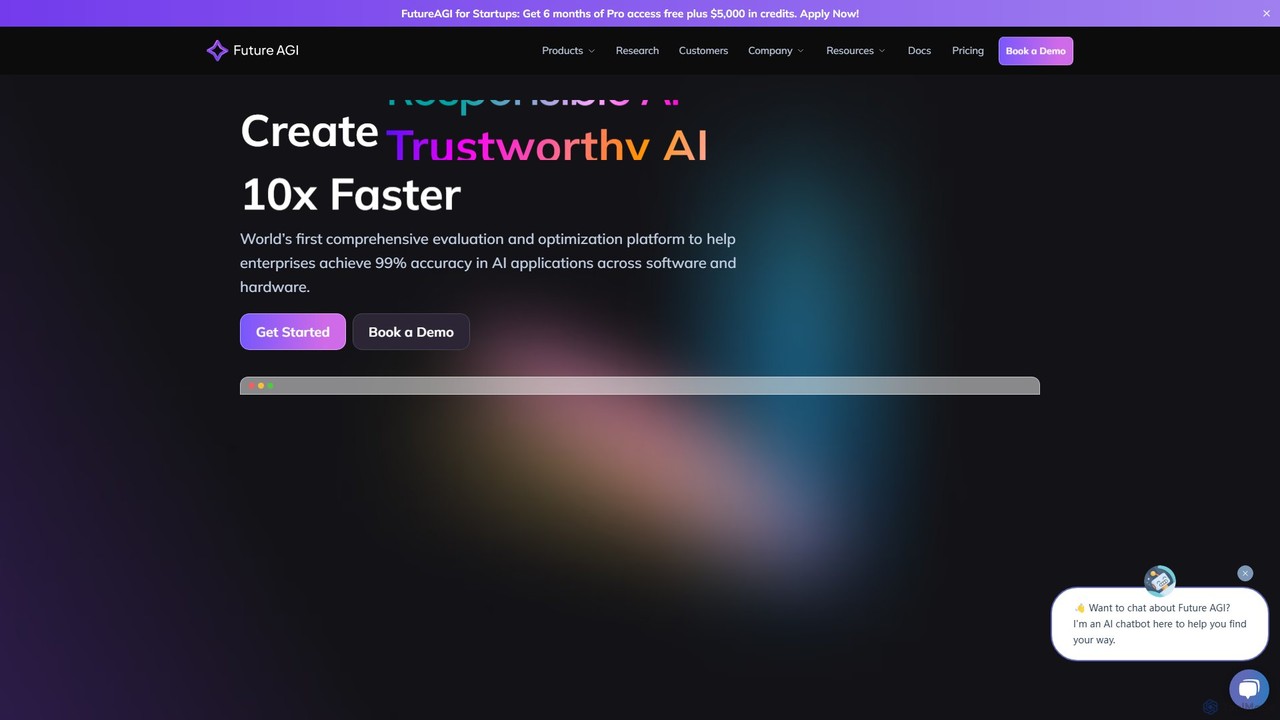
FutureAGI is a comprehensive LLM observability and evaluation platform designed for enterprises and developers. It helps build, evaluate, …

40.0K
AirPrompt

AirPrompt

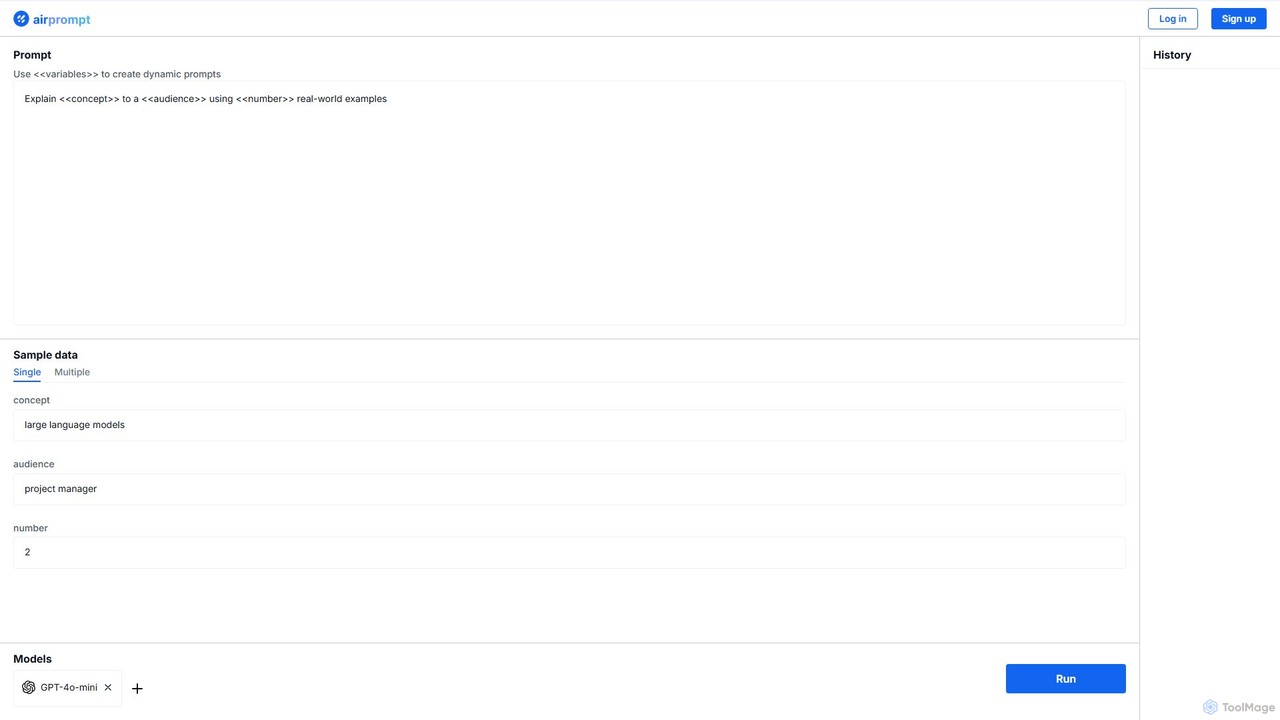
AirPrompt is a powerful prompt engineering and testing platform. It enables users to simultaneously test, compare, and optimize …

1.8K
NowKnow

NowKnow

NowKnow is an AI-powered platform that provides rapid, real-time market insights. It enables businesses to test everything from …

1.8K
Testportal

Testportal

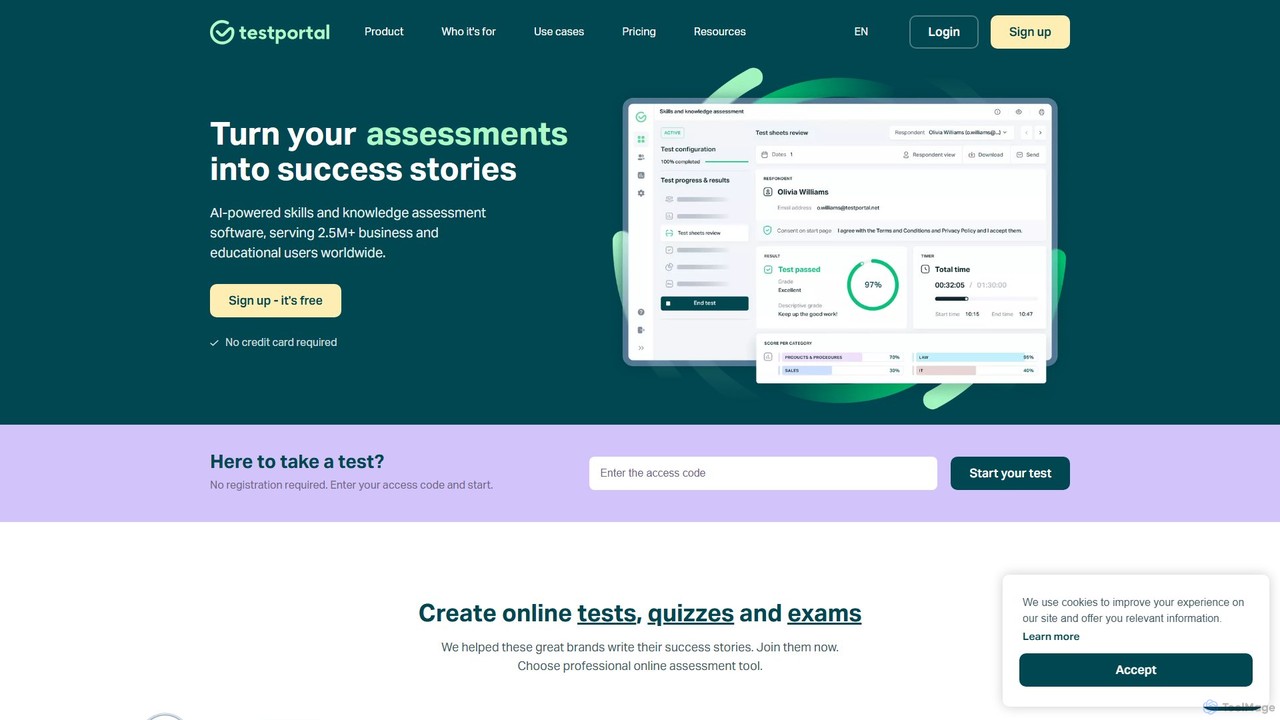
Testportal is an AI-powered online assessment platform for businesses and educational institutions. It simplifies creating, conducting, and analyzing …

9.7K

About Testing

AI Testing tools are a class of applications that use artificial intelligence to automate and enhance the software testing process. These tools leverage machine learning algorithms to generate test cases, identify visual bugs, and automatically adapt to application changes. Their primary value lies in accelerating development cycles, increasing test coverage, and reducing the manual effort required for quality assurance. Unlike traditional automation scripts, AI-powered testing tools can perform complex tasks like self-healing tests and predictive analysis to find bugs faster.

Core Features

  • AI-Powered Test Generation: Automatically creates test scripts and user scenarios based on application analysis or user requirements.
  • Self-Healing Tests: Intelligently updates test scripts when UI elements change, significantly reducing maintenance time.
  • Visual Regression Testing: Uses computer vision to detect unintended visual changes, catching bugs that functional tests might miss.
  • Anomaly Detection: Analyzes application logs and performance data to identify unusual patterns or potential issues automatically.
  • Smart Test Execution: Prioritizes and runs the most relevant tests based on recent code changes for faster feedback.

Use Cases

These tools are primarily used by software development teams, QA engineers, and DevOps professionals. They are particularly effective in agile and continuous integration/continuous delivery (CI/CD) environments where rapid and reliable testing is crucial. Common applications include end-to-end testing of web and mobile applications, API testing, and performance analysis.

How to Choose

When selecting an AI Testing tool, consider its integration capabilities with your existing CI/CD pipeline and development tools. Evaluate the strength of its self-healing features and the accuracy of its visual testing. Also, assess the learning curve for your team and whether the pricing model aligns with your project scale and budget. The tool's ability to generate clear, actionable reports is another critical factor.

TestingUse Cases

1

Automating UI Testing for Web Applications

A QA engineer is tasked with testing a new checkout process on an e-commerce website. Instead of manually writing dozens of test scripts in Selenium, they use an AI Testing tool. The tool records their initial user journey and automatically generates robust test scripts. When developers later update the UI, the tool's self-healing feature automatically adapts the test locators, preventing tests from breaking. This reduces test creation time by 70% and maintenance effort by 90%, allowing for faster release cycles.

2

End-to-End Mobile App Testing

A mobile development team is preparing to launch a new version of their social media app. They use an AI Testing tool to perform end-to-end testing across a range of Android and iOS devices. The AI explores the app like a real user, automatically discovering user flows and identifying crashes or UI bugs on different screen sizes. The visual testing component flags inconsistencies in icon placement and font rendering between devices, ensuring a consistent user experience. This automated approach uncovers critical bugs that manual testing missed.

3

API Performance and Load Testing

A backend developer needs to ensure their new microservice can handle the expected user load. They use an AI Testing tool to analyze their API specification (like OpenAPI/Swagger). The tool automatically generates a suite of performance tests, including load tests that simulate realistic traffic patterns and stress tests that push the system to its limits. The AI identifies performance bottlenecks and suggests optimizations, such as indexing a specific database table. This proactive approach prevents production outages and ensures service reliability.

4

Reducing Test Maintenance Overhead

A QA team spends over 30% of their time fixing broken test scripts caused by frequent UI updates. By adopting an AI Testing tool with self-healing capabilities, they streamline this process. When a developer changes a button's ID or XPath, the AI tool doesn't fail the test. Instead, it uses visual and structural analysis to find the new element locator and automatically updates the script. This reduces test flakiness and frees up the QA team to focus on more complex, exploratory testing rather than routine maintenance.

5

Improving Test Coverage for Complex Systems

An enterprise software company has a legacy application with thousands of possible user paths. Their manual testing process only covers the most common scenarios. They deploy an AI Testing tool that autonomously explores the application, mapping out all possible interactions and creating a comprehensive model of the system. The tool identifies edge cases and less-traveled user journeys that were previously untested. This data-driven approach helps the team increase their test coverage from 60% to over 95%, significantly reducing the risk of undiscovered bugs in production.

6

Automating Accessibility Testing in CI/CD

A development team wants to ensure their web application is accessible to all users, including those with disabilities. They integrate an AI Testing tool into their CI/CD pipeline. With every code commit, the tool automatically scans the application for common accessibility issues, such as missing alt text for images, insufficient color contrast, and improper ARIA roles. It provides developers with immediate feedback and actionable recommendations directly in their workflow. This automates compliance with WCAG standards and fosters a culture of inclusive design from the start of the development process.

TestingFrequently Asked Questions