Developer Tools Best in category 4 results Security & Compliance AI Tool

Popular AI tools in the Security & Compliance field of Developer Tools include AppSanctuary、Huntr、Escape、Pentest Copilot, etc., helping you quickly improve efficiency.

Free
Huntr

Huntr

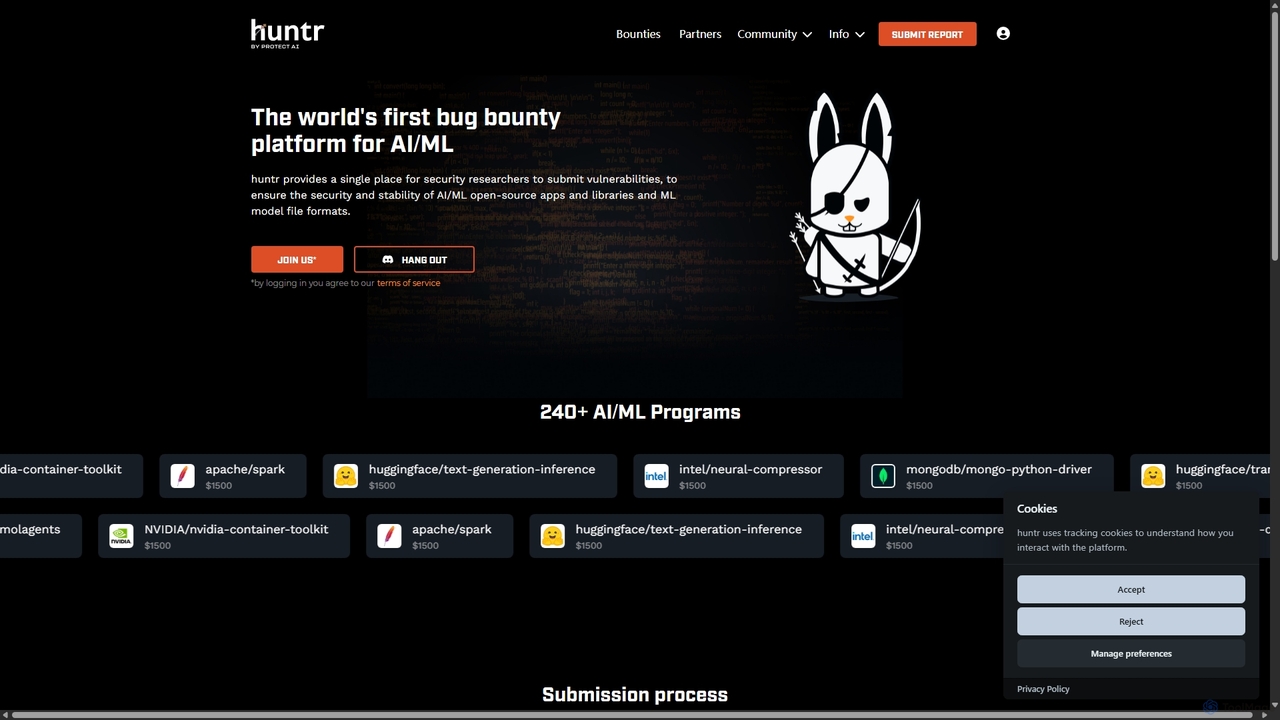
Huntr is the world's first bug bounty platform dedicated to securing the AI/ML ecosystem. It connects security researchers …

65.5K
Pentest Copilot

Pentest Copilot

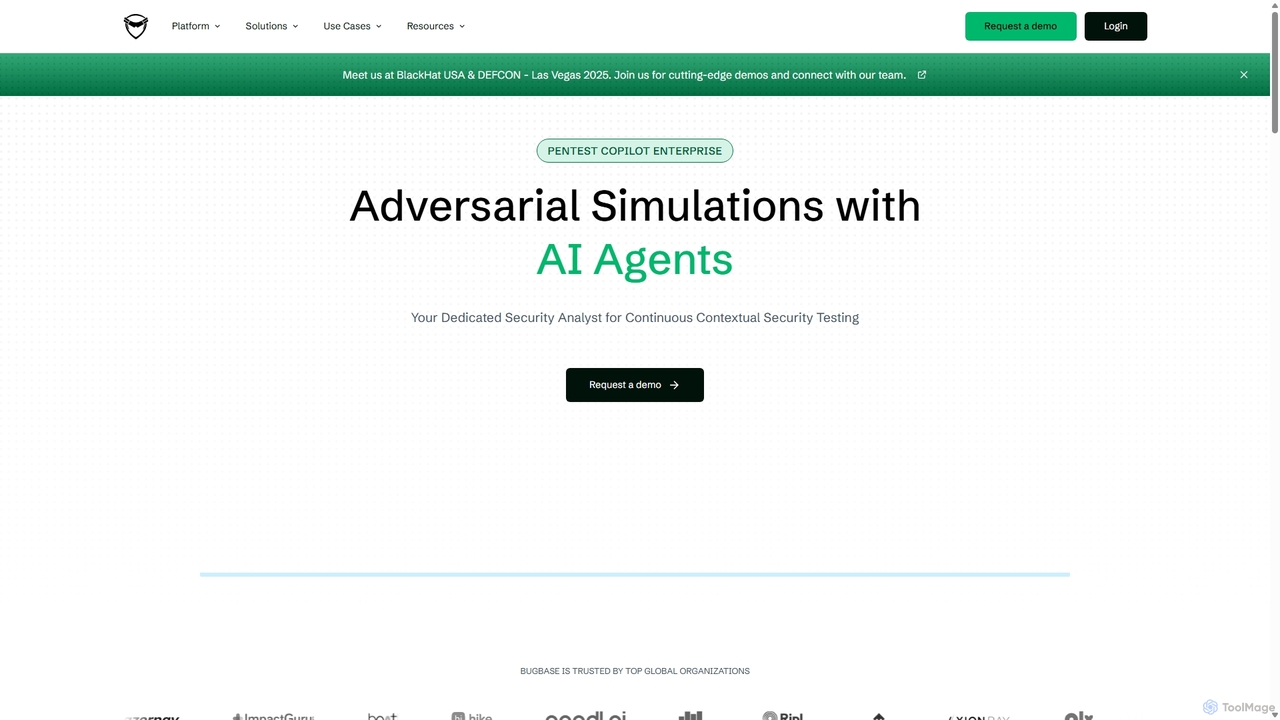
Pentest Copilot is an AI-powered adversarial exposure validation platform that automates red teaming and penetration testing. It uses …

2.8K
Escape

Escape

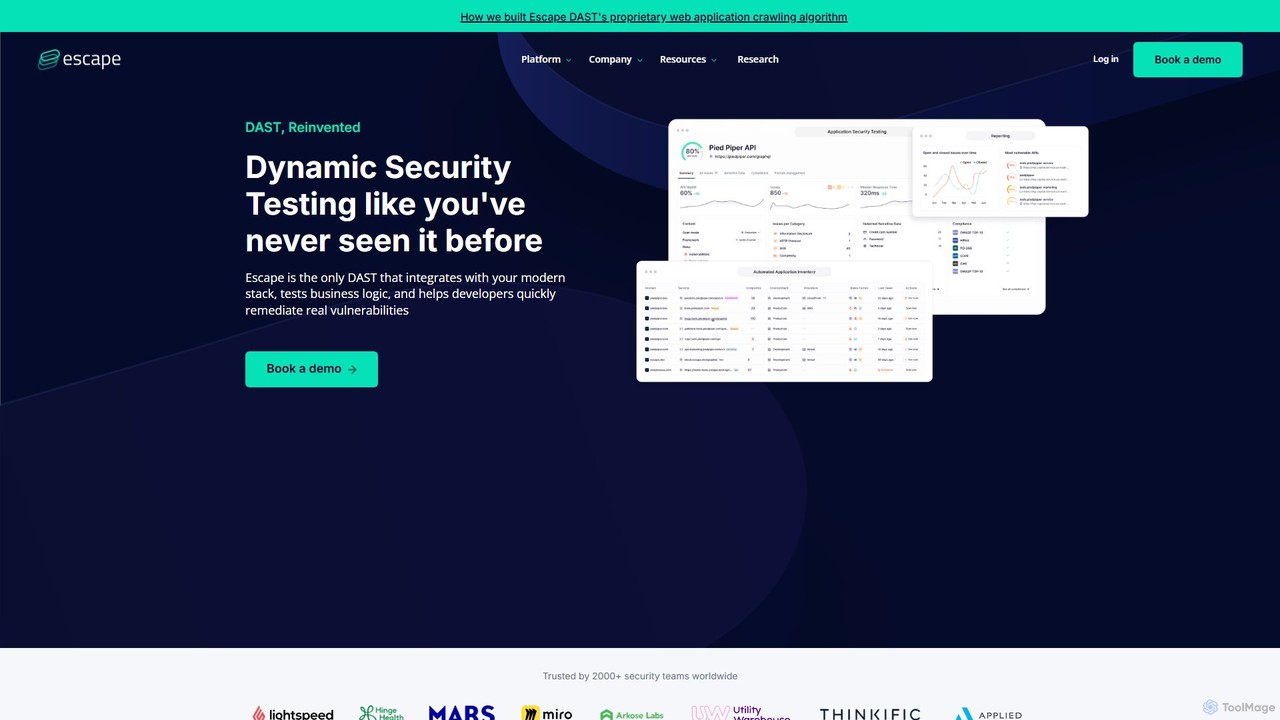
Escape is an AI-powered DAST (Dynamic Application Security Testing) tool specifically designed for modern applications. It focuses on …

38.0K
AppSanctuary

AppSanctuary

AppSanctuary is an AI-powered application security platform that automates vulnerability scanning, compliance checks, and threat detection. It helps …

6.4M

About Security & Compliance

AI Security & Compliance tools are a specialized category of developer utilities that automate the detection and remediation of vulnerabilities and policy violations within the software development lifecycle (SDLC). These tools leverage machine learning models to analyze code, dependencies, and infrastructure configurations with greater accuracy and context than traditional methods. They empower developers to build secure applications from the start by integrating security checks directly into their existing workflows, such as CI/CD pipelines. This proactive approach, often called DevSecOps, significantly reduces risk and accelerates development cycles.

Core Features

  • Intelligent Code Analysis: Uses AI to scan source code for complex vulnerabilities like SQL injection and cross-site scripting (XSS) with a lower false-positive rate.
  • Automated Dependency Scanning: Continuously monitors open-source libraries for known vulnerabilities and suggests secure versions for updates.
  • Infrastructure as Code (IaC) Security: Analyzes configuration files (e.g., Terraform, Kubernetes) to identify misconfigurations that could lead to security breaches.
  • Secret Detection: Scans code repositories and commit history to find accidentally exposed credentials, API keys, and other sensitive data.
  • Compliance Automation: Automatically checks code and infrastructure against standards like GDPR, HIPAA, or PCI DSS and helps generate compliance reports.

Use Cases

These tools are essential for DevOps teams, security engineers, and developers working in regulated industries like finance and healthcare. They are used to secure cloud-native applications, embed security into CI/CD pipelines, and maintain continuous compliance without slowing down development. For example, a developer can get real-time security feedback within their IDE or pull request, preventing vulnerabilities from ever reaching production.

How to Choose

When selecting an AI Security & Compliance tool, consider its integration capabilities with your existing toolchain (e.g., GitHub, Jenkins, Jira). Evaluate the breadth of supported languages and frameworks. Assess the accuracy of its vulnerability detection and the clarity of its remediation advice. Finally, consider its ability to generate reports for specific compliance standards relevant to your business.

Security & ComplianceUse Cases

1

Automated Code Vulnerability Scanning in CI/CD

A DevOps engineer integrates an AI security tool into their GitHub Actions workflow. When a developer submits a pull request, the tool automatically triggers a scan. It analyzes the new code for potential vulnerabilities like insecure deserialization or command injection. The AI model, trained on millions of vulnerabilities, identifies complex issues that pattern-based scanners might miss. Within minutes, the tool posts a comment on the pull request detailing any findings, their severity, and code snippets for remediation, allowing developers to fix issues before merging.

2

Continuous Compliance Monitoring for Regulated Industries

A development team at a fintech company needs to ensure their cloud infrastructure, defined in Terraform, adheres to PCI DSS standards. They use an AI compliance tool that continuously scans their Git repository. The tool understands the context of PCI DSS requirements and automatically flags non-compliant resources, such as a publicly exposed S3 bucket intended for financial data or an unencrypted database. It provides developers with specific, actionable advice on how to modify their Terraform code to meet compliance, drastically reducing the time and effort required for manual audits.

3

Proactive Open-Source Dependency Management

A software engineer is working on a large Node.js project with hundreds of dependencies listed in `package.json`. An AI security tool integrated with their repository continuously monitors these dependencies. When a new vulnerability is disclosed for a library they use, the tool immediately creates a pull request. This PR automatically updates the library to the next secure version, includes release notes, and runs tests to ensure the update doesn't break the build. This automates the tedious process of tracking vulnerabilities and allows the team to patch security holes in hours instead of weeks.

4

Detecting Hardcoded Secrets Before Commits

A developer, working quickly, accidentally includes an AWS API key in a configuration file. Before they can even commit the code, an AI-powered security tool installed as a pre-commit hook on their local machine scans the staged files. It identifies the string pattern characteristic of an AWS key and blocks the commit from proceeding. The tool provides an immediate alert directly in the terminal, explaining the issue and recommending the use of a secrets management service. This prevents sensitive credentials from ever being recorded in the Git history, avoiding a major security incident.

5

Securing Container Images in a Registry

A security team is responsible for maintaining a private container registry (e.g., Docker Hub, ECR). They configure an AI security tool to automatically scan any new image that is pushed to the registry. The tool inspects the image layers, identifying vulnerabilities in the operating system packages and application dependencies. It also checks for misconfigurations, such as running as a root user. If high-severity issues are found, the tool can be configured to quarantine the image and notify the responsible team via Slack, ensuring that only vetted and secure images are available for deployment.

6

AI-Assisted Threat Modeling for New Features

Before starting development on a new microservice, a software architect uses an AI tool to perform threat modeling. They provide the tool with a high-level description of the service's functionality, its data flows, and its intended interactions with other services. The AI analyzes this information, cross-referencing it with common attack patterns (like STRIDE), and generates a list of potential threats. For example, it might identify a risk of data tampering on a specific API endpoint or a potential denial-of-service vector. This allows the team to design security controls and mitigations from the very beginning of the development process.

Security & ComplianceFrequently Asked Questions