
Glimpse Overview
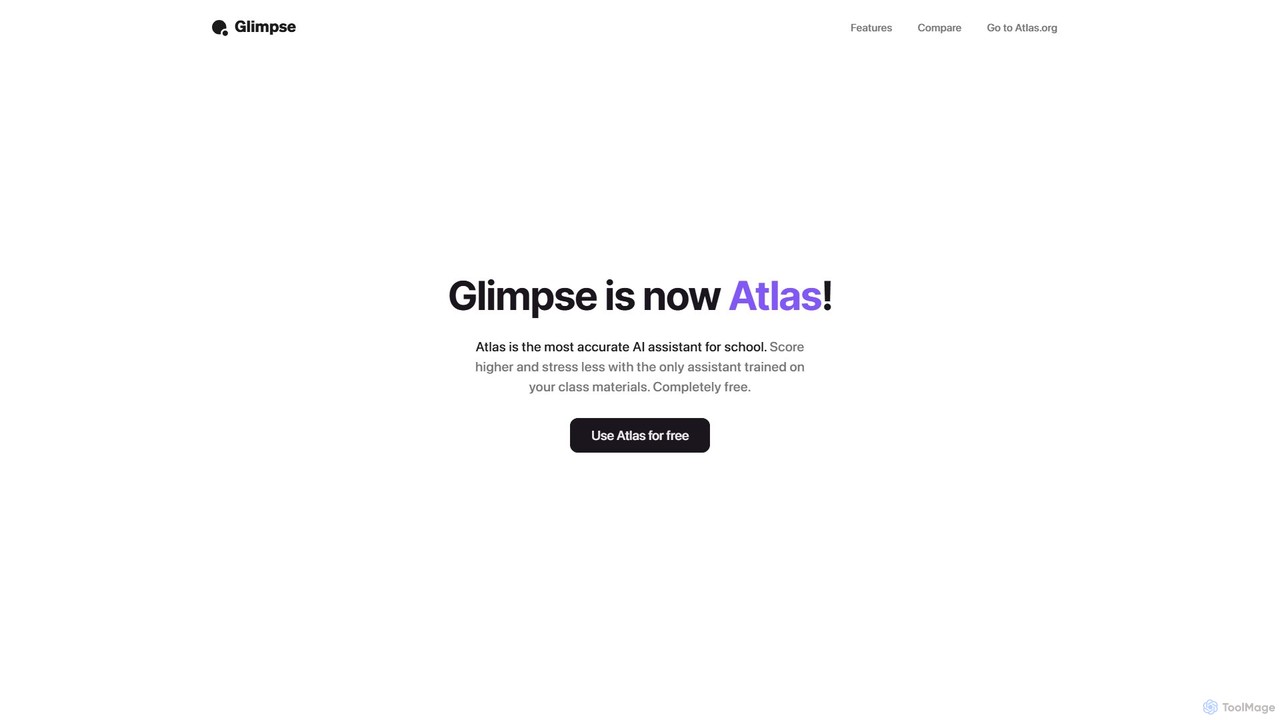
Glimpse was a powerful AI-powered browser extension designed to revolutionize the way users interact with the internet. It functioned as a smart assistant integrated directly into the browser, aiming to provide more efficient and intelligent ways to find and process information online. While the Glimpse brand has since evolved and been rebranded into Atlas, a specialized AI assistant for students, its original features laid the groundwork for a new generation of web interaction tools. Atlas continues this mission with a focus on education, offering its services completely free.
The core philosophy behind Glimpse was to work 'smarter, not harder.' Instead of users having to sift through countless search results or read lengthy articles in their entirety, Glimpse offered tools to get direct, concise, and relevant information instantly. It was positioned as a superior alternative to traditional search engines and generic AI chatbots by providing real-time, context-aware, and cited answers.
How to use Glimpse
Using Glimpse was designed to be an intuitive and seamless experience. After installing the browser extension, its features were integrated into the daily browsing workflow.
1. Installation: The first step was to add the Glimpse extension to your compatible web browser (e.g., Chrome).
2. Contextual Chat (Glimpse Chat): While browsing any website, whether a news article, a research paper, or a product page, you could open the Glimpse Chat interface. From there, you could ask specific questions about the content on that page. For example, you could ask it to 'summarize this article,' 'what are the key arguments presented here?' or 'explain this technical concept in simple terms.' Glimpse would analyze the page's content and provide a direct answer within the chat window.
3. Aggregated Search (Glimpse Search): When opening a new tab, Glimpse would present its own search interface. Unlike Google, which provides a list of links, Glimpse Search would take a query, scan dozens of relevant websites in real-time, and synthesize the information into a single, direct answer. This was particularly useful for getting quick facts or an overview of a topic without needing to click through multiple sources.
Core Features of Glimpse
- Glimpse Chat: An on-page chat assistant that allows you to have a conversation with any website. It understands the context of the page you're on to provide highly relevant summaries, explanations, and answers.
- Glimpse Search: A new-tab search engine that moves beyond links. It scans the web to compile a direct, comprehensive answer to your query, saving you time and effort.
- Real-Time Information: Unlike some early AI models trained on static datasets, Glimpse was built to access up-to-the-minute information from the web, ensuring answers were current and accurate.
- Cited Responses: To promote transparency and trust, Glimpse provided sources for its answers. This allowed users to verify the information and dive deeper into the original content if needed.
- Personalized Learning: The extension was designed to become more helpful over time by learning from the websites you visit frequently, tailoring its responses to your interests and needs.
Use Cases for Glimpse
Glimpse was a versatile tool with applications across various domains:
For Students and Researchers: Quickly summarizing academic papers, extracting key data from studies, and gathering cited information for essays and reports. Its evolution into Atlas, an AI assistant for school, underscores its strength in this area.
For Professionals: Gaining rapid insights from market research reports, financial news, and competitor websites. It could be used to stay informed without spending hours on reading.
For Content Creators: Researching topics efficiently by getting synthesized overviews and finding credible sources to cite in their work.
For Everyday Users: Getting quick, direct answers to daily questions, from 'What's the weather forecast?' to 'Explain the plot of this movie,' with verified sources.
Advantages of Glimpse
The primary advantage of Glimpse was its ability to deliver information with superior efficiency and context-awareness. Compared to standard search engines, it eliminated the step of manually visiting and evaluating multiple sites. Compared to generic chatbots like early ChatGPT, its real-time web access and on-page contextual understanding provided more accurate and relevant answers for tasks related to current events or specific web content. The inclusion of citations was a significant differentiator, addressing the 'black box' problem of many AI tools and fostering user trust.
Pricing and Plans
Glimpse, in its final phase and as it transitioned to its new identity, Atlas, was offered completely free. The goal was to make advanced AI assistance accessible to everyone, particularly students, without a price barrier.
Glimpse Alternatives
Ask Gene
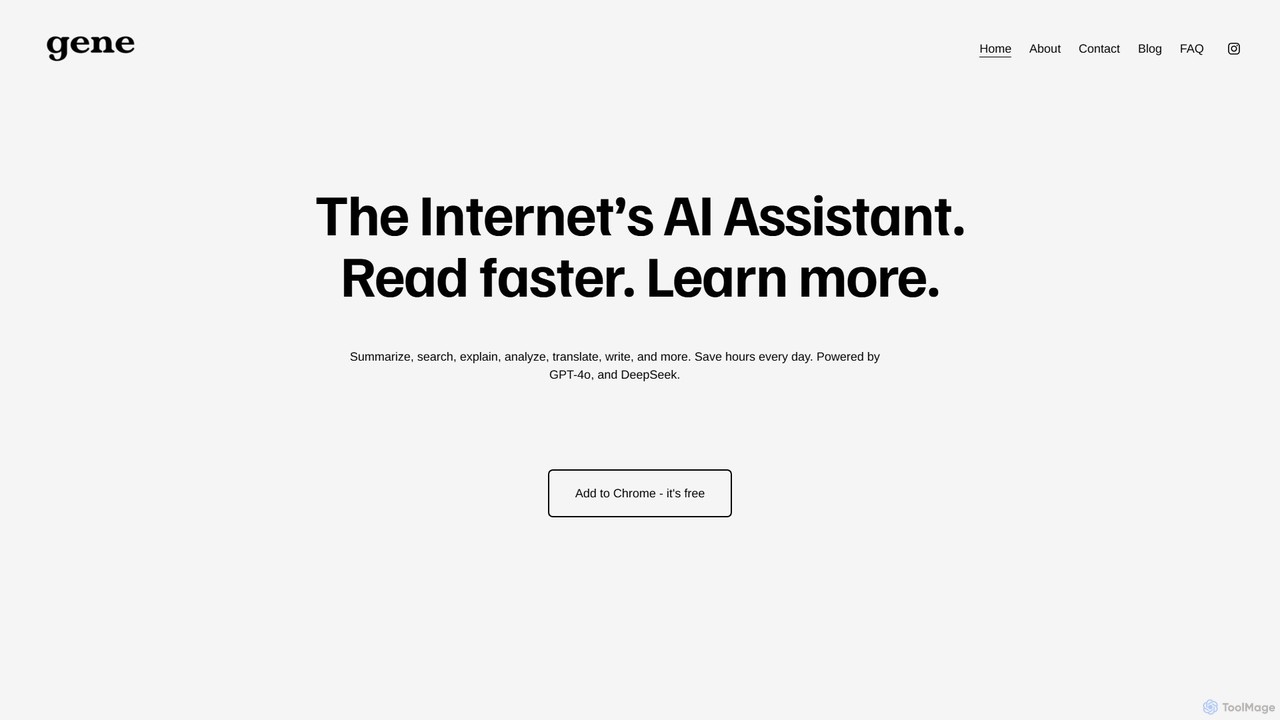
Ask Gene is a free AI-powered Chrome extension that acts as your personal internet assistant. Powered by GPT-4o and DeepSeek, it allows you to summarize webpages and PDFs, chat with AI without leaving your tab, explain complex text, translate, and assist with writing, all seamlessly integrated into your browser.
Research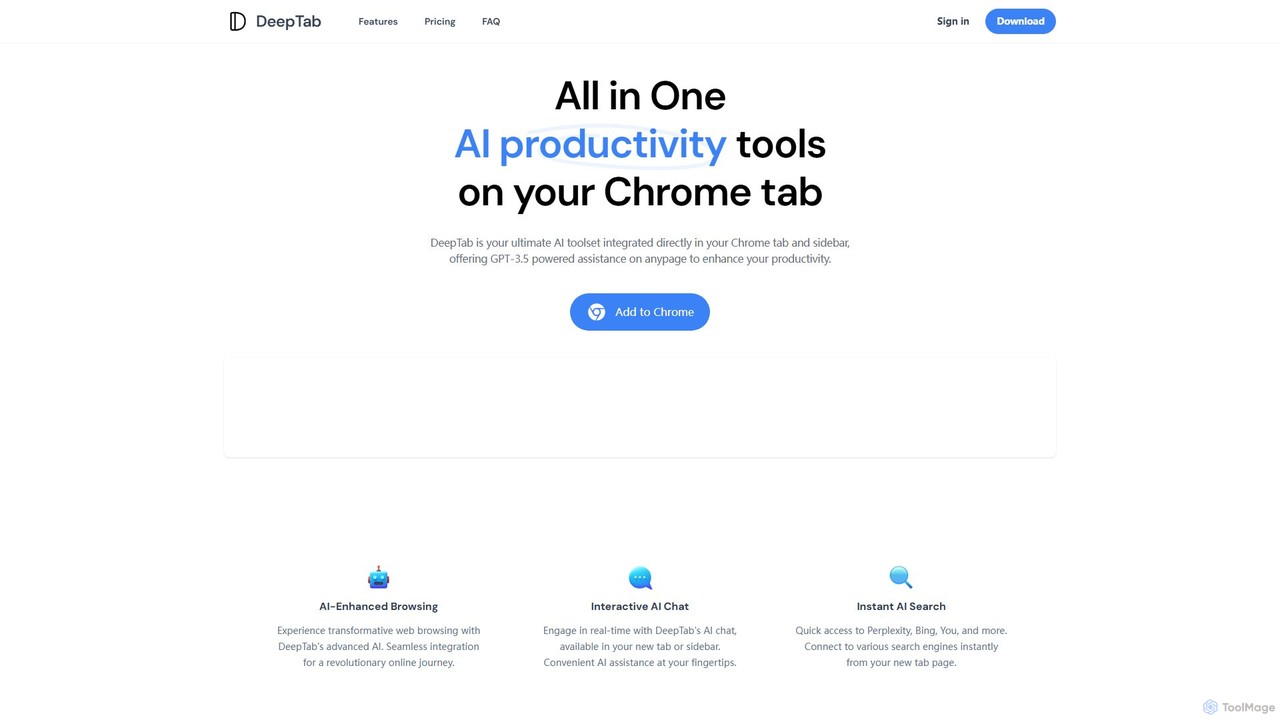
DeepTab
DeepTab is an all-in-one AI productivity toolkit integrated into your Chrome new tab and sidebar. It offers GPT-3.5/GPT-4 powered assistance, an interactive AI chat, instant access to multiple AI search engines, and a directory of AI websites to supercharge your browsing experience.
Chatbot
brainypdf
BrainyPDF is an AI-powered tool that transforms your static PDF documents into interactive sources of knowledge. Chat directly with your files, get instant summaries of lengthy reports, and extract crucial information effortlessly. It's the ultimate productivity booster for students, researchers, and professionals who need to process dense documents quickly and efficiently.
Data Extraction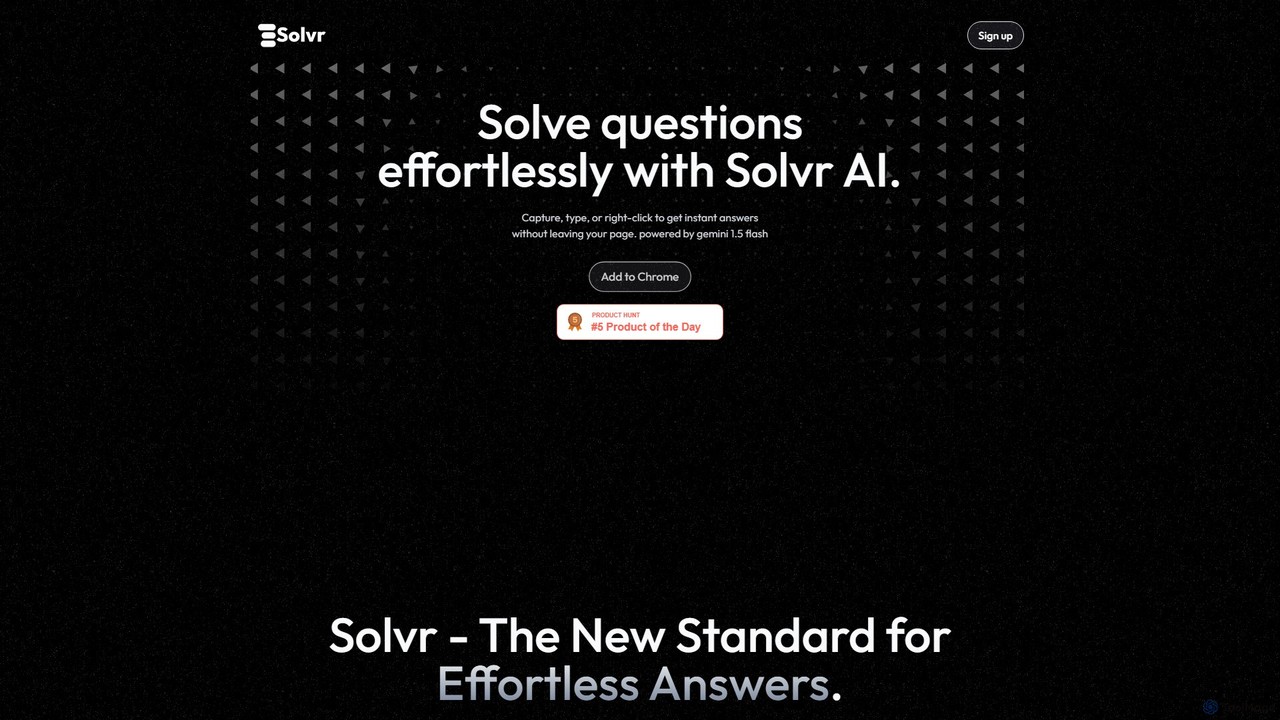
Solvr
Solvr is an AI-powered Chrome extension that provides instant answers to your questions without leaving your current page. Simply capture a screenshot, highlight text, or right-click to get clear, structured solutions. Powered by Gemini 1.5 Flash, it streamlines your workflow for studying, research, and professional tasks.
Research Assistant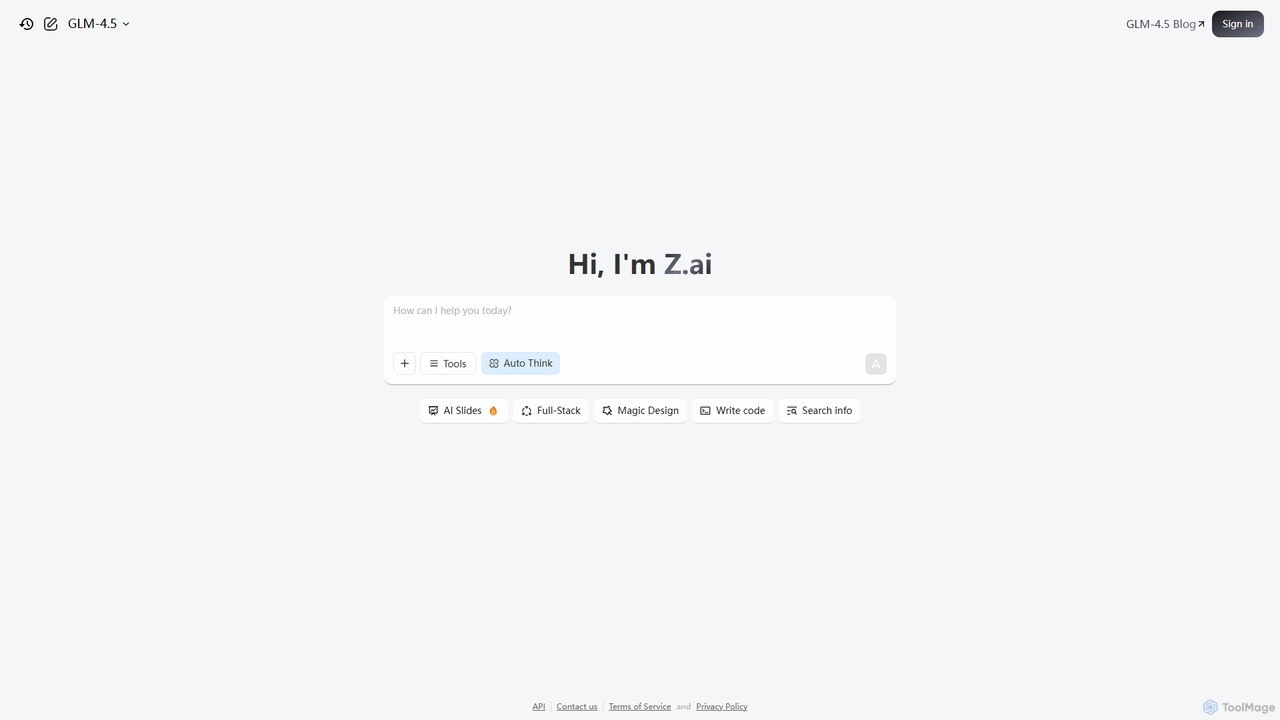
Z.ai
Z.ai is a powerful, free AI assistant powered by the advanced GLM-4.5 model. It's more than just a chatbot, offering a suite of integrated tools for coding, creating presentations, designing, and conducting research. Z.ai aims to be an all-in-one productivity platform, streamlining complex tasks through a simple conversational interface.
Code AssistantGlimpse Categories
Glimpse Embed Widget
Copy this embed code to place the badge on your blog, article, or product site and send readers directly to this ToolMage detail page.

Related AI tools
askone.ai
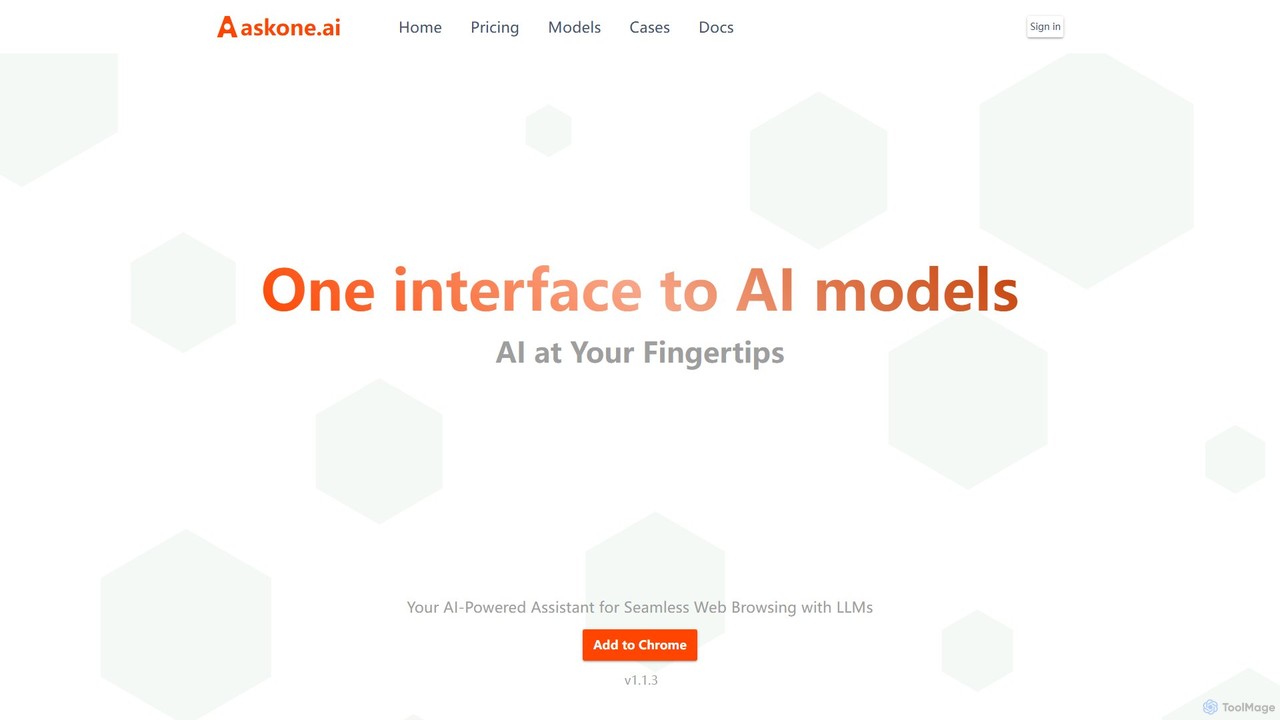
askone.ai is an AI-powered browser extension that seamlessly integrates Large Language Models (LLMs) into your web browsing. It acts as a versatile assistant, allowing you to instantly summarize articles, extract keywords, translate text, generate questions, and engage in contextual chats directly on any webpage. With flexible options to use your own API keys or its unified service, askone.ai enhances productivity and comprehension by putting the power of AI at your fingertips.
ResearchAsk Gene
Ask Gene is a free AI-powered Chrome extension that acts as your personal internet assistant. Powered by GPT-4o and DeepSeek, it allows you to summarize webpages and PDFs, chat with AI without leaving your tab, explain complex text, translate, and assist with writing, all seamlessly integrated into your browser.
Researchbrainypdf
BrainyPDF is an AI-powered tool that transforms your static PDF documents into interactive sources of knowledge. Chat directly with your files, get instant summaries of lengthy reports, and extract crucial information effortlessly. It's the ultimate productivity booster for students, researchers, and professionals who need to process dense documents quickly and efficiently.
Data ExtractionSolvr
Solvr is an AI-powered Chrome extension that provides instant answers to your questions without leaving your current page. Simply capture a screenshot, highlight text, or right-click to get clear, structured solutions. Powered by Gemini 1.5 Flash, it streamlines your workflow for studying, research, and professional tasks.
Research Assistant
Sider
Sider is an all-in-one AI assistant integrated as a browser sidebar and cross-platform app. It combines chat with models like GPT-4 and Claude 3.5, a powerful "Deep Research" agent, a personal knowledge base called "Wisebase," and a suite of tools for summarizing, translating, writing, and image editing to enhance productivity and learning.
Assistant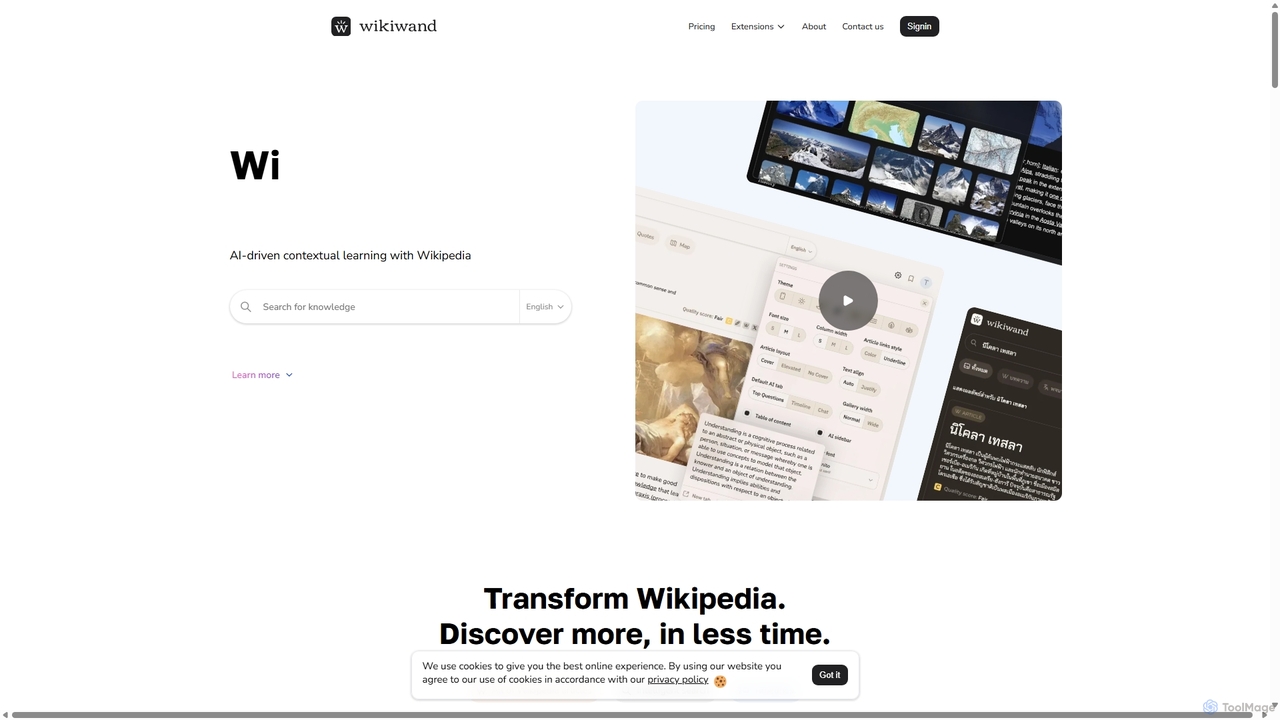
Wikiwand
Wikiwand is an AI-powered platform that modernizes the Wikipedia reading experience. It offers a sleek, user-friendly interface and integrates AI tools like article summaries, interactive timelines, and a contextual chat assistant to help users discover and understand information faster. By combining Wikipedia's vast knowledge with advanced design and AI features, Wikiwand streamlines research and learning, making knowledge consumption more efficient and enjoyable.
Research
getmerlin
getmerlin is a versatile AI assistant powered by top models like GPT-4o and Claude 3.5. Available as a browser extension and app, it integrates seamlessly into your workflow to summarize content, draft emails, generate text and images, and enhance research on any website. It acts as an all-in-one productivity tool, saving time and money by consolidating multiple AI services into a single subscription.
Chrome Extensions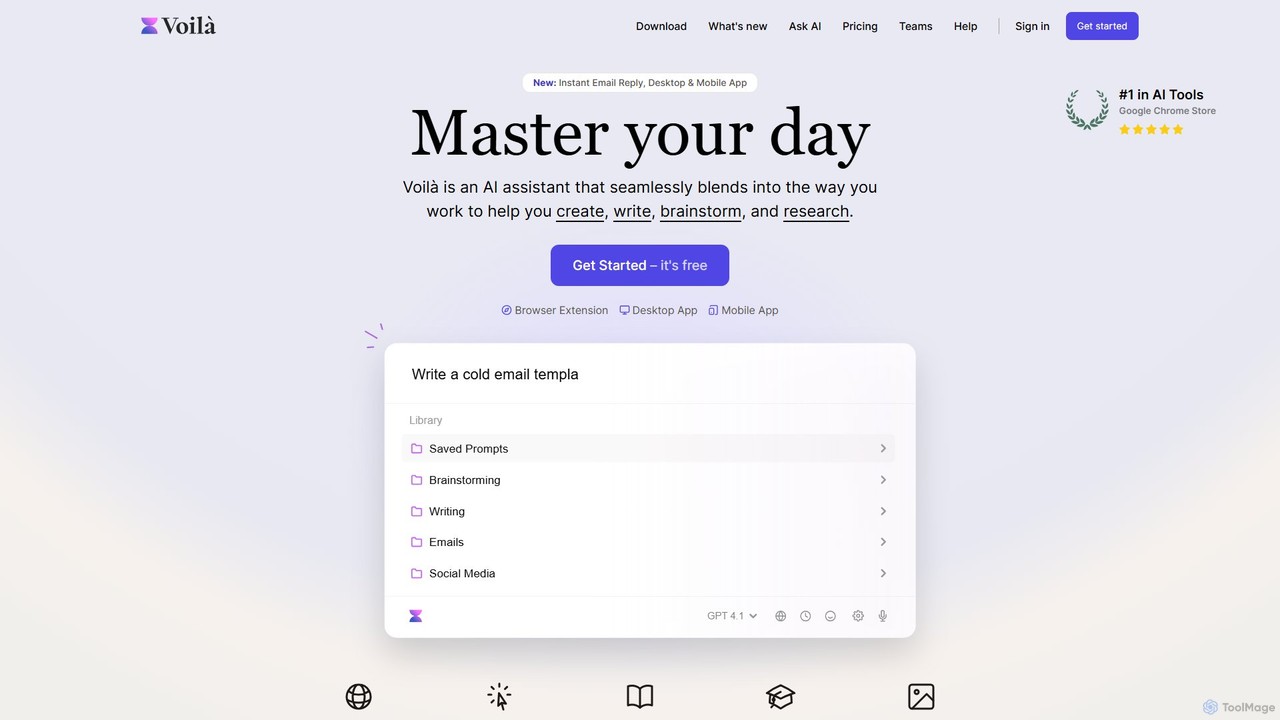
Voilà
Voilà is an all-in-one AI assistant designed to maximize productivity. It functions as a browser extension, desktop, and mobile app, seamlessly integrating into your workflow to help with writing, brainstorming, research, and content creation. It works on any website or app, understanding the context to provide relevant assistance.
Content Creation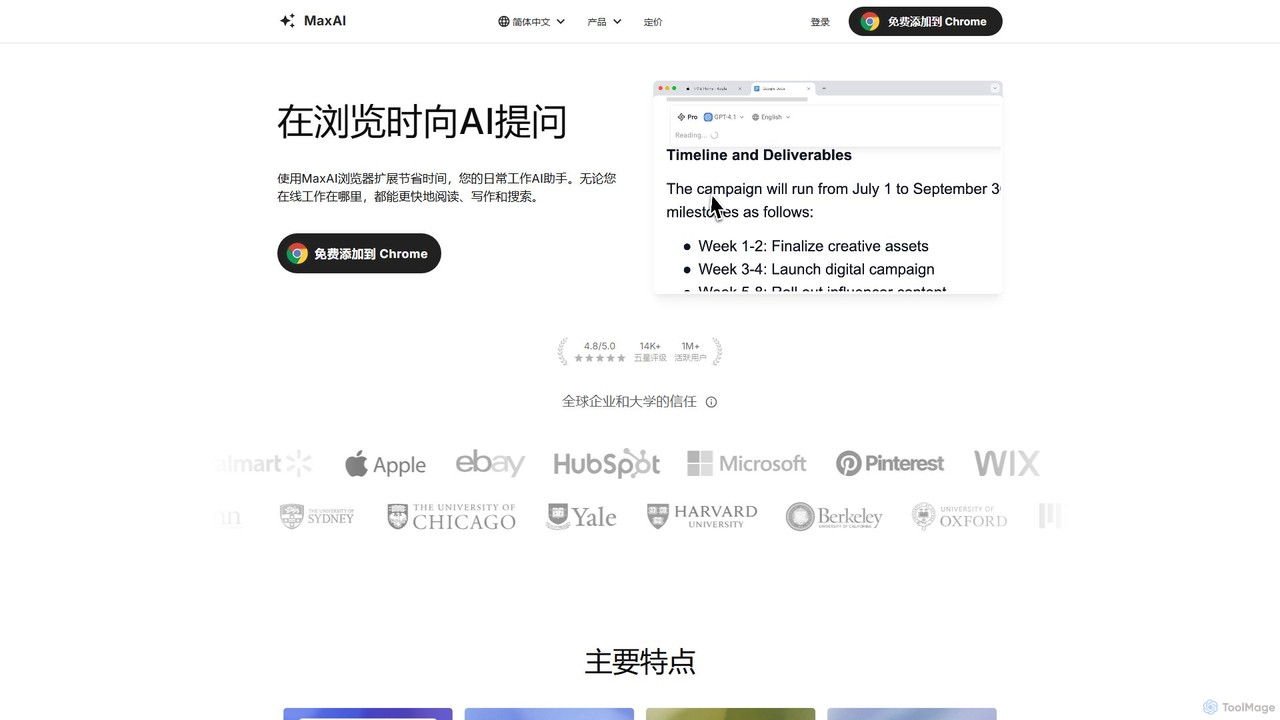
MaxAI
MaxAI is a powerful browser extension that acts as your all-in-one AI assistant. It integrates top AI models like GPT-4o and Claude 3.5 directly into your browser, allowing you to read, write, and research faster. Summarize web pages, improve your writing, translate text, and generate content with a single click, boosting your productivity across all your online activities.
Chrome Extensions
Viinyx
Viinyx is an all-in-one AI browser assistant designed to supercharge your productivity. Integrated directly into your browser, it helps you write faster, read smarter, and research more efficiently. Summarize articles and videos, compose emails, and get contextual AI help on any webpage.
Summarizer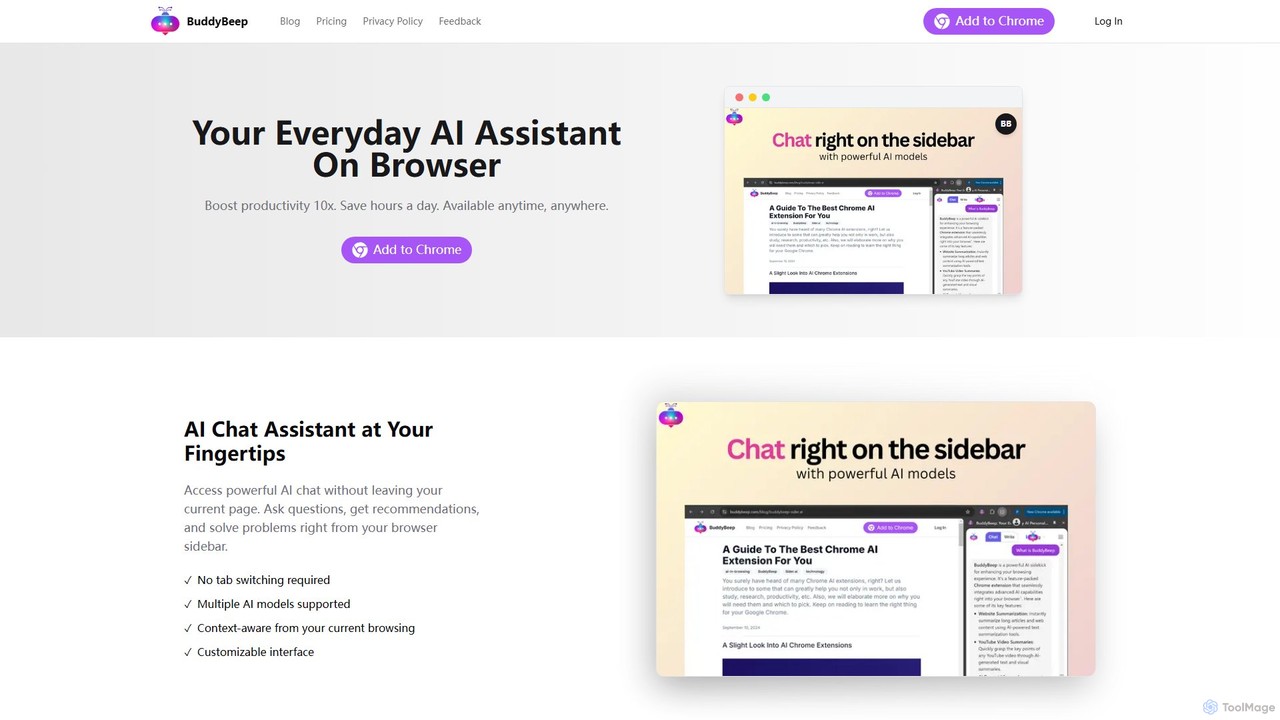
BuddyBeep
BuddyBeep is an AI-powered Chrome extension that acts as your personal browsing assistant. It boosts productivity by offering an in-page AI chat, one-click summarization for articles and YouTube videos, and a smart knowledge repository to build your "second brain". Capture, organize, and retrieve information effortlessly without switching tabs, transforming your browsing into a more efficient and insightful experience.
Browser Extension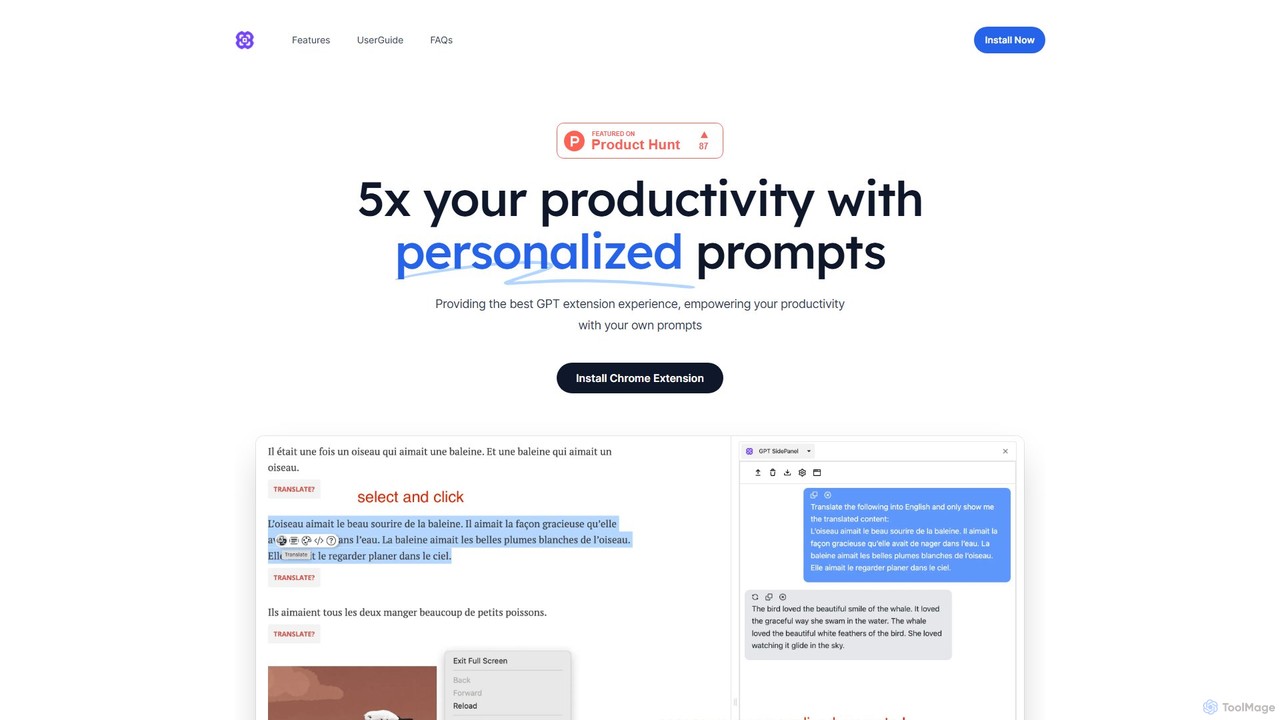
GPTSidePanel
GPTSidePanel is a powerful AI browser extension that integrates a GPT-powered sidebar into your browsing experience. Boost your productivity by summarizing articles, translating text, polishing writing, and using custom prompts directly on any webpage. Eliminate tab-switching and keep your workflow seamless with this intuitive AI assistant.
Browser Extension
Sider
Sider is a powerful AI copilot integrated into your browser sidebar. It brings ChatGPT, GPT-4, Claude 3, and Gemini to any webpage, allowing you to seamlessly summarize content, enhance your writing, explain complex topics, and chat with documents or videos. It streamlines your workflow by eliminating the need to switch between tabs, boosting your overall productivity and creativity.
LearningZ.ai
Z.ai is a powerful, free AI assistant powered by the advanced GLM-4.5 model. It's more than just a chatbot, offering a suite of integrated tools for coding, creating presentations, designing, and conducting research. Z.ai aims to be an all-in-one productivity platform, streamlining complex tasks through a simple conversational interface.
Code Assistant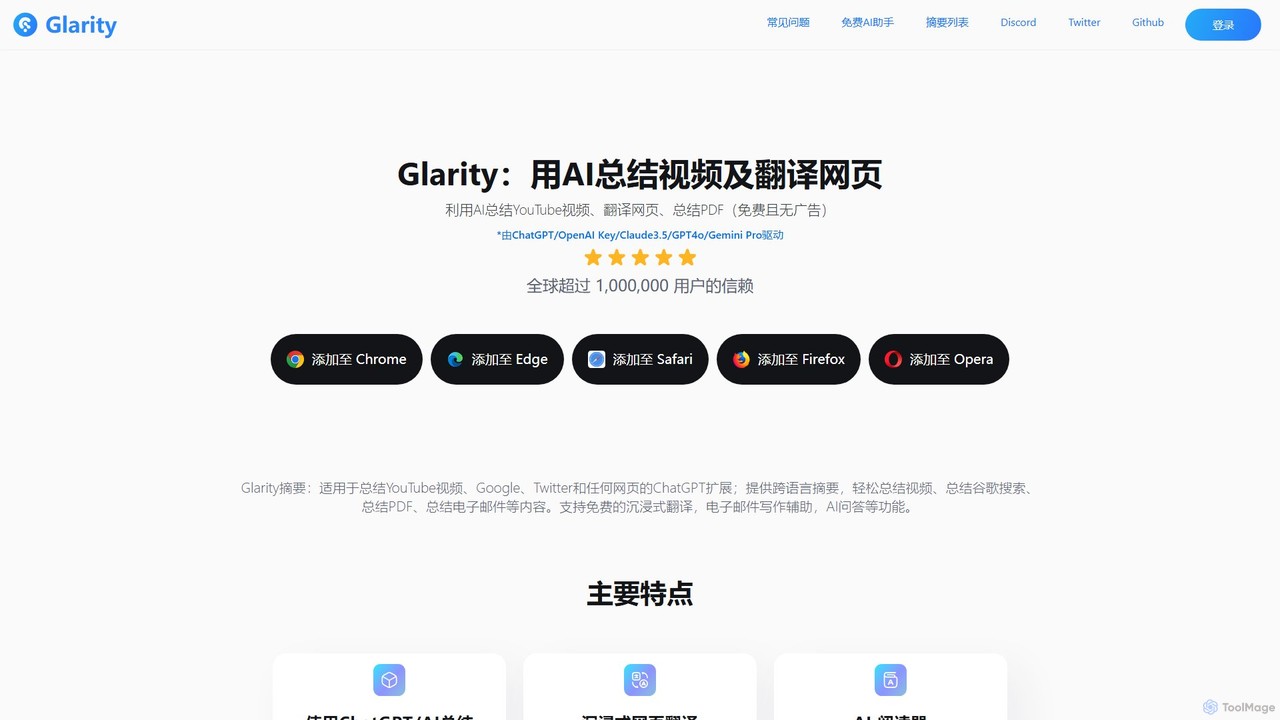
Glarity
Glarity is a powerful AI browser extension that summarizes YouTube videos, Google searches, webpages, and PDFs. It also offers immersive webpage translation, AI-powered reading and writing assistance, and direct chat with documents. Powered by leading models like ChatGPT, Claude 3.5, and Gemini, it's a comprehensive tool for enhancing productivity and overcoming language barriers.
Research
Glimpse Comments (0)
Sign in to comment.
Sign inNo comments yet.