

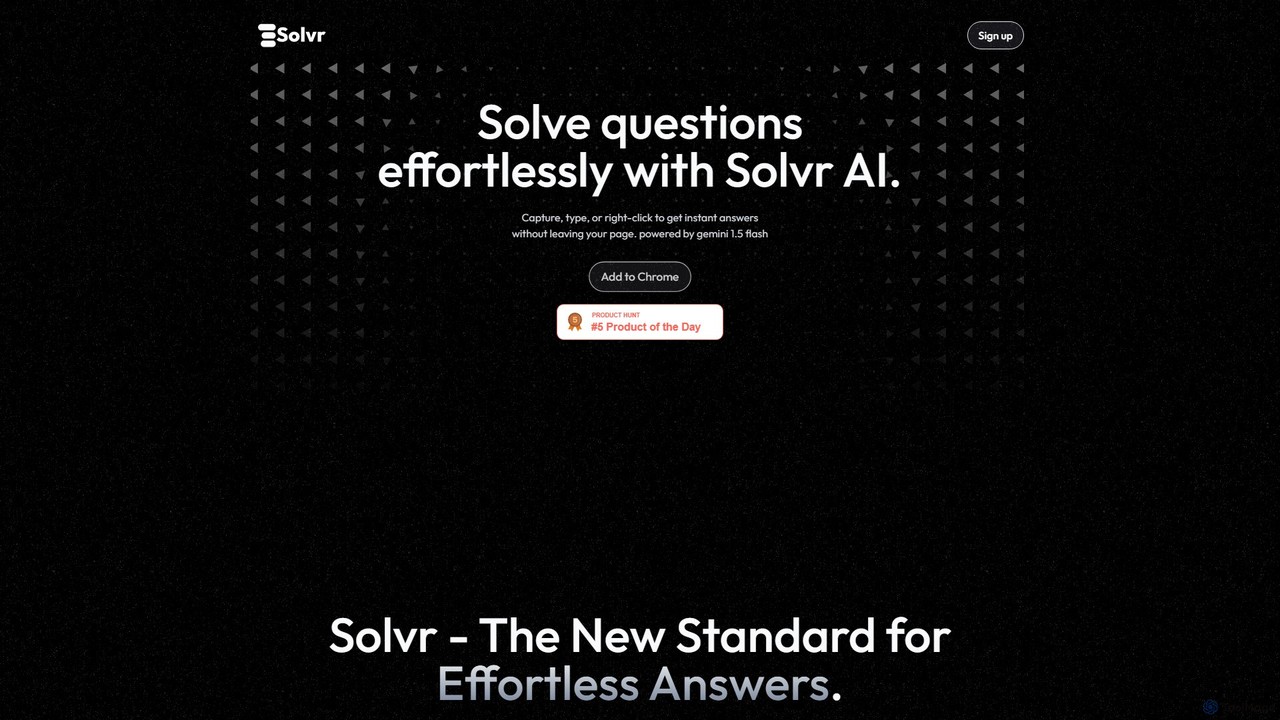
Solvr Overview
Solvr introduces a new standard for effortless problem-solving and information retrieval directly within your browser. It is an intelligent Chrome extension designed to eliminate the cumbersome process of switching tabs, copying, and pasting to find answers. Powered by Google's advanced Gemini 1.5 Flash model, Solvr provides instant, accurate, and well-structured solutions to your queries, whether they originate from text, images, or even PDFs.
The core philosophy behind Solvr is to integrate seamlessly into your workflow, making it an indispensable tool for students, researchers, and professionals alike. Instead of breaking your focus to search for information, Solvr brings the answers directly to you, presented in a clean and easy-to-understand format. This enhances productivity and deepens comprehension by providing contextual information exactly when and where you need it.
How to use Solvr
Using Solvr is designed to be intuitive and fast, integrating directly into your natural browsing habits. There are two primary methods to get answers:
- Capture & Solve: This mode is perfect for visual content, complex diagrams, charts, or text within images and PDFs. Simply activate the capture tool, select the area of the screen containing your question, and Solvr's AI will analyze the screenshot and provide a detailed solution in moments.
- Highlight & Solve: For text-based questions, this method is even faster. Highlight any word, phrase, or paragraph on a webpage, right-click, and select "Solve with Solvr" from the context menu. The AI will process the selected text and deliver a relevant answer or explanation instantly.
Core Features of Solvr
- Instant AI-Powered Answers: Leverages the speed and intelligence of Gemini 1.5 Flash to provide quick and accurate responses.
- Seamless Browser Integration: Operates as a Chrome extension, allowing you to get answers without ever leaving your current tab or disrupting your workflow.
- Screenshot-to-Solution (Capture & Solve): Ask questions about anything on your screen, including images, graphs, and non-selectable text, by simply taking a screenshot.
- Text Highlight Functionality (Highlight & Solve): Get definitions, explanations, or summaries by highlighting text and using the right-click context menu.
- PDF Content Analysis: Effortlessly solve problems or extract information from PDF documents by using the 'Capture & Solve' feature on the document viewer.
- Sleek and Structured Results: All answers are presented in a clean, visually appealing, and well-organized format, making them easy to read and understand at a glance.
Use Cases for Solvr
Solvr is a versatile tool suitable for a wide range of users:
- Students: Quickly solve math problems, understand scientific diagrams, get summaries of historical articles, or define complex terminology while studying online or reviewing PDF textbooks.
- Researchers: Efficiently extract key data points from charts, summarize academic papers, and get explanations for technical jargon without breaking their research flow.
- Professionals: Decode error messages in code, understand business reports, get quick summaries of news articles, or clarify concepts during online meetings.
- Everyday Users: Solve puzzles, understand infographics, or quickly look up information on any topic encountered while browsing the web.
Advantages of Solvr
The primary advantage of Solvr is its remarkable efficiency and convenience. By eliminating the need for context switching, it saves valuable time and mental energy. Its dual-mode functionality makes it incredibly versatile, capable of handling both text and visual queries with equal ease. The quality of the answers, powered by a state-of-the-art AI model and presented in a structured format, ensures a superior user experience compared to traditional search methods.
Pricing and Plans
Solvr operates on a freemium model. A free version is available for all users, which includes a generous number of queries per day, allowing you to experience the core functionalities. For users with more demanding needs, such as professionals, researchers, or power users, a premium plan is expected to be available, offering unlimited queries, potentially faster response times, and access to more advanced features. For the most up-to-date pricing information, please visit the official Solvr website.
Solvr Alternatives

unijump
UniJump is a free, open-source browser extension that provides quick access to ChatGPT on any website. Improve your writing, get instant answers, and boost productivity without switching tabs. No sign-up required, ensuring a secure and seamless AI experience.
Research Assistant
Sider
Sider is a powerful AI copilot integrated into your browser sidebar. It brings ChatGPT, GPT-4, Claude 3, and Gemini to any webpage, allowing you to seamlessly summarize content, enhance your writing, explain complex topics, and chat with documents or videos. It streamlines your workflow by eliminating the need to switch between tabs, boosting your overall productivity and creativity.
Learning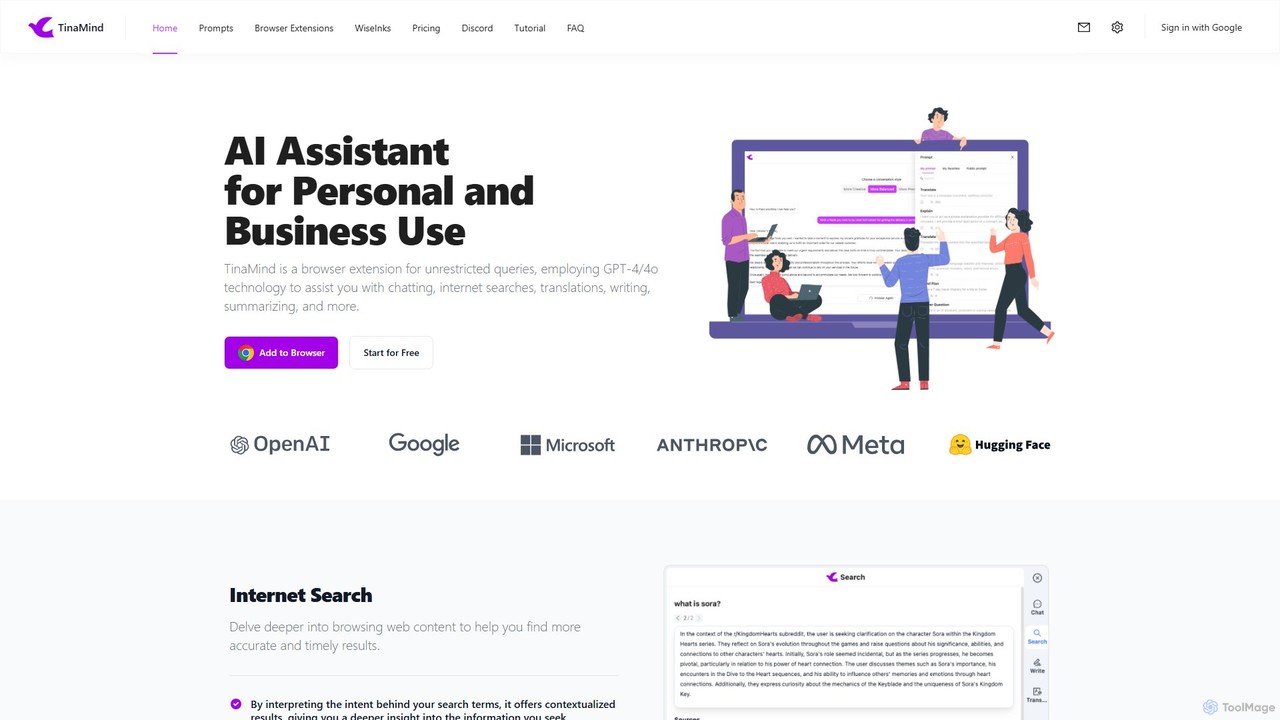
TinaMind
TinaMind is an AI-powered browser extension that enhances your productivity with GPT-4/4o. It acts as an all-in-one assistant for intelligent web search, document and YouTube summarization, content writing, high-quality translation, and efficient prompt management. Seamlessly integrated into your browser, it streamlines your workflow for both personal and business use.
Browser Extension
Viinyx
Viinyx is an all-in-one AI browser assistant designed to supercharge your productivity. Integrated directly into your browser, it helps you write faster, read smarter, and research more efficiently. Summarize articles and videos, compose emails, and get contextual AI help on any webpage.
Summarizer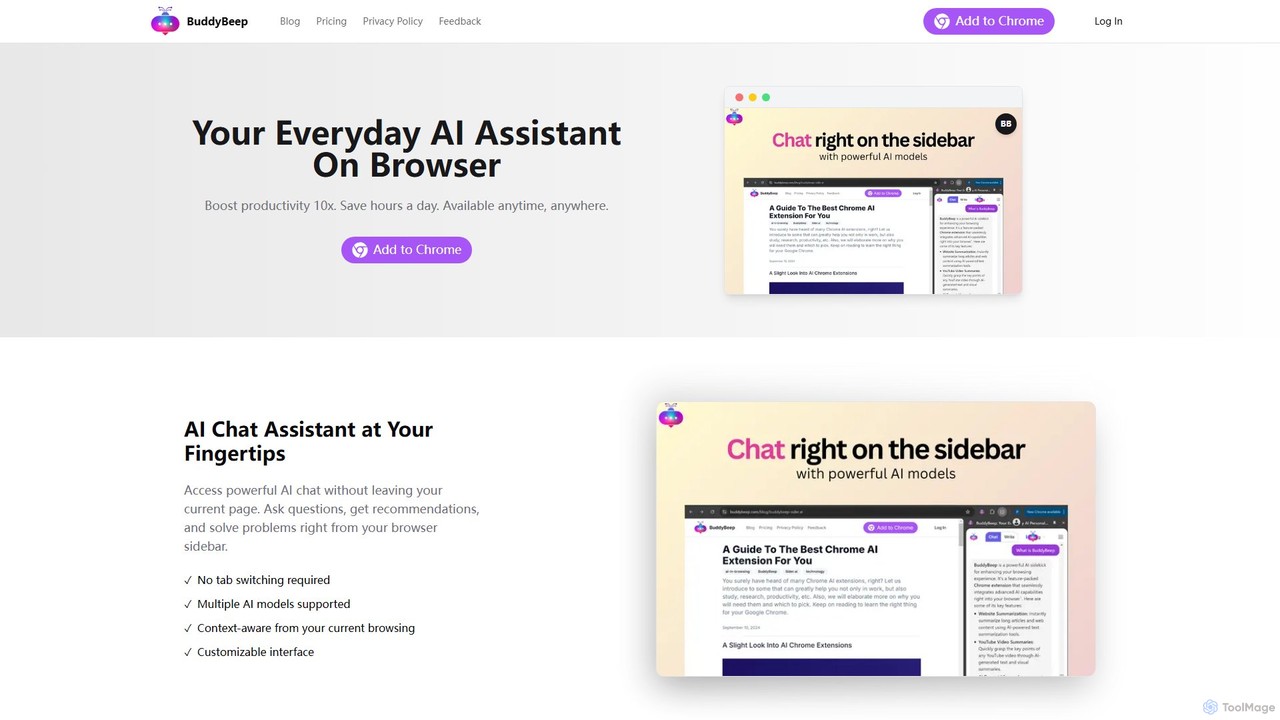
BuddyBeep
BuddyBeep is an AI-powered Chrome extension that acts as your personal browsing assistant. It boosts productivity by offering an in-page AI chat, one-click summarization for articles and YouTube videos, and a smart knowledge repository to build your "second brain". Capture, organize, and retrieve information effortlessly without switching tabs, transforming your browsing into a more efficient and insightful experience.
Browser ExtensionSolvr Categories
Solvr Embed Widget
Copy this embed code to place the badge on your blog, article, or product site and send readers directly to this ToolMage detail page.

Related AI tools
Sider
Sider is a powerful AI copilot integrated into your browser sidebar. It brings ChatGPT, GPT-4, Claude 3, and Gemini to any webpage, allowing you to seamlessly summarize content, enhance your writing, explain complex topics, and chat with documents or videos. It streamlines your workflow by eliminating the need to switch between tabs, boosting your overall productivity and creativity.
Learning
Monica
Monica is an all-in-one AI assistant powered by leading models like GPT-4o, Claude 3.7, and Gemini 1.5. It integrates seamlessly into your workflow as a browser extension, desktop, and mobile app, offering features for chat, search, writing, translation, and image creation to boost productivity.
Chrome Extensions
getmerlin
getmerlin is a versatile AI assistant powered by top models like GPT-4o and Claude 3.5. Available as a browser extension and app, it integrates seamlessly into your workflow to summarize content, draft emails, generate text and images, and enhance research on any website. It acts as an all-in-one productivity tool, saving time and money by consolidating multiple AI services into a single subscription.
Chrome Extensions
MaxAI
MaxAI is a powerful browser extension that acts as your all-in-one AI assistant. It integrates top AI models like GPT-4o and Claude 3.5 directly into your browser, allowing you to read, write, and research faster. Summarize web pages, improve your writing, translate text, and generate content with a single click, boosting your productivity across all your online activities.
Chrome ExtensionsTinaMind
TinaMind is an AI-powered browser extension that enhances your productivity with GPT-4/4o. It acts as an all-in-one assistant for intelligent web search, document and YouTube summarization, content writing, high-quality translation, and efficient prompt management. Seamlessly integrated into your browser, it streamlines your workflow for both personal and business use.
Browser ExtensionViinyx
Viinyx is an all-in-one AI browser assistant designed to supercharge your productivity. Integrated directly into your browser, it helps you write faster, read smarter, and research more efficiently. Summarize articles and videos, compose emails, and get contextual AI help on any webpage.
SummarizerBuddyBeep
BuddyBeep is an AI-powered Chrome extension that acts as your personal browsing assistant. It boosts productivity by offering an in-page AI chat, one-click summarization for articles and YouTube videos, and a smart knowledge repository to build your "second brain". Capture, organize, and retrieve information effortlessly without switching tabs, transforming your browsing into a more efficient and insightful experience.
Browser Extension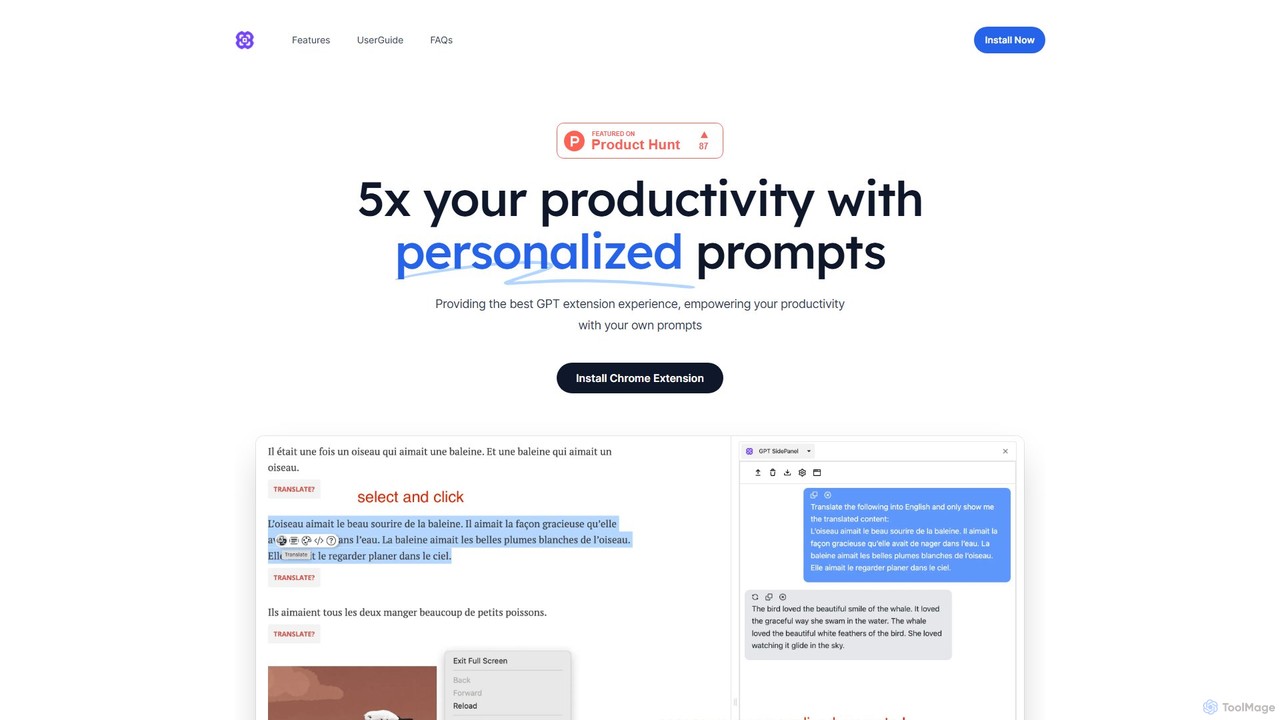
GPTSidePanel
GPTSidePanel is a powerful AI browser extension that integrates a GPT-powered sidebar into your browsing experience. Boost your productivity by summarizing articles, translating text, polishing writing, and using custom prompts directly on any webpage. Eliminate tab-switching and keep your workflow seamless with this intuitive AI assistant.
Browser Extension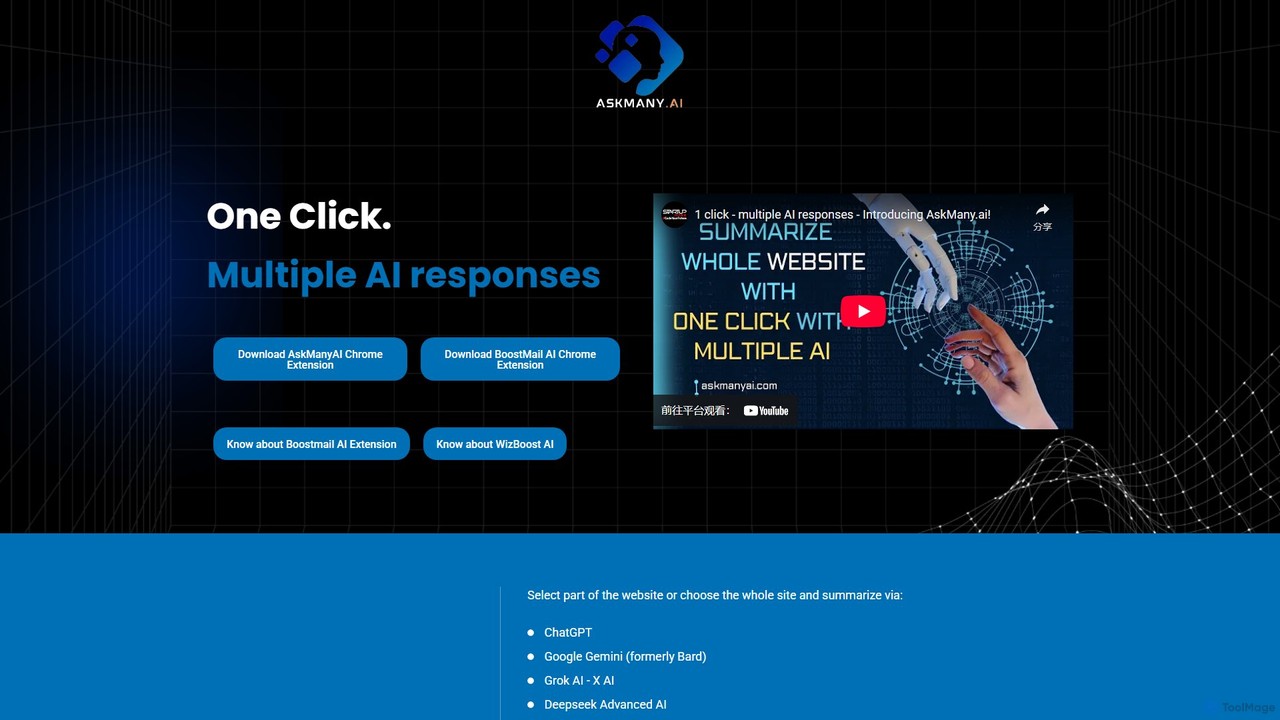
Askmany
Askmany is a powerful Chrome extension that allows you to query multiple AI models like ChatGPT, Gemini, and Grok with a single click. Instantly summarize web pages, compare AI responses for accuracy, and boost your productivity. It also offers specialized email AI assistants, BoostMailAI for Gmail and WizBoostAI for MailWizz, to enhance your email marketing campaigns.
Code Assistant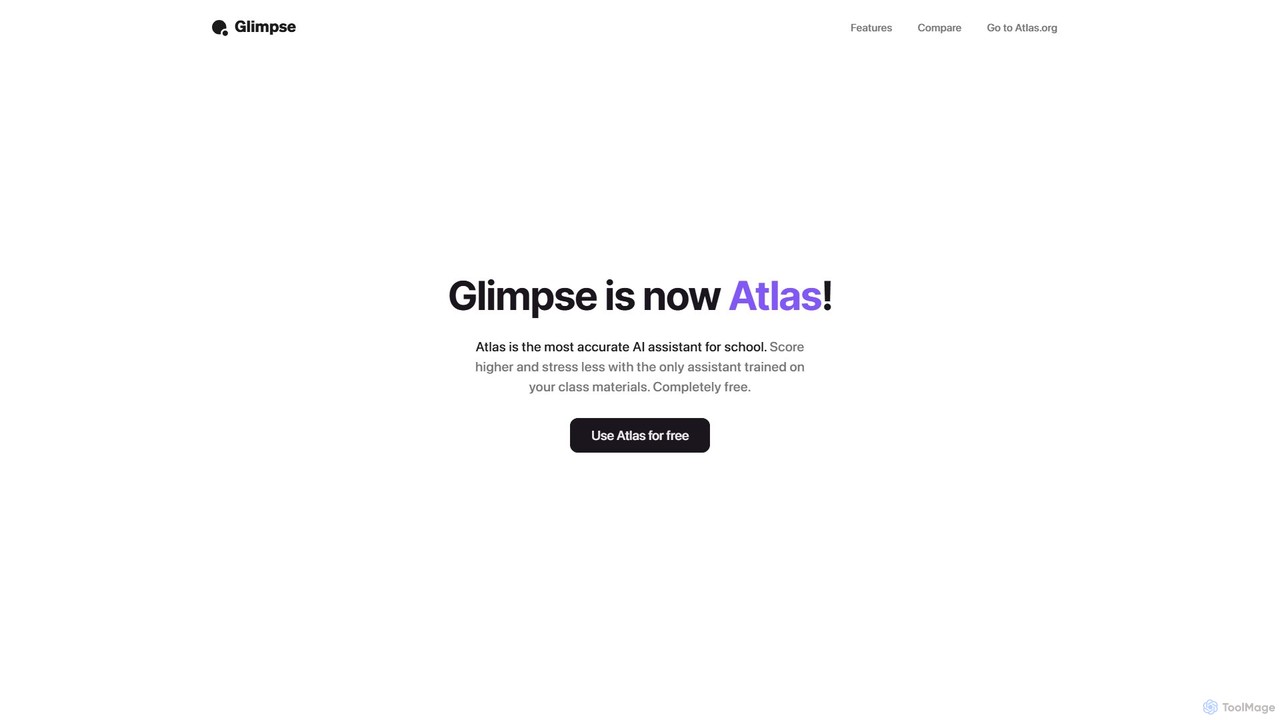
Glimpse
Glimpse is an intelligent AI browser extension designed to make web browsing smarter. It offers contextual chat with any website and an aggregated search engine for direct answers. Note: Glimpse has now evolved into Atlas, a free AI assistant specifically for students.
Research Assistant
askone.ai
askone.ai is an AI-powered browser extension that seamlessly integrates Large Language Models (LLMs) into your web browsing. It acts as a versatile assistant, allowing you to instantly summarize articles, extract keywords, translate text, generate questions, and engage in contextual chats directly on any webpage. With flexible options to use your own API keys or its unified service, askone.ai enhances productivity and comprehension by putting the power of AI at your fingertips.
Research
Sider
Sider is an all-in-one AI assistant integrated as a browser sidebar and cross-platform app. It combines chat with models like GPT-4 and Claude 3.5, a powerful "Deep Research" agent, a personal knowledge base called "Wisebase," and a suite of tools for summarizing, translating, writing, and image editing to enhance productivity and learning.
Assistant
HARPA AI
HARPA AI is an all-in-one AI browser agent that integrates ChatGPT, Claude, Gemini, and more directly into your browser. It automates web tasks, summarizes content, drafts emails, extracts data, and enhances productivity with over 100 pre-built, page-aware commands. It functions as a versatile copilot for browsing, research, and automation.
Automation
Glarity
Glarity is a powerful AI browser extension that summarizes YouTube videos, Google searches, webpages, and PDFs. It also offers immersive webpage translation, AI-powered reading and writing assistance, and direct chat with documents. Powered by leading models like ChatGPT, Claude 3.5, and Gemini, it's a comprehensive tool for enhancing productivity and overcoming language barriers.
Research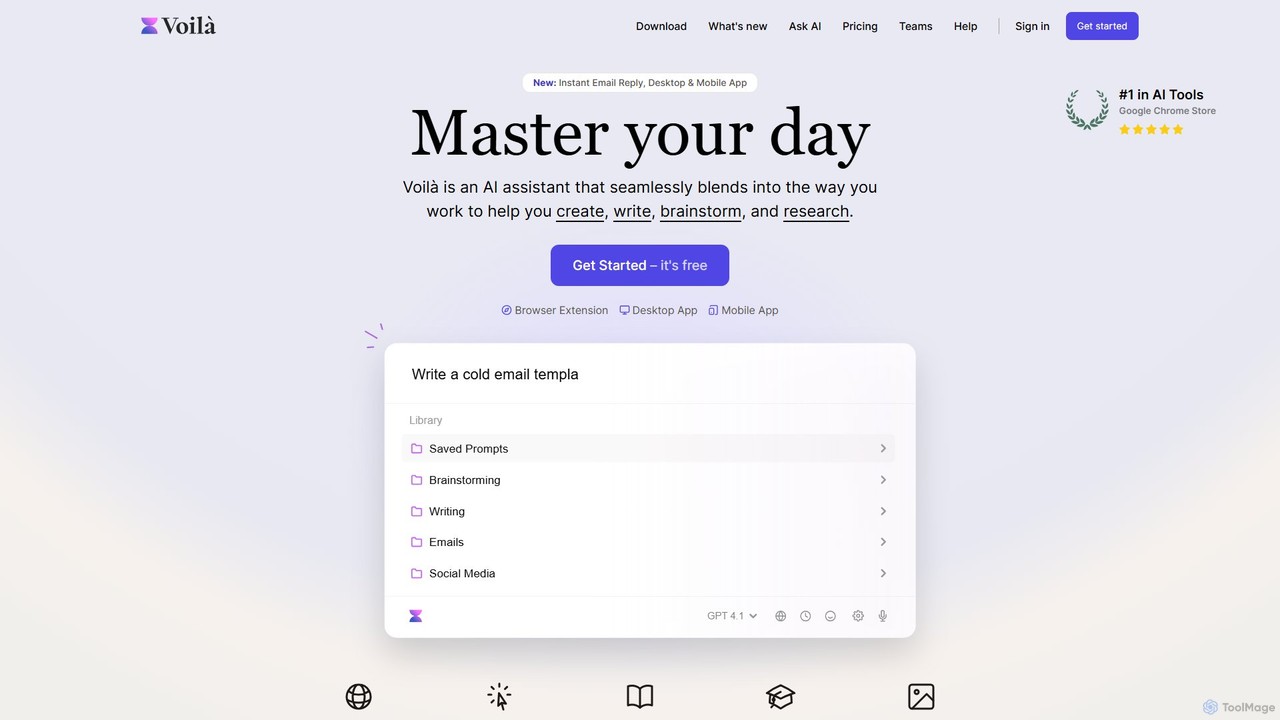
Voilà
Voilà is an all-in-one AI assistant designed to maximize productivity. It functions as a browser extension, desktop, and mobile app, seamlessly integrating into your workflow to help with writing, brainstorming, research, and content creation. It works on any website or app, understanding the context to provide relevant assistance.
Content Creation
Solvr Comments (0)
Sign in to comment.
Sign inNo comments yet.