


eyeballer Overview
eyeballer provides U-Eyes, a comprehensive and user-friendly mobile device simulator designed as a Chrome extension. It is an indispensable tool for web developers, UI/UX designers, and QA testers who need to ensure their websites deliver a flawless experience on any mobile device. U-Eyes eliminates the need for expensive physical devices or resource-heavy emulators by integrating a powerful testing and visualization suite directly into your browser. With just a few clicks, you can see your website from your users' perspective, identify and fix responsive design issues, and create professional presentations effortlessly.
The extension is built for efficiency and simplicity. Its intuitive interface allows users to quickly switch between a vast library of popular mobile devices, including various models of iPhones, iPads, Samsung Galaxy, Google Pixel, and more. Whether you're performing a quick check or a detailed UI audit, U-Eyes provides the necessary tools to streamline your workflow and improve productivity.
How to use eyeballer
Getting started with eyeballer's U-Eyes extension is straightforward:
- Install the U-Eyes extension from the Chrome Web Store and pin it to your toolbar for easy access.
- Navigate to the website or web application you wish to test.
- Click the U-Eyes icon to activate the simulation environment.
- The control panel will appear. Click the device info panel at the top to open the device list and select your target device.
- Choose your preferred working mode: Manual Mode for precise, on-demand actions or Automatic Mode for batch processing.
- In Manual Mode, use the dedicated buttons to:
- Take a Screenshot: Captures the visible content without the device frame.
- Take a Device Shot: Captures the content along with the selected device's frame for a realistic mockup.
- Take a Full-Page Shot: Captures the entire scrollable length of the page.
- Start a Screencast: Records your interactions within the simulated device and saves it as a GIF.
- In Automatic Mode, simply paste a list of URLs, select the desired action (e.g., Device Shot), and let the extension automatically capture them for you.
- All generated files are saved locally to your computer for immediate use.
Core Features of eyeballer
- Extensive Device Library: Simulate dozens of popular mobile and tablet devices with accurate screen resolutions and user agents.
- Versatile Capture Options: Includes standard screenshots, device-framed mockups, full-page captures, and screen recording to GIF.
- Manual and Automatic Modes: Offers precise control for individual tests and hands-free automation for repetitive regression testing across multiple URLs.
- Customizable Settings: Adjust the delay before capturing a shot to allow animations to complete, and configure the playback speed of screencast GIFs.
- Client-Side Processing: All operations are performed locally in your browser, ensuring your data remains private and secure. No data is transmitted to external servers.
- Free High-Quality Mockups: In addition to the extension's features, eyeballer provides a separate library of downloadable high-resolution PNG device mockups for non-commercial projects.
- Lightweight and Fast: Runs efficiently as a browser extension without consuming the significant memory and CPU resources required by traditional emulators.
Use Cases for eyeballer
eyeballer is a versatile tool suitable for various professional scenarios:
- Responsive Web Development: Developers can instantly check how their code renders on different devices, catching layout bugs early in the development cycle.
- UI/UX Design and Review: Designers can preview their designs in a realistic context, test user flows, and create high-fidelity mockups for presentations.
- Quality Assurance Testing: QA engineers can use the tool to perform manual or automated visual regression tests, documenting defects with clear, device-framed screenshots.
- Client Presentations and Demos: Create compelling demonstrations and project updates by showcasing the website's mobile functionality with screencasts and professional-looking mockups.
- Marketing and Portfolio Building: Generate polished visuals of websites and applications within device frames for use in marketing materials, case studies, and personal portfolios.
Advantages of eyeballer
The primary advantage of eyeballer is its combination of power, simplicity, and cost-effectiveness. It is completely free to use, making professional-grade responsive testing accessible to everyone. By operating as a lightweight browser extension, it integrates seamlessly into existing workflows, saving significant time and effort compared to clunky standalone applications. The focus on local data processing provides a crucial layer of security and privacy. Finally, the inclusion of both manual and automated modes makes it adaptable to both quick spot-checks and large-scale, routine testing.
Pricing and Plans
eyeballer and its U-Eyes extension are completely free to use. The tool provides all its features, including device simulation, screenshots, screencasts, and automated testing, without any cost or hidden fees. The high-quality device mockups available on the website are also free for non-commercial use.
Traffic
Latest traffic
Status
Monthly traffic trend
- 2025-9: 19.5K
- 2026-1: 22.6K
- 2026-2: 12.2K
- 2026-3: 13.0K
- 2026-4: 16.2K
- 2026-5: 16.2K
Geography
Top 5 countries / regions
- 🇳🇬Nigeria31.4%
- 🇰🇭Cambodia26.1%
- 🇻🇳Vietnam18.7%
- 🇧🇷Brazil12.8%
- 🇮🇩Indonesia11.0%
Top keywords
| Keyword | Cost per click |
|---|---|
| mobile simulator | $0.73 |
| mobile simulator chrome extension | $0.00 |
| mobile simulator extension | $3.47 |
| mobile view extension | $0.00 |
| smartphone simulator chrome extension | $0.00 |
eyeballer Alternatives
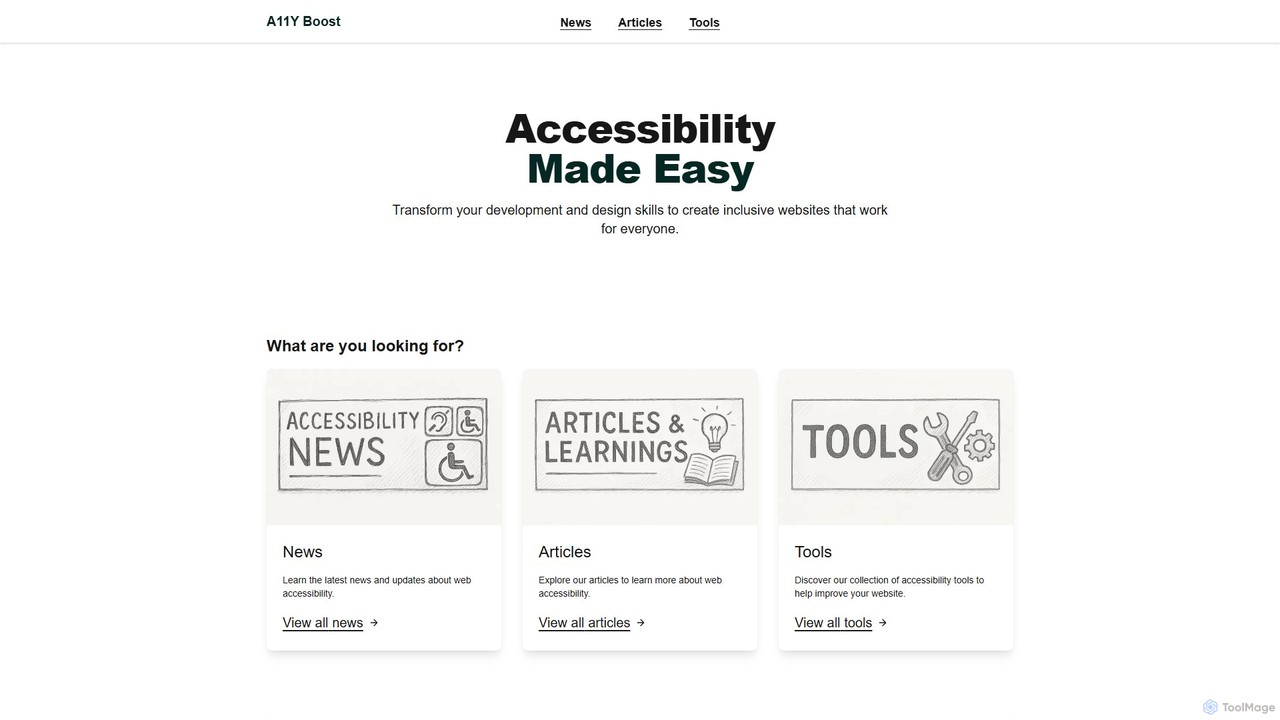
a11yboost
A comprehensive web accessibility platform offering free tools, articles, and news to help developers and designers create inclusive websites. Features a Heading Checker via Chrome Extension and web portal to simplify WCAG compliance and improve user experience for everyone.
Web Development
Full Page Screenshot
A reliable Chrome browser extension for capturing flawless full-page screenshots. It intelligently handles complex, modern websites with dynamic content, infinite scrolling, and sticky elements. Features include precise element selection, cloud storage, and multiple export formats.
Web Design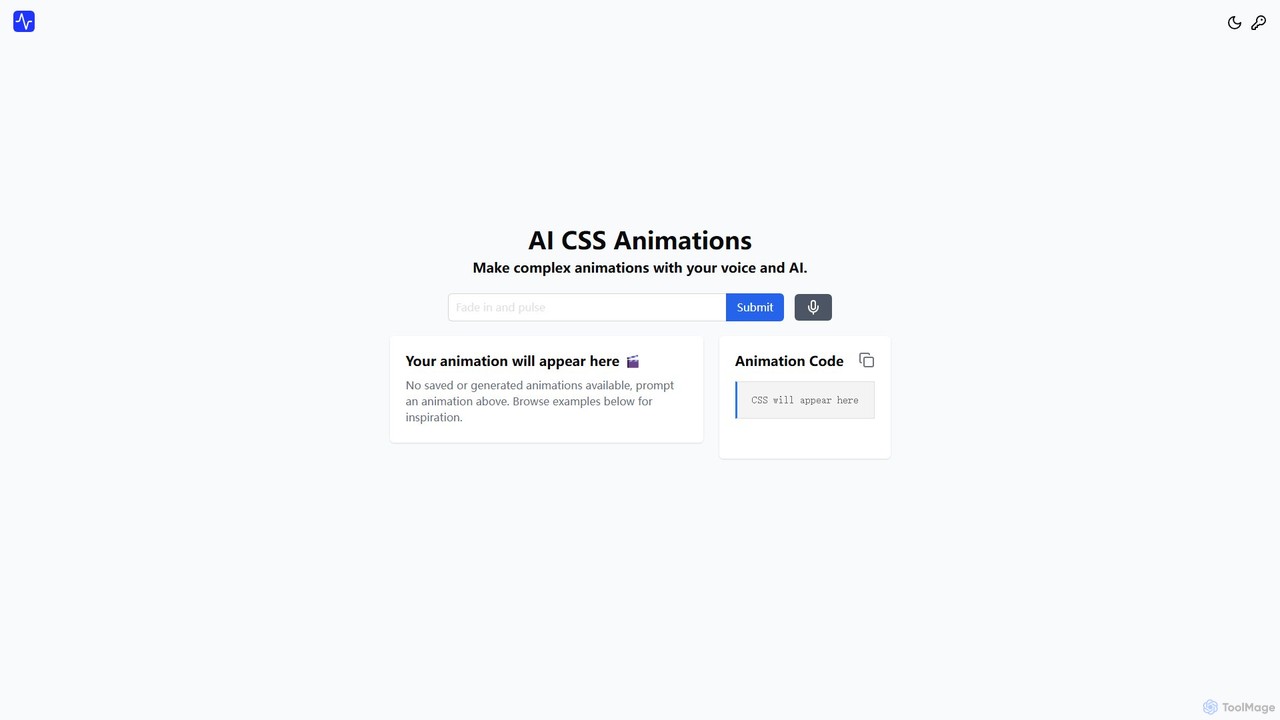
aicssanimations
An AI-powered tool that allows developers and designers to generate complex CSS keyframe animations from simple text prompts. It features a real-time preview editor, a one-click code copy, and an extensive directory of ready-to-use animations, dramatically speeding up the front-end development workflow.
Animation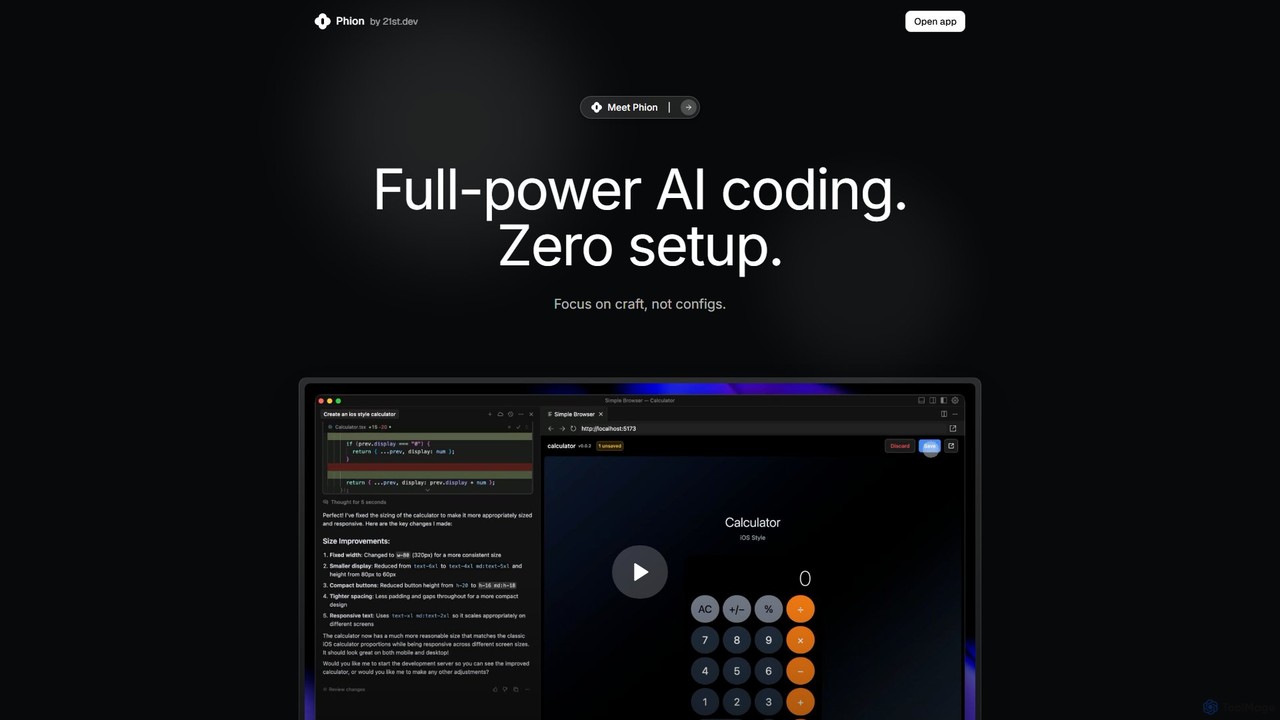
Phion
Phion is an AI-powered coding environment designed to eliminate setup and configuration. It offers a zero-setup workspace, instant deployment on save, and an AI assistant to automatically fix bugs. Integrated with the Cursor editor, it streamlines the entire development workflow from idea to live website.
Code Assistant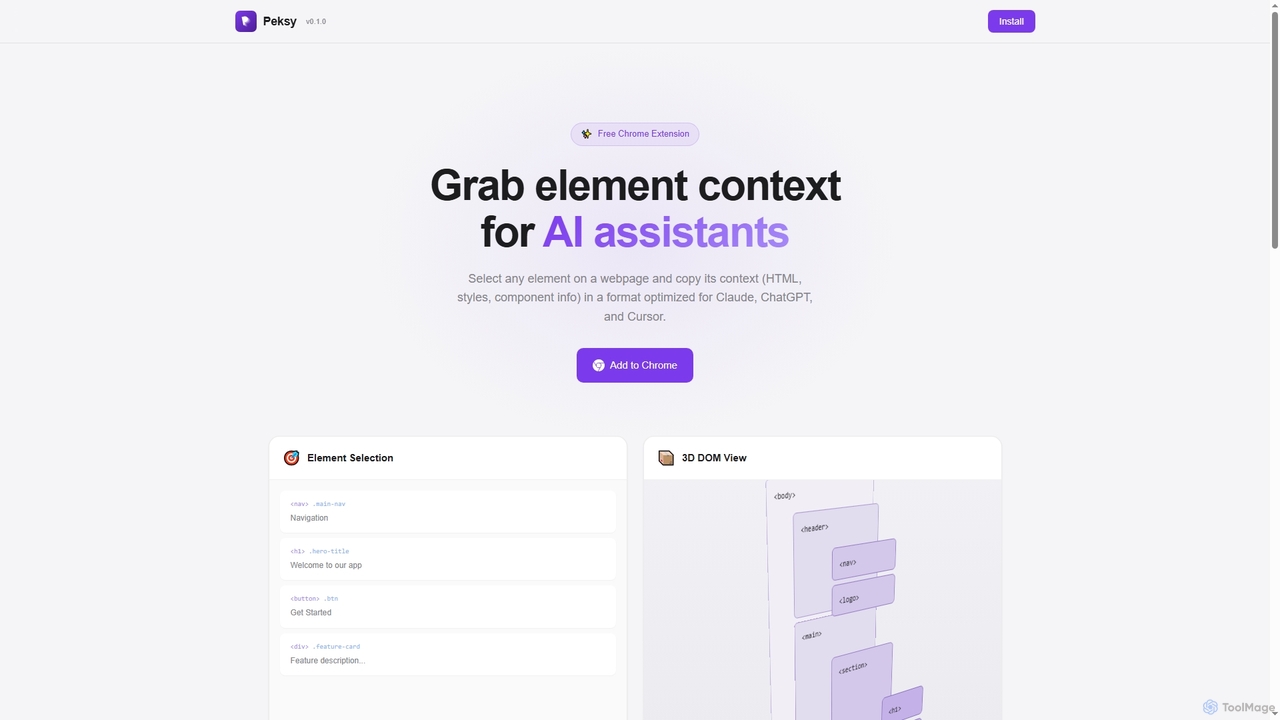
Peksy
Peksy is a free Chrome extension for developers. It lets you select any web element and instantly copy its context—including HTML, CSS, and component info—in a Markdown format optimized for AI coding assistants like ChatGPT, Claude, and Cursor.
Chrome Extensionseyeballer Categories
eyeballer Embed Widget
Copy this embed code to place the badge on your blog, article, or product site and send readers directly to this ToolMage detail page.

Related AI tools
a11yboost
A comprehensive web accessibility platform offering free tools, articles, and news to help developers and designers create inclusive websites. Features a Heading Checker via Chrome Extension and web portal to simplify WCAG compliance and improve user experience for everyone.
Web DevelopmentFull Page Screenshot
A reliable Chrome browser extension for capturing flawless full-page screenshots. It intelligently handles complex, modern websites with dynamic content, infinite scrolling, and sticky elements. Features include precise element selection, cloud storage, and multiple export formats.
Web Design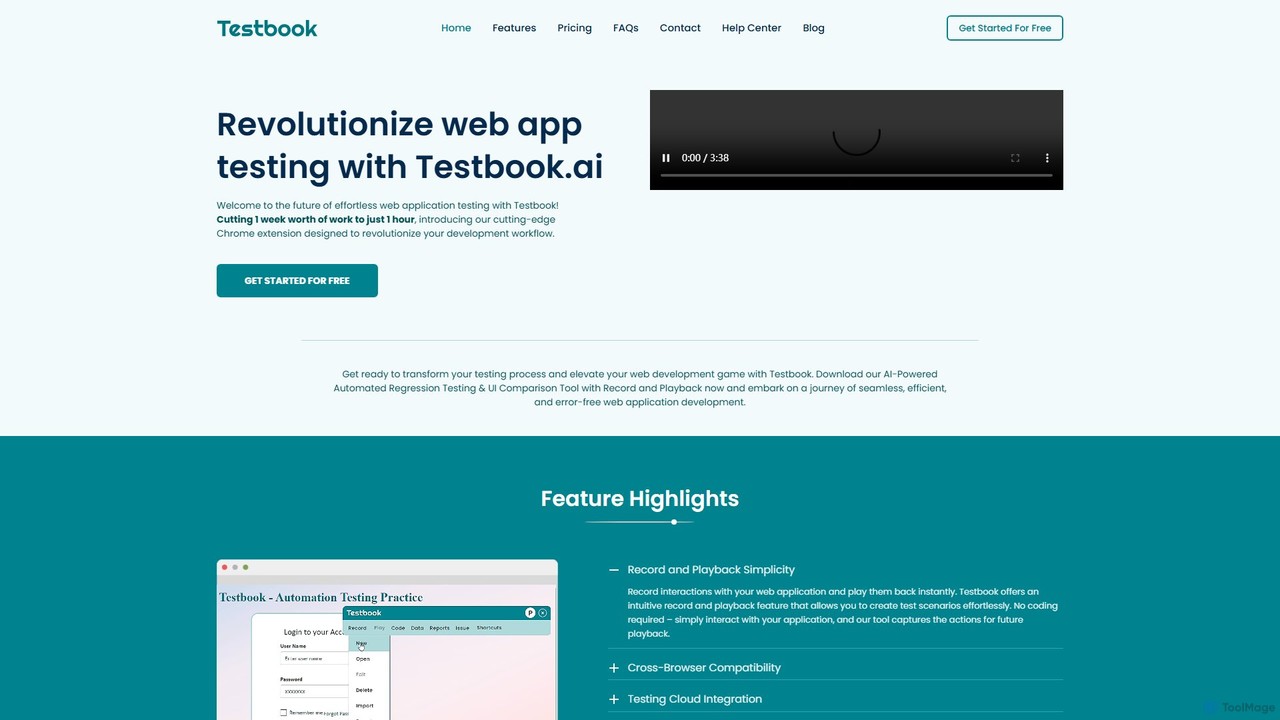
Testbook.ai
Testbook.ai is an AI-powered, no-code platform for automated web application testing. It uses a Chrome extension to record and playback user interactions, enabling rapid regression, UI, and cross-browser testing. Features include self-healing scripts, detailed reporting, and Jira integration to streamline development workflows.
Testing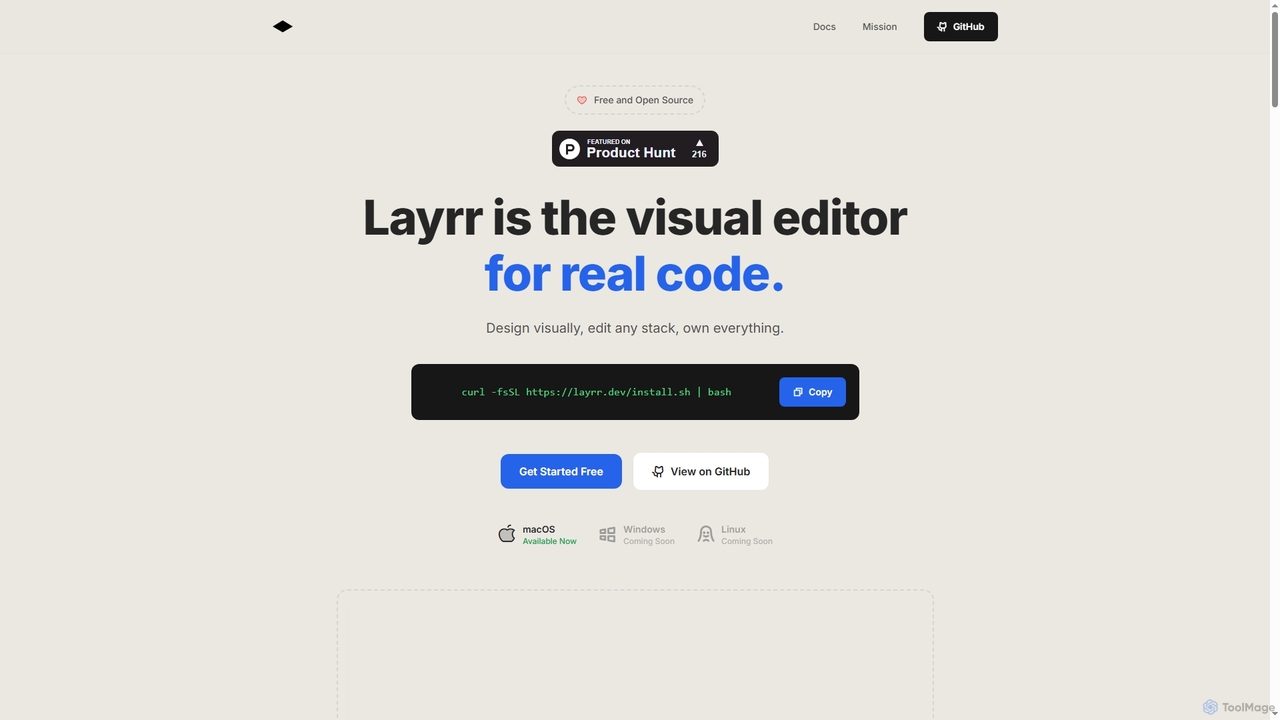
Layrr
Layrr is a free and open-source visual editor that allows developers and designers to create and edit real code directly. It combines the intuitive drag-and-drop interface of design tools like Figma with the flexibility and ownership of traditional coding, supporting any tech stack and leveraging AI for design-to-code conversion and natural language interface generation.
Code Generationaicssanimations
An AI-powered tool that allows developers and designers to generate complex CSS keyframe animations from simple text prompts. It features a real-time preview editor, a one-click code copy, and an extensive directory of ready-to-use animations, dramatically speeding up the front-end development workflow.
AnimationPhion
Phion is an AI-powered coding environment designed to eliminate setup and configuration. It offers a zero-setup workspace, instant deployment on save, and an AI assistant to automatically fix bugs. Integrated with the Cursor editor, it streamlines the entire development workflow from idea to live website.
Code AssistantPeksy
Peksy is a free Chrome extension for developers. It lets you select any web element and instantly copy its context—including HTML, CSS, and component info—in a Markdown format optimized for AI coding assistants like ChatGPT, Claude, and Cursor.
Chrome Extensions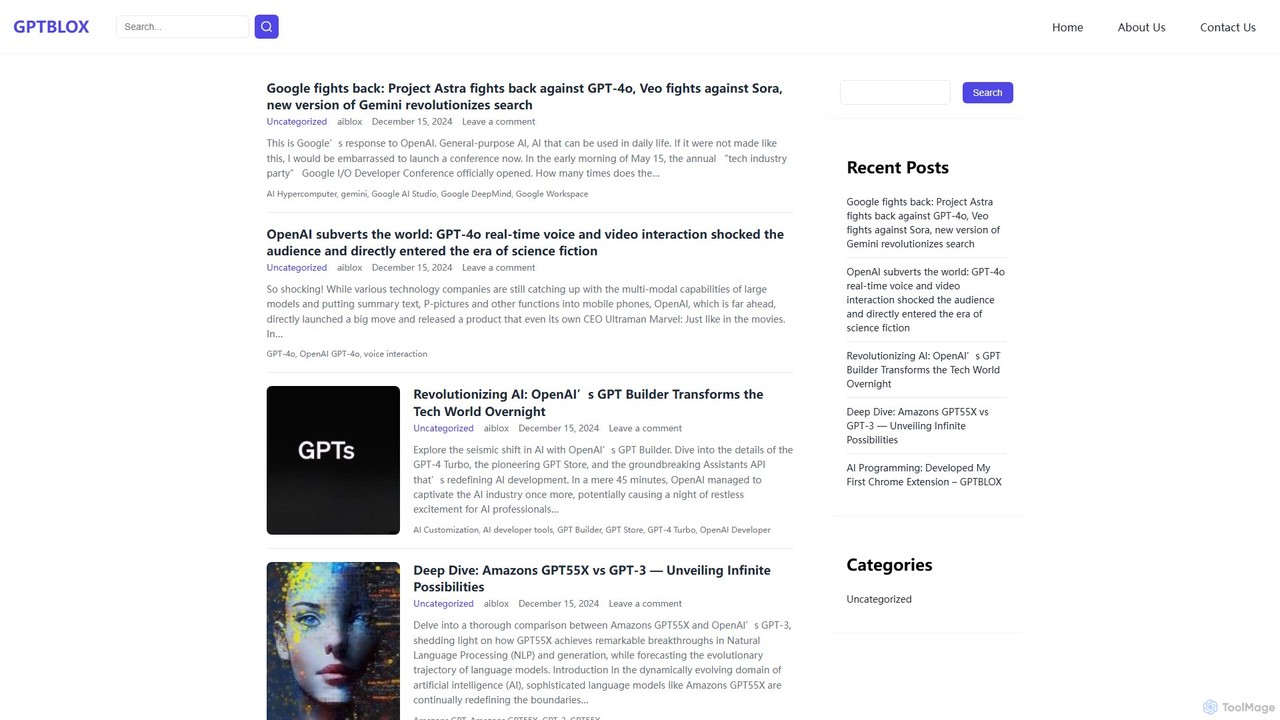
GPTBLOX
GPTBLOX is a productivity platform centered around its flagship Chrome extension, "ChatGPT Save Data." It enables users to easily save, manage, and export their ChatGPT conversations in multiple formats like PDF, TXT, HTML, and PNG. Designed for writers, developers, marketers, and students, it streamlines workflow and ensures valuable AI-generated insights are never lost.
Browser Extensions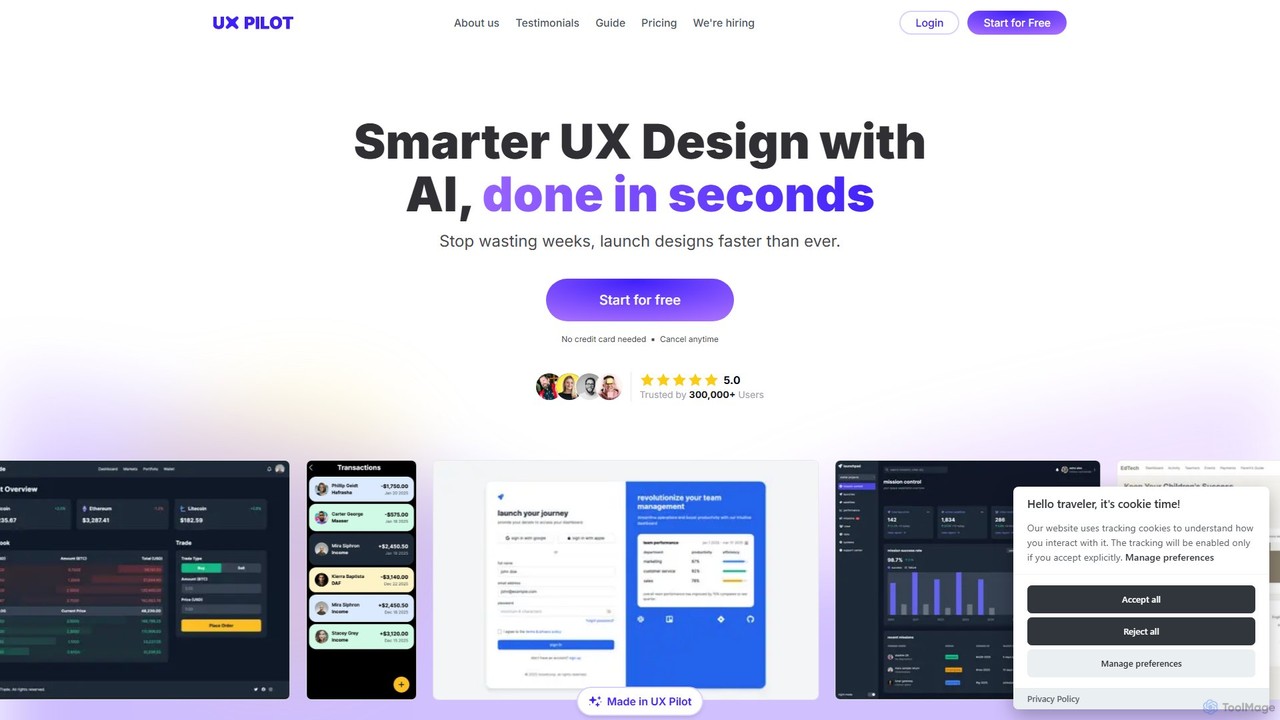
UX Pilot
UX Pilot is an AI-powered design platform that accelerates the UX/UI workflow. It enables designers, product teams, and founders to generate high-fidelity designs, wireframes, screen flows, and prototypes from simple text prompts in seconds. With deep Figma integration, it streamlines the entire process from ideation to handoff.
Ui Ux
Uizard
Uizard is an AI-powered UI design tool that empowers both designers and non-designers to create stunning websites, web apps, and mobile app mockups in minutes. Transform text prompts, hand-drawn sketches, or screenshots into editable, interactive prototypes. It's designed for rapid ideation, real-time collaboration, and streamlining the entire product design workflow from concept to handoff.
Ui Ux
Visily
Visily is an AI-powered UI design and prototyping tool specifically created for non-designers. It enables teams to quickly transform ideas, screenshots, or text prompts into high-fidelity wireframes and mockups. With its intuitive interface and powerful collaboration features, Visily streamlines the process of visualizing product concepts and gathering feedback, bridging the gap between ideas and execution without a steep learning curve.
Ui Ux
Project IDX
Project IDX, now evolving into Firebase Studio, is a cloud-based, AI-powered workspace for full-stack, multi-platform application development. It offers a pre-configured environment with AI code assistance, integrated multi-platform previews, and seamless Firebase integration. Ideal for developers looking to build, test, and deploy web and mobile apps faster, without local setup complexities.
Paas
App Alchemy
App Alchemy is an AI-powered design tool that generates beautiful, professional mobile app mockups in seconds. Simply describe your app idea, use a template, or upload screenshots, and the AI will instantly create UI designs. It's designed for developers, entrepreneurs, and designers to rapidly visualize, iterate, and export app concepts without needing complex design skills or expensive software.
Ui Ux
JIT
JIT is a collaborative AI playground for developers and prompt engineers. It accelerates coding with smart code generation, workflow automation, and multi-model chat. Build, test, and share AI-powered experiences using a vast library of code generators and community-driven tools.
Code Generation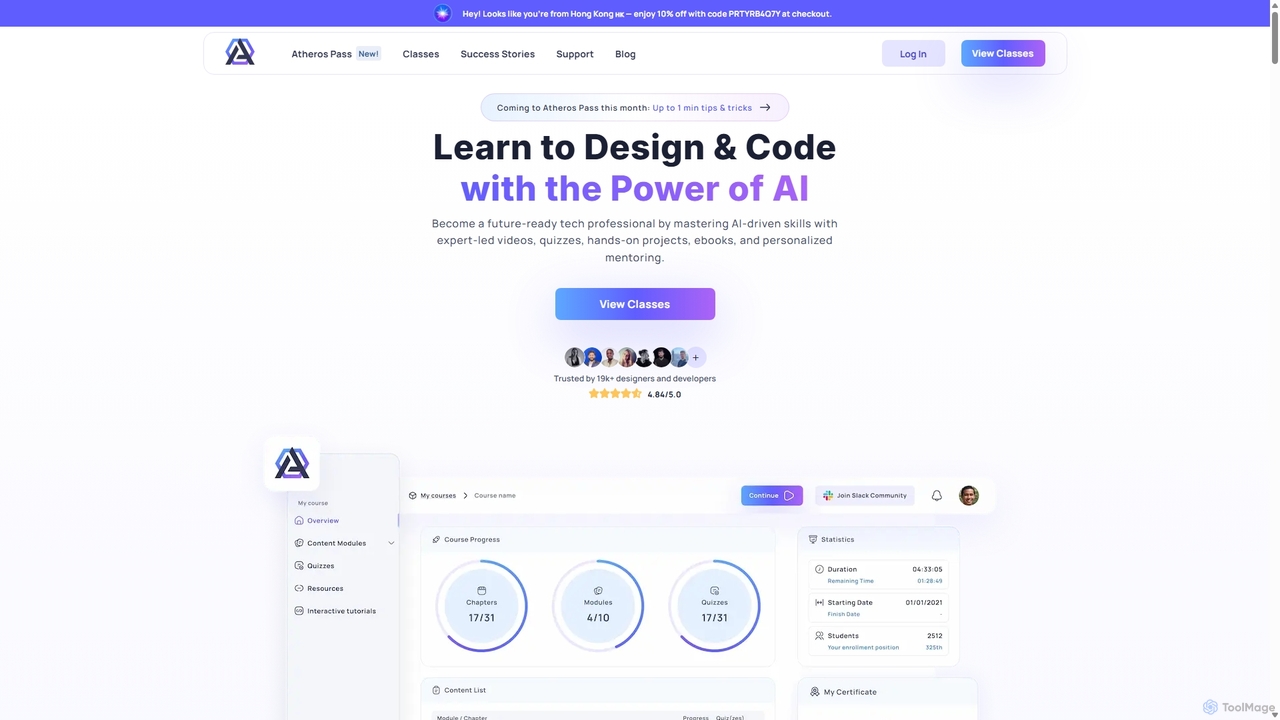
Atheros
Atheros is an online educational platform designed to equip tech professionals with future-ready, AI-driven skills in design and development. Through its 'Atheros Pass' subscription, it provides unlimited access to expert-led video courses, ebooks, and hands-on projects. The curriculum focuses on practical skills like UX/UI design, frontend development (HTML, CSS, GraphQL), and no-code web design, preparing students for the AI era with community and mentor support.
Ux & Ui
eyeballer Comments (0)
Sign in to comment.
Sign inNo comments yet.