

Testbook.ai Overview
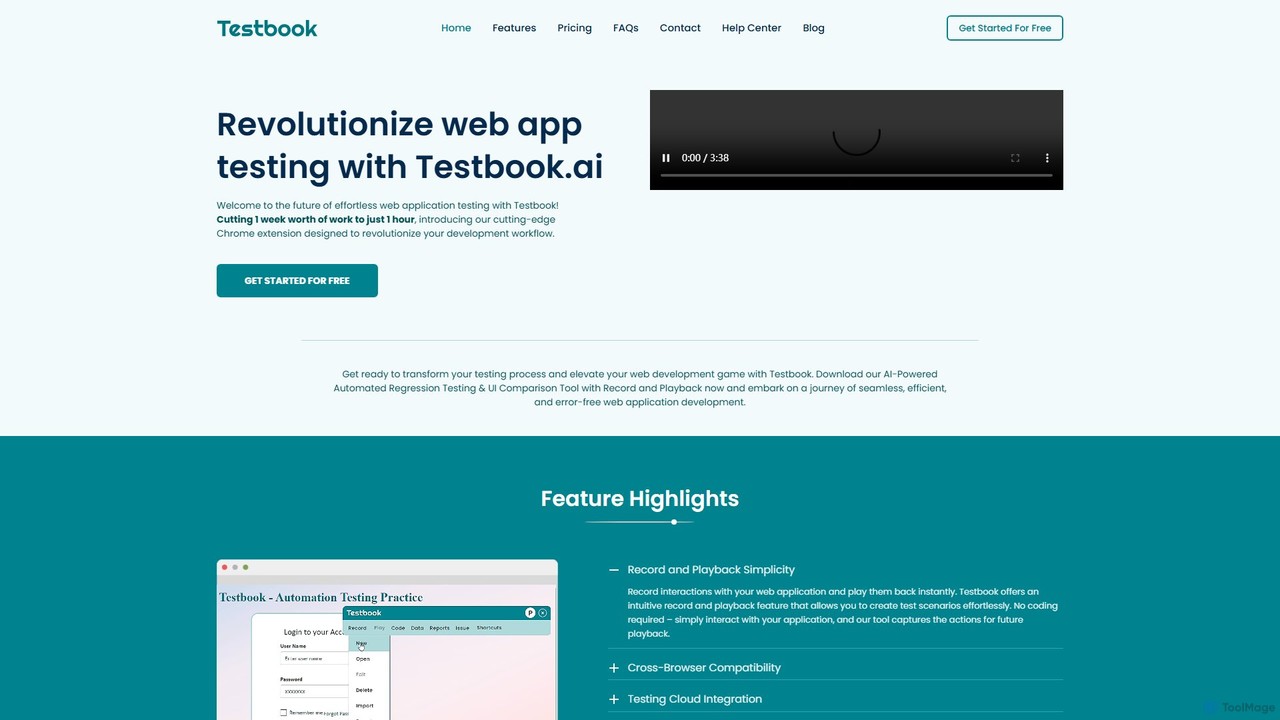
Testbook.ai is a cutting-edge automated testing tool designed to revolutionize the web application development lifecycle. It empowers development and QA teams to significantly reduce testing time, transforming what might take a week of manual effort into just an hour of automated work. As a user-friendly Chrome extension, Testbook.ai makes sophisticated testing accessible to everyone, regardless of their coding expertise. The core philosophy is to make testing a seamless, efficient, and straightforward process, eliminating the traditional bottlenecks associated with manual testing.
The platform is built to automate a wide array of user interactions, from simple clicks and data entry to complex actions like drag-and-drop, file uploads, and navigation through iFrames and Shadow DOMs. With its AI-driven capabilities, Testbook.ai not only executes tests but also intelligently adapts to changes in the application, ensuring test scripts remain stable and reliable over time.
How to use Testbook.ai
Getting started with Testbook.ai is designed to be simple and intuitive. First, users download the Testbook.ai Chrome extension from the Chrome Web Store and the accompanying Testbook Server. After a quick registration, you can begin testing immediately. The primary workflow involves using the 'Record' feature to capture user interactions on your web application. Simply navigate through your site and perform the actions a user would; Testbook.ai captures every click, keystroke, and navigation. Once a test scenario is recorded, you can play it back instantly to verify functionality. The tool provides detailed reports, including screenshots and logs, to help identify any discrepancies or bugs. For enhanced collaboration, detected bugs can be pushed directly to Jira with a single click.
Core Features of Testbook.ai
- Record and Playback: Effortlessly create test scripts without writing any code by simply recording your actions on a web page.
- AI-Powered UI Testing: The SmartAI Observer automatically detects and reports visual changes in text, colors, styles, and element visibility between test runs.
- Self-Healing Scripts: Intelligently identifies and adapts to changes in element locators (like IDs or XPaths), preventing tests from breaking due to minor UI updates.
- Comprehensive Action Automation: Automates a full range of web interactions, including data entry, clicks, drag-and-drop, form submissions, and handling of dynamic content like modals and menus.
- Hybrid Testing: The Manual Stepper feature allows for the insertion of manual checkpoints within an automated test flow, combining the speed of automation with the nuance of manual review.
- Cross-Browser & Cloud Testing: Execute tests across different browsers and integrate with cloud testing platforms like Sauce Labs to ensure wide compatibility.
- Jira Integration: Streamline bug reporting by pushing detailed bug reports directly to your Jira projects in one click.
- Code Export: Export recorded test suites as code snippets for integration into existing CI/CD pipelines or for advanced customization.
- Multi-Window/Tab & iFrame Support: Seamlessly record and playback complex user journeys that span across multiple tabs, windows, nested iFrames, and Shadow DOMs.
- Testmate AI Guide: An integrated AI assistant that provides instant answers and guidance on using the platform, debugging, and test automation best practices.
Use Cases for Testbook.ai
Testbook.ai is ideal for various testing scenarios. Development teams and QA engineers can use it for comprehensive regression testing to ensure new features don't break existing functionality. It excels at visual regression testing, where it can catch unintended UI changes pixel by pixel. Product managers and designers can use it to verify user flows and ensure a consistent user experience across different browsers. It's also perfect for testing data-driven applications by using datasets to loop through interactions with different inputs, ensuring robustness. For agile teams, it accelerates the feedback loop by enabling rapid testing within CI/CD pipelines.
Advantages of Testbook.ai
The primary advantage of Testbook.ai is its massive time and resource savings. By automating repetitive testing tasks, it frees up developers and testers to focus on more complex challenges. Its no-code nature democratizes testing, allowing non-technical team members to contribute to the quality assurance process. The self-healing feature significantly reduces test maintenance overhead, a common pain point in test automation. Furthermore, seamless integrations with tools like Jira and cloud testing services enhance team collaboration and streamline the entire development workflow, leading to faster delivery of high-quality software.
Pricing and Plans
Testbook.ai operates on a freemium model, allowing users to get started for free.
Premium Plan: This plan offers unlimited recording time, multi-browser support, advanced reporting, and code export. Pricing is available for different durations:
- 3 Months: ₹24,999.00
- 6 Months: ₹17,999.00 (Advertised with a 30% discount)
- 1 Year: Pricing available upon inquiry.
Enterprise Plan: A custom plan designed for large teams. It includes all Premium features plus unlimited users, priority support, a dedicated account manager, and advanced cloud testing capabilities. Pricing is customized based on the organization's needs.
Traffic
Latest traffic
Status
Monthly traffic trend
- 2025-9: 2.2K
- 2026-1: 2.8K
- 2026-2: 1.9K
- 2026-3: 2.5K
- 2026-4: 2.4K
- 2026-5: 1.8K
Geography
Top 5 countries / regions
- 🇮🇳India100.0%
Top keywords
| Keyword | Cost per click |
|---|---|
| testbok | $0.22 |
| test book | $0.22 |
| testbook | $0.22 |
| testbookforpc.in | $0.00 |
| tesxtbook | $0.16 |
Testbook.ai Alternatives
Momentic
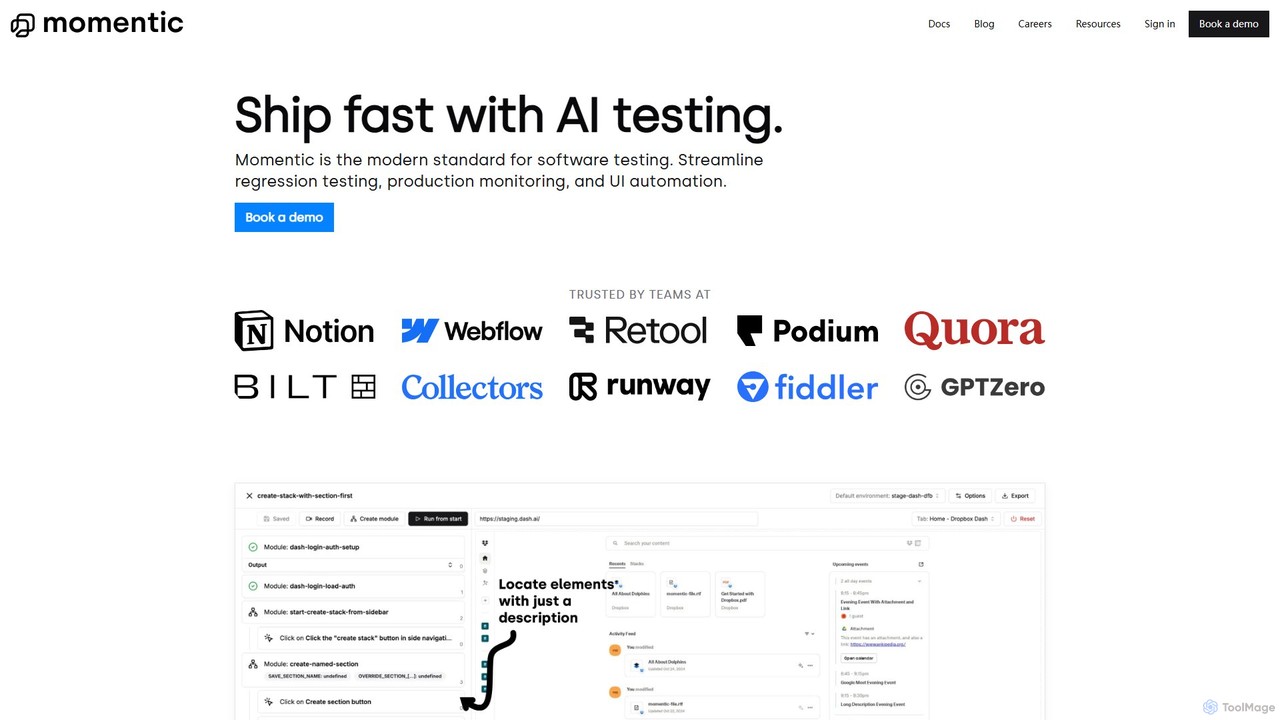
Momentic is an AI-powered software testing platform that accelerates development cycles. It enables teams to create, run, and maintain robust end-to-end tests using natural language, eliminating flaky scripts and reducing manual QA overhead. It features a low-code editor, auto-healing locators, and seamless CI/CD integration.
No Code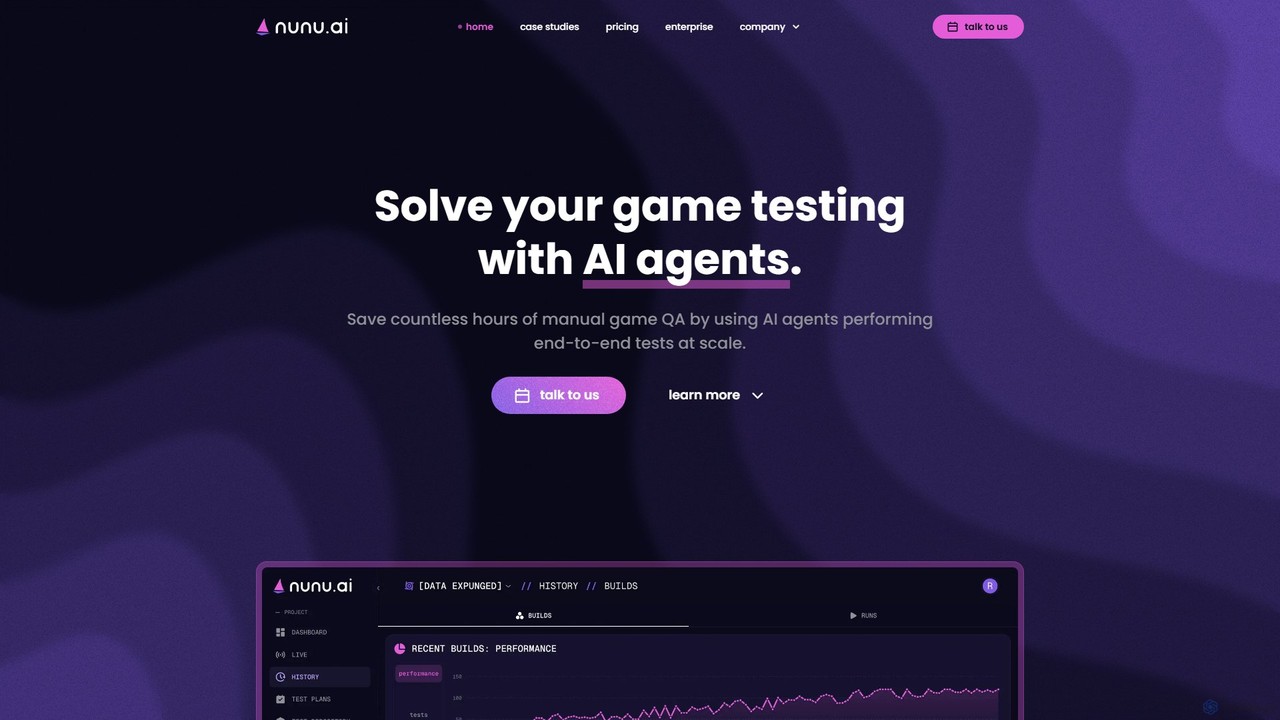
nunu.ai
nunu.ai is an AI-powered platform that automates game testing using intelligent agents. These agents play games like humans, performing end-to-end QA tests at scale. It allows developers to write test cases in plain English, saving significant time and reducing manual QA costs by up to 50%.
Testing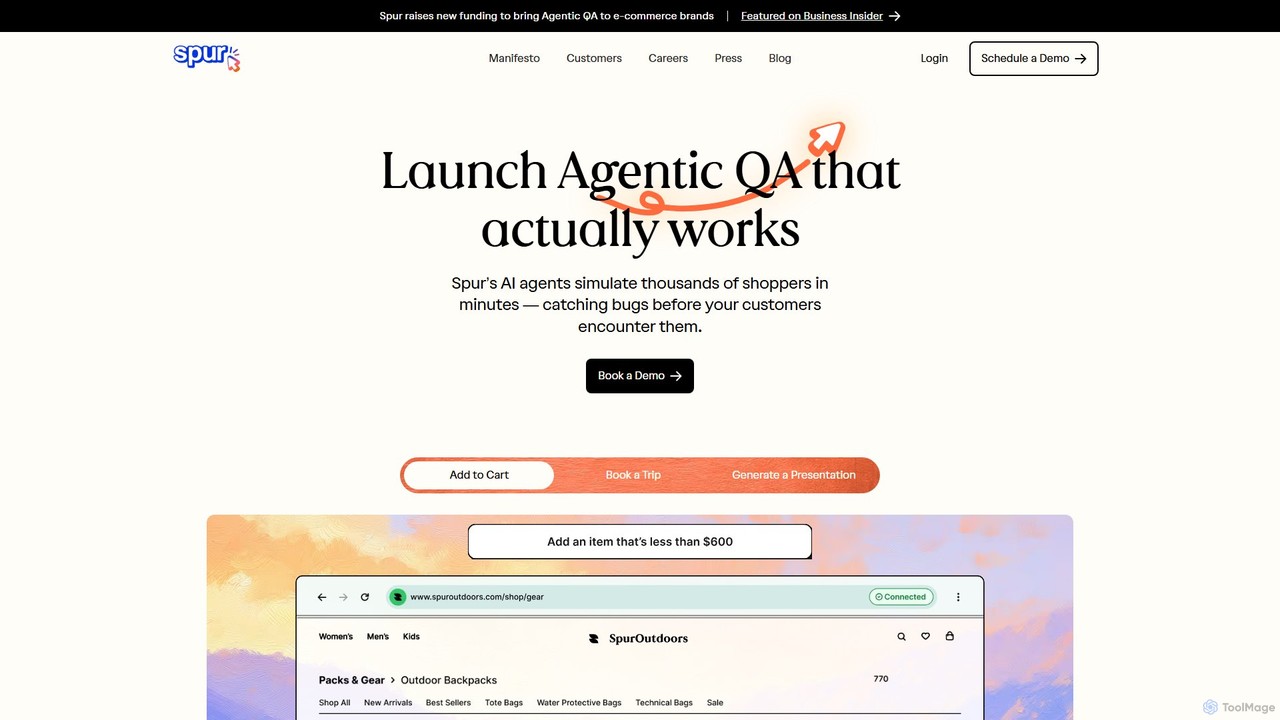
Spur
Spur is an AI QA engineer that automates software testing without any coding. Simply describe your test cases in plain English, and Spur's intelligent agent will execute them, identifying bugs that manual testing often misses. It's designed for fast-moving teams in e-commerce, travel, and B2C to ship products faster and with greater confidence. Spur's reliable, self-healing tests eliminate flakiness and reduce maintenance, allowing developers and QA teams to focus on building better products.
Testing
Virtuoso
Virtuoso is an AI-powered test automation platform for enterprises, enabling teams to write self-healing, functional UI and end-to-end tests in plain English. It combines Natural Language Programming (NLP) and Generative AI to accelerate software delivery, reduce test maintenance costs, and improve overall quality.
Testing
Autoflow
Autoflow is an AI-powered, no-code automated testing tool designed for modern QA teams, developers, and product managers. It enables 10x faster cross-browser testing for complex web application flows without writing a single line of code. It streamlines test creation, execution, and maintenance, fostering collaboration and accelerating release cycles.
TestingTestbook.ai Categories
Testbook.ai Embed Widget
Copy this embed code to place the badge on your blog, article, or product site and send readers directly to this ToolMage detail page.

Related AI tools
Momentic
Momentic is an AI-powered software testing platform that accelerates development cycles. It enables teams to create, run, and maintain robust end-to-end tests using natural language, eliminating flaky scripts and reducing manual QA overhead. It features a low-code editor, auto-healing locators, and seamless CI/CD integration.
No Code
Autonoma AI
Autonoma AI is a no-code, self-healing UI testing platform for web and mobile applications. It uses AI to automatically record user interactions, convert them into robust tests, and adapt to UI changes, eliminating test maintenance. This allows teams to ship products faster and with greater confidence by automating regression testing and integrating seamlessly into CI/CD pipelines.
Testing
Playrun
Playrun is an AI-powered, no-code platform that automatically generates tests for your web application's user flows. It proactively catches bugs and regressions by running tests periodically, alerting you before your users are affected. This helps improve software quality and user retention without manual test scripting.
Testingnunu.ai
nunu.ai is an AI-powered platform that automates game testing using intelligent agents. These agents play games like humans, performing end-to-end QA tests at scale. It allows developers to write test cases in plain English, saving significant time and reducing manual QA costs by up to 50%.
TestingSpur
Spur is an AI QA engineer that automates software testing without any coding. Simply describe your test cases in plain English, and Spur's intelligent agent will execute them, identifying bugs that manual testing often misses. It's designed for fast-moving teams in e-commerce, travel, and B2C to ship products faster and with greater confidence. Spur's reliable, self-healing tests eliminate flakiness and reduce maintenance, allowing developers and QA teams to focus on building better products.
TestingVirtuoso
Virtuoso is an AI-powered test automation platform for enterprises, enabling teams to write self-healing, functional UI and end-to-end tests in plain English. It combines Natural Language Programming (NLP) and Generative AI to accelerate software delivery, reduce test maintenance costs, and improve overall quality.
TestingAutoflow
Autoflow is an AI-powered, no-code automated testing tool designed for modern QA teams, developers, and product managers. It enables 10x faster cross-browser testing for complex web application flows without writing a single line of code. It streamlines test creation, execution, and maintenance, fostering collaboration and accelerating release cycles.
Testing
Reliv
Reliv was an AI-powered QA automation service designed to streamline software testing. It enabled teams to create, manage, and execute automated tests without extensive coding, accelerating development cycles and improving application quality. The service has since been discontinued.
No Code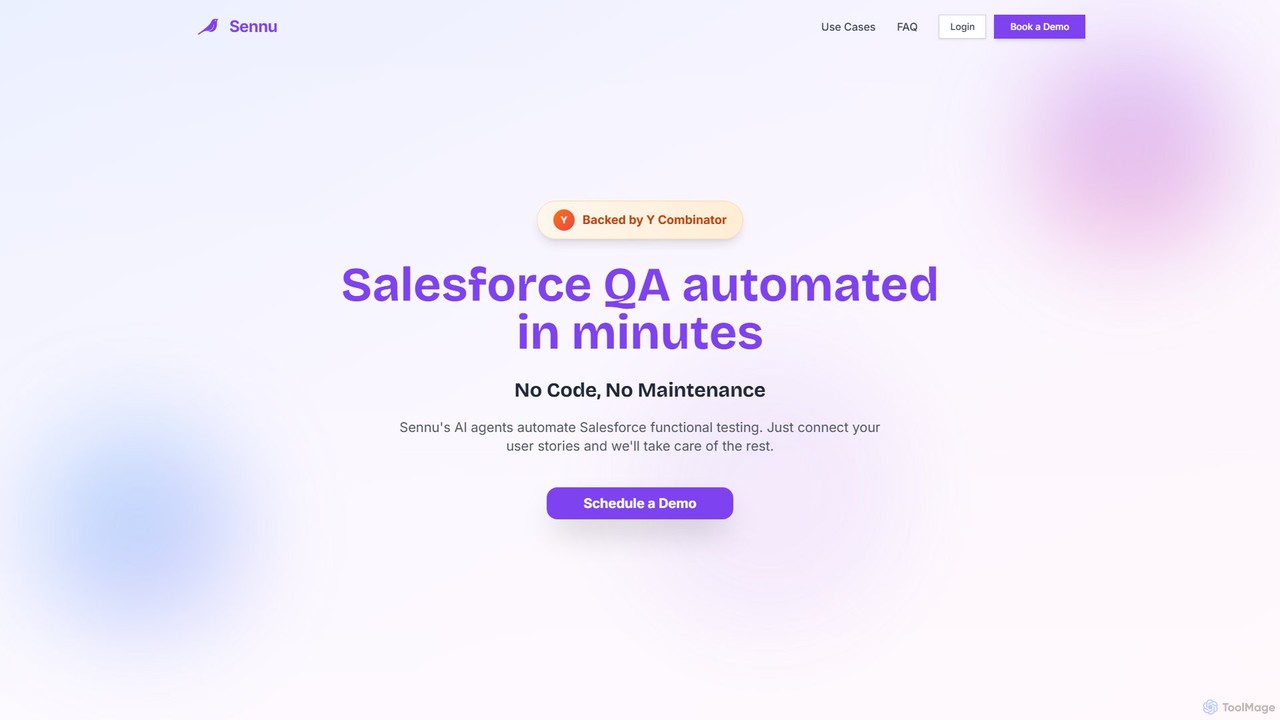
Sennu AI
Sennu AI is a Y Combinator-backed platform that revolutionizes Salesforce QA with AI-powered agents. It offers a no-code, zero-maintenance solution that automatically generates and executes functional tests directly from your user stories. By connecting to your sprint board, Sennu AI creates comprehensive test plans, runs them in your sandbox, and saves engineering teams over 10 hours per sprint, ensuring 99% reliable and consistent test execution.
Crm
QAEverest
QAEverest is an AI-powered, low-code/no-code platform designed to revolutionize software testing. It automates the entire testing lifecycle, from generating comprehensive test cases for functional, system, API, performance, and security testing to executing UI, API, and mobile app automation. It aims to increase test coverage, accelerate workflows, and significantly reduce time and costs for QA teams.
No Code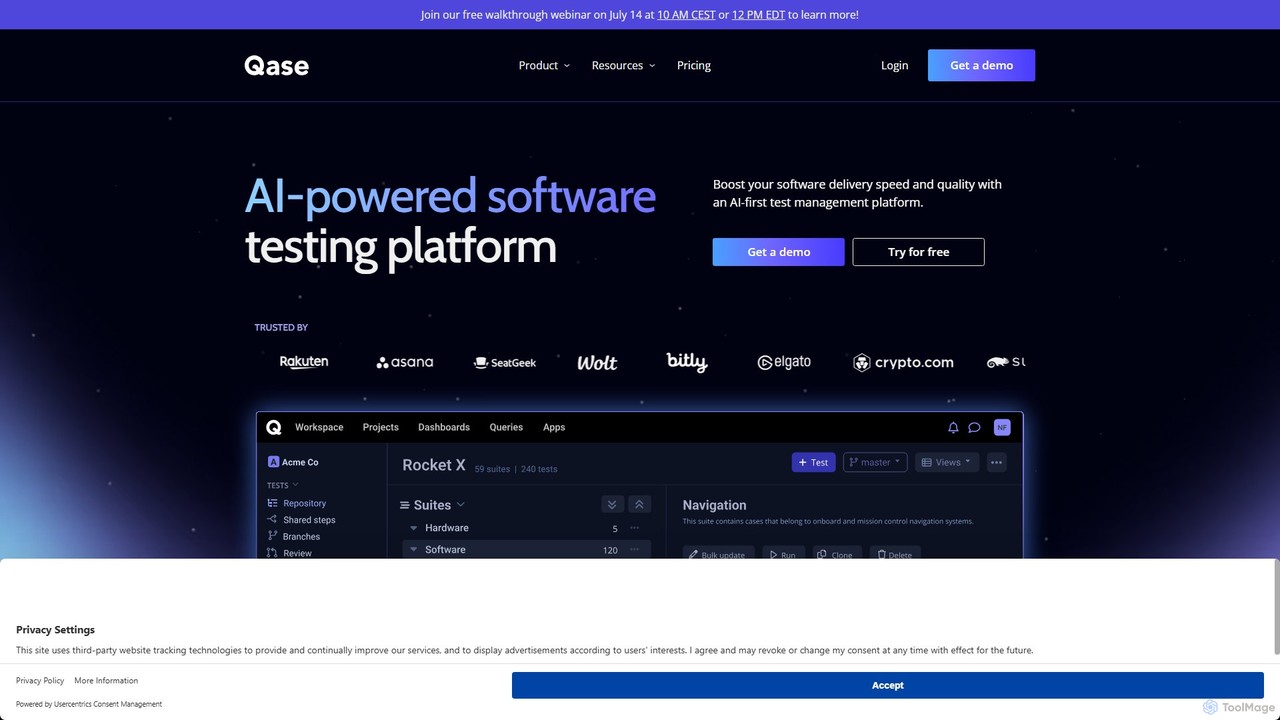
Qase
Qase is an AI-first test management platform designed for QA teams to enhance software delivery speed and quality. It unifies manual and automated testing into a single, intuitive workspace, leveraging AI to generate, convert, and analyze tests, and integrates seamlessly with over 35 developer tools.
Testing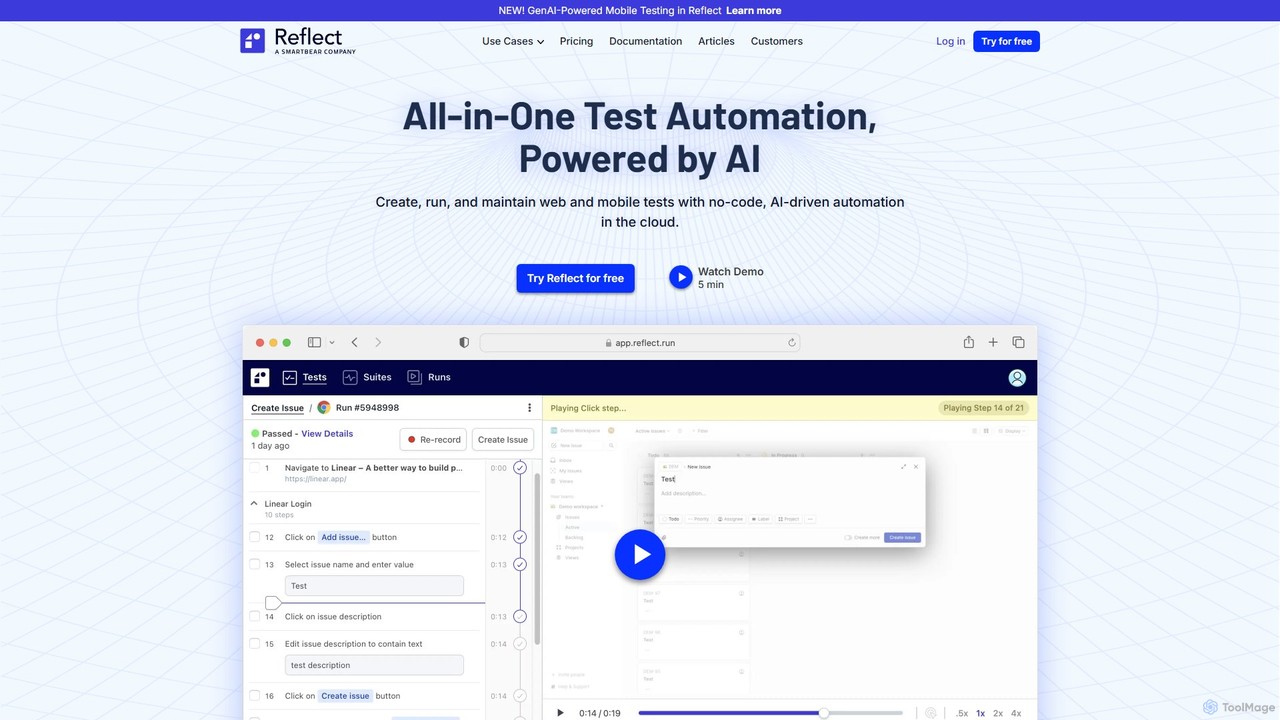
Reflect
Reflect is an AI-powered, no-code automated web testing platform. It uses generative AI to convert plain English instructions into robust tests, eliminating the need for fragile selectors. Reflect accelerates testing by 10x, automatically adapting to UI changes and reducing maintenance. It supports web, mobile, API, and visual testing, integrating seamlessly with existing CI/CD and project management workflows to enhance test coverage and development speed.
Automation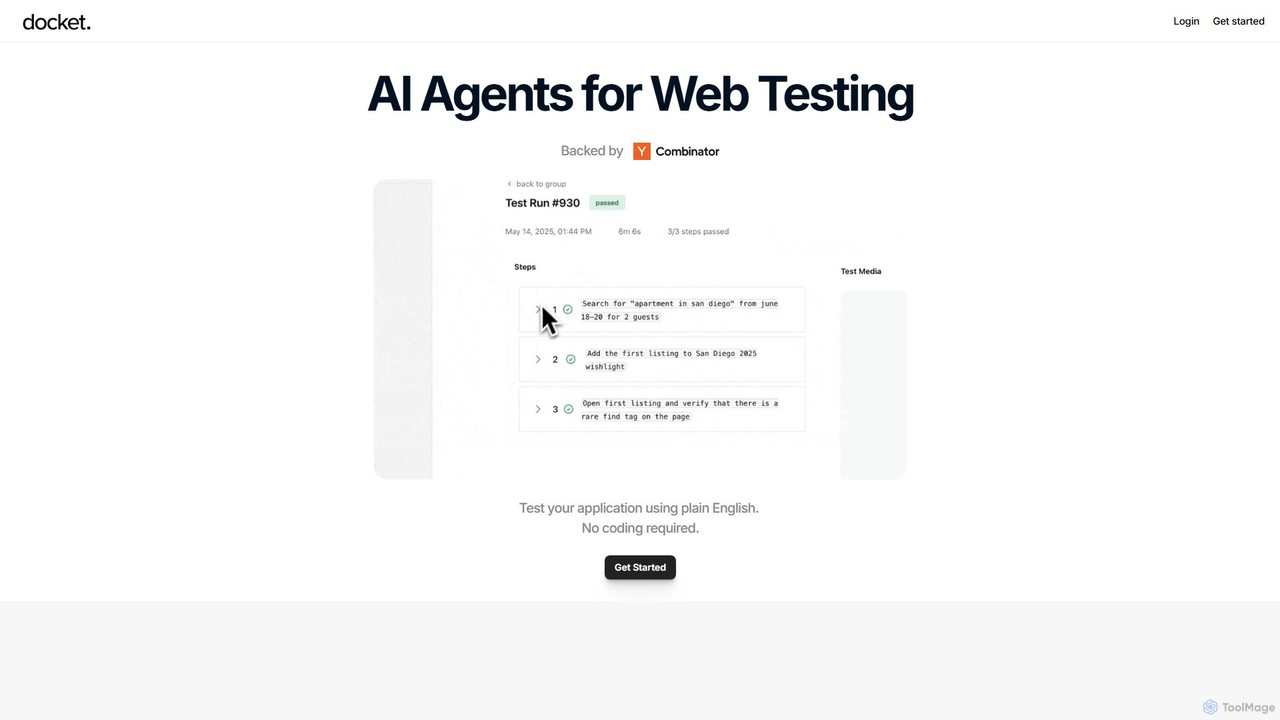
Docket
Docket is an AI-powered testing platform that uses intelligent agents to automate web application testing. It allows teams to create, maintain, and run tests using natural language, eliminating the need for complex code and brittle selectors. It visually interacts with applications, just like a human user.
Quality Assurance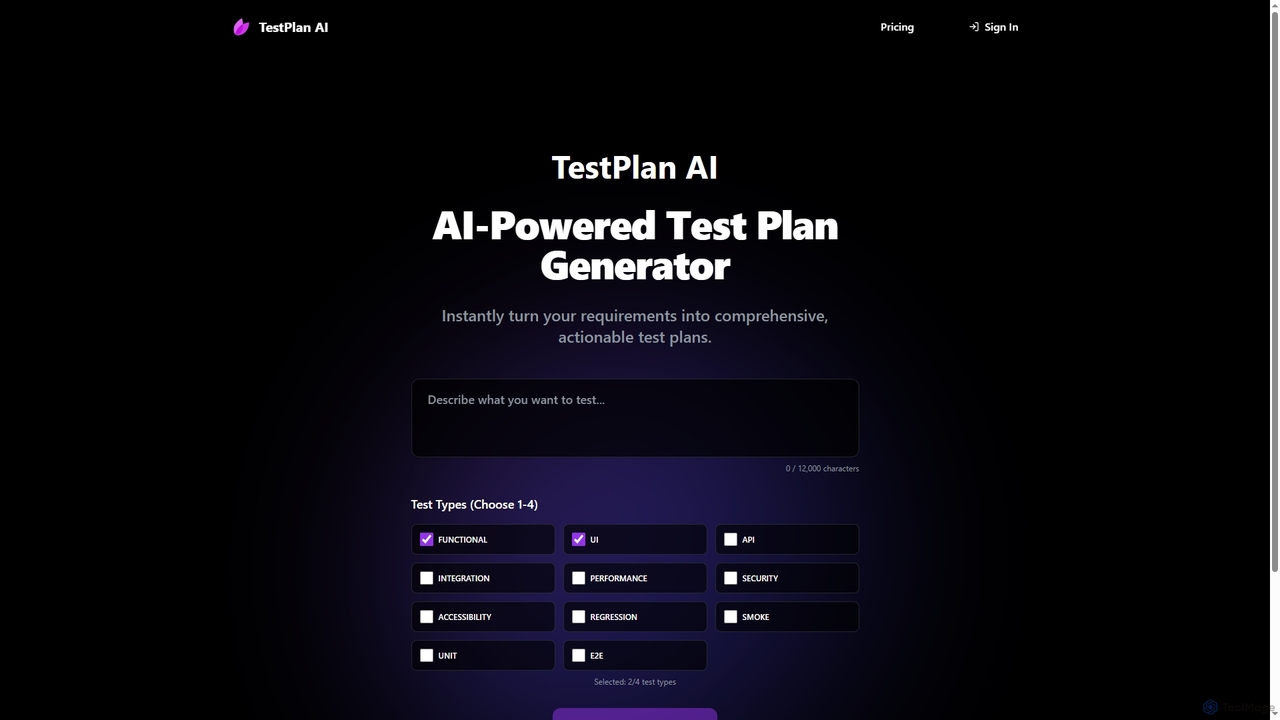
TestPlan
TestPlan is a powerful, AI-powered tool designed to instantly transform project requirements into comprehensive, actionable test plans and detailed test cases. It supports a wide range of test types, from functional to security, making software testing more efficient for development teams.
Automation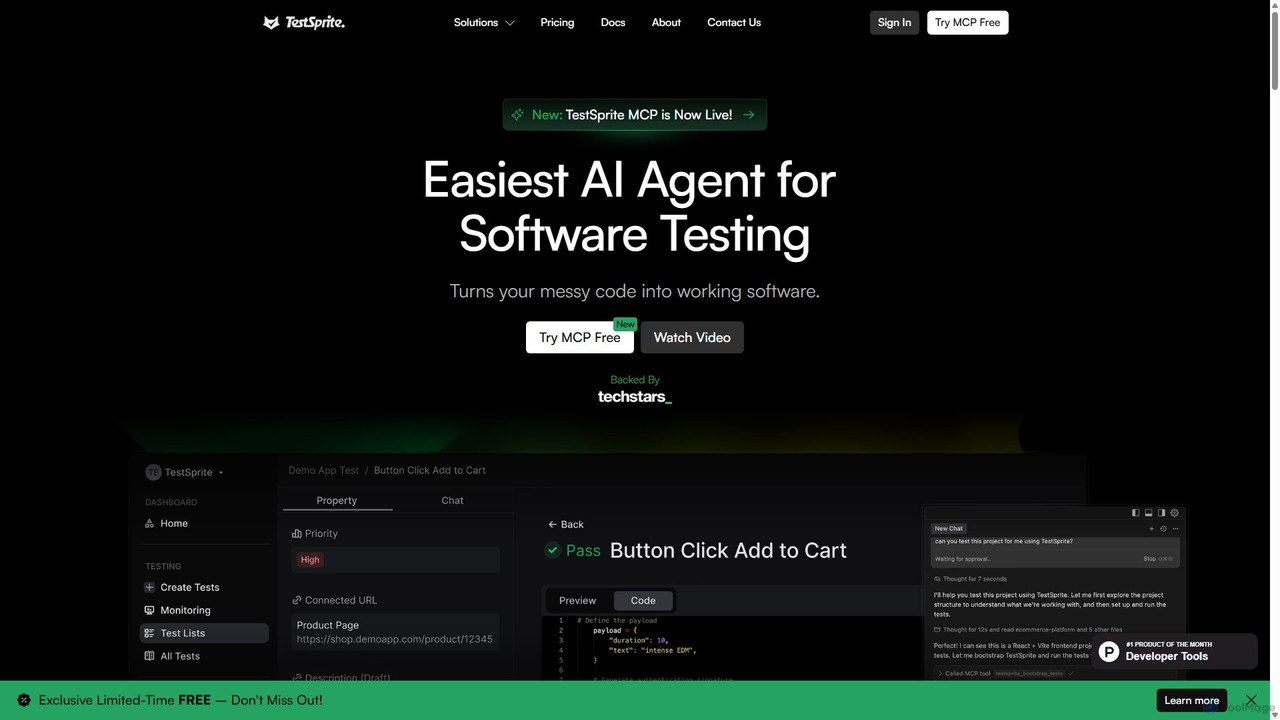
TestSprite
TestSprite is an AI-powered test automation platform designed to streamline UI and visual regression testing. It helps development and QA teams accelerate their testing cycles, improve accuracy, and reduce maintenance overhead with intelligent, self-healing tests and a codeless interface.
Testing
Testbook.ai Comments (0)
Sign in to comment.
Sign inNo comments yet.