

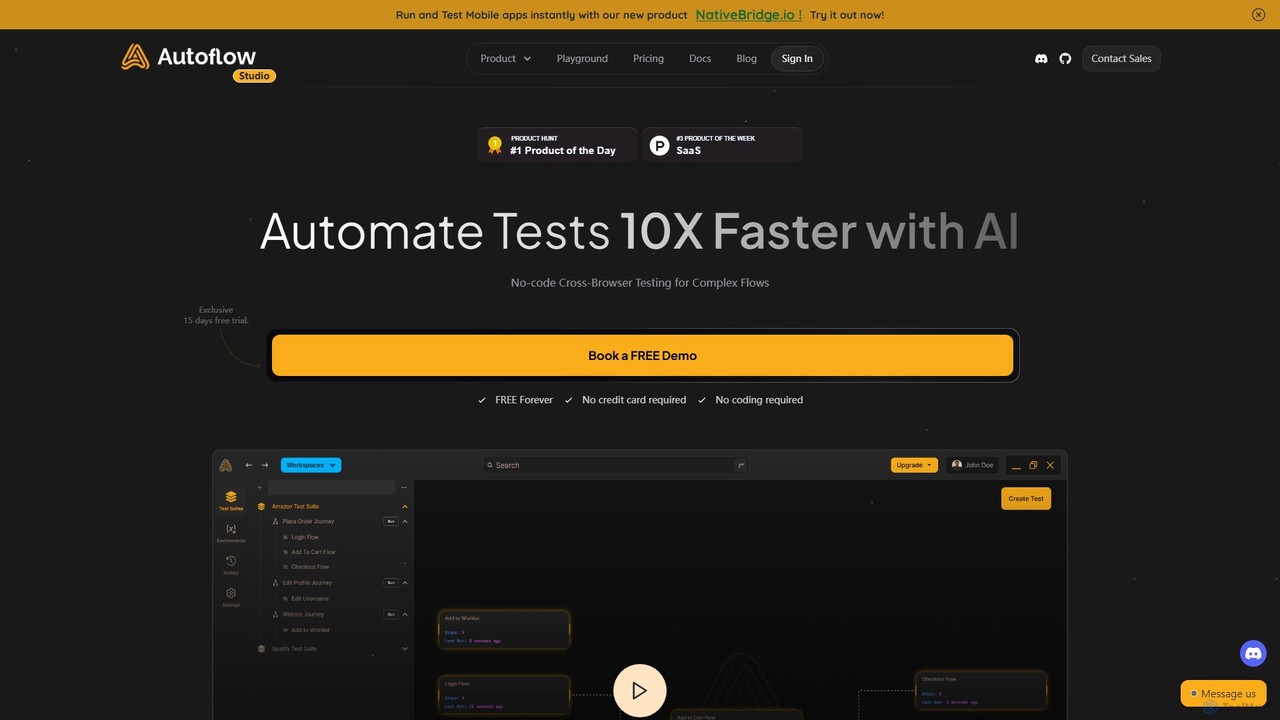
Autoflow Overview
Autoflow is a comprehensive, AI-driven platform designed to revolutionize end-to-end testing for web applications. It empowers teams to automate tests 10 times faster, eliminating the need for complex coding and bridging the gap between developers, QA professionals, and product managers. Built on a foundation of open-source technologies, Autoflow provides a fast, intuitive, and highly collaborative environment for creating, executing, and maintaining robust test suites. The platform is designed to be user-friendly for non-technical users while offering the granular control and advanced features that developers and experienced QAs require. From recording user journeys to integrating with CI/CD pipelines and generating detailed reports, Autoflow covers the entire testing lifecycle, helping teams catch bugs earlier, reduce bug-related delays, and accelerate their time-to-market.
How to use Autoflow
Autoflow simplifies the automated testing process into a straightforward, four-step workflow:
- Record your User Journey: Utilize Autoflow's industry-leading test recorder to capture user interactions on your web application. The recorder allows for local test execution and provides immediate results. You can then efficiently manage and edit these tests using AI suggestions, and even create reusable, randomized test steps and set them as variables for future use.
- Run and Integrate: Execute your tests on Autoflow's cloud infrastructure. Runs can be scheduled at specific times or triggered automatically as part of your CI/CD pipeline. The platform seamlessly integrates with your existing workflows through its CLI, API, or predefined schedules, enabling efficient and continuous testing.
- Alerts and Report: Stay informed with real-time alerts. Autoflow can send notifications via email, Slack, and other integrated platforms whenever a test run is completed or fails. It generates clear, shareable reports that make it easy to communicate results and findings with all stakeholders.
- Collaborate and Optimize: Invite unlimited team members to your workspace to collaborate on creating and managing tests. If a part of a test fails or needs updating, you can easily re-record specific steps without having to start the entire process over. Create and manage a library of reusable test nodes to improve efficiency and maintain consistency across your test suites.
Core Features of Autoflow
- AI-Powered Testing: Get AI suggestions to create high-quality test cases and use AI to generate complex test steps, significantly speeding up the test creation process.
- No-Code Interface: A user-friendly drag-and-drop interface allows anyone, regardless of technical skill, to build and manage automated tests.
- Cross-Browser & Platform Support: Run tests across all major browsers like Chrome, Firefox, and Safari. The Autoflow Studio works seamlessly on Mac, Windows, and Linux.
- CI/CD Integration: Integrate testing directly into your development pipeline with support for CI/CD tools, webhooks, and a dedicated API.
- Advanced Collaboration: Features collaborative workspaces, access-level roles, real-time sync, and easy sharing of test reports to keep your entire team aligned.
- Comprehensive Test Management: Manage tests in different environments (e.g., staging, production), visualize user journeys, and perform one-click regression testing.
- Easy Migration: Import existing test cases from other popular frameworks like Playwright, Selenium, or Cypress with a single click.
- Detailed Reporting & Alerts: Receive instant notifications on Slack or email and generate visual reports to track test performance and identify bugs.
- Security and Privacy: Built with a local-first data storage approach, ensuring your test data remains secure and private.
Use Cases for Autoflow
Autoflow is versatile and caters to the specific needs of different roles within a product team:
- For QA Teams: Accelerate test cycles without compromising on quality. Replace slow, cumbersome tools with Autoflow's speed and intuitive UI. Easily create and maintain complex end-to-end tests, perform regression testing, and ensure comprehensive test coverage.
- For Developers: Embrace the "Shift Left" testing approach by building and running tests early in the development cycle. Use either the no-code recorder or integrate with code-based tests to fit your preferred workflow. Spend more time building features and less time on manual testing.
- For Product Managers: Gain a round-the-clock QA assistant. Catch bugs before they impact users and get a clear visualization of user journeys. Accelerate time-to-market by enabling rapid, continuous testing throughout the product lifecycle.
Advantages of Autoflow
Autoflow offers significant advantages over traditional testing methods and other tools. Its primary benefit is the massive increase in speed and efficiency, cutting down testing time and costs. The no-code approach democratizes testing, allowing product managers and other non-technical team members to contribute. Its powerful collaboration features ensure that developers, QAs, and product teams are always in sync. Furthermore, the tool is highly customizable, built on open-source technology, and designed for security, making it a reliable and flexible choice for startups and large enterprises alike.
Pricing and Plans
Autoflow offers a range of plans to suit different needs, from individuals to large enterprises.
- Basic (Free Forever): Ideal for individuals and small projects. Includes 1 user, unlimited tests and suites, unlimited local test runs, screenshots, 7 days of test run history, and community/email support.
- Starter ($49/month): Designed for simple web app testing. Includes everything in Basic, plus 1000 cloud runs, video recordings, scheduled runs, Slack/Email notifications, environments, and 30 days of test history. The first month is free.
- Pro ($250/month): Perfect for small teams needing more power and collaboration. Includes everything in Starter, plus 5 users, 5000 cloud test runs, 2 parallel runs, CI/CD integrations, an inbox for email testing, webhooks, API access, role-based access control, 500 AI suggestions, 1000 AI steps, and 24/7 support. The first month is free.
- Enterprise (Custom Pricing): Tailored for large teams and enterprises. Includes everything in Pro, plus custom user seats, up to 48x faster testing via parallel execution, unlimited test history, on-premise deployment options, and exclusive customer support. Contact sales for a quote.
Traffic
Latest traffic
Status
Monthly traffic trend
- 2025-9: 2.2K
- 2026-1: 244
- 2026-2: 849
- 2026-3: 905
- 2026-4: 790
- 2026-5: 1.5K
Geography
Top 5 countries / regions
- 🇺🇸United States49.0%
- 🇮🇳India27.5%
- 🇮🇶Iraq13.3%
- 🇹🇷Türkiye10.2%
Top keywords
| Keyword | Cost per click |
|---|---|
| auto flow | $2.09 |
| autoflow | $2.68 |
| autoflow down | $0.00 |
| autoflow extension | $0.42 |
| autoflow studio | $0.00 |
Autoflow Alternatives
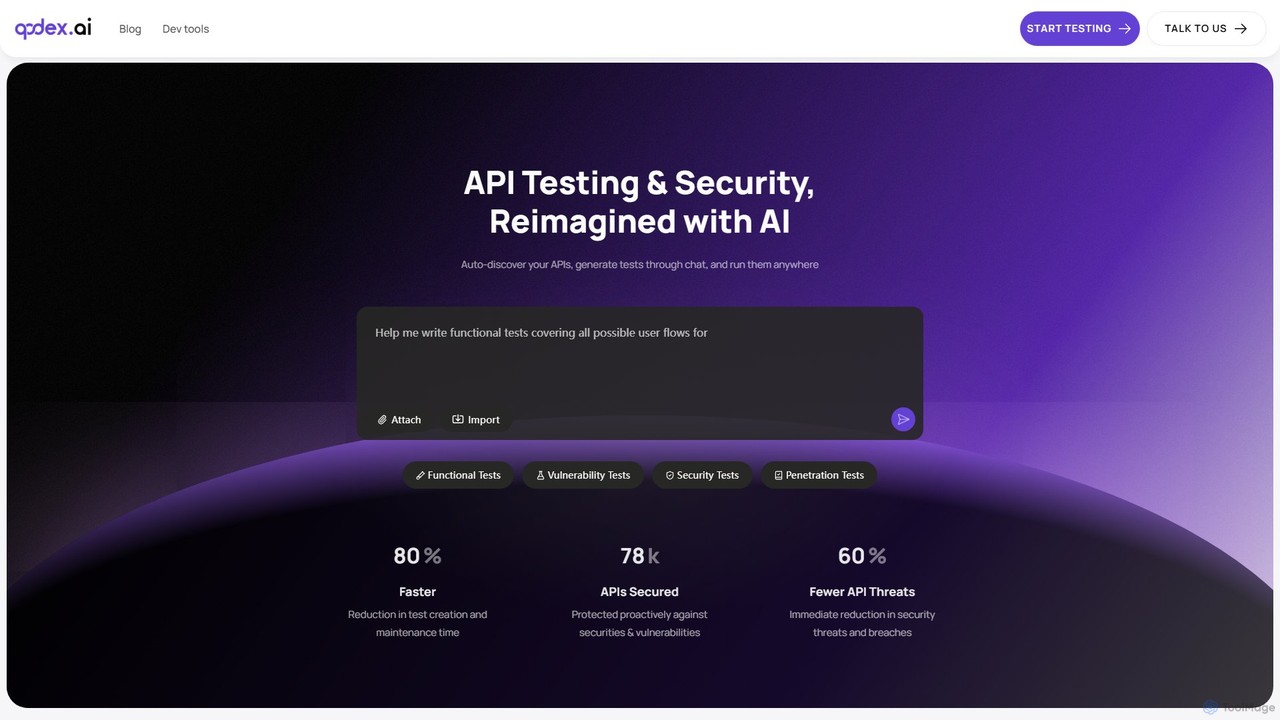
Qodex
Qodex is an AI-powered platform that simplifies and accelerates API testing and security. It automatically discovers your APIs, generates comprehensive tests from plain English prompts, and integrates seamlessly into your developer workflow. Reduce test creation time by 80% and ship bug-free software faster.
Security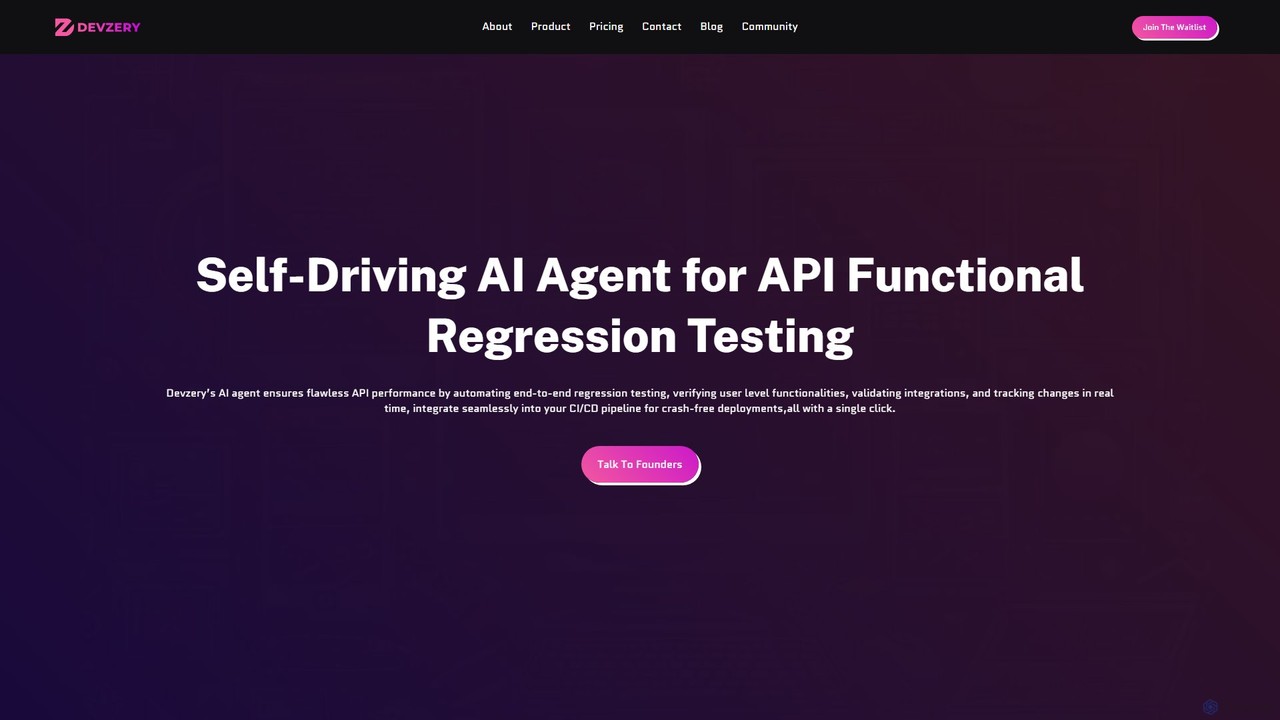
devzery
Devzery is an AI-powered platform that automates API functional regression testing. Its self-driving AI agent streamlines end-to-end testing, integrates with CI/CD pipelines, and provides codeless automation. It's designed to accelerate software release cycles, reduce development costs, and enhance test management efficiency by identifying bugs early and ensuring flawless API performance.
Code Assistant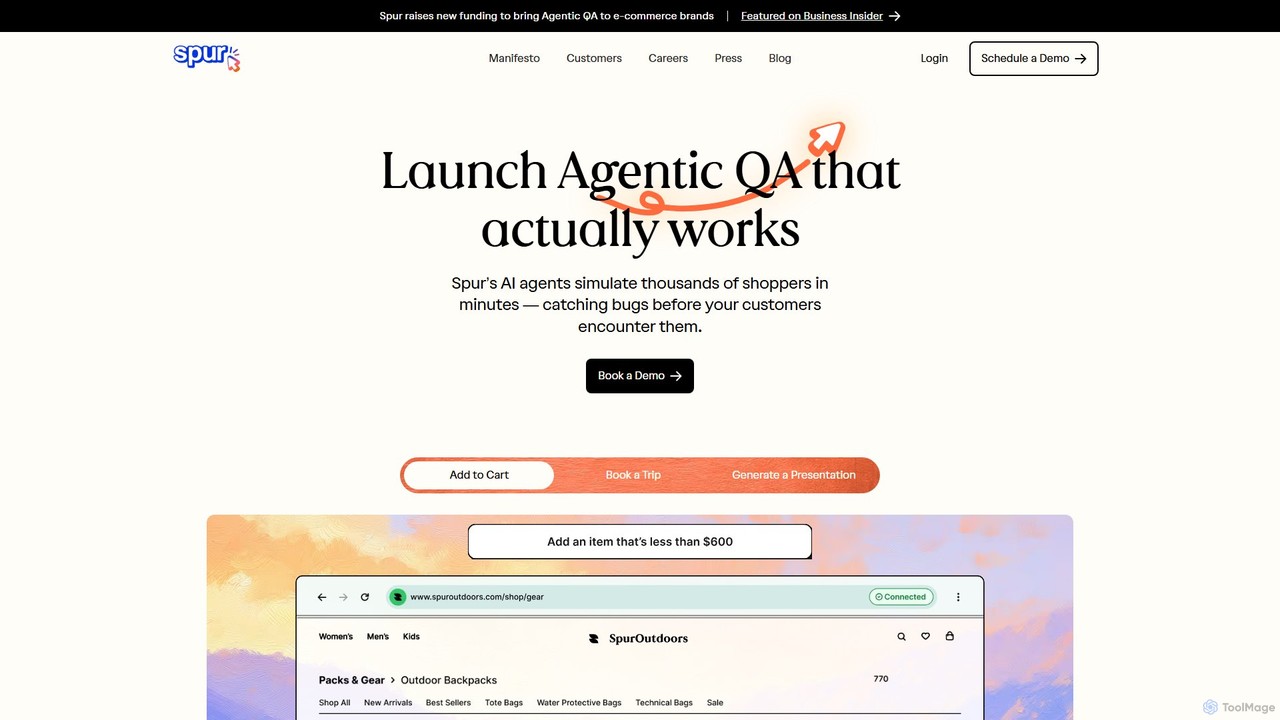
Spur
Spur is an AI QA engineer that automates software testing without any coding. Simply describe your test cases in plain English, and Spur's intelligent agent will execute them, identifying bugs that manual testing often misses. It's designed for fast-moving teams in e-commerce, travel, and B2C to ship products faster and with greater confidence. Spur's reliable, self-healing tests eliminate flakiness and reduce maintenance, allowing developers and QA teams to focus on building better products.
Testing
Carbonate
Carbonate is an AI-powered, no-code platform for creating automated end-to-end tests. It allows users to simply record their interactions with a web application, and its AI engine generates robust, auto-healing test scripts. These tests understand the application's functionality, not just its HTML structure, making them resilient to UI changes. Run tests in the cloud with detailed debugging tools or export them to your own CI/CD pipeline.
Testing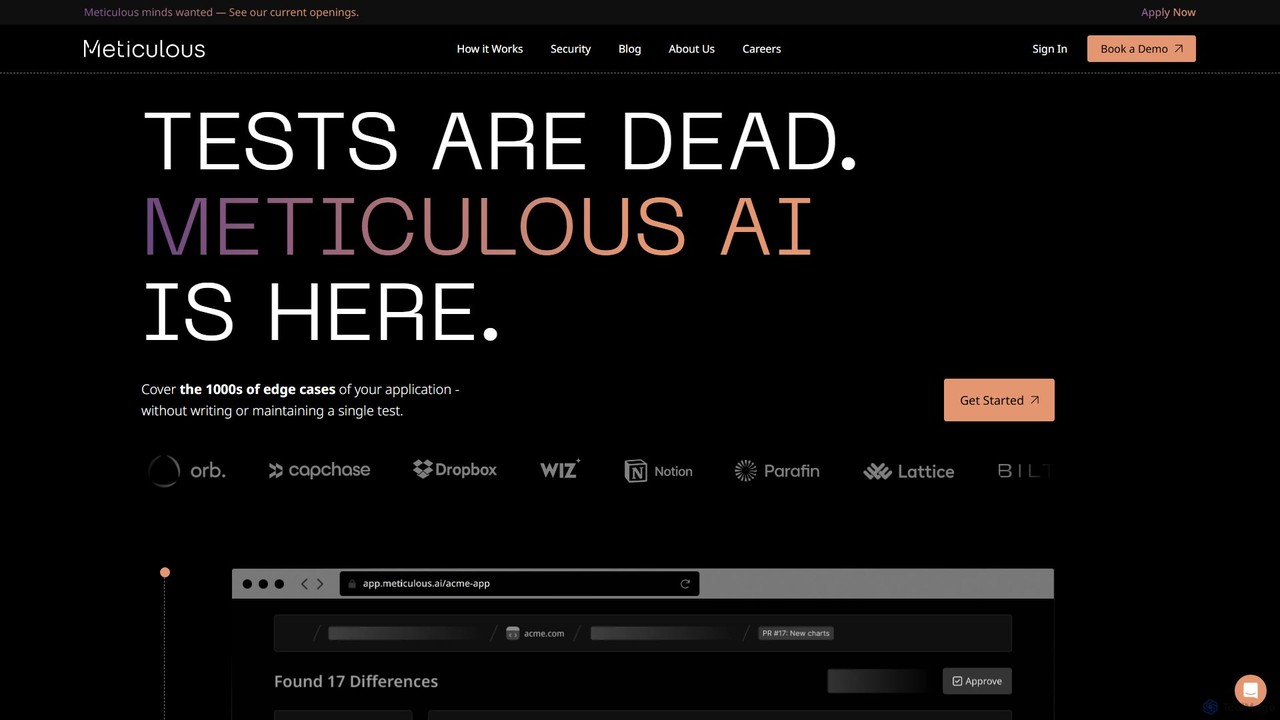
Meticulous
Meticulous is an AI-powered tool that revolutionizes front-end testing. It automatically generates and maintains visual end-to-end tests by recording user interactions, eliminating the need for manual test scripting. This helps development teams catch regressions, cover edge cases, and ship code faster with confidence, without the hassle of flaky or high-maintenance tests.
Code QualityAutoflow Categories
Autoflow Embed Widget
Copy this embed code to place the badge on your blog, article, or product site and send readers directly to this ToolMage detail page.

Related AI tools
Reflect
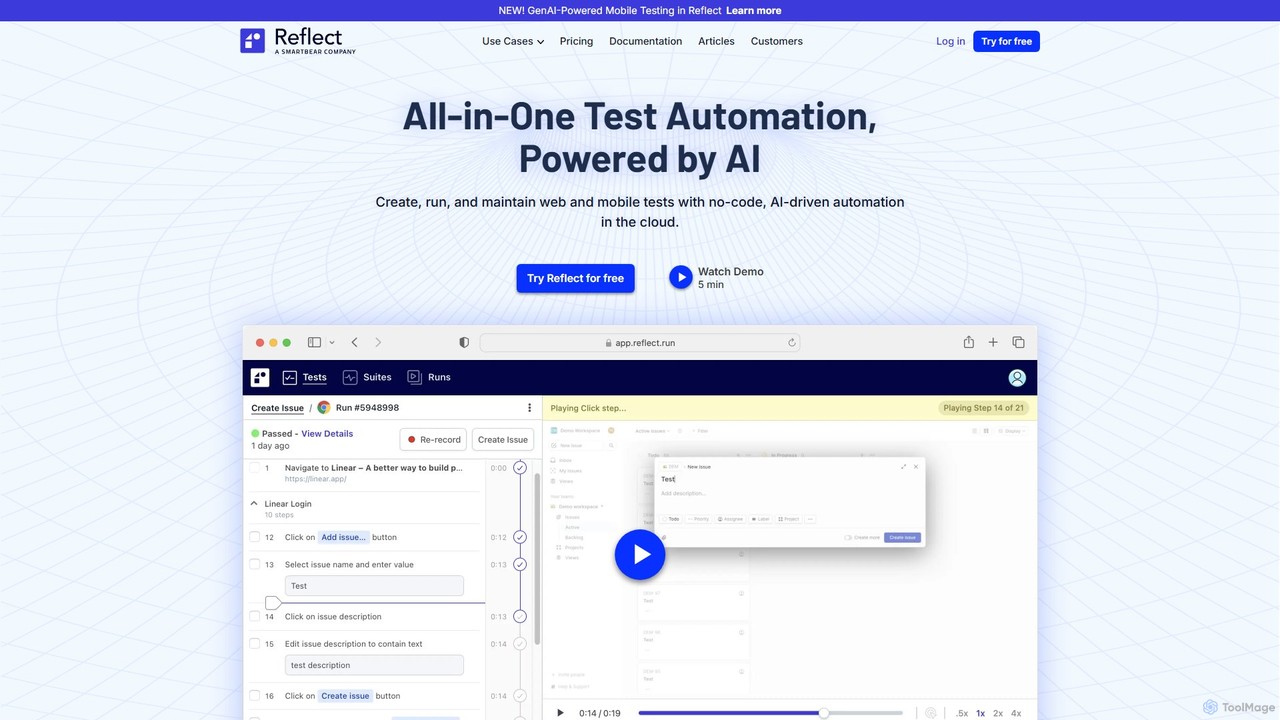
Reflect is an AI-powered, no-code automated web testing platform. It uses generative AI to convert plain English instructions into robust tests, eliminating the need for fragile selectors. Reflect accelerates testing by 10x, automatically adapting to UI changes and reducing maintenance. It supports web, mobile, API, and visual testing, integrating seamlessly with existing CI/CD and project management workflows to enhance test coverage and development speed.
Automation
Playrun
Playrun is an AI-powered, no-code platform that automatically generates tests for your web application's user flows. It proactively catches bugs and regressions by running tests periodically, alerting you before your users are affected. This helps improve software quality and user retention without manual test scripting.
TestingQodex
Qodex is an AI-powered platform that simplifies and accelerates API testing and security. It automatically discovers your APIs, generates comprehensive tests from plain English prompts, and integrates seamlessly into your developer workflow. Reduce test creation time by 80% and ship bug-free software faster.
Securitydevzery
Devzery is an AI-powered platform that automates API functional regression testing. Its self-driving AI agent streamlines end-to-end testing, integrates with CI/CD pipelines, and provides codeless automation. It's designed to accelerate software release cycles, reduce development costs, and enhance test management efficiency by identifying bugs early and ensuring flawless API performance.
Code AssistantSpur
Spur is an AI QA engineer that automates software testing without any coding. Simply describe your test cases in plain English, and Spur's intelligent agent will execute them, identifying bugs that manual testing often misses. It's designed for fast-moving teams in e-commerce, travel, and B2C to ship products faster and with greater confidence. Spur's reliable, self-healing tests eliminate flakiness and reduce maintenance, allowing developers and QA teams to focus on building better products.
TestingMeticulous
Meticulous is an AI-powered tool that revolutionizes front-end testing. It automatically generates and maintains visual end-to-end tests by recording user interactions, eliminating the need for manual test scripting. This helps development teams catch regressions, cover edge cases, and ship code faster with confidence, without the hassle of flaky or high-maintenance tests.
Code Quality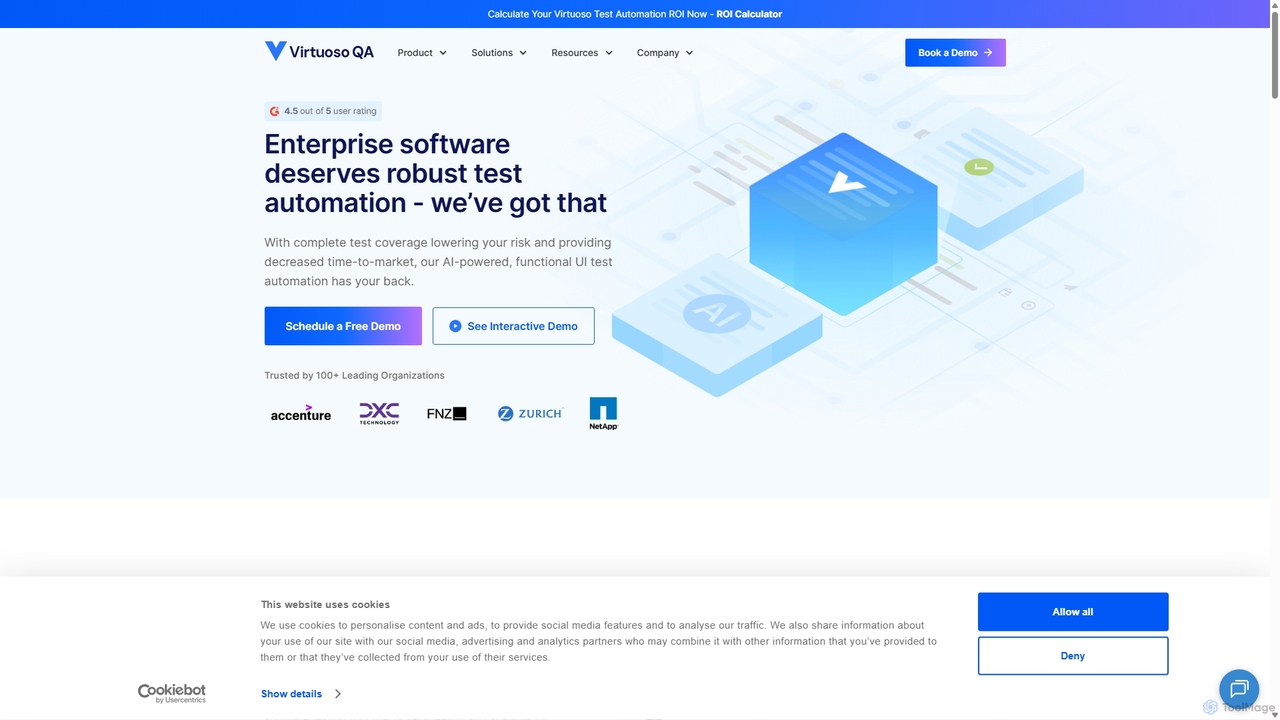
Virtuoso
Virtuoso is an AI-powered test automation platform for enterprises, enabling teams to write self-healing, functional UI and end-to-end tests in plain English. It combines Natural Language Programming (NLP) and Generative AI to accelerate software delivery, reduce test maintenance costs, and improve overall quality.
Testing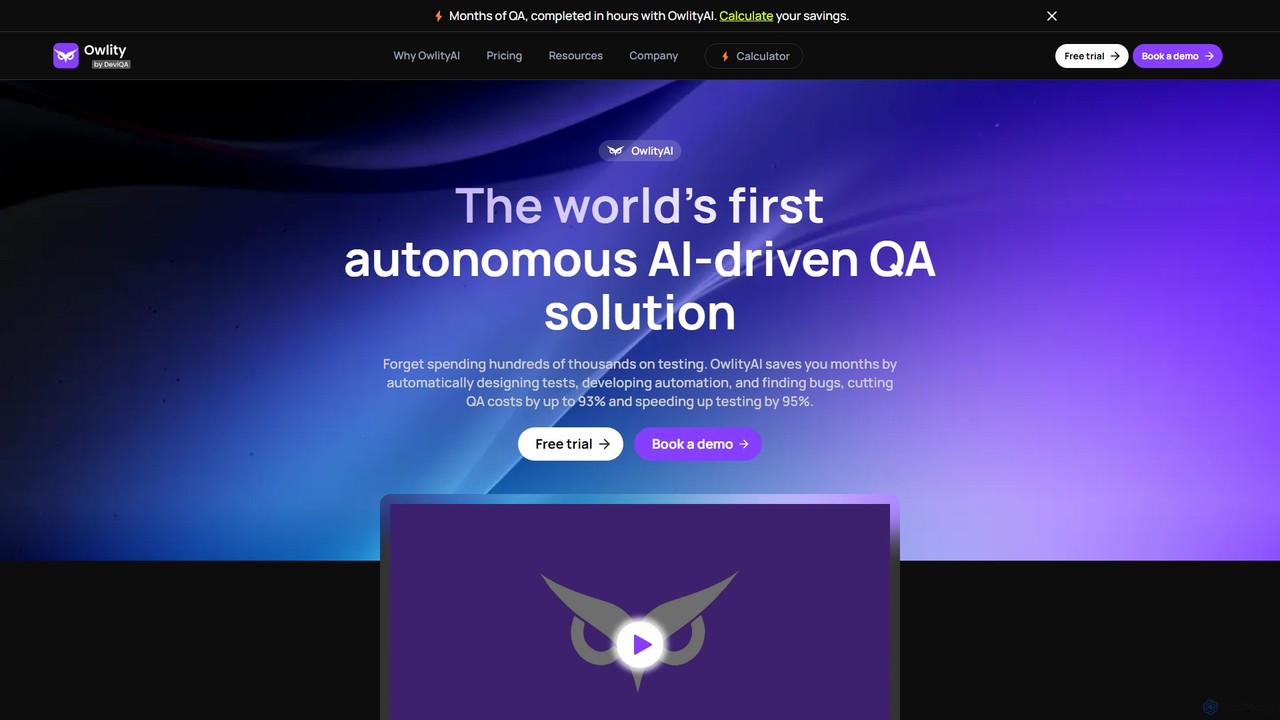
OwlityAI
OwlityAI is a pioneering autonomous AI-driven QA solution designed to revolutionize software testing. It automates the entire testing lifecycle, from test design and script development to bug detection and reporting. By leveraging AI, OwlityAI significantly reduces QA costs by up to 93% and accelerates testing speed by 95%, eliminating the need for extensive manual testing or complex script maintenance. It's a no-code platform accessible to any team member, not just QA specialists.
No Code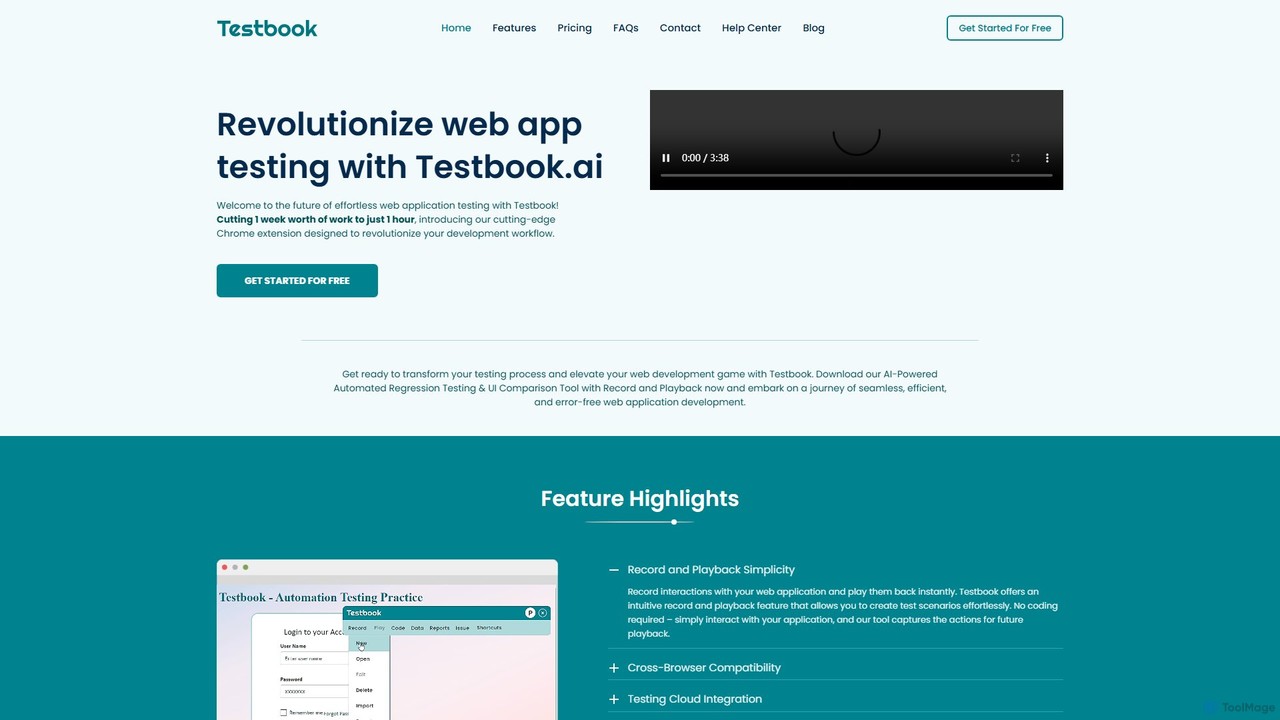
Testbook.ai
Testbook.ai is an AI-powered, no-code platform for automated web application testing. It uses a Chrome extension to record and playback user interactions, enabling rapid regression, UI, and cross-browser testing. Features include self-healing scripts, detailed reporting, and Jira integration to streamline development workflows.
Testing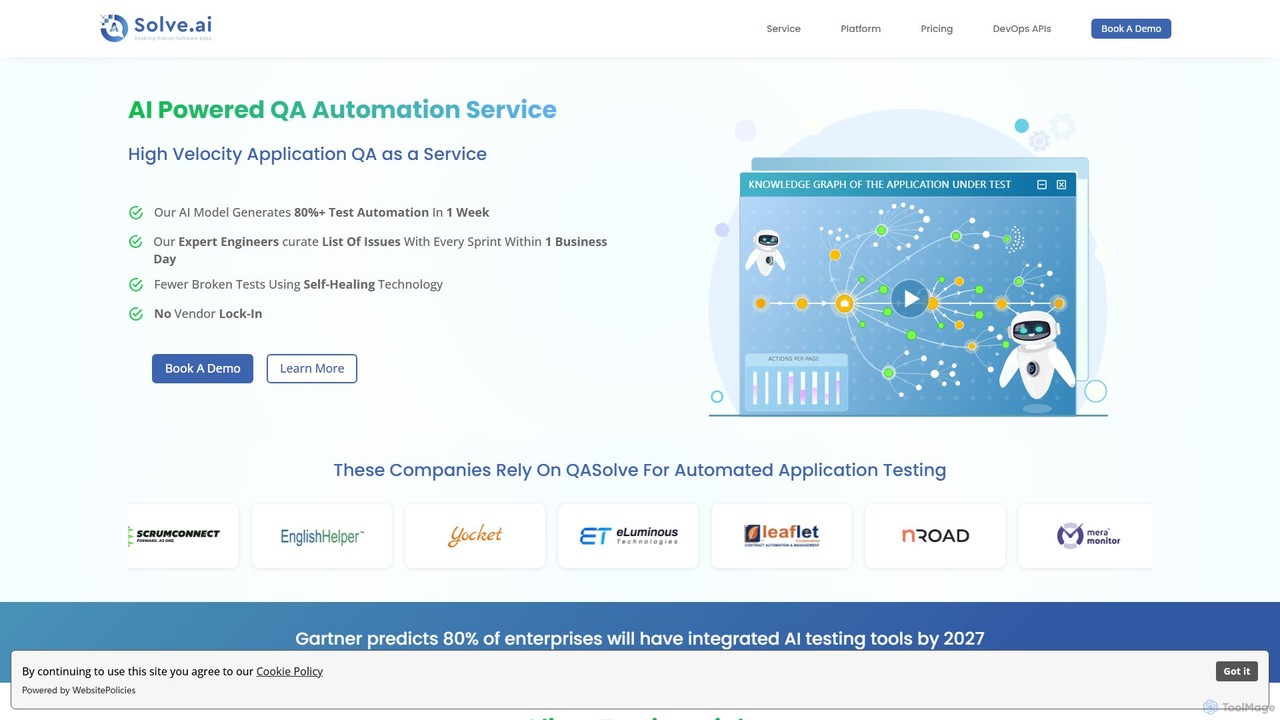
QASolve
QASolve is an AI-augmented software testing and automation platform offered as a service. It autonomously generates over 80% of test automation scripts within a week, using AI agents to explore applications and create self-healing tests. This service accelerates QA cycles, reduces costs, and integrates seamlessly into CI/CD pipelines without requiring any coding from developers.
Testing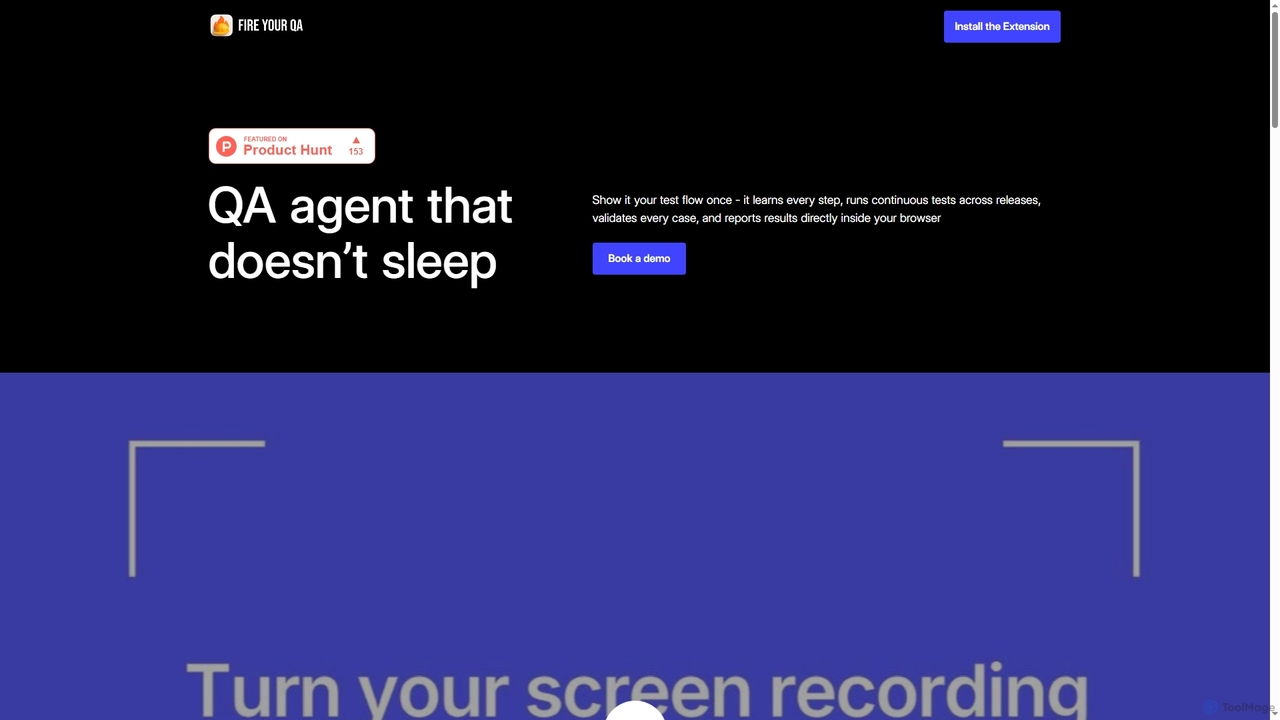
Fireyourqa
Fireyourqa is an AI-powered QA agent that automates web application testing. By installing a browser extension, users can record testing workflows once. The AI then learns these processes, autonomously runs continuous tests, validates all cases, and reports results directly in the browser, saving significant time and resources.
Code Assistant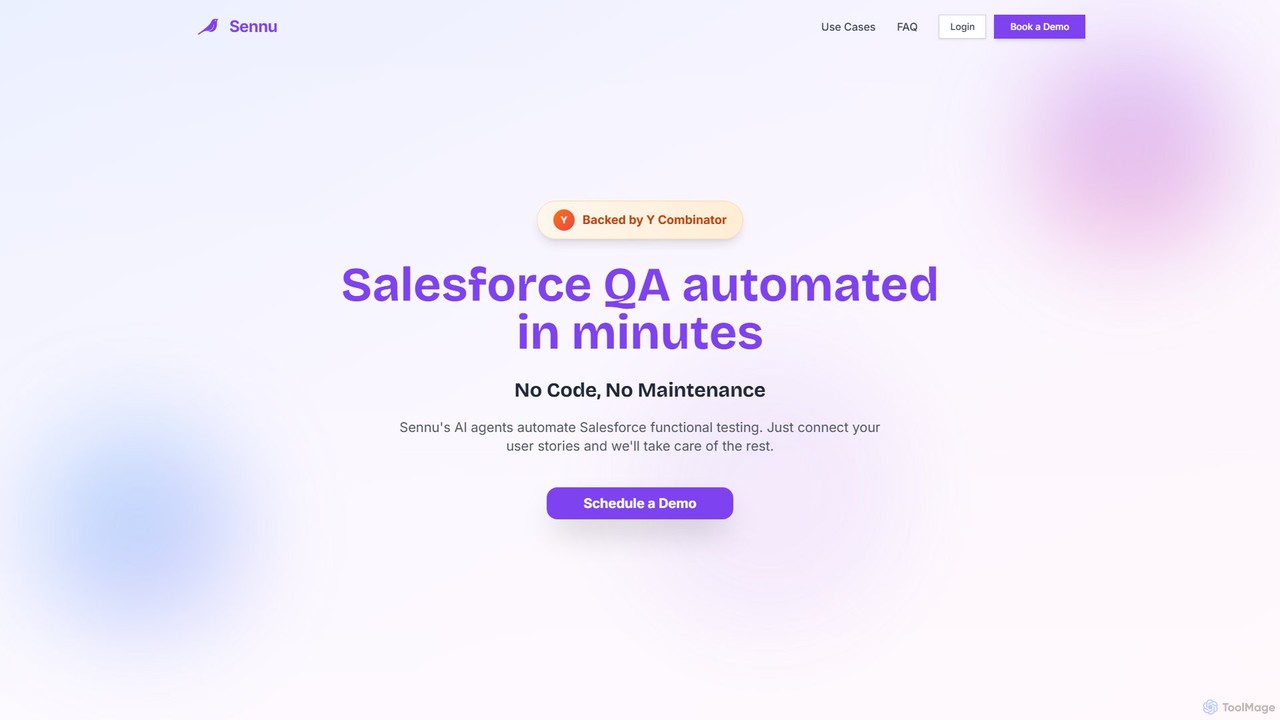
Sennu AI
Sennu AI is a Y Combinator-backed platform that revolutionizes Salesforce QA with AI-powered agents. It offers a no-code, zero-maintenance solution that automatically generates and executes functional tests directly from your user stories. By connecting to your sprint board, Sennu AI creates comprehensive test plans, runs them in your sandbox, and saves engineering teams over 10 hours per sprint, ensuring 99% reliable and consistent test execution.
Crm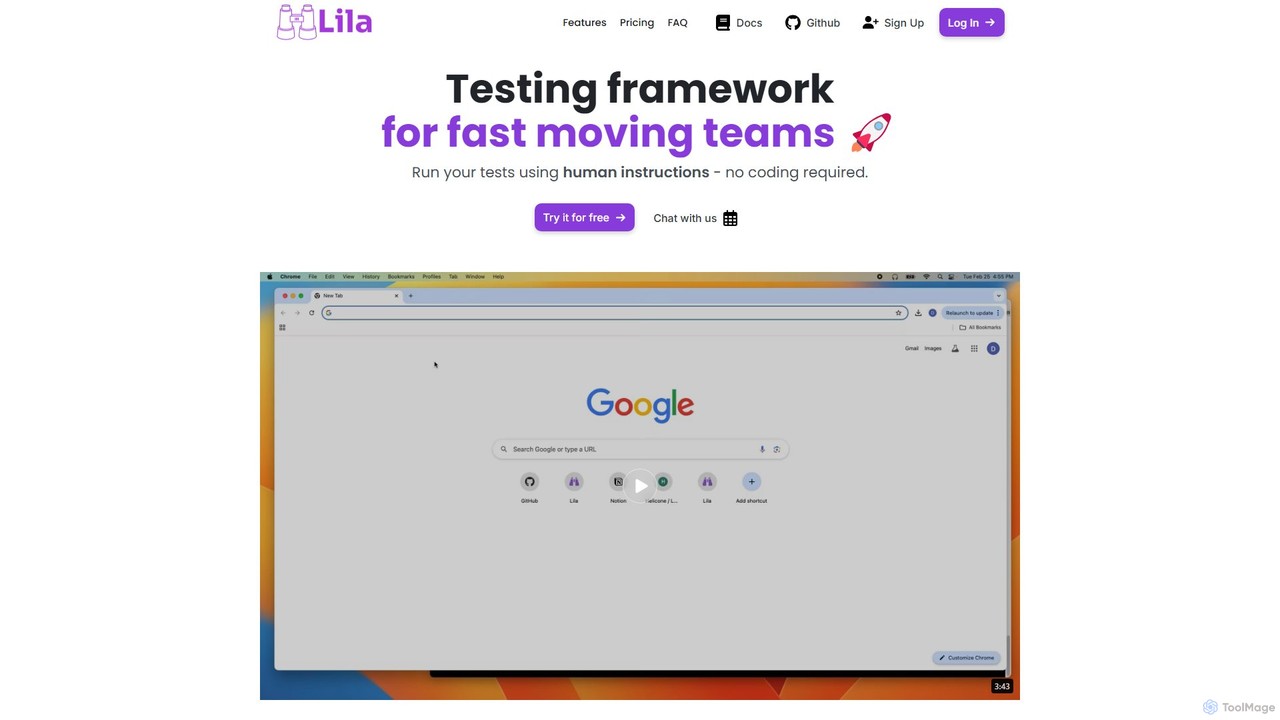
Lila
Lila is an AI-powered testing framework that simplifies end-to-end (e2e) testing for web applications. Using natural language, anyone can create robust, self-healing tests that integrate seamlessly into CI/CD pipelines. It's built on Playwright and designed to be resilient to UI changes, making test automation accessible and low-maintenance for startups, QA teams, and large enterprises.
Testing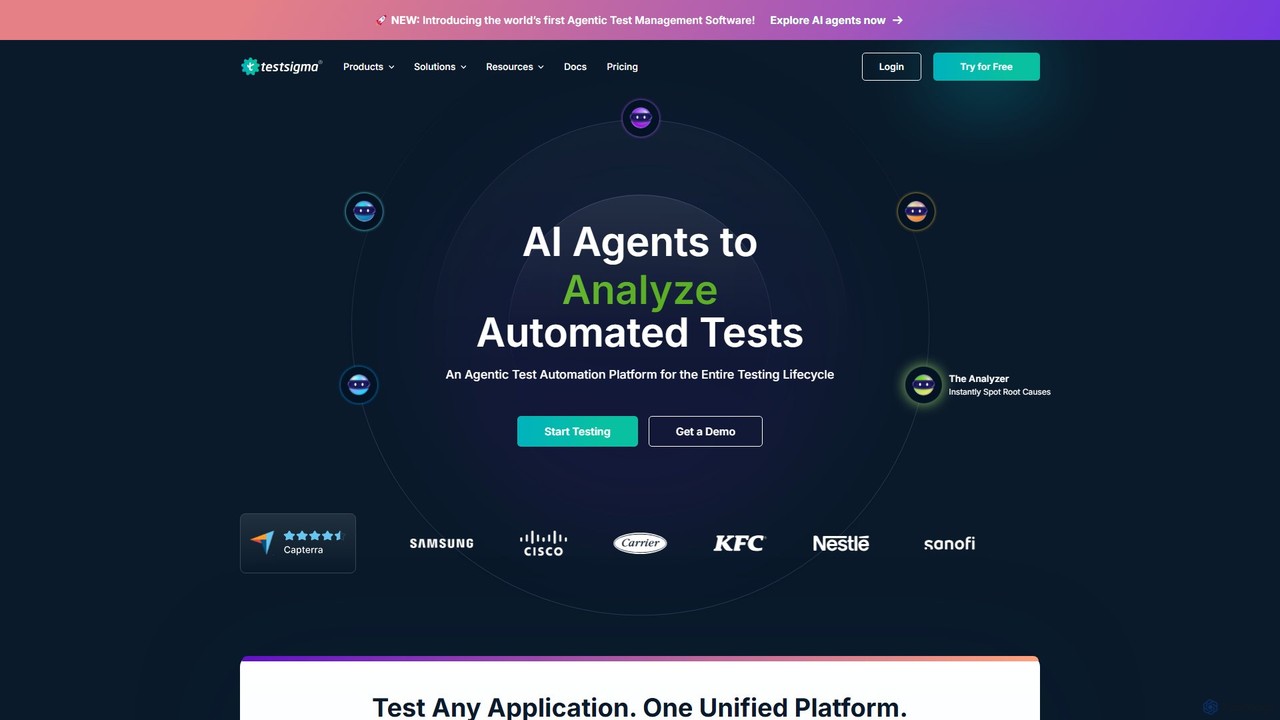
Testsigma
Testsigma is a unified, AI-powered test automation platform that enables teams to create, run, and maintain tests for web, mobile, API, and ERP applications without code. It uses AI agents to accelerate test generation, reduce maintenance by 90%, and achieve end-to-end testing on a massive scale.
Quality Assurance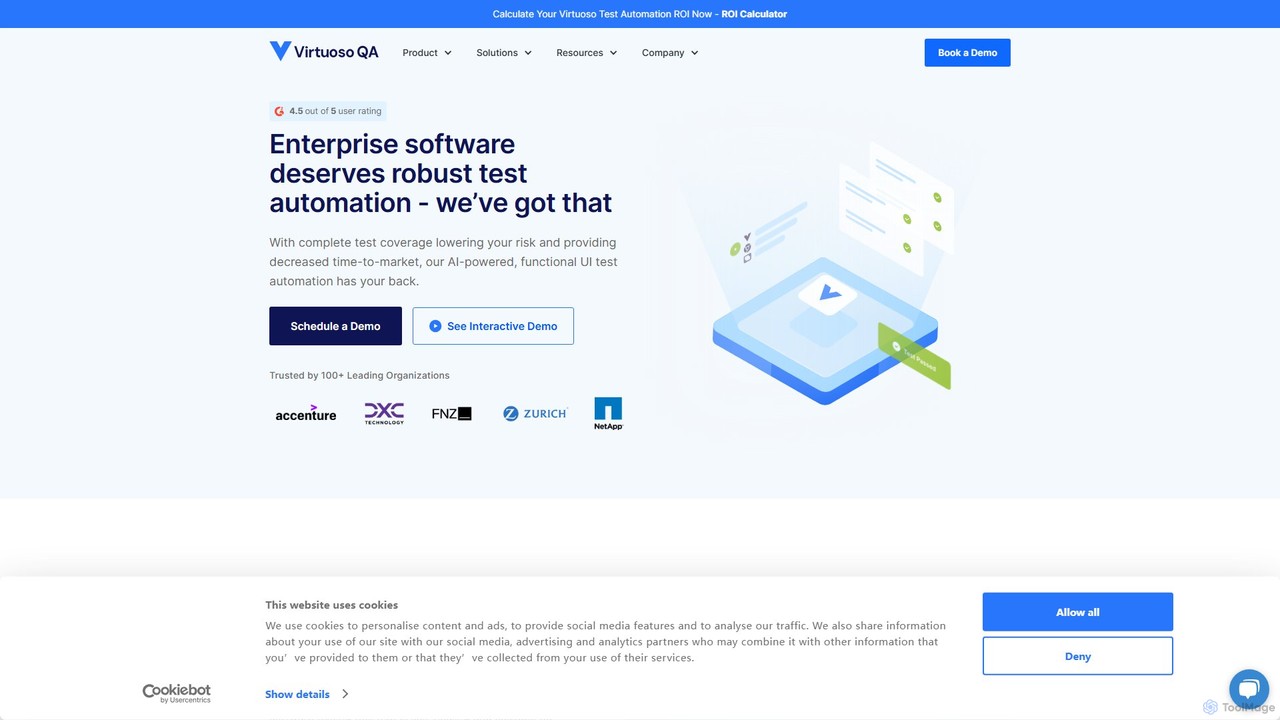
Virtuoso
Virtuoso is an AI-powered, codeless test automation platform for web applications. It enables QA teams and developers to create, execute, and maintain end-to-end tests using natural language. Its intelligent bots navigate applications like a human, while its self-healing capabilities automatically adapt to UI changes, significantly reducing test maintenance and accelerating software delivery cycles.
Quality Assurance
Autoflow Comments (0)
Sign in to comment.
Sign inNo comments yet.