ToolMage
Sign in

Best 2 Web Development AI tools for No Code

Popular Web Development AI tools in No Code include Autoflow and Carbonate, helping you work more efficiently.

Autoflow
Freemium

Autoflow

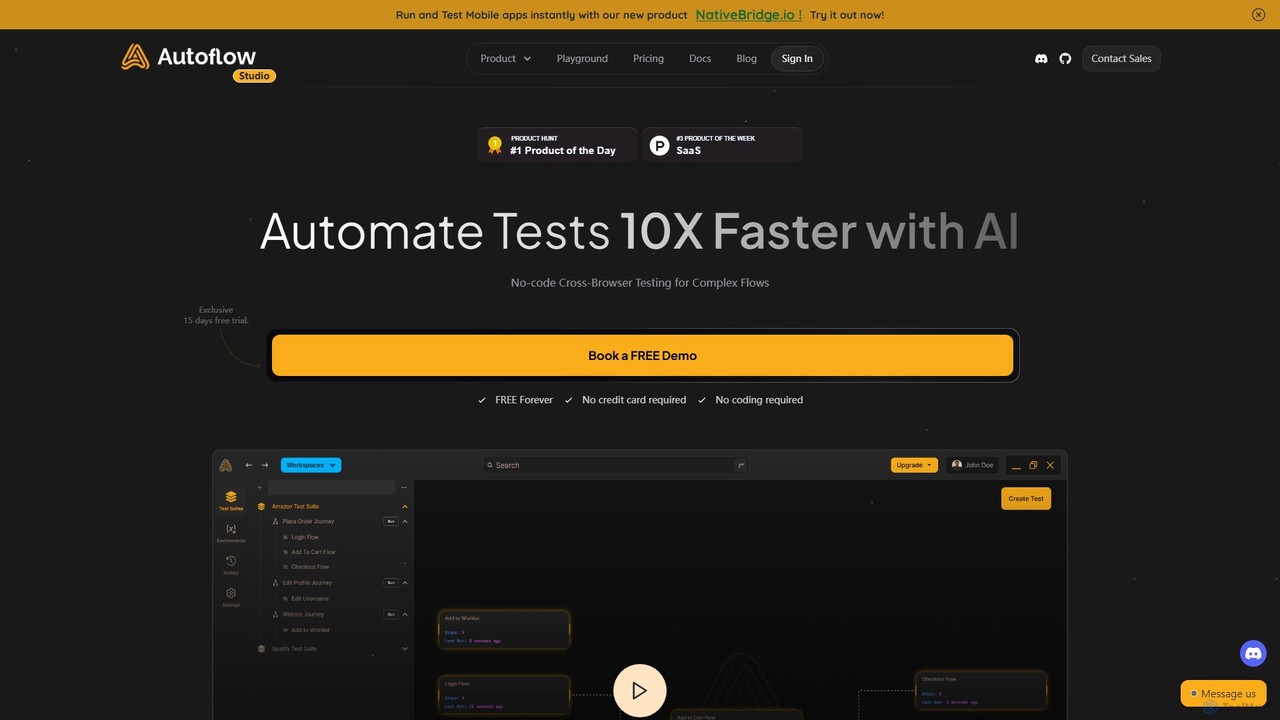
Autoflow is an AI-powered, no-code automated testing tool designed for modern QA teams, developers, and product managers. It enables 10x faster cross-browser testing for complex web application flows without writing a single line of code. It streamlines test creation, execution, and maintenance, fostering collaboration and accelerating release cycles.

Testing
Visits 8KFavorites 145Likes 141
Carbonate
Freemium

Carbonate

Carbonate is an AI-powered, no-code platform for creating automated end-to-end tests. It allows users to simply record their interactions with a web application, and its AI engine generates robust, auto-healing test scripts. These tests understand the application's functionality, not just its HTML structure, making them resilient to UI changes. Run tests in the cloud with detailed debugging tools or export them to your own CI/CD pipeline.

Testing
Visits 7.6KFavorites 148Likes 153

About Web Development

AI Web Development tools are platforms that leverage artificial intelligence to automate the creation, design, and deployment of websites. These tools interpret user prompts or basic inputs to generate unique layouts, color schemes, and even initial content, significantly reducing the manual effort typically required in the no-code space. They empower users without technical expertise to build professional, responsive websites in a fraction of the time. This approach moves beyond templates, offering generative design capabilities for truly custom results.

Core Features

  • AI-Powered Design Generation: Creates unique website layouts, color palettes, and font pairings based on simple text descriptions or industry type.
  • Automated Content Creation: Generates relevant text copy, headlines, and calls-to-action tailored to the website's purpose.
  • Intelligent SEO Optimization: Automatically suggests meta tags, alt text for images, and keyword-rich content to improve search engine visibility.
  • Responsive Code Generation: Produces clean, mobile-friendly HTML/CSS code in the background, ensuring the site works across all devices.
  • Visual Drag-and-Drop Editor: Allows for fine-tuning and customization of the AI-generated design without writing any code.

Use Cases

These tools are ideal for entrepreneurs, small business owners, marketers, and freelancers who need to establish an online presence quickly. Common applications include creating landing pages for marketing campaigns, building portfolio sites for creatives, launching informational websites for local businesses, and rapidly prototyping web applications.

How to Choose

When selecting an AI Web Development tool, consider the quality and flexibility of its AI design generator. Evaluate the scope of its content creation capabilities, from text to images. Assess the platform's hosting options, scalability, integration with other marketing tools, and the level of customization available after the initial AI generation.

Web Development use cases

1

Launch a Landing Page for a Marketing Campaign

A marketing manager needs to quickly create a high-converting landing page for a new product launch. Instead of waiting for developers, they use an AI web development tool. By providing a prompt like 'Create a landing page for a new eco-friendly water bottle targeting millennials,' the AI generates a complete page with a compelling layout, persuasive copy, relevant stock images, and a lead capture form. The manager then uses the visual editor to tweak the branding and launches the page in under an hour, significantly accelerating the campaign timeline.

2

Create a Professional Portfolio Website for a Freelancer

A freelance graphic designer needs a sleek, modern portfolio to showcase their work to potential clients. Using an AI website builder, they describe their style as 'minimalist, bold typography, dark theme'. The AI instantly generates several design options. They select one, and the tool automatically creates galleries, an 'About Me' page, and a contact form. The designer can then easily upload their projects, and the AI helps write compelling project descriptions. The result is a professional, custom-looking portfolio site created in an afternoon, without any coding knowledge.

3

Build an Informational Website for a Small Business

The owner of a local bakery wants an online presence to display their menu, hours, and location. They use an AI web development tool and simply input 'Bakery in Brooklyn, New York'. The AI generates a charming website complete with sections for 'Our Story', 'Menu', 'Gallery' of baked goods, and a contact page with an integrated map. It even suggests copy that evokes a warm, friendly tone. The owner uploads their own photos, adjusts the menu text, and publishes a fully functional business website within a couple of hours, attracting new local customers.

4

Rapidly Prototype a Web App Idea

An entrepreneur has an idea for a simple web app but lacks the budget for a development team. They use an AI web builder to create a high-fidelity prototype. They describe the app's function: 'a task management tool with a clean dashboard and project boards'. The AI generates the user interface, including login screens, a dashboard layout, and card-based project views. While the backend logic isn't functional, this visual prototype is interactive enough to present to potential investors and gather user feedback, validating the concept before any significant investment is made.

5

Generate a Microsite for an Event or Conference

An event organizer needs a dedicated website for an upcoming annual conference. Time is short, and the budget is tight. Using an AI web development tool, they input key details: 'Tech Conference 2024, San Francisco, October 25-27, speakers, schedule, registration'. The AI instantly scaffolds a multi-page site with a homepage, a speaker bio page, a detailed schedule layout, and an embedded registration form. The organizer then populates the specific speaker photos and talk details. The entire site is live in a day, providing a professional hub for attendees without the cost of a web agency.

6

Create a Blog or Content Hub for a Niche Topic

A subject matter expert wants to start a blog to share their knowledge on sustainable gardening. They use an AI website builder to get started. They prompt the AI with 'Create a blog about sustainable gardening with a natural, earthy design'. The AI generates a blog layout with a homepage featuring recent posts, category pages (e.g., 'Composting', 'Organic Pest Control'), and an 'About' page. It also suggests a list of initial blog post ideas and helps draft the first few articles. This allows the expert to focus on creating high-quality content rather than wrestling with web design and setup.

Web Development FAQ

What are AI Web Development tools?

AI Web Development tools are a new generation of no-code platforms that use artificial intelligence to automate the website creation process. Unlike traditional builders that rely on templates, these tools can generate unique designs, layouts, text content, and even images from a simple user prompt. They essentially act as an AI design assistant, allowing anyone to create a professional-looking, custom website without needing design or coding skills.

How do AI website builders differ from traditional ones like Wix or Squarespace?

The primary difference lies in the initial creation process. Traditional builders start with a pre-made template that you customize. AI website builders start with a prompt or conversation where you describe your needs. The AI then generates a unique website from scratch based on your input. This often leads to more original designs and can automate content creation, which traditional builders typically do not. After the initial generation, both types of tools usually offer a similar visual editor for manual adjustments.

Do I need coding knowledge to use AI Web Development tools?

No, you do not need any coding knowledge. These tools are designed to be part of the no-code ecosystem. They handle all the technical aspects, including HTML, CSS, and JavaScript generation, in the background. The entire process, from describing your desired website to making final adjustments, is done through a user-friendly interface, making web development accessible to everyone, regardless of their technical background.

What are the key features to look for in an AI website builder?

When choosing an AI website builder, look for these key features:

  • High-Quality Design Generation: The AI should produce aesthetically pleasing and modern designs that are relevant to your industry.
  • Content Generation Capabilities: Check if it can generate not just text, but also suggest images or create logos.
  • Customization Flexibility: After the initial generation, you should have robust tools to easily modify layouts, colors, and fonts.
  • Built-in SEO Tools: The platform should offer features to help optimize your site for search engines, such as editing meta tags and alt text.
  • Responsiveness: Ensure the generated websites are automatically mobile-friendly and look great on all devices.
Can I customize a website after it has been generated by AI?

Yes, absolutely. The AI's role is to provide a strong, unique starting point. After the initial website is generated, all reputable AI web development tools provide a visual, drag-and-drop editor. This editor allows you to fine-tune every aspect of the site, including changing text and images, adjusting colors and fonts, rearranging sections, and adding new pages or features. You have full control to modify the AI-generated design to perfectly match your vision.