

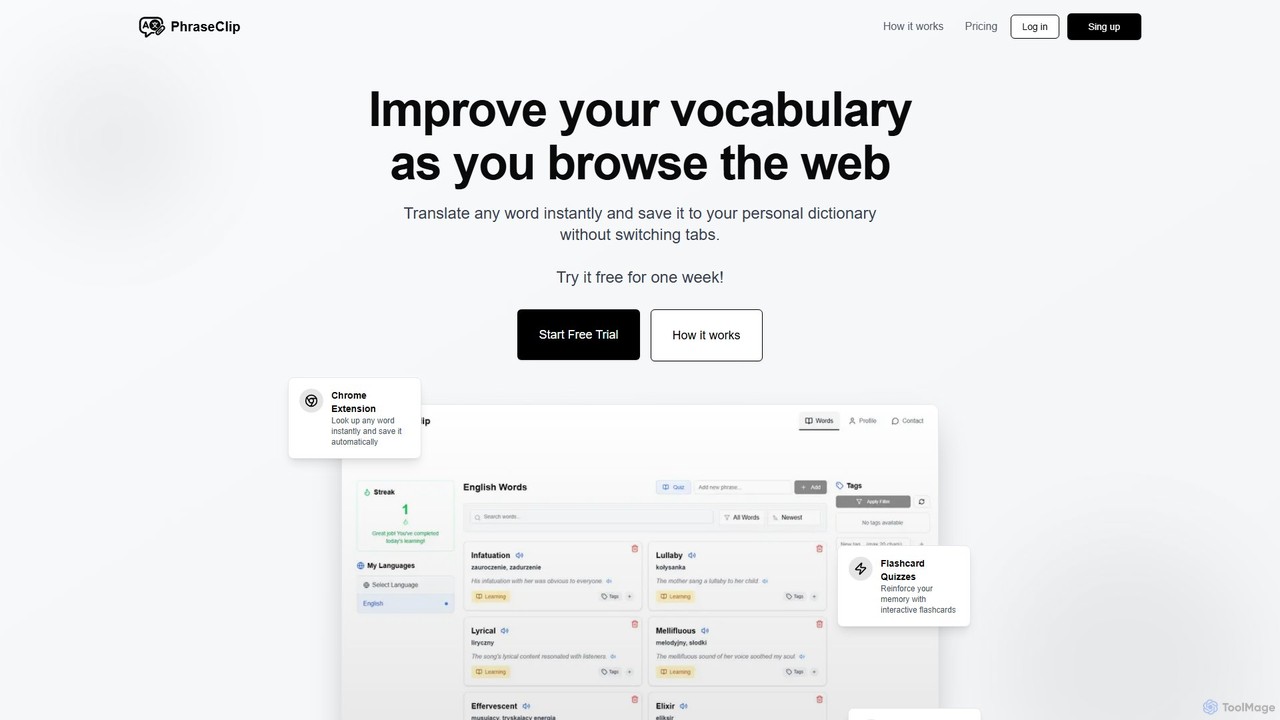
PhraseClip Overview
PhraseClip is an innovative AI-powered Chrome extension designed to revolutionize the way you learn and expand your vocabulary in a new language. It seamlessly integrates into your daily web browsing, allowing you to build a personal dictionary without ever leaving your current tab. The core philosophy of PhraseClip is to make vocabulary acquisition a natural and effortless part of your reading process. Whether you are a student, a professional, or a language enthusiast, PhraseClip provides a complete toolkit to turn newly encountered words into lasting knowledge.
The tool allows you to instantly look up and translate any word on any website. With just two clicks, the word is translated and automatically saved to your dictionary. Each entry is enriched with an automatically generated example sentence to provide better context, along with clear pronunciation audio. This contextual learning method is far more effective than memorizing isolated words.
How to use PhraseClip
Getting started with PhraseClip is simple and intuitive. The process is designed to be as non-disruptive as possible:
- Install the Chrome Extension: First, add the PhraseClip extension to your Google Chrome browser from the Chrome Web Store.
- Browse the Web: Navigate to any website with content in the language you are learning, such as news articles, blogs, or academic papers.
- Translate & Save: When you encounter an unknown word, simply double-click or highlight it. PhraseClip's pop-up will instantly show you the translation. With one more click, you can save the word directly to your personal dictionary.
- Review and Organize: Access your dictionary at any time. Here you can see all your saved words, each with its translation, example sentence, and pronunciation. Use tags to categorize your words (e.g., 'work', 'travel', 'science') and filter your list for focused study sessions.
- Practice with Flashcards: To solidify your memory, use the built-in flashcard quiz feature. This uses active recall, a scientifically proven method for effective learning. PhraseClip encourages consistent practice with a daily streak system and timely reminders.
- Track Your Progress: As you master words, mark them as 'learned'. This helps you focus your efforts on vocabulary that still needs practice and provides a clear view of your learning journey.
Core Features of PhraseClip
- Instant In-Browser Translation: Translate words on any webpage without switching tabs, maintaining your reading flow.
- One-Click Vocabulary Saving: Automatically save translated words, their meanings, and pronunciations to a personal, organized dictionary.
- AI-Powered Contextual Sentences: Each saved word comes with an automatically generated example sentence, helping you understand its usage in a real-world context.
- Interactive Flashcard Quizzes: Reinforce your memory with engaging flashcards that promote active recall and long-term retention.
- Vocabulary Management: Organize your word list with custom tags and filters, allowing for targeted review sessions.
- Progress Tracking & Motivation: Stay motivated with a daily streak counter and quiz reminders. Mark words as 'learned' to track your progress and focus your studies.
- Multi-Language Support: Learn vocabulary from English, Spanish, French, and German, and translate them into a growing list of native languages including English, Polish, Spanish, French, German, Swedish, and Japanese.
Use Cases for PhraseClip
PhraseClip is ideal for a wide range of users:
- Language Students: Supplement classroom learning by capturing new vocabulary from online articles, forums, and digital textbooks.
- Professionals: Read international industry news, reports, and emails in their original language, quickly looking up and saving technical terms.
- Expatriates and Travelers: Immerse themselves in the local language by reading local news sites and blogs, building practical, everyday vocabulary.
- Avid Readers: Enjoy foreign literature and content in its original form without the constant interruption of switching to a separate translation app.
Advantages of PhraseClip
The primary advantage of PhraseClip is its seamless integration into the user's existing workflow. It transforms passive reading into an active learning experience. Unlike traditional methods, it captures words in their natural context, which significantly improves retention. The combination of instant capture, contextual examples, and active recall quizzes creates a powerful and efficient learning cycle. The one-time payment for lifetime access is also a significant benefit, offering exceptional value compared to subscription-based services.
Pricing and Plans
PhraseClip offers a straightforward and highly accessible pricing model:
- Free Trial: You can try all features of PhraseClip completely free for one week.
- Early Adopter Lifetime Access: For a limited time, get unlimited lifetime access to all current and future features for a single payment of $9 (a 50% discount from the standard price of $19). This plan includes a 30-day money-back guarantee, all future updates, and 24-hour email support. There are no subscriptions or recurring fees.
PhraseClip Alternatives
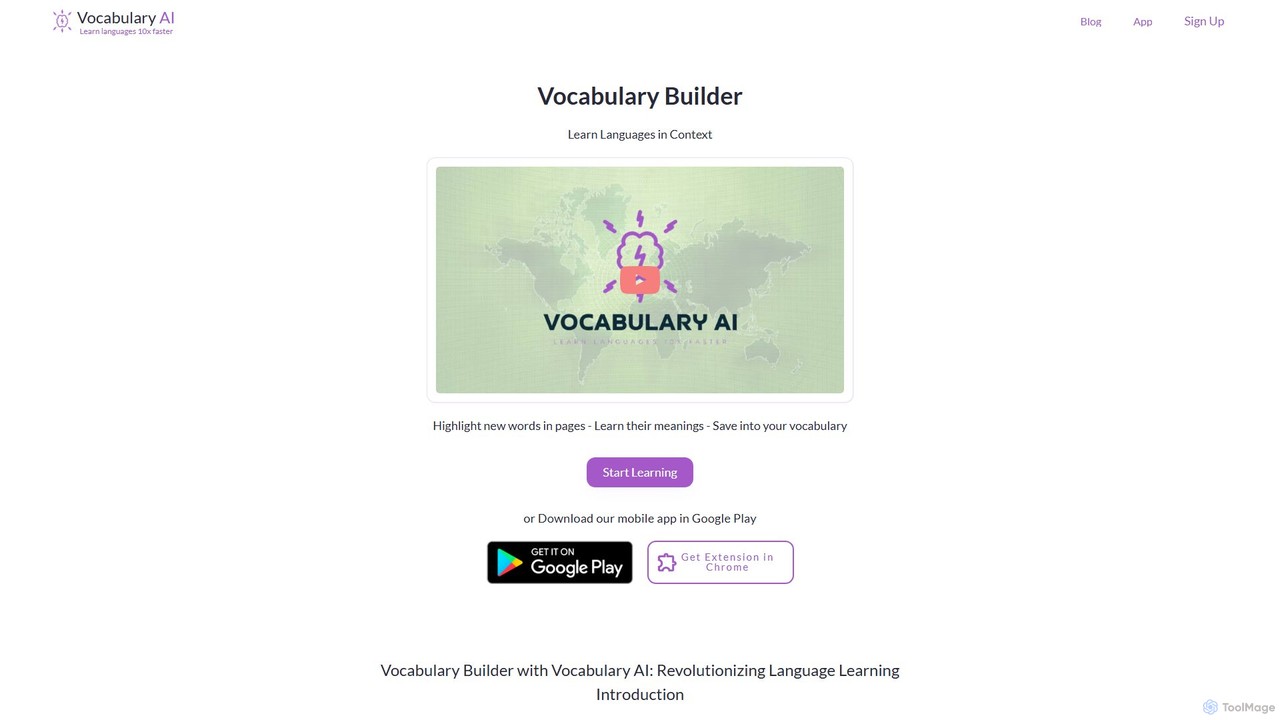
Vocabulary.live
Vocabulary.live is an AI-powered language learning platform that helps you build vocabulary in context. Using a browser extension, you can highlight and save new words from any website. The platform then uses a spaced repetition system based on the Ebbinghaus method to help you effectively memorize and retain them.
Language Learning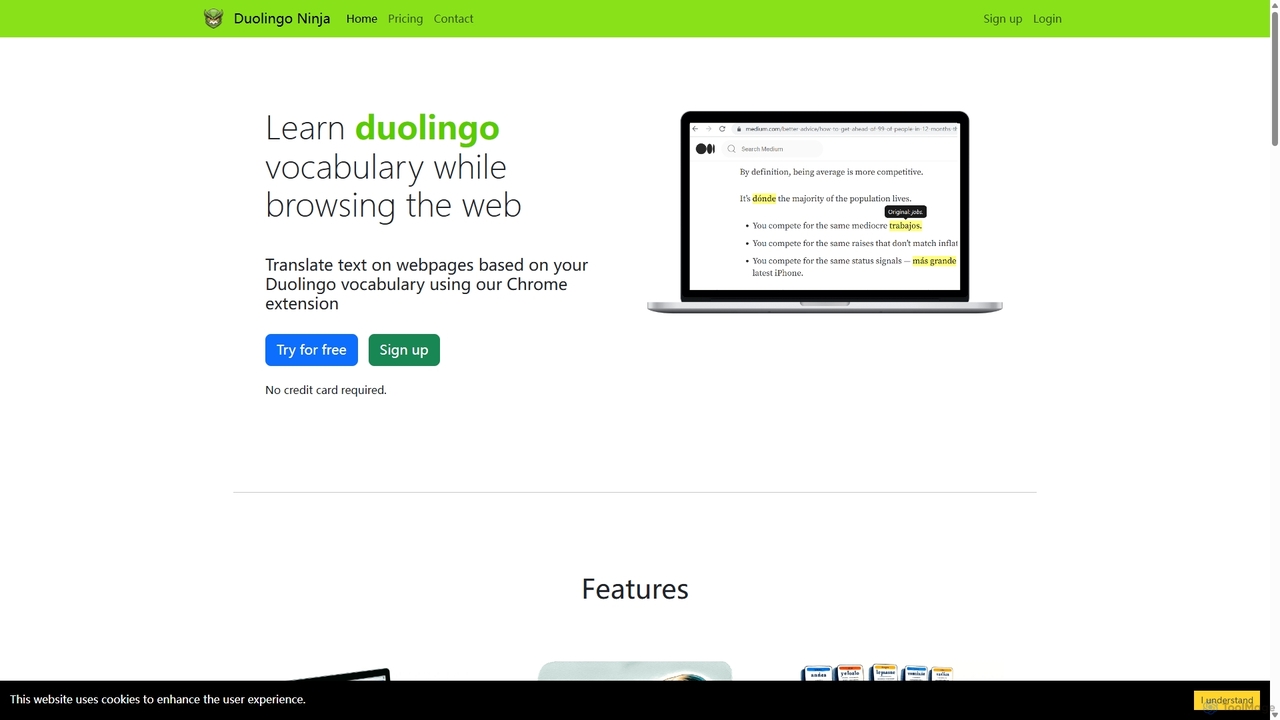
Duolingo Ninja
Duolingo Ninja is a Chrome extension designed for immersive language learning. It enhances your Duolingo experience by translating words and sentences on any webpage you browse, based on the vocabulary you've already learned. This allows you to encounter and learn words in real-world contexts, supplemented by features like spaced repetition flashcards with AI-generated sample sentences and customizable learning settings.
Language Learning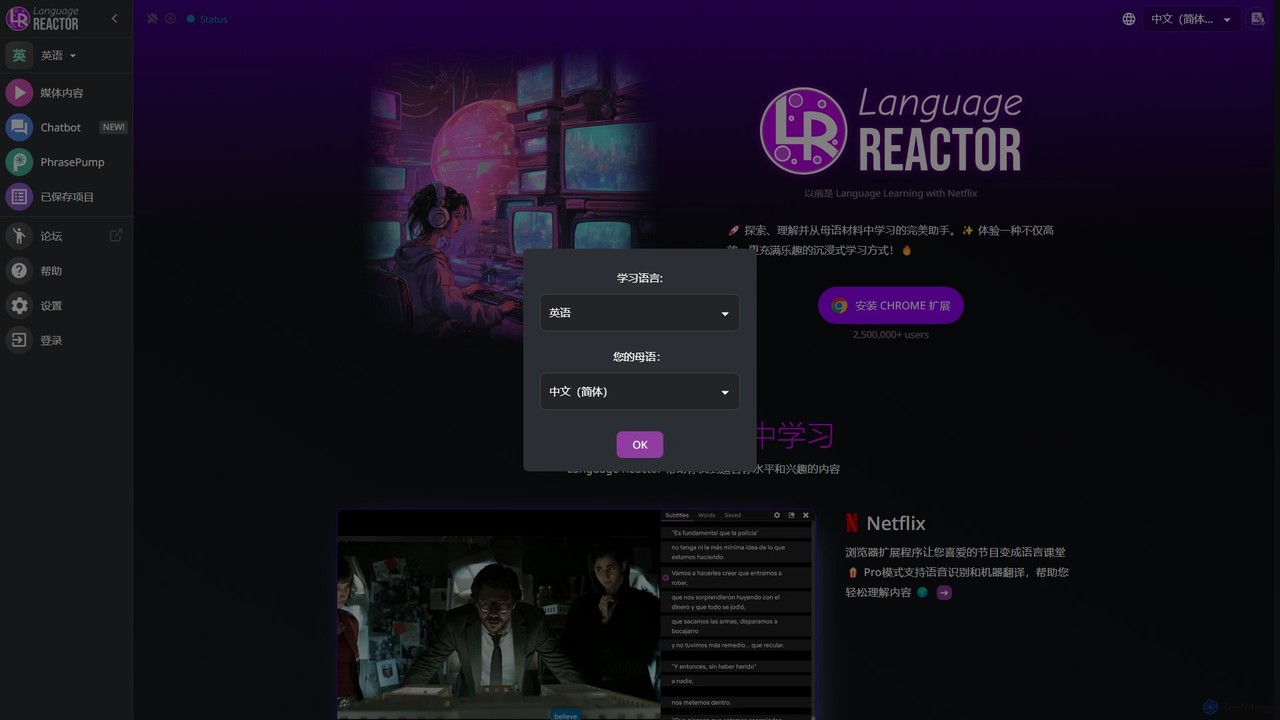
Language Reactor
Language Reactor is a powerful language learning toolkit that transforms media consumption into an immersive study experience. It enhances Netflix, YouTube, and websites with dual-language subtitles, a pop-up dictionary, and advanced playback controls. It also features an AI tutor, vocabulary saving, and spaced repetition tools to accelerate fluency.
Language Learning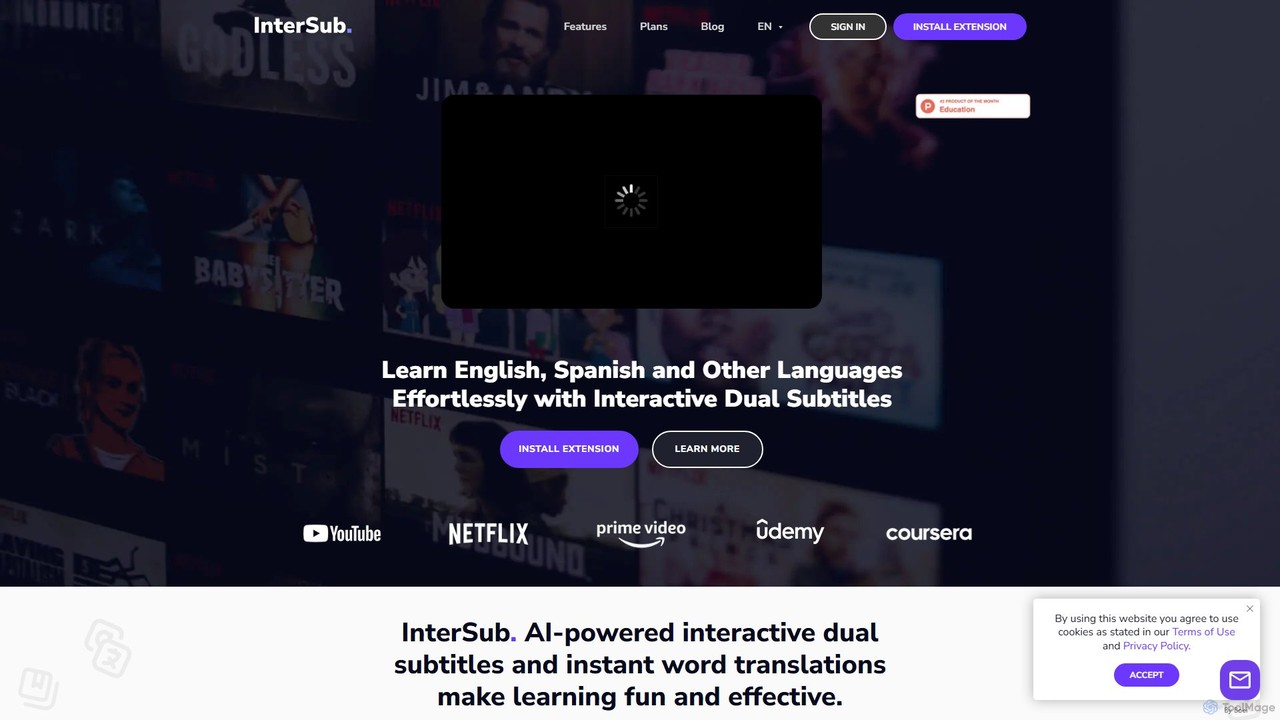
InterSub
InterSub is an AI-powered browser extension that enhances language learning by providing interactive dual subtitles on popular streaming and educational platforms. It offers instant word translations, a personal vocabulary builder, and supports over 30 languages, turning your video-watching time into an effective and immersive learning session.
Language Learning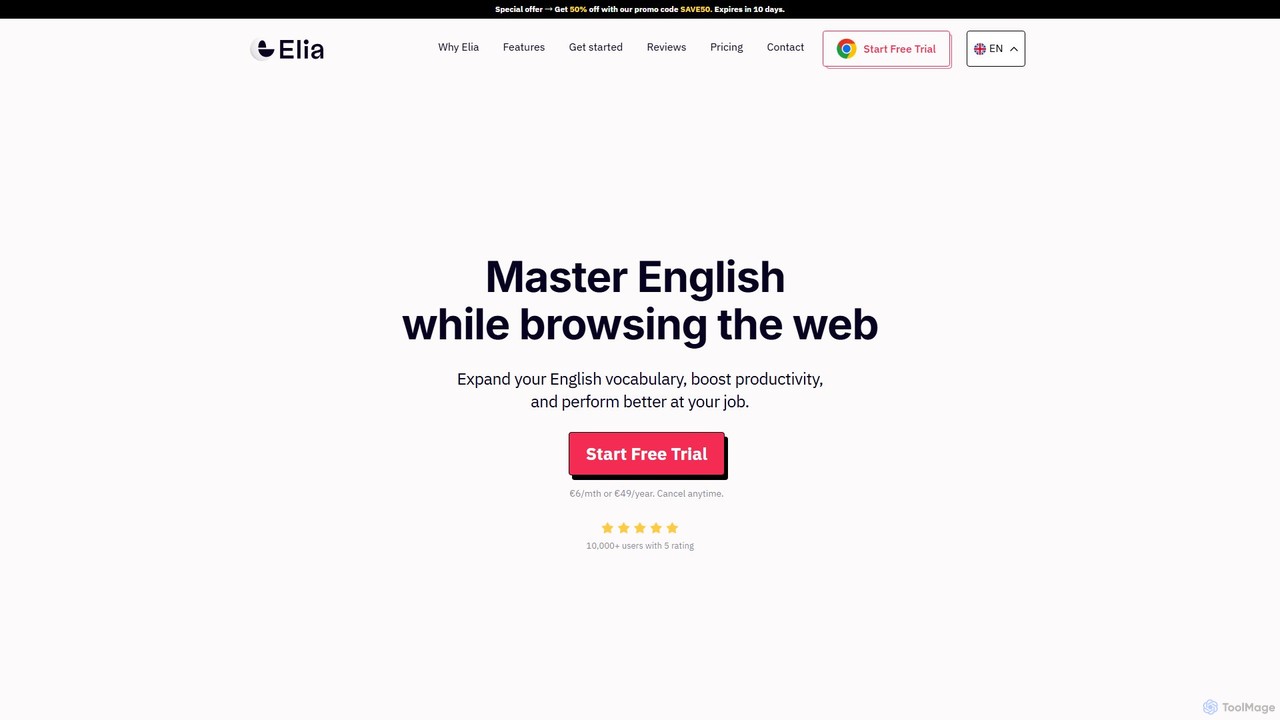
Elia
Elia is a Chrome extension designed to help you master English while browsing the web. Instantly translate unfamiliar words, save them to a personalized wordlist, and practice them through intelligent highlighting and review features. Boost your vocabulary and professional performance effortlessly.
Language LearningPhraseClip Categories
PhraseClip Embed Widget
Copy this embed code to place the badge on your blog, article, or product site and send readers directly to this ToolMage detail page.

Related AI tools
Vocabulary.live
Vocabulary.live is an AI-powered language learning platform that helps you build vocabulary in context. Using a browser extension, you can highlight and save new words from any website. The platform then uses a spaced repetition system based on the Ebbinghaus method to help you effectively memorize and retain them.
Language LearningDuolingo Ninja
Duolingo Ninja is a Chrome extension designed for immersive language learning. It enhances your Duolingo experience by translating words and sentences on any webpage you browse, based on the vocabulary you've already learned. This allows you to encounter and learn words in real-world contexts, supplemented by features like spaced repetition flashcards with AI-generated sample sentences and customizable learning settings.
Language Learning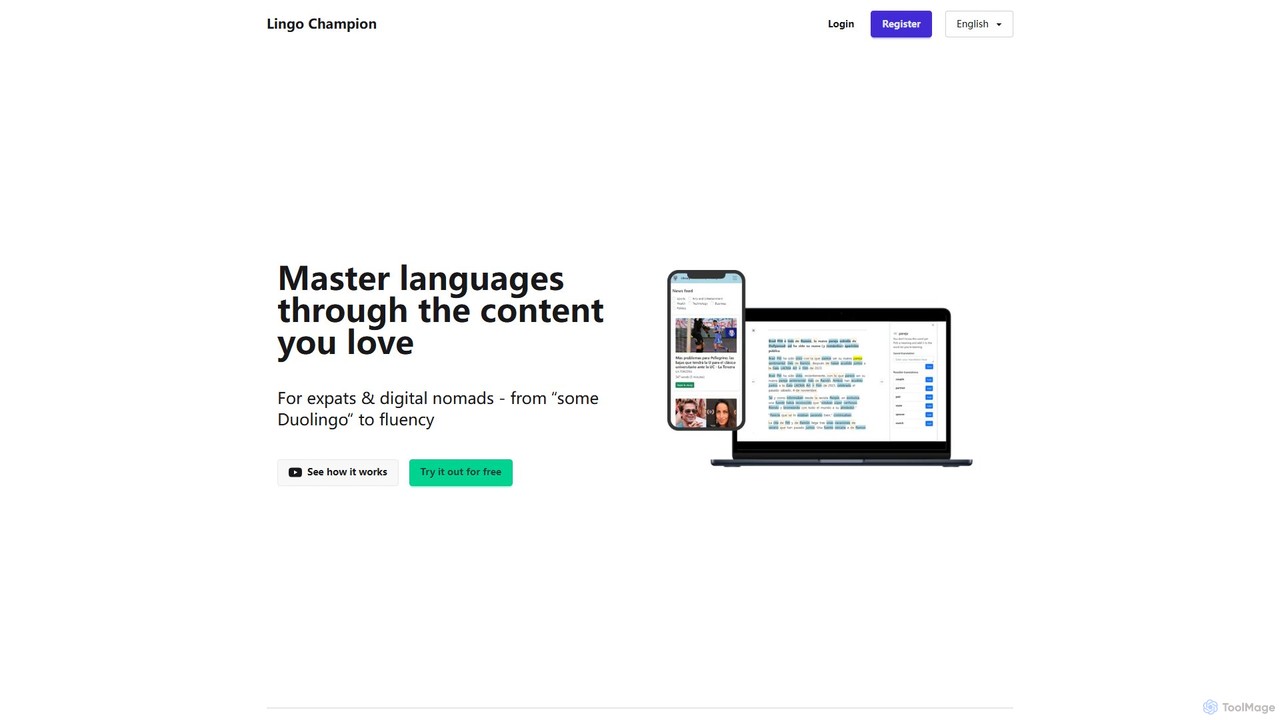
LingoChampion
LingoChampion is an AI-powered language learning platform designed for intermediate learners aiming for fluency. It utilizes the comprehensible input method, allowing users to learn through authentic content they love, such as news articles, videos, and music. With features like AI explanations, vocabulary tracking, SRS flashcards, and an integrated AI chat, it helps users transition from basic knowledge to practical, real-world language proficiency.
Personalized Learning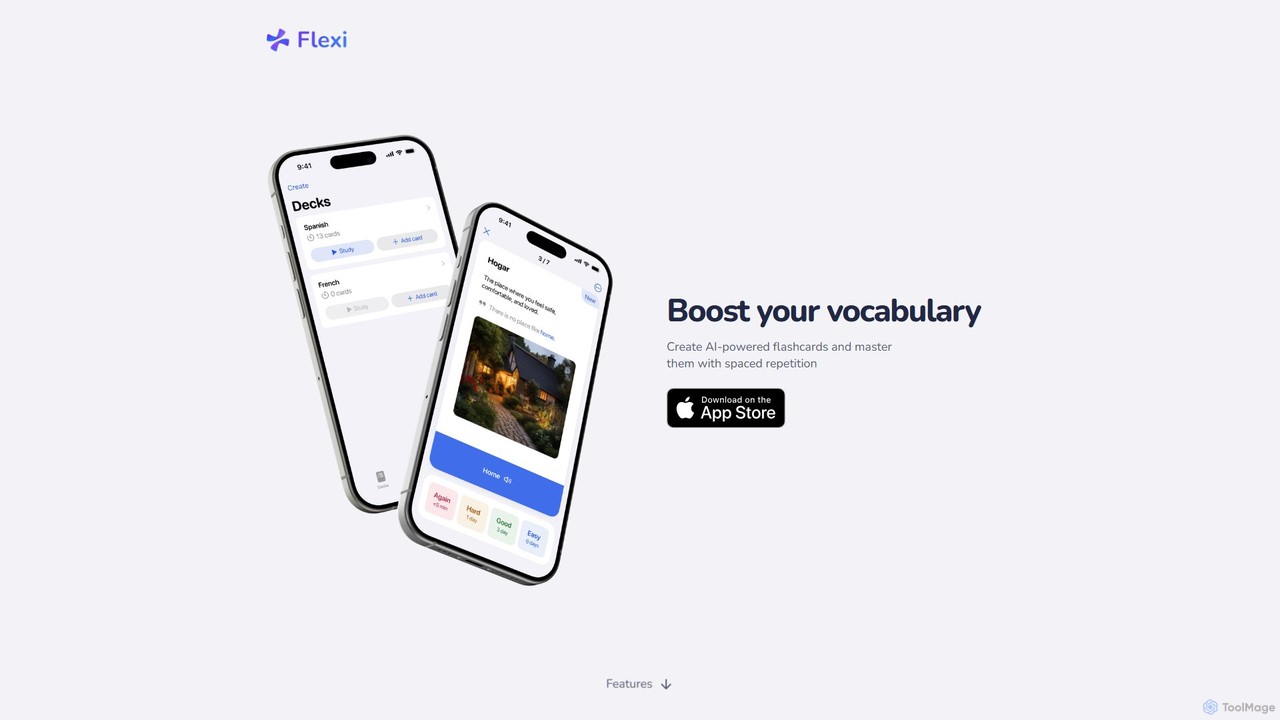
FlexiCards
FlexiCards is an AI-powered language learning app that helps you build vocabulary with smart flashcards. It uses a spaced repetition system (SRS) to enhance long-term memory. Features include AI-generated translations, examples, definitions, text-to-speech, and the ability to import decks from Anki and Quizlet. Ideal for learners seeking an efficient and personalized study experience.
Personalized Learning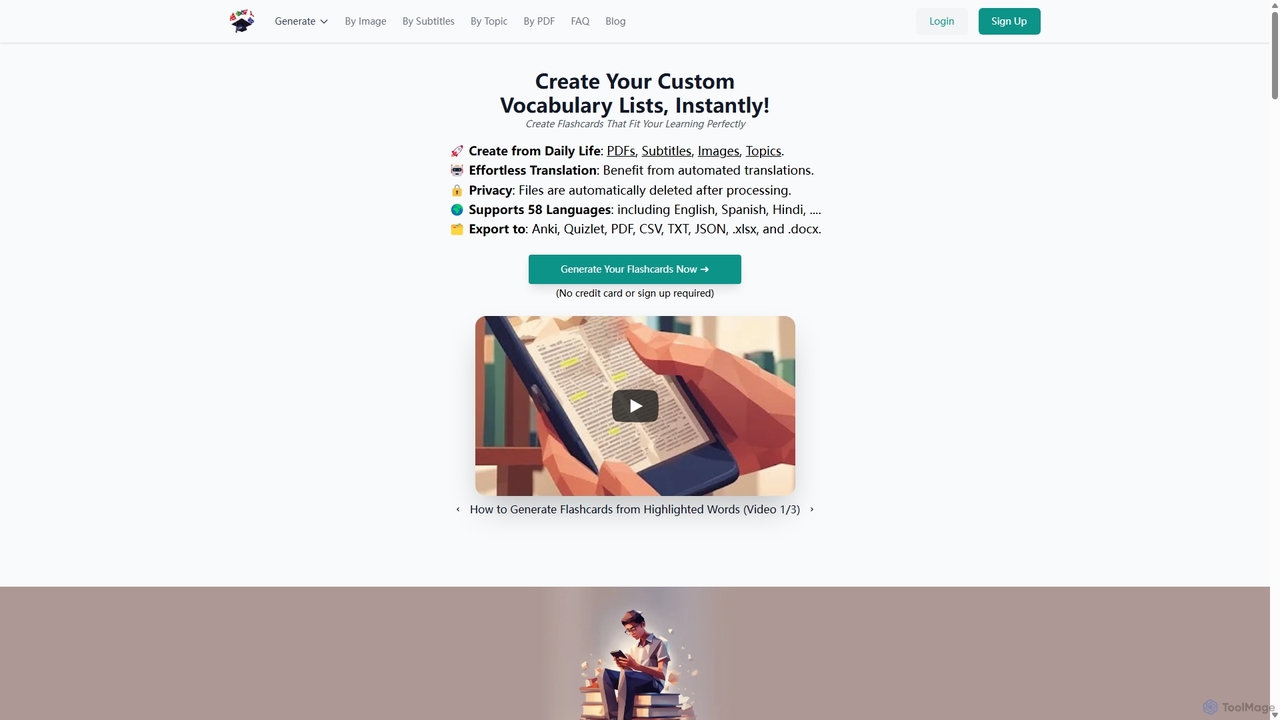
VocabGenerator
VocabGenerator is a powerful AI tool that instantly creates custom vocabulary flashcards. Generate translated flashcards from PDFs, images with highlighted text, subtitle screenshots, or any topic you choose. It supports a vast range of languages and allows for easy export to Anki or printable PDFs, making it an essential resource for language learners, students, and professionals.
Language Learning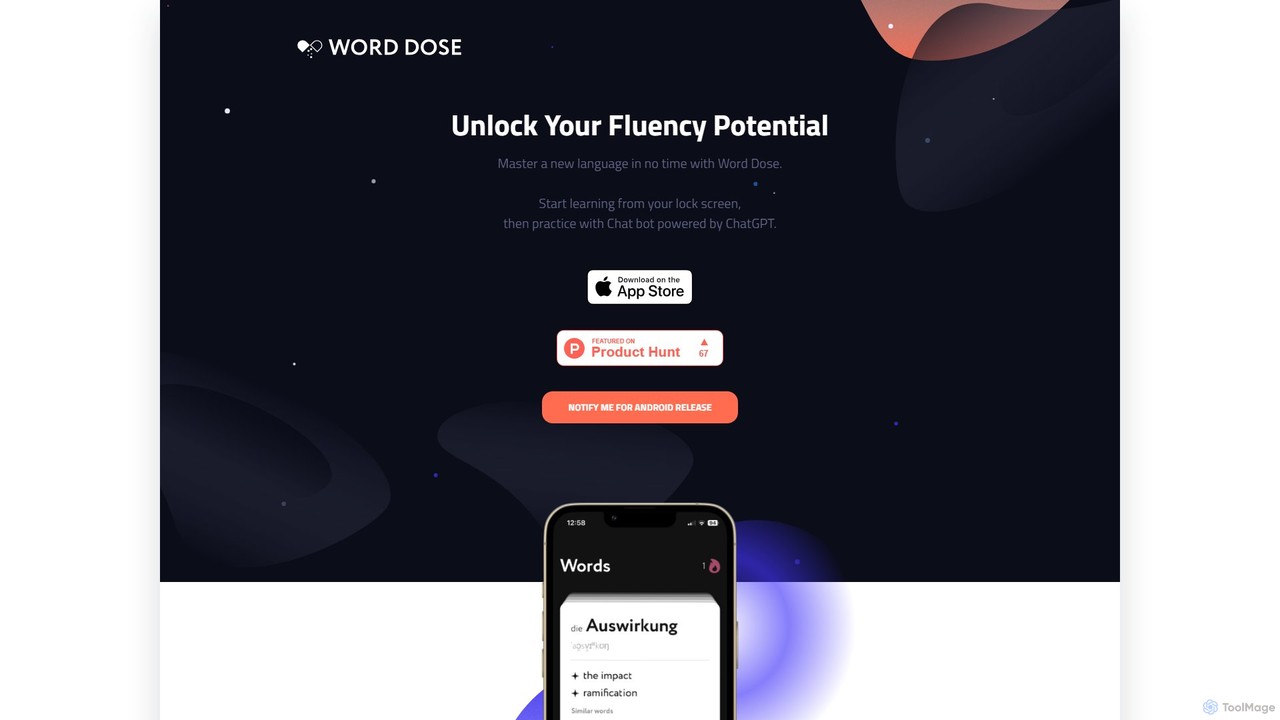
Word Dose
Word Dose is an AI language learning app that helps you master vocabulary from your lock screen. It uses widgets for daily word exposure and features a ChatGPT-powered chatbot for conversational practice, providing a seamless and consistent way to build fluency.
Language Learning
LexiGym
LexiGym is a flexible, AI-enhanced language learning app that acts as your personal vocabulary coach. It allows you to create and import your own dictionaries using Google Sheets, breaking free from the rigid vocabulary lists of other apps. Practice with four distinct, adaptive training modes, including audio exercises, to master words from your own study materials at your own pace.
Language Learning
ai4anki
ai4anki is an AI-powered tool that instantly generates high-quality language learning flashcards for Anki. It creates complete sentence decks with natural-sounding audio in your target language, saving you hours of manual creation time and allowing you to focus more on studying.
Language Learning
Voclipai
Voclipai is an AI-powered vocabulary learning tool that helps you clip, understand, and memorize words from any language. It uses AI to generate detailed explanations and smart flashcards with a spaced repetition system to make learning effective and personalized.
Language Learning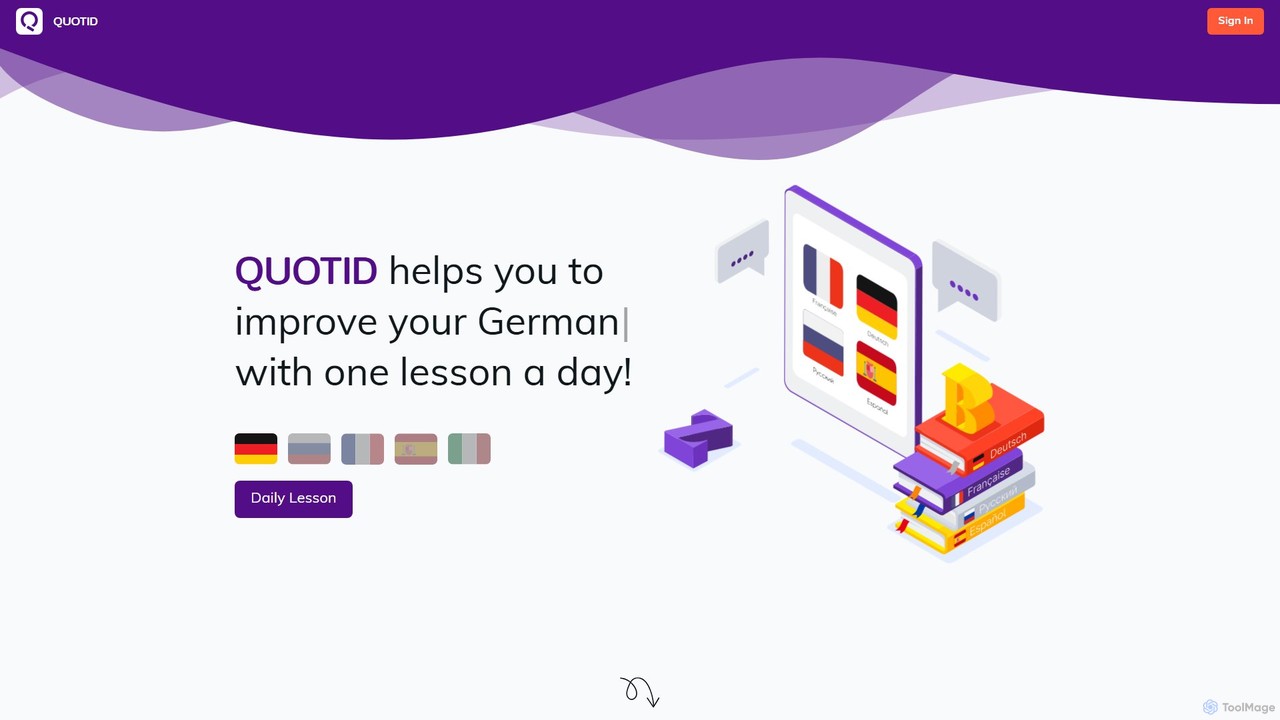
Quotid
Quotid is an AI-powered language learning companion that helps you improve your skills with one manageable lesson each day. It uses AI to generate diverse daily content and features a built-in spaced repetition flashcard system to reinforce vocabulary, making language learning a consistent and effective habit.
Content Generation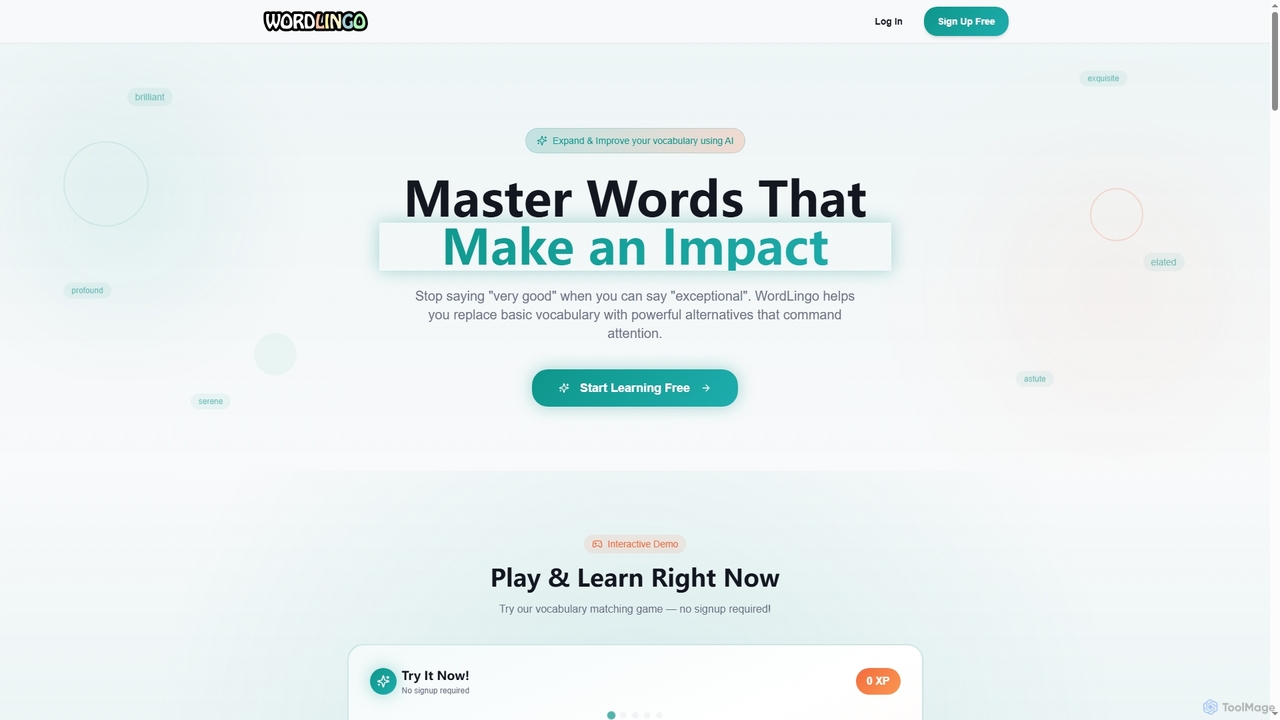
WordLingo
WordLingo is an AI-powered vocabulary builder designed to help users replace common words with powerful alternatives, enhancing communication impact and precision. It offers personalized learning paths, custom classrooms, interactive quizzes, and progress tracking, suitable for students, professionals, and lifelong learners.
Language Learning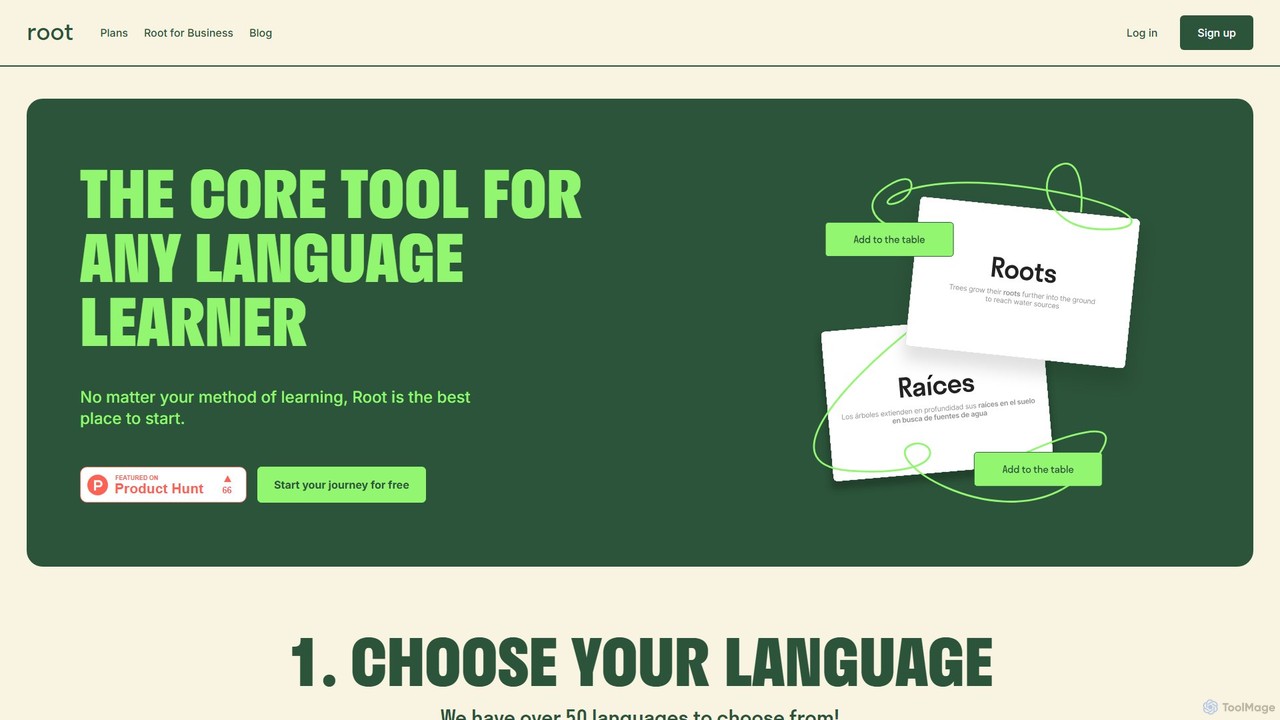
Rootvocab
Rootvocab is a personal AI vocabulary assistant designed to make language learning effective and engaging. It supports over 50 languages, allowing users to build vocabulary with AI-generated examples, pronunciations, and translations. The platform features interactive flashcards, games, progress tracking, and advanced tools like AI essay correction, catering to individual learners, tutors, and language academies.
Language LearningLanguage Reactor
Language Reactor is a powerful language learning toolkit that transforms media consumption into an immersive study experience. It enhances Netflix, YouTube, and websites with dual-language subtitles, a pop-up dictionary, and advanced playback controls. It also features an AI tutor, vocabulary saving, and spaced repetition tools to accelerate fluency.
Language LearningInterSub
InterSub is an AI-powered browser extension that enhances language learning by providing interactive dual subtitles on popular streaming and educational platforms. It offers instant word translations, a personal vocabulary builder, and supports over 30 languages, turning your video-watching time into an effective and immersive learning session.
Language LearningElia
Elia is a Chrome extension designed to help you master English while browsing the web. Instantly translate unfamiliar words, save them to a personalized wordlist, and practice them through intelligent highlighting and review features. Boost your vocabulary and professional performance effortlessly.
Language Learning
PhraseClip Comments (0)
Sign in to comment.
Sign inNo comments yet.