

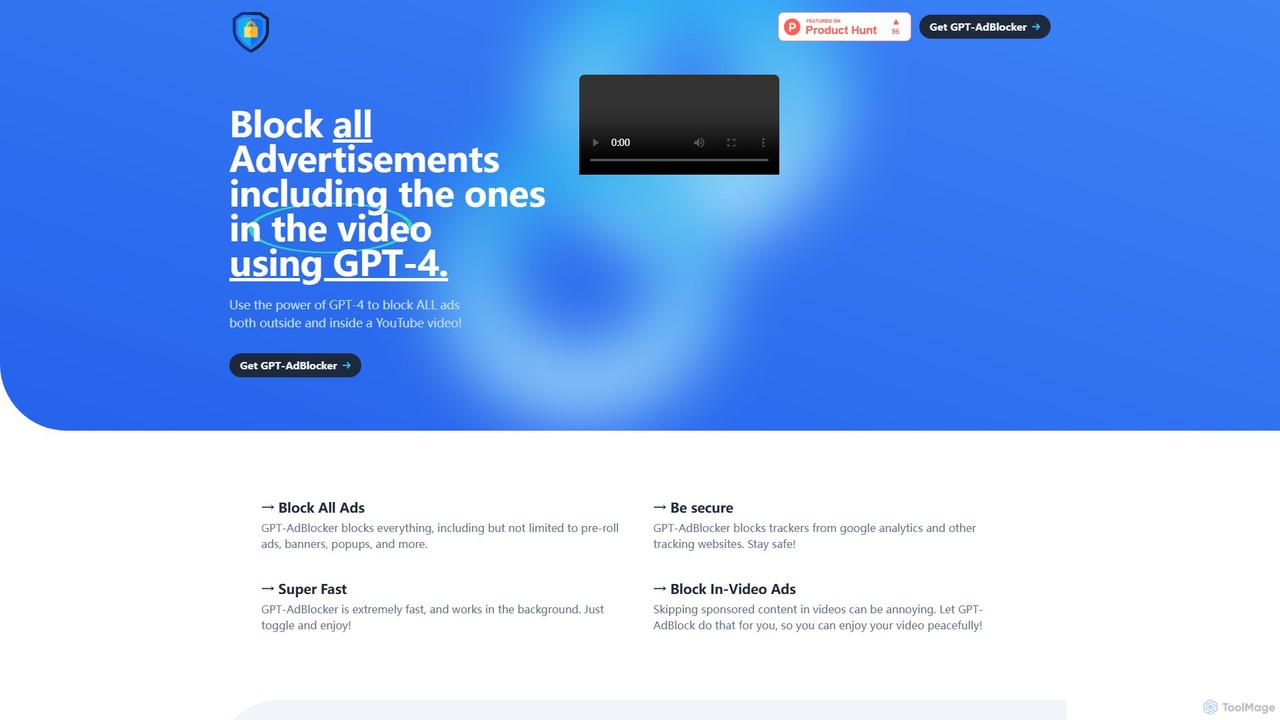
GPT-AdBlocker Overview
GPT-AdBlocker represents the next generation of ad-blocking technology, designed to create a truly uninterrupted and secure online experience. While traditional ad blockers rely on static filter lists, GPT-AdBlocker integrates the advanced intelligence of GPT-4 to tackle the most persistent and intrusive forms of advertising, including sponsored content embedded directly within videos. This smart extension acts as an all-in-one solution, decluttering your web pages, protecting your privacy, and giving you back control over your content consumption, especially on platforms like YouTube.
The core innovation lies in its ability to analyze video content in real-time. It intelligently detects promotional segments, sponsor mentions, and other non-essential interruptions, automatically skipping them so you can enjoy the core content without distractions. This goes far beyond what standard ad blockers can do, offering a seamless viewing experience that was previously impossible to automate.
How to use GPT-AdBlocker
Getting started with GPT-AdBlocker is simple and straightforward. Follow these steps to enable a smarter, ad-free browsing experience:
- Installation: Navigate to the Chrome Web Store. Use the search bar to find "GPT-AdBlocker".
- Add to Chrome: Click the "Add to Chrome" button on the extension's page. A pop-up will appear asking for confirmation; click "Add extension".
- Pin for Easy Access: Once installed, click the puzzle piece icon (Extensions) in your Chrome toolbar and click the pin icon next to GPT-AdBlocker to keep it visible.
- Configuration: Click the GPT-AdBlocker icon in your toolbar to open its control panel. Here, you can customize its behavior. You have independent toggles to enable or disable the standard ad-blocking (for banners, pop-ups) and the advanced AI-powered in-video ad-blocking for YouTube. This allows you to tailor the extension to your specific needs.
Core Features of GPT-AdBlocker
- GPT-4 Powered In-Video Ad Skipping: The standout feature. It uses GPT-4's contextual understanding to identify and automatically skip sponsored segments, promotions, and other in-video advertisements on YouTube.
- Comprehensive Ad Blocking: Effectively blocks all conventional ad formats, including pre-roll video ads, pop-up windows, intrusive banners, and sidebar ads across the web.
- Tracker and Analytics Blocking: Enhances your online privacy by blocking trackers from Google Analytics and other third-party surveillance scripts that monitor your online activity.
- High-Speed, Low-Impact Performance: Engineered to be extremely fast and lightweight, GPT-AdBlocker runs efficiently in the background without slowing down your browser's performance.
- Future-Proof with Manifest V3: Built on Manifest V3, the latest Chrome extension platform standard. This ensures continued functionality and security, unlike older ad blockers using Manifest V2, which is being phased out by Google.
- All-in-One Solution: Eliminates the need to install multiple extensions for different types of blocking. GPT-AdBlocker handles website ads, video ads, sponsored content, and trackers in one package.
Use Cases for GPT-AdBlocker
GPT-AdBlocker is a versatile tool for a wide range of users:
- YouTube Enthusiasts: For users who watch hours of YouTube content, the tool is invaluable for creating a seamless, binge-watching experience free from both pre-roll ads and jarring sponsor interruptions.
- Students and Researchers: When using online videos for educational purposes, it eliminates distracting ads and promotional content, allowing for better focus and information retention.
- Privacy-Conscious Individuals: Users concerned about online surveillance can leverage its tracker-blocking capabilities to significantly reduce their digital footprint and protect their data.
- General Web Users: Anyone who wants a cleaner, faster, and less cluttered internet experience will benefit from its powerful, comprehensive ad-blocking capabilities.
Advantages of GPT-AdBlocker
GPT-AdBlocker offers significant advantages over traditional ad-blocking tools:
- Intelligent Detection: Unlike list-based blockers, its AI-driven approach can adapt to new and evolving ad formats, especially embedded sponsorships.
- Enhanced User Experience: By automating the skipping of sponsored content, it saves you time and removes the annoyance of manually scrubbing through video timelines.
- Superior Privacy Protection: It goes beyond just ads to actively block tracking scripts, offering a more robust defense for your personal information.
- Simplicity and Convenience: Consolidates the functionality of multiple tools into one easy-to-use extension, simplifying your browser setup.
- Long-Term Viability: Its use of Manifest V3 means it is designed to work with future versions of Chrome, ensuring it remains a reliable tool for years to come.
Pricing and Plans
GPT-AdBlocker is expected to operate on a freemium model. The core functionalities, such as blocking standard website ads (banners, pop-ups) and trackers, are likely available for free. The advanced, resource-intensive AI feature—using GPT-4 to detect and skip in-video sponsored segments—may be part of a premium subscription plan. This approach allows all users to benefit from a safer, cleaner web, while offering unparalleled viewing convenience to those who opt for the premium service. For the most accurate and up-to-date pricing details, please check the official GPT-AdBlocker page on the Chrome Web Store.
GPT-AdBlocker Alternatives

GPTPLUS
GPTPLUS is a powerful browser extension that integrates ChatGPT as a convenient sidebar. It offers one-click text processing, a rich library of prompt templates, and advanced AI assistance for writing, translation, and research directly within your browser, boosting productivity and streamlining your workflow.
Browser Extensions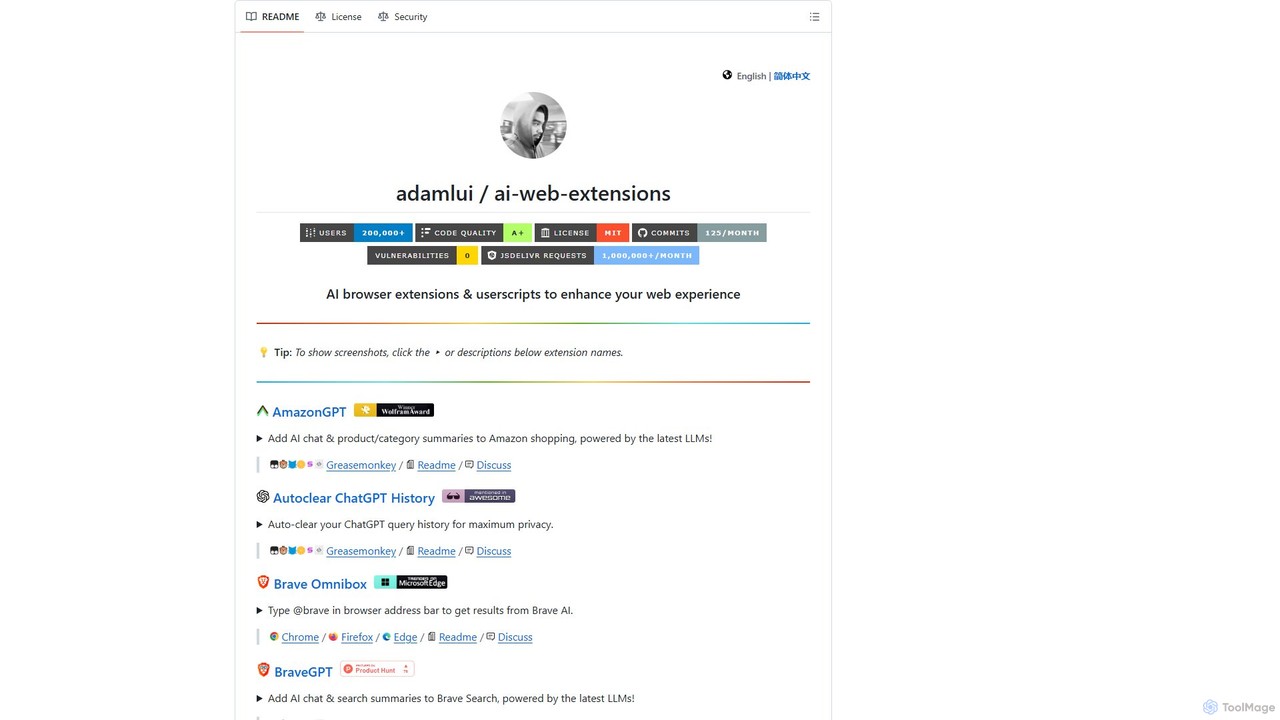
ChatGPT EVO
ChatGPT EVO is a powerful suite of open-source browser extensions and userscripts designed to augment your web experience. It seamlessly integrates AI functionalities from models like ChatGPT into your daily browsing, including search engines, e-commerce sites, and the browser's address bar, boosting productivity and providing instant information.
Code Assistant
MaxFocus
MaxFocus is a powerful browser extension that enhances productivity by allowing users to preview links without opening new tabs. It offers customizable previews, a distraction-free reader mode, and a dedicated video mode. With its integrated AI assistant, users can get summaries, ask questions about page content, and dive deeper into subjects instantly. It prioritizes user privacy by not tracking browsing history and blocking trackers, providing a secure and focused browsing experience.
Browser Extensions
nfdualsubtitles
nfdualsubtitles is a browser extension that enhances your Netflix viewing experience by displaying bilingual subtitles simultaneously. It translates official Netflix subtitles into a wide range of languages, allowing users to learn new languages or better understand foreign films. The extension offers extensive customization for subtitle appearance and position, and allows for one-click subtitle downloads, making it a powerful tool for language learners and cinephiles.
Language Learning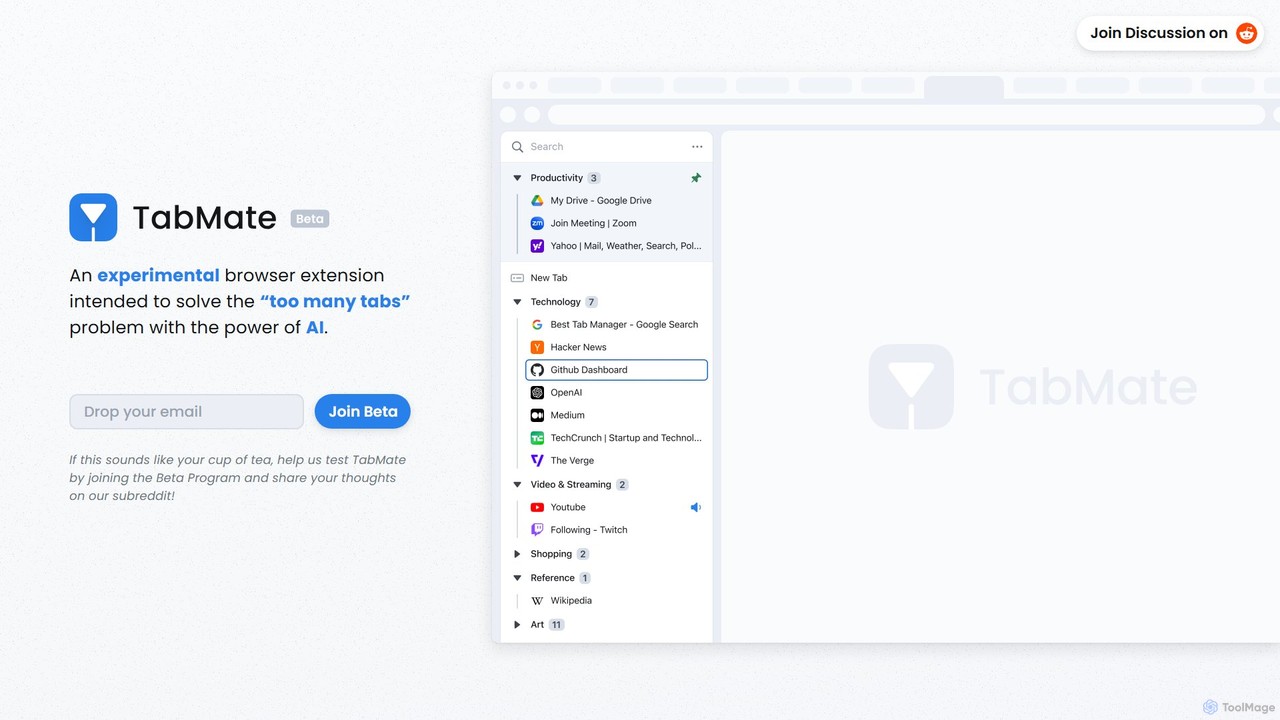
TabMate
TabMate is an experimental browser extension that uses AI to automatically categorize and manage your browser tabs. It's designed to solve the "too many tabs" problem, helping you stay organized, focused, and productive by intelligently grouping your tabs without manual effort.
Browser ExtensionsGPT-AdBlocker Categories
GPT-AdBlocker Embed Widget
Copy this embed code to place the badge on your blog, article, or product site and send readers directly to this ToolMage detail page.

Related AI tools
GPTPLUS
GPTPLUS is a powerful browser extension that integrates ChatGPT as a convenient sidebar. It offers one-click text processing, a rich library of prompt templates, and advanced AI assistance for writing, translation, and research directly within your browser, boosting productivity and streamlining your workflow.
Browser Extensions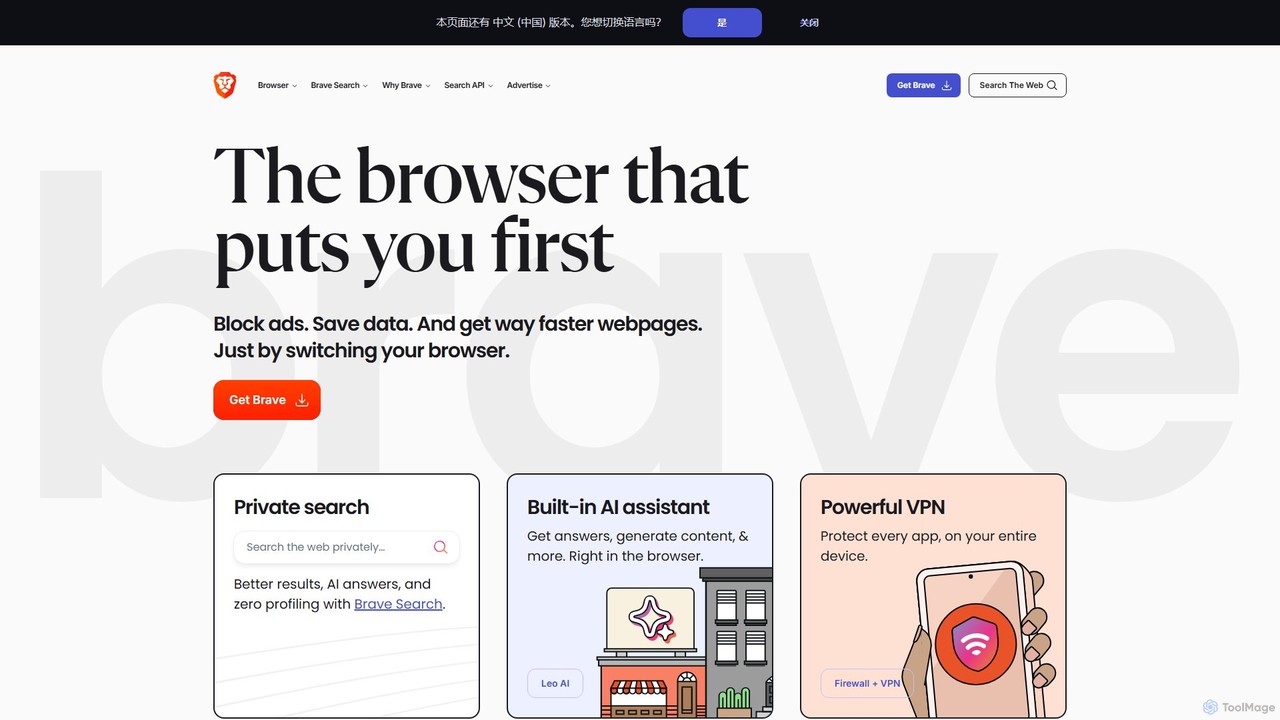
Brave
Brave is a privacy-first web browser that automatically blocks ads and trackers. It offers a faster, more secure browsing experience, complete with an independent search engine, a built-in crypto wallet, and an AI assistant named Leo. Users can also opt-in to earn cryptocurrency (BAT) for viewing privacy-respecting ads.
Crypto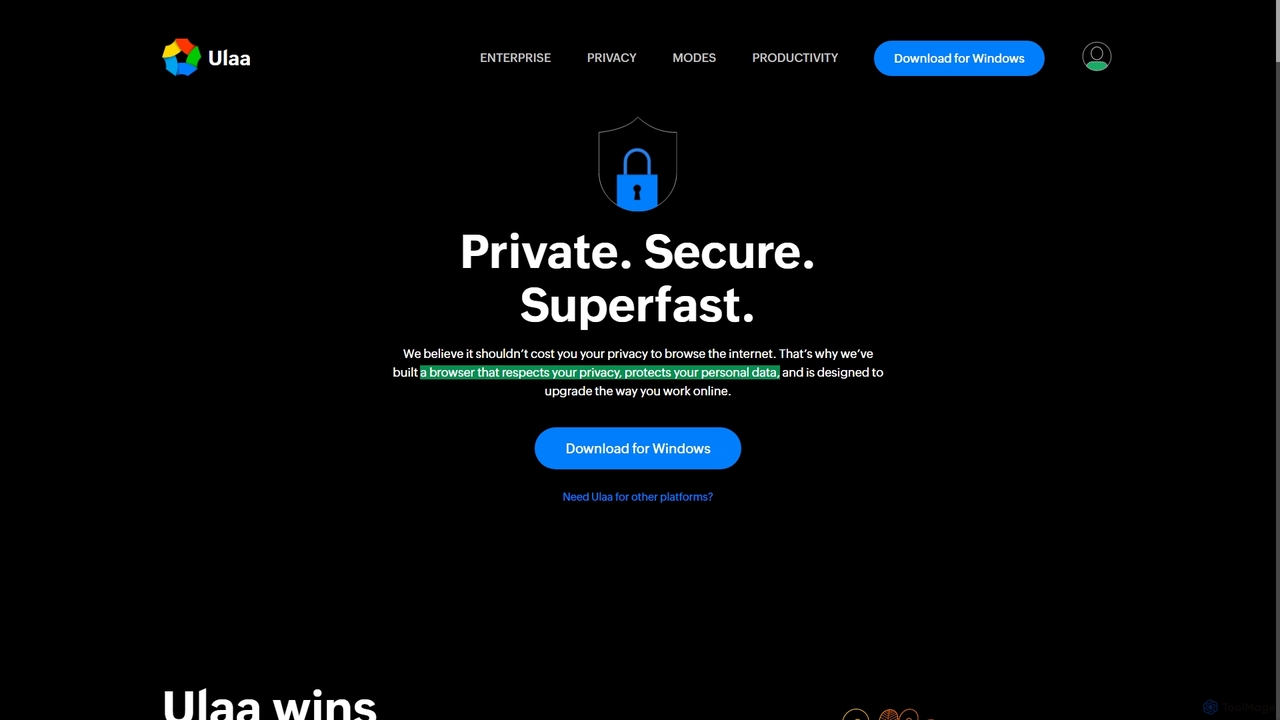
Ulaa Browser
Ulaa Browser, by Zoho, is a privacy-first, Chromium-based web browser designed for individuals and enterprises. It champions security with a built-in ad blocker, phishing protection, and unique browsing "Modes" to isolate work, personal, and other contexts. For businesses, Ulaa Enterprise offers advanced data loss prevention, centralized management, and AI-powered intelligence by Zia to create a secure and productive browsing environment.
Enterprise Software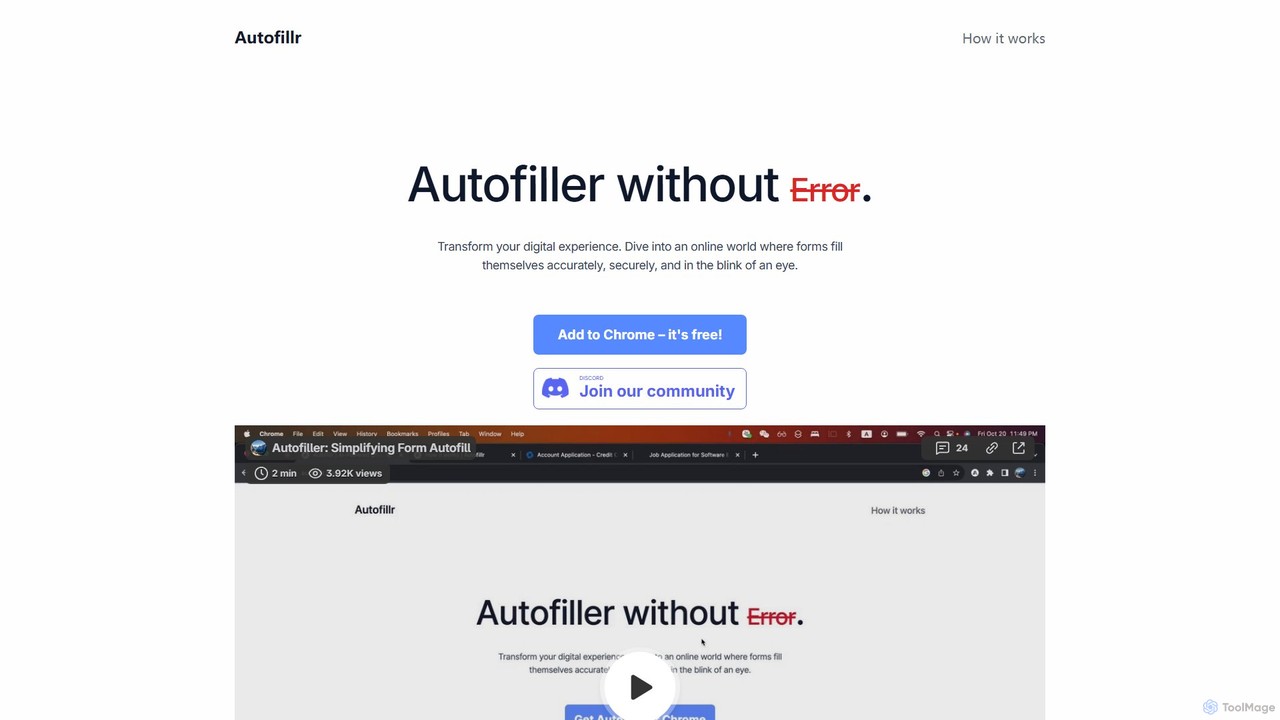
autofillr
autofillr is a free, AI-powered Chrome extension that revolutionizes form filling. It intelligently analyzes any web form to provide fast, accurate, and flawless autofill with a single click. Prioritizing user privacy, all your data is stored locally on your device, never sent to a server. This tool is designed to save you time and eliminate the tedious task of repetitive data entry, making online applications, checkouts, and registrations effortless.
Chrome Extensions
Lit.Codes Chat
A privacy-focused AI chat interface offering access to a wide range of advanced GPT models, including GPT-4o. It features end-to-end encrypted chat history and a convenient Chrome extension, making it a secure and versatile tool for developers, writers, and professionals seeking powerful AI assistance without compromising on data security.
Coding Assistant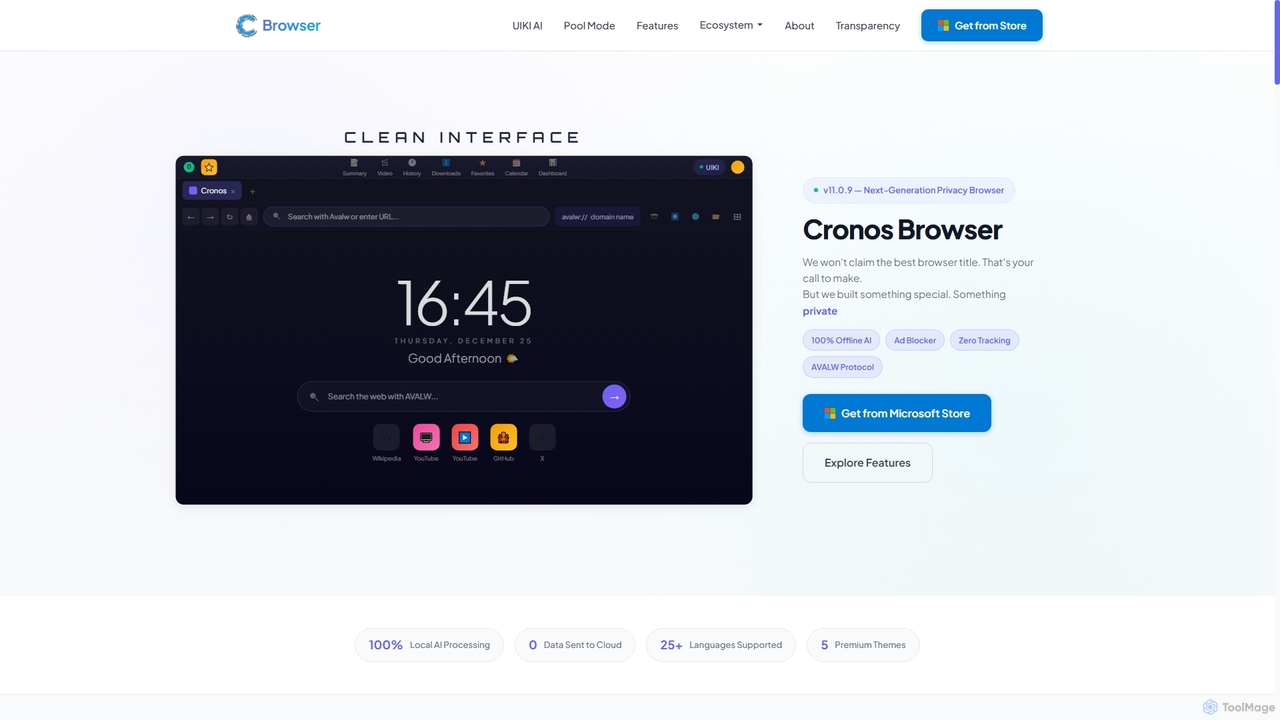
Cronos
Cronos is a privacy-first web browser integrating 100% local AI, offering unparalleled data protection and enhanced performance. It features an offline AI assistant, a decentralized network, built-in ad blocking, and advanced security protocols, ensuring your browsing experience is fast, secure, and completely private without cloud data transmission.
Privacy Browser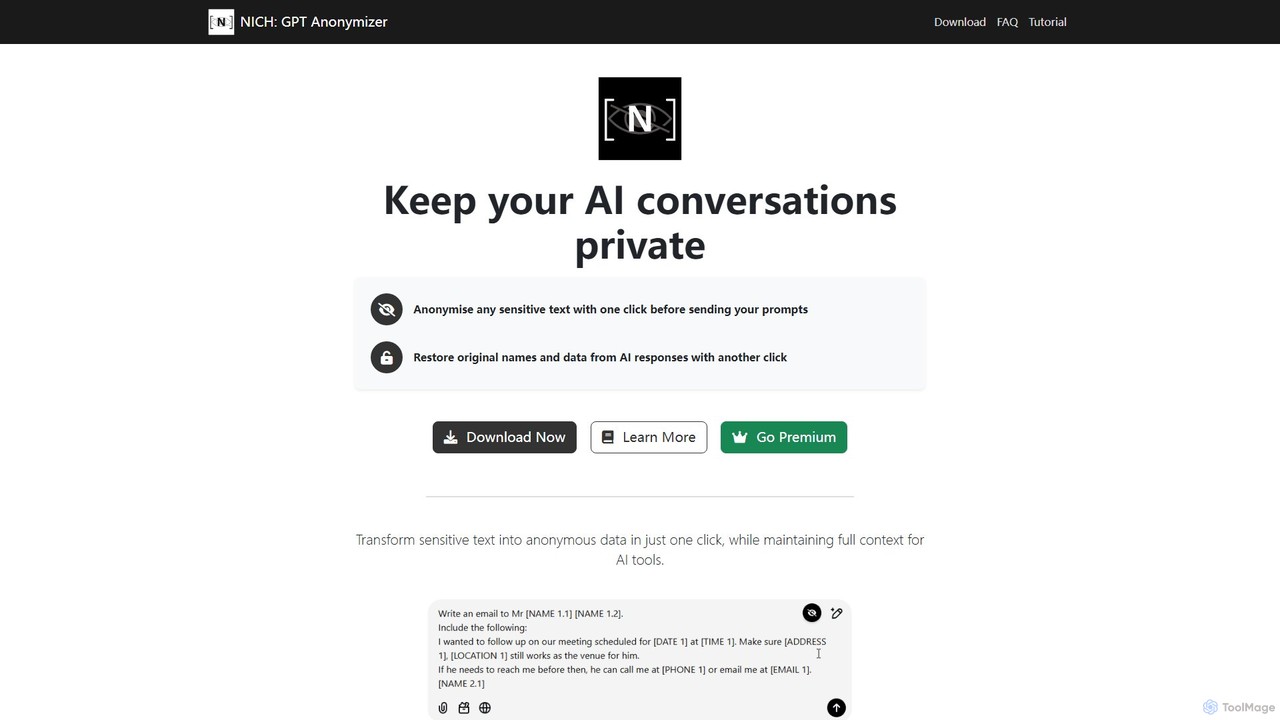
NICH: GPT Anonymizer
NICH: GPT Anonymizer is a privacy-focused browser extension that secures your AI interactions. It anonymizes sensitive data in your prompts with one click before sending them to services like ChatGPT, and restores the original information from AI responses. All processing is done 100% on your device, ensuring your confidential data never leaves your computer.
ChromeChatGPT EVO
ChatGPT EVO is a powerful suite of open-source browser extensions and userscripts designed to augment your web experience. It seamlessly integrates AI functionalities from models like ChatGPT into your daily browsing, including search engines, e-commerce sites, and the browser's address bar, boosting productivity and providing instant information.
Code AssistantMaxFocus
MaxFocus is a powerful browser extension that enhances productivity by allowing users to preview links without opening new tabs. It offers customizable previews, a distraction-free reader mode, and a dedicated video mode. With its integrated AI assistant, users can get summaries, ask questions about page content, and dive deeper into subjects instantly. It prioritizes user privacy by not tracking browsing history and blocking trackers, providing a secure and focused browsing experience.
Browser Extensionsnfdualsubtitles
nfdualsubtitles is a browser extension that enhances your Netflix viewing experience by displaying bilingual subtitles simultaneously. It translates official Netflix subtitles into a wide range of languages, allowing users to learn new languages or better understand foreign films. The extension offers extensive customization for subtitle appearance and position, and allows for one-click subtitle downloads, making it a powerful tool for language learners and cinephiles.
Language LearningTabMate
TabMate is an experimental browser extension that uses AI to automatically categorize and manage your browser tabs. It's designed to solve the "too many tabs" problem, helping you stay organized, focused, and productive by intelligently grouping your tabs without manual effort.
Browser Extensions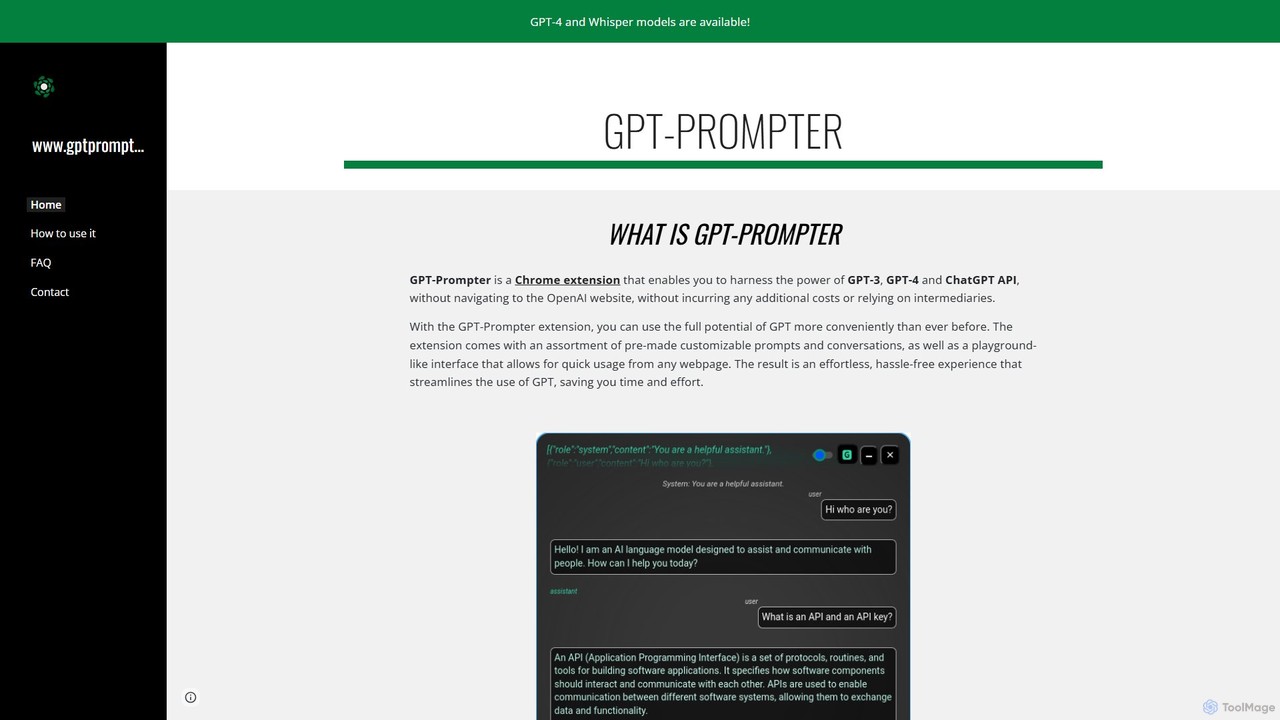
GPT-Prompter
GPT-Prompter is a powerful Chrome extension that integrates GPT-3, GPT-4, and ChatGPT directly into your browser. It allows you to use OpenAI's models on any webpage without visiting the OpenAI site. Create, manage, and execute custom prompts via a right-click context menu or a playground-style interface. It streamlines your workflow by bringing AI assistance to your fingertips, complete with features like Whisper API transcription and detailed usage history.
Api Management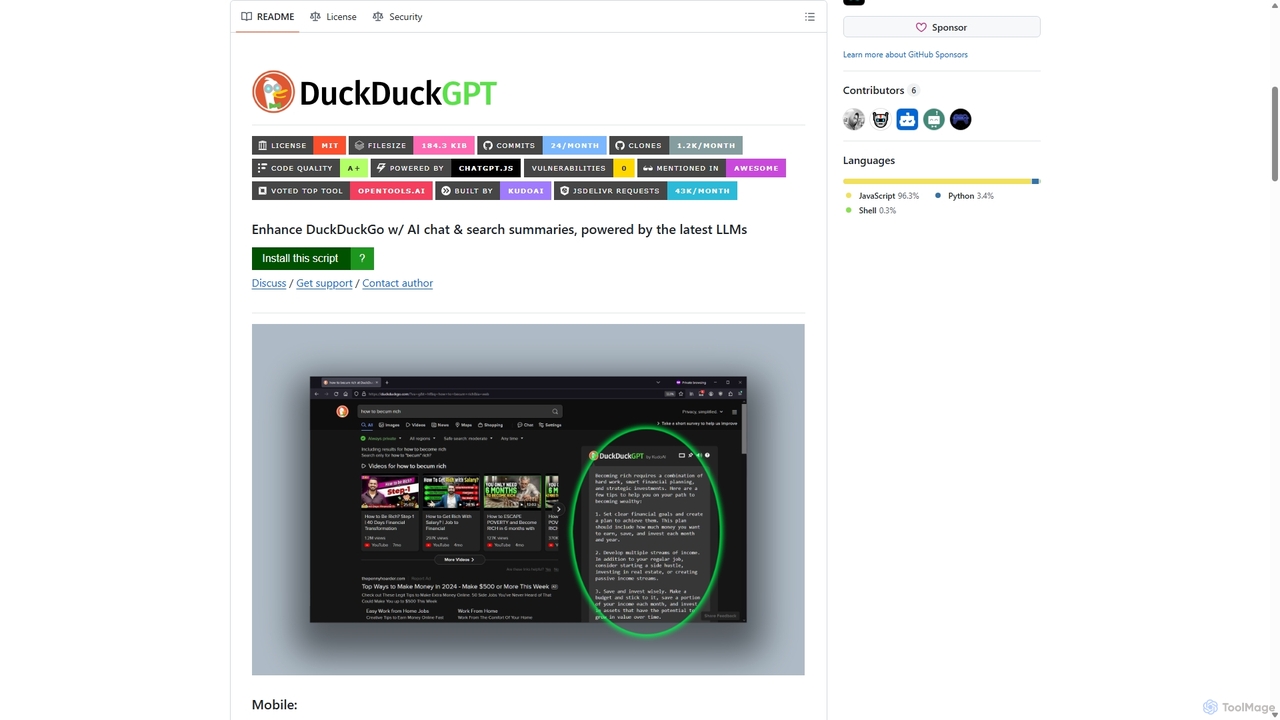
Duckduckgpt
A powerful browser extension that supercharges the DuckDuckGo search engine with AI chat and search summaries. It seamlessly integrates responses from the latest LLMs like GPT-4o directly into your search results, providing instant, intelligent answers while maintaining your privacy.
Browser Extensions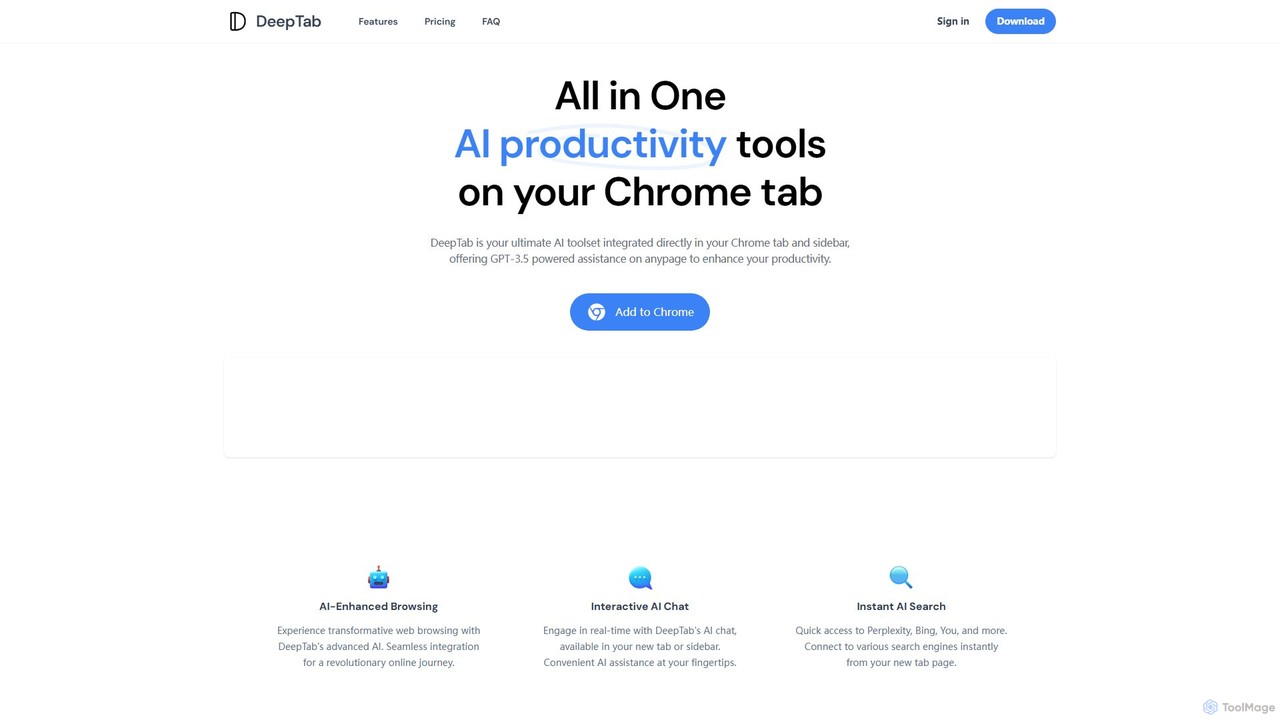
DeepTab
DeepTab is an all-in-one AI productivity toolkit integrated into your Chrome new tab and sidebar. It offers GPT-3.5/GPT-4 powered assistance, an interactive AI chat, instant access to multiple AI search engines, and a directory of AI websites to supercharge your browsing experience.
Chatbot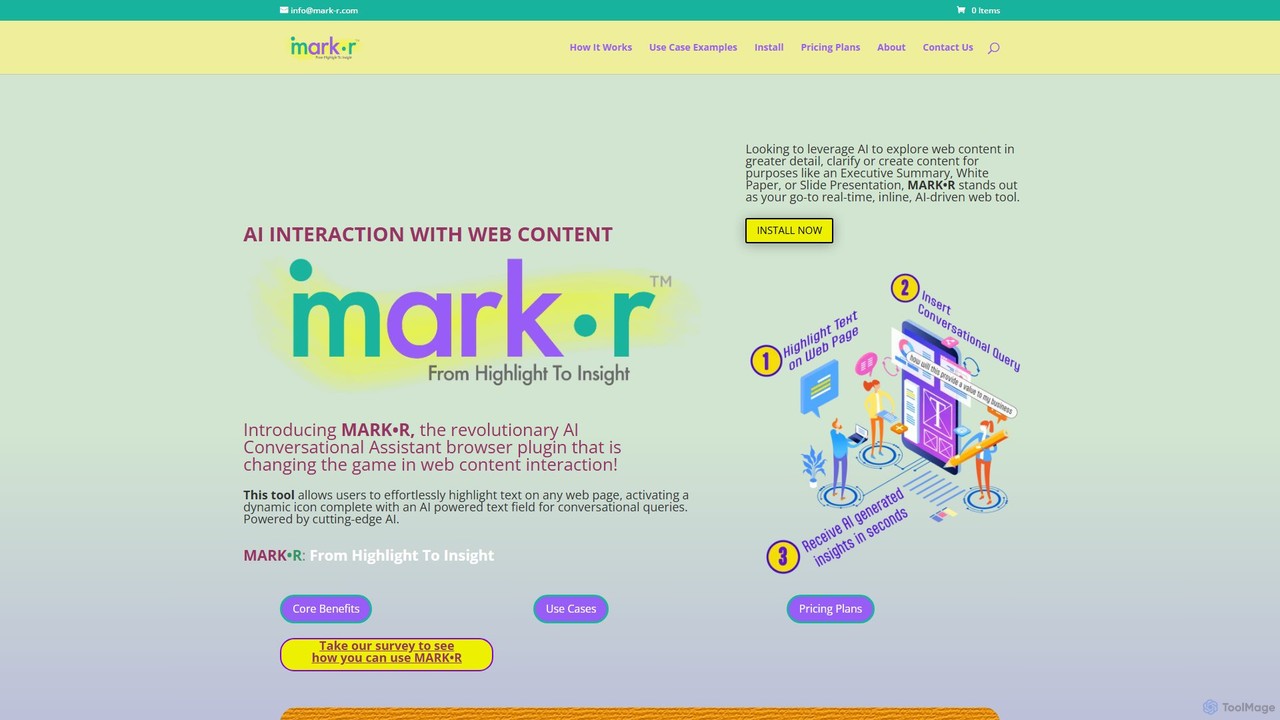
mark_r
mark_r is a revolutionary AI browser extension that transforms how you interact with web content. Simply highlight text on any page to activate a conversational AI, allowing you to ask questions, summarize articles, clarify complex topics, and generate content. It analyzes both the highlighted text and the full page context to provide deep, accurate insights, turning passive reading into an active, engaging experience.
Browser Extensions
GPT-AdBlocker Comments (0)
Sign in to comment.
Sign inNo comments yet.